Insert & Nut Pocket Maker
 LayerMechanic
Installation
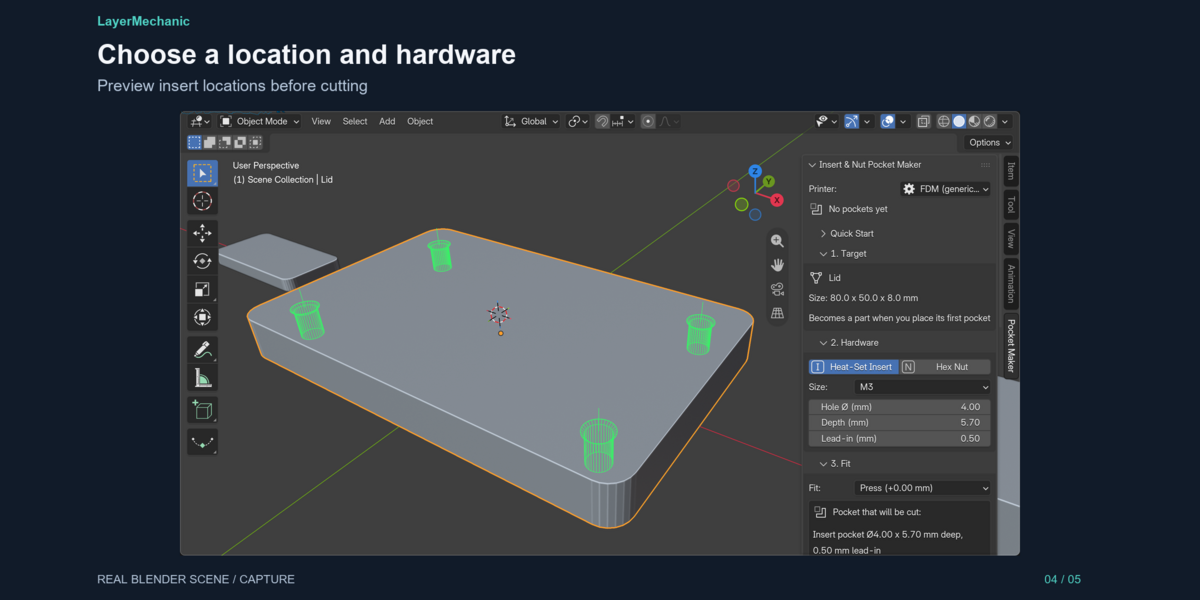
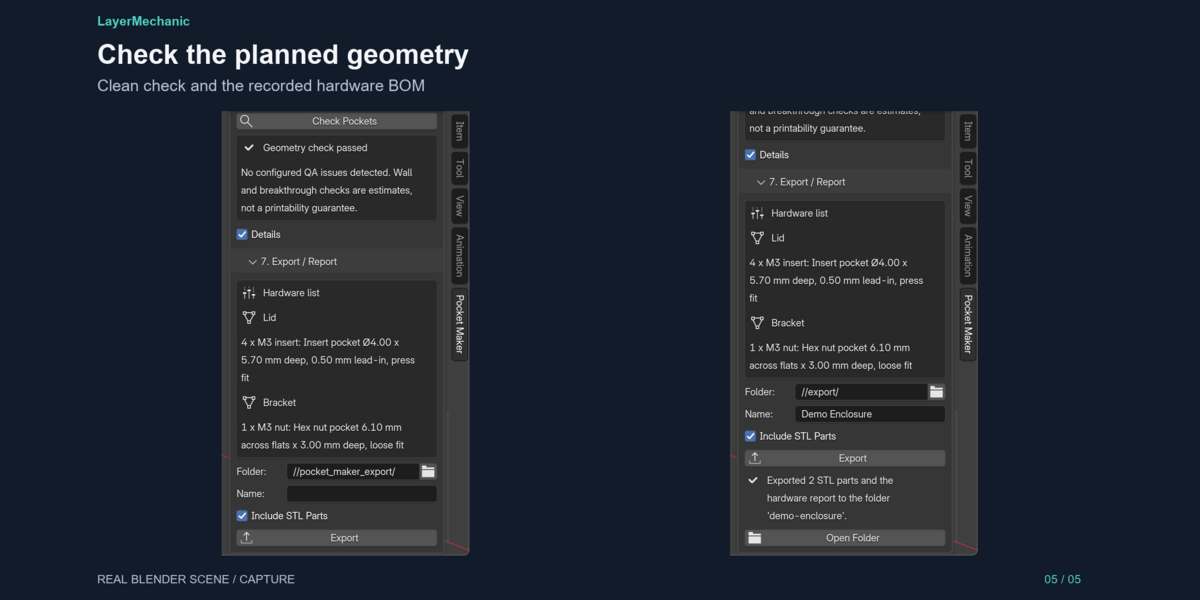
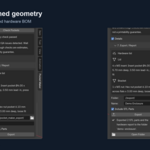
1. Download insert_nut_pocket_maker-1.0.1.zip. Do not unzip it. 2. In Blender 5.2: Edit → Preferences → Get Extensions → ▾ (top right) → Install from Disk… and choose the ZIP. (Dragging the ZIP into the Blender window also works.) 3. Check that Insert & Nut Pocket Maker is enabled. 4. In the 3D Viewport press N and open the Pocket Maker tab. 5. Optional: open insert_nut_pocket_maker_demo.blend and follow the text block *Pocket Maker - read me*.
Updating: install the new ZIP the same way; it replaces the old version. Your pockets are stored in your .blend files and are kept.
Uninstalling: Preferences → Add-ons → Insert & Nut Pocket Maker → ▾ → Uninstall. Pockets already cut stay in your files as Boolean cuts.
# Compatibility
| Item | Status | |---|---| | Blender 5.2.1 LTS, Windows 11 x64 | Tested (automated tests, clean install, GUI + Undo/Redo pass) | | Blender 5.2.x on Windows | Expected to work (manifest minimum 5.2.0); only 5.2.1 was tested | | macOS / Linux | Not tested. Pure Python + Blender API, no platform code, but no claim is made | | Blender 4.x or older | Not supported (Blender extension format, 5.2 API) | | Scene units | mm, cm and metre scenes tested; sizes are always physical millimetres | | Other add-ons | Coexists with other Engine 01 products (Print Assembly Pro etc.); pockets are visible to them | | Internet | Not required |
The optional demo .blend is available as a separate product download. Install the add-on ZIP unchanged; open the demo after enabling the add-on.
Have questions about this product?
Login to message
| Blender Extension Compatible | Yes |
| Published | 1 day ago |
| Blender Version | 5.2 |
| Extension Type | Add-on |
| Render Engine Used | Cycles |
| License | GPL |
Discover more products like this
maker heat-set insert modeling mesh mechanical fastener STL nut trap millimeter hardware 3d printing functional-print