Insert & Nut Pocket Maker
 LayerMechanic
FAQ
Where is the add-on after installing? 3D Viewport → press N → Pocket Maker tab.
"Install from Disk" fails / nothing appears. Install the ZIP as it is (do not unzip). You need Blender 5.2 or newer. Check Preferences → Add-ons that "Insert & Nut Pocket Maker" is enabled.
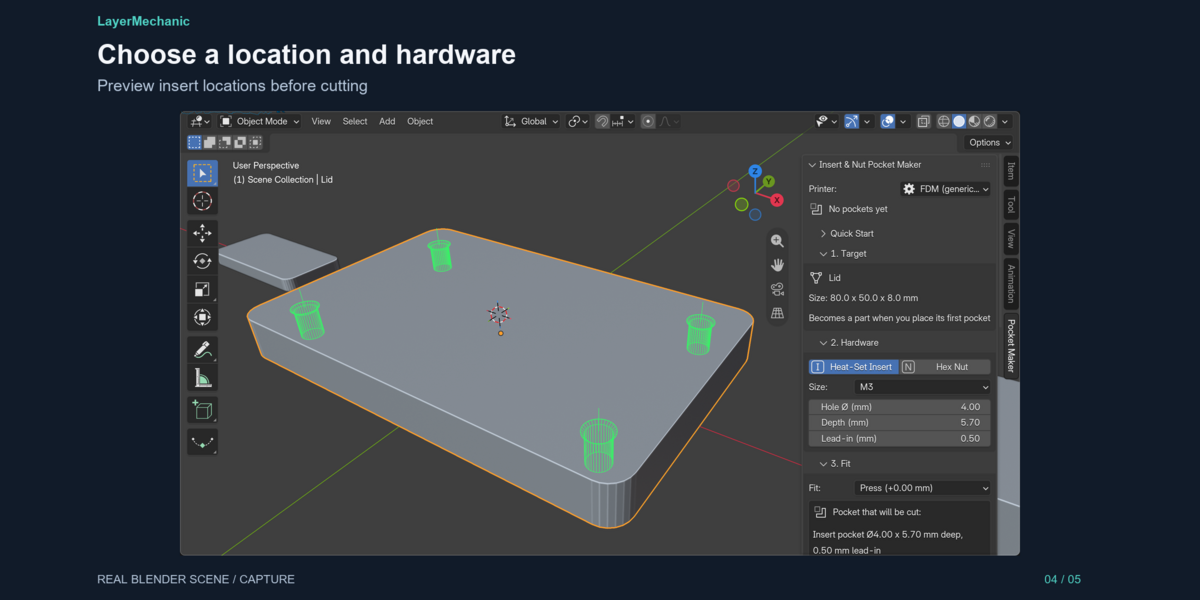
How do I choose where the pocket goes? Shift + Right-click on the part surface (this moves the 3D cursor). The pocket snaps to the nearest surface point and goes straight in. For the exact centre of a face: Edit Mode, select the face, Shift + S → Cursor to Selected, Tab back.
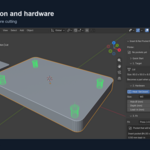
The pocket went into the side instead of the top. The 3D cursor was closer to the side face. The Placement section tells you which way the opening faces and how far the cursor is from the surface; the green preview shows it too.
My pockets are tiny (or huge). Your scene units probably don't match your model. If you modelled with "1 unit = 1 mm" in Blender's default scene, the Target section shows a warning and a Treat 1 Unit as 1 mm button. Also apply the object scale (Ctrl + A → Scale).
Are the M3 (etc.) sizes correct for my inserts? They are typical starting values. Insert makers publish their own hole sizes: type them into *Hole Ø* and *Depth*, then print a test piece.
Which fit should I use? Press for heat-set inserts (melted in), Close for nuts pushed in by hand, Glue if you will glue, Loose for a free drop-in. Choose Custom to type your own clearance (per side, in mm; negative = tighter).
Can I change a pocket later? Yes. Existing Pockets → click the pocket → change size, depth, lead-in or fit → Apply Changes. X removes it. Ctrl + Z works for all of these.
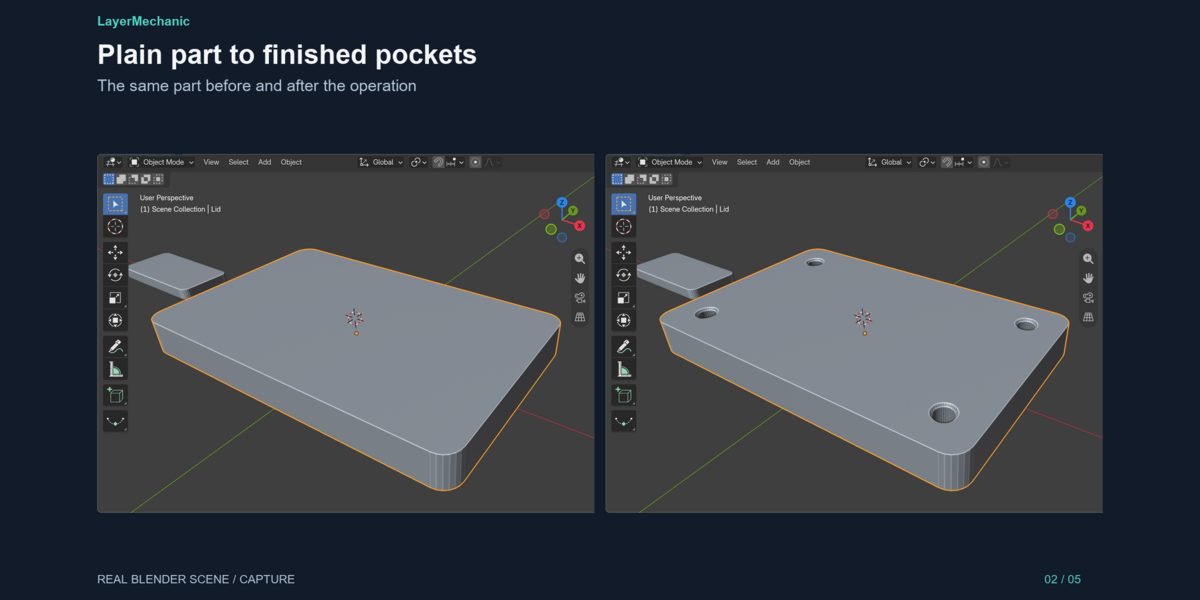
Is my mesh modified? No. Pockets are live Boolean cuts. The exported STL contains them. If you export with Blender's own STL exporter, keep "Apply Modifiers" on.
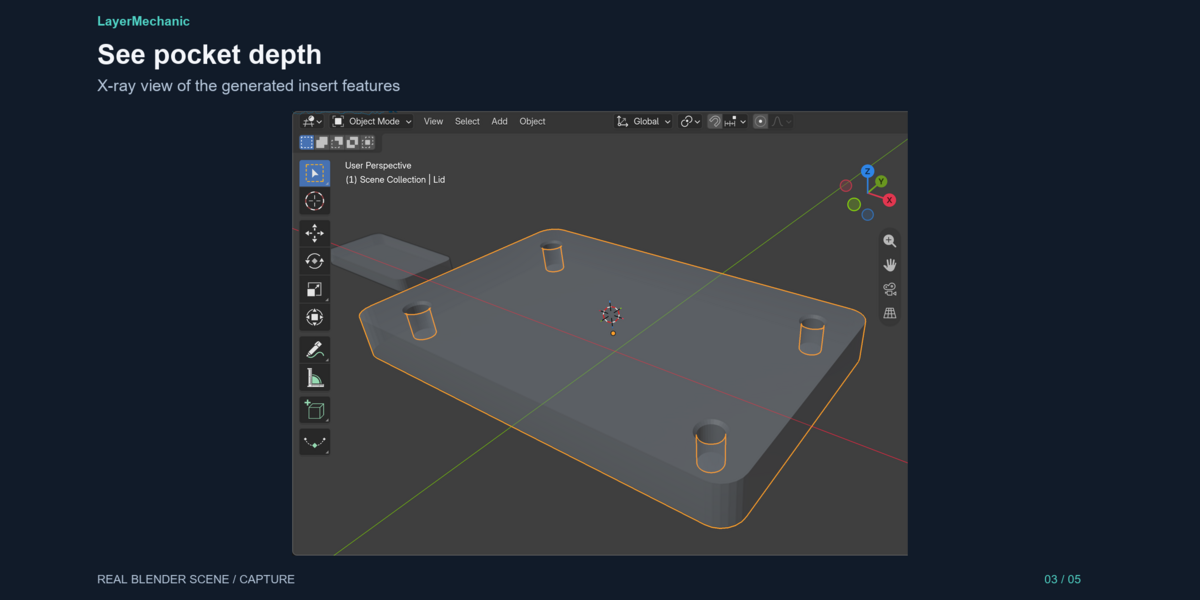
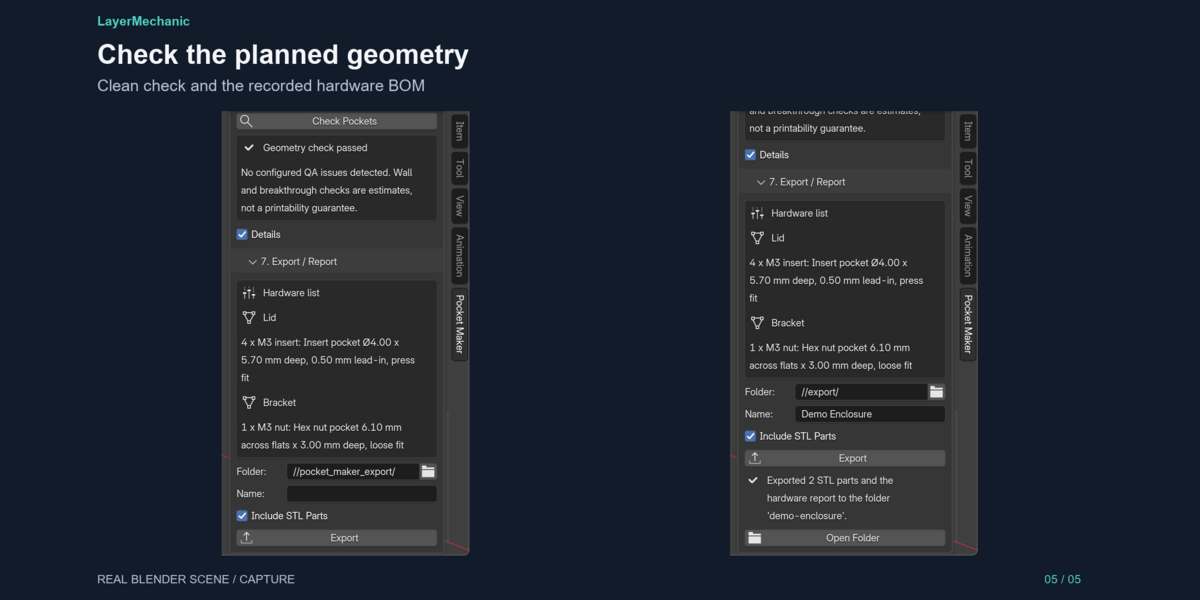
Check Pockets says "breaks through" or "thin wall". The pocket is deeper than the material there, or too close to an edge or the far side. Make it shallower, use smaller hardware or move it. These checks are estimates; "Geometry check passed" is not a guarantee.
"This object is a copy of another part". You duplicated a part that already had pockets. Click Make Separate Part.
Does it add screw holes? No, only the insert/nut pockets. Add the screw clearance hole with your usual modelling.
Does it need the internet or an account? No. It works fully offline.
Can I use it commercially / on client work? Yes. What you model and print is yours. The add-on itself is GPL-3.0-or-later.
Have questions about this product?
Login to message
| Blender Extension Compatible | Yes |
| Published | 3 days ago |
| Blender Version | 5.2 |
| Extension Type | Add-on |
| Render Engine Used | Cycles |
| License | GPL |
Discover more products like this
hardware millimeter modeling 3d printing maker fastener mesh mechanical functional-print nut trap STL heat-set insert