Lazy3D


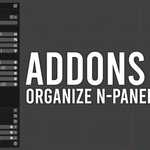
Lazy3D Addons Hub
Organize. Pin. Jump. Control your Blender add-ons in seconds.
Lazy3D Addons Hub is a completely free productivity tool for Blender users who work with many add-ons. It gives you one clean control center to:
- Quickly switch between add-on N-Panel tabs
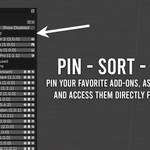
- Pin your most-used tools
- Create custom categories
- Organize visually with custom icons
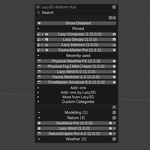
- Access recent add-ons instantly
Fast Add-on Navigation
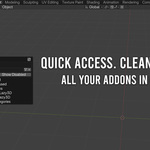
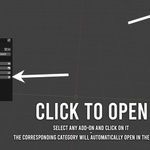
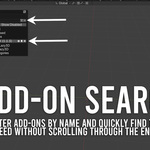
Stop searching through dozens of N-Panel tabs. Open the Hub and instantly jump to any add-on panel in your 3D View.

- Search by name, module, description, version or tab
- Group add-ons by their N-Panel category
- Quick access to Preferences
- Optional disabled add-ons visibility
Pinned Add-ons (With Paging)
Keep your most important tools always visible.
- Pin unlimited add-ons
- 15 pinned add-ons per page in Toolbar
- Automatic page navigation when exceeding 15
- Custom Blender UI icons per pinned add-on

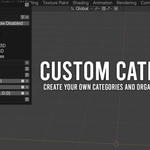
Custom Categories
Create your own logical groups.
- Add unlimited custom categories
- Assign add-ons to categories
- Remove or reorganize anytime
- Categories are saved between Blender sessions

Recently Used
Automatically tracks recently opened add-ons.
- Up to 5 recent add-ons
- One-click access
Flexible UI Placement
- Toolbar (T)
- Optional 3D View header button
- Custom hotkey
Transparency & Internet Access
The add-on optionally uses an internet connection to display product and discount information inside the More from Lazy3D section.
It reads a single plain TXT file with basic product data (name, link, price, discount status). No scripts or external code are executed. Internet access can be disabled in Preferences.
Completely Free. Built for Productivity.
If you work with many Blender add-ons, Lazy3D Addons Hub will save you time every single day.