 P2_limit_sadge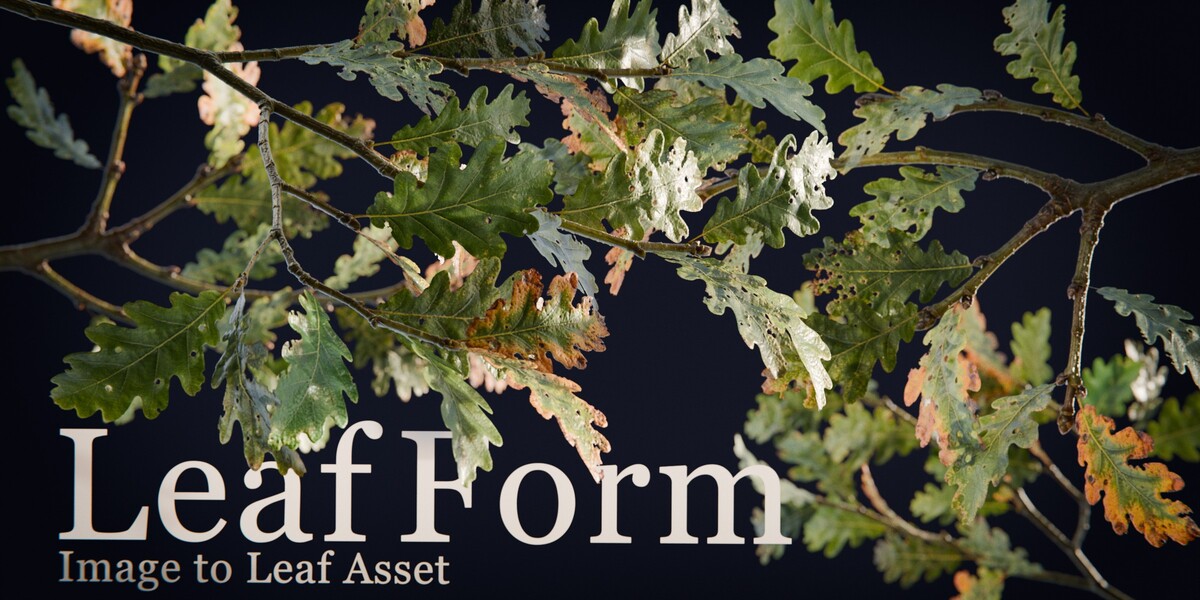


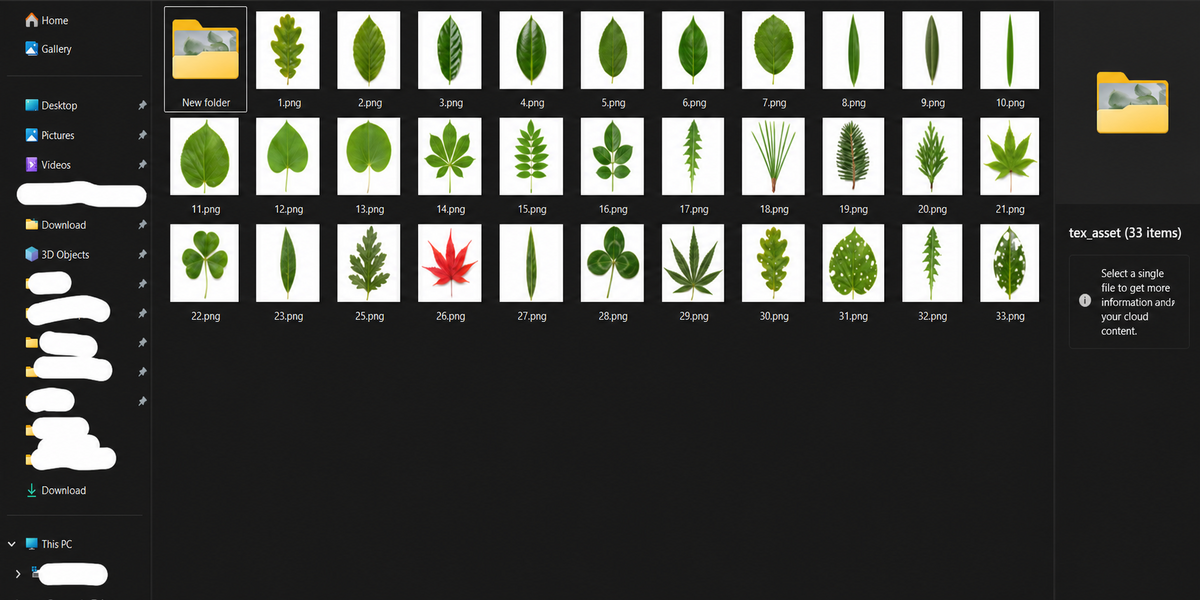
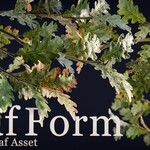
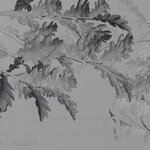
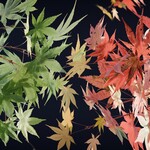
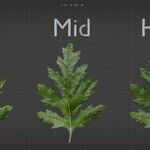
P2 · BLENDER EXTENSION · LEAFFORM
Turn leaf images into usable 3D assets.
LeafForm turns a leaf image or prepared silhouette into a procedural, textured Blender mesh—handling silhouette extraction, irregular tessellation, surface shaping, stem-based placement, and material setup in one workflow. Choose Standard for creation inside Blender, or Pro when you also need texture baking and model export.
Image → Leaf Mesh Irregular Triangles Stem-Based Placement Batch Creation
LEAF PREP AGAIN? 😭
Stop preparing leaves. Start building the shot.
Turning a leaf image into a usable asset usually means repeating masking, mesh construction, surface shaping, material setup, placement correction, and variation preparation.
LeafForm compresses that preparation into one workflow—so you can put your time and attention into leaf arrangement, lighting, composition, and the finished image.
MASKING · MESH · SHAPING · MATERIAL · PLACEMENT · VARIATIONS → ARRANGEMENT · LIGHTING · COMPOSITION
Start from a source image. LeafForm derives the silhouette, reconstructs it as an irregular triangular surface, applies image-driven curvature, and prepares the result as a leaf asset inside Blender.
REAL CURVED GEOMETRY
More than a flat cutout.
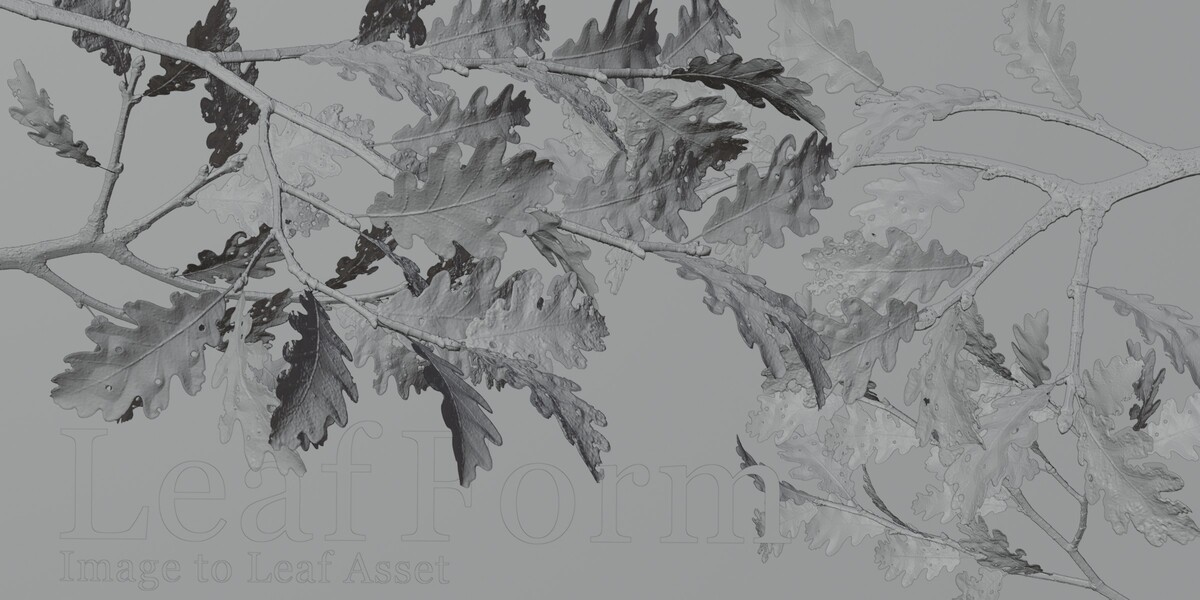
LeafForm does more than place an alpha texture on a rectangular plane. The generated vertices are displaced to create a real curved, uneven surface, giving a flat reference image spatial variation in the mesh itself.
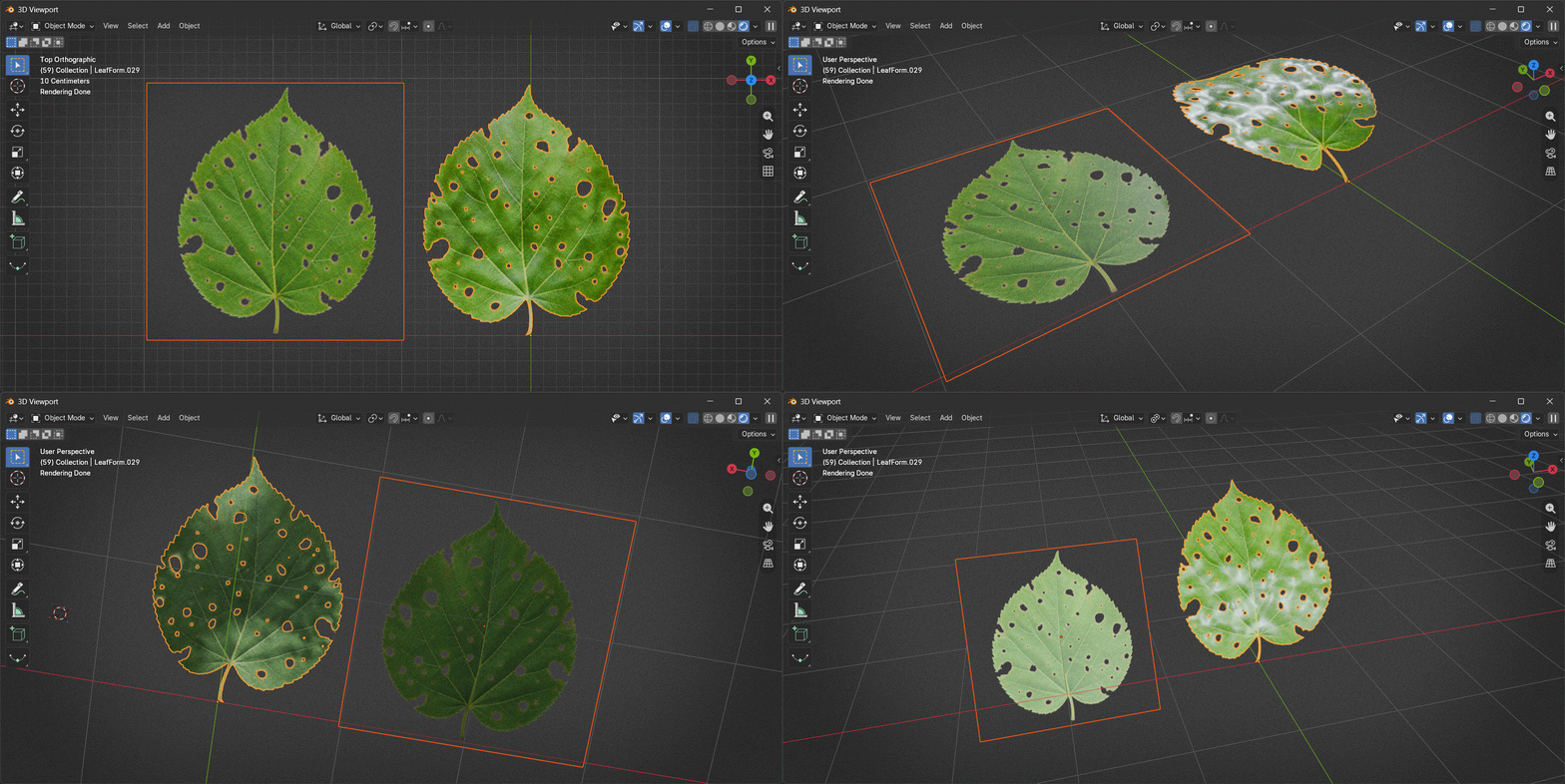
KEEP THE SILHOUETTE · CONTROL THE GEOMETRY
Preserve the shape without filling it with a uniform grid.
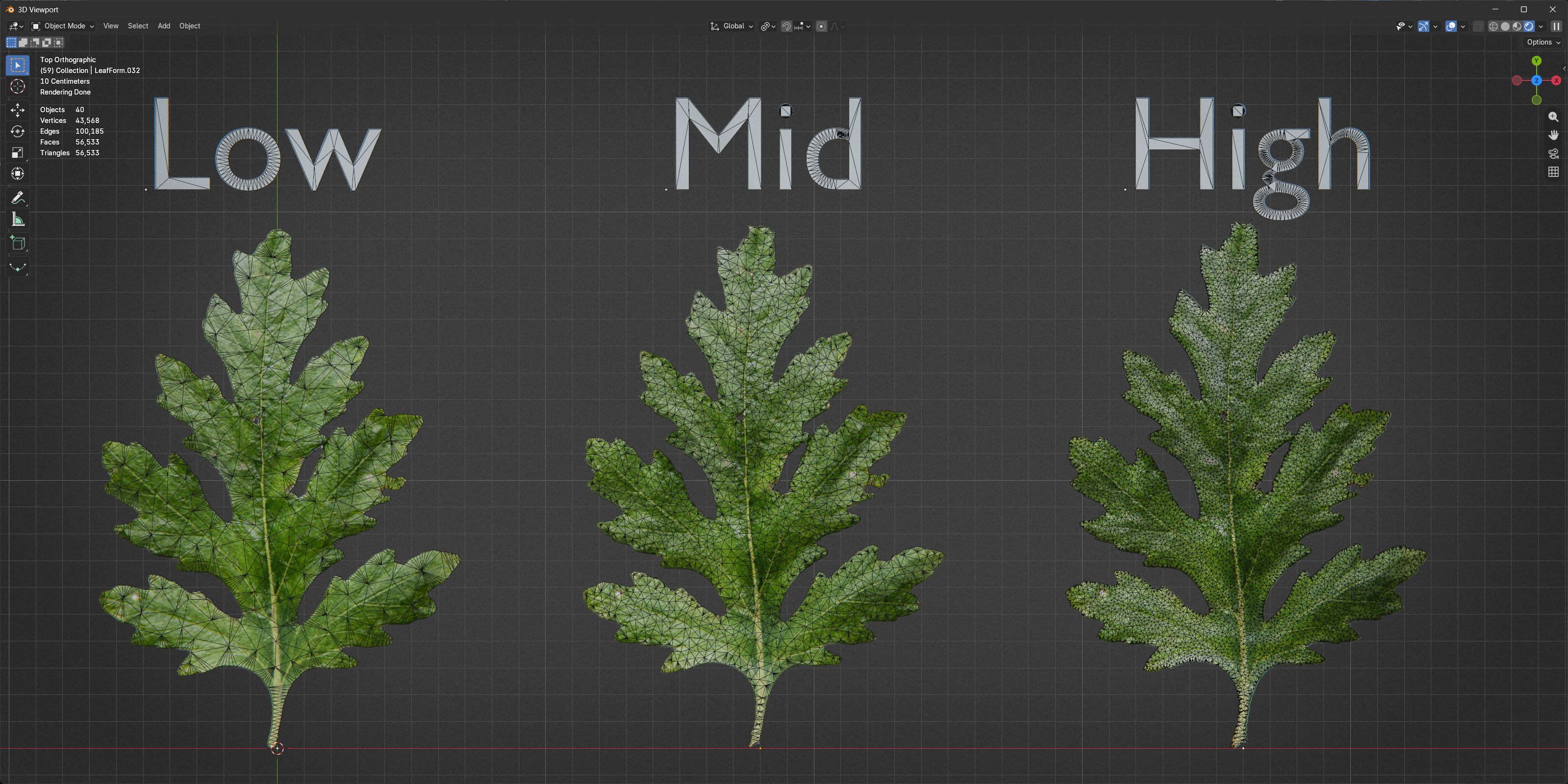
LeafForm uses boundary-aware irregular triangle tessellation. Adjust the outline resampling and the interior point spacing separately, so silhouette detail and internal density do not have to increase together.
OUTLINE DETAIL INTERIOR DENSITY LOW / MID / HIGH
STEM-BASED PLACEMENT
Place leaves from the stem side.
LeafForm estimates a likely stem endpoint and uses it as a practical local reference for the generated mesh. This gives you a more useful starting point for rotating, arranging, and instancing leaves than the center of the original image.
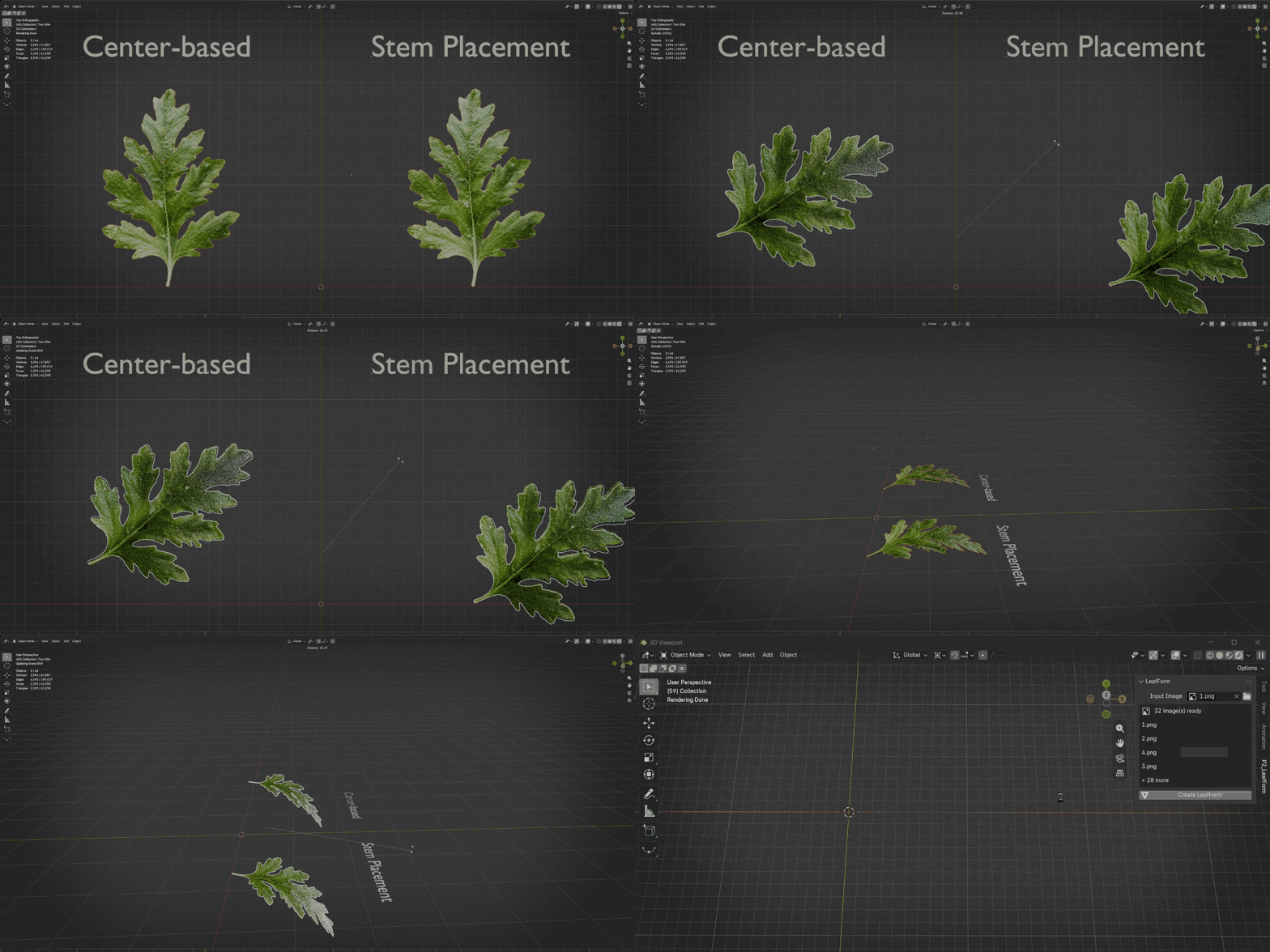
ONE IMAGE · MANY VARIATIONS
Build variations without rebuilding the setup.
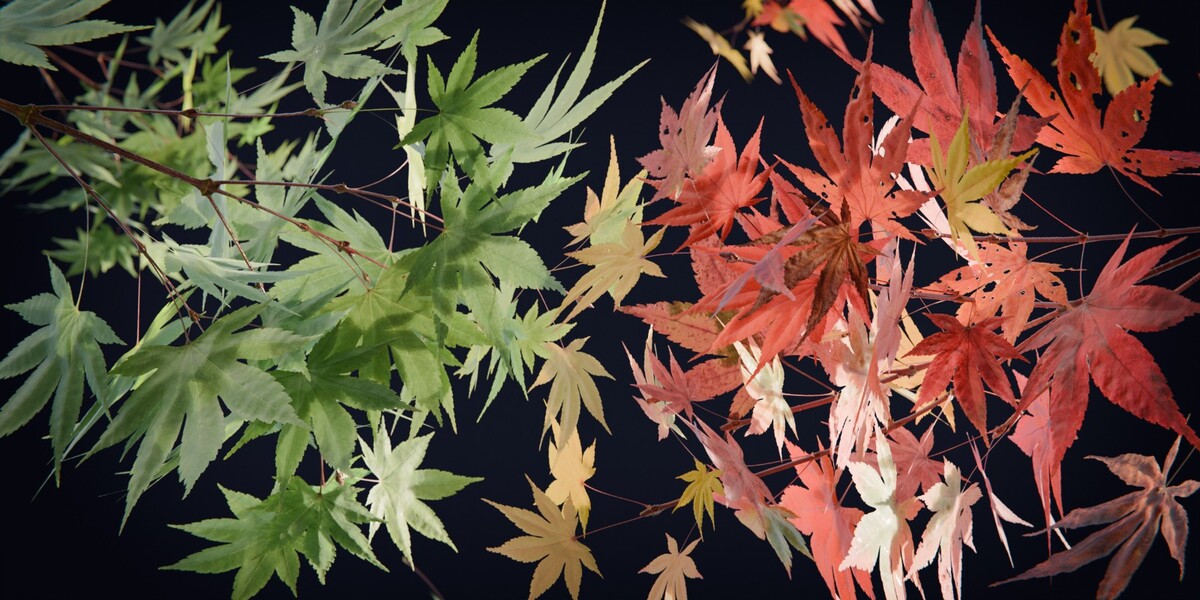
Load one source image or queue a whole set. LeafForm creates one object per image and gives each result its own image-driven material, cutting out the repetitive setup work when you need several leaf variations.
PROCEDURAL WHEN YOU NEED IT
Stay procedural. Apply when you’re ready.
Start with Low, Mid, or High density presets, then fine-tune the underlying Geometry Nodes controls when needed. Once the result is ready, apply LeafForm and continue working with it as ordinary editable mesh data.
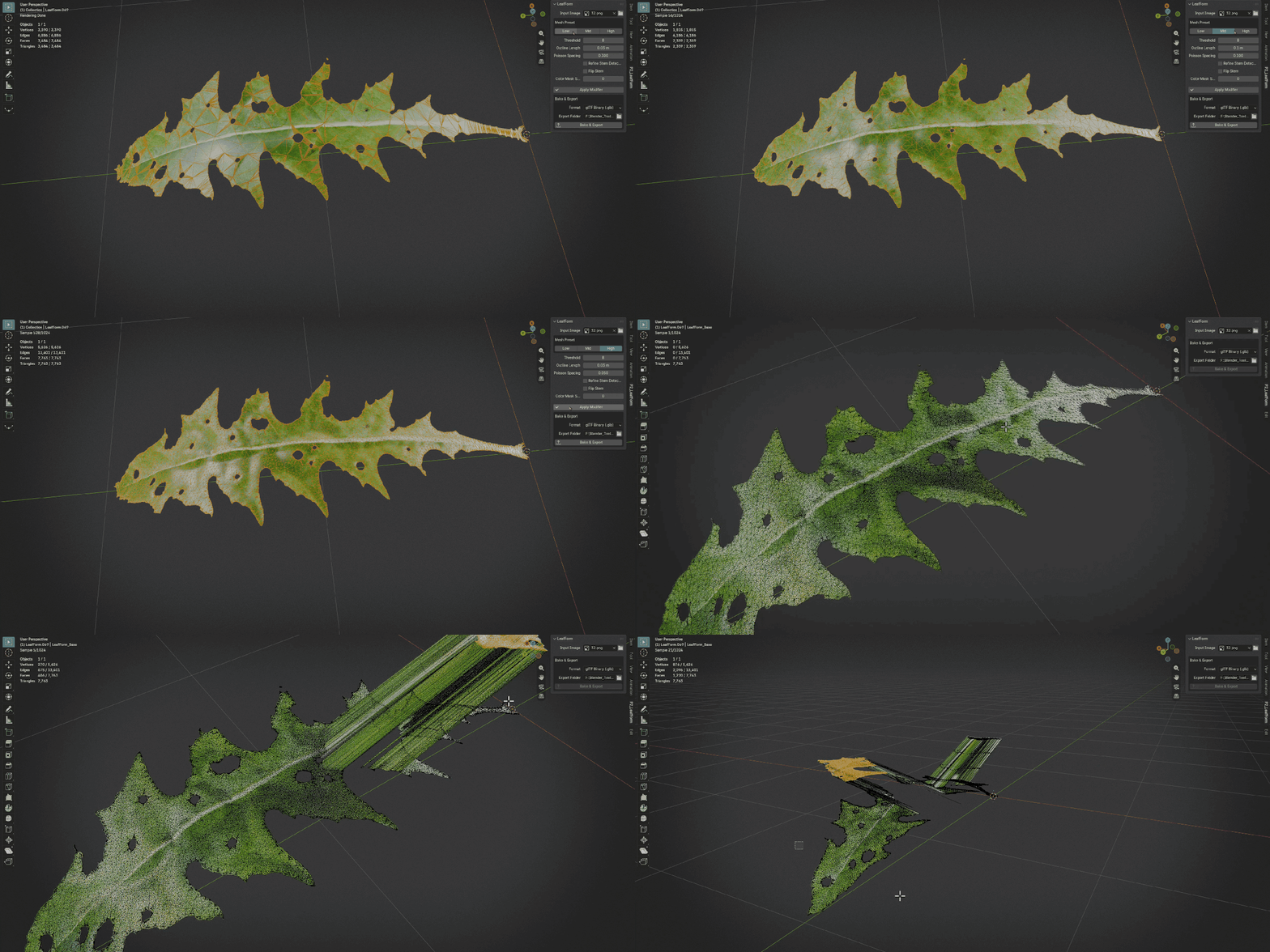
CHOOSE THE EDITION THAT FITS YOUR WORKFLOW
Standard for creation. Pro for delivery.
| LeafForm Standard
Image-to-mesh generation, irregular tessellation, image-driven material setup, density presets, procedural controls, stem-based placement, batch creation, and Apply.
|
LeafForm Pro
Everything in Standard, plus front-and-back PBR texture baking and GLB, glTF, USDC, or FBX model export.
|
Standard and Pro are separate packages of the same Blender extension. Install one edition at a time.
LEAFFORM PRO · BAKE & EXPORT
Generate. Bake. Export.
LeafForm Pro adds front-and-back PBR baking and model export to every feature in Standard. Generate the leaf in Blender, bake the evaluated result, and move the asset into the next stage of your production pipeline.
FRONT / BACK PBR BAKE BASE COLOR / ROUGHNESS / NORMAL COAT / SHEEN GLB / glTF / USDC / FBX
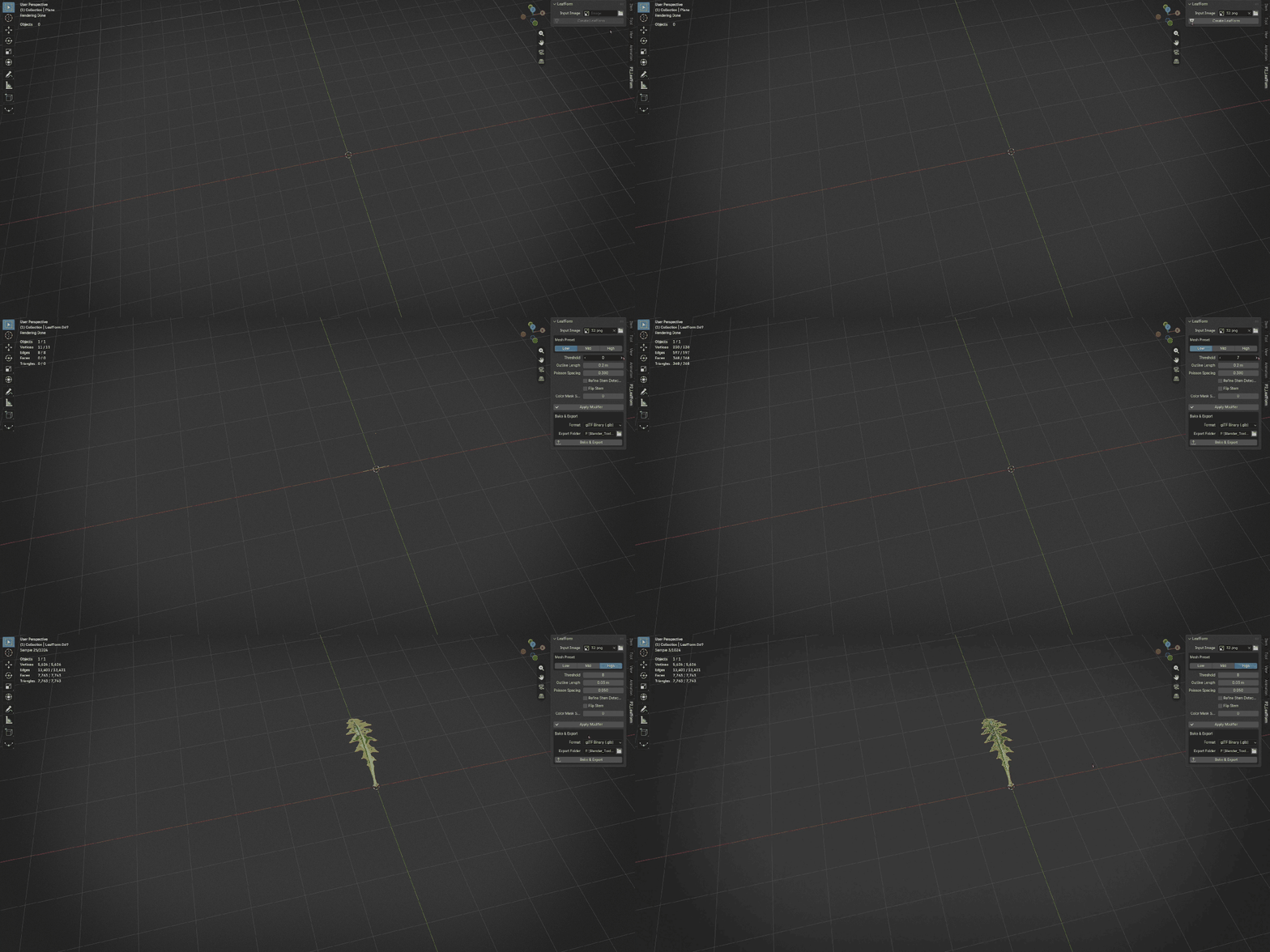
PBR BAKE Bake Base Color, Roughness, Normal, Coat, and Sheen textures for both front and back sides.
EXPORT Export the evaluated model to GLB, glTF, USDC, or FBX.
Exported models use the baked front-side texture set. Back-side textures are saved separately for manual material setup when the destination workflow requires them. Coat and Sheen map behavior may vary by export format and destination application.
IMPORTANT TO KNOW
LeafForm creates an open, curved leaf mesh surface—not a volumetric 3D reconstruction or a thick solid leaf model. Stem detection is heuristic and works best with a readable silhouette. Color-based masking can struggle when foreground and background colors are too similar; prepared alpha images are recommended for difficult sources. Bake & Export is included only in Pro. LeafForm does not provide general-purpose background removal, foliage scattering, LOD generation, or AI depth reconstruction.
Spend less time preparing leaves. Spend more time using them.
Blender 4.5 LTS or newer. Designed primarily for Blender 5.x. No external Python packages or online services are required.
