LeafForm
 P2_limit_sadge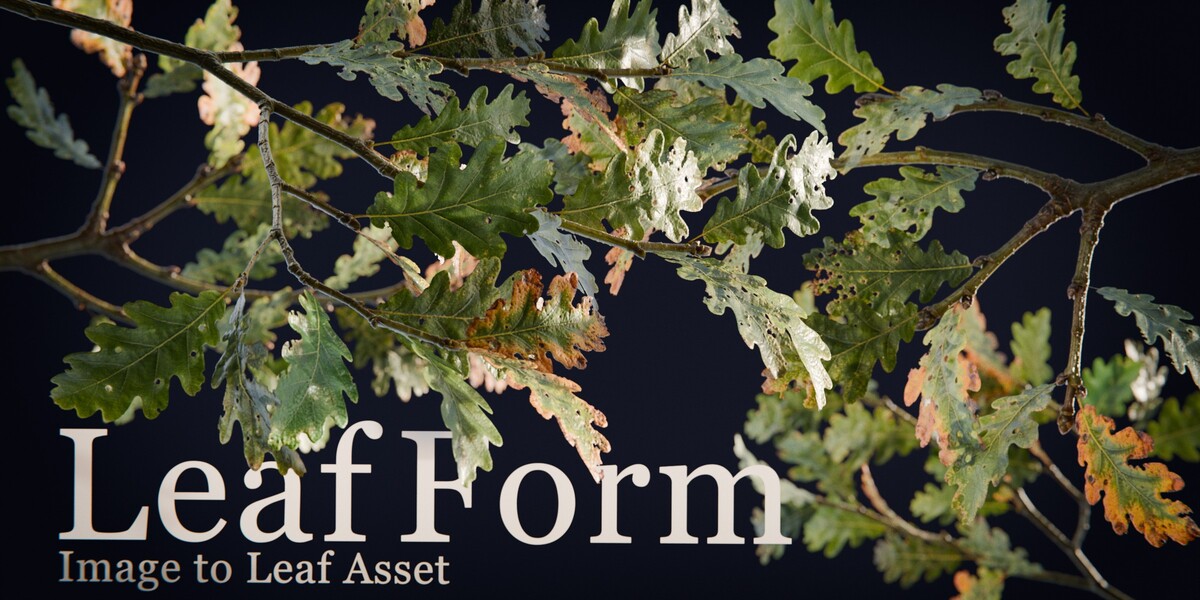


Requirements
- Blender 4.5 LTS or newer
- Eevee or Cycles for the generated material
- Cycles is required for Pro Bake & Export
Installation
- Open Edit > Preferences > Get Extensions.
- Open the repository menu and select Install from Disk.
- Select the downloaded LeafForm Standard or LeafForm Pro ZIP file.
- Enable the extension if Blender does not enable it automatically.
Standard and Pro use the same extension ID. Install only one edition at a time. Remove the installed edition before switching.
Create a LeafForm Object
- Open the 3D Viewport sidebar and select the P2_LeafForm tab.
- Select an existing Blender image or load an image from disk.
- Click Create LeafForm.
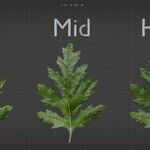
- Choose a Low, Mid, or High mesh preset and adjust the available controls.
- Use Apply Modifier when an ordinary editable mesh is required.
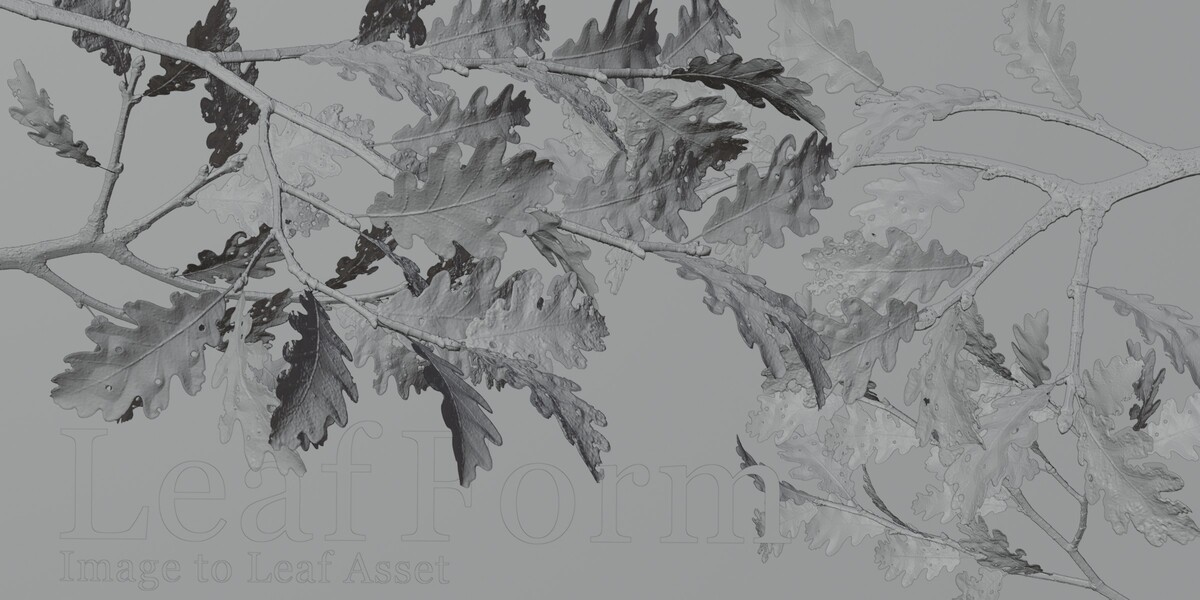
The generated object is placed at the 3D Cursor and receives its own image-driven material.
Batch Creation
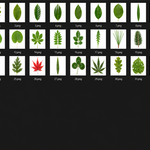
Select multiple images in the file browser, then click Create LeafForm. One object is created for each image and the results are arranged along the positive X axis for review.
Main Controls
- Threshold: adjusts mask-processing iterations.
- Outline Length: controls silhouette resampling density.
- Poisson Spacing: controls interior triangle density.
- Refine Stem Detection: runs an additional endpoint-detection pass.
- Flip Stem: reverses the interpreted stem direction.
- Color Mask Smoothing: adds cleanup to color-derived masks.
Apply Modifier
Click Apply Modifier to convert the active LeafForm result into ordinary mesh data. Hold Alt while clicking to apply LeafForm modifiers to all selected LeafForm objects. Applying removes procedural editability, although Blender Undo remains available.
LeafForm Pro: Bake & Export
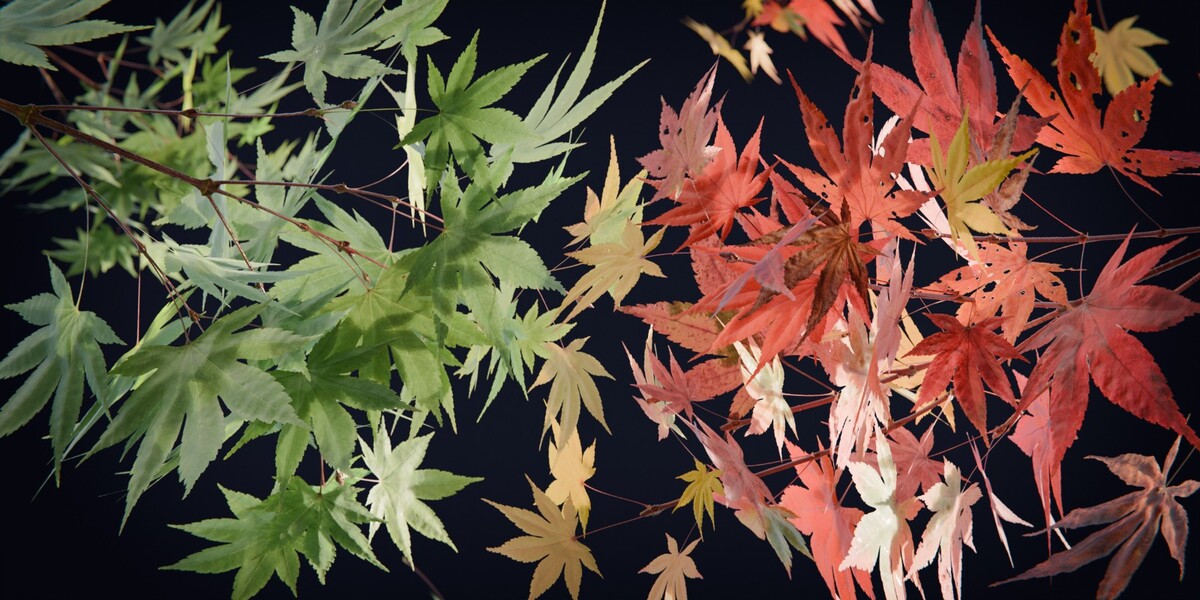
LeafForm Pro can bake Base Color, Roughness, Normal, Coat, and Sheen textures for the front and back sides, then export the evaluated model as GLB, separate glTF, USDC, or FBX.
The exported model uses the front-side texture set. Back-side textures are saved separately and require manual material setup in the destination application. Coat and Sheen support varies by format and destination application.
Input Recommendations
- Use an image with clear separation between the leaf and background.
- Prepared alpha images are recommended for difficult masks.
- A readable stem silhouette improves stem detection.
- Begin with the Low preset before increasing mesh density.
Limitations
- The result is an open curved surface, not a closed volumetric leaf.
- Stem detection is heuristic and may require refinement or manual adjustment.
- Similar foreground and background colors can produce an inaccurate mask.
- Source images remain external references unless packed into the .blend file.
- Bake & Export is available only in LeafForm Pro.
-
$15
Procedural leaf creation, batch processing, materials, controls, and Apply.
-
$24.99
Everything in Standard, plus front/back PBR baking and model export.
 Included
Includes 12 months of
- Support from P2_limit_sadge
- Product updates
Extend this product’s Support Period +12 months: 25% of product price
Have questions before purchasing?
Login to message
| Blender Extension Compatible | Yes |
| Sales | 10+ |
| Published | about 2 months ago |
| Blender Version | 4.5 - 5.2 |
| Render Engine Used | Cycles, Eevee |
| License | GPL |
Discover more products like this
Plant Modeling Image to Mesh geometry nodes gltf-export batch creation tessellation FBX Export procedural modeling vegetation leaf generator foliage pbr-baking