LeafForm
 P2_limit_sadge




Are the back-side textures connected automatically after export?
No. LeafForm Pro saves the back-side textures separately. Configure a front/back-facing material in the destination application when those textures are required.
Does LeafForm create a solid 3D leaf?
No. LeafForm creates an open, curved mesh surface with real geometric deformation. It does not generate a closed volumetric leaf.
What kind of source image works best?
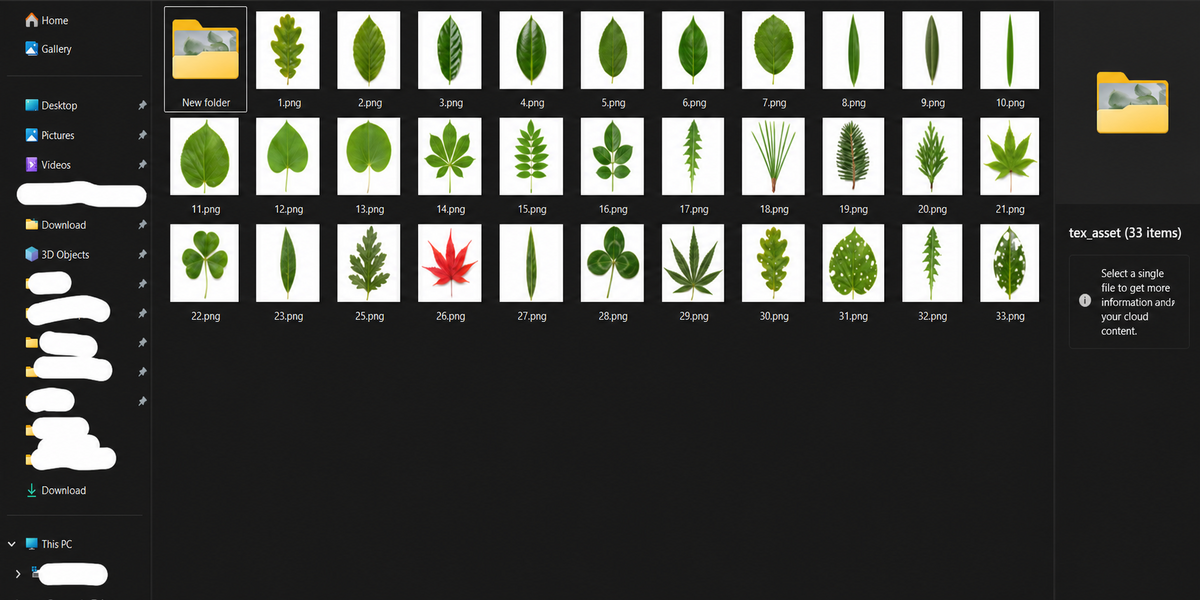
Use an image with clear separation between the leaf and background. A prepared alpha image is recommended when the foreground and background colors are similar.
Can Standard and Pro be installed at the same time?
No. Both editions use the same Blender extension ID. Remove the installed edition before installing the other one.
What is the difference between Standard and Pro?
Standard includes leaf generation, batch creation, material setup, procedural controls, mesh presets, stem-based placement, and Apply Modifier. Pro includes all Standard features plus front/back PBR texture baking and GLB, glTF, USDC, and FBX export.
-
$15
Procedural leaf creation, batch processing, materials, controls, and Apply.
-
$24.99
Everything in Standard, plus front/back PBR baking and model export.
 Included
Includes 12 months of
- Support from P2_limit_sadge
- Product updates
Extend this product’s Support Period +12 months: 25% of product price
Have questions before purchasing?
Login to message
| Blender Extension Compatible | Yes |
| Sales | 10+ |
| Published | about 2 months ago |
| Blender Version | 4.5 - 5.2 |
| Render Engine Used | Cycles, Eevee |
| License | GPL |
Discover more products like this
batch creation tessellation geometry nodes vegetation leaf generator Image to Mesh FBX Export pbr-baking gltf-export foliage procedural modeling Plant Modeling