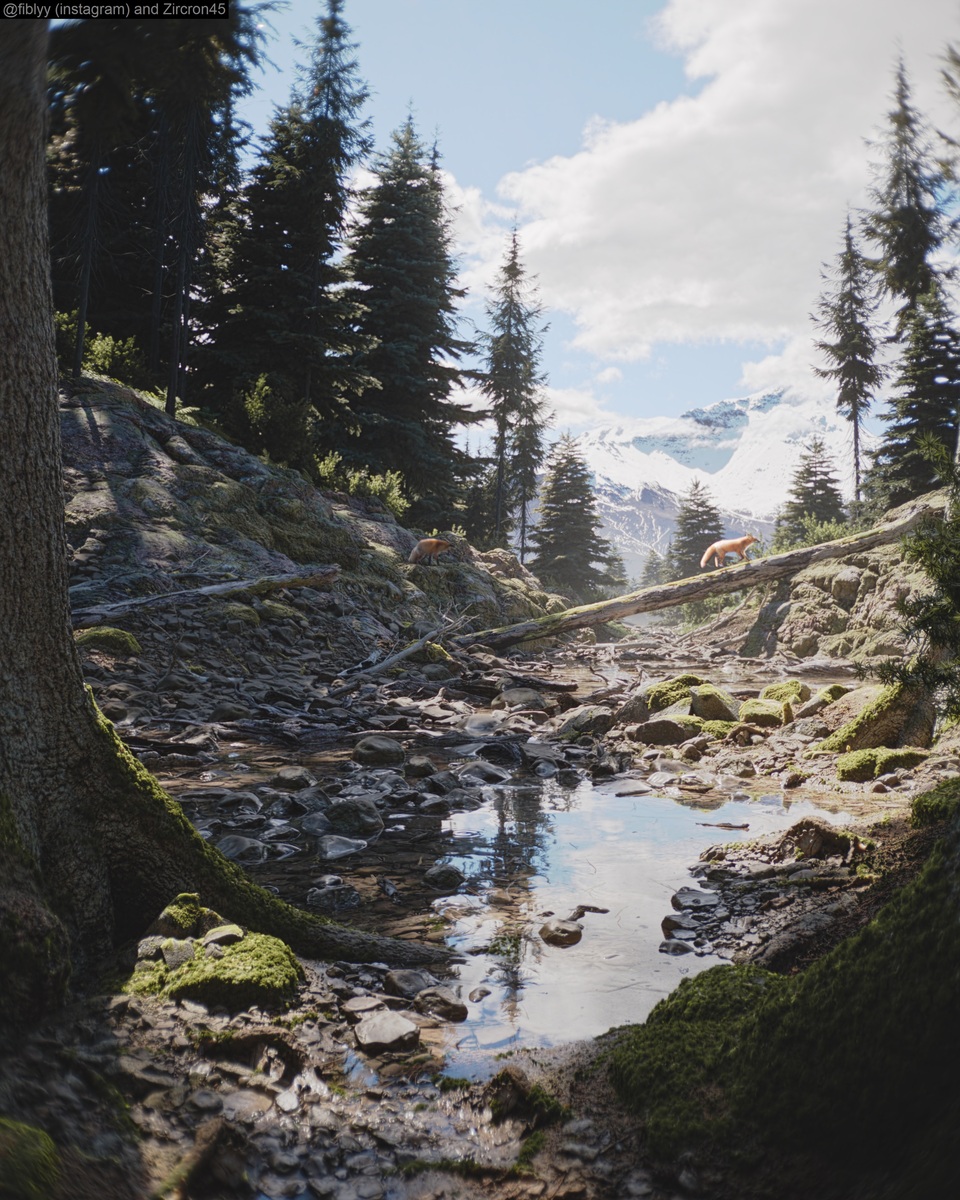
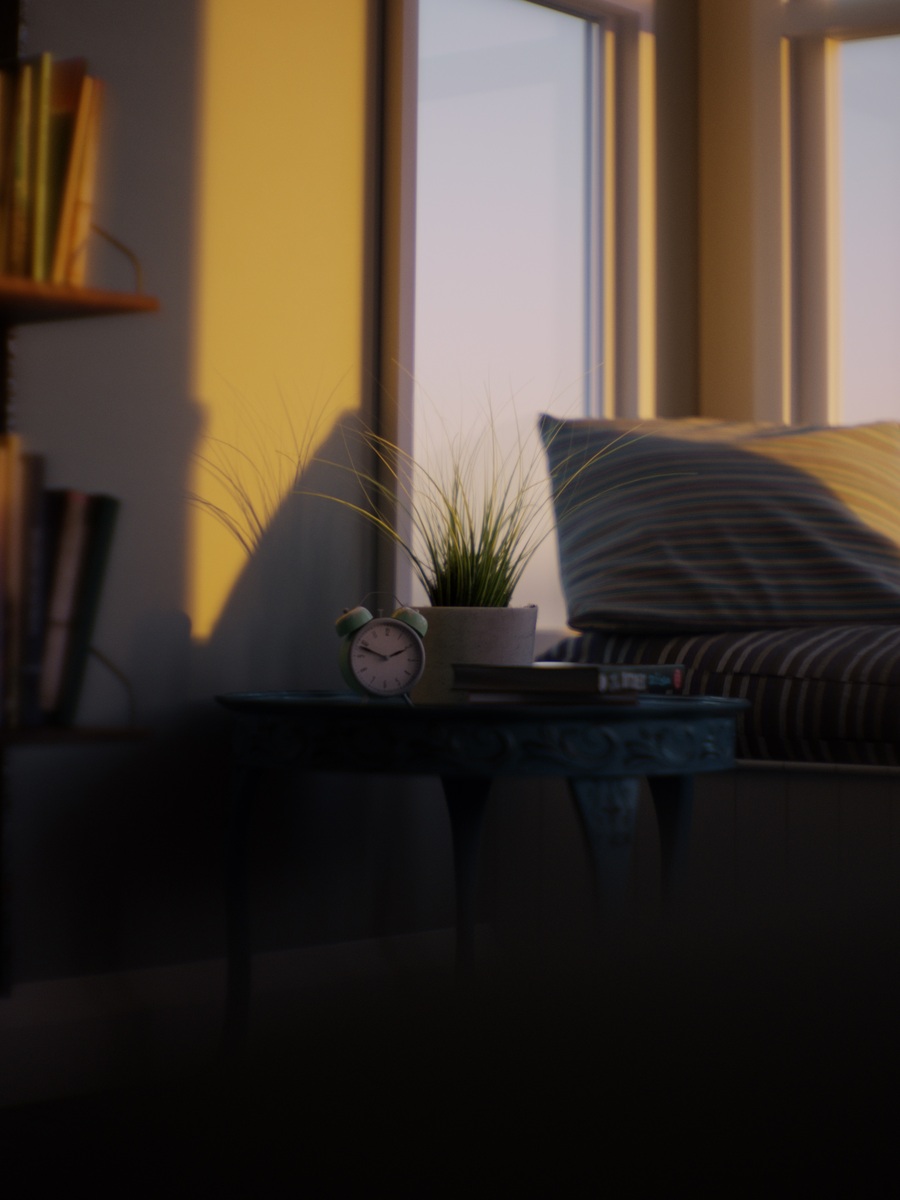
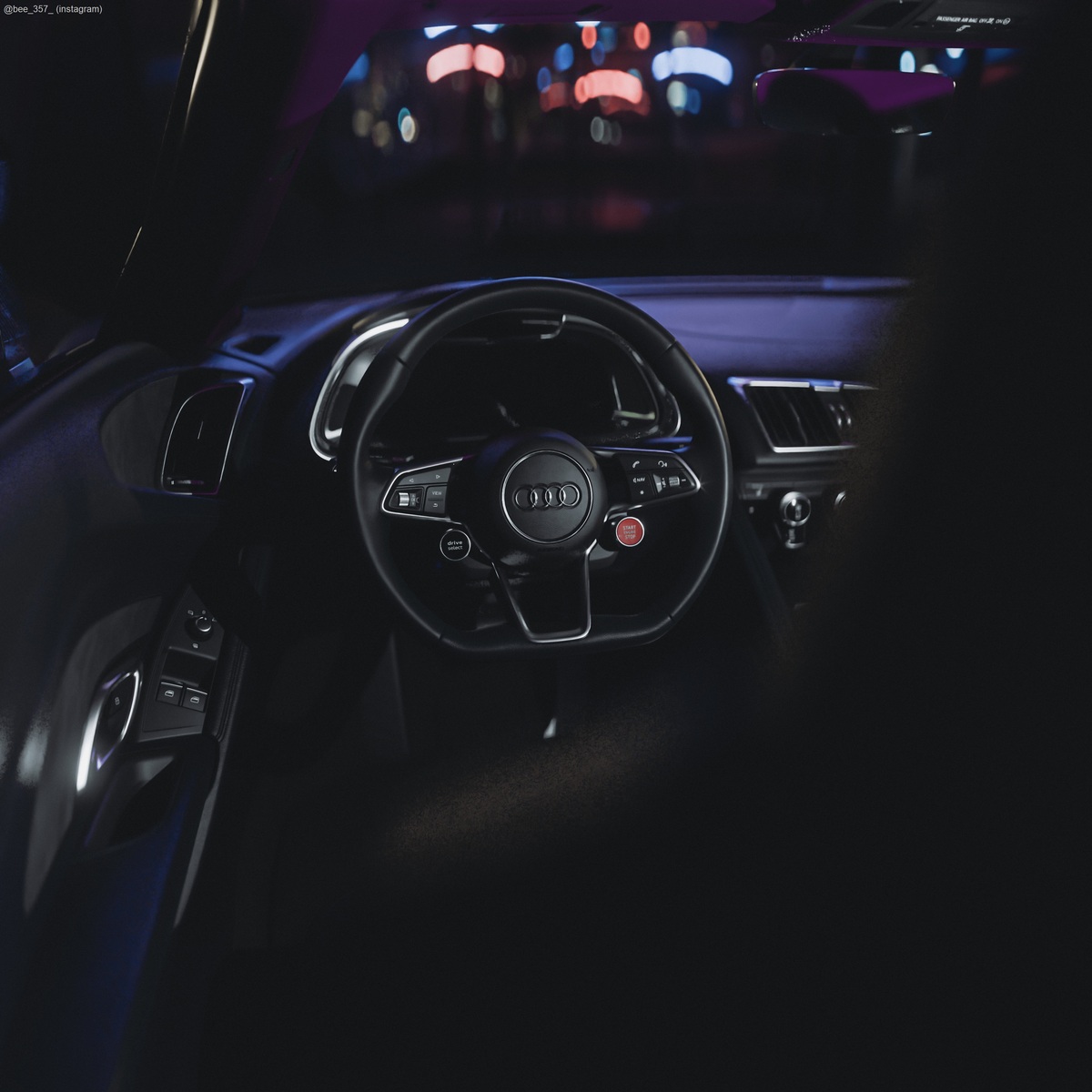
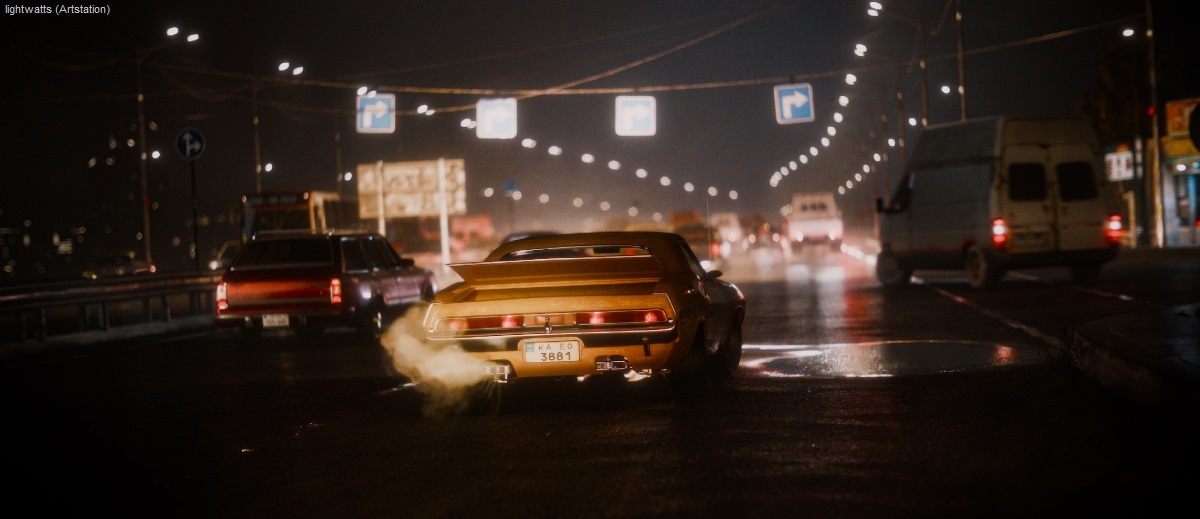
Lens Sim

Håvard Dalen in Rendering


Item Rating

This item has an average rating of 5 from 72 ratings by the community.

89%
7%
3%
2%
0%

Purchase this item to leave a review!

  • Ondřej Skalník
    almost 2 years ago

    Well this is simply awesome!

    • Håvard Dalen

      almost 2 years ago

      Thank you Ondřej!
  • Jack Toth
    almost 2 years ago

    Just impressive. A unique mathematical approach to solve a long needed issue. Every previous scene I've made feels brand new again with a photorealistic 'Pop'. Where has this been all my life??

    • Håvard Dalen

      almost 2 years ago

      Thank you Jack! I'm really grateful for everything you have supported me with, the launch success would not have been the same without you!

  • Lincoln Smith
    almost 2 years ago

    In-fucking-credible work. The speed. The precision. It's all I could have dreamed of and more. Will be going into production on live action composites with anamorphic lenses.

    • Håvard Dalen

      almost 2 years ago

      Thanks! Feel free to send me a message here when its done, would love to see it! :)

  • Leonid Altman
    almost 2 years ago

    This add-on gives me chills—a massive leap in realistic rendering for Blender. Thank you for all your hard work benefiting us all.

    • Håvard Dalen

      almost 2 years ago

      Thanks Altman! And especially thanks for the guidance and advice you have given me so far :)

  • ChronicHiker
    about 1 month ago

    As a 3D artist, Lens Sim brings amazing optical character to your renders. I really appreciate the quick access effects in the n-panel as well as the film emulation and bloom effects.

    However, as a photographer, some of the quirks drive me just a little nuts, and often feel like I'm fighting with the plugin at times. I still find the format settings (full frame, best fit, etc.) to be quite confusing and cumbersome, despite understanding how lenses and sensor sizes work in real life. I appreciate the wide variety of lens and focal lengths to chose from, however the lenses are such a mix of coverage sizes that listing by lens focal length ends up being quite counterintuitive. Many of the lenses are for smaller or larger sized sensors than the standard full frame, and without knowing the intended coverage size of the lens, your preset might actually appear much more zoomed in or out than you'd expect. Ex: you often don't know if you picked a 50mm APS-C lens or a 50mm medium format lens which will have completely different fields of view. If there was a way to sort/filter by the sensor type the lenses were designed for (APS-C, Full Frame, Medium Format, etc.), this could be really helpful. Alternatively, converting all focal lengths to full frame equivalents, or simply using FOV could eliminate the inevitable guess-and-check process of clicking on a 50mm lens but suddenly having it look like a 100mm lens or vice versa and trying to troubleshoot unexpected amounts of zoom.

    My one other gripe is how blurry many of the lenses are at their widest aperture. The philosophy seems to be that many of these are vintage lenses which are inherently soft at wide open apertures. However as a photographer with plenty of hands on experience with both modern and vintage lenses, I'd push back on this. I still feel the blur is too heavy handed and unrealistic at wide apertures. Similarly, I feel that there is too much edge blur. While this definitely is a real phenomena that happens with real lenses, I feel that Lens Sim is a bit heavy handed with it, and I have not experienced such harsh blurring in the outer thirds of my frames with IRL photography. With numerous lens sim lenses, it's borderline impossible to get sharp focus on a subject positioned on one of the thirds. With real life photography, I can shoot wide open at f1.4, have my subject way outside of center frame, and still get them in focus with minimal to no notable blur-vignetting. Sometimes to get around this, I've re-rendered small portions of my frame at higher (smaller) apertures, or with DOF turned off or way down. I then composite those in focus areas back into my overall image.

    Despite those frustrations, I still think Lens Sim is an excellent plugin well worth the money. If you have photography experience though, I'd encourage you to take the settings, numbers, and overall process with a grain of salt. It will better to embrace Lens Sim as its own creative tool as opposed to being a digital copy of how lenses work in real life, as you will likely need to use some 3D workarounds to achieve the effects you're looking for.

    • Håvard Dalen

      about 1 month ago

      Thanks for the extensive review!

      I think you are spot on with your analysis. I started this project without much knowledge about lenses. My philosophy has been to get as many lens artifacts out of these lenses as possible and to focus on adding old lenses with unique characteristics. The default sensor size is therefore set to be as large as possible and not necessarily the designed format for these lenses. Info about the correct sensor size is also not included in the lens descriptions, so I have not given that much thought.

      Having an option to include common lens sizes like APS-C, Full Frame, Medium Format, etc. in the lens data would be a good idea, as would being able to sort lenses based on that and have those as the default sensor sizes when loading in a new lens. I think I need to research that a bit first before I make any changes, but I think it's a good idea.

      I will definitely add an option that sorts and displays the "true" Blender Focal Length equivalent or the FoV instead of the "mm" in the lens name. That should be easy to implement. It will probably added in the add-on preferences.

      Not sure if the lenses are blurrier than what they would have been in real life at an open aperture, so that might be because I mostly have implemented old lenses and that the default sensor size is too large.

      Feel free to send me a message here on Superhive or join the Discord channel if you want to continue the discussion or if you want to give feedback once I implement something.

      Håvard

  • Damian Stefaniak
    12 months ago

    Great addon but in the first moment i think he's not working because i set gpu compute on cycles setting and this main problem i have with this addon the second one is why not have a simple button "set camera from actual view".

    • Håvard Dalen

      12 months ago

      Thanks Damian! I’ll add a button so you can create a new camera from the view, that should be easy to do. I’ve gotten a few questions about the black render view, so I’ll add a help text box when OptiX is not enabled to avoid the frustration when getting started with the addon :)

  • Tim
    about 1 year ago

    I love it, but I really hope the better versions are getting released for Apple Silicon GPUs as well at some point!

    • Håvard Dalen

      about 1 year ago

      Thanks Tim! Yeah. the OSL camera setup is such an improvement, I also hope the Blender devs makes it compatible on all GPUs :)

  • Florentin
    over 1 year ago

    Overall, it's really incredible, and it would be great to have new optics. And a little problem with the 28mm f2.8 Ricoh smc Pentax, which doesn't focus on anything. It's like it's stuck.

    • Håvard Dalen

      over 1 year ago

      Thanks! Please send me a private message to discuss what lenses you would like to see implemented :)
      I think the Ricoh smc Pentax lens is specifically made to be soft, so I wouldn't expect it to focus sharply at anything, I'll take a second look at it!

  • rockanimations
    almost 2 years ago

    Amazing addon. It does exactly what it advertises, but as you can see, I'm giving it 4/5 stars. The reason is that it could be very finicky at times. The document says "If the camera lens parameters are changed outside of the Lens Sim panel, the lens setup may break", but sometimes it breaks even when you're using the addon correctly. I've had instances where I put it to render, and the renders come out completely black even when I haven't changed anything. This could be fixed by enabling and disabling the lens, but it's a common enough issue that I need to bump my rating down a star. This is just the initial release of this addon though, so I'm hoping it's something that could be fixed eventually. Some complicated node setups may not render completely right, but those rare instances are related to issues with Blender's Ray Portals, and not the fault of the addon, so I won't make it down for that. Don't let my complaint stop you from getting the addon though. It is still very much worth it, and these issues are easy to deal with. It's just something I felt needed to be addressed.

    • Håvard Dalen

      almost 2 years ago

      Thanks rockanimations!
      Could you send me a private message here on Blender Market, so that I can investigate the black render issue?

  • Povzhyk Maksym
    5 months ago

    This addon was the backbone of my art and I praised it.
    Now render times are absurd because I can't use my AMD GPU for rendering anymore.
    Very disappointed...

    • Håvard Dalen

      4 months ago

      Hi, you can still download the 2.#.#-LTS version of Lens Sim, which works on AMD GPUs. I'm still maintaining it to ensure it works with the latest Blender versions.

      Unfortunately, I'll be focusing the development on the OSL camera shaders, as that's currently the best way to simulate optical systems in Blender.

  • (Full version: all features and lenses)

    $26 $40
  • (Basic features and limited lenses)

    $9.75 $15
  • (Lens Sim Lite + render watermark)

    $0
$26

Have questions about this product?
Login to message

Details
Blender Extension Compatible Yes
Sales 7600+
Downloads 100+
Rating
72 ratings
Dev Fund Contributor
Published almost 2 years ago
Blender Version 4.5 - 5.2
Extension Type Add-on
Render Engine Used Cycles, Octane
License GPL