 Max Miles


What is Light Director 2.0?
Inspired by Houdini’s Solaris Render Gallery, Light Director 2.0 is a procedural, non-destructive lighting system for Blender that instantly saves and restores the state of every light and HDRI setup in your scene, letting you capture your perfect lighting at any moment in time and jump back to that setup with a single click.
This means you never have to be afraid to change your lighting again. Whether you are making subtle tweaks to create different versions or completely reworking the mood, you can save every iteration as a unique setup. It gives you the freedom to experiment without ever breaking what you’ve already built.
Toggle Entire Custom Light Rigs

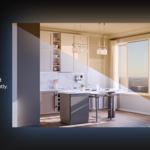
No More Duplicating Light Collections: That is the old way of versioning. Light Director stores light visibility, names, and transforms internally, allowing you to build unlimited unique rigs without ever having to duplicate it.
Synced World Nodes: Your HDRI is now linked to your lights. Switching setups automatically reconstructs the stored World Node Tree, ensuring your Environment Texture or Sky settings always match your lamps.
-
One File, Infinite Versions: No more spamming "Save As" for every lighting tweak. Store unlimited, non-destructive lighting iterations inside a single blend file and switch between them instantly.
Save your current lighting rig, tweak it to create variations, or build a new setup from scratch.

The Gallery
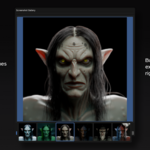
This turns your setup list into a visual catalog. Snap a viewport preview and it gets added to the Gallery, then click the thumbnail to instantly restore the specific setup that corresponds with the image. It allows you to navigate your lighting variations by eye instead of name.
Click a render preview to restore that exact lighting rig

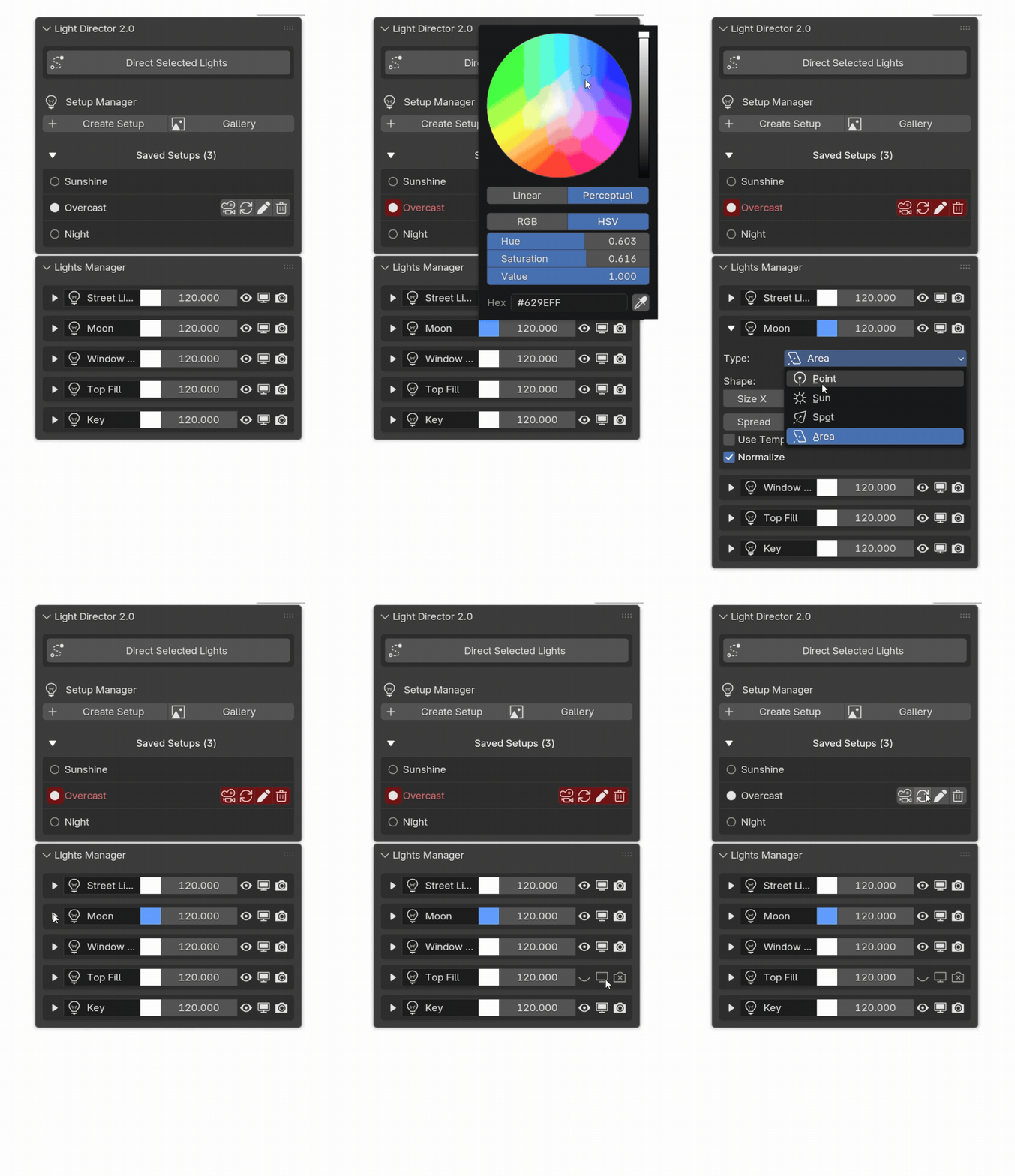
Lights Manager
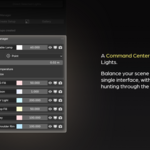
Forget clicking through the viewport or outliner to find the right lamp. The Lights Manager centralizes your entire rig into one unified dashboard. Tweak intensity, color, temperature and other properties without ever selecting a light.
The Feature That Started It All
The classic "Direct" button is still at the heart of the addon. Instantly rotate any number of selected lamps to face your active object with a single click.
Place the button in your quick favorites and you'll be directing at light speed.

