 Oculis Studio


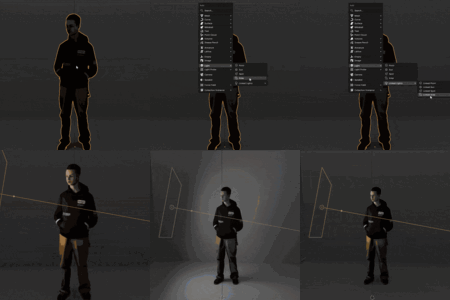
BLENDER ADD-ON
Control the light.
Groups and auto-link. New objects stay in the right collection.

What is light linking?
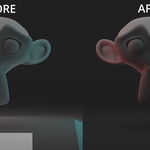
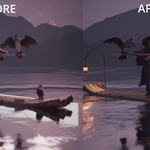
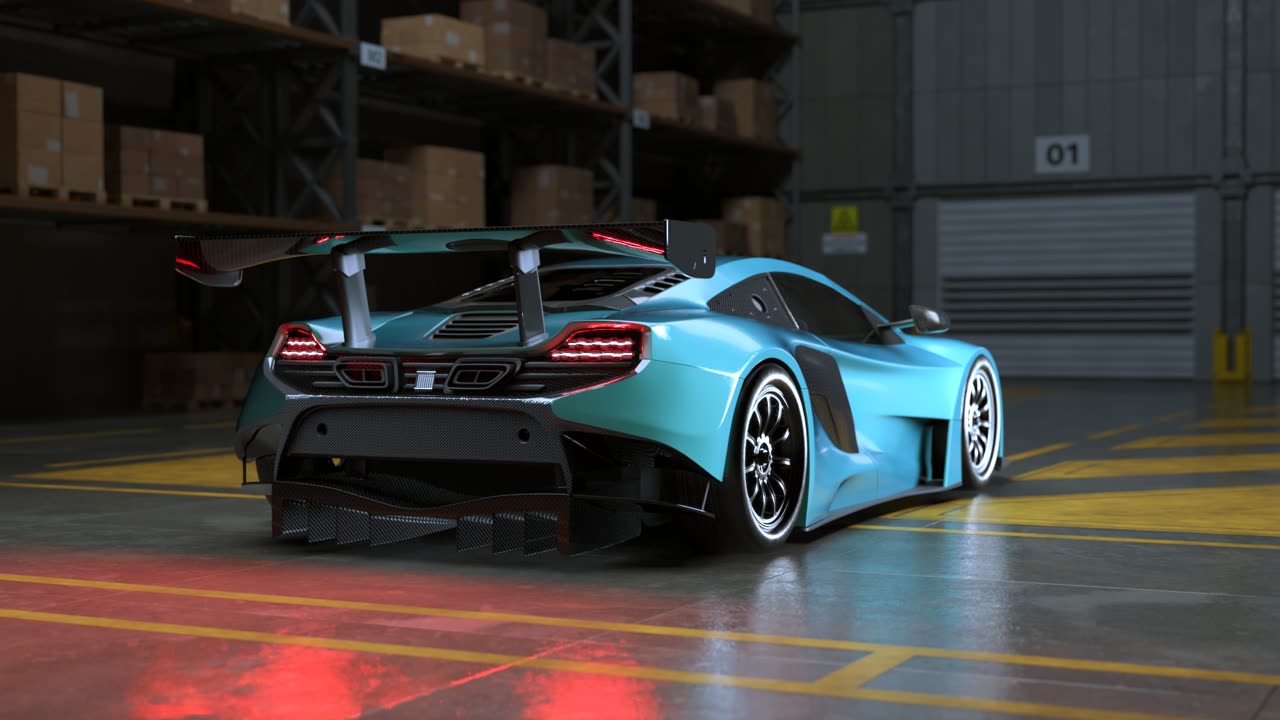
It controls where the light hits. Same lights, same scene — the spill only lands where you meant it.
BEFORE
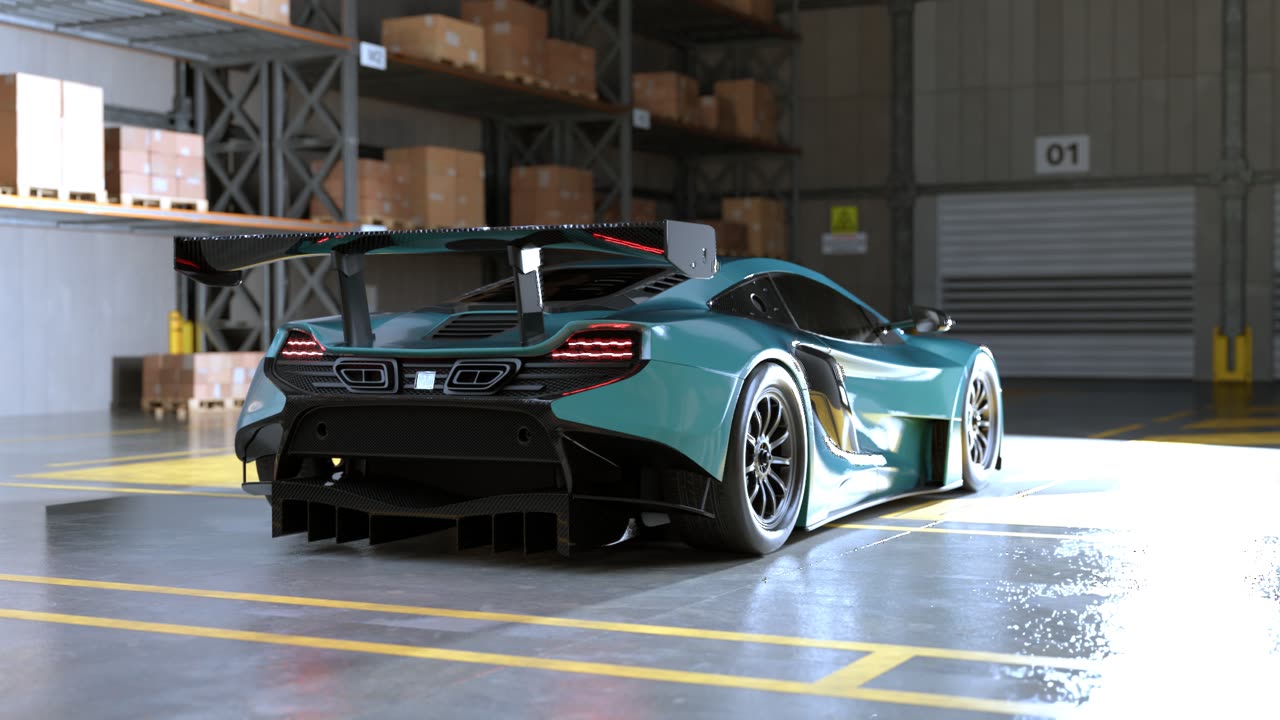
AFTER
Gizmos.
Adjust intensity and temperature right in the viewport. Works on every light in the scene.

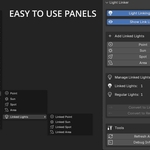
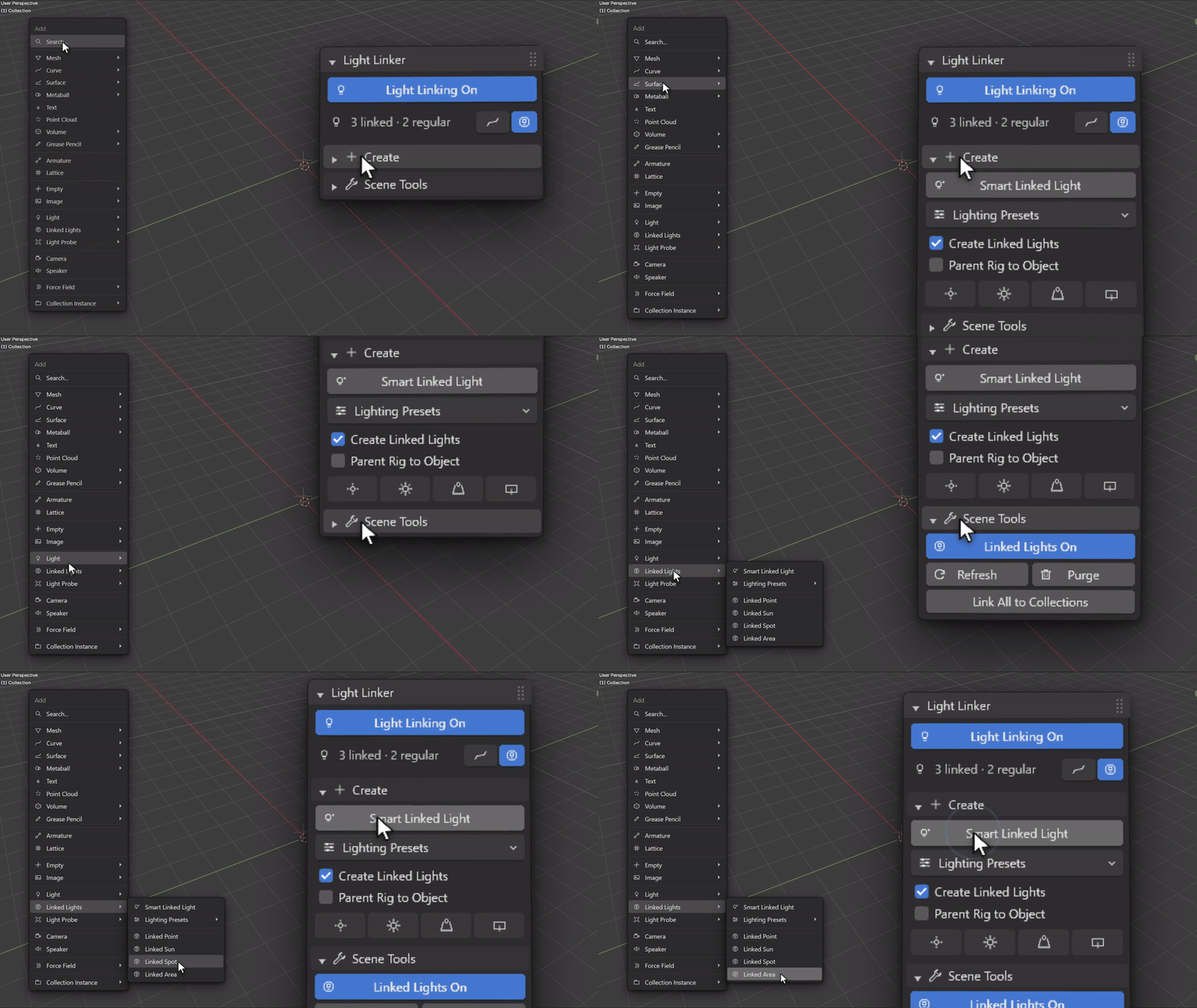
Easy to use UI.
Linked lights sit in the Add menu, next to regular lights. Or add them from the N panel. Select your targets first for the quickest workflow.
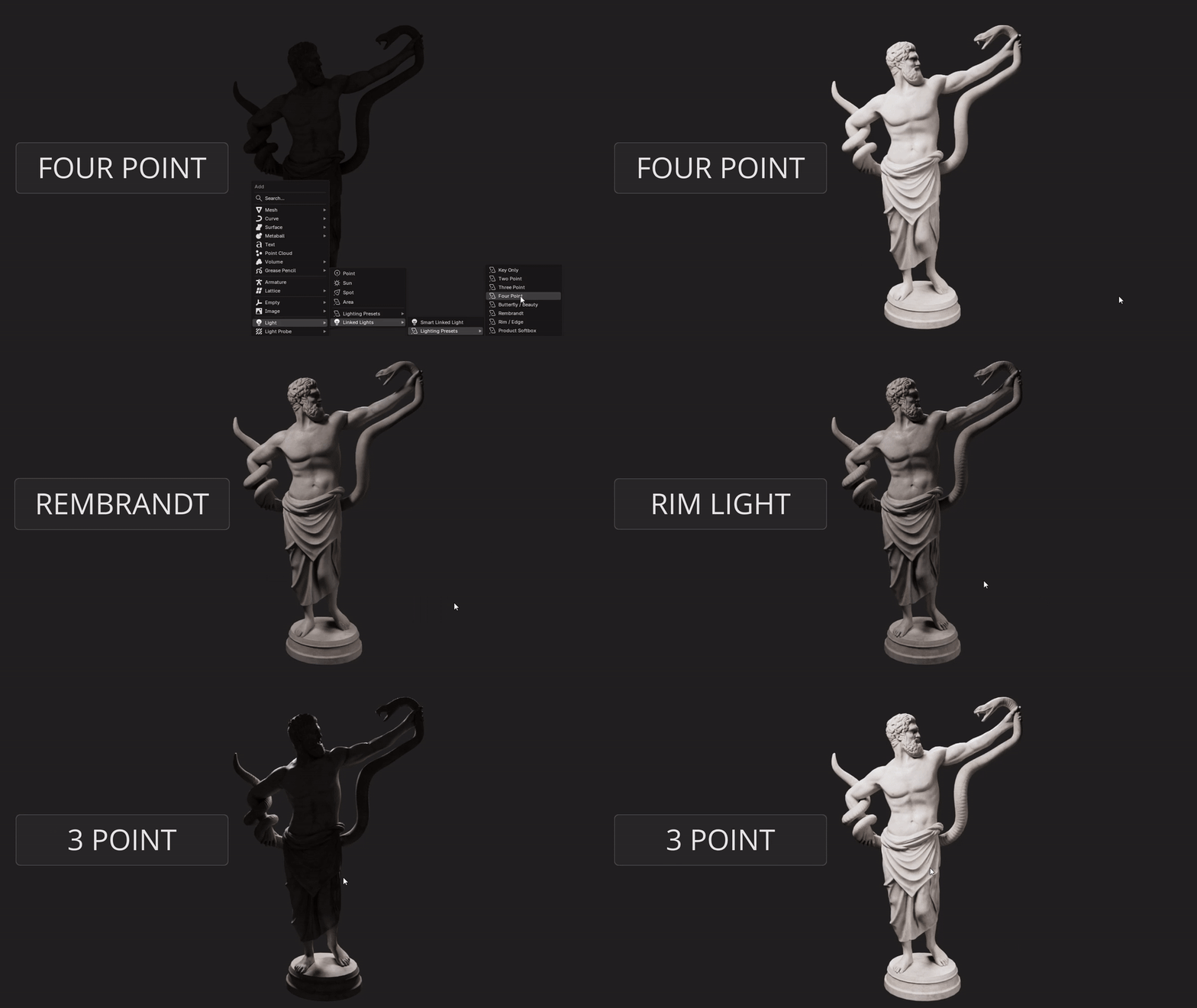
Lighting presets.
One click, a full lighting setup groups and links itself.
Details.
| Host | Blender 4.2+ (4.3+ for EEVEE and shadow linking) |
| Use | Light linking · Cycles and EEVEE |
| Panel | 3D Viewport → N-panel → Light Linker |
| License | Commercial, one payment |
| Updates | Included for owners |
Questions
Which Blender versions?
4.2 and newer. 4.3+ for EEVEE and shadow linking. Tested through 5.2.
Native light linking?
Yes. It drives Blender’s own receiver and blocker collections. Nothing depends on the add-on at render time.
Commercial use?
Yes. One payment, free owner updates.
Install?
Drag the zip onto Blender. It installs as an extension.
