 Danilo Caliro
Procedural HDR Light Modifiers for Blender®.
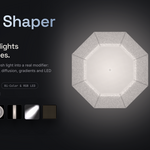
Photographic lighting modifiers. Procedural control. Entirely inside Blender®.
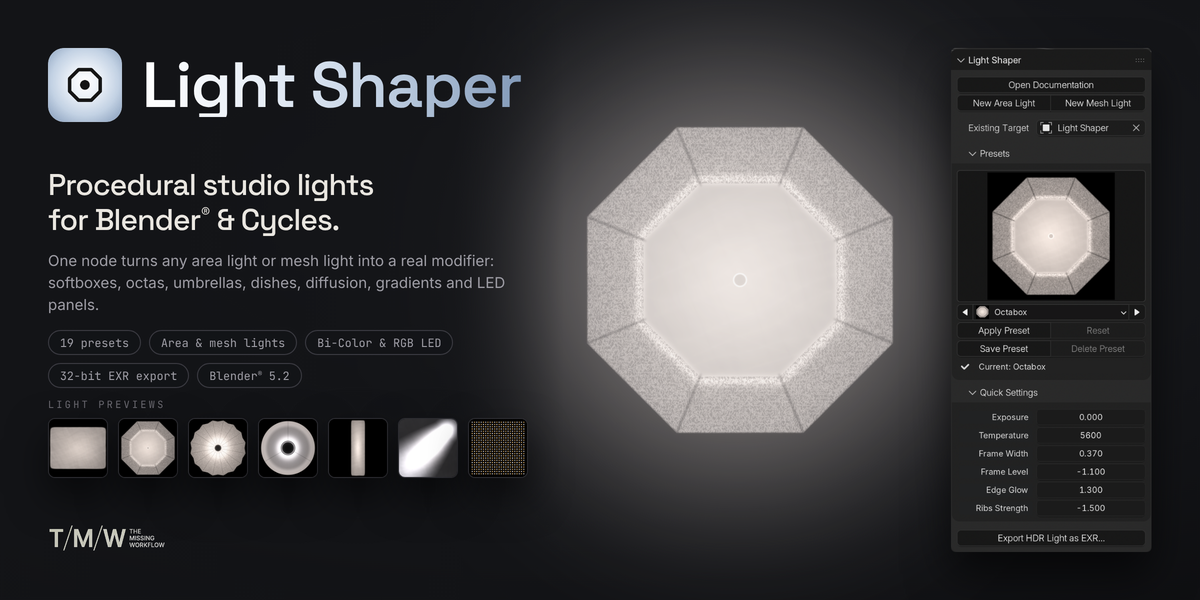
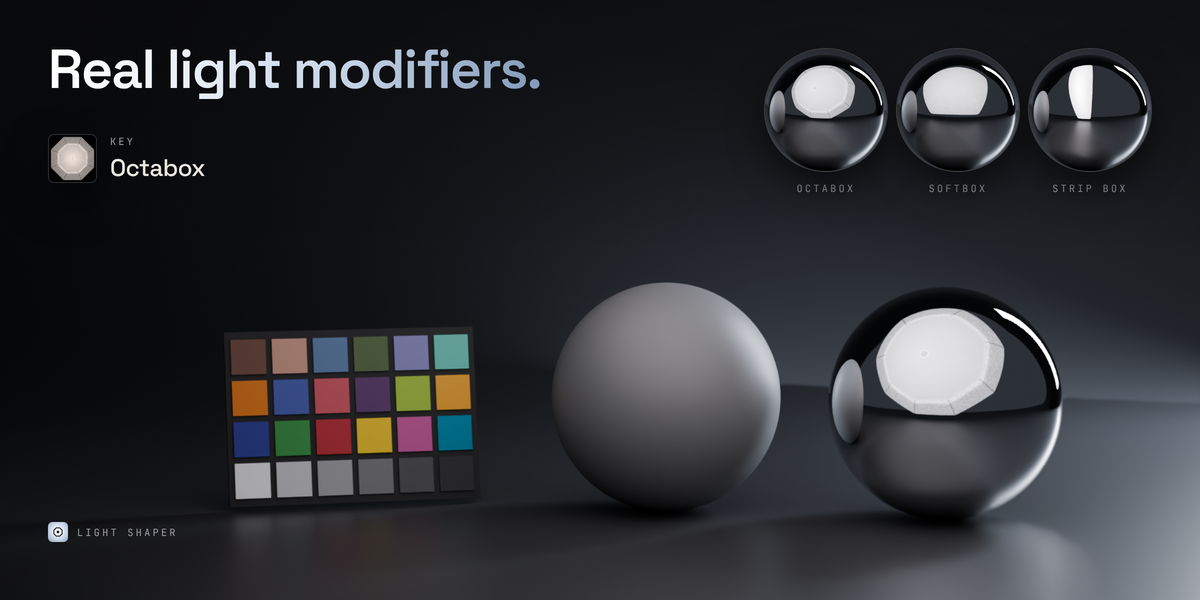
Light Shaper transforms Area lights and emissive meshes into procedural photographic light modifiers, bringing the characteristics of real-world lighting equipment directly into Blender® and Cycles.
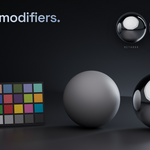
Build softboxes, strip boxes, octaboxes, umbrellas, beauty dishes, reflectors, diffusion frames, grids, LED panels and more. Adjust their shape, intensity, color, diffusion and light distribution with controls designed around real photographic equipment.
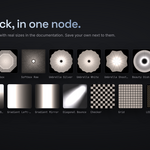
A complete procedural lighting system. No image textures required.
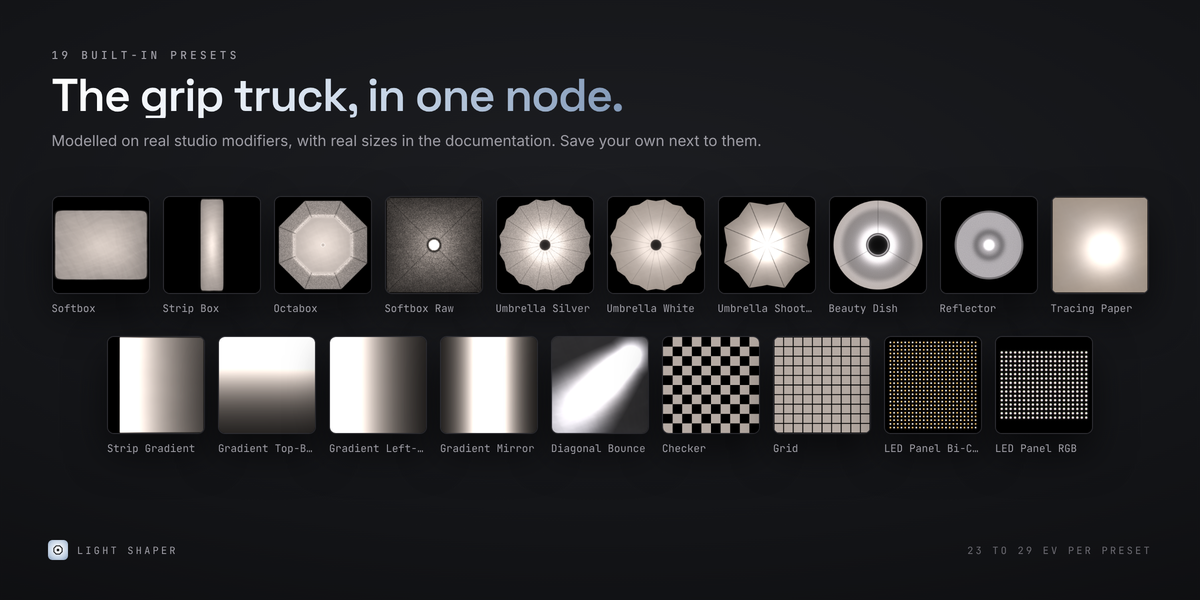
19 CALIBRATED LIGHTING PRESETS
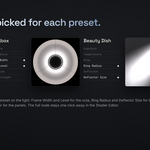
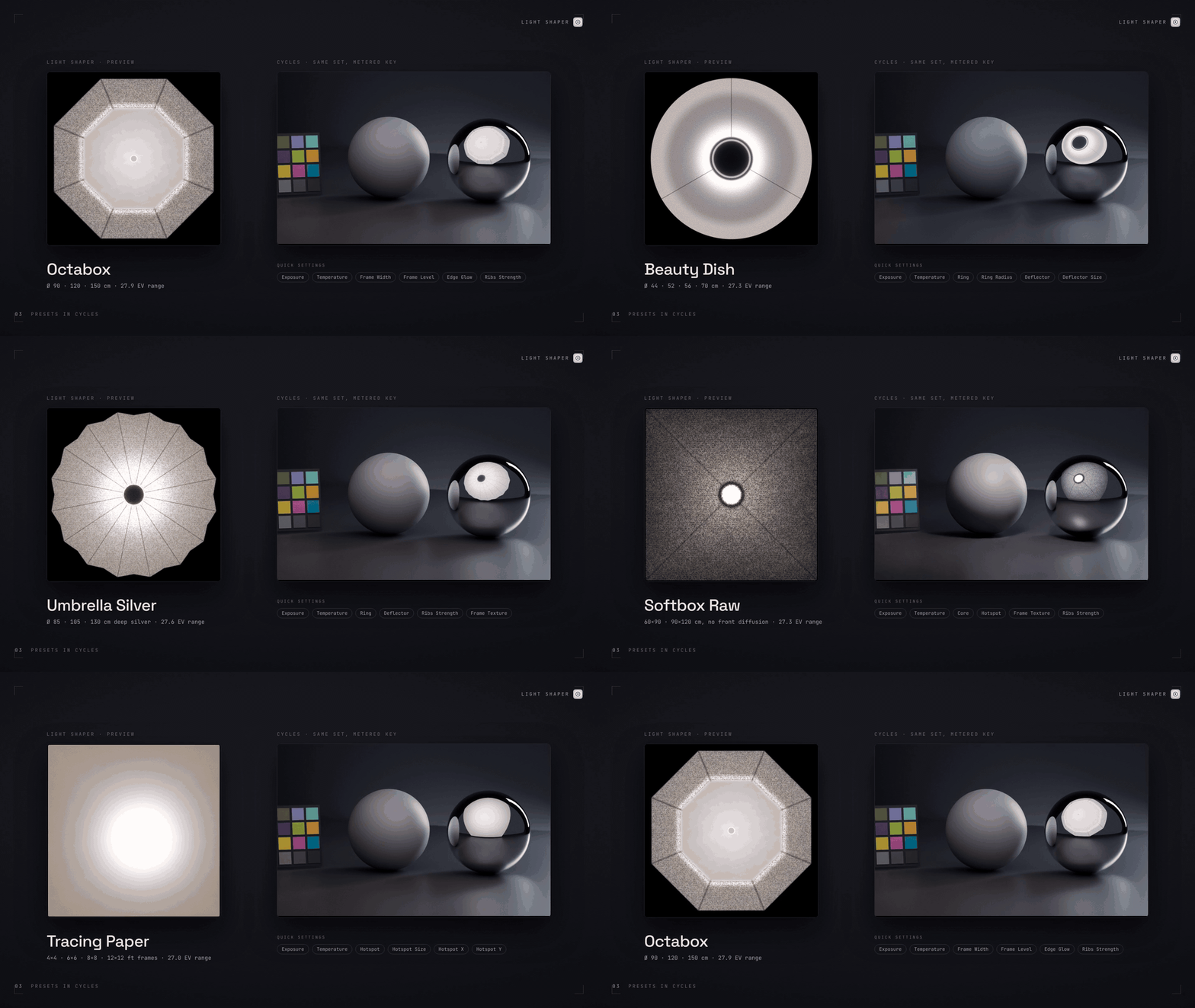
Start with a carefully designed collection of photographic modifiers, covering a wide range of lighting setups and production needs.
From conventional softboxes and strip boxes to umbrellas, beauty dishes, reflectors, diffusion frames, grids and specialized lighting effects, each preset provides a practical starting point for building your lighting setup.
The presets are calibrated against 32-bit HDR captures of real modifiers and published measurements, translating real-world lighting characteristics into a procedural system.
Each modifier can be further customized through its dedicated parameters, without being limited to the original preset.
EVERYTHING YOU NEED, NOTHING YOU DON'T
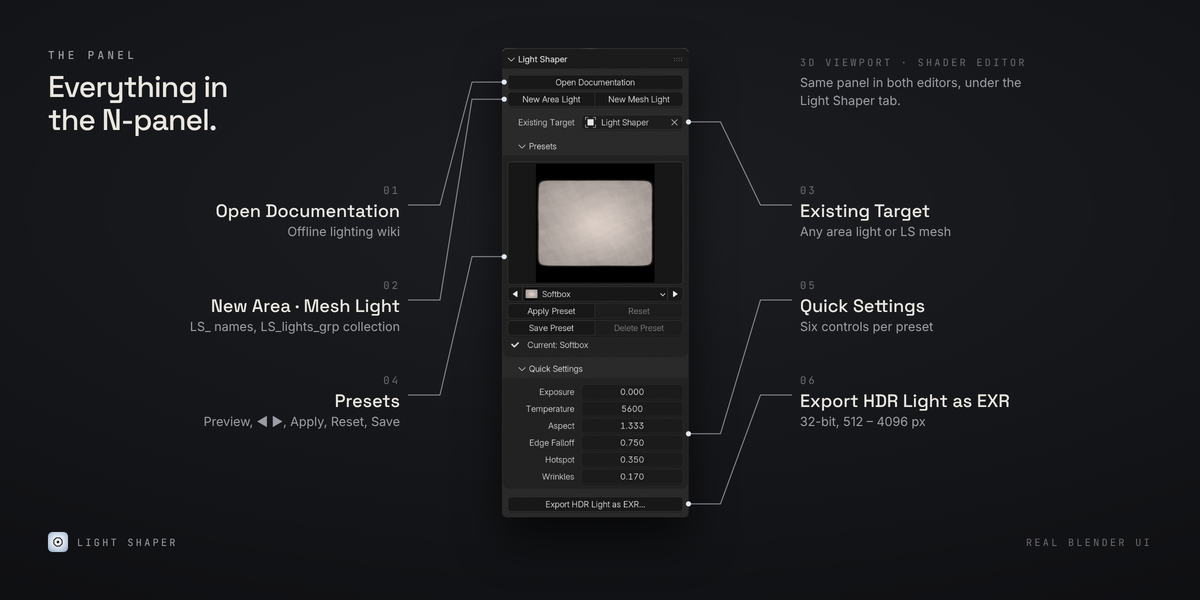
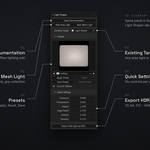
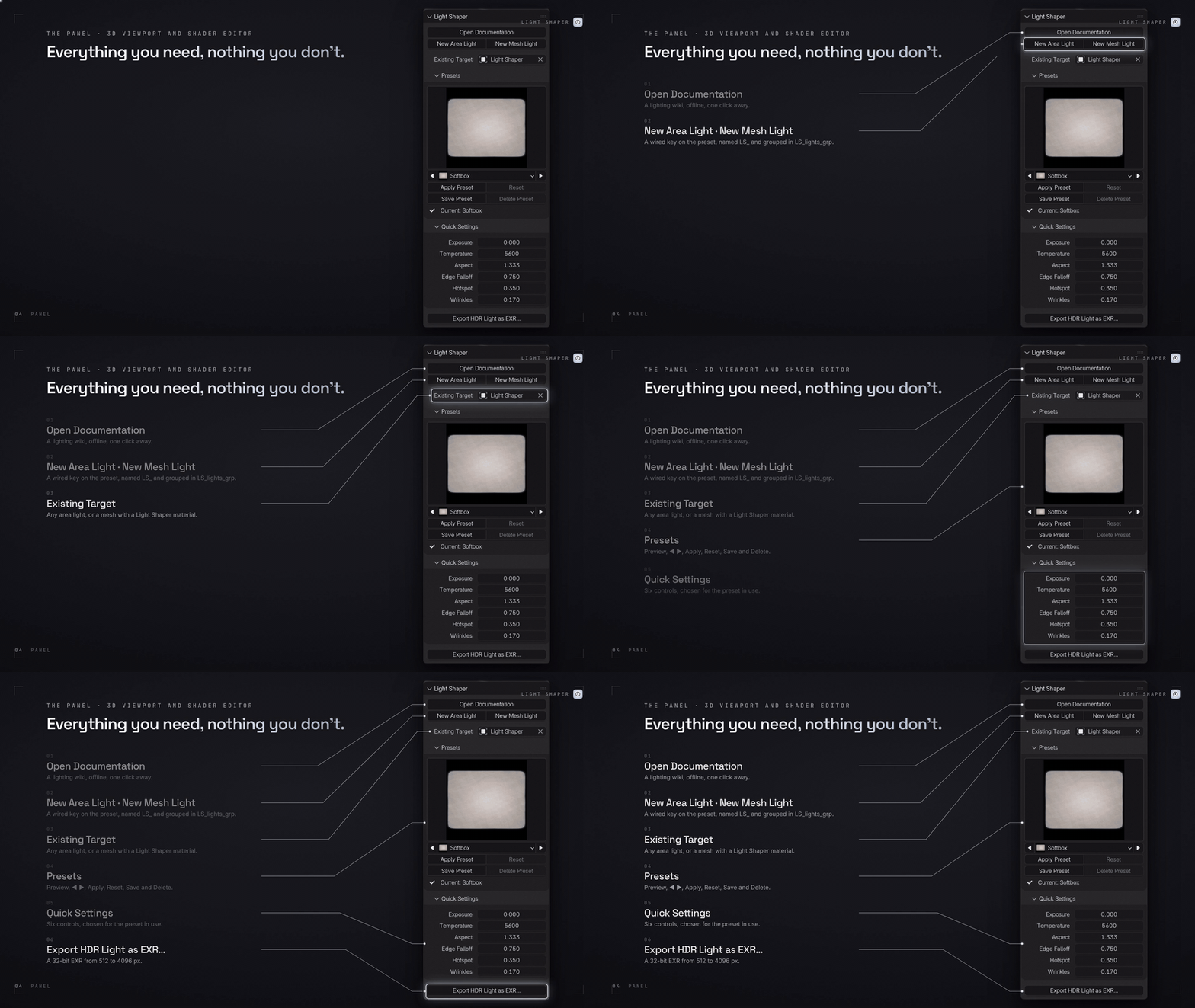
Light Shaper integrates directly into Blender® through a dedicated panel available in both the 3D Viewport and Shader Editor.
Create a new Area Light or emissive Mesh Light, or select an existing compatible light using Blender®'s standard object selector or eyedropper.
New lights are automatically configured with the selected preset and connected to the procedural Light Shaper node. Mesh lights are created with the required material and node connections already in place.
Choose a preset, adjust its parameters and continue working in your existing scene. No external applications, image maps or additional dependencies.
SEE EVERY LIGHT BEFORE YOU APPLY IT
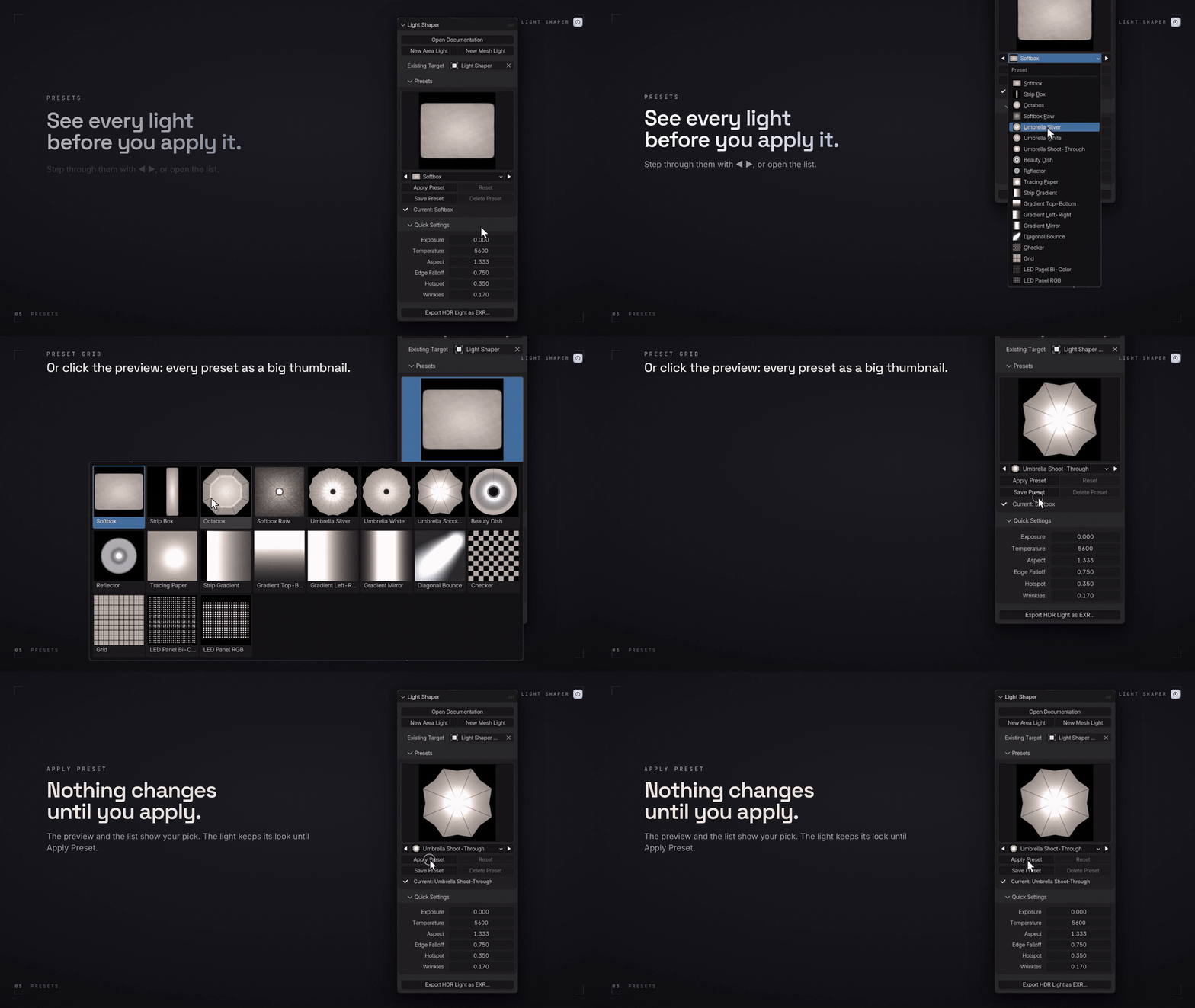
The preset browser gives you a visual overview of the available modifiers through a thumbnail grid, with previous/next navigation and a searchable-by-name style dropdown selection.
Selecting a preset does not immediately overwrite your current light. Changes are applied only when you explicitly choose Apply Preset.
When a preset is applied, Light Shaper updates the procedural node with its corresponding values, giving you a clean starting point for further adjustments.
EDITED VALUES ARE NEVER LOST SILENTLY
Changing presets or resetting a modifier can replace existing adjustments. Light Shaper makes those changes explicit.
If the current modifier contains edited values, a confirmation dialog displays exactly what will be replaced, listing each changed parameter as preset → current.
You always know what is about to change before confirming. Every operation is undoable with Blender®'s standard Ctrl+Z.
A LIGHTING WIKI, BUILT IN
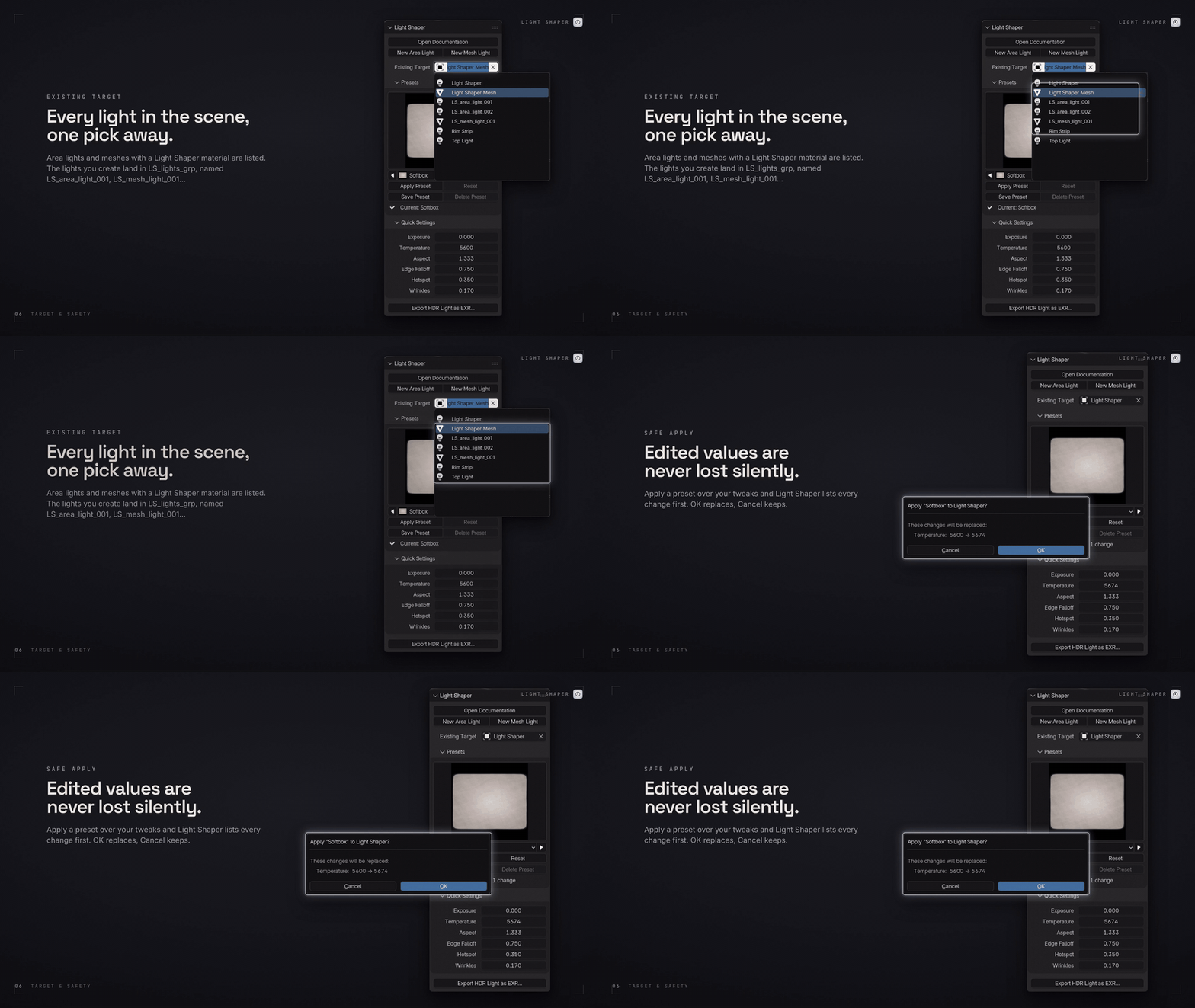
Light Shaper includes dedicated offline HTML documentation, accessible directly from the add-on.
Explore the complete parameter reference, understand how each modifier works and learn the fundamentals behind photographic lighting.
The guide also includes a dedicated Lighting Like a DoP section, covering modifier characteristics, color temperature, mired values, gels and practical lighting considerations.
No internet connection required. The documentation stays available alongside the add-on.
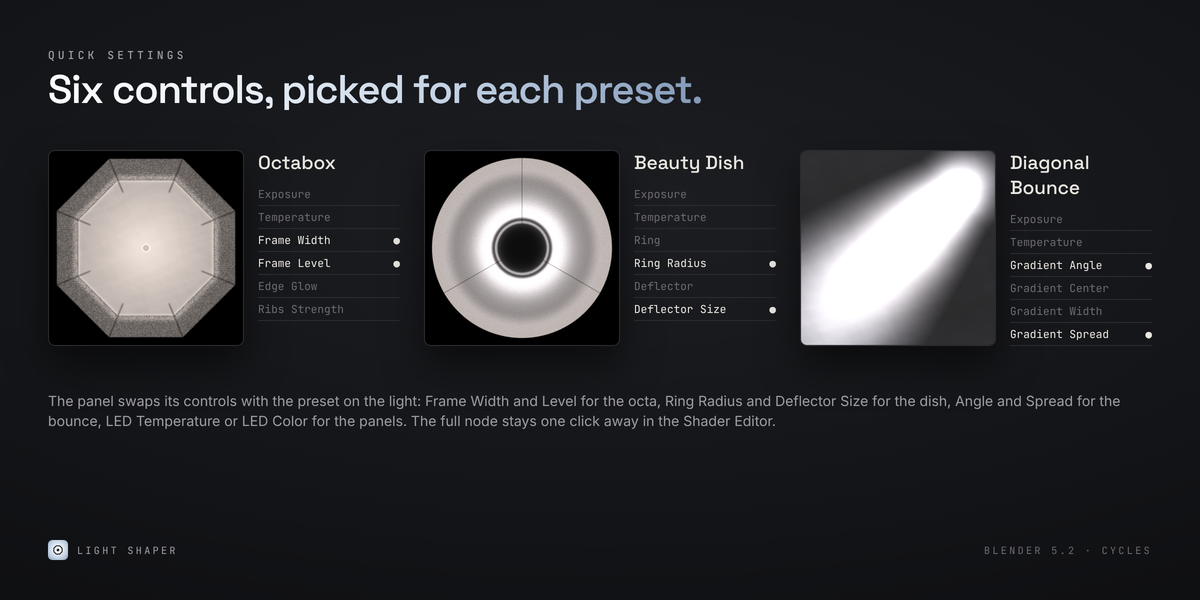
QUICK SETTINGS FOLLOW THE PRESET
Access the most relevant controls directly from the panel without opening the complete node setup.
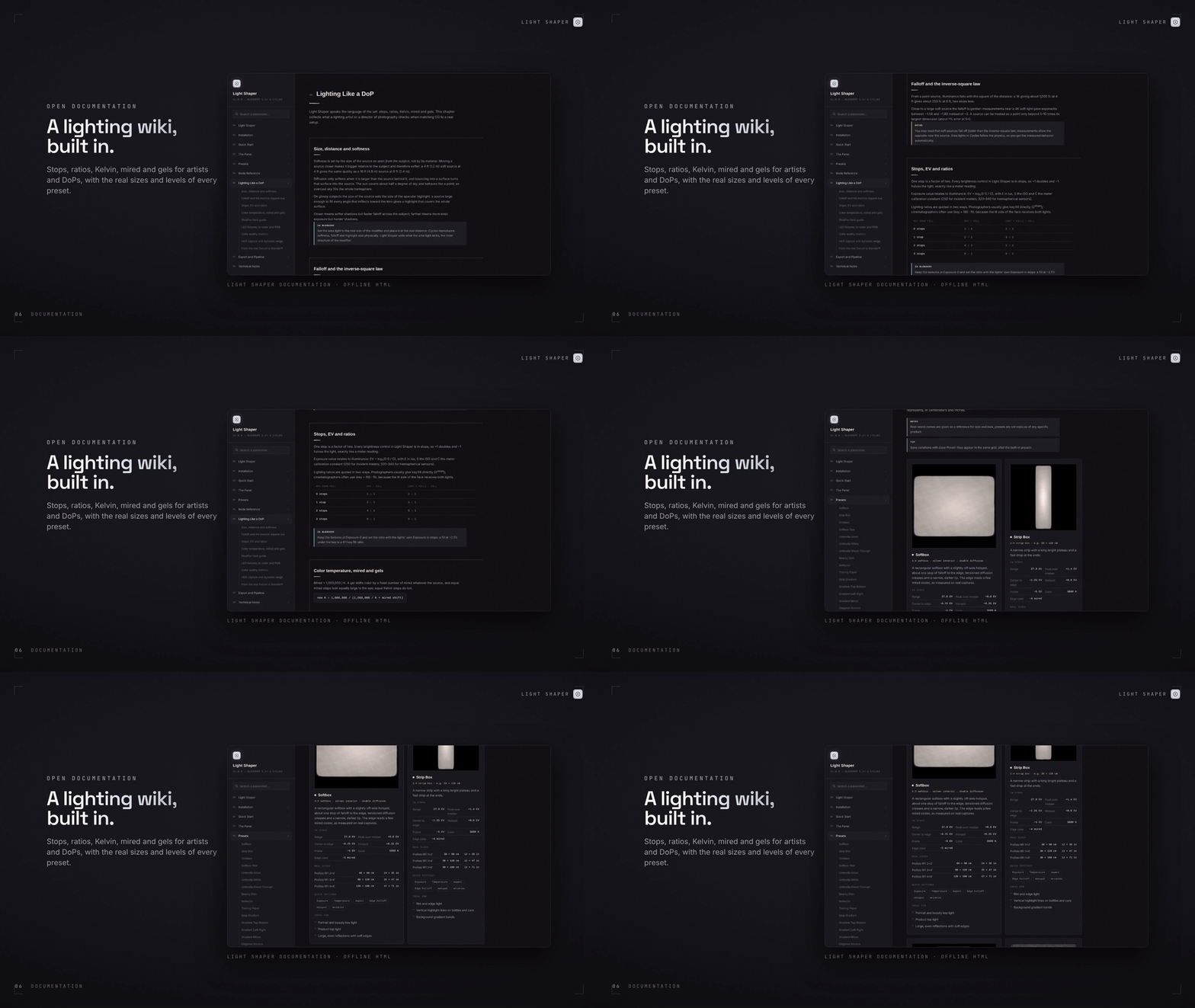
Quick Settings provide up to six preset-dependent controls. Exposure is always available first, followed by the relevant color control: Temperature, Bi-Color LED Temperature or LED Color.
The remaining controls adapt to the selected modifier, exposing the parameters that matter most for that specific light.
Fine-tune the size and configuration of an octabox, adjust the ring and deflector of a beauty dish, or control the head, tail and spread of a Diagonal Bounce.
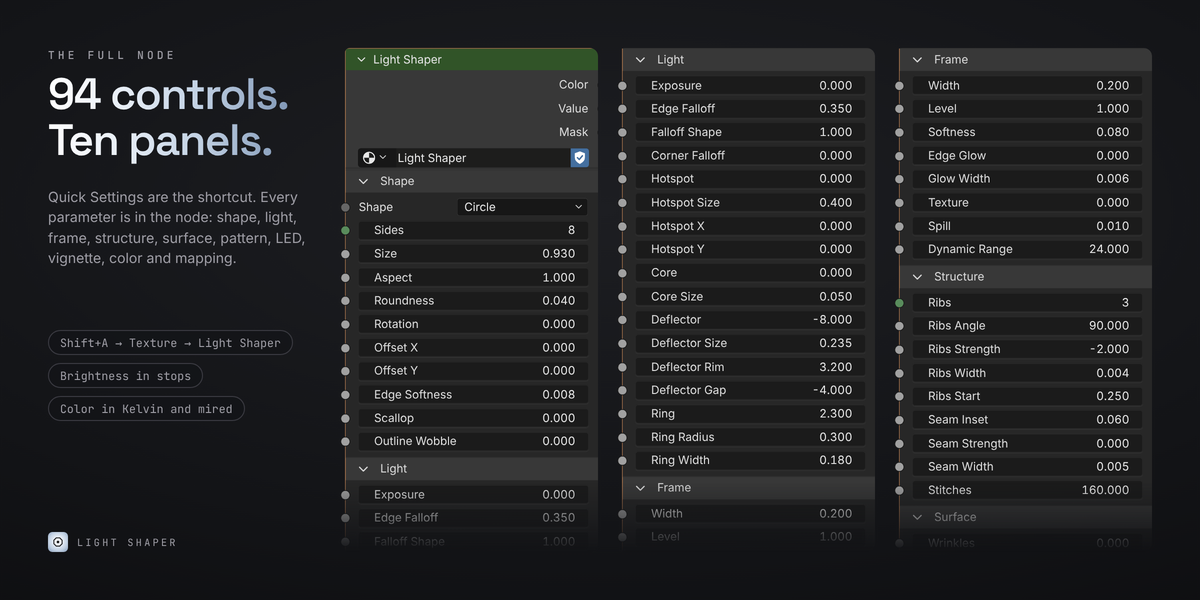
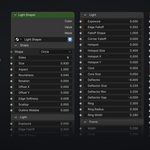
For complete control, every parameter remains accessible in the Shader Editor.
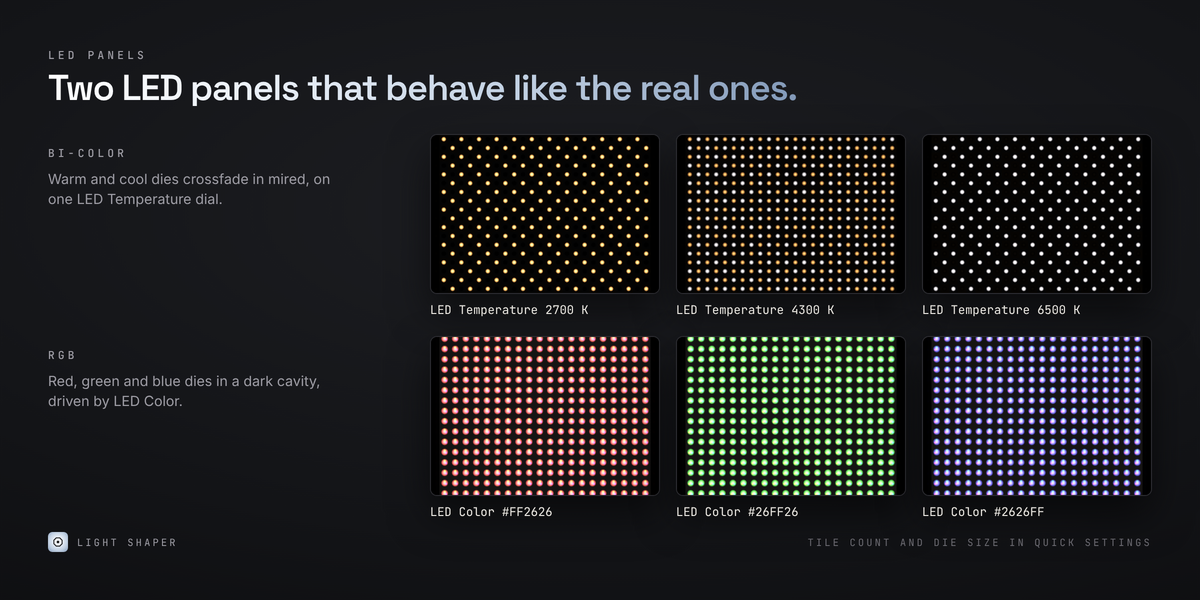
LED PANELS THAT ACT LIKE REAL ONES
Light Shaper includes dedicated LED panel configurations, going beyond a simple colored emission surface.
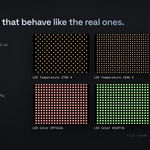
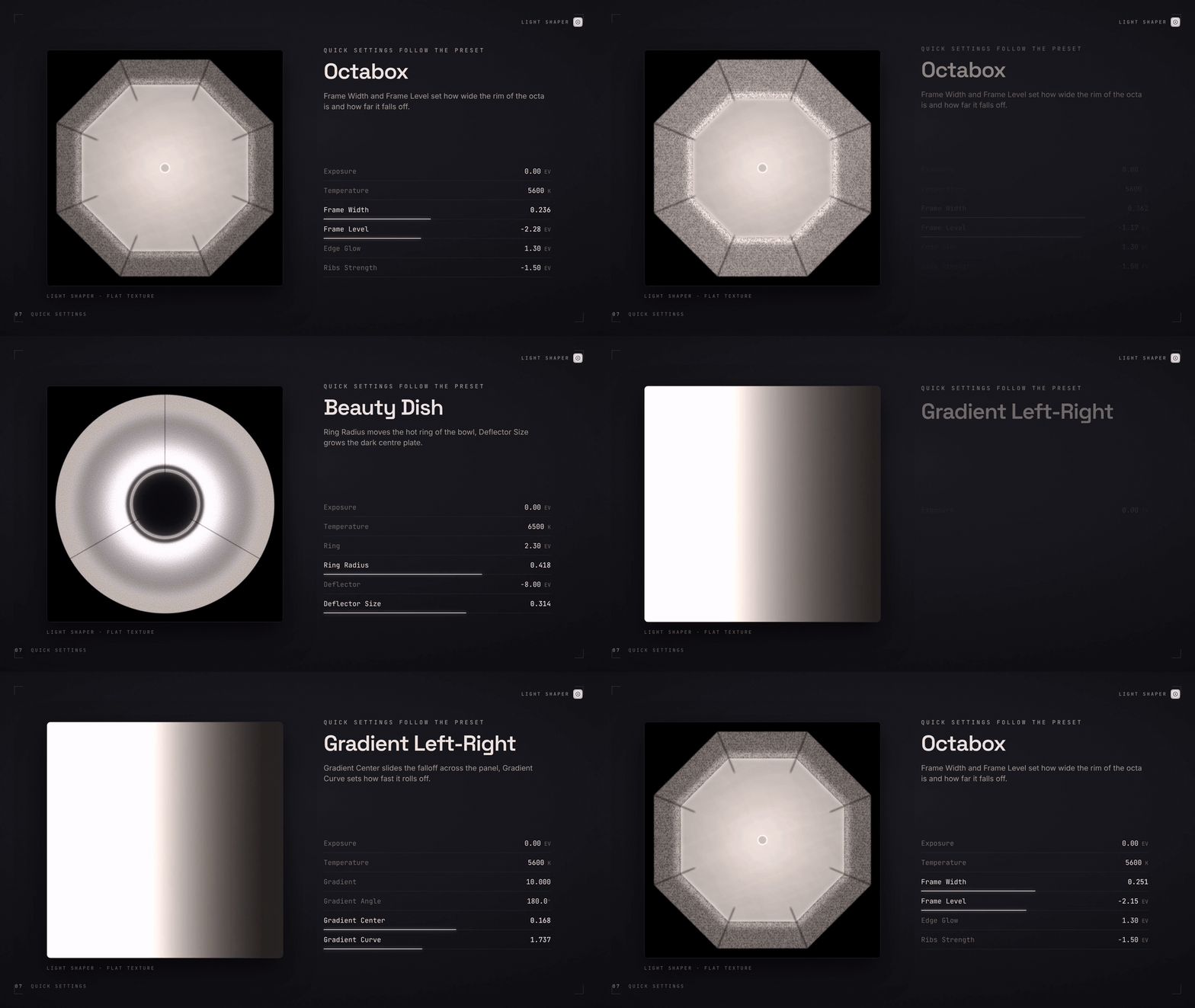
Bi-Color LED combines warm and cool emitters, allowing you to mix color temperatures using a physically meaningful mired-based approach.
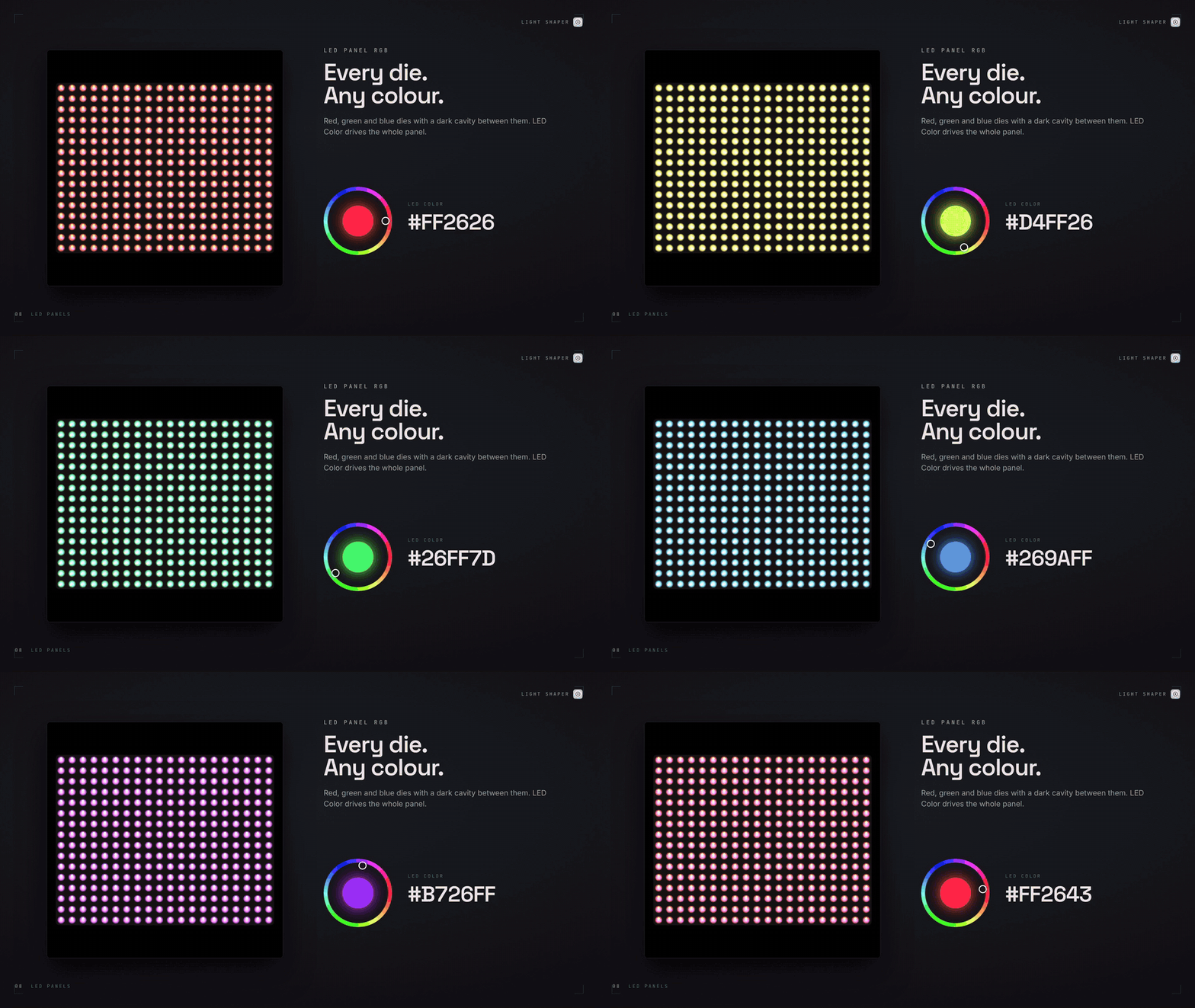
RGB LED uses separate red, green and blue emitters, with individual controls for tile count, die size and falloff.
These configurations are designed to reproduce the visual behavior of LED fixtures, including their individual emitters and characteristic appearance in reflections.
REAL HIGH DYNAMIC RANGE
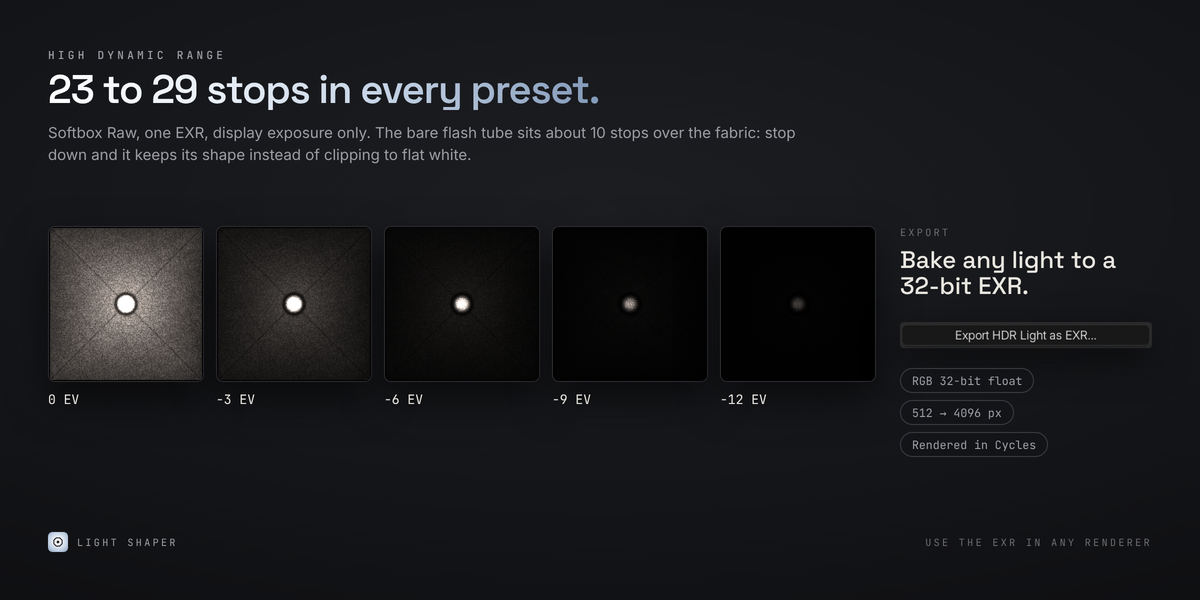
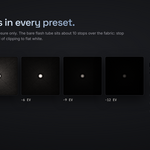
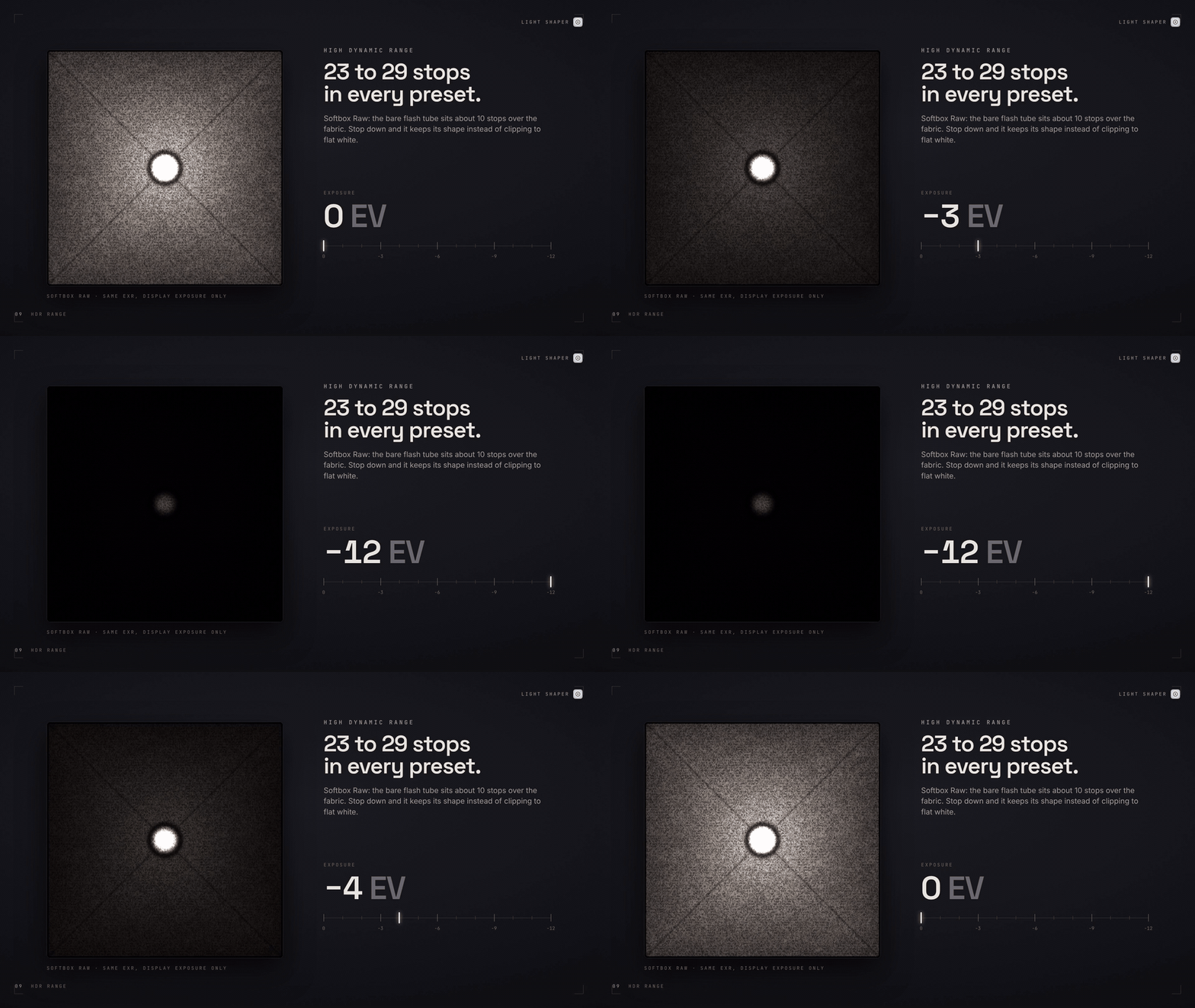
Light Shaper is built around high dynamic range values, preserving the difference between the brightest and darkest emitting areas of a modifier.
Its dynamic range floor guarantees a minimum of 22 EV, while individual presets provide ranges between 23 and 29 EV.
This is particularly important for modifiers with exposed light sources, LED arrays and complex internal structures, where preserving the intensity relationships between different areas is essential.
The Softbox Raw preset, for example, reproduces the strong difference between a bare flash tube and the diffusion fabric in front of it.
No image textures, no resolution limitations and no clamping of the procedural light distribution.
MAKE IT YOURS
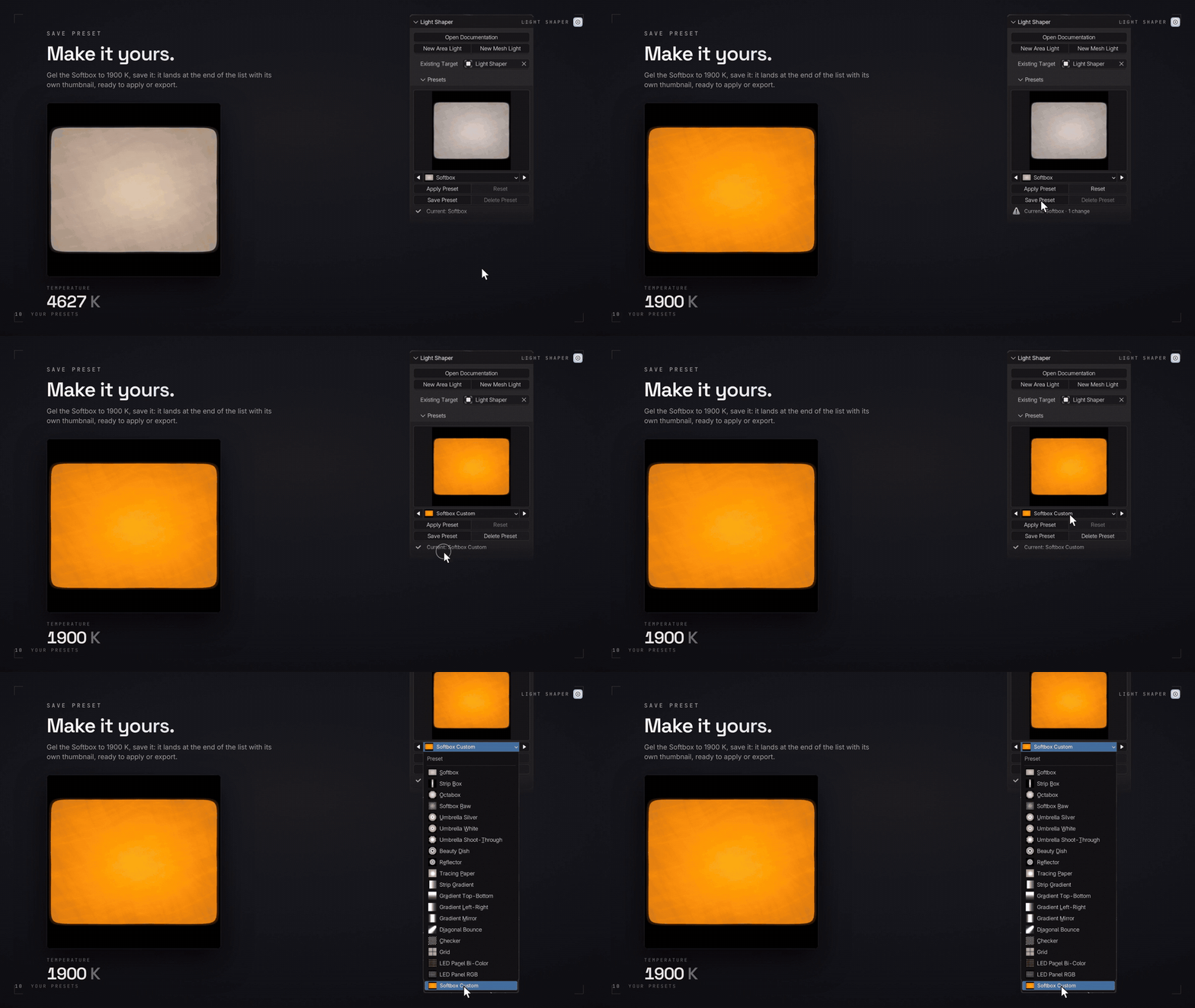
Every preset can be customized and saved as your own user preset.
Use Save Preset to store the current modifier configuration as a JSON preset with its own automatically generated PNG thumbnail.
Your custom presets remain available across add-on updates. Existing presets with the same name are replaced when saving, while the built-in presets remain protected.
Build your own modifier library around the lighting setups and production requirements you use most.
BAKE ANY LIGHT TO A 32-BIT EXR
Need to use your custom light modifier outside Blender®?
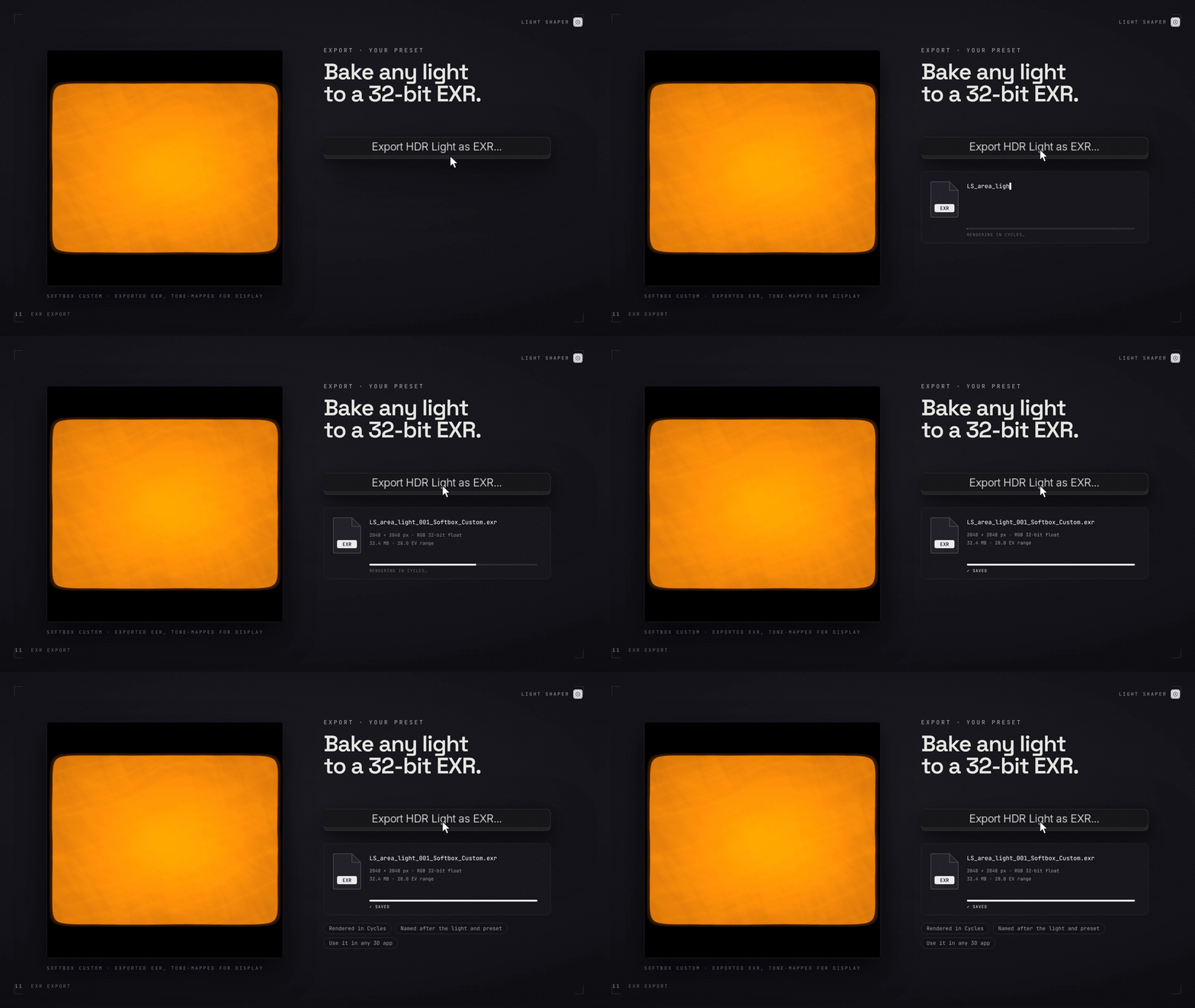
Light Shaper can export its procedural result as a 32-bit floating-point OpenEXR texture, ready to be used in other applications and rendering environments.
Choose between 512, 1024, 2048 and 4096 px resolutions. The exported image uses scene-linear RGB values, ZIP compression and preserves the full unclamped HDR intensity range.
Use the resulting EXR as a texture for your own lighting setups, including textured Area Lights and emissive meshes in external applications or renderers.
A procedural modifier in Blender®. A reusable HDR light texture anywhere else.
REQUIREMENTS
- Blender® 5.2 or later.
- Cycles render engine.
- Compatible with CPU and GPU rendering.
- Supports Area Lights and emissive meshes.
- Point and Spot lights are not supported because they do not provide the UV coordinates required by the procedural modifier.
LICENSE
The add-on code is released under the GNU General Public License v3 (GPL-3.0-or-later).
The Light Shaper node group, built-in presets, preset thumbnails and documentation are proprietary and all rights reserved.
Blender® is a registered trademark of the Blender® Foundation. Light Shaper is an independent product and is not affiliated with, sponsored by, or endorsed by the Blender® Foundation.
The Missing Workflow
Light Shaper is an independent tool designed and developed by Danilo Caliro as part of The Missing Workflow, an independent R&D project focused on developing professional tools and workflows for 3D artists.
From the procedural lighting system to the presets and documentation, Light Shaper is entirely developed and maintained by its creator.