Light Shaper for Blender® and Cycles
 Danilo Caliro
LIGHT SHAPER — QUICK DOCUMENTATION
Procedural HDR Light Modifiers for Blender®
WHAT IT DOES
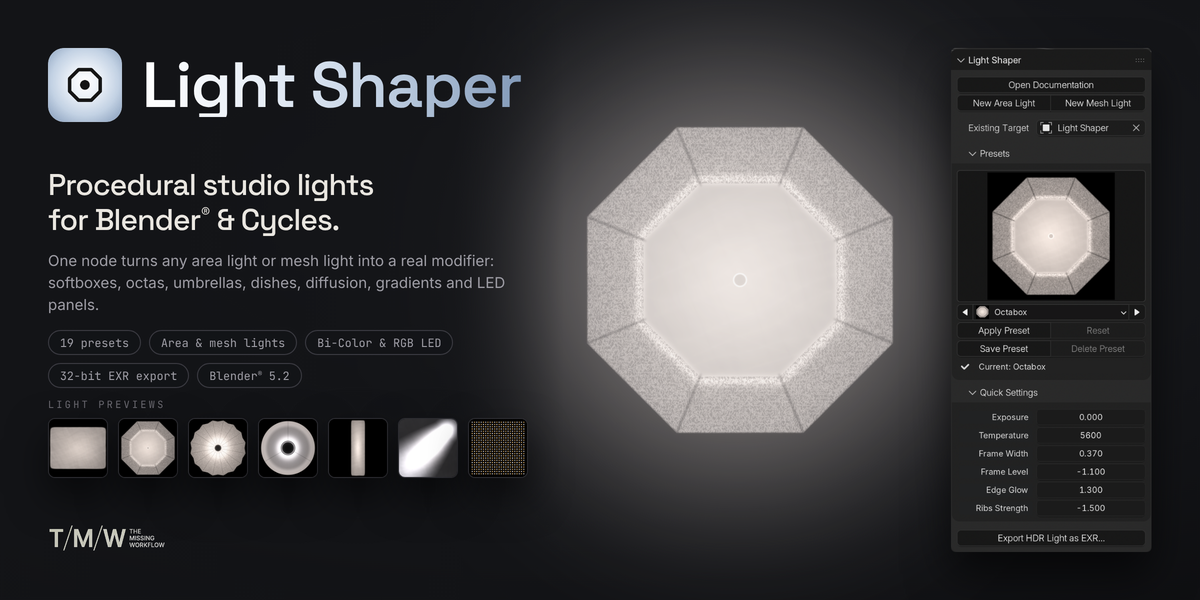
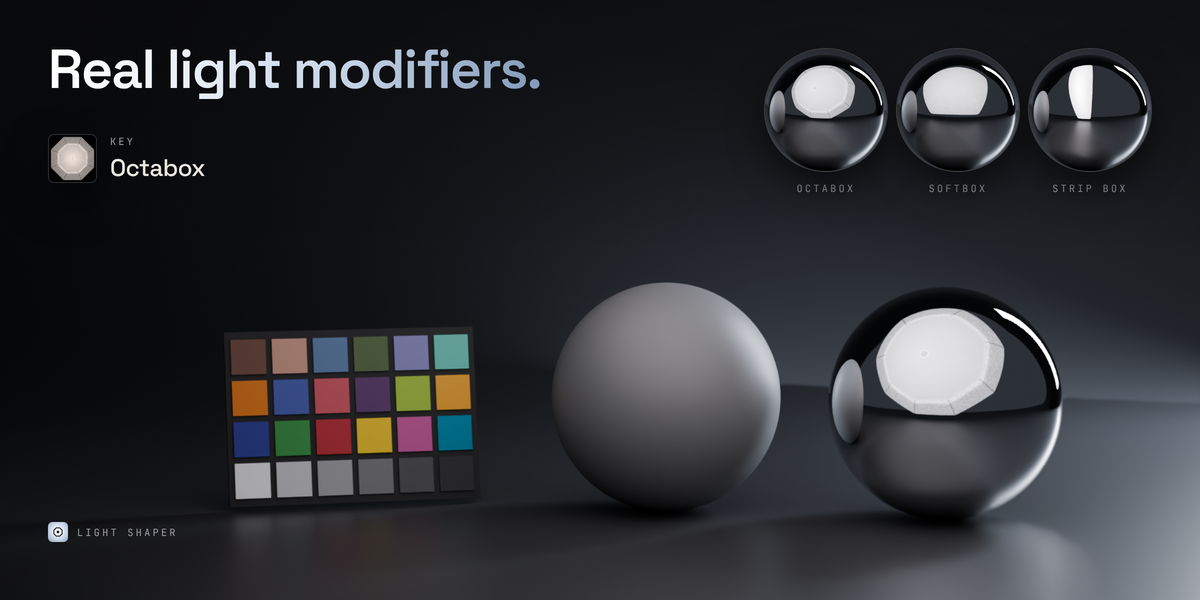
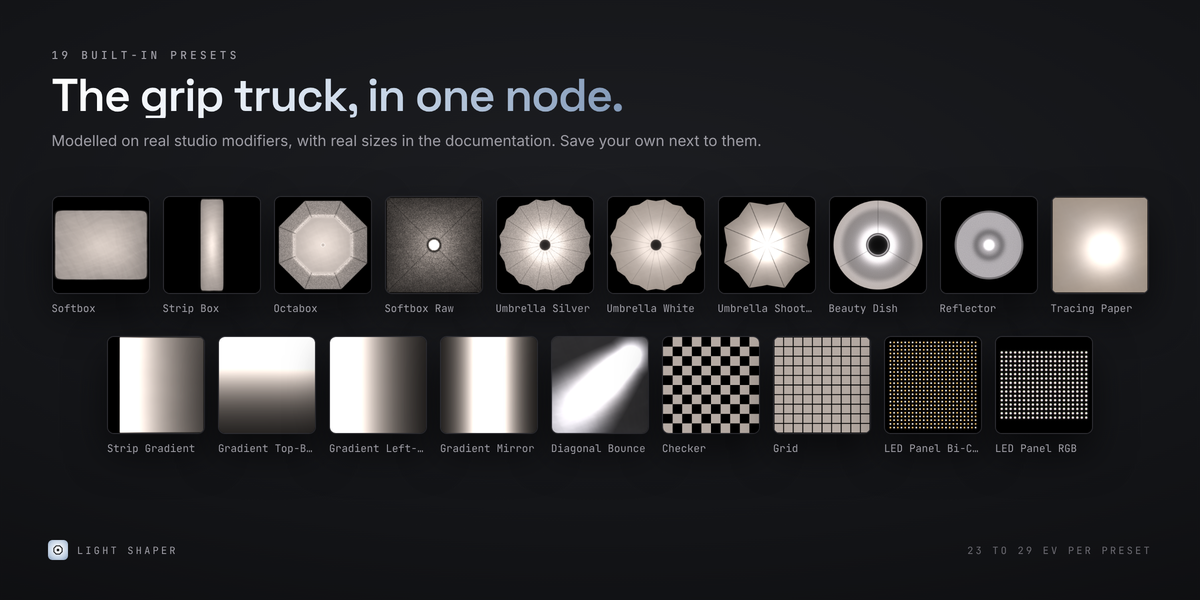
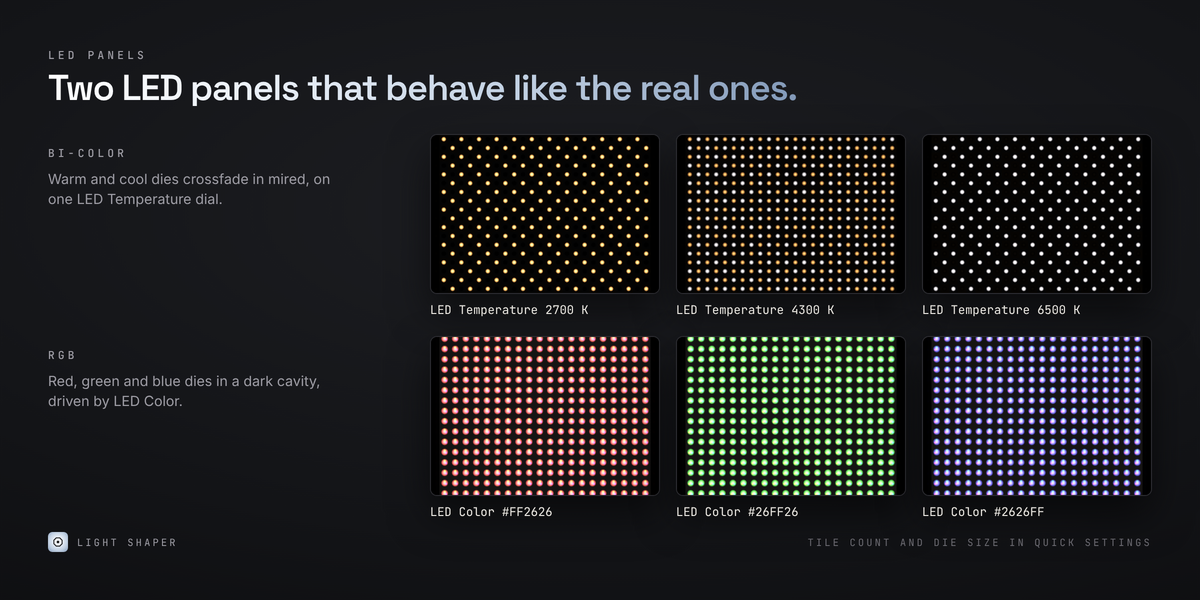
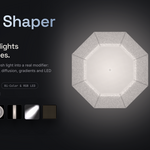
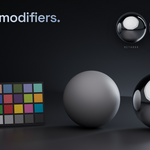
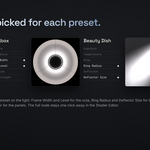
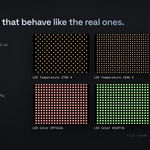
Light Shaper turns any Area Light or emissive mesh into a photographic light modifier: softboxes, strip boxes, octas, umbrellas, beauty dishes, reflectors, diffusion, gradients and LED panels.
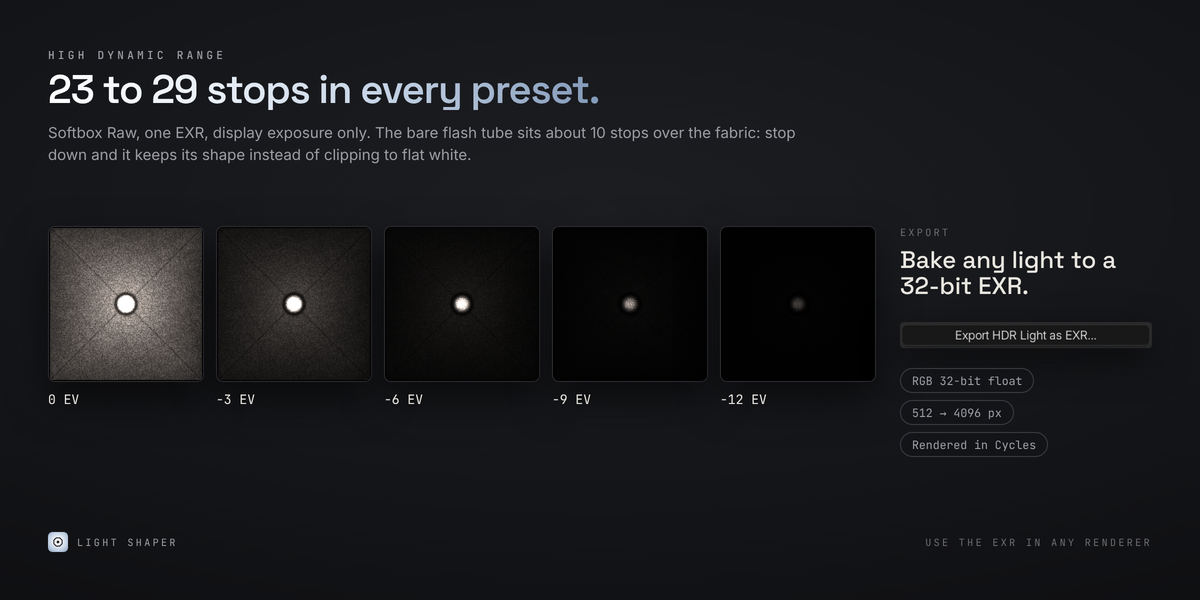
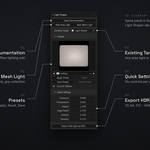
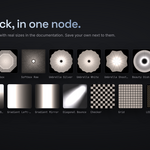
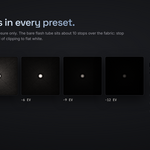
It uses a single procedural node with 19 calibrated presets and 23 to 29 stops of HDR range. A dedicated sidebar panel lets you create or select lights, browse and apply presets, fine-tune their settings, save your own presets and export lights as 32-bit EXR files.
REQUIREMENTS
- Blender 5.2 or newer
- Cycles (CPU or GPU)
- No external dependencies
INSTALLATION
- Download light_shaper-1.0.0.zip. Do not unzip it.
- In Blender, open Edit → Preferences → Get Extensions.
- Open the drop-down menu at the top right and choose Install from Disk…
- Select the .zip file. Light Shaper is enabled right away.
You can also drag the .zip file directly onto the Blender window to install it.
Update: Install the new .zip using the same procedure. It replaces the previous version while keeping your user presets.
Uninstall: Go to Preferences → Add-ons → Light Shaper → Uninstall. Existing scenes remain functional because the node is stored inside each .blend file.
QUICK START
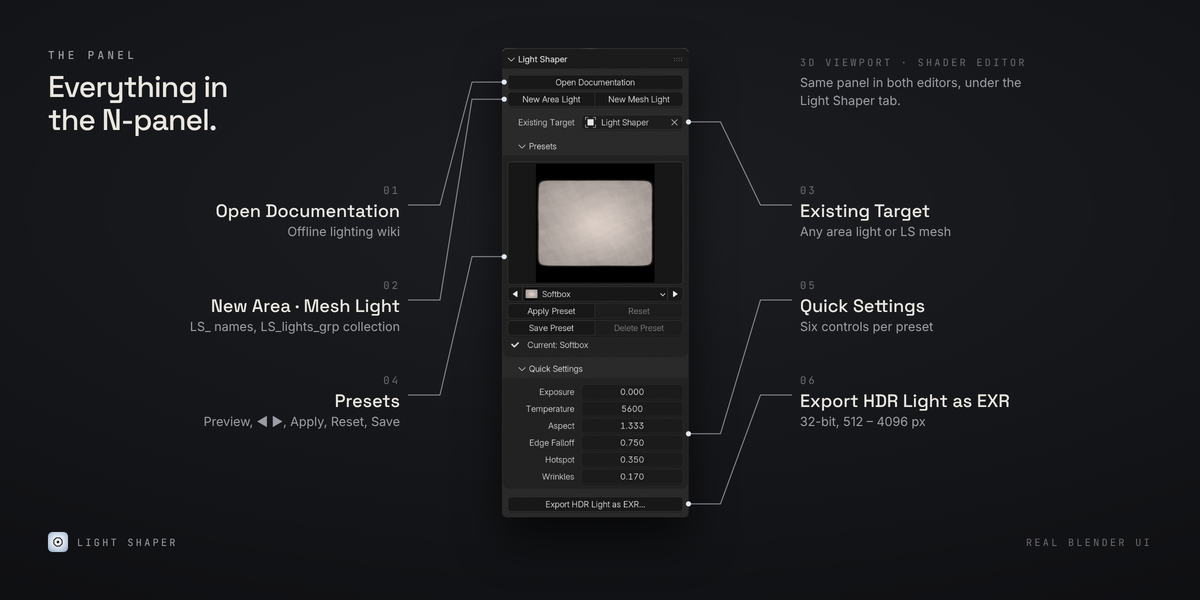
- Press N in the 3D Viewport or Shader Editor and open the Light Shaper tab.
- Choose a preset: click the large preview to open the preset grid, or browse using the ◀ ▶ arrows.
- Press New Area Light or New Mesh Light. The light is created as a key light, configured with the selected preset, named LS_area_light_001 or LS_mesh_light_001, and placed in the LS_lights_grp collection.
- To use an existing light, select it under Existing Target and press Apply Preset.
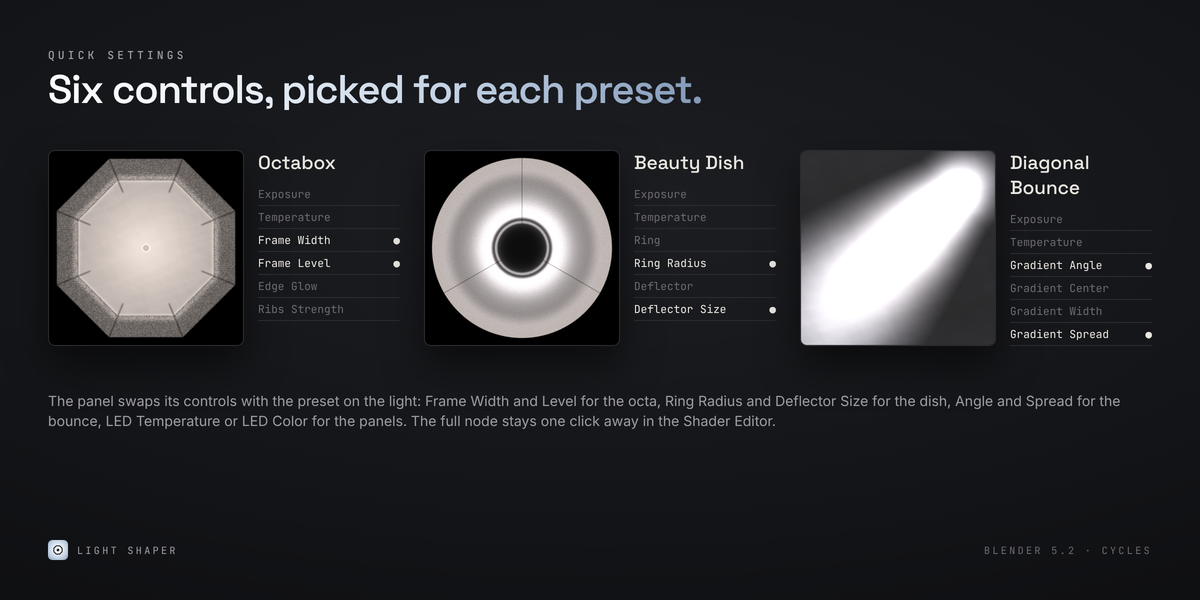
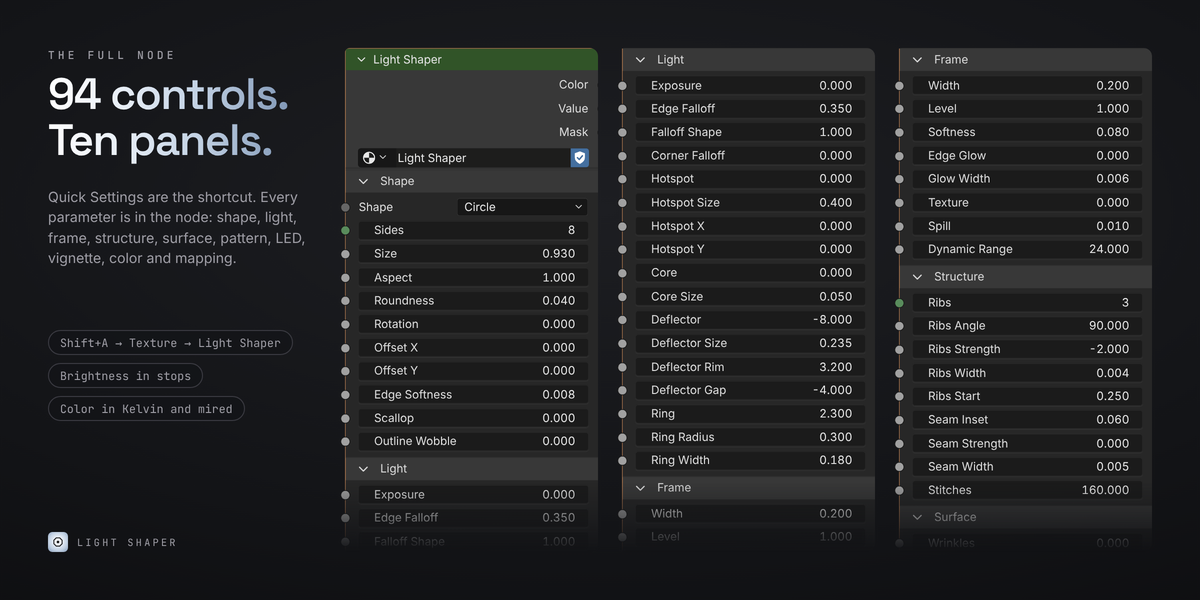
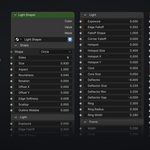
- Fine-tune the result using Quick Settings: six controls selected for each preset. All other parameters are available directly in the node through the Shader Editor.
- Use Save Preset to store your own version with a thumbnail. Choose Export HDR Light as EXR… to bake the light into a 32-bit EXR file (512–4096 px) for use in other 3D applications.
GOOD TO KNOW
- Camera visibility: Area lights are invisible to the camera by default. To see the modifier in your shot, enable Object → Visibility → Ray Visibility → Camera. It remains visible in reflections.
- Light shape: Use a Square Area Light shape and control its proportions with Aspect, so circles and LEDs retain their correct shape.
- Supported lights: Point and Spot lights are not supported because they have no UV coordinates to carry a texture.
FULL DOCUMENTATION
Press Open Documentation at the top of the Light Shaper panel to access the complete offline manual. It includes every node parameter, all presets with their real dimensions and light levels, and the Lighting Like a DoP guide.
Have questions about this product?
Login to message
| Blender Extension Compatible | Yes |
| Dev Fund Contributor | |
| Published | about 3 hours ago |
| Blender Version | 5.2 |
| Extension Type | Add-on |
| Render Engine Used | Cycles |
| License | GPL |
Discover more products like this
softbox Lighting panels ev led procedural light shaper hdr umbrella mesh Emission Beauty Dish