 Jonas Noell

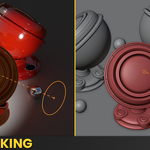
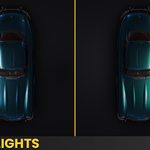
LIGHTBOX 1 Stop Lighting Solution for Blender
Real-time light previews, procedural softboxes, innovative light splitting, light linking tools, 130+ presets and so much more. Everything you need for studio-grade lighting, right inside Blender.
 Included: a full 1h+ tutorial video that explains every single feature, step by step.
Watch it here
 Feature Overview








Full Tutorial Video INCLUDED
 Feature List
LIGHTBOX comes in two versions. See what each one includes
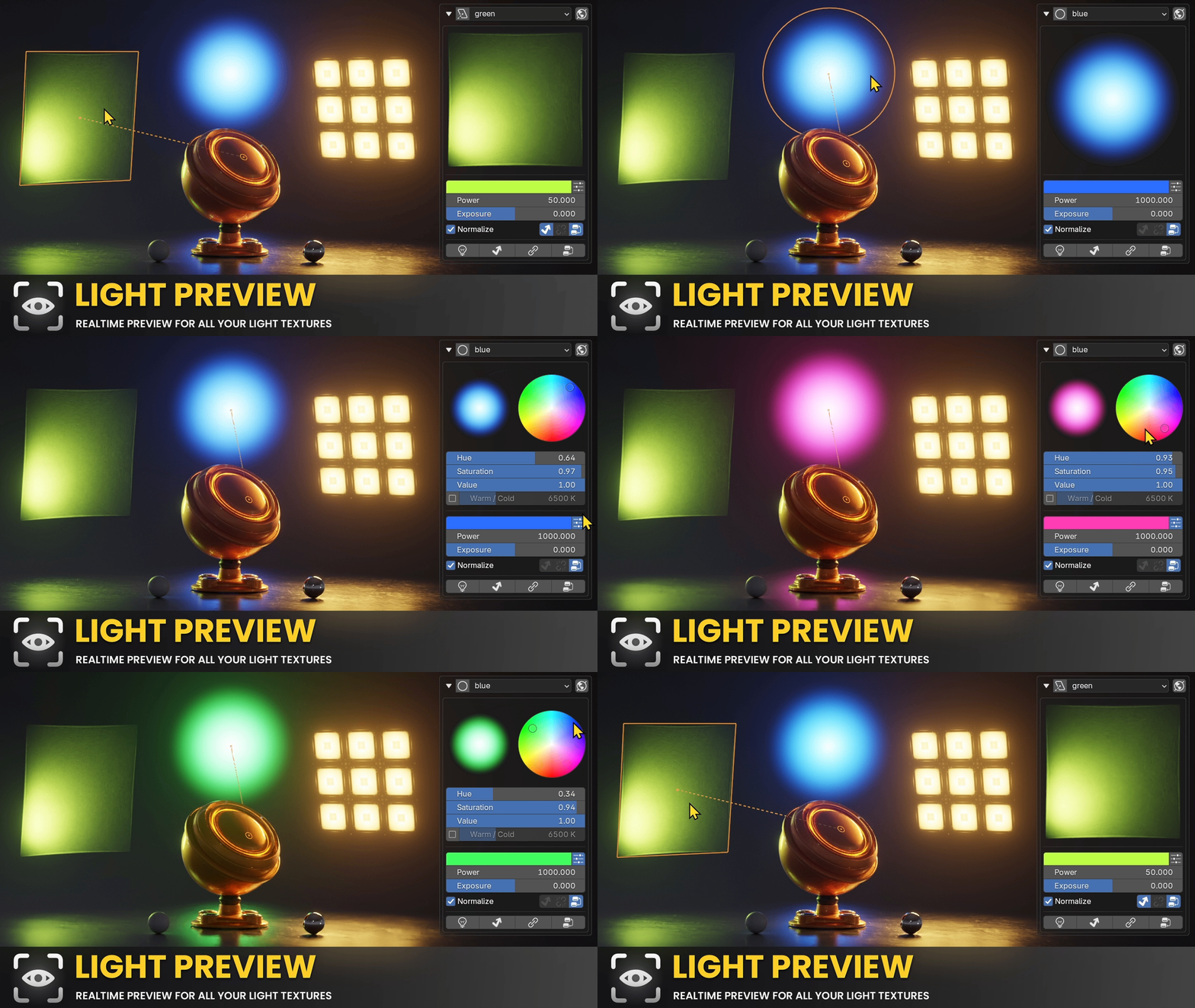
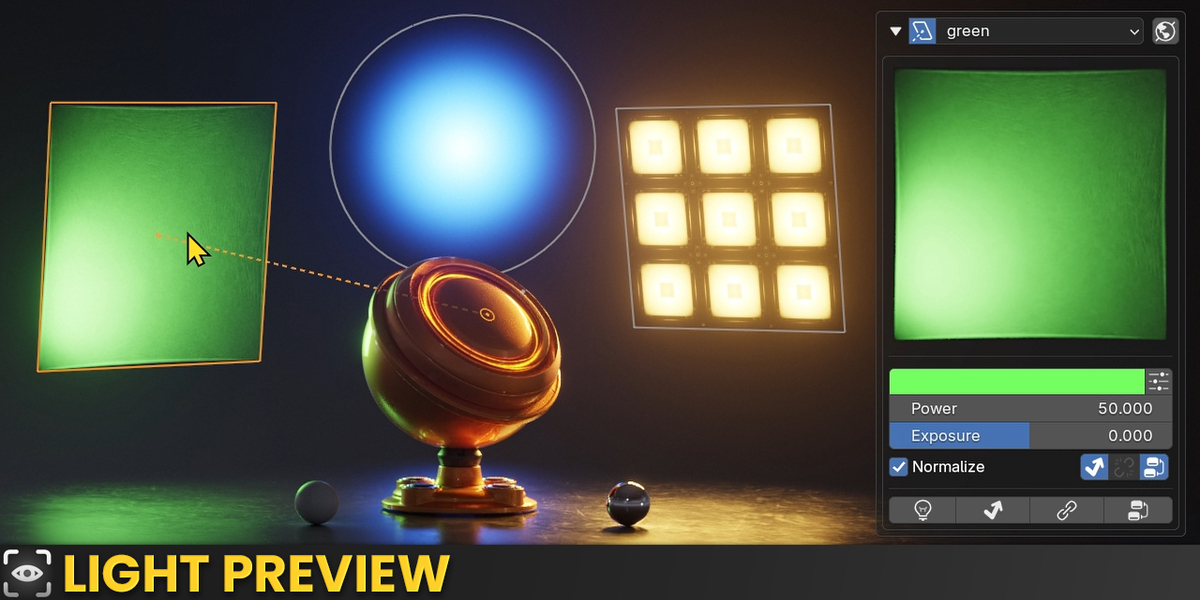
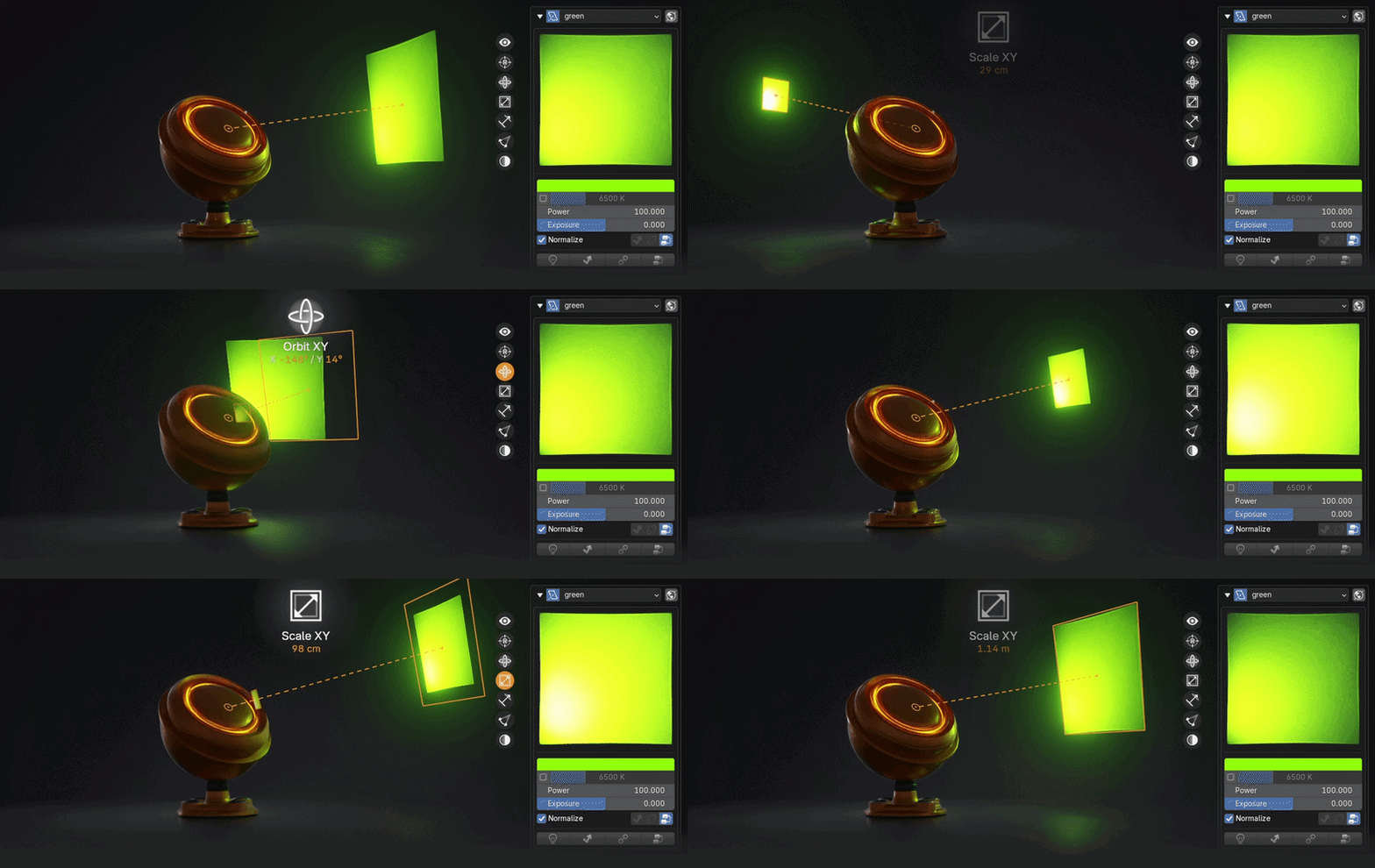
See your light textures in real time, a 1:1 match to the actual light, even when it's out of camera view. Whether you're tweaking textures or building custom shader nodes, the preview updates instantly. Works for Area and Spot Lights. ▶ Watch in the tutorial ↑
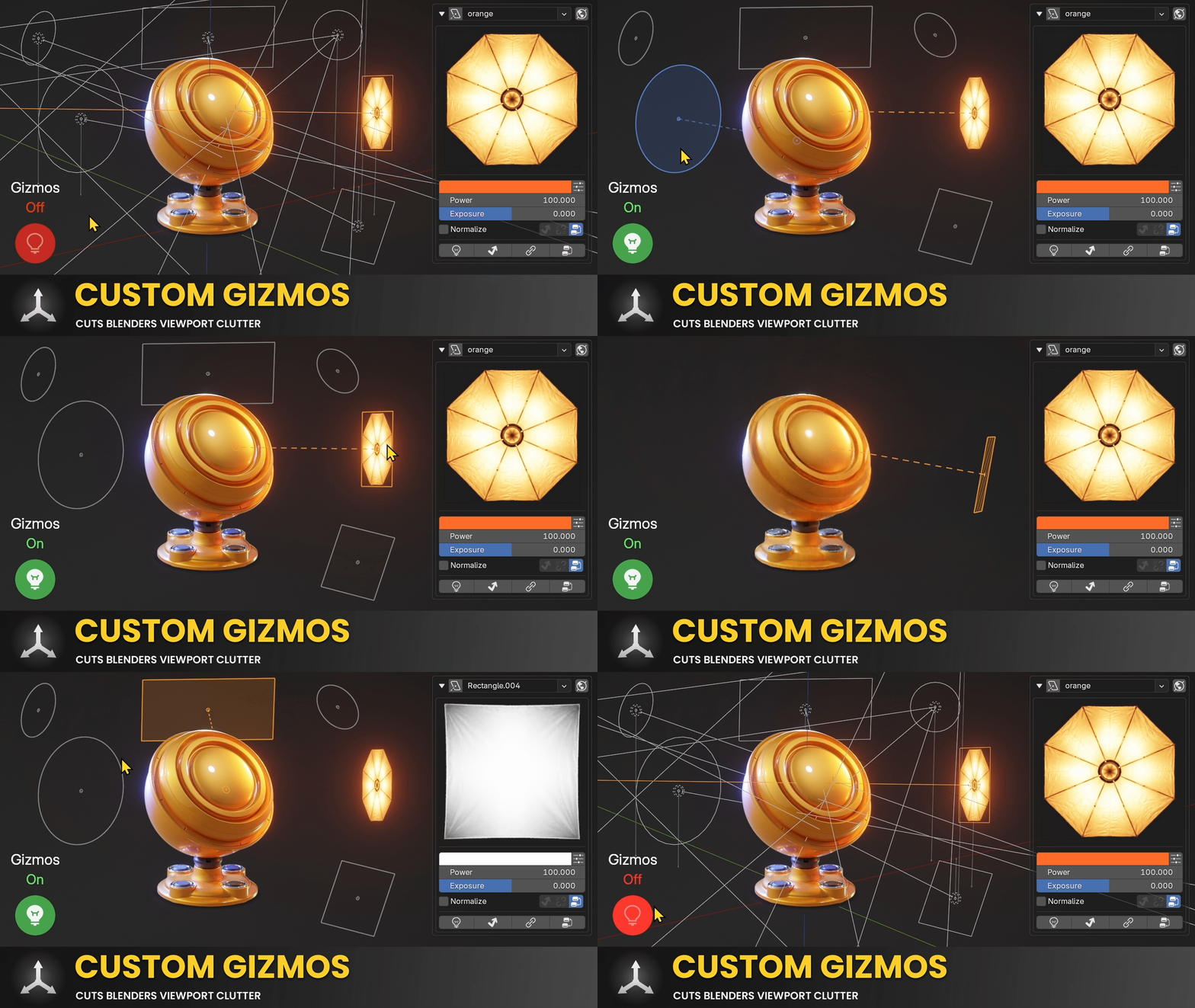
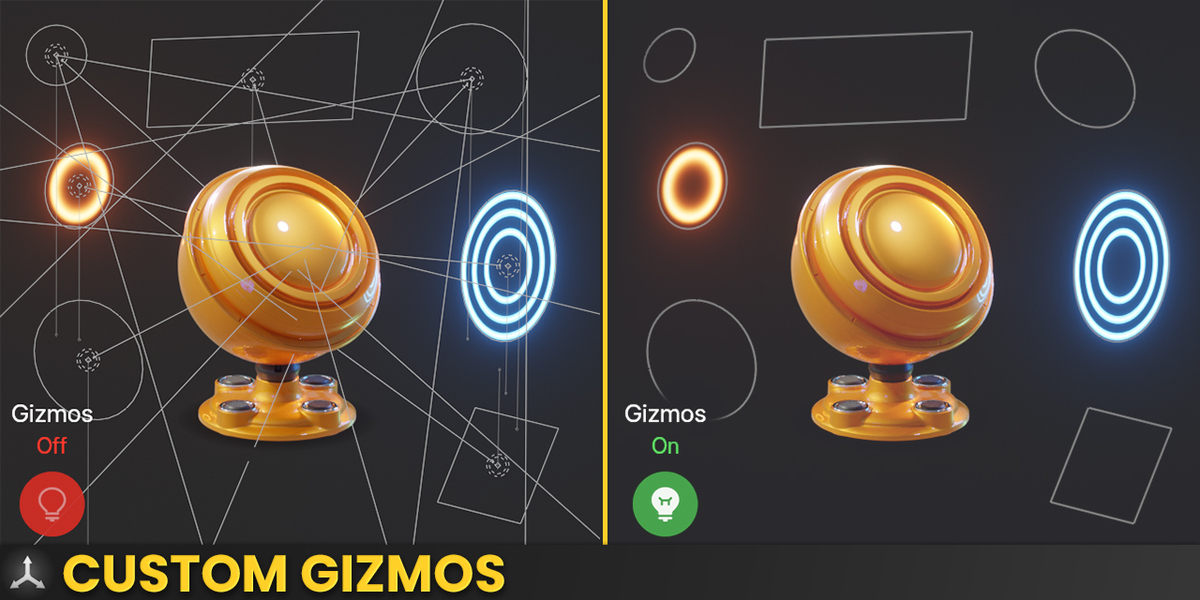
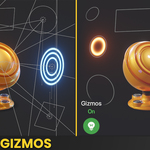
Our own gizmo system cuts down viewport clutter, surfacing only what you need: focus point, distance, texture preview, size, rotation, and more. ▶ Watch in the tutorial ↑
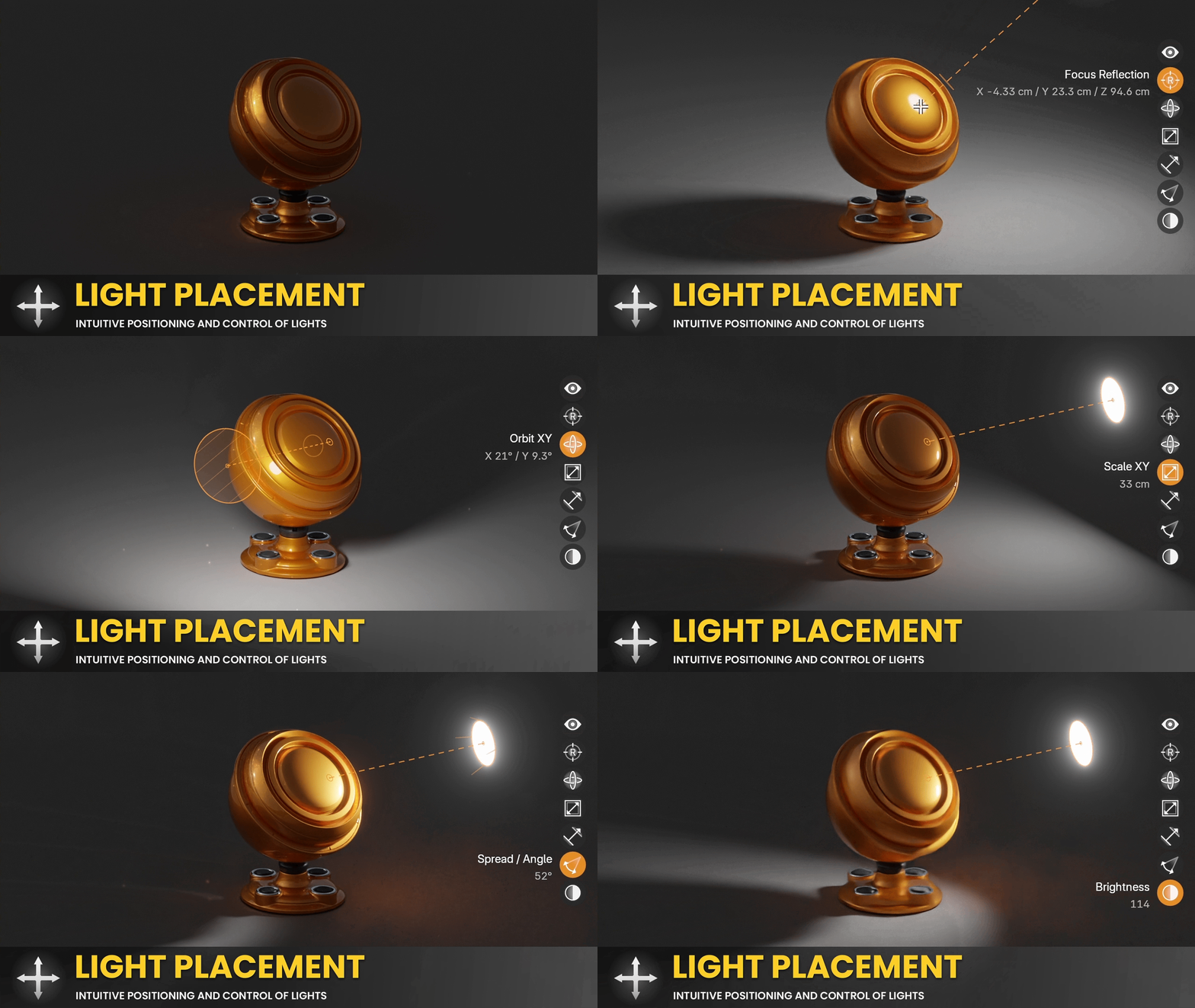
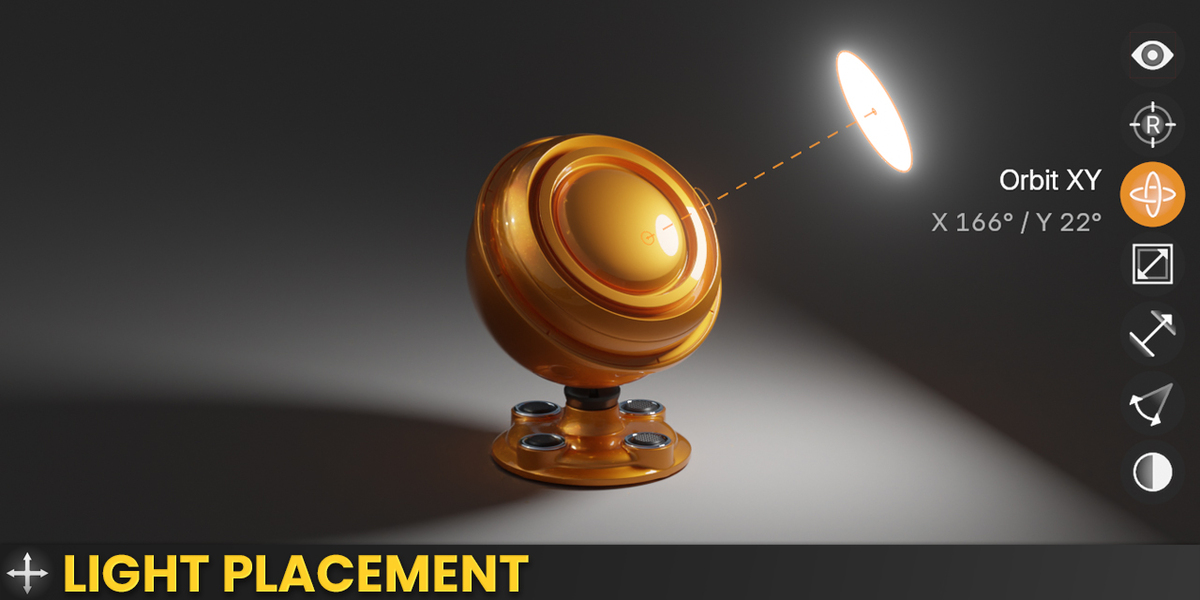
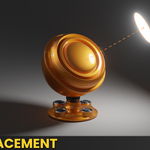
A hybrid system combining custom widgets and shortcuts makes positioning lights fast and intuitive. Need mathematical precision for studio setups? Switch to the Transform tab and dial in exact values. ▶ Watch in the tutorial ↑
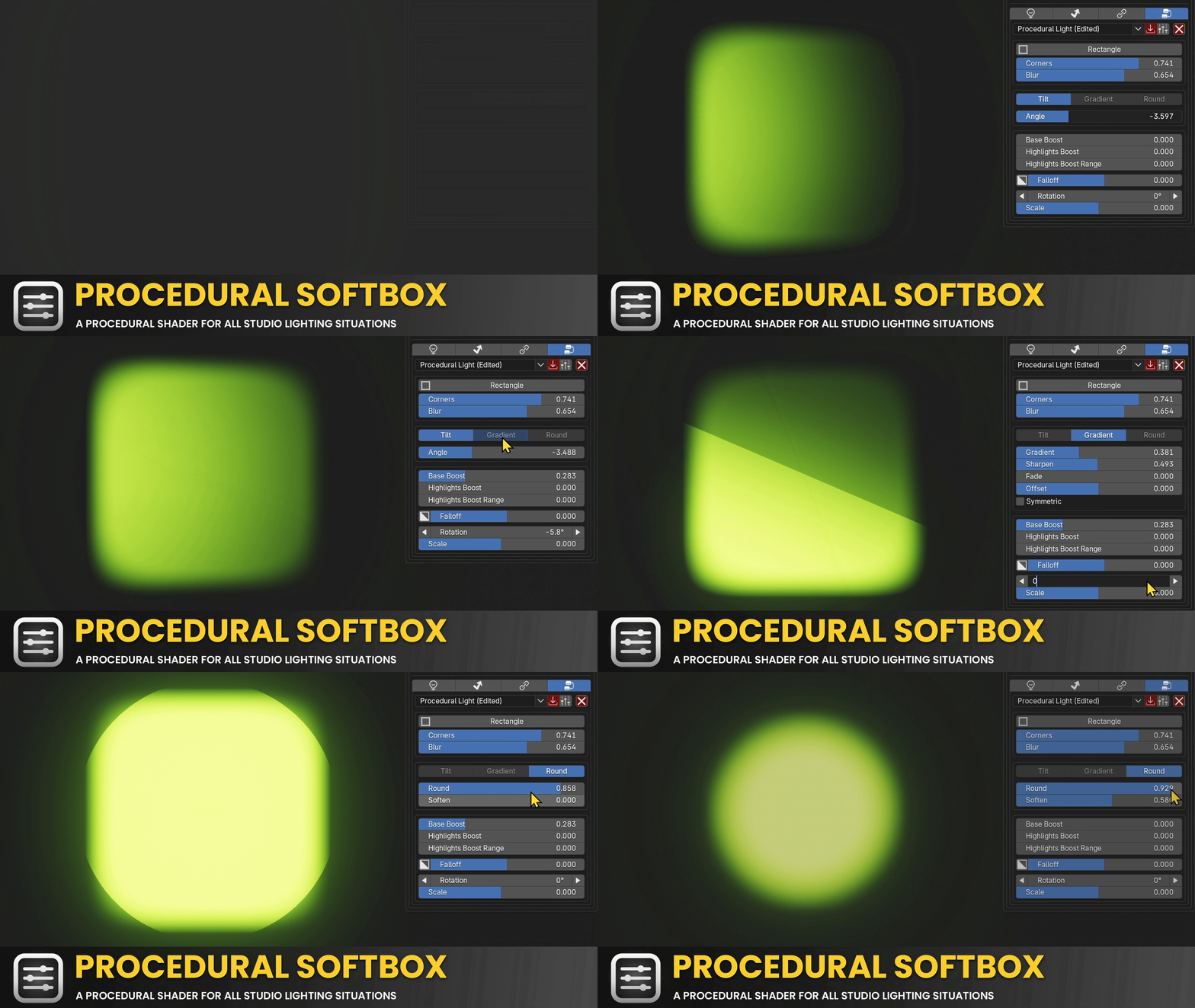
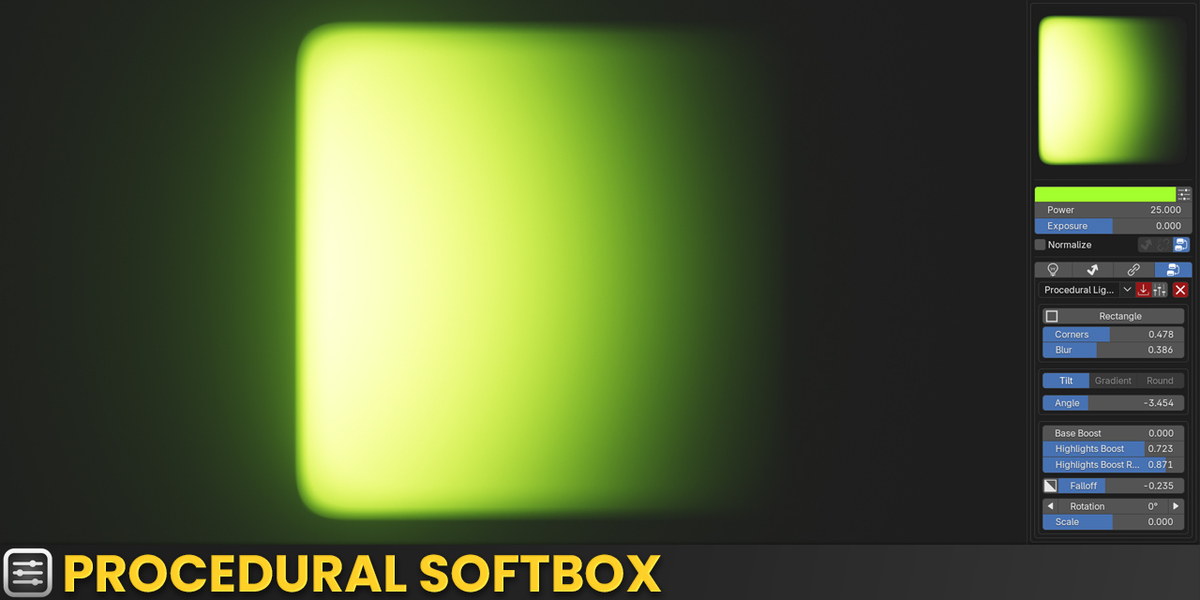
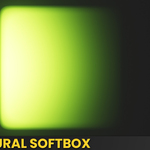
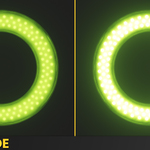
Build studio-grade procedural light textures with adjustable softness, corner rounding, and gradients in seconds. No more flat white lights ruining your reflections. ▶ Watch in the tutorial ↑
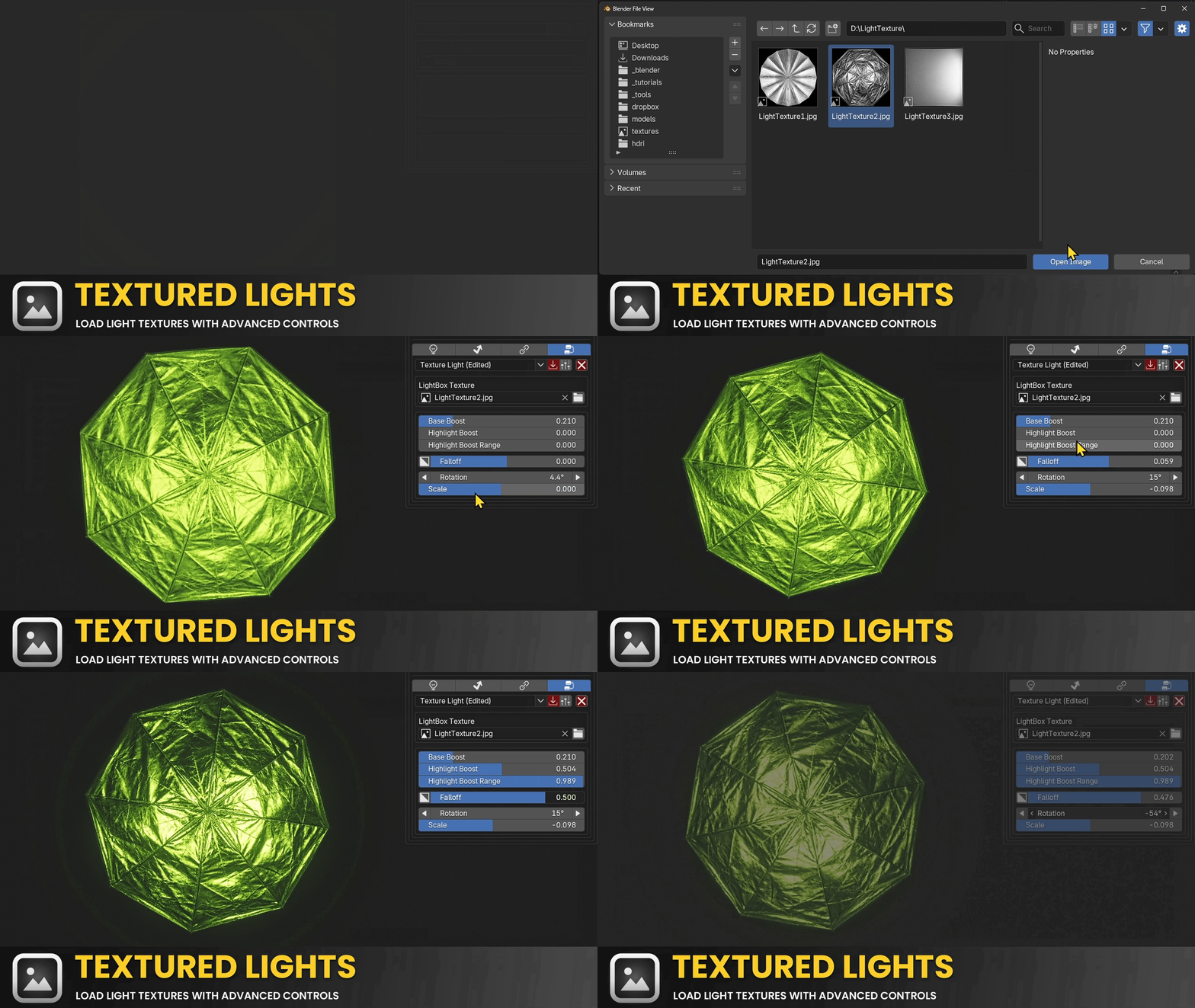
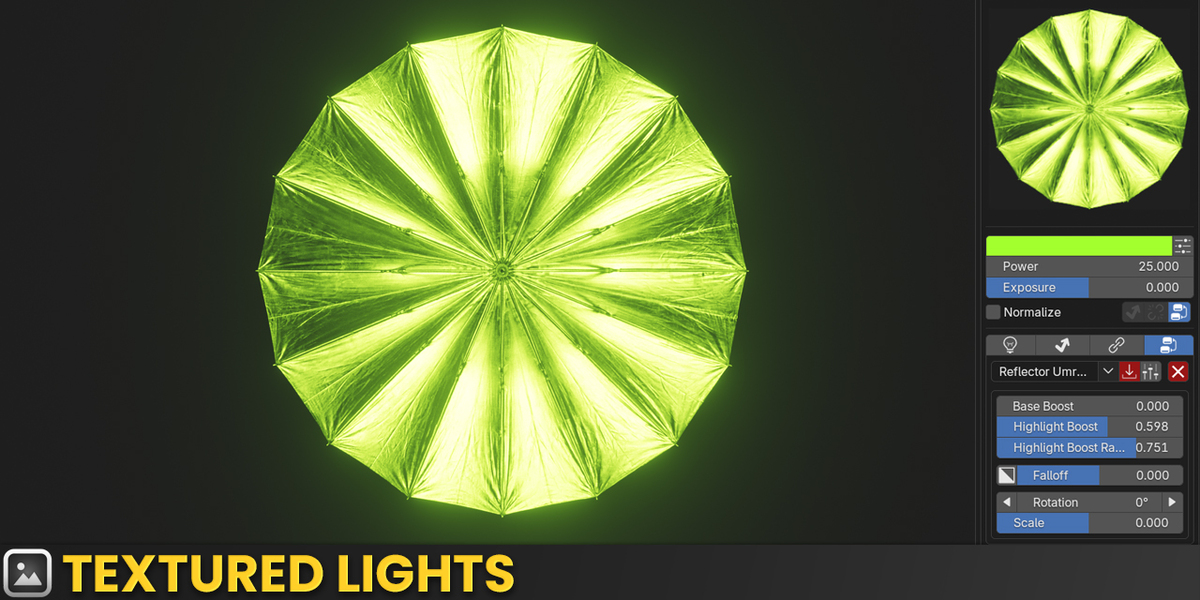
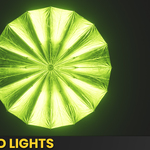
Load any texture directly into a light, with built-in controls for falloff, rotation, and scale. ▶ Watch in the tutorial ↑
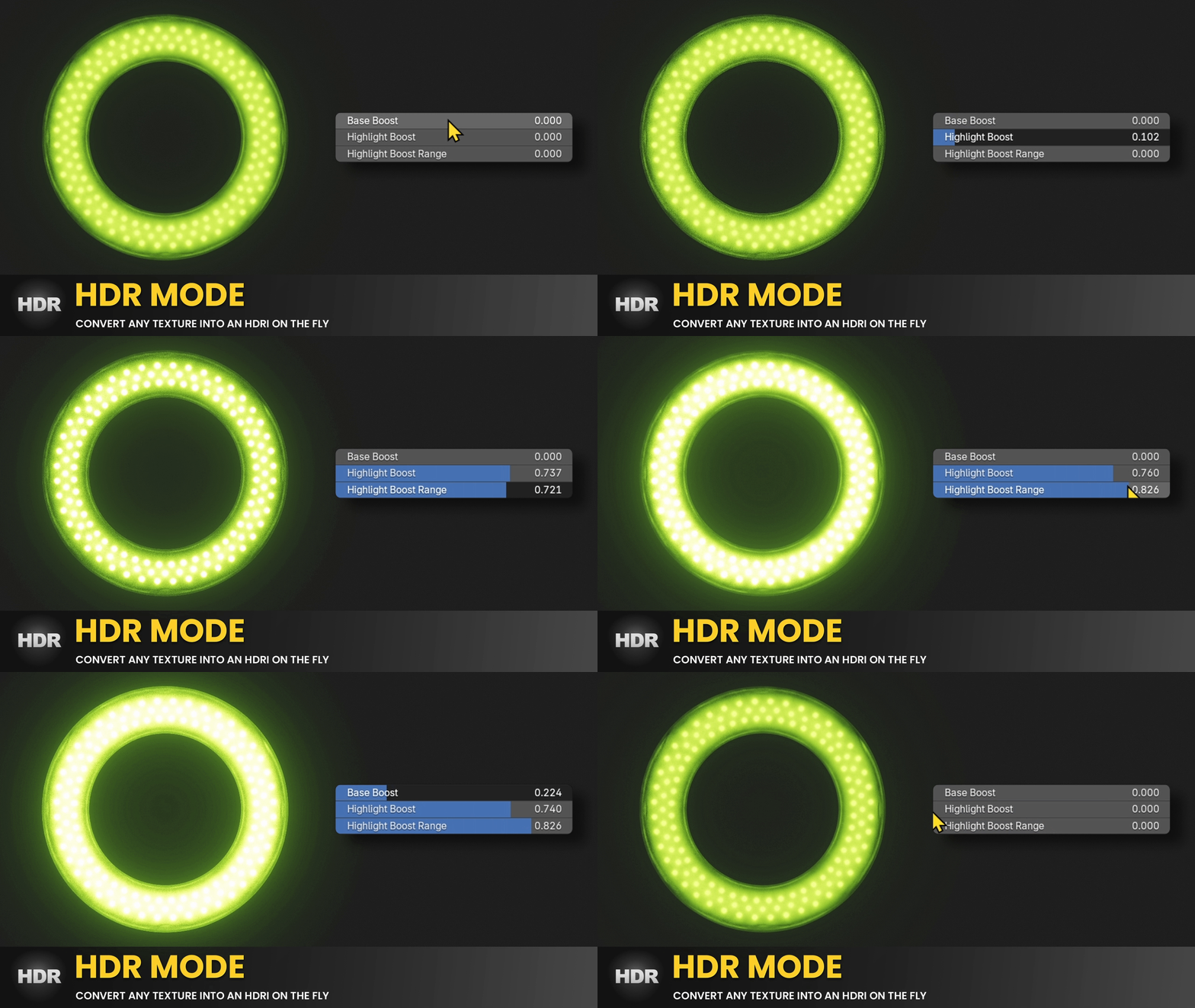
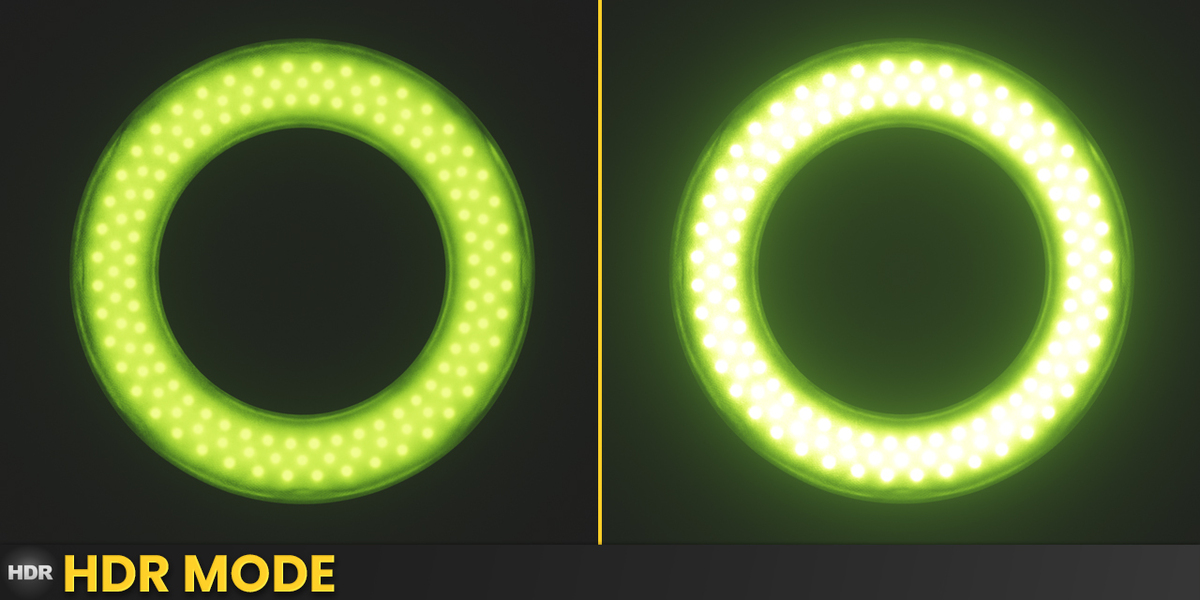
Exponentially boosts LDR textures so they behave like true HDRI captures, built right into both Procedural Softbox and Textured Lights. ▶ Watch in the tutorial ↑
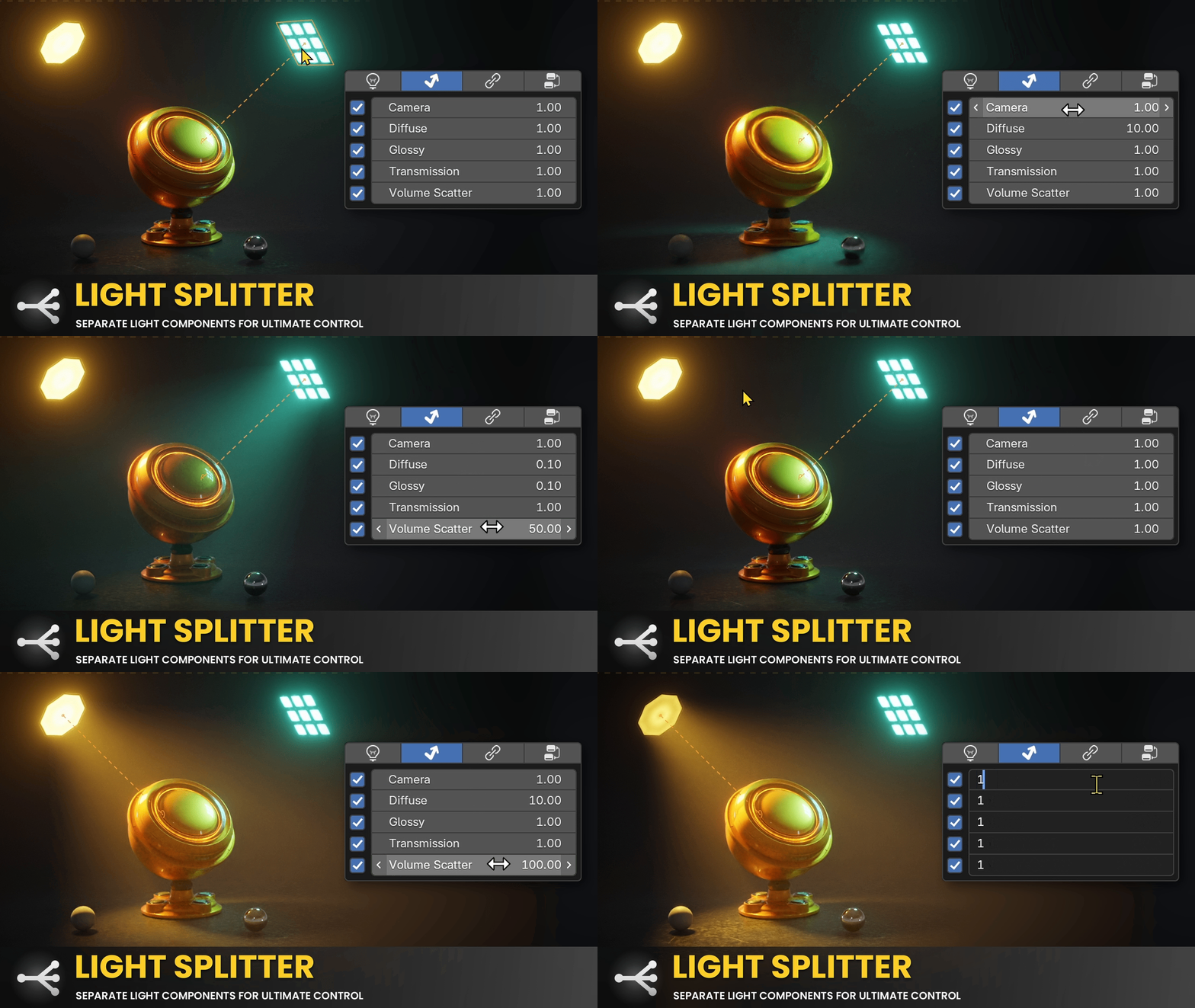
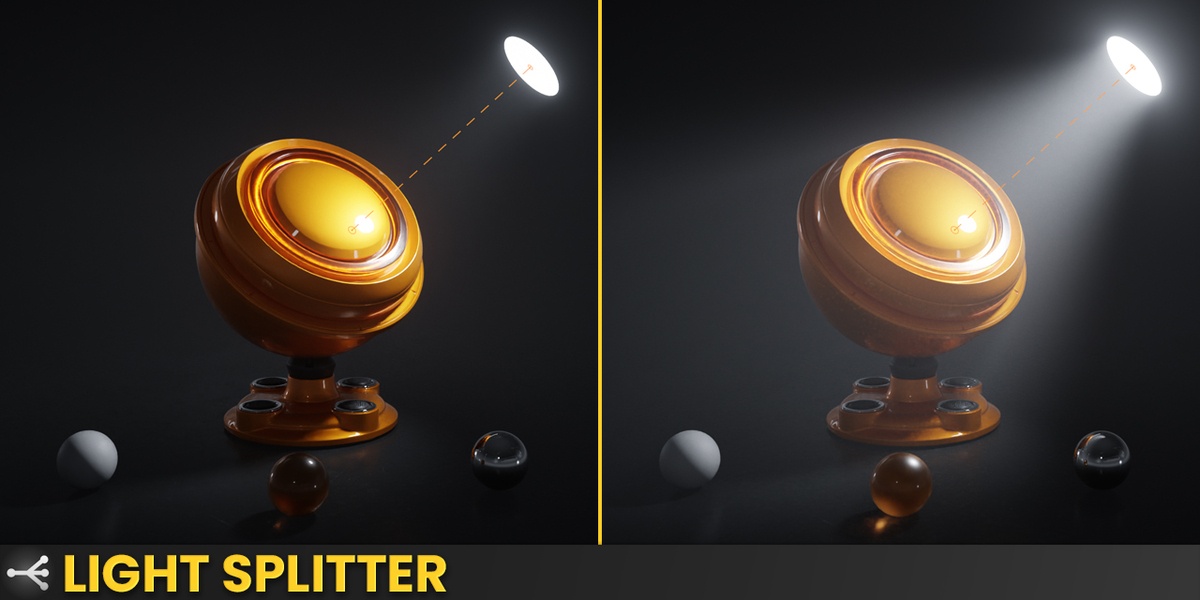
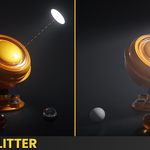
Control diffuse, glossy, transmission, and volume scatter contributions independently in Cycles, without any performance hit. Boost a light's diffuse contribution without touching its specular distribution. A workflow Cycles doesn't support natively. ▶ Watch in the tutorial Cycles only · ↑
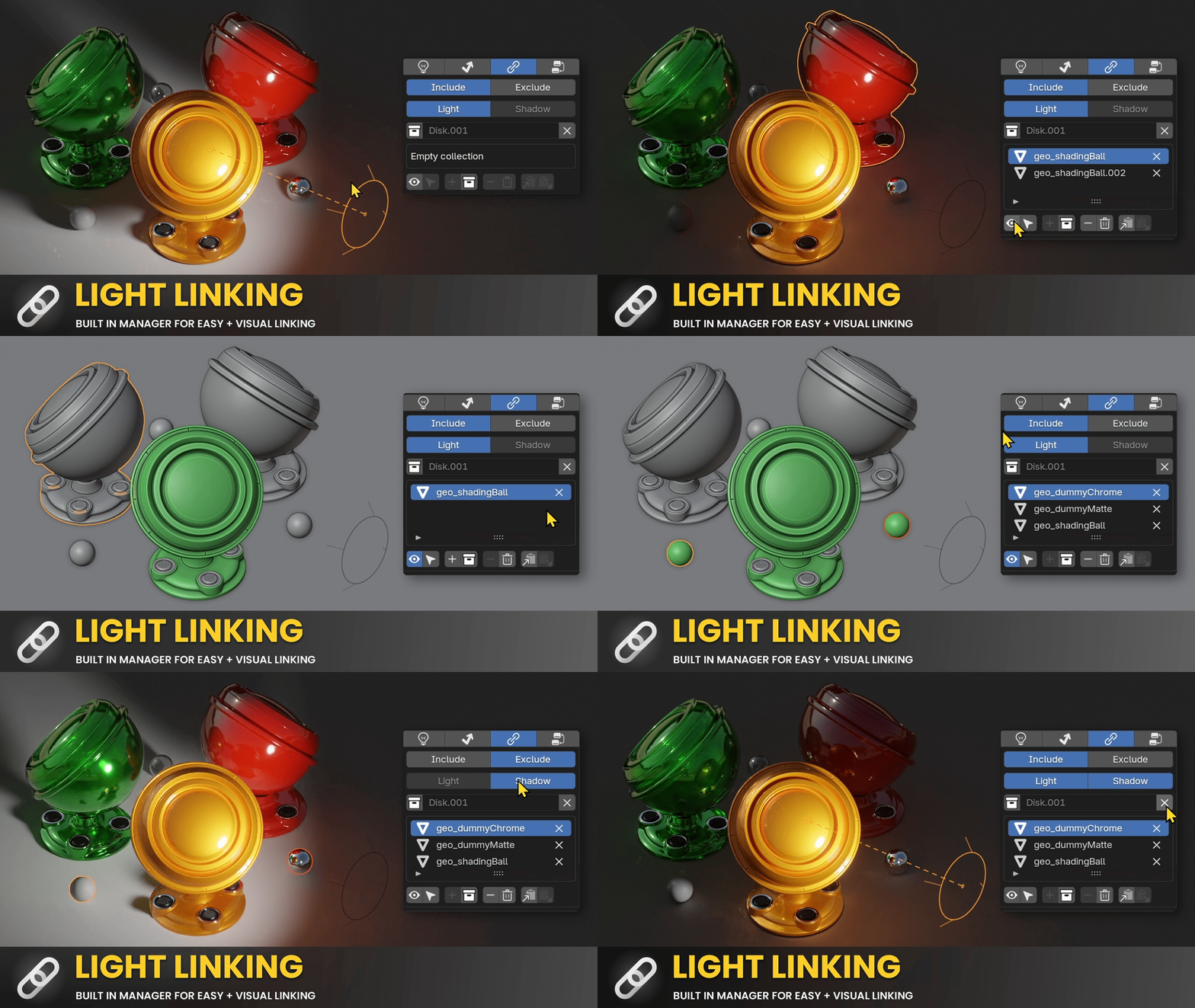
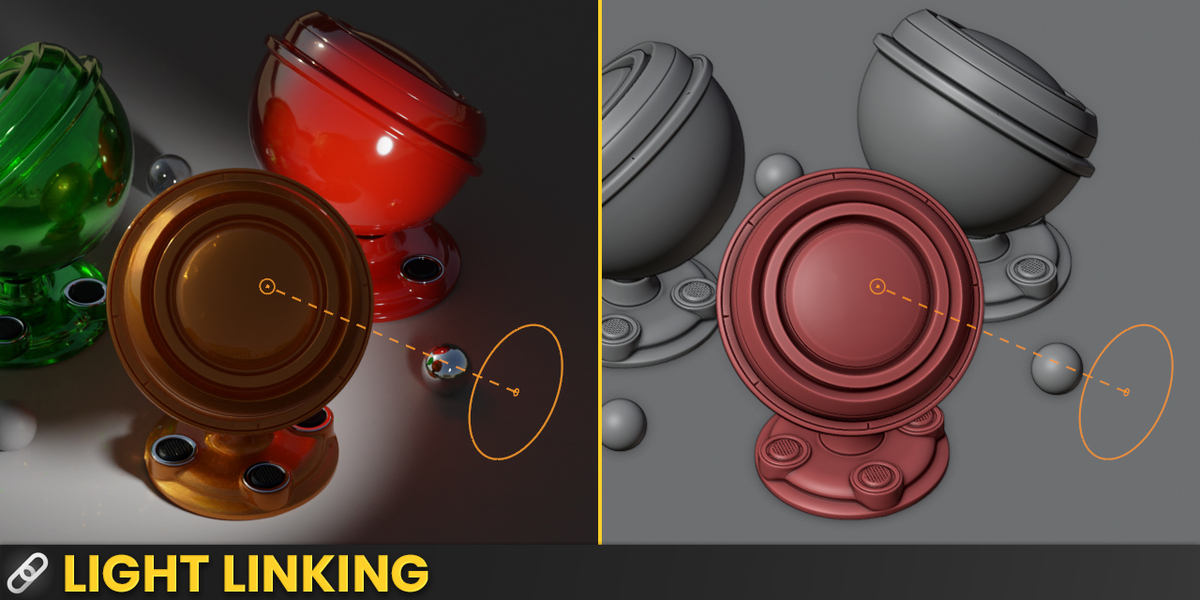
A visual, intuitive light linking system. See exactly which objects belong to which group, include or exclude objects and collections, and choose whether light, shadow, or both are affected. The light linking manager gives you a full overview, with quick copy-paste between groups. ▶ Watch in the tutorial ↑
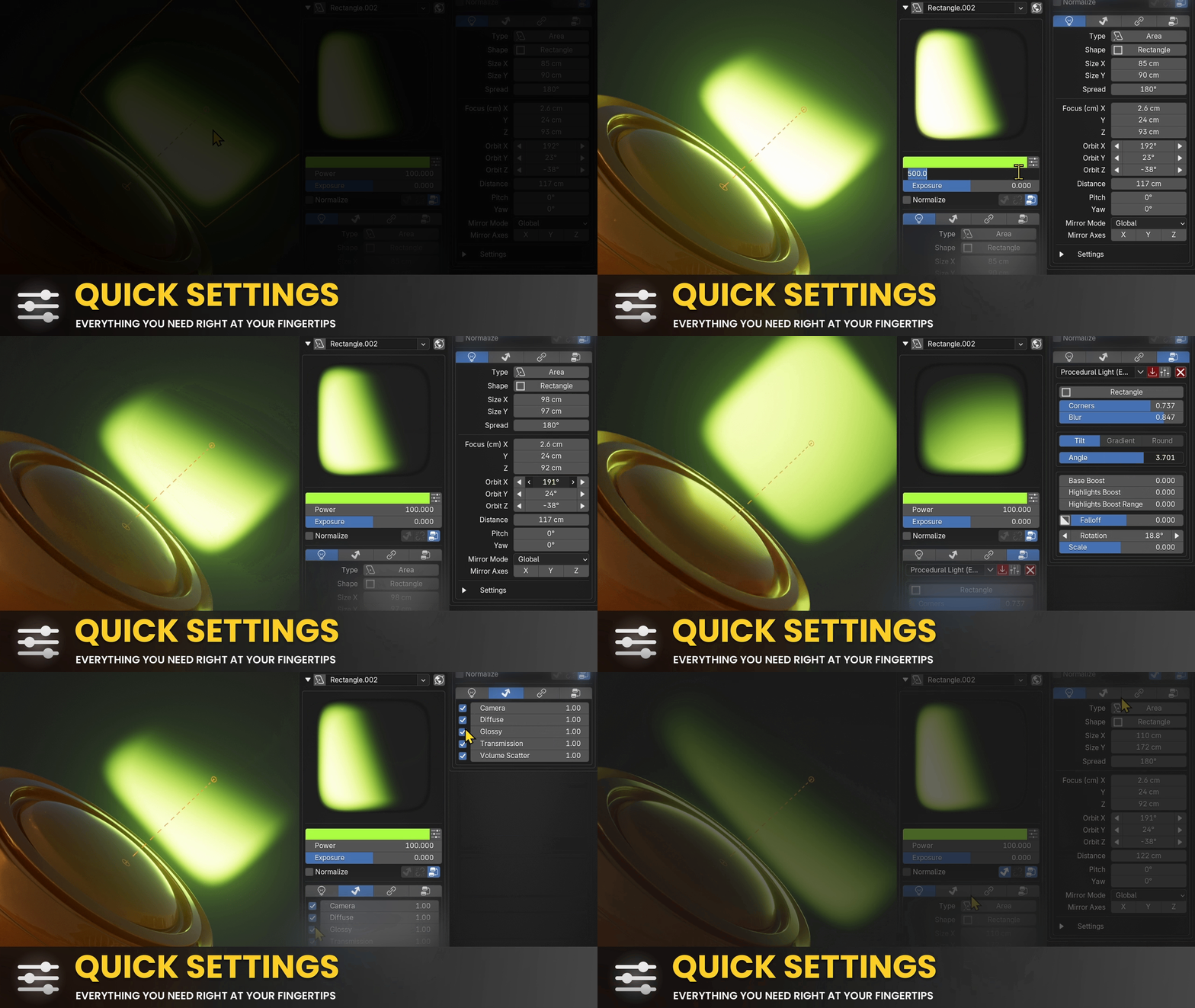
Color, power, and every key light setting right at your fingertips. No more digging through multiple property tabs. ▶ Watch in the tutorial ↑
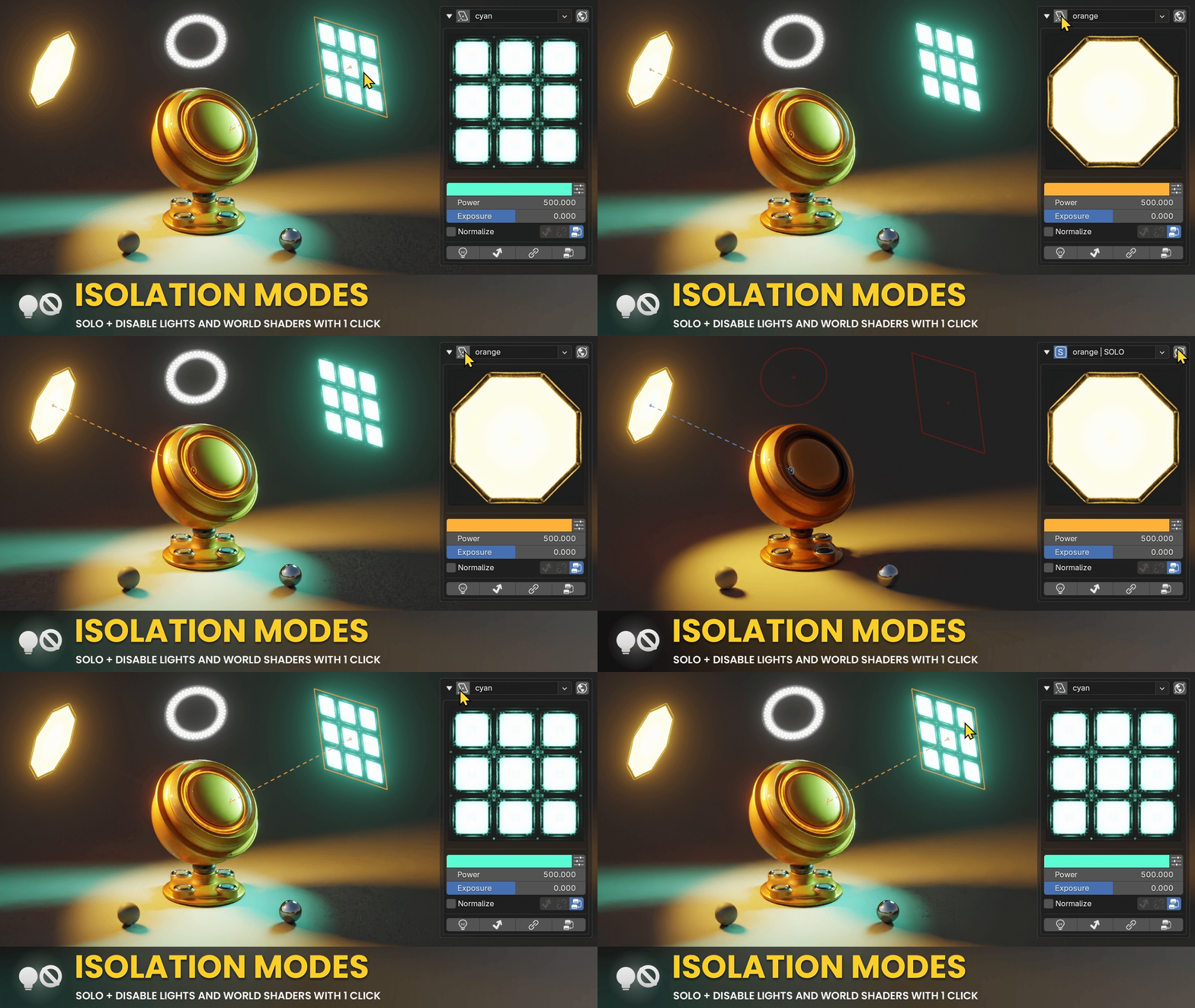
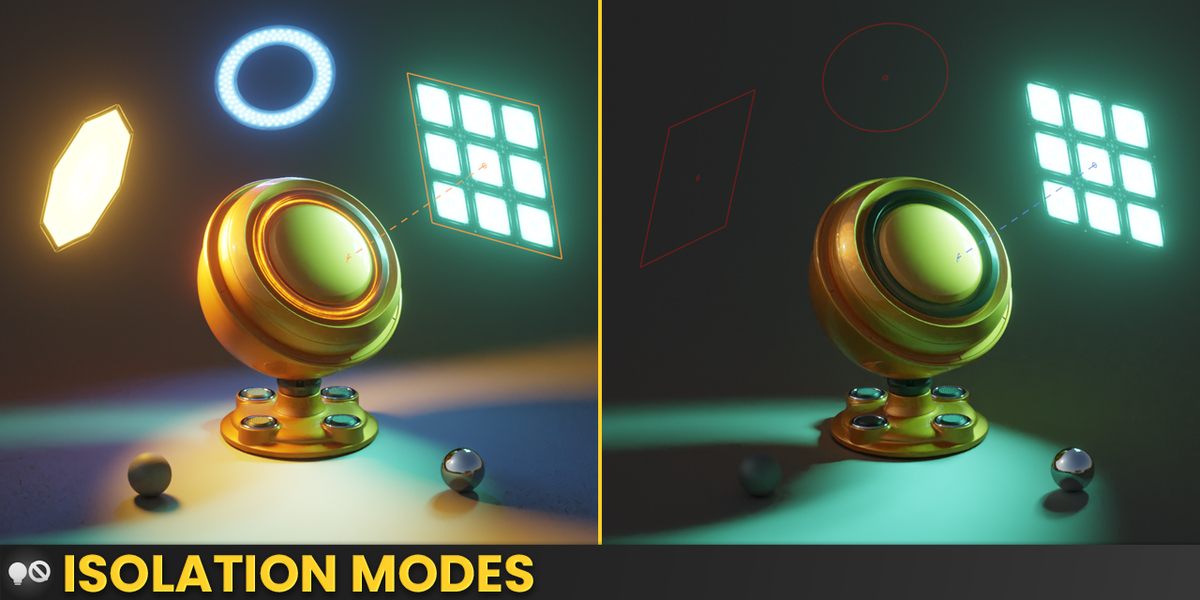
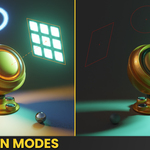
Solo or disable individual lights with one click to instantly understand their impact. World shader isolation works the same way. ▶ Watch in the tutorial ↑
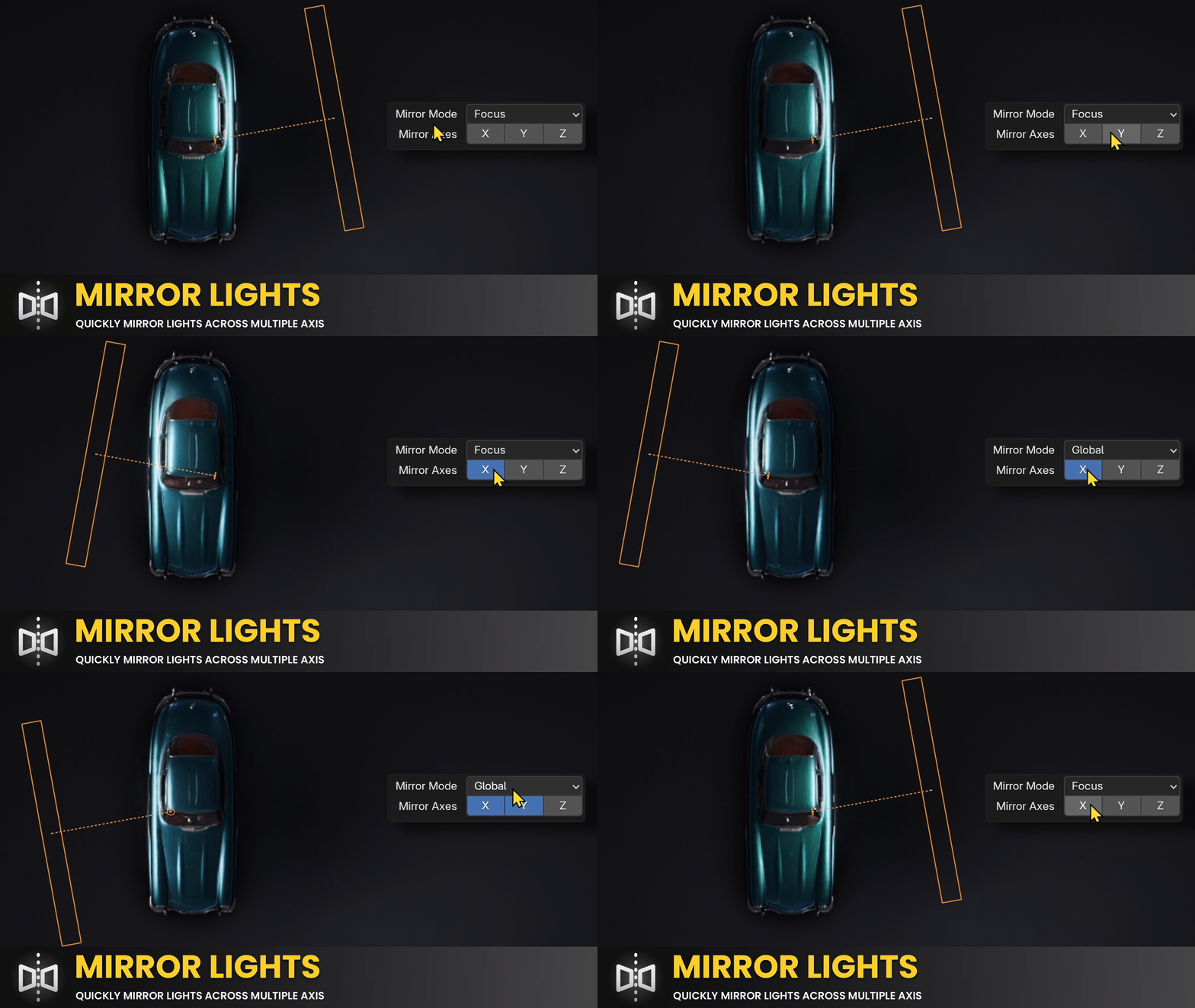
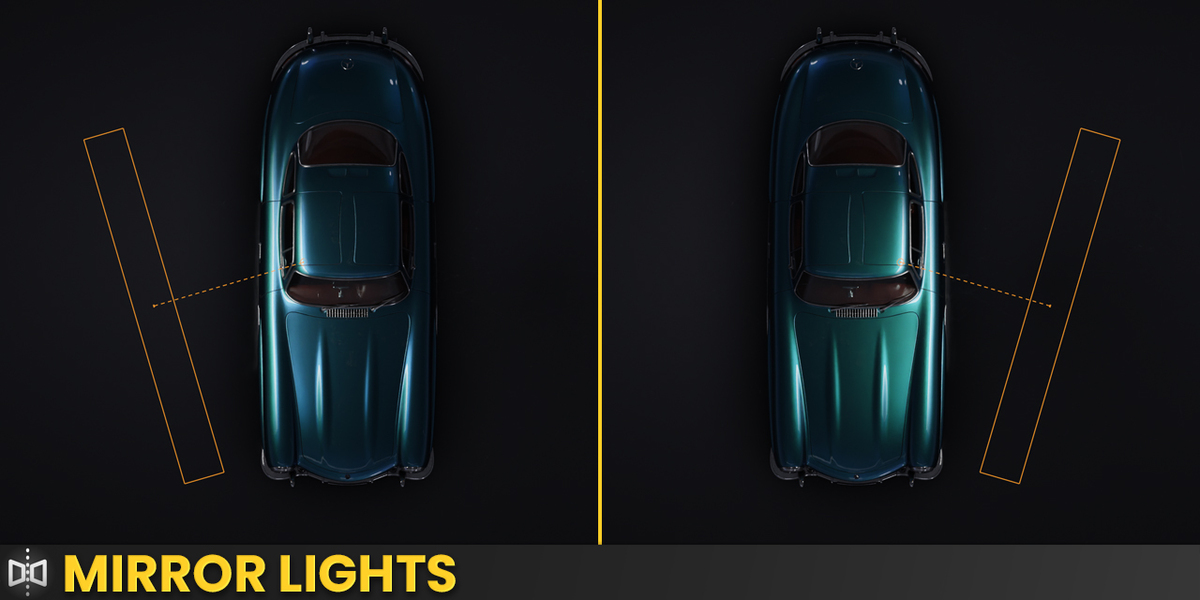
Mirror lights across any axis or custom point for quick, symmetrical setups. ▶ Watch in the tutorial ↑
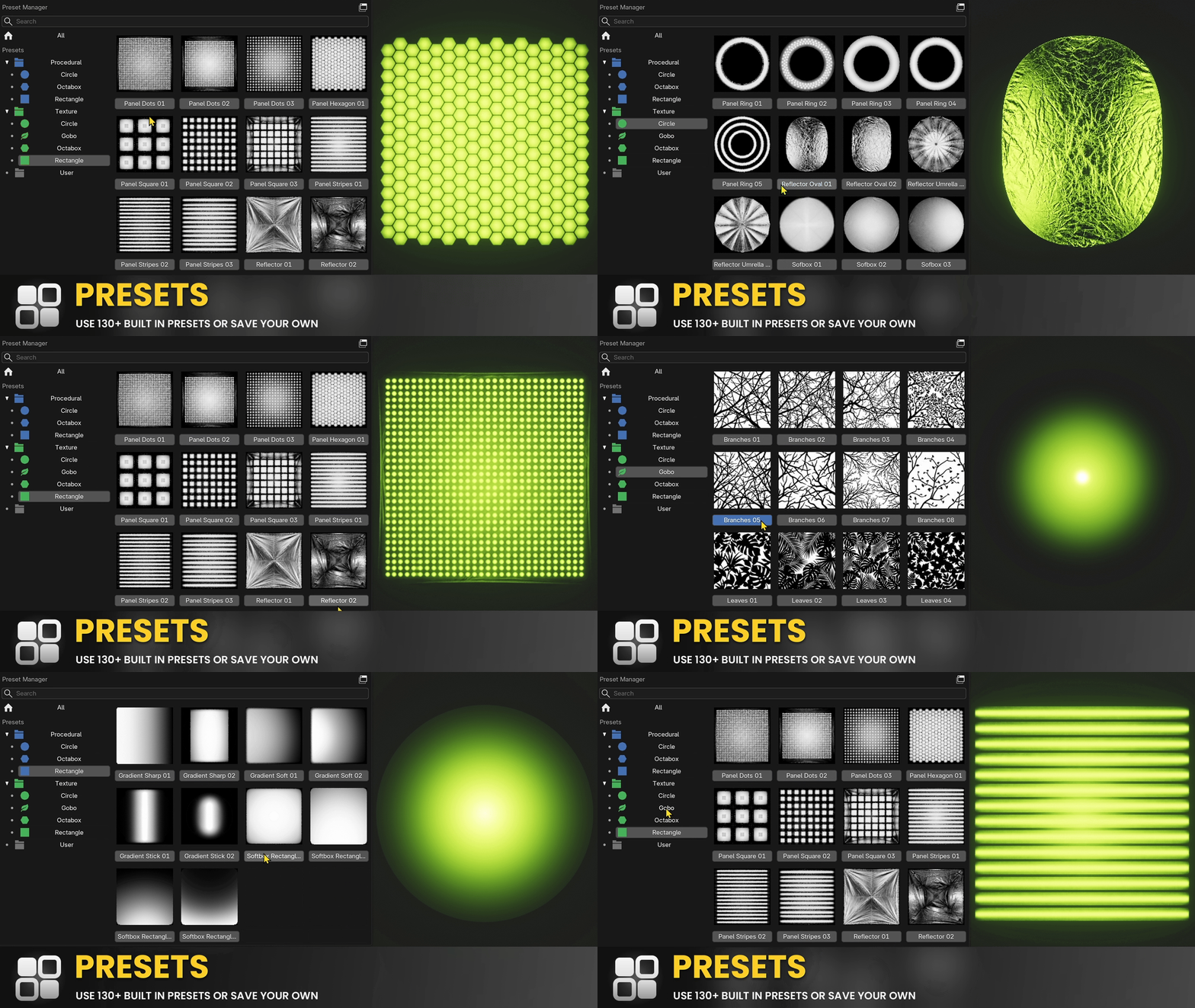
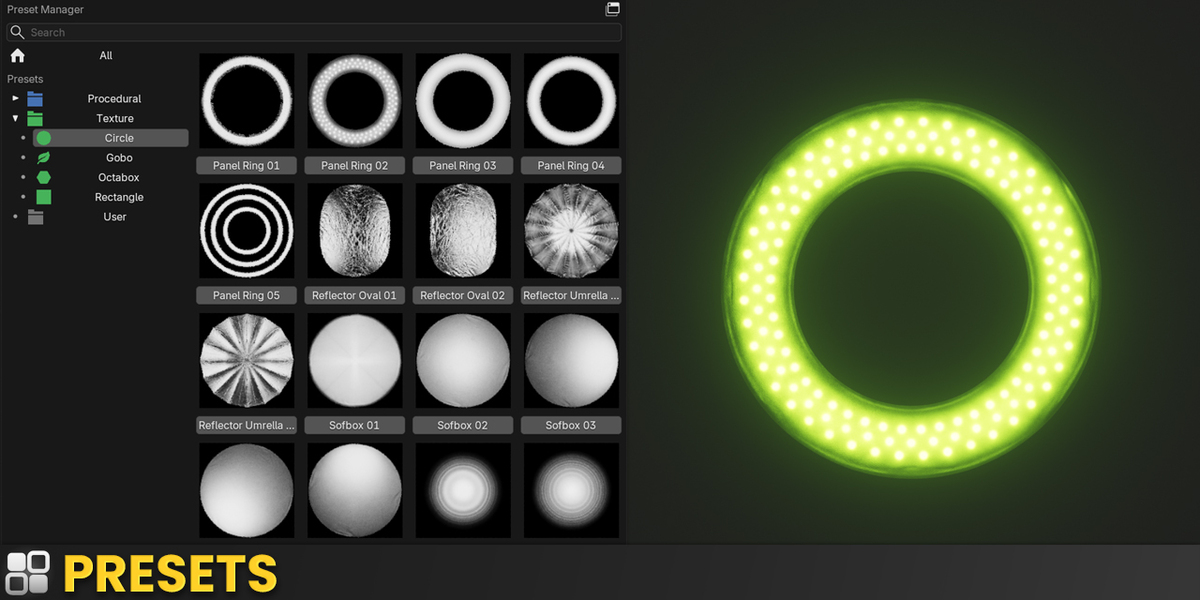
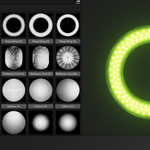
130+ built-in presets for procedural and textured lights to use as starting points, plus a preset manager to save and organize your own library. The bundled library keeps growing, new presets come with future updates at no extra cost. ▶ Watch in the tutorial ↑
Which Version Is Right for You?
If you light scenes on a regular basis, take LIGHTBOX. It is the complete lighting workflow and the version everything on this page is built around. LIGHTBOX Lite is for you if all you want is the real-time light preview. Both versions are sold on this page, you pick the one you want at checkout.
| Recommended LIGHTBOX $30 | Preview only LIGHTBOX Lite $15 | |
|---|---|---|
|
Light Preview Real-time 1:1 preview of the light | ✓ | ✓ |
|
Quick Settings Color, temperature, power and exposure | ✓ | ✓ |
|
Basic Light Settings Light type, shape, size, spread and shadow settings | ✓ | ✓ |
|
Isolation Modes Solo or disable single lights and the world shader | ✓ | ✓ |
|
Mirror Lights Mirror a light across a global axis or its focus point | ✓ | ✓ |
|
Preset Manager Save and organize your own light setups | ✓ | ✓ |
|
Extended Light Settings Focus point, orbit with 45 degree steppers, distance, pitch and yaw as exact values, plus orbit space with follow options | ✓ | ✗ |
|
Light Placement Interactive widgets for focus, orbit, size, distance, spread and brightness, each with its own keyboard shortcut | ✓ | ✗ |
|
Custom Gizmos Clean viewport gizmos with hide distractions, dark mode and lights-only selection | ✓ | ✗ |
|
Procedural Softbox Studio light textures generated inside the light | ✓ | ✗ |
|
Textured Lights Any image as a light, with falloff, rotation and scale | ✓ | ✗ |
|
HDR Mode Turns LDR textures into true high dynamic range lights | ✓ | ✗ |
|
Light Splitter Diffuse, glossy, transmission and volume scatter multipliers | ✓ | ✗ |
|
Light Linking Visual include and exclude manager for light and shadow | ✓ | ✗ |
|
130+ Presets Ready-made procedural and textured light setups | ✓ | ✗ |
In short: Lite shows you what your lights are doing. The full version lets you do something about it, without leaving the viewport.
 What Users Say
LIGHTBOX was just released, so there are no reviews here yet. If you give it a try, we would genuinely like to hear what you think.
Write a review, get 30% off another one of our products
Leave a review on Superhive Market, then send us a short note at [email protected] and you get a 30% discount code for any other product of ours. Honest feedback is welcome, the discount is not tied to a rating.
 Exclusive Offer for LightBox Customers
As a LIGHTBOX customer, you get 30% OFF on PolyDome , the Ultimate HDRI Dome Plugin for Blender!
Light your scenes with photorealistic HDRI environments: seamless floor matching, reflections, and procedural puddles.
Your discount code:
Use this code at checkout to get 30% off
Perfect companion for LIGHTBOX. HDRI environment lighting meets studio-grade light management.
 Why LIGHTBOX
Blender's built-in light controls are scattered across multiple panels and lack critical studio features. LightBox brings everything together in one place: real-time feedback, procedural textures, independent ray control, and a visual linking system. Focus on lighting, not hunting through menus.
 Compatibility & Requirements
- Blender 4.2+ (fully compatible with Blender 5)
- Light Splitter requires Cycles
- Light Preview works with Area and Spot Lights
- Requirements are identical for LIGHTBOX and LIGHTBOX Lite
 What's Included
- LIGHTBOX Add-on (.zip)
- 130+ built-in presets
- 1h+ tutorial video covering every feature in detail
- Free updates & basic support
 FAQ
FAQ
Does It Work With EEVEE and Cycles?
Most features work in both renderers, and Cycles is recommended for the best experience. EEVEE cannot display node setups on lights, so Procedural Softbox, Textured Lights and HDR Mode need Cycles. The Light Preview is rendered outside your scene and works in any render engine.
Which Light Types Are Supported?
All Blender light types are supported. Area and Spot Lights additionally get the Light Preview, Procedural Softbox and Textured Lights, because Point and Sun lights do not support nodes on Blender's side and therefore cannot be previewed or textured.
Can I Use My Own Textures?
Yes. The Textured Lights feature lets you load any texture directly into a light with full controls for falloff, rotation, and scale.
What Is the Light Splitter?
It lets you control how a light contributes to diffuse, glossy, transmission, and volume scatter independently, something Cycles doesn't support out of the box. For example, you can boost a light's effect on diffuse without changing its specular highlights.
How Many Presets Are Included?
130+ built-in presets for procedural and textured lights, and new presets will be added with future updates at no extra cost. You can also save and organize your own custom presets using the built-in preset manager.
Do I Get Free Updates?
Yes, bug fixes and feature updates are free.
Can I Use LightBox Commercially?
Yes, LIGHTBOX can be used in both personal and commercial Blender projects.
 Get Started with LIGHTBOX
LIGHTBOX $30 LIGHTBOX Lite $15
Studio-grade lighting for Blender, in one add-on.
Buy NowBoth versions are available on this page, pick the one you want at checkout.
- Free updates
- EEVEE & Cycles
- 130+ presets
- 1h+ tutorial

