 Jonas Noell







POLYDOME The Ultimate HDRI Dome Plugin for Blender
Just updated to Version 2.0
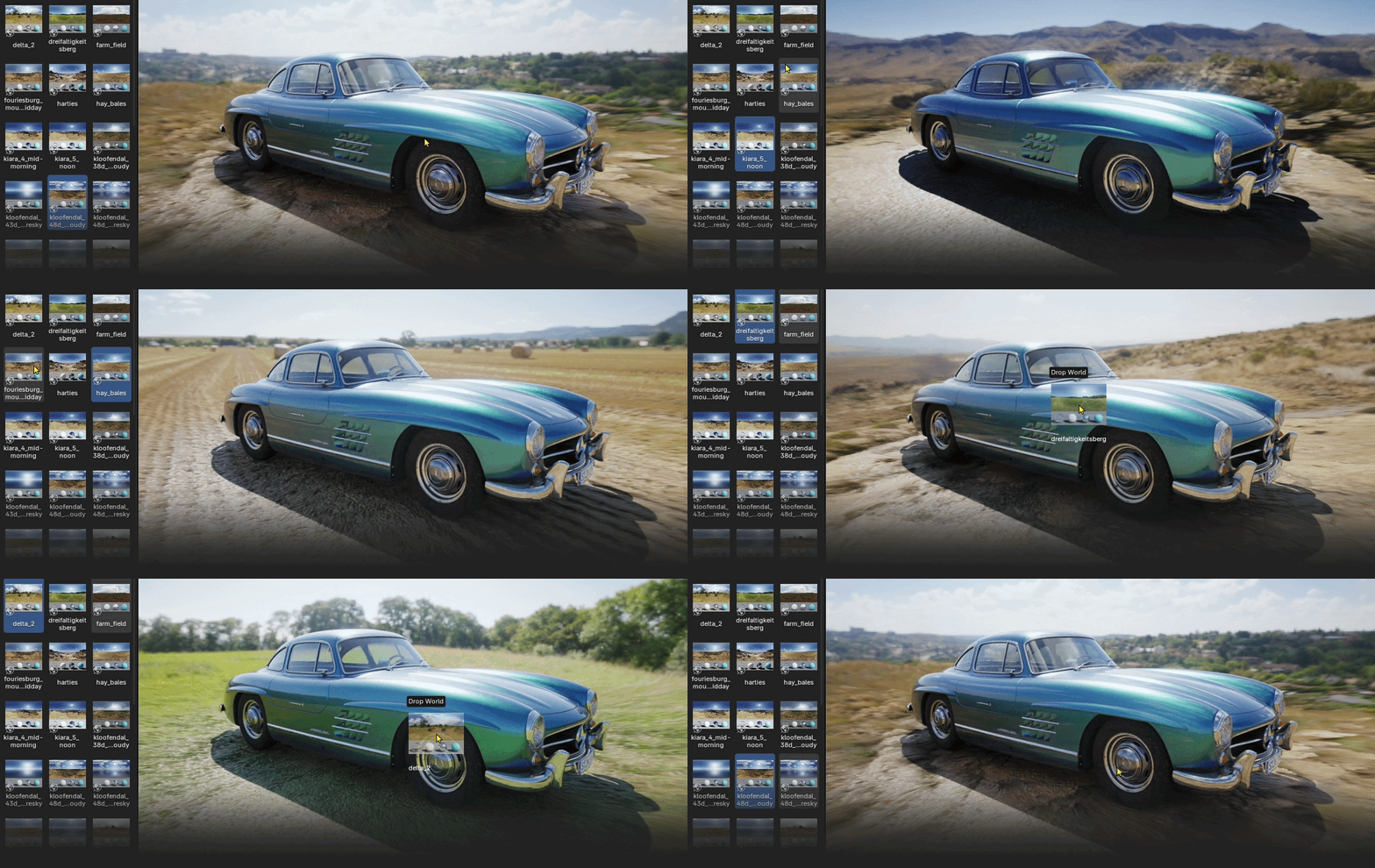
Light your Blender scenes in seconds. Drag & Drop HDRIs from the Poly Haven Asset Browser or any other place, add seamless floor matching, reflections, and procedural puddles for next-level realism.
 Included: a full 30 minute tutorial video that explains every single feature, step by step.
Watch it here
 Scroll down to save 20$+ on the Poly Haven Asset Browser with POLYDOME
 Feature Overview







...and much more!
NEW IN 2.0
Live Preview
A real render of your dome with preview spheres, updating live in a separate background process.
Background Calibration
Floor calibration now runs automatically in the background whenever your HDRI or its adjustments change.
Brightness & Gamma
Two new sliders next to HDRI Saturation, affecting the world and dome shaders together.
Transparent Mode
Render the dome on a transparent background (Cycles) for compositing over your own backplates.
 Current Version: 2.0 See what's new ↓
COMING IN VERSION 2.1
Backplate System
Combine PolyDome directly with your own backplates to integrate 3D assets perfectly into existing footage or photos, building on the new Transparent Mode.
Full Tutorial Video INCLUDED
Watch the official tutorial video
A 30 minute walkthrough, covering every single feature in detail, from the first HDRI to floor matching and the puddle system. Not a trailer, a complete course.
Most add-ons leave you with a short teaser and a wiki page. We would rather you understand the tool, so every function is explained on screen, in context, with a real scene. Most questions are answered before you even have to ask them.
Recorded on version 1.0 · Current version: 2.0

Presented by Jonas Noell, Lighting & Shading Artist and Educator
25K+Subscribers100+Tutorials20 YearsIn Production
 Feature List
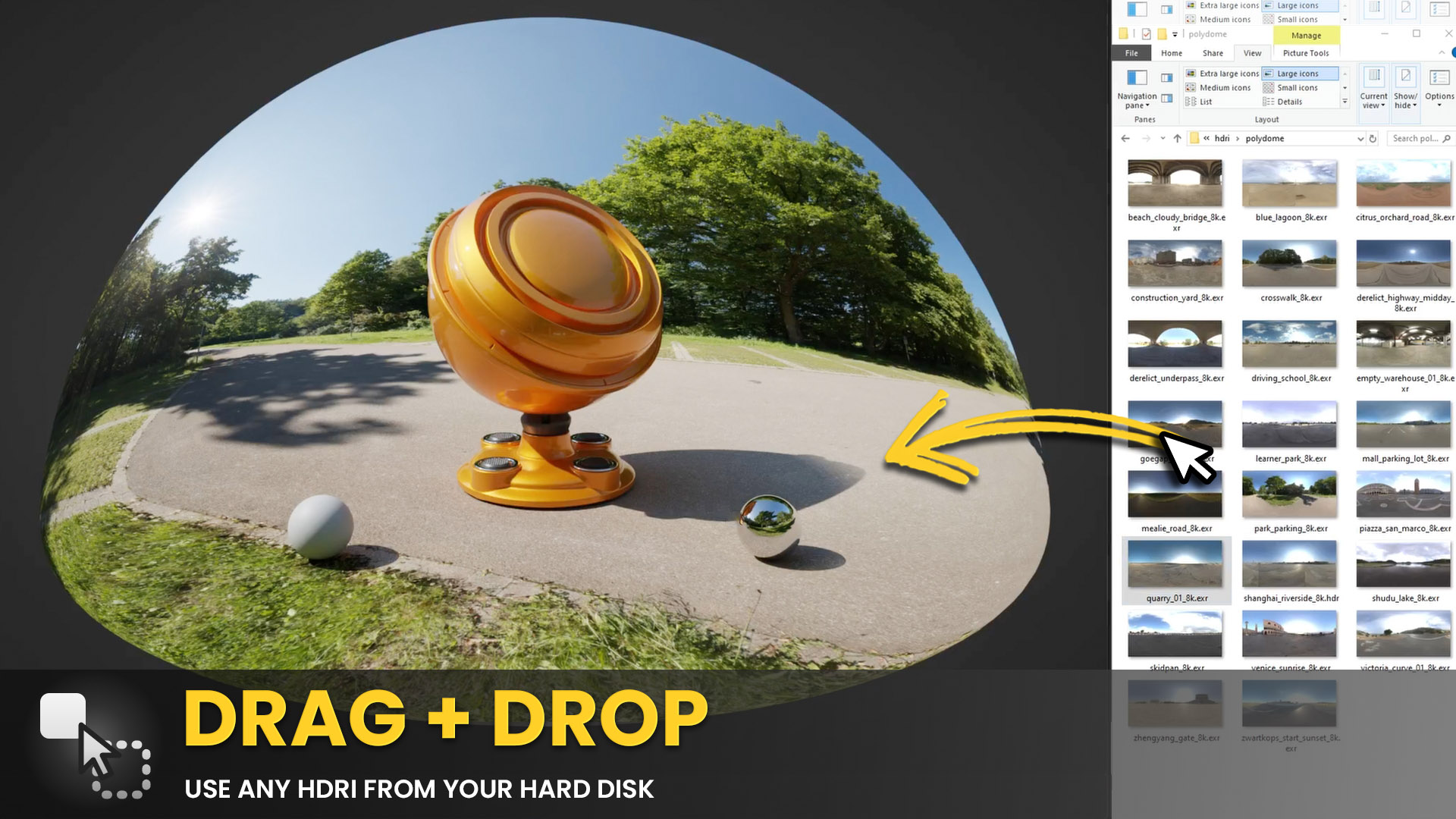
Drag any HDRI directly into the Blender viewport and PolyDome sets everything up instantly: dome, floor matching, and lighting in one step. ↑
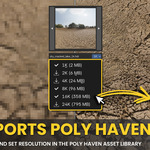
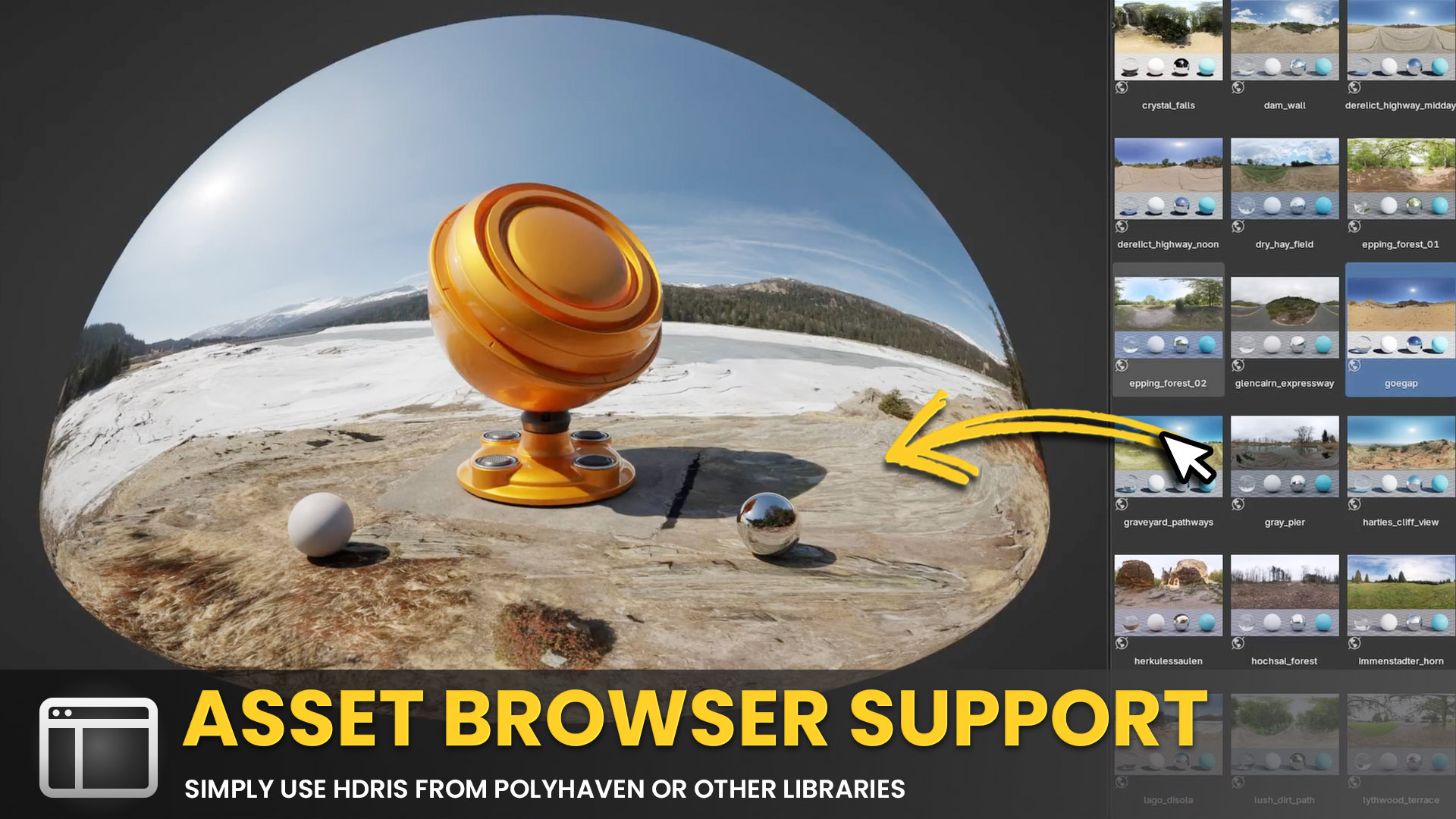
Full support for the Poly Haven Asset Browser. Browse, preview, and load any of the 1,800+ free HDRIs directly in Blender without leaving the app. ↑
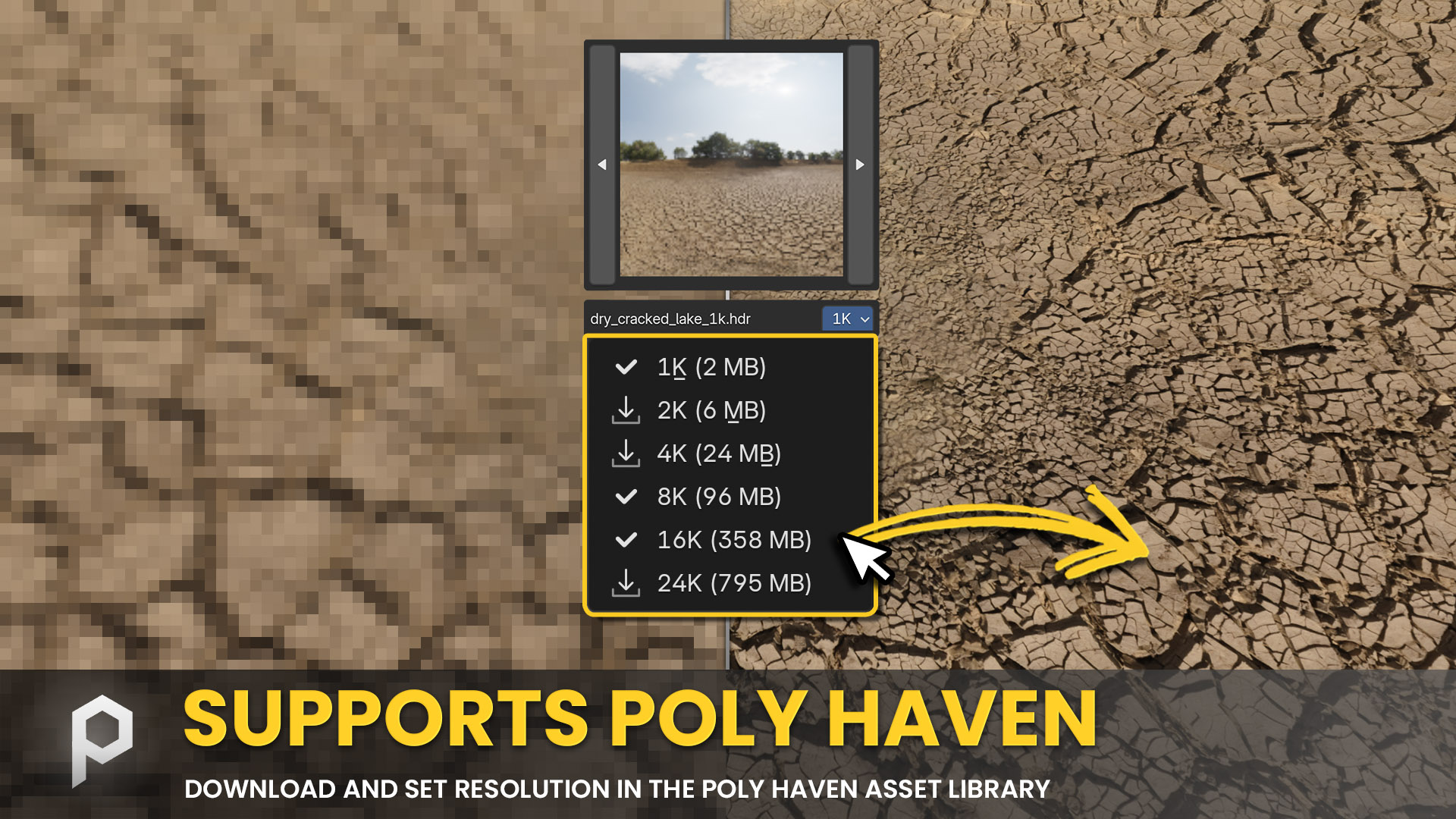
Adjustable HDRI resolution directly in the panel. PolyDome also works with any HDRI from your local file system or any other Asset Browser source. ↑
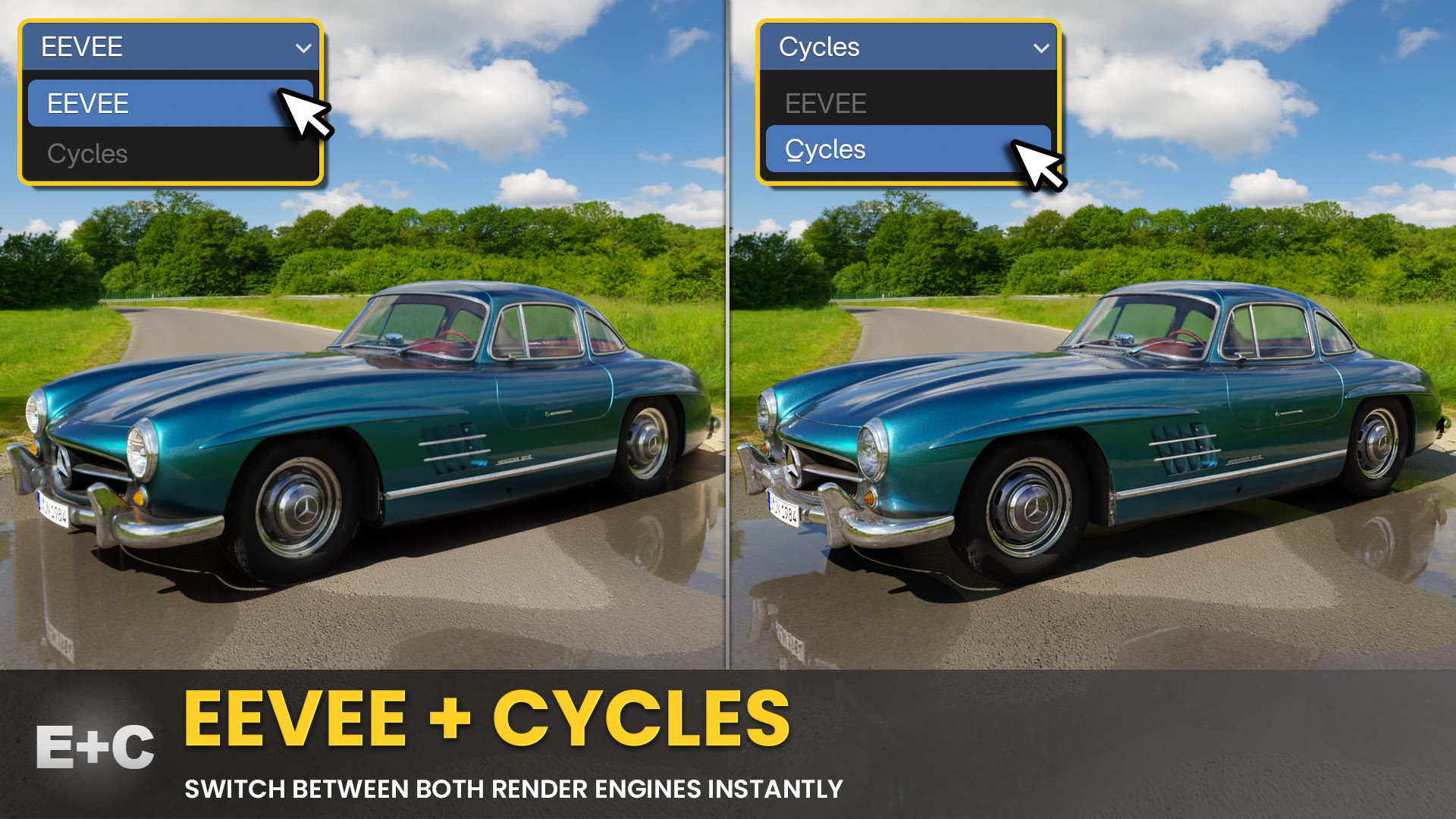
Both EEVEE and Cycles are fully supported, with nearly identical results in EEVEE. The recommended workflow: set up your scene fast in EEVEE, then switch to Cycles for the final render. ↑
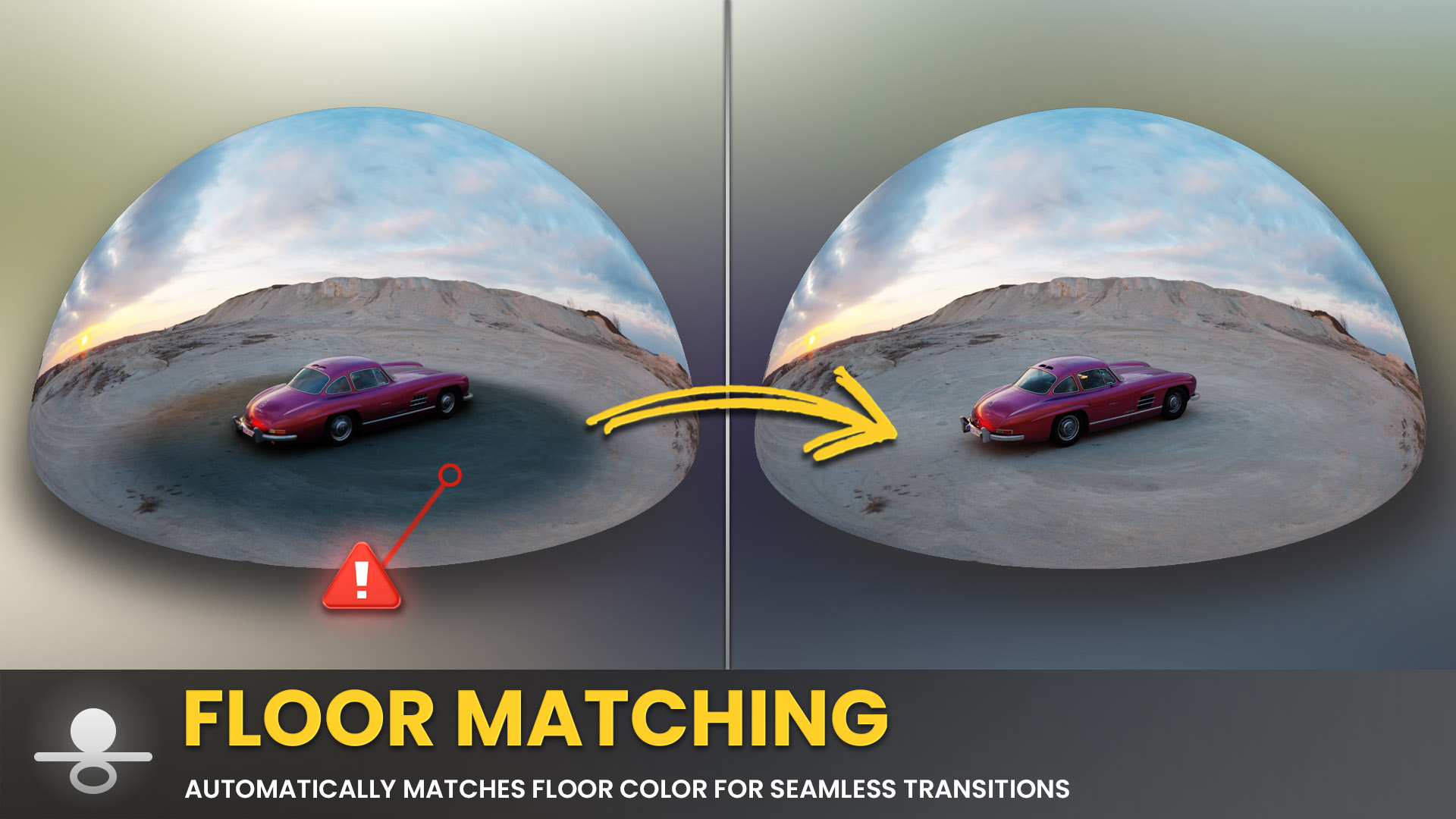
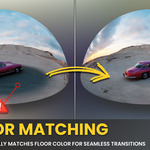
Most HDRI plugins struggle with mismatched floor planes. PolyDome automatically matches the floor to the dome, creating seamless transitions without color shifts. ↑
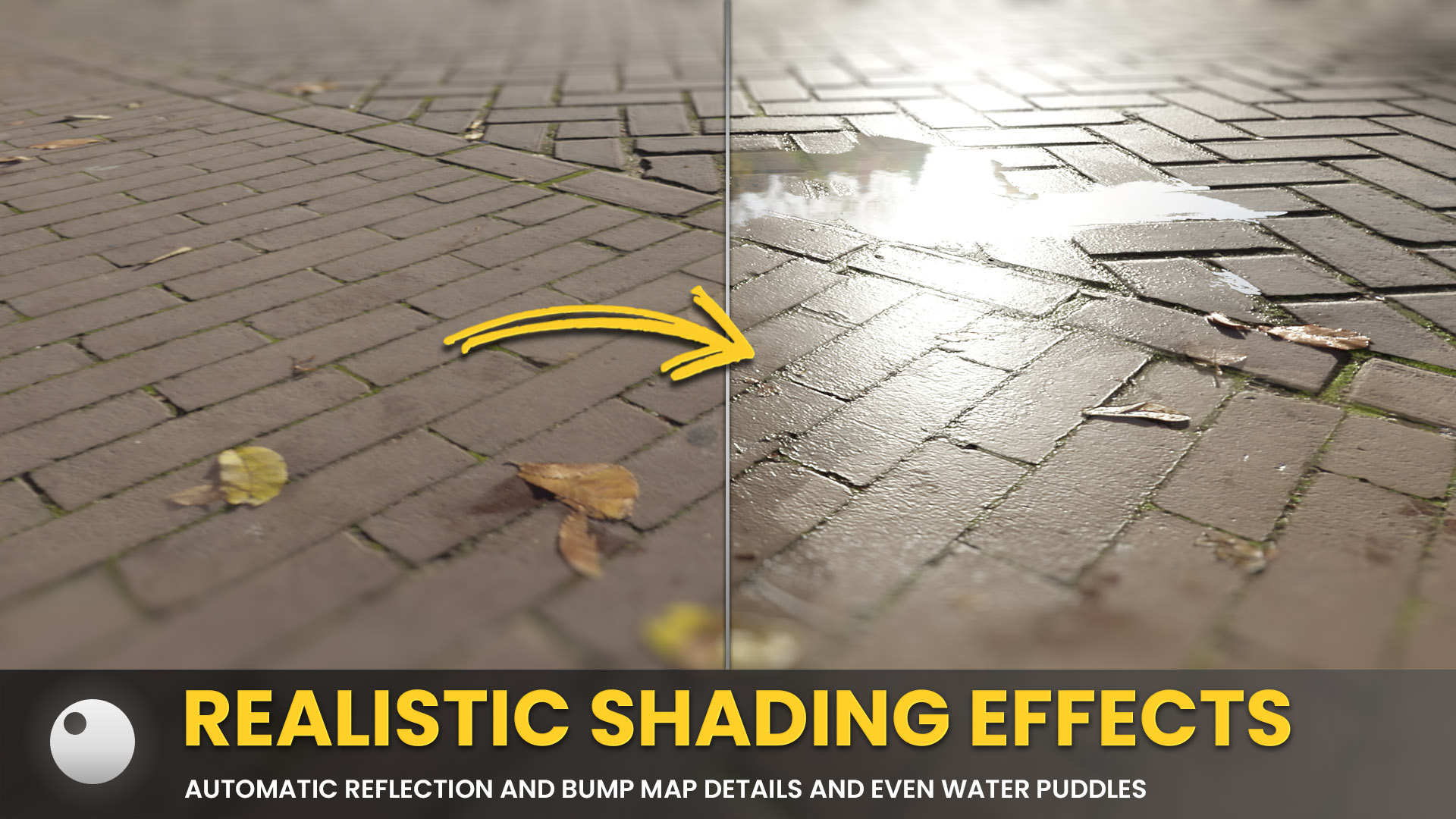
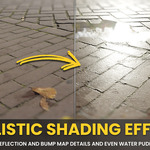
Add reflections, roughness, and bump mapping to the ground plane for photorealistic results. No complex node setup required. ↑
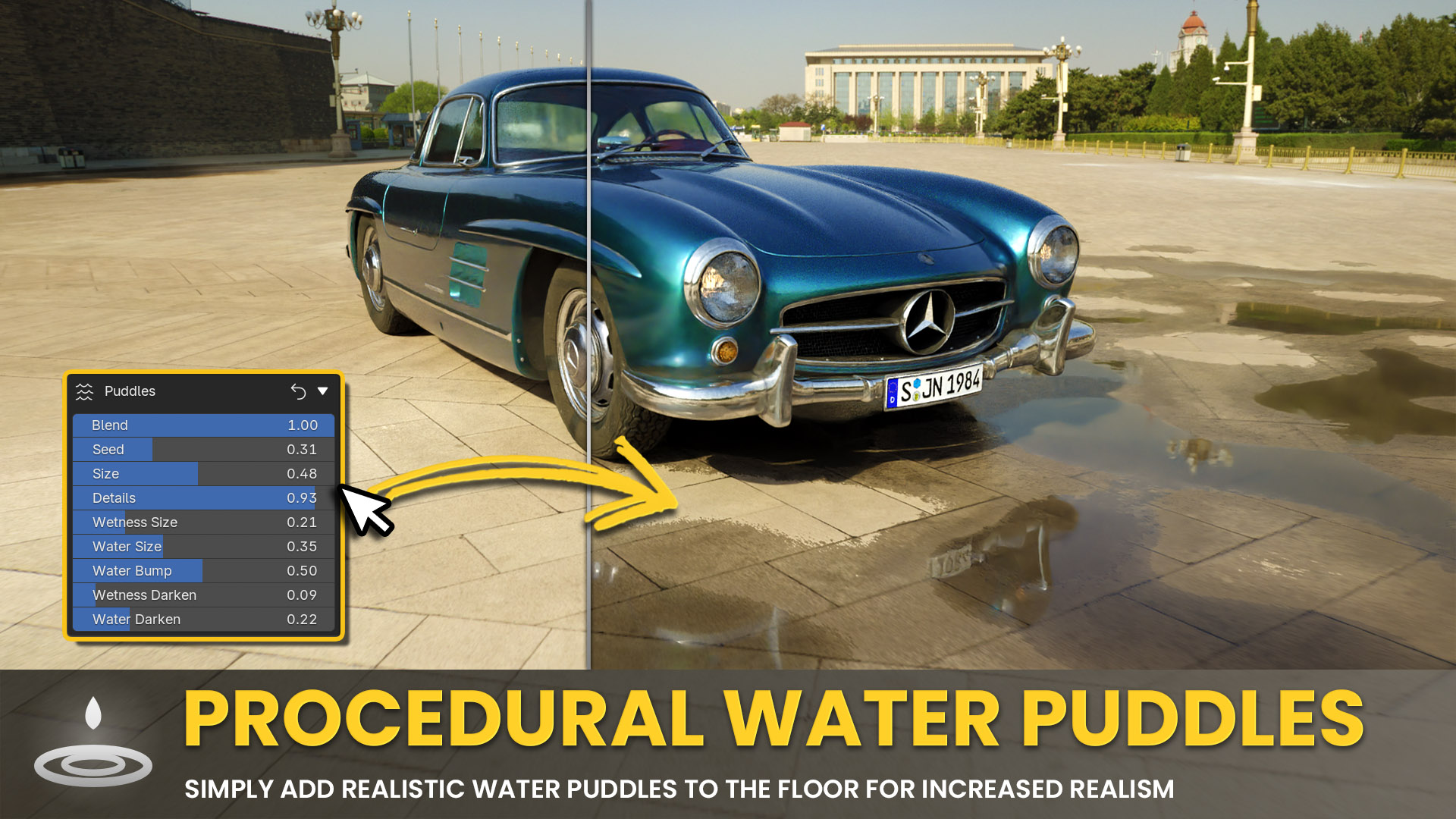
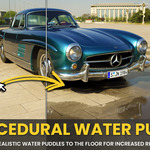
Add procedural water puddles to any scene. Fully control size, depth, and roughness for the perfect wet-ground look. ↑
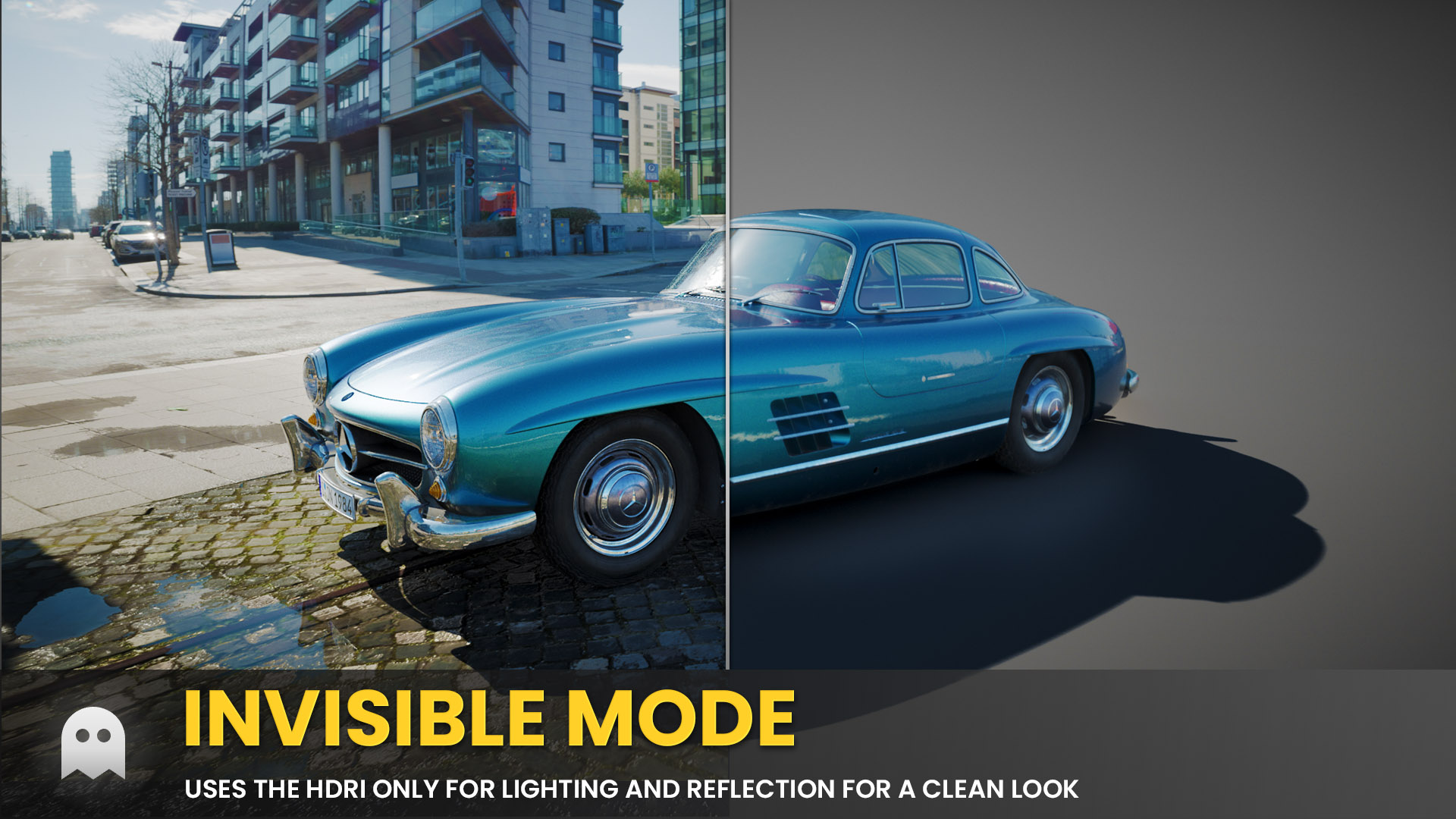
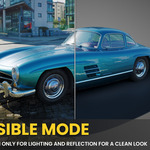
Hide the HDRI dome from the camera while keeping its lighting contribution. Set a custom background color and optionally add a vignette effect. ↑
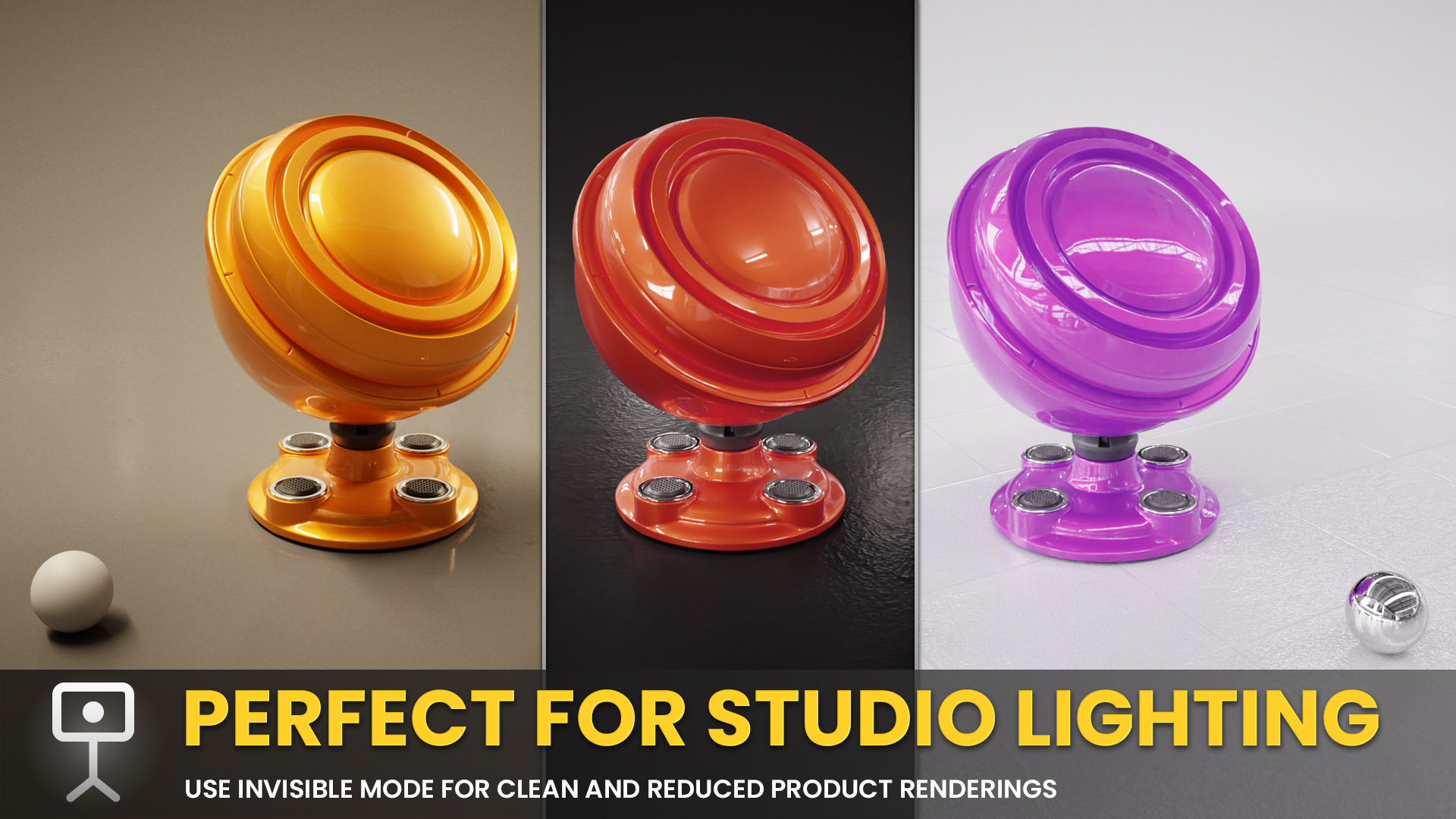
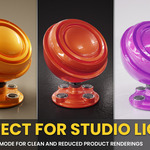
Achieve professional studio results with clean backgrounds and precise lighting control. Perfect for product shots and character renders. ↑
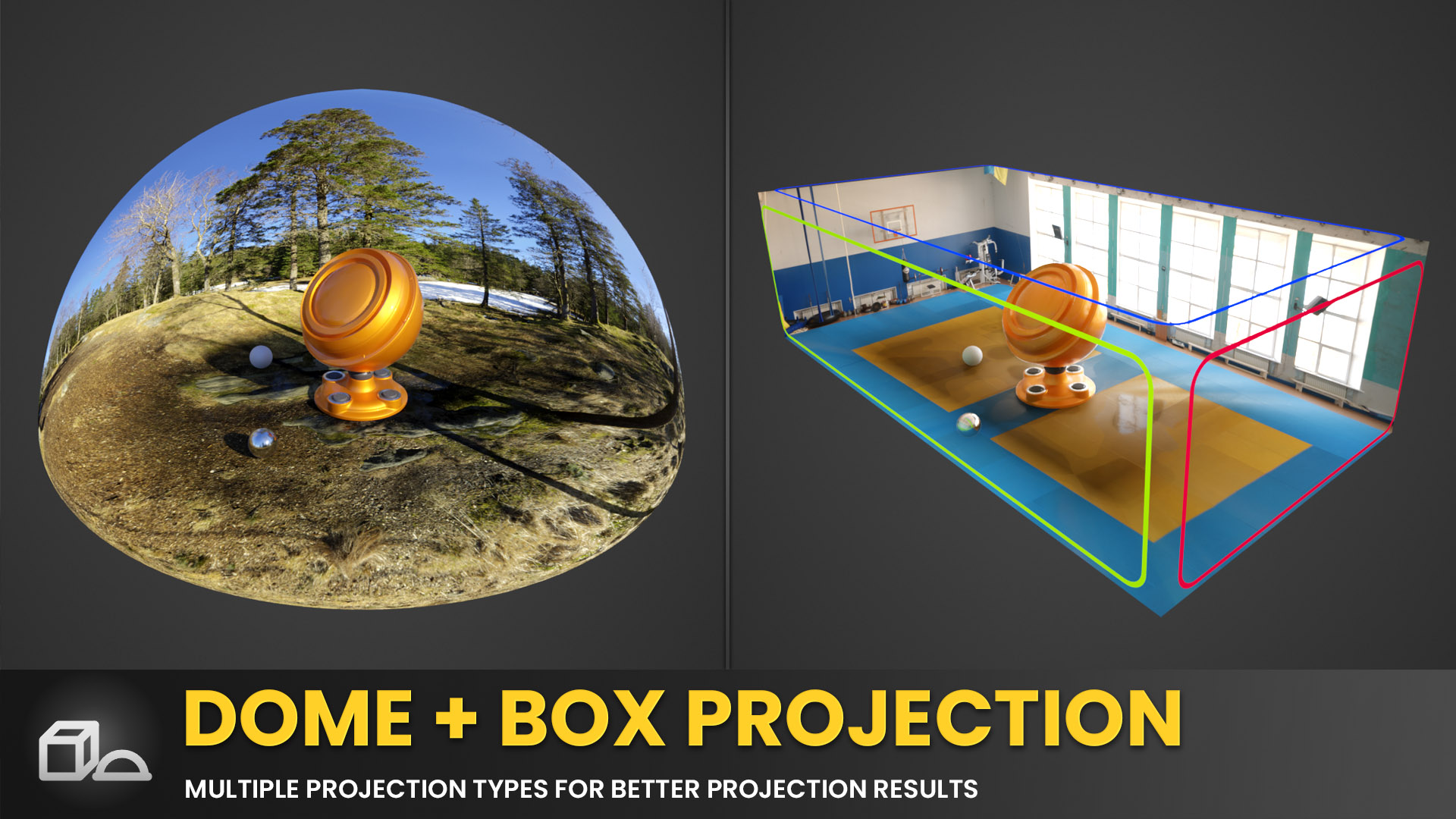
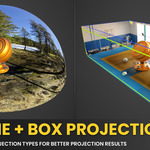
Switch between standard dome and box projection to suit different scene types and get the best possible floor matching for each. ↑
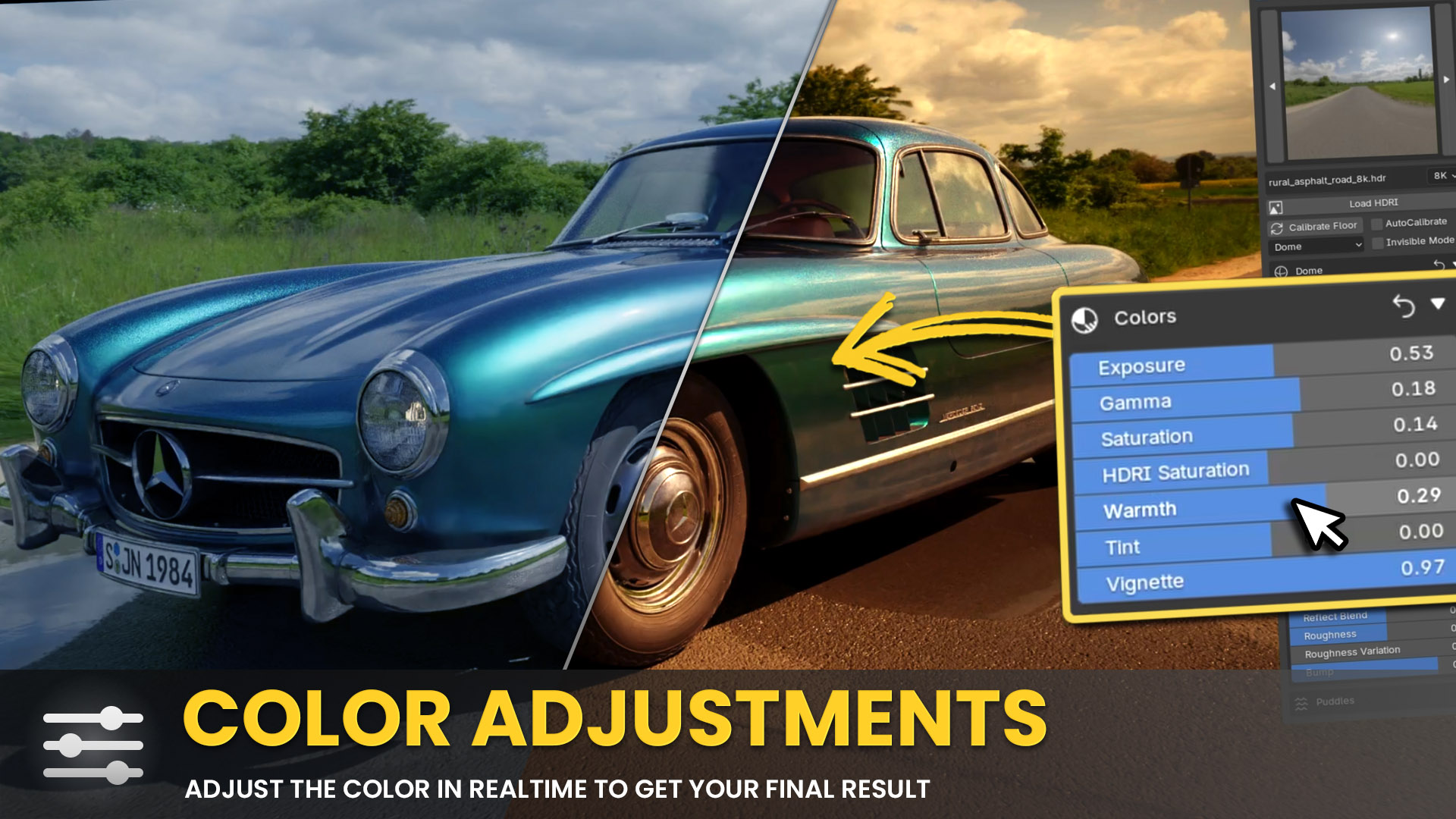
Tweak exposure, gamma, saturation, warmth, or fully desaturate the HDRI for studio-style lighting, all without touching the node editor. ↑
 What Users Say
stache + · Watch on YouTube
CG Vortex · Watch on YouTube
"Haven't seen anything better for this task. Highly recommend!"
Leonid Altman
Creator of Light Wrangler
"The best HDRI Add-on for Blender! Works flawlessly."
artisthebalint
"Such a well-crafted HDRI utility. Love it."
Henrik Cederblad
"Become an essential part of my workflow. Incredibly simple."
Sebastien Morere
"Highly efficient, better realism, great control in Cycles and EEVEE."
André
"Amazing product with incredible support. Highly recommend!"
spacebot
"The best HDRI Addon in the business. Easy to use & practical."
Doğukan
"By far the best HDRI add-on I've used. Developer is super responsive."
zy
"Easily one of the best HDRI add-ons. Hats off to the dev!"
Mr3D
"Instantly became one of my favorite addons I've ever used."
Light
Exclusive Offer for POLYDOME Customers
As a POLYDOME customer, you get 30% OFF on the
Poly Haven Asset Browser!
Get instant access to 1,800+ free HDRIs, textures, and 3D models directly in Blender.
Your discount code:
Use this code at checkout to get 30% off
Perfect companion for POLYDOME, drag & drop HDRIs with adjustable resolution!
 Why POLYDOME
POLYDOME turns any HDRI into a usable set. With automatic floor matching and real-time feedback you will achieve stunning results without the usual hacks.
 Compatibility & Requirements
- Blender 4.2+ (fully compatible with Blender 5)
- Optimized for the Poly Haven Asset Browser but works with any HDRI in the Asset Browser or on your hard disk
 What's Included
- POLYDOME Add-on (.zip)
- 30 minute tutorial video covering every feature in detail
- Free updates & basic support
 FAQ
FAQ
Does It Work With Any HDRI?
Yes. POLYDOME works with any HDRI, though Poly Haven HDRIs offer built-in resolution toggles and are standardized in quality to guarantee best results.
Do I Need the Poly Haven Add-On?
No. You can use any HDRI from the Asset Browser or directly from your system. But using the Poly Haven Asset Browser gives you additional benefits because PolyDome is optimized for those.
Does It Support Both EEVEE and Cycles?
Absolutely. Both engines are fully supported, with nearly identical results in EEVEE.
Can I Set Up in EEVEE and Render in Cycles?
Yes, that's the recommended workflow for speed and quality.
What Floor Effects Are Included?
POLYDOME supports reflections, roughness, bump mapping, and dynamic water puddles.
What Is Automatic Floor Matching?
Most HDRI plugins struggle with mismatched floor planes. POLYDOME automatically matches the floor to the dome, creating seamless transitions without color shifts.
Can I Adjust the Puddles?
Yes, you can fully control size, depth, and roughness.
Can I Change the Background in Invisible Mode?
Yes, you can set a custom background color and even add a vignette effect.
Are There Built-In Color Adjustments?
Yes, you can tweak exposure, gamma, saturation, warmth, or even fully desaturate the HDRI for studio-style lighting.
Do I Get Free Updates?
Yes, bug fixes and updates are free.
Can I Use POLYDOME Commercially?
Yes, you can use POLYDOME in both personal and commercial Blender projects.
 Get Started with POLYDOME
Intro Price: $24.99
Turn any HDRI into a photorealistic scene in seconds!
Buy Now- Free updates
- Works with EEVEE & Cycles
- Asset Browser ready
- 30 min tutorial
Updates & Changelog
Version 2.1 (Coming Soon)
New Features:
- Backplate System: Combine PolyDome directly with your own backplates so 3D assets integrate perfectly into existing footage or photos
Version 2.0 (Jun 15, 2026)
New Features:
- Live Preview: The panel preview is now a real render of your dome lit by the current HDRI (with preview spheres), updating live as you change the HDRI, brightness/gamma/saturation, rotation, look, and color management. It renders in a separate background process, so it never freezes Blender
- Background Calibration: Floor calibration now runs in the background without blocking Blender, and is automatic by default (recalibrates whenever the HDRI or its adjustments change)
- HDRI Adjustments: Added HDRI Brightness and HDRI Gamma sliders (next to HDRI Saturation), affecting both the world and dome shaders; adjusting them triggers recalibration
- Preview Settings: New preferences to choose the preview render engine (Cycles or EEVEE) and the Cycles GPU device/backend
- Transparent Mode: Render the dome on a transparent background (Cycles only) for compositing over your own backplates
Version 1.2.2 (Mar 9, 2026)
Bug Fixes:
- Calibration: Fixed calibration failing when output format is set to a video type (e.g. FFmpeg)
Version 1.2.1 (Mar 3, 2026)
Bug Fixes:
- Library Import Settings: Fixed broken World Shader in Blender 5.0+ when using Drag+Drop from Asset Library with Import Settings set to "Pack" after reopening saved files
- Grain Effects: Fixed non-tiling Grain Texture in Blender 5.0+ which may appear in higher output resolutions
Version 1.2 (Jan 29, 2026)
New Features:
- UI Overhaul: New minimalistic and semi-transparent design
- Panel Location: Choose whether PolyDome appears in the Sidebar, World Properties, or both
- Sidebar Tab Name & Order: Customize the Sidebar tab name and its position
- Delete Dome: Completely removes PolyDome from the scene and cleans up all remaining data
Bug Fixes:
- Keymap Fixes: Fixed rare issues with keyboard shortcuts
- Saturation Slider: Fixed value clamping
Version 1.1 (Jan 8, 2026)
New Features:
- Compositing Modes: Three different compositing modes that define how PolyDome controls Blender's Compositor
- Shortcuts: Optional shortcuts for dome rotation, projection height, and stretch
- UI Overhaul: A more structured interface with categories and subcategories that can be toggled for faster access
- Additional Post Effects: Film grain, glare, and aberration
- More Precise Calibration: For seamless transitions, even in Invisible Mode
- Faster Calibration
Bug Fixes:
- HDRI Saturation in Invisible Mode: Fixed color-matching issues
- Loading Saved Scenes: Fixed rare loading problems
Version 1.0 (Dec 15, 2025)
Initial Release
