 Dmitrii Smirnov


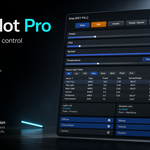
LightPilot Pro
Control lights without breaking creative flow.
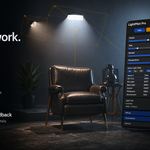
LightPilot Pro is a viewport-first light control add-on for Blender. Select a light, adjust the values that matter, inspect its contribution, organize the whole setup, and stay focused on the shot instead of bouncing between scattered panels.
Scene Light Table Isolate with restore Kelvin temperature Light Link and Shadow Link
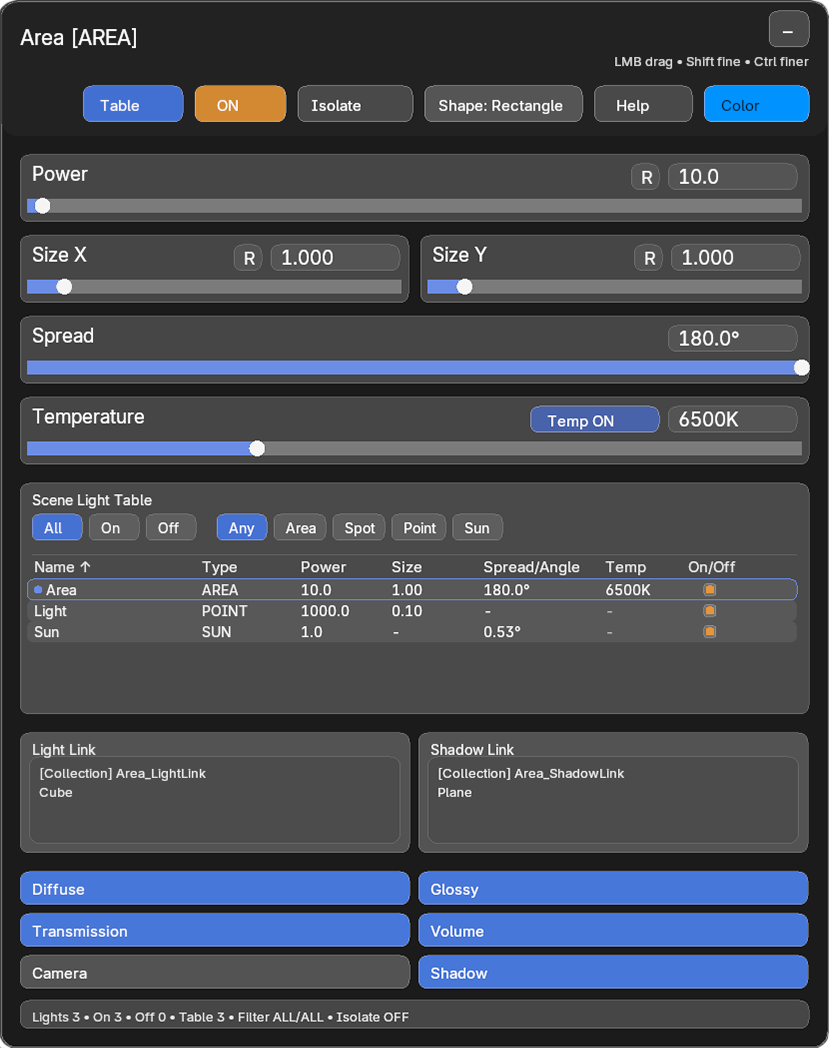
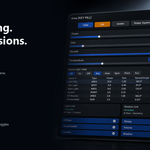
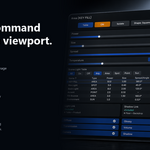
One readable HUD for active light editing, scene-wide table management, isolate mode, linking visibility, and render contribution control.
Why artists use it
Lighting in Blender is powerful, but multi-light scenes can become slow to manage. LightPilot Pro reduces that friction by keeping common actions close to the shot.
- Stay in the viewport while adjusting lights.
- Edit the active light in context instead of hunting through panels.
- Keep multi-light scenes organized with a compact Scene Light Table.
- Use isolate mode to understand what one light is really doing in the scene.
- Keep advanced controls like linking and contribution visible during lookdev.
Built for real lighting workflows
Viewport HUD
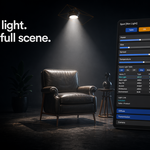
Select a supported light and edit it directly in the 3D View. The HUD keeps common lighting actions close to the shot so you can work faster and judge changes immediately.
Fast and exact value editing
Adjust power, size, spread, angle, blend, color, and temperature from the viewport. Use fast dragging for quick balancing and exact numeric entry when precision matters.
Scene Light Table
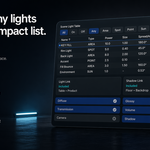
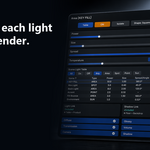
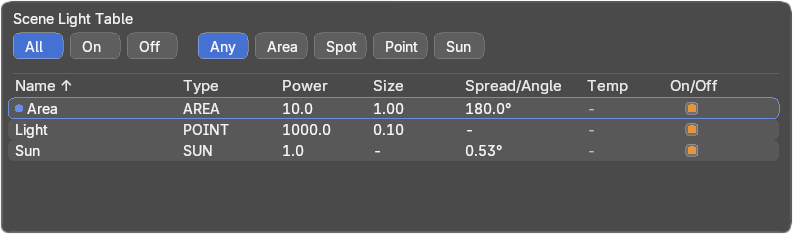
Manage visible scene lights from one compact table.
- Select lights directly from the table.
- Sort by columns.
- Filter by light type or state.
- Rename lights into a readable setup.
- Toggle lights without breaking the viewport workflow.
Isolate mode with restore
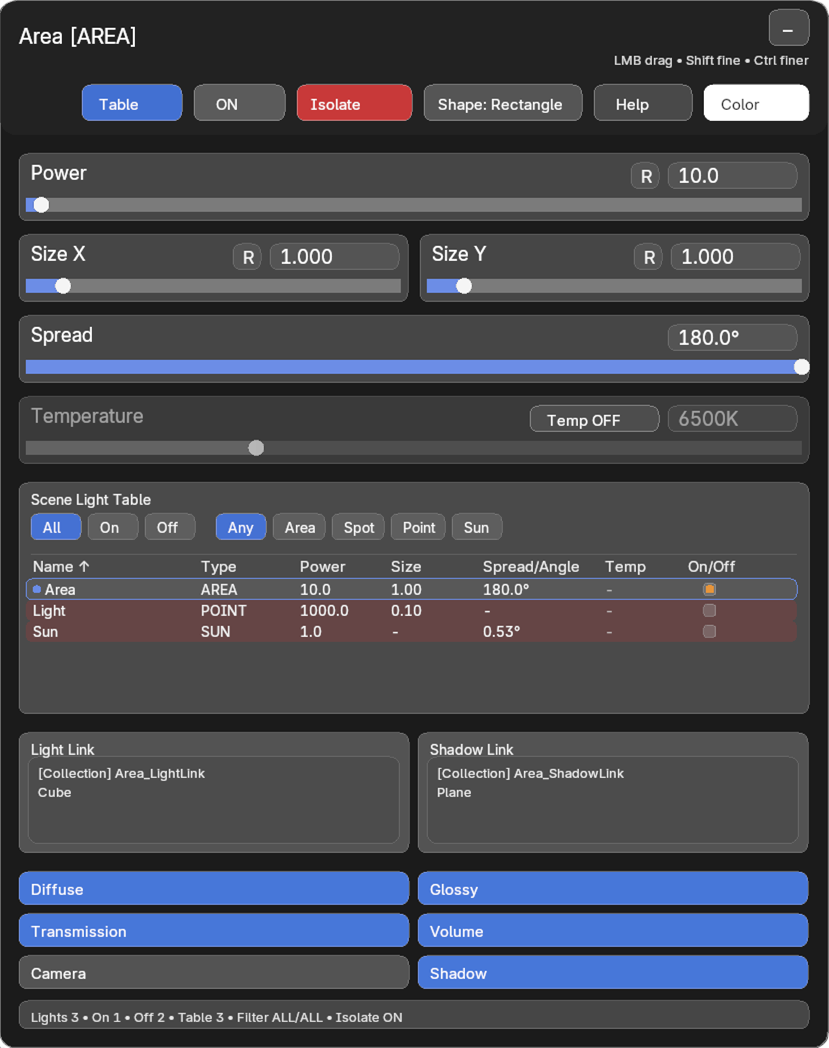
Temporarily focus on one light contribution to understand what it is doing in the render. When isolate mode is turned off, LightPilot Pro is designed to restore the previous enabled and disabled light state.
Color and temperature workflow
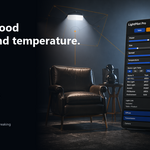
Switch between direct color control and Kelvin temperature workflow while staying in the same HUD. This makes mood changes faster during product lighting, stylized lighting, and lookdev.

Light Link, Shadow Link, and contribution control
Keep selective lighting readable by reviewing Light Link and Shadow Link information directly in the HUD. Control how the active light affects the render with toggles for Diffuse, Glossy, Transmission, Volume, Camera, and Shadow.

How it fits actual production work
Balance a key light
Select the key light, enable isolate mode, adjust power, size, spread, and temperature, then restore the full setup and compare it against fill and rim lights.
Clean up a busy scene
Use the Scene Light Table to find unclear light names, sort by type or value, disable temporary setup lights, and keep the scene readable during the next lighting pass.
Refine render contribution
Keep a light visible in glossy reflections, remove it from camera visibility, limit shadow contribution, and inspect link assignments without leaving the viewport workflow.
Who it is for
- Lighting artists
- Product visualization artists
- Look-development artists
- Motion designers
- Blender users working with multiple light sources
Installation and quick start
Installation
- Open Blender.
- Go to Edit > Preferences > Add-ons.
- Click Install from Disk.
- Select the LightPilot Pro ZIP file.
- Enable the add-on.
- Return to the 3D Viewport and select a supported light object.
Quick start
- Select a Point, Spot, Area, or Sun light.
- Use the viewport HUD to adjust the values that matter for the active light type.
- Open the Scene Light Table to filter, sort, rename, and toggle visible lights.
- Use Isolate to judge one light contribution clearly.
- Refine temperature, linking, and contribution settings as the shot develops.
Compatibility
- Version: 2.12.0
- Blender: 4.5+
- Extension type: Add-on
- Category: 3D View / Lighting Workflow
- License: GPL-3.0-or-later
Common questions
Does LightPilot Pro create lights automatically?
No. It focuses on controlling, organizing, and refining the lights already used in your scene.
Does it replace Blender's native light properties?
No. Blender's native properties remain available. LightPilot Pro brings the most common lighting actions closer to the viewport so the workflow stays faster and clearer.
Which light types are supported?
Point, Spot, Area, and Sun lights are supported, with the HUD adapting to the active light type.
Can I type exact values?
Yes. The workflow supports both fast drag interaction and exact numeric entry.
Is isolate mode safe to use repeatedly?
It is designed to restore the previous enabled and disabled state when isolate mode is turned off.
Is written documentation included?
Yes. The package includes written documentation, and this description includes installation and quick-start guidance directly.