Lightpilot Pro
 Dmitrii Smirnov


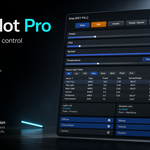
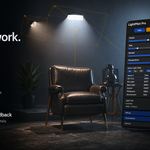
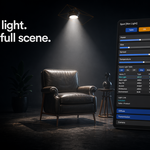
LightPilot Pro User Guide
A practical guide to installing, understanding, and using LightPilot Pro inside Blender.
1. Overview
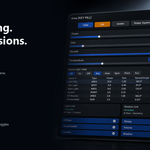
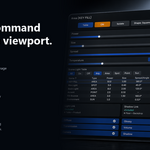
LightPilot Pro is a viewport-first lighting control add-on for Blender. It gives you a focused HUD for faster light editing without constantly jumping through Blender panels.
The add-on is designed to speed up everyday lighting work by bringing the most useful controls into the 3D View. Instead of splitting your attention between the viewport, the Properties editor, and the Outliner, you can keep the shot in front of you while adjusting the active light and managing the whole setup.
LightPilot Pro is especially useful in scenes with multiple lights, where organization and fast inspection become just as important as the light controls themselves.
2. Installation
- Open Blender.
- Go to Edit > Preferences > Add-ons.
- Click Install from Disk.
- Select the LightPilot Pro ZIP package.
- Enable the add-on in the Add-ons list.
- Return to the 3D Viewport and select a supported light object.
3. Supported Light Types
- Point
- Spot
- Area
- Sun
The HUD adapts to the active light type so only relevant controls are shown.
4. Main HUD Areas
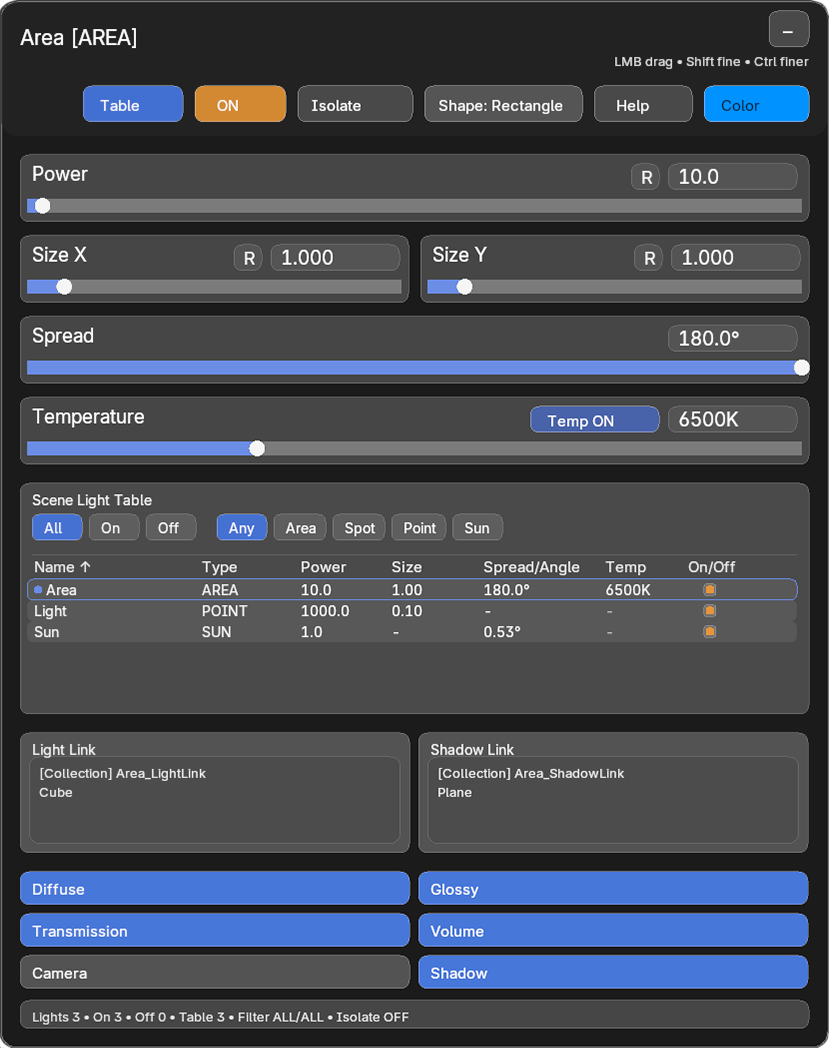
4.1 Active Light Header
The header shows which light is currently active, so the HUD always has clear context.
4.2 Top Action Buttons
Buttons such as Table, ON, Isolate, Shape, Help, and Color expose the actions that matter most during a lighting pass.
4.3 Direct Value Editing
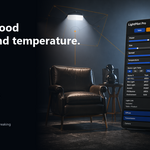
Power, Size, Spread, angle, blend, color, and temperature stay in the viewport so you can adjust values while still judging the shot.
4.4 Scene Light Table
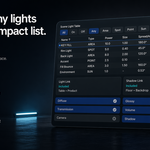
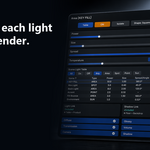
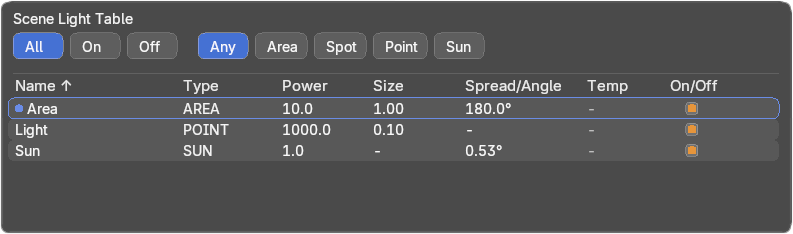
The table gives you a scene-wide overview of visible lights for filtering, sorting, renaming, and toggling.
4.5 Linking and Contribution Blocks
Light Link, Shadow Link, and render contribution toggles remain visible in the same HUD instead of being buried deeper in Blender properties.
5. Scene Light Table
The Scene Light Table is one of the core features of LightPilot Pro. It is designed for scenes where more than one or two lights need to be managed quickly.
- Review visible lights in one place.
- Sort by columns such as name, type, or value.
- Filter by light type or enabled state.
- Rename lights into a readable setup.
- Toggle lights without leaving the viewport workflow.
6. Isolate Mode
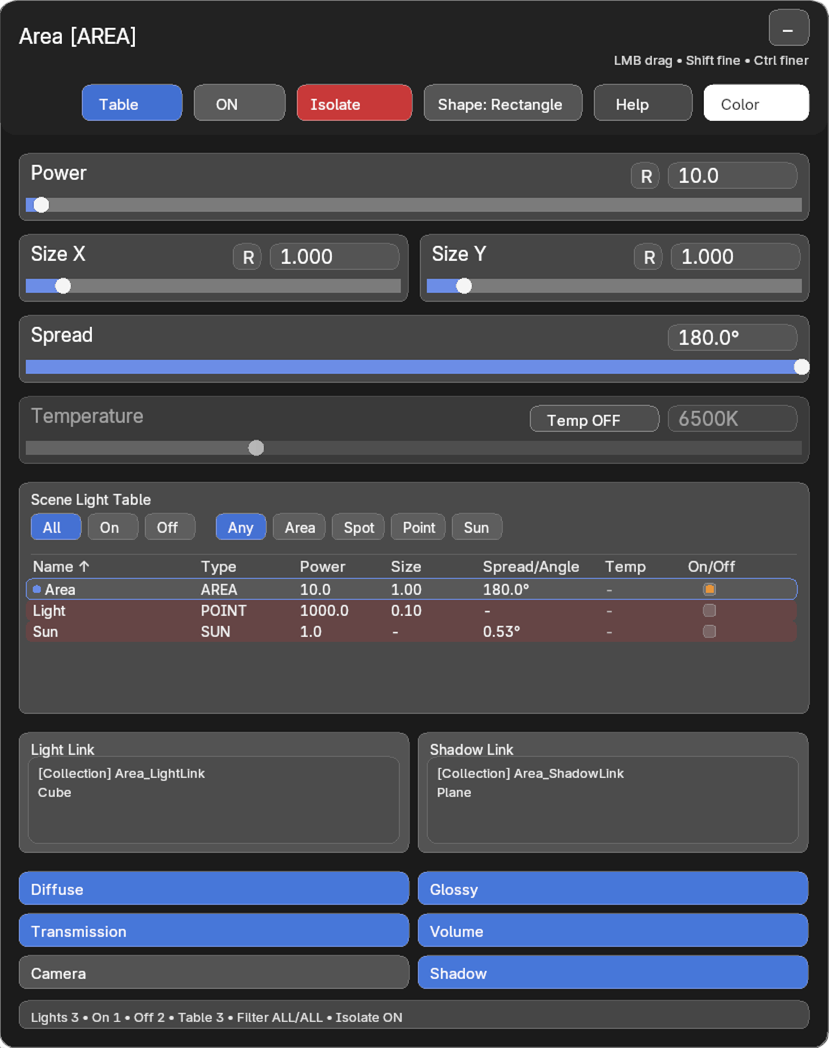
Isolate mode helps you focus on one light contribution at a time. This is useful when you need to understand which light is creating a highlight, shadow, rim, or fill effect.
When isolate mode is turned off, LightPilot Pro is designed to restore the previous enabled and disabled light state.
7. Color and Temperature Workflow
LightPilot Pro supports both direct color workflow and Kelvin temperature workflow from the viewport HUD.
- Use direct color when you want visual freedom.
- Use Kelvin temperature when you want a more natural warm/cool lighting workflow.
- Compare mood changes while still looking at the shot.

8. Light Link, Shadow Link, and Contribution Controls
Advanced lighting control stays visible in the same HUD as the active light.
- Review Light Link assignments.
- Review Shadow Link assignments.
- Control Diffuse, Glossy, Transmission, Volume, Camera, and Shadow contribution.

9. Practical Workflow Examples
9.1 Balance a Key Light
Select the key light, isolate it, adjust power, size, spread, and temperature, then restore the full setup and compare the result against the rest of the rig.
9.2 Clean Up a Busy Scene
Use the Scene Light Table to rename unclear lights, sort by type or value, and disable setup lights that are no longer helping the shot.
9.3 Refine Render Behavior
Keep a light visible in glossy reflections, remove it from camera visibility, limit shadow contribution, and inspect link assignments without leaving the viewport workflow.
10. Compatibility
- Version: 2.12.0
- Blender: 4.5+
- Extension type: Add-on
- License: GPL-3.0-or-later
Have questions about this product?
Login to message
| Published | 5 months ago |
| Blender Version | 4.5 - 5.1 |
| Extension Type | N/A |
| Render Engine Used | Cycles, Eevee |
| License | GPL |
Discover more products like this
Lighting light-linking shadow-linking viewport lighting Scene lighting Scene Management light-control productivity blender lookdev render workflow blender addon