LightSwitch
 Gentlemen Directors
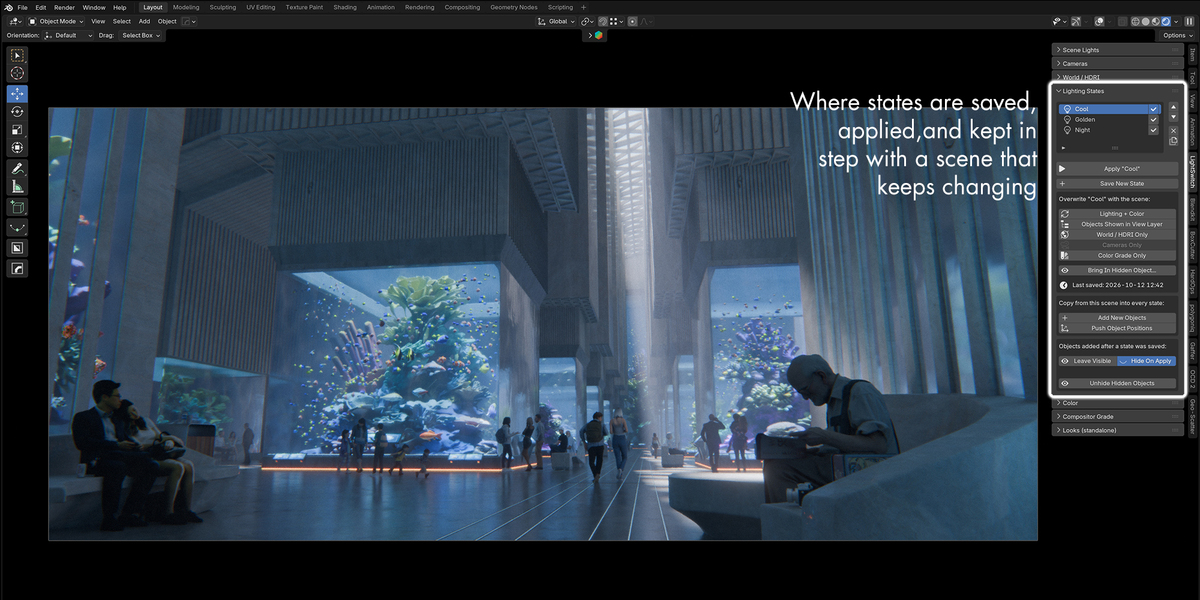
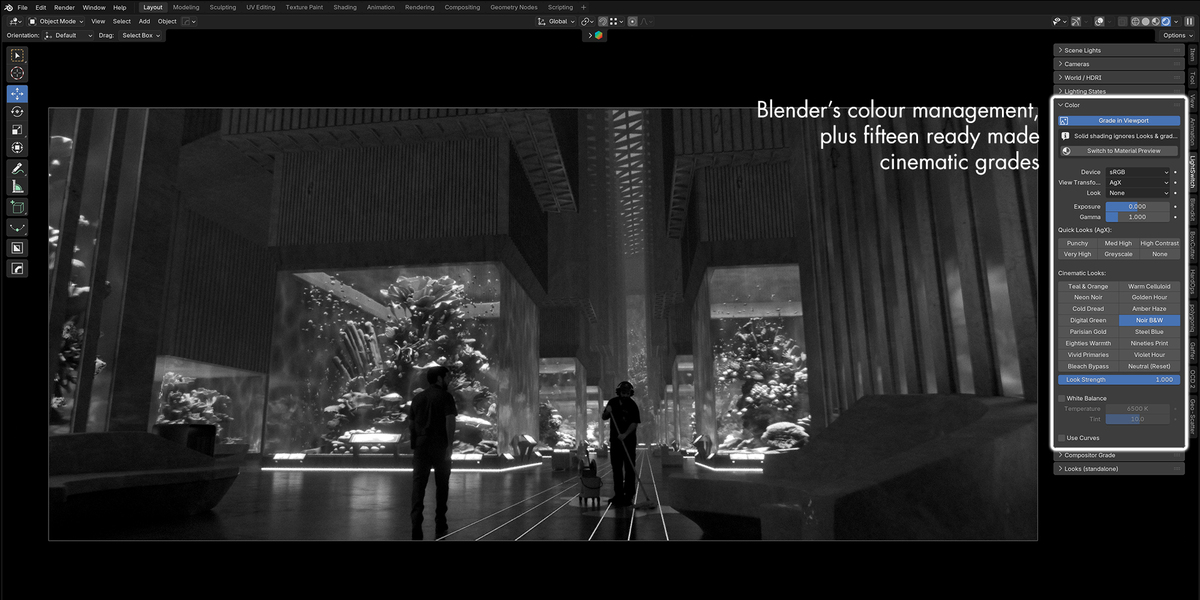
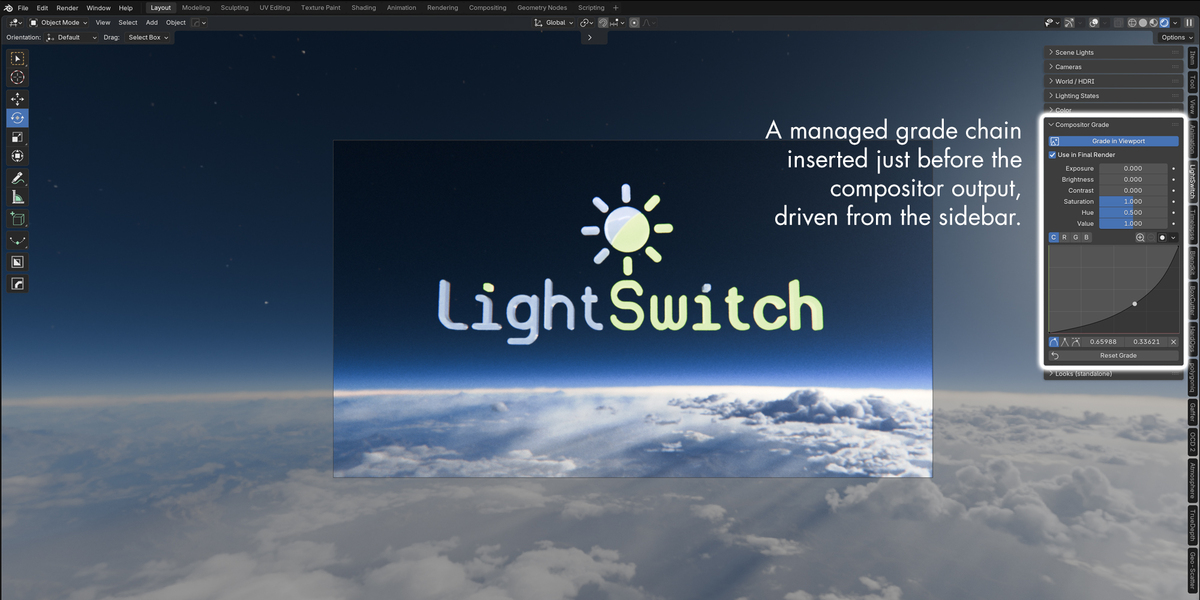
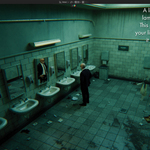
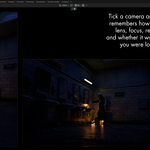
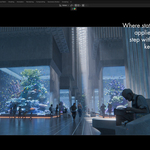
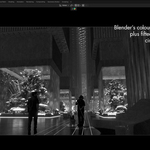
What does LightSwitch actually do?
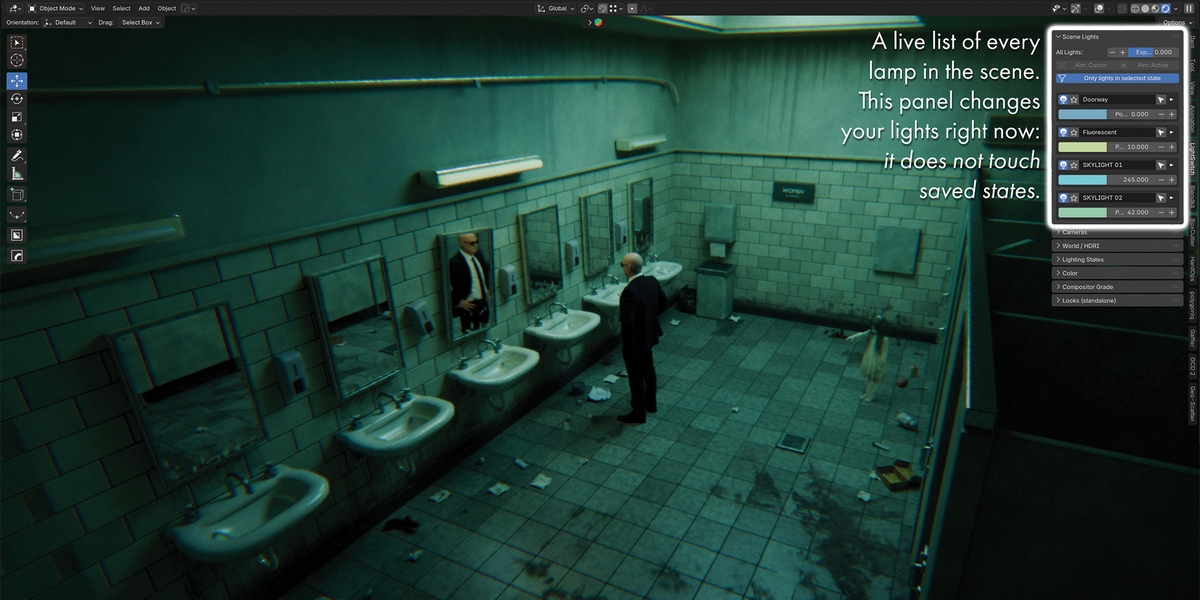
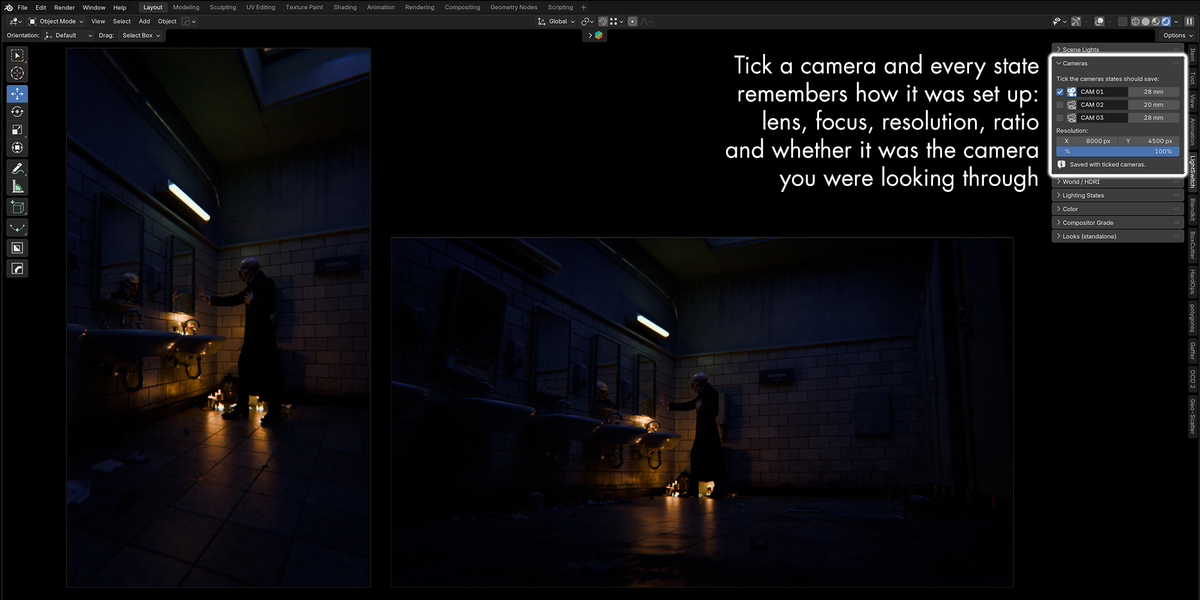
It saves your whole lighting setup as a named state: every light’s settings, the sky, the colour grade, object visibility and chosen cameras. You switch between states with one click. Nothing blends; every stored value comes back exactly as saved.
Can’t I just put my lights in different collections?
For simple on/off setups, yes. But collections can’t give the same light a different power or colour in each setup without duplicating it, and they can’t switch the sky, grade or camera. LightSwitch does all of that, and it remembers your collection toggles too, so your existing organisation still works.
Does it work with Cycles and EEVEE?
Yes. A state can even remember which render engine it uses.
Which versions of Blender does it support?
Blender 4.2 and later. It’s tested on 4.5 and 5.0, and has been used on 5.1.
Will it bloat my files?
States themselves are tiny. HDRI images that a state uses are kept in the file so they’re available when you switch back, and they’re released when no state needs them any more.
Can I animate between states?
No. Switching is instant by design. If a stored value is keyframed, the animation takes over again on the next frame change.
Are states shared between scenes?
No. Each scene in a .blend has its own states.
What if someone opens my file without the add-on?
The file opens normally and looks however it was last applied. They just can’t switch states.
Does it work with Pro-Lighting: Skies?
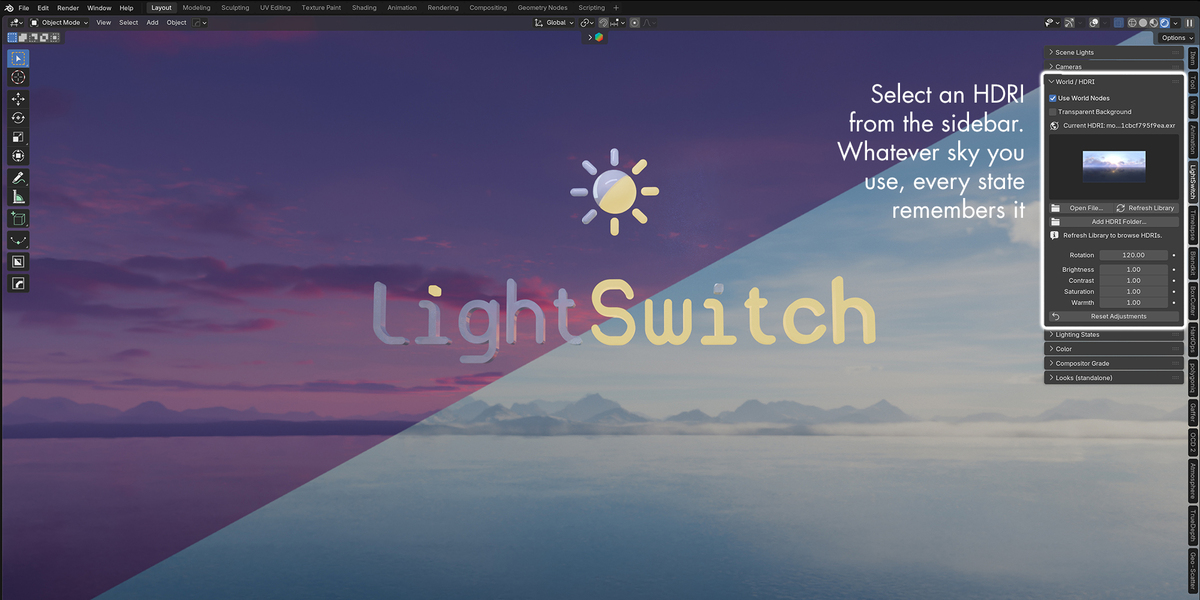
Yes, with no setup. Each state remembers its sky, rotation and strength, and Pro-Lighting’s own panel keeps working after you switch. The sky files need to stay installed.
Can I render every state in one go?
Not automatically. Apply a state, render, and repeat. A render farm renders whichever state was applied when you saved the file.
What happens to objects I add after saving a state?
By default they’re hidden when you apply an older state, so props from one setup don’t appear in another. One click adds them to every state, or you can choose to leave new objects visible everywhere.
Does it change my scene permanently?
Only in the sense that applying a state sets values, just as if you’d set them by hand, and every switch can be undone with Ctrl+Z. Geometry is never touched, and states are stored inside your .blend file.
What if I rename a light or object?
Nothing breaks. States track things by an internal ID, not by name.
Can I use my own LUT files?
No. The 15 cinematic looks are built-in grades, not LUT files, and Blender has no simple way to load a .cube file. You can save your own grades as Looks, though.
