 LIM - Life in Motion.


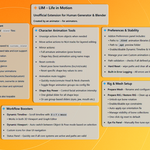
⚠️ WARNING: Google has banned the LIM_OFFICIAL YouTube channel, which contained only official LIM addon tutorials, documentation, and support content; the reason is unknown. ⚠️ // In donwload section there is a .txt file "link_for_resources" , just open the file, copy link and download videos you want.
(Important updates: go to the Documentation tab and read the change logs at the bottom of the page)
📄 What LIM offers you?LIM is a lightweight add-on for Blender, designed to speed up character animation workflows, with ready-to-use libraries and workflow boosters.
→ Fully compatible with Human Generator Rigify rigs.
→ No manual rigging required.
→ Just plug, play, and animate.
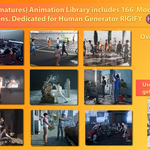
🎞️ Animation Library (Over 360 Animations included)


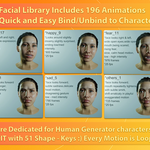
✅ (Facial animations are fully loopable, and more than half of the Body Animations categories support seamless loops.
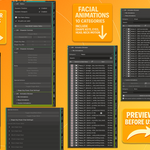
Body Animations its 9 categories with 166 animations, Facial animations its 10 categories 196 animations Include Eyes, Head, Neck, Shape Keys motion)
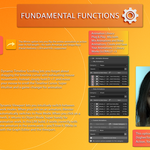
🛠️ Main Features
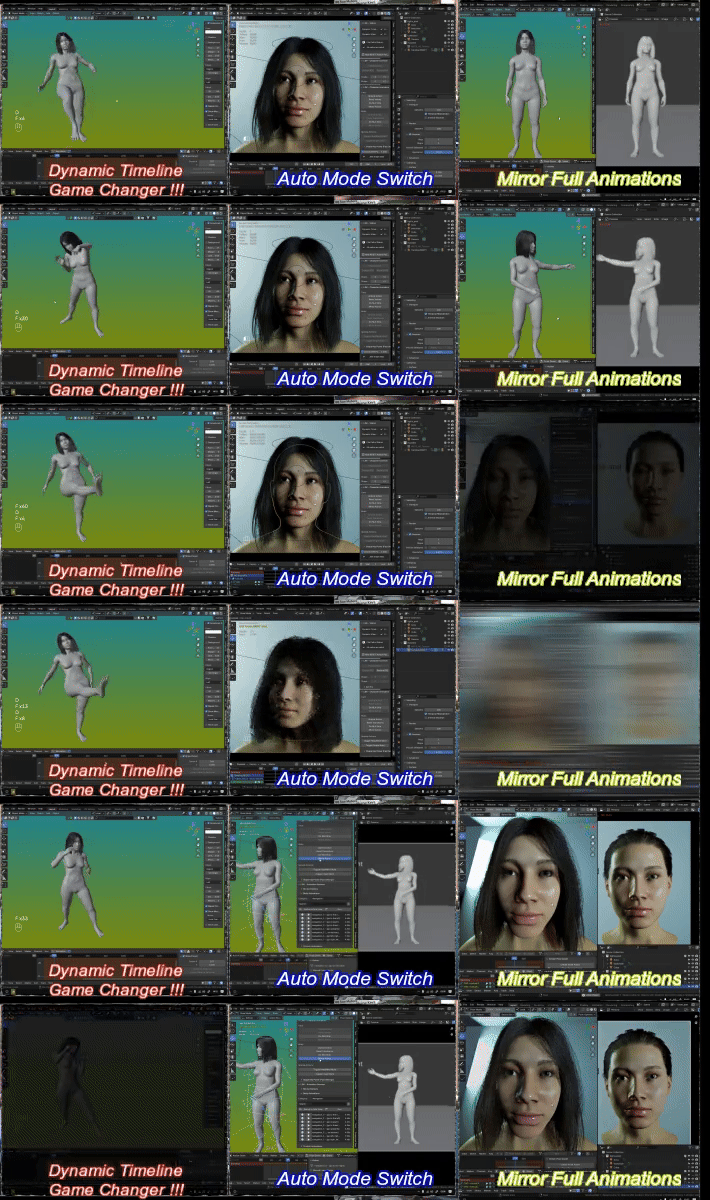

🎯 Dynamic Timeline – Instead of manually searching for the timeline cursor to scrub through your animation, use the shortcut D + F + Mouse Movement for quick and fluid control.
🧠 Auto Mode Switch – Automatically switches between Pose Mode and Object Mode, depending on what you click in the scene. (Currently optimized for scenes with one character.)
🪞 Mirror Full Animations – Mirror the entire animation clip, including both Facial tracks (Head/Neck/Eyes/Shape Keys) and Body Armature.
🎬 Animation Library – Access ready-made presets for Facial and Body animation, or save your own custom actions. The built-in Animation Browser works globally (unlike Blender’s native Asset Browser, which is file-dependent).
👁️ Preview Before Use – Browse animations and descriptions before applying them to your character.
🎚️ Shape Key Power – Quickly adjust the global intensity of a facial animation clip across its entire length. Control all keyframes (or specific ones) with a single master slider.
🎛️ Toggle Head/Neck/Fingers Mute – Instantly mute/unmute animation channels for head, neck, and all fingers. Extremely useful for mixing facial and body animations, or when disabling finger movement in complex rigs with dozens of finger bones.
📘 Full feature documentation available in the Documentation tab. Read important change log on Documentation Tab
💬 Final Words
Built with passion over 8 months.
Thank you for supporting LIM and Blender add-on creators.