Lithic Loom
 SARASURRANO

Can I use my own materials?
Yes. Assets are generated with Material = None, so you can assign your own shaders or choose Custom / Existing in the Material panel. Lithic Loom’s built-in surface layers require a Lithic Loom material and do not automatically modify custom shaders.
Why can’t I see Snow, Moss, Dirt or Wetness?
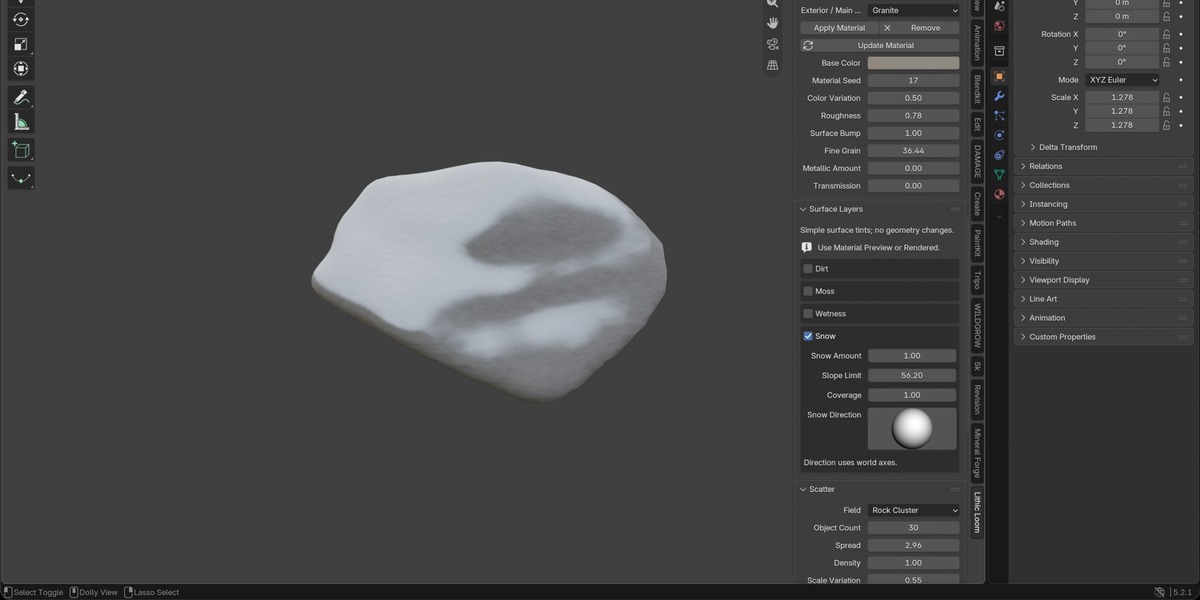
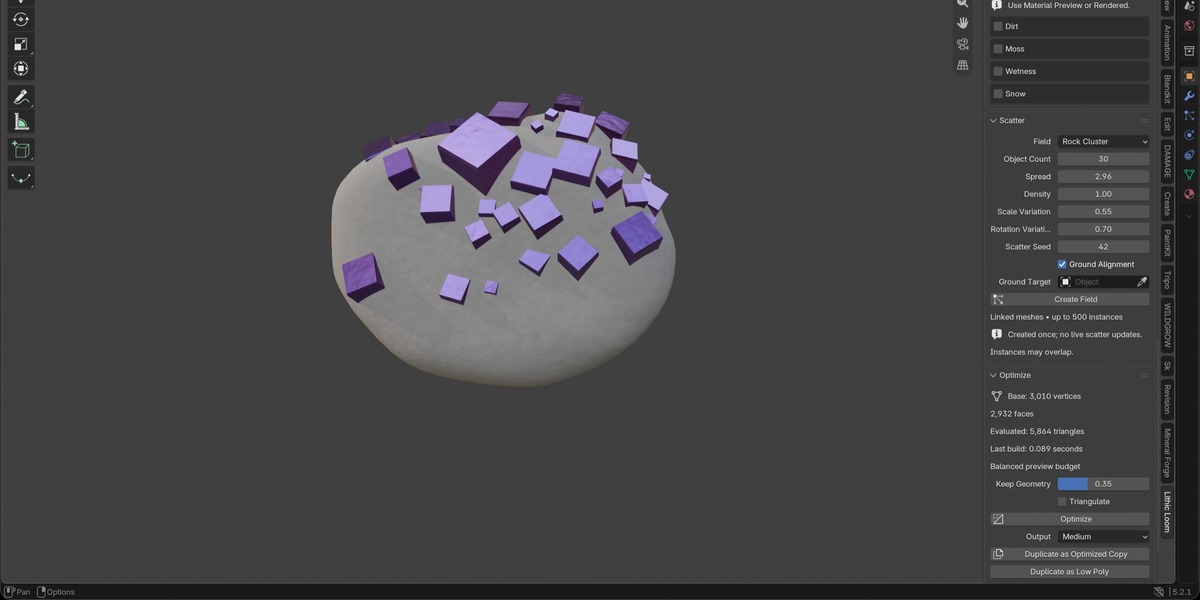
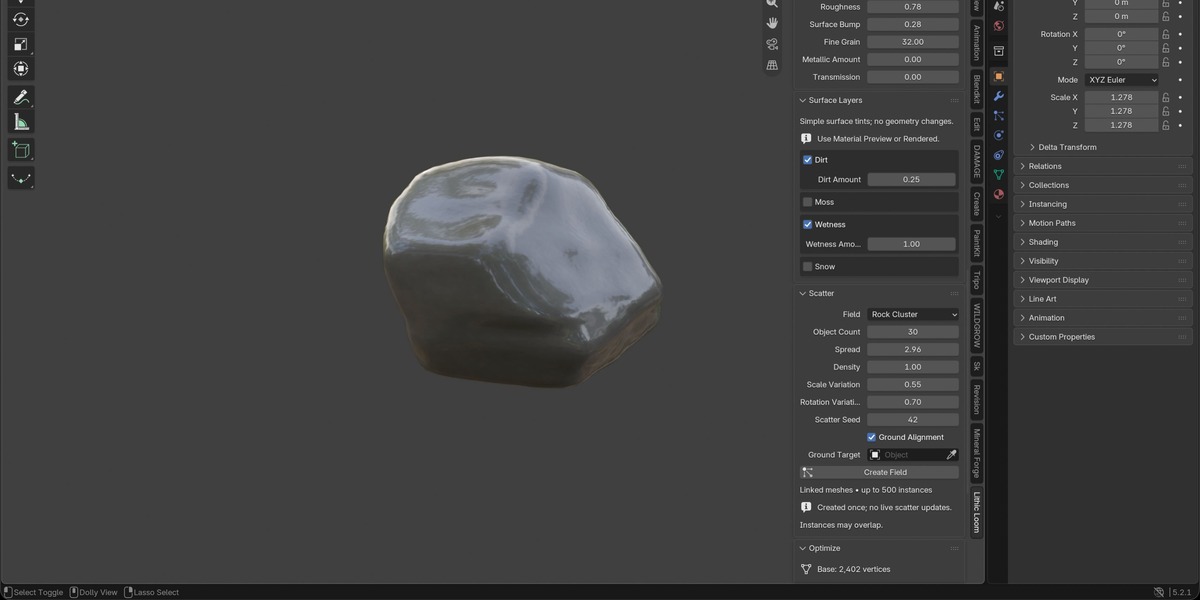
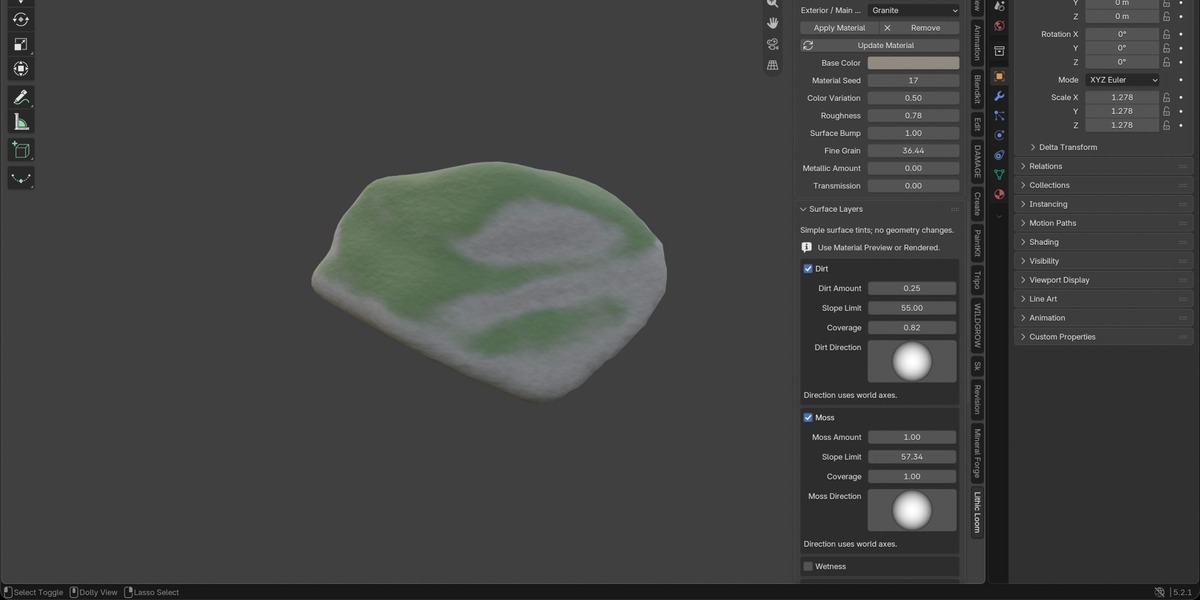
New assets start without a material. Choose a Lithic Loom material and click Apply Material, then switch to Material Preview or Rendered mode. Enable the desired layer and adjust Amount, Slope Limit, Coverage and Direction. With Live Update off, click Update Material. These layers affect the material; they do not add geometry.
Can I edit generated assets?
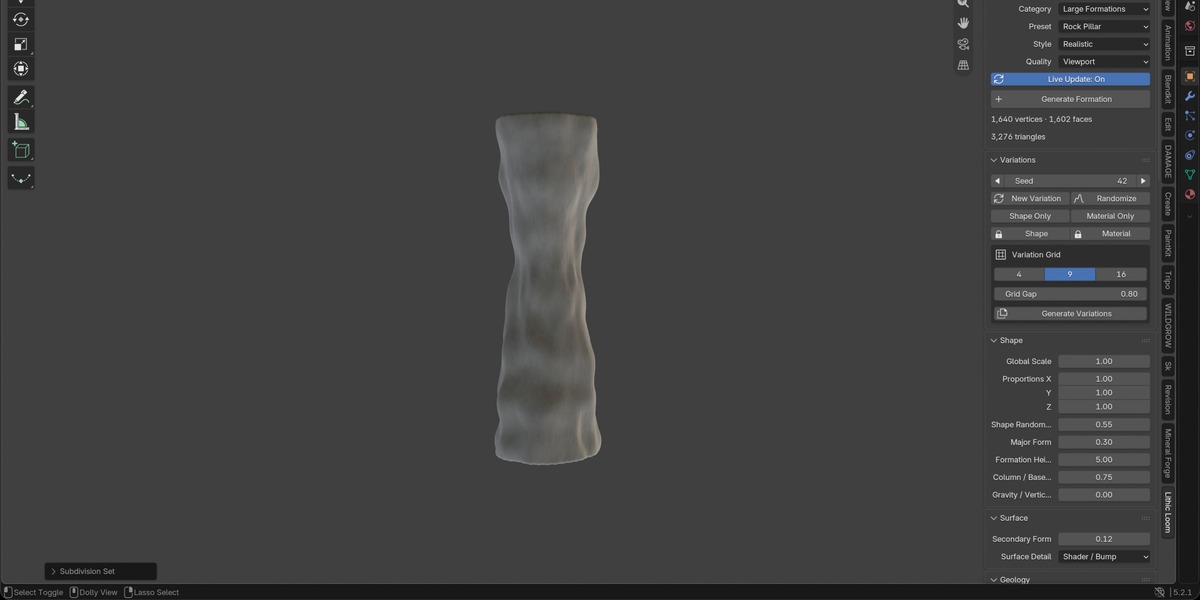
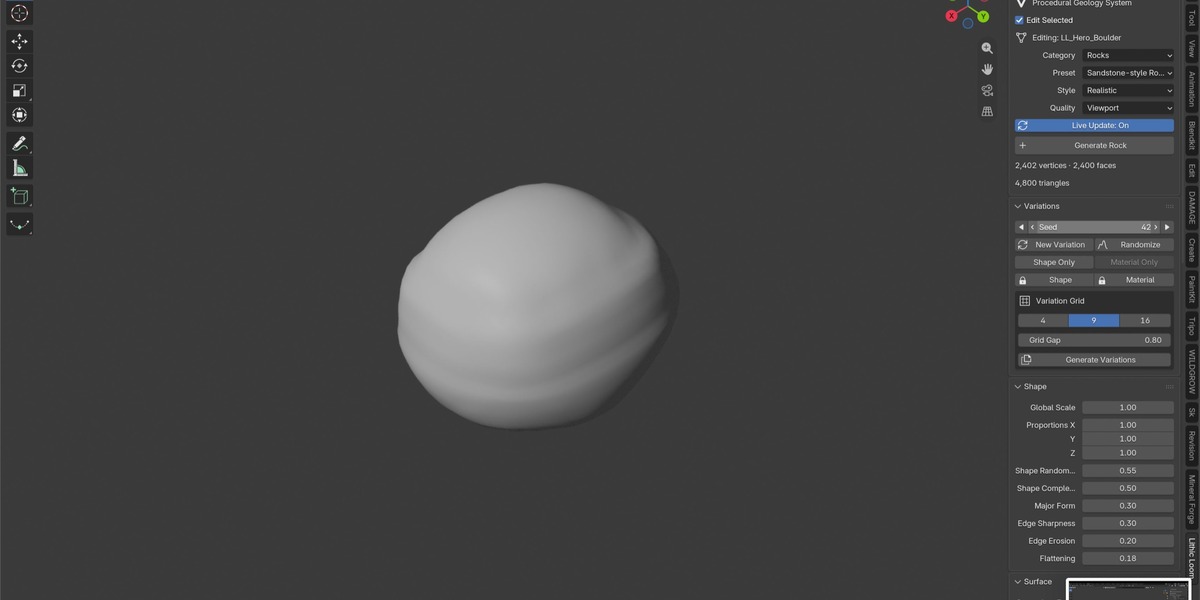
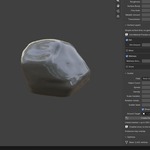
Yes. Generated assets retain editable settings for seeds, proportions and relevant geometry controls. Enable Edit Selected and use Live Update or Update Selected. Before manually editing mesh vertices, finalize a copy and keep the original procedural asset for future adjustments.
What can I create with Lithic Loom?
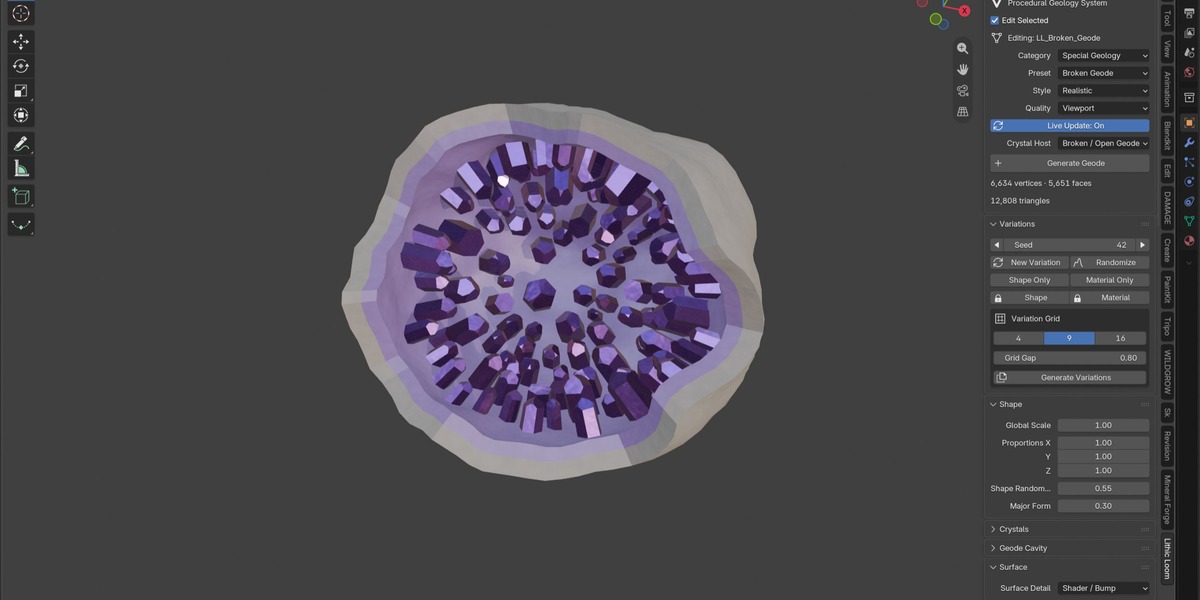
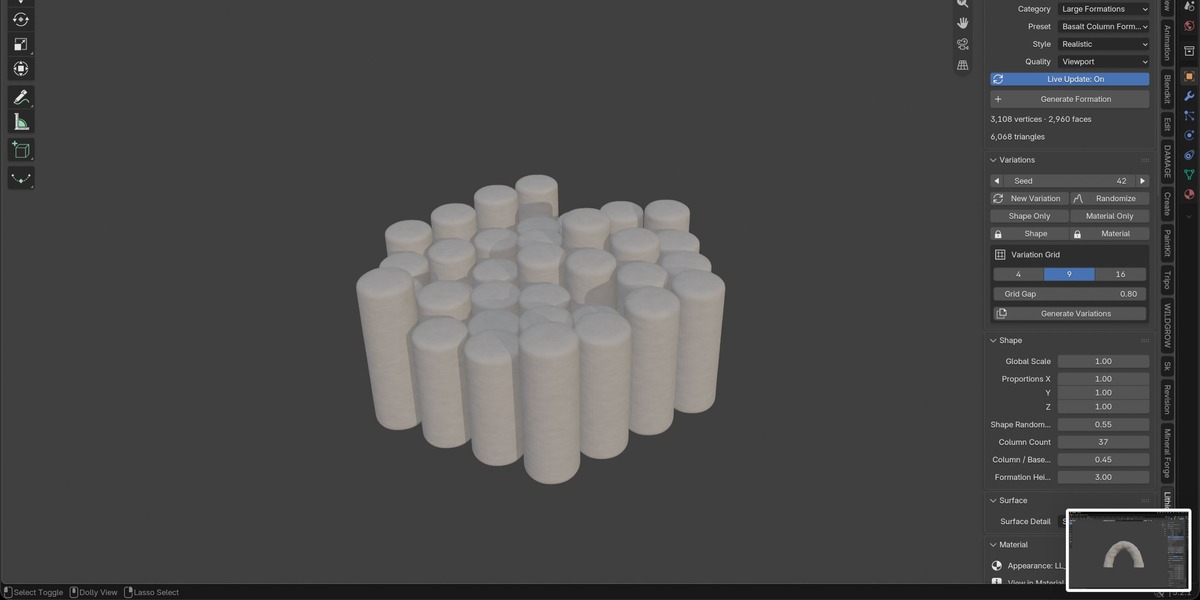
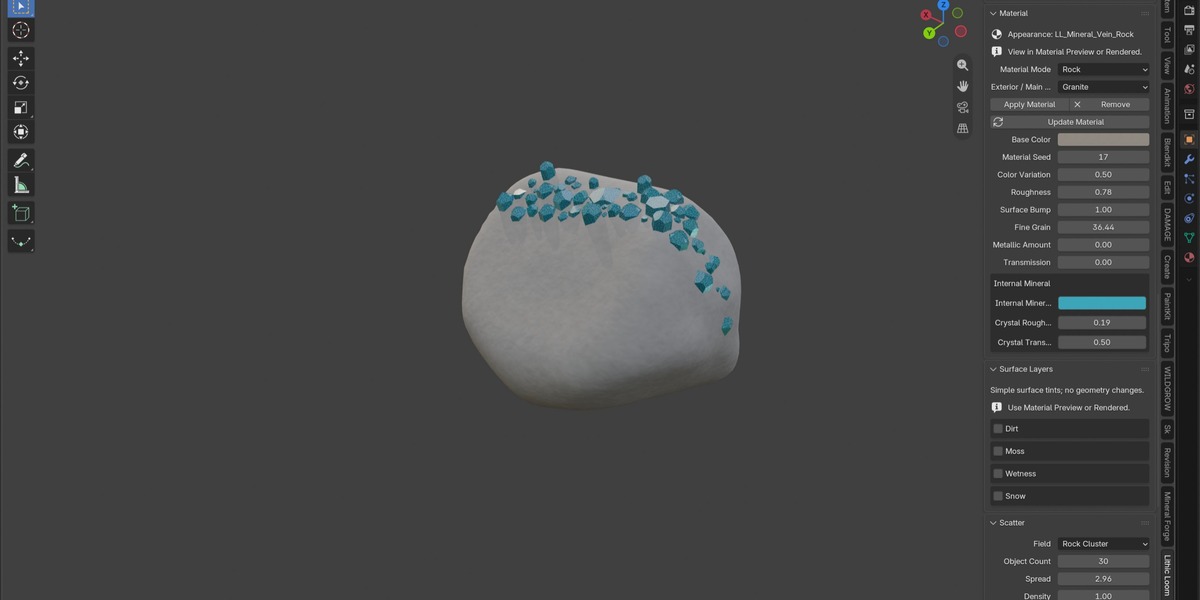
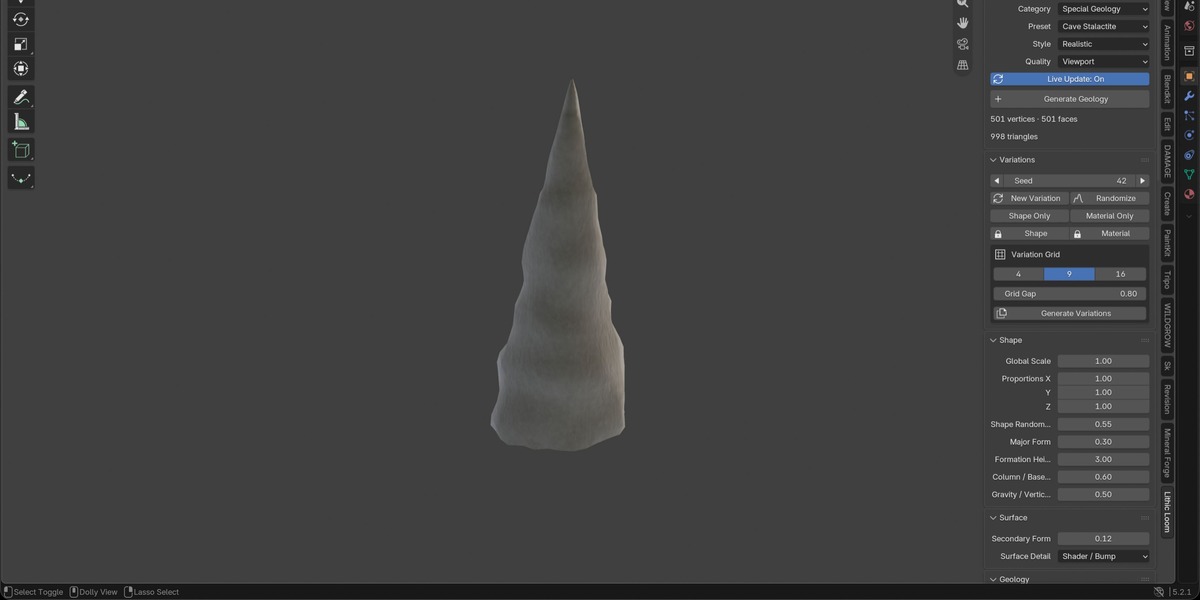
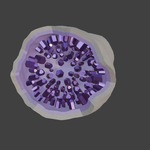
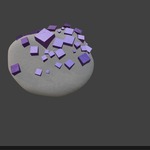
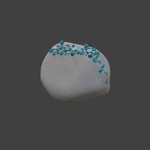
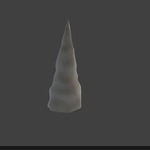
Lithic Loom includes 39 presets for rocks, large formations, crystals, minerals and special geology. Create boulders, canyons, mountain ridges, slopes, caves, crystal clusters and geodes, then adjust their shapes and appearance.
$24.99
Have questions about this product?
Login to message
| Blender Extension Compatible | Yes |
| Published | 3 days ago |
| Blender Version | 4.2 - 5.2 |
| Extension Type | Add-on |
| Render Engine Used | Cycles, Eevee |
| License | GPL |
Discover more products like this
rock-generator geode rocks procedural modeling procedural modeling environment blender addon terrain crystals minerals geology