Live MIDI Visualizer – Real-Time MIDI Controller Add-on for Blender
 Egon Castle


Can I use it for rendered videos?
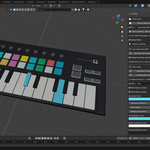
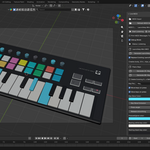
Yes. You can use the real-time visual feedback to create scenes, controller demonstrations, music videos, tutorials, and animation content inside Blender.
Do I need extra Python packages?
Depending on your setup, live MIDI may require MIDI Python dependencies such as mido and python-rtmidi installed into Blender’s Python environment.
Why is my MIDI device not showing in Blender?
Make sure the device is connected with a data USB cable, close other MIDI software that may be using the device, restart Blender, and refresh the MIDI device list.
What MIDI messages are supported?
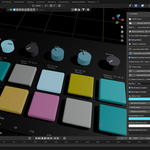
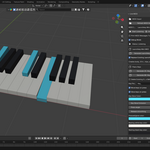
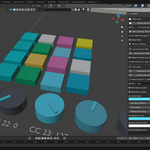
The add-on supports note_on, note_off, and control_change messages. These cover most MIDI keys, drum pads, knobs, sliders, and buttons.
Can it work with Novation Launchkey Mini MK3?
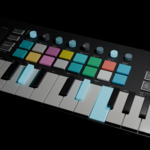
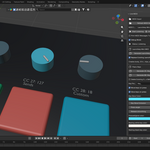
Yes, it is designed to work well with Launchkey-style MIDI controllers, including keys, pads, knobs, and buttons, as long as the device is detected by your computer and Blender setup.
Does it support live MIDI controllers?
Yes. The add-on is made for live MIDI input. Connect your MIDI controller, select the input device in Blender, and start listening.
Does this add-on convert audio files like MP3 or WAV into MIDI?
No. MIDIFlare Live is designed for MIDI input visualization. It does not convert audio files into notes.
 Included
Includes 12 months of
- Support from Egon Castle
- Product updates
Extend this product’s Support Period +12 months: 25% of product price
Have questions before purchasing?
Login to message
| Dev Fund Contributor | |
| Published | 4 months ago |
| Blender Version | 3.6 - 5.1 |
| Render Engine Used | Blender-Internal, Cycles, Eevee |
| License | GPL |
Discover more products like this
midi controller Controller Visualizer Live MIDI motion graphics MIDI Keyboard Music Blender Add-on midi animation real-time music visualizer Drum Pads