Live Path Onion Skinning
 DrawnkPanda


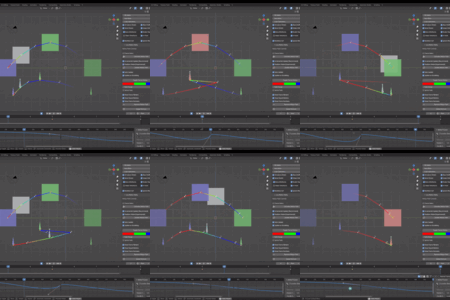
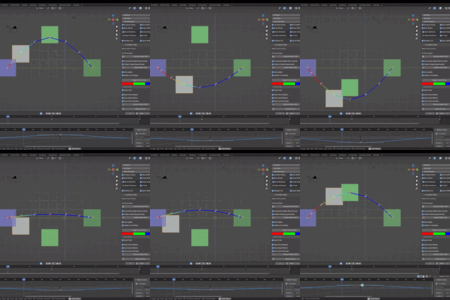
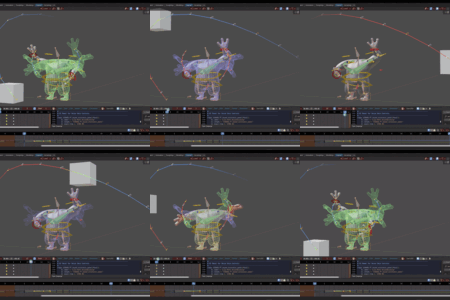
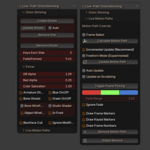
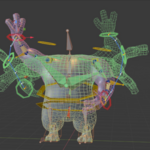
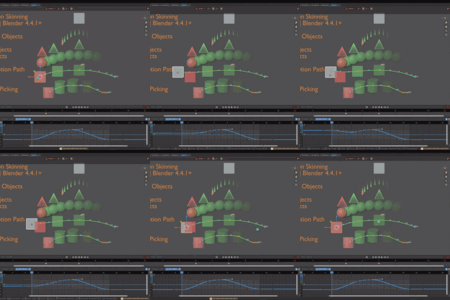
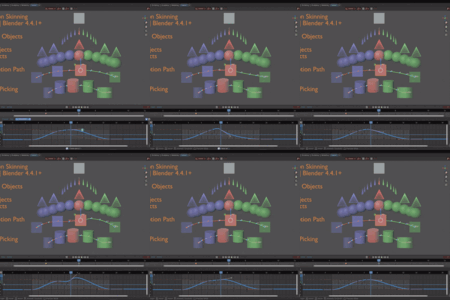
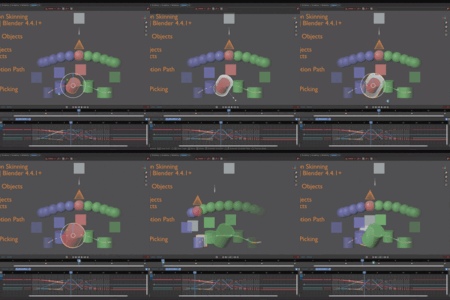
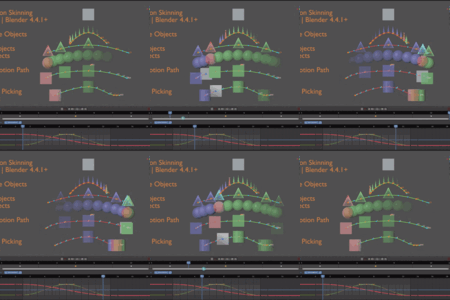
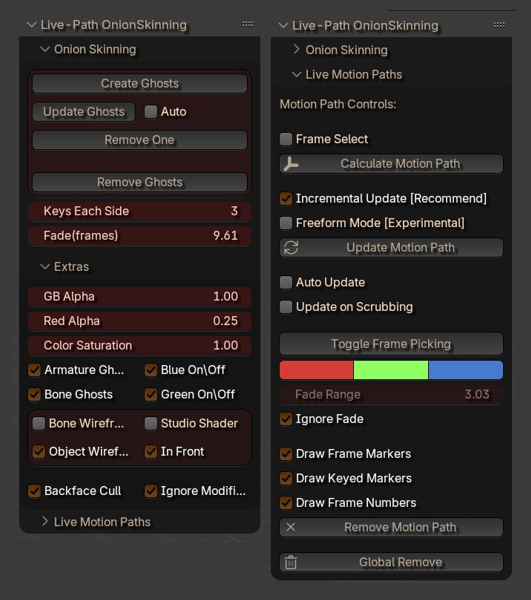
1) Found on the Onion Skin tab of the N-panel.
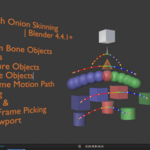
2) Allows for the creation of onion skins for Objects, Armature Objects, Bones, and Bone Custom Objects.
3) Ignores Modifiers that increase/Alter Geometry With the Ignore Modifier Toggle speeding up creation by using the Raw Original Geometry Count.
4) With the Exception of FreeForm mode keys still require keying manually or by use of Blenders Auto-keying to update or Auto-Update.
5) Update on Scrubbing allow for the Motion Path to be updated and auto updated while playing the animation timeline through the Graph Editor,
Allowing you to see the animation change in real time along with the motion path.
6) Freeform Mode is best used at the same time as Auto Update.
7) Motion Paths Frame Select allows to Specify Start and End frame for drawing the motion path, else first and last [ keyed ] frame will be used.
Notes: 1 rare minor bug known where if Blenders depsgraph data updates out of sink when in the [Experimental] FreeForm Mode with the motion path checks.
Small movement may happen on its own on an object. Just reset by removing motion paths after turning off the motion path auto update and Freeform mode toggles to fix. (almost never happens but possible).

Discover more products like this
animation ghosting motion path path onion-skinning motionpath ghost animation path OnionSkinning Onion Skin onionskin motion