Lived-in: Procedural Trash & Grime
 nice mesh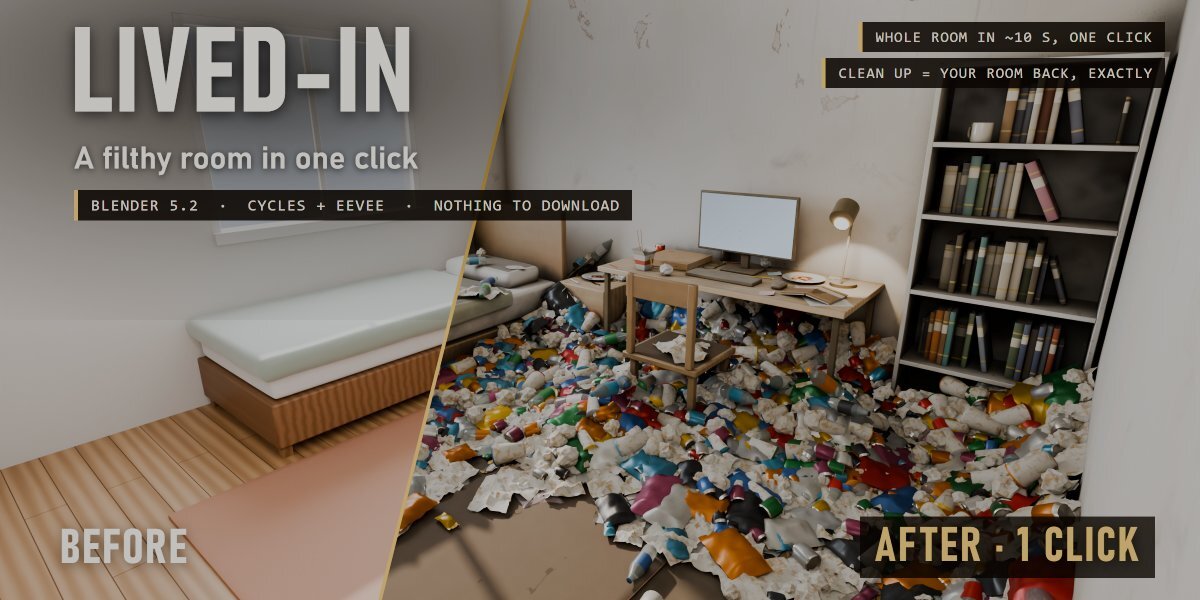
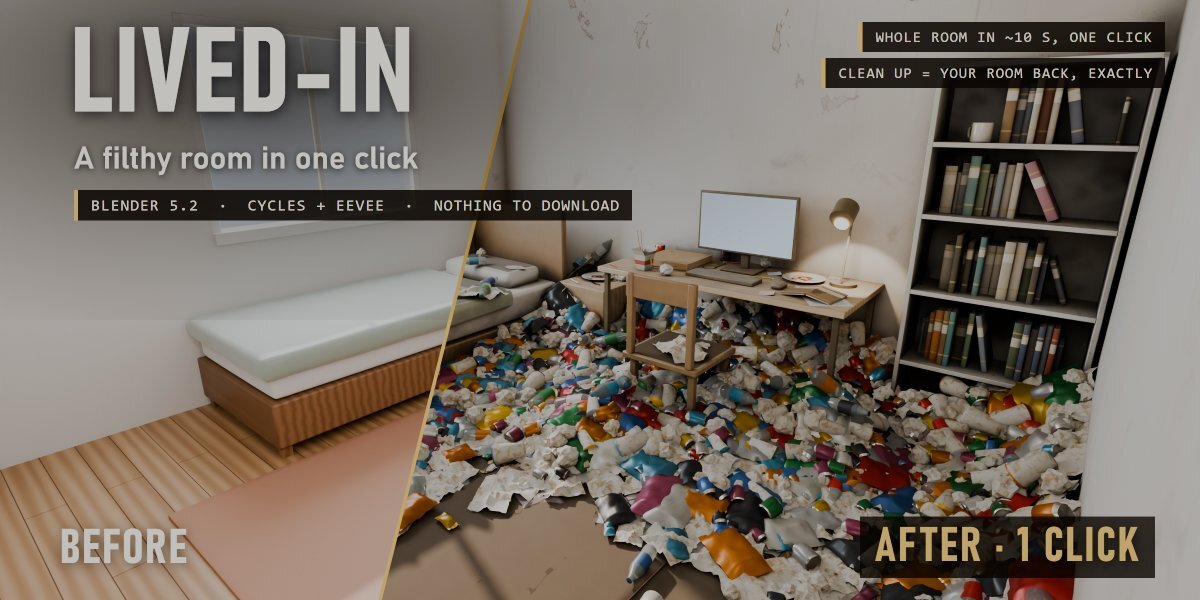

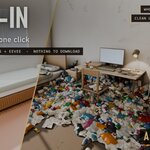
Lived-In - Documentation
Install
Edit > Preferences > Add-ons > drop-down arrow > Install from Disk..., pick lived_in_v1.0.0.zip (don't unzip it), tick "Lived-In". Requires Blender 5.2 or newer.
Where
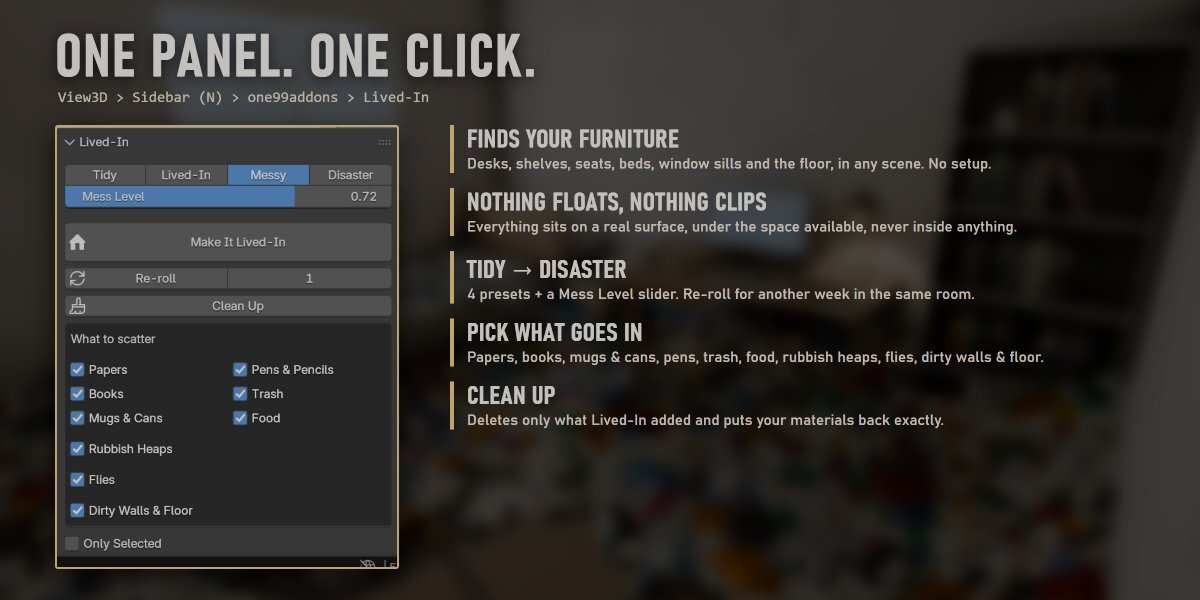
3D View > Sidebar (press N) > one99addons tab > Lived-In.
Quick Start
- Open your room (any interior, real-world size).
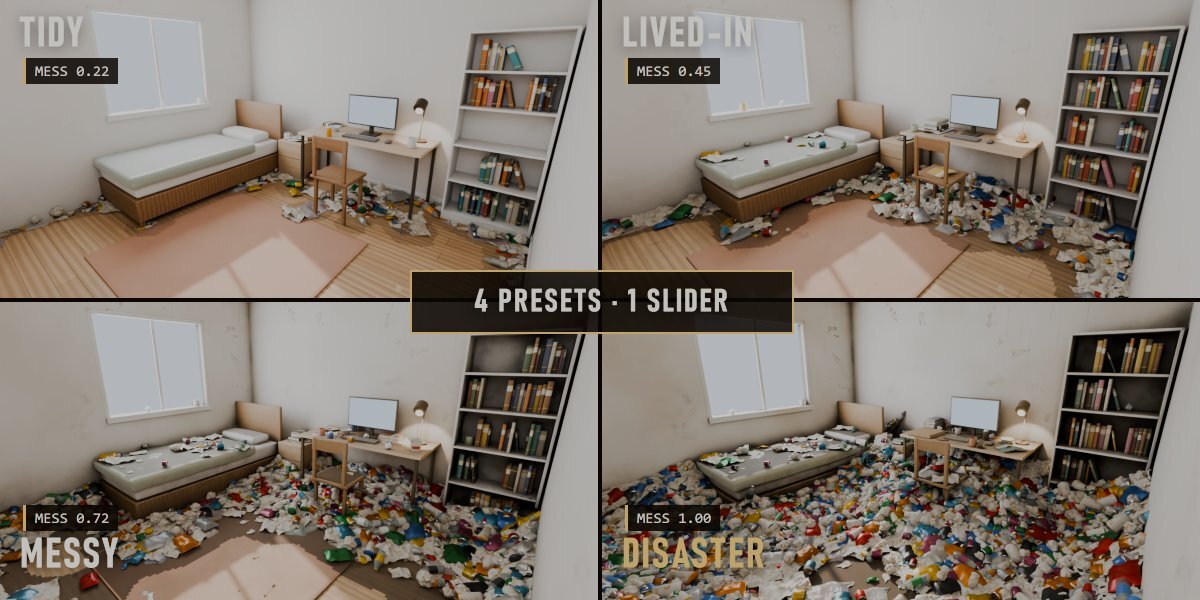
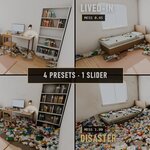
- Pick a preset: Tidy, Lived-In, Messy or Disaster (or drag Mess Level).
- Click Make It Lived-In.
Clicking it again replaces the previous mess. Re-roll = same settings, new layout.
Panel
- Tidy / Lived-In / Messy / Disaster: presets for Mess Level (0.22 / 0.45 / 0.72 / 1.00).
- Mess Level: how much stuff, how untidy, how dirty.
- Make It Lived-In: scans the room and fills it.
- Re-roll + Seed: another layout with the same settings.
- Clean Up: deletes everything Lived-In added and restores your materials exactly.
What To Scatter
- Papers: sheets, piles, sticky notes.
- Books: stacks, open books, upright rows on shelves.
- Mugs & Cans: mugs (mouldy at high mess), soda cans standing, lying or crushed.
- Pens & Pencils.
- Trash: crumpled paper.
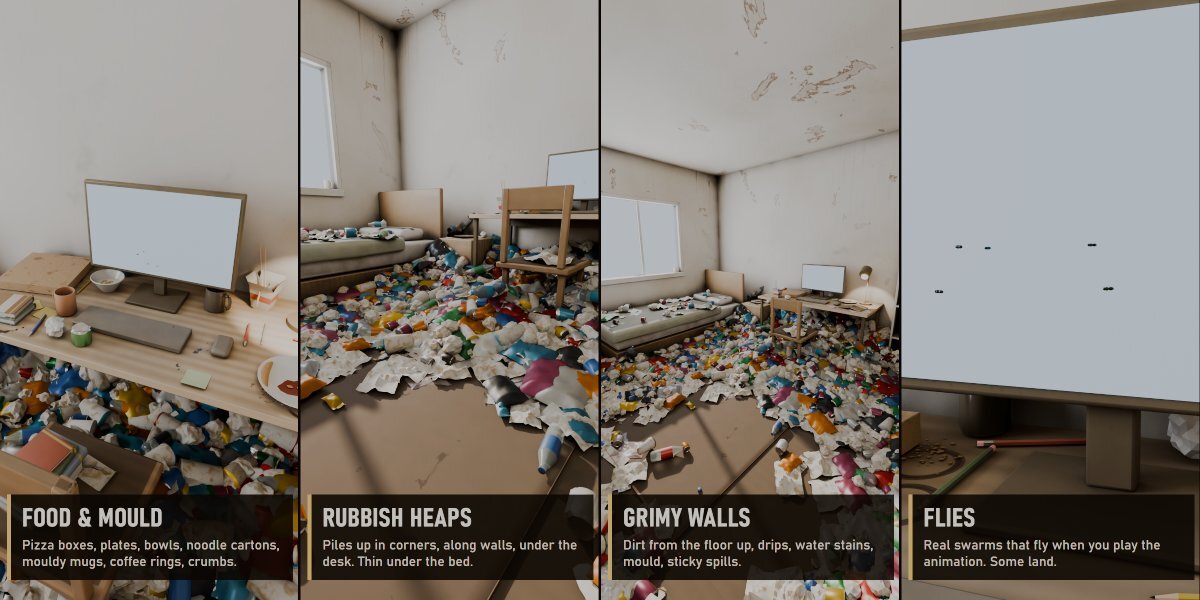
- Food: pizza boxes, plates with leftovers, cereal bowls, noodle cartons, coffee rings, crumbs.
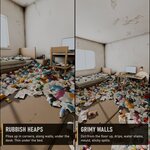
- Rubbish Heaps: piles of trash on the floor, in corners and along walls and furniture, plus some on beds and seats.
- Flies: swarms over the heaps and desks (animated with scene time) and flies sitting on the rubbish.
- Dirty Walls & Floor: grime layer on the room's materials (dirt from the floor up, drips, water stains, smudges, mould, sticky spills).
- Only Selected: scan only the selected objects instead of every visible mesh.
How It Decides
- Surfaces are found by casting rays down through the scene: desks and tables, shelves, seats, beds and sofas, window sills, the floor. Object names help (desk, shelf, bed, chair, rug...).
- Everything sits on a real surface, under the space available above it, and never overlaps another solid object.
- Mess gathers in work spots on desks and along walls and furniture on the floor.
Tips
- Real-world size (metres) gives the right proportions.
- Furniture made of a single flat plane hides what is under it from the scan. Give it some thickness.
- The grime goes on the materials of the scanned objects. If a material is also used elsewhere, it gets dirty there too.
- The flies only move when the timeline plays or renders an animation.
- Everything is in the "Lived-In" collection: hide a sub-collection (e.g. Food) to hide that part.
Have questions about this product?
Login to message
| Published | about 9 hours ago |
| Blender Version | 5.2 |
| Extension Type | N/A |
| Render Engine Used | Cycles, Eevee |
| License | GPL |