Lived-in: Procedural Trash & Grime
 nice mesh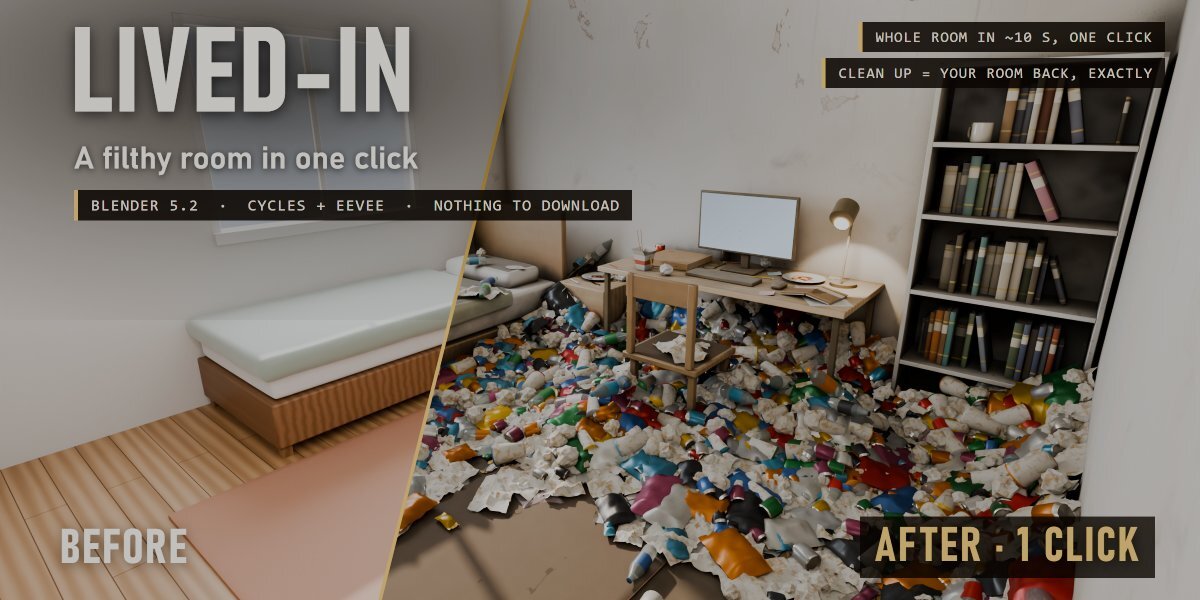
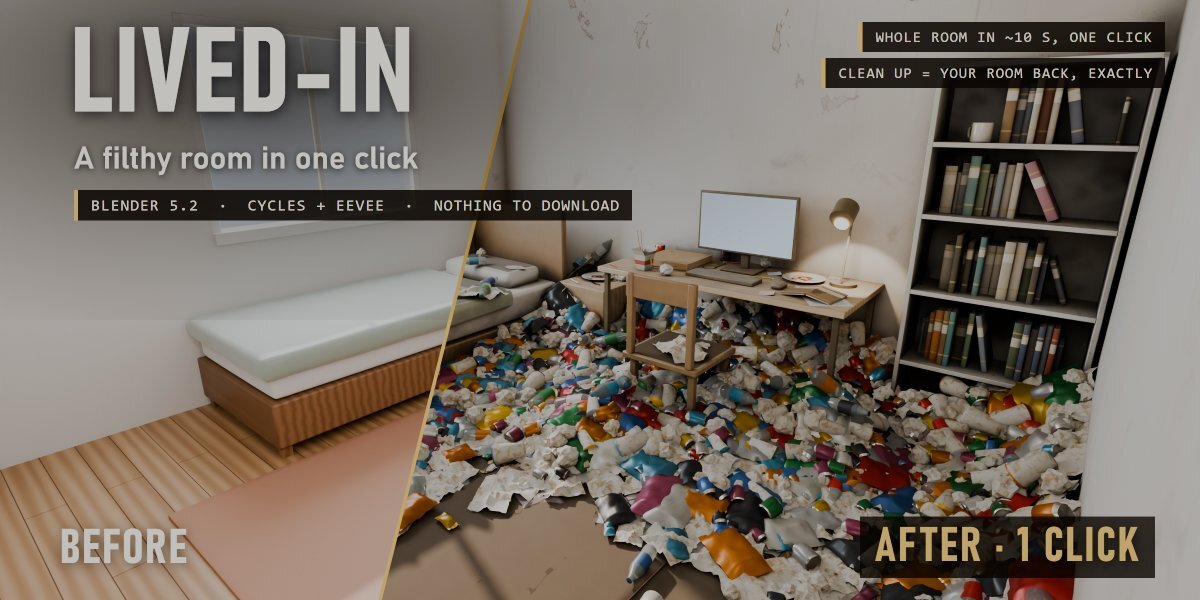



Does it work with EEVEE?
Yes, Cycles and EEVEE. The grime and the plastic look best in Cycles.
Do the flies move?
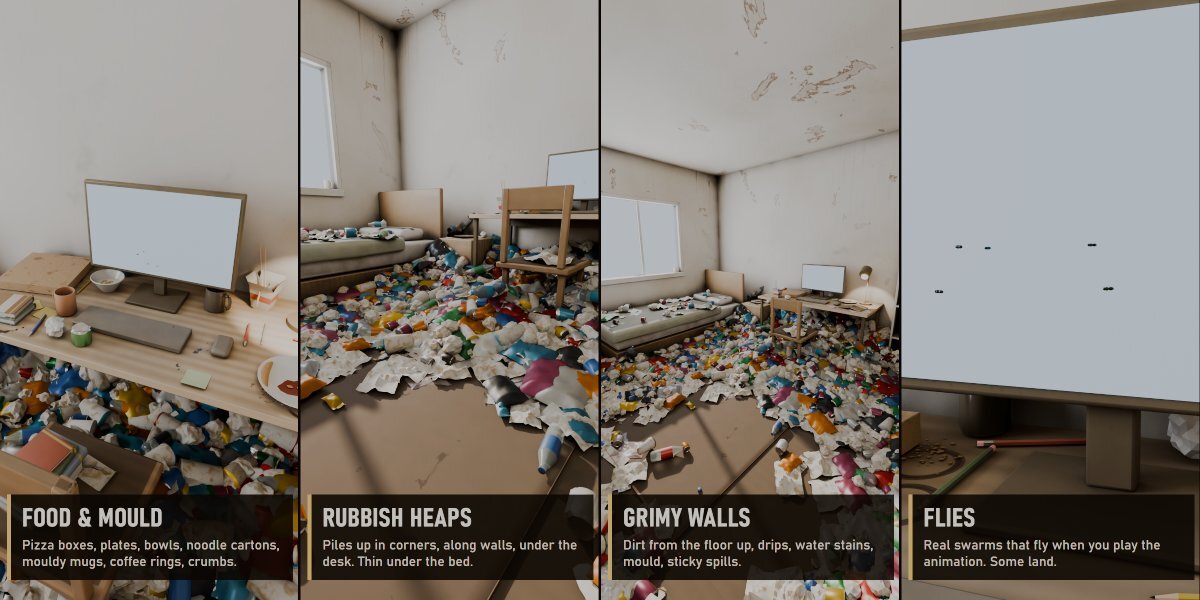
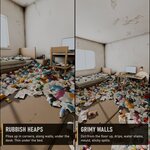
Yes. They are driven by the scene time, so they buzz when you play or render an animation. Some sit still on the rubbish.
Does it work on my own room, not just the demo?
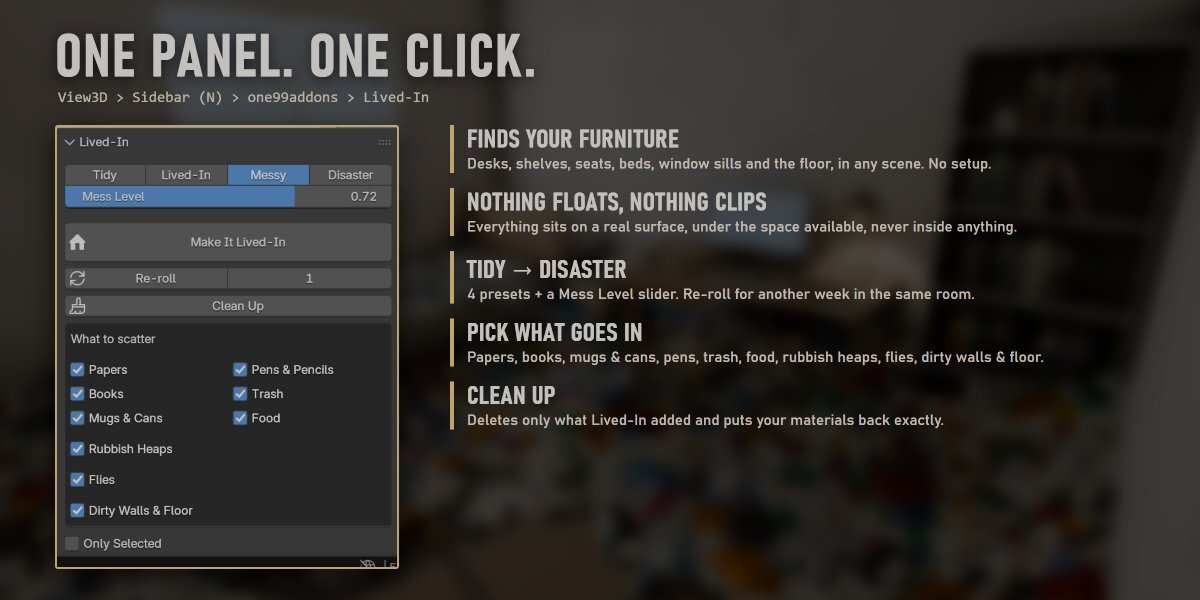
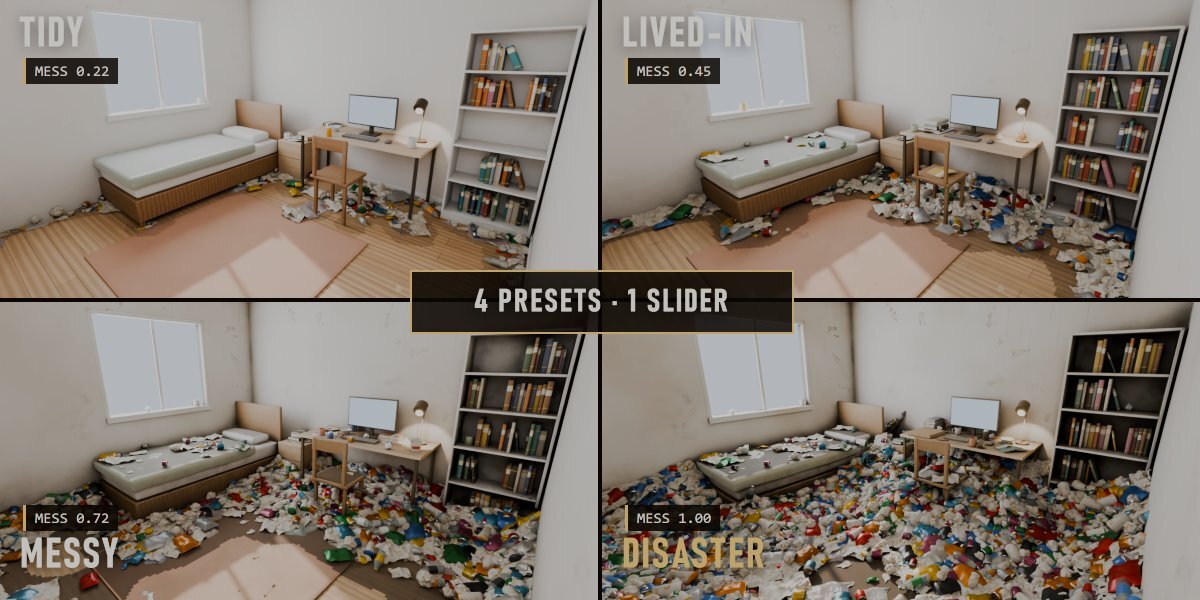
Yes. It scans whatever is visible (or only the selected objects) and finds desks, shelves, seats, beds, window sills and the floor by itself. Objects named desk, shelf, bed, chair... are recognised even better. Real-world size (metres) works best.
Does it change my scene?
It adds its own objects in a "Lived-In" collection and slips a grime layer in front of your materials. Clean Up deletes only what Lived-In added and plugs every material back exactly as it was. Nothing of yours is moved or deleted.
How do I install it?
Download lived_in_v1.0.0.zip, then in Blender go to Edit > Preferences > Add-ons > drop-down arrow > Install from Disk... and pick the zip (do not unzip it). Tick "Lived-In". The panel is in the 3D View sidebar (N) > one99addons tab.
Have questions about this product?
Login to message
| Published | about 9 hours ago |
| Blender Version | 5.2 |
| Extension Type | N/A |
| Render Engine Used | Cycles, Eevee |
| License | GPL |