LiveQuad — For Blender® 4.5+ and 5.2+
 Danilo Caliro
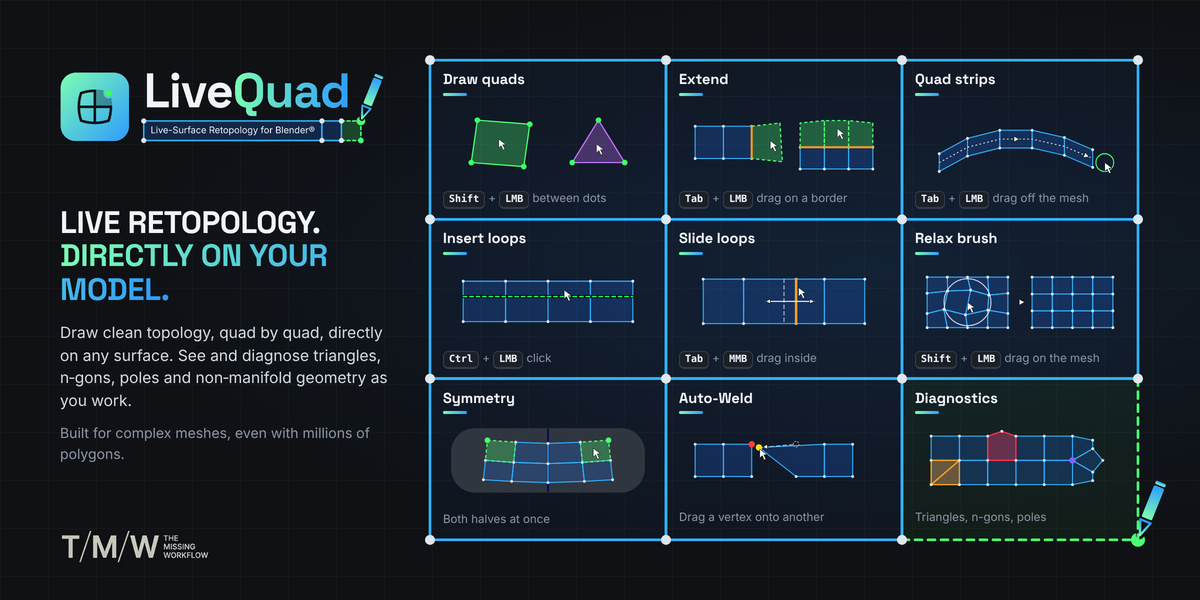
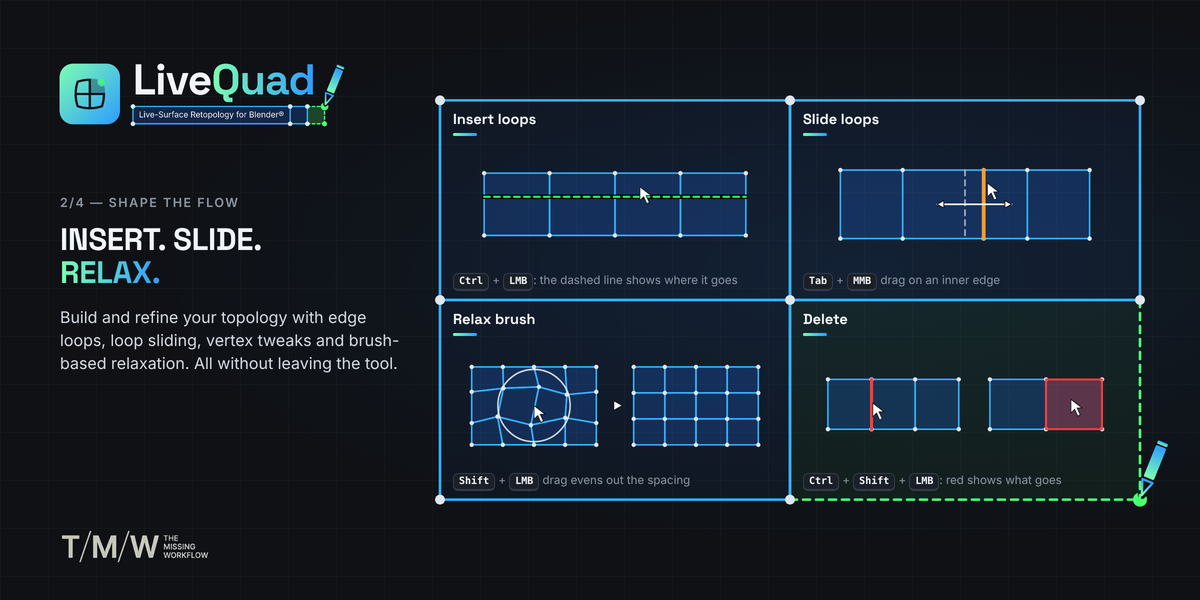
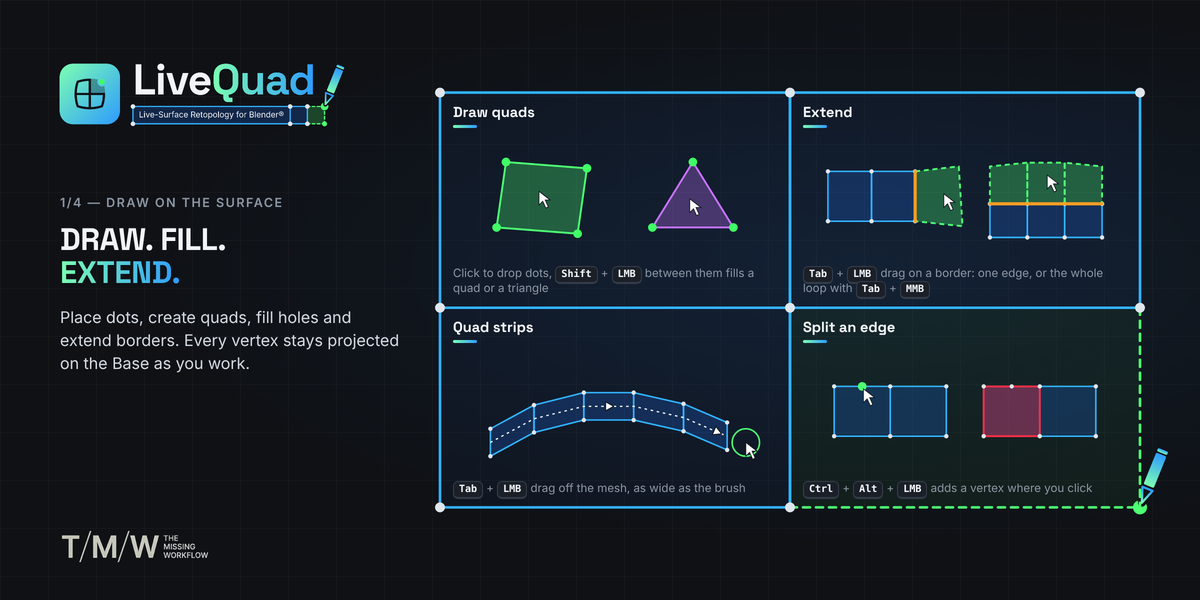
LiveQuad is a one-tool retopology workflow for Blender®. You draw new, clean topology directly on top of any mesh, the Base, and every vertex you create stays on its surface. Drop dots, fill quads, extend borders, insert and remove loops, relax: all from a single tool, with modifier keys instead of menus.
Highlights
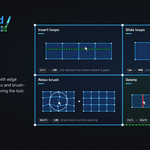
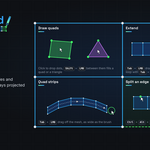
- One tool, every gesture. Dots, quads, triangles, strips, extensions, loops, deletes, tweaks and relax.
- See before you click. Every action is previewed: quads, triangles, borders to extend, new loops, what gets deleted.
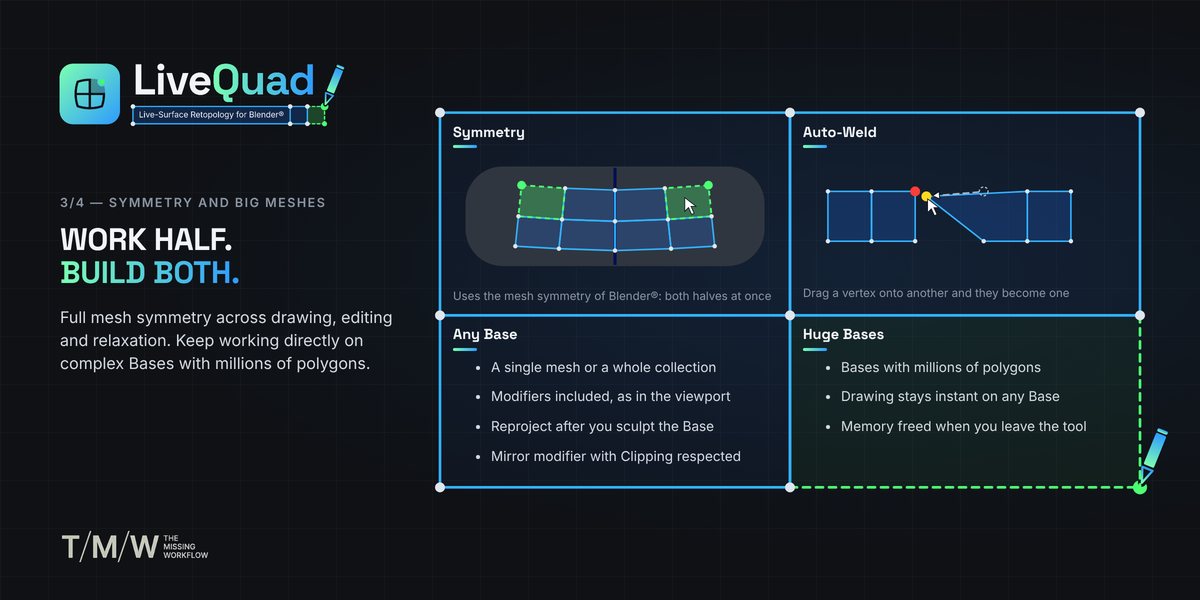
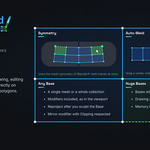
- Any Base. A single mesh or a whole collection, with or without its modifiers.
- Symmetry. Works with the mesh symmetry of Blender®, with dots that land on the center line.
- Auto-Weld with an adjustable tolerance.
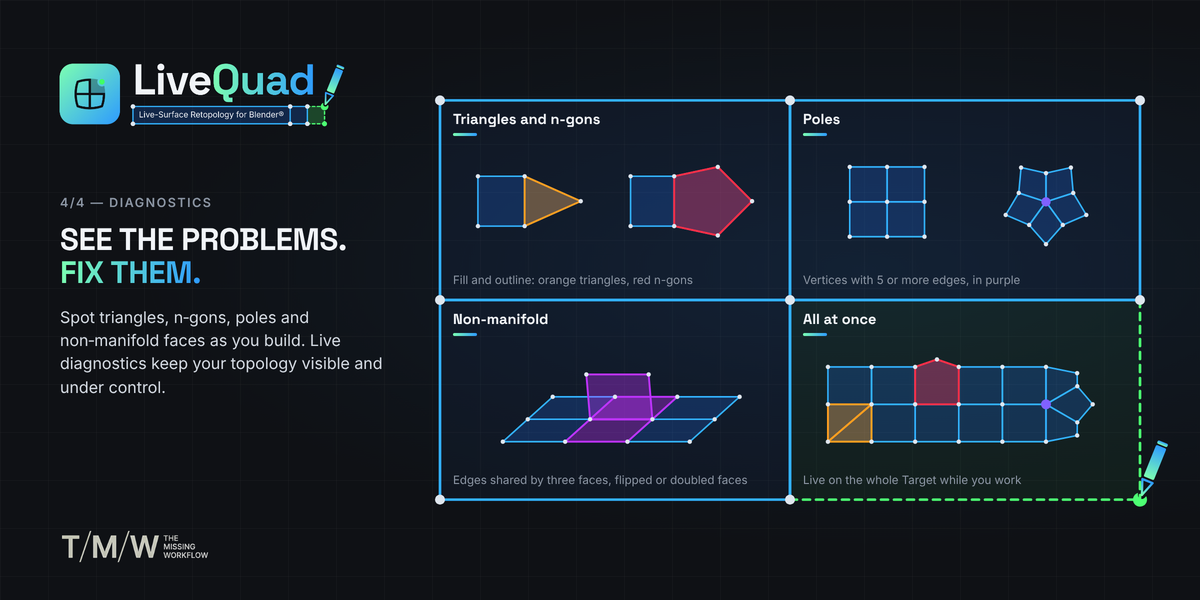
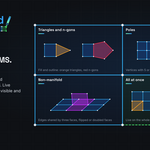
- Clear display. Light blue edges, tinted faces, surface offset and topology diagnostics for triangles, n-gons, non-manifold faces and poles.
- Your keys stay yours. The shortcuts work only while LiveQuad is the active tool: everywhere else Blender® keeps its own keys.
Requirements
Blender® 4.5 or newer, on Windows, macOS and Linux.
Installation
- In Blender®, open Edit › Preferences › Get Extensions.
- Open the drop-down menu at the top right and choose Install from Disk.
- Select livequad_v1.0.0.zip. Dragging the zip onto the Blender® window works too.
Where to find it
In Edit Mode, LiveQuad is the first of the editing tools in the toolbar T, right before Extrude. In Object Mode it is at the end of the toolbar: the first click on the Base takes you into Edit Mode on the Target.
While the tool is active you get:
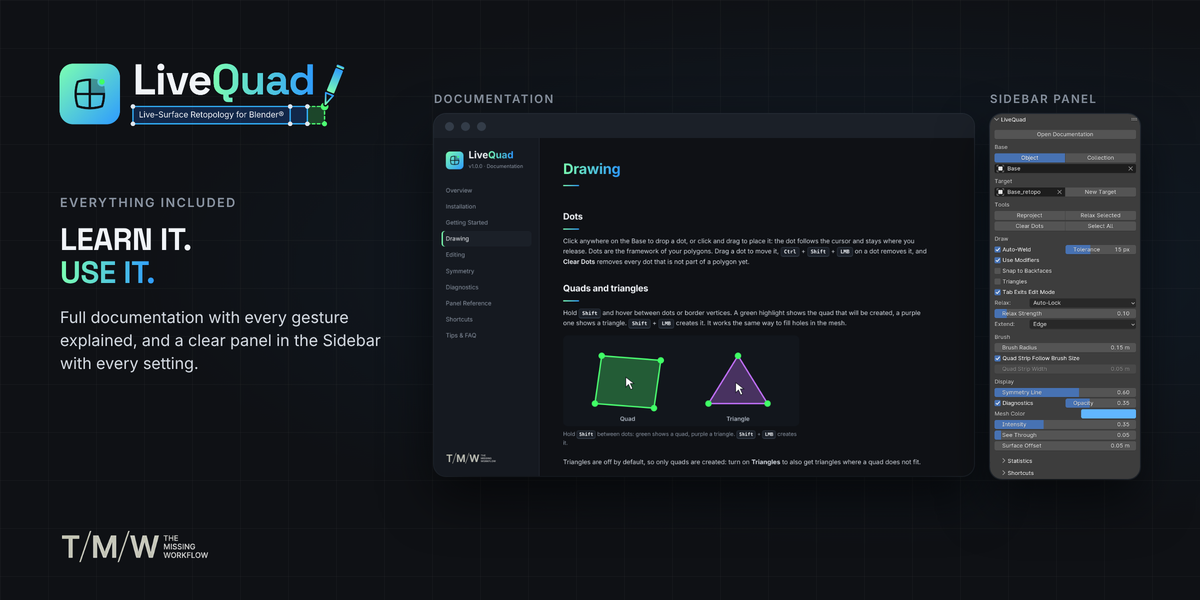
- the LiveQuad tab in the Sidebar N, with the Documentation button, every setting and the Shortcuts list;
- the essentials in the tool header at the top of the viewport: Base with its Object and Collection buttons, Target, New Target, Auto-Weld with its Tolerance, Triangles, Brush Radius and Relax Strength.
TIP
To update, install the new zip the same way: it replaces the installed version. Settings are stored with the scene, in your .blend file.