 Salman Animator
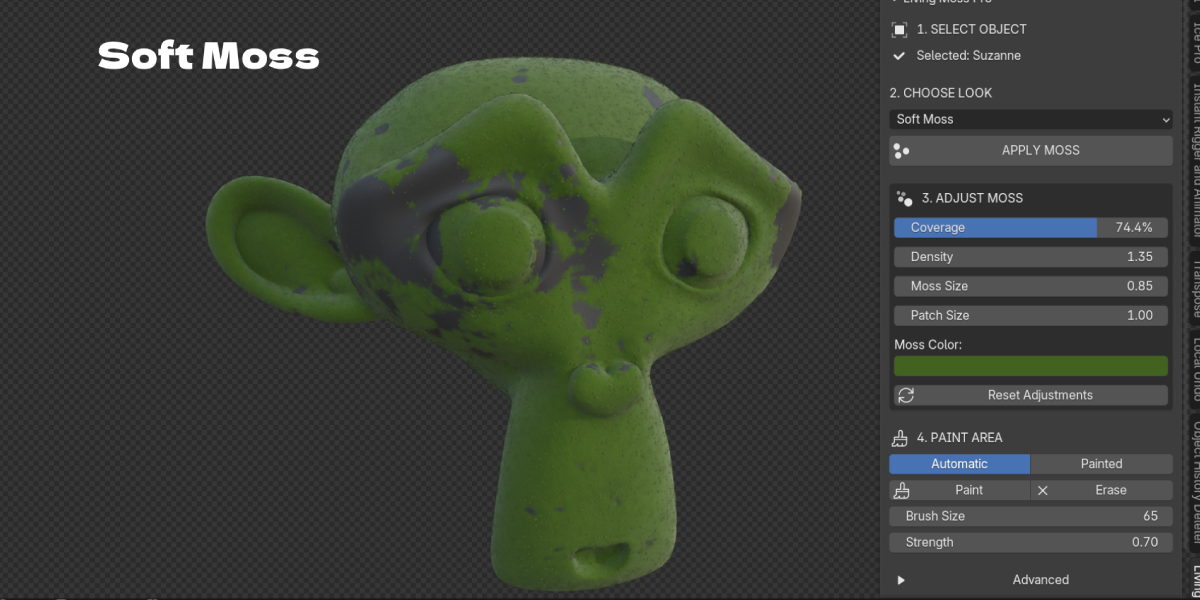
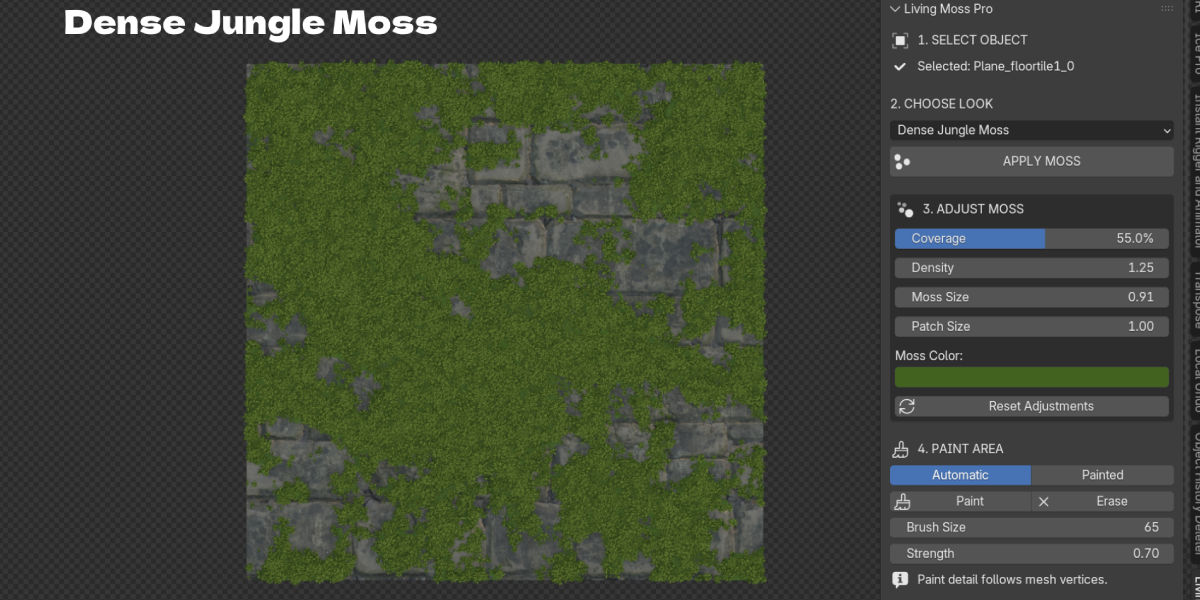
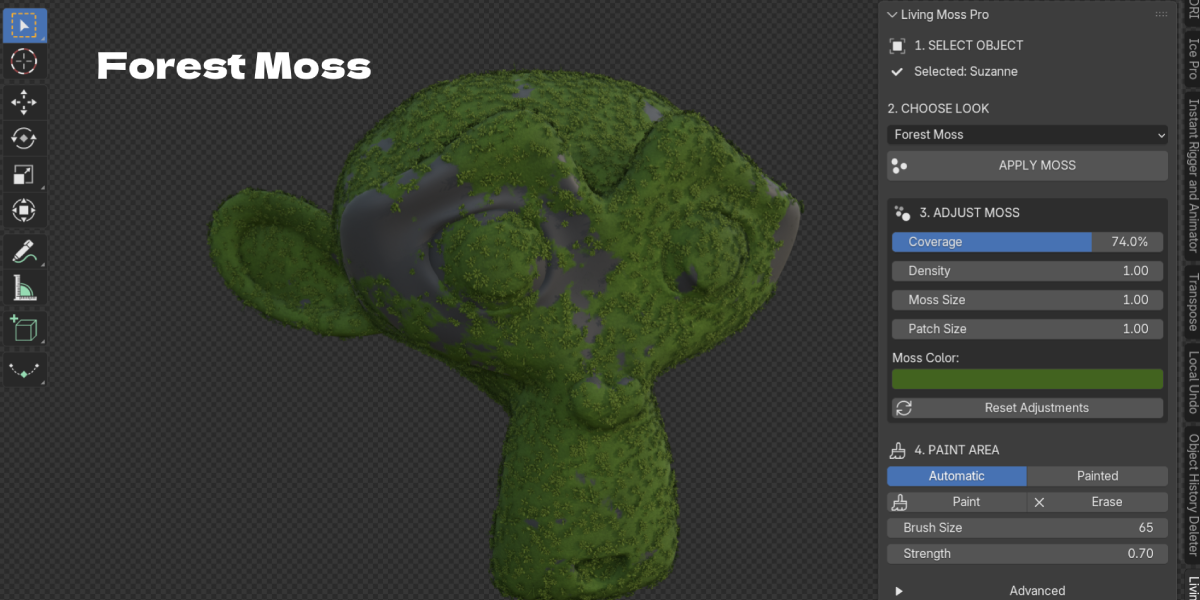
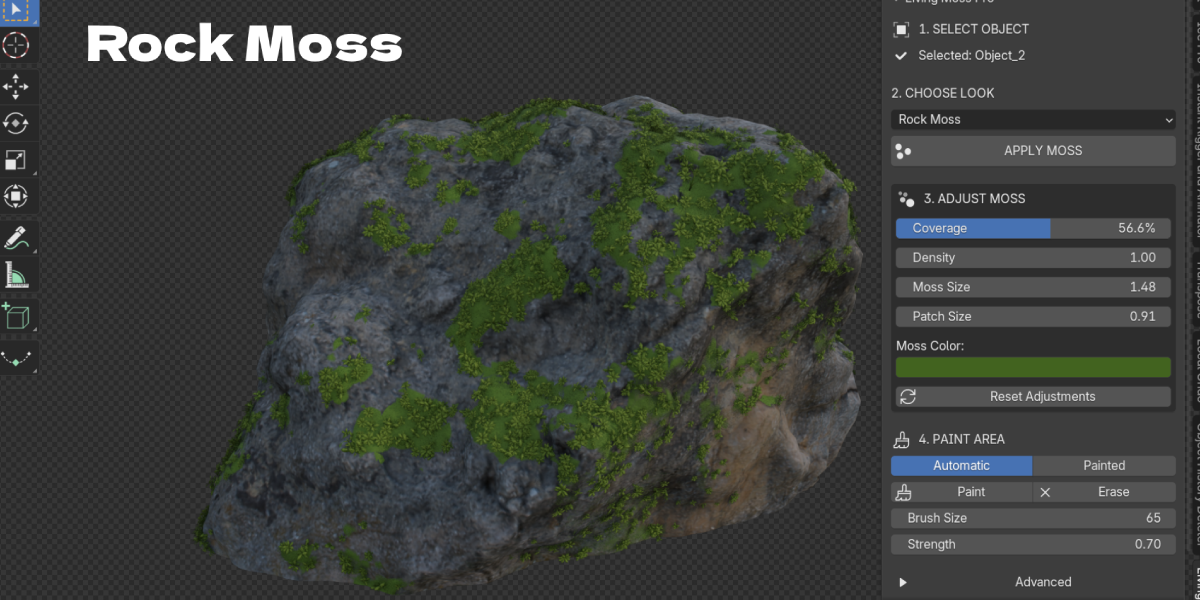
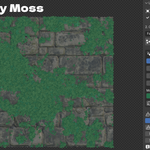
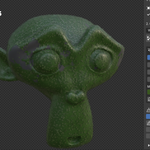
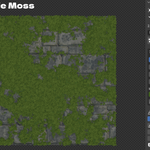
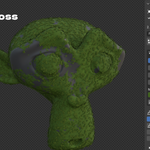
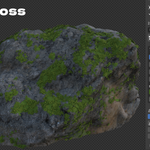
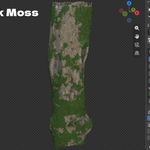
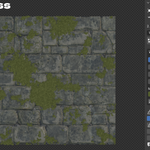
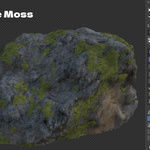
The problem: moss in Blender is either flat or heavy
A green noise texture looks like paint as soon as the camera gets close. Particle hair moss needs weight painting, a separate texture and a lot of tuning, and it slows the viewport. Building your own Geometry Nodes scatter can take hours, and you start again for the next asset.
The solution: select, choose a look, apply
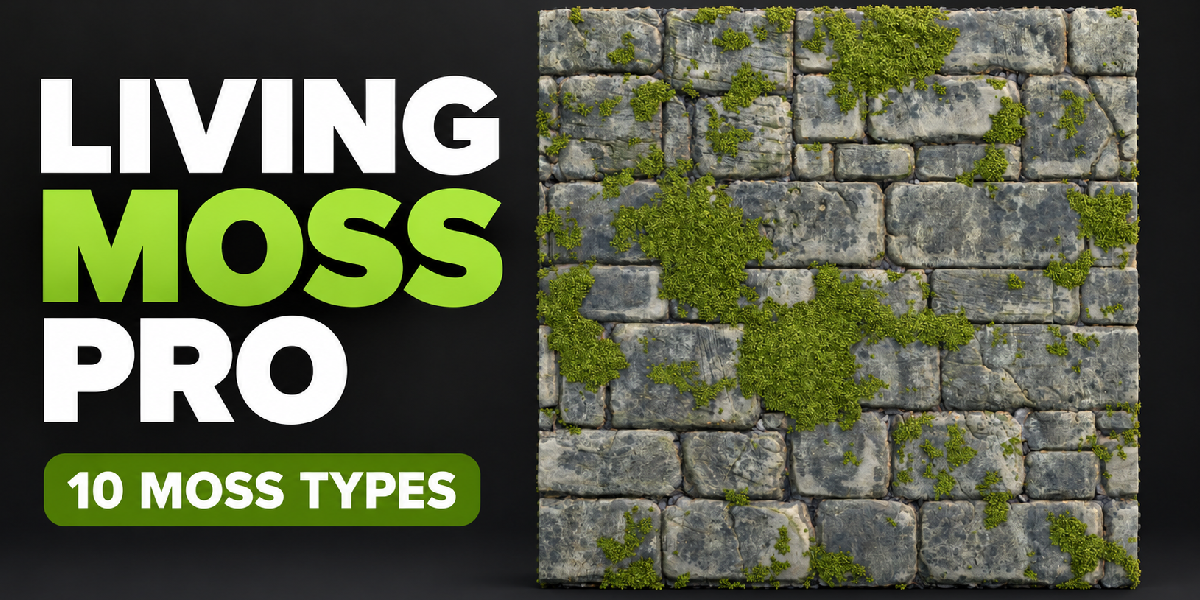
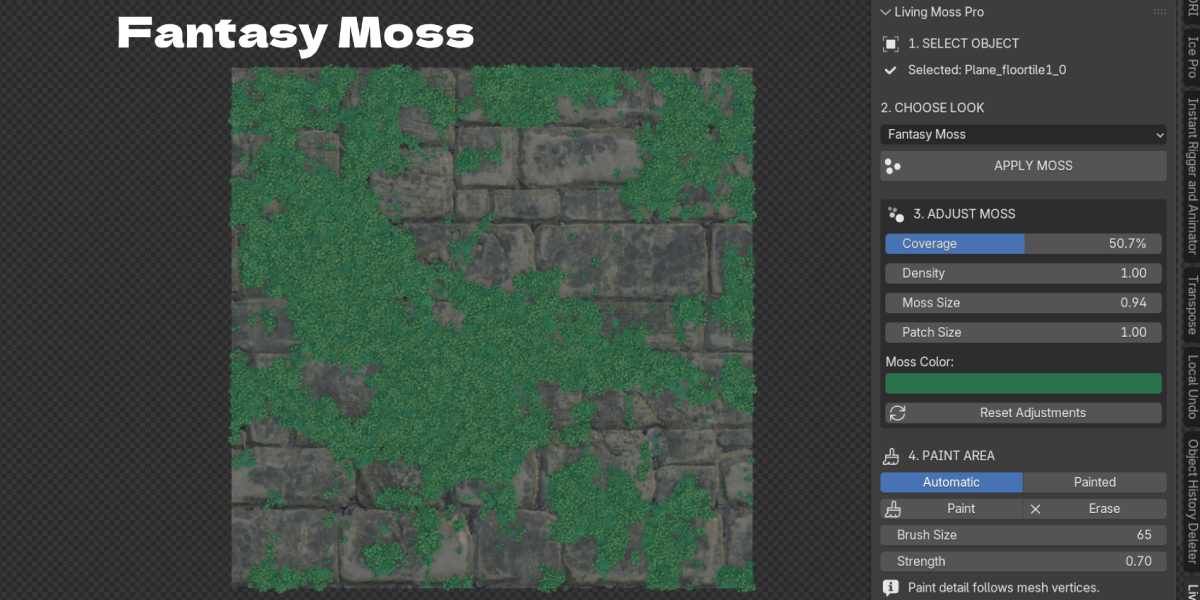
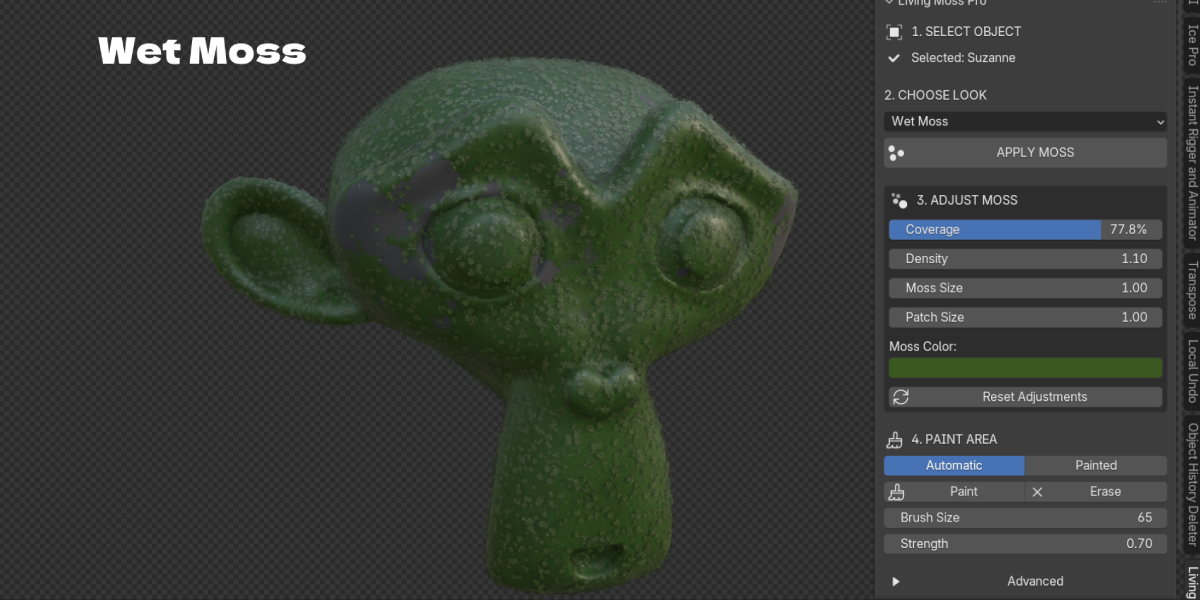
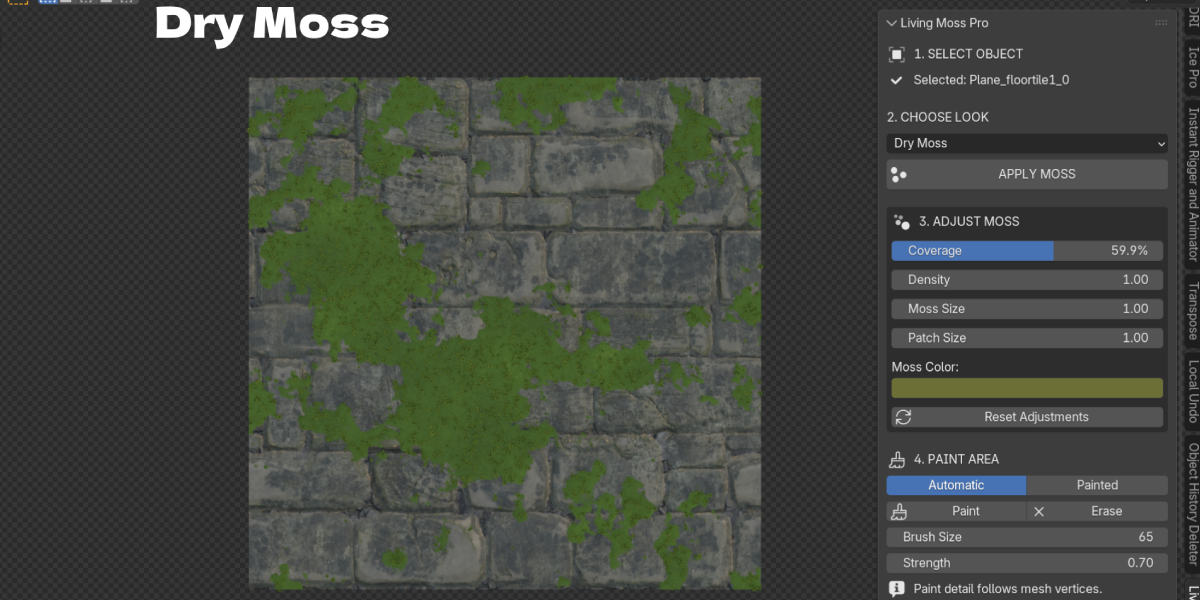
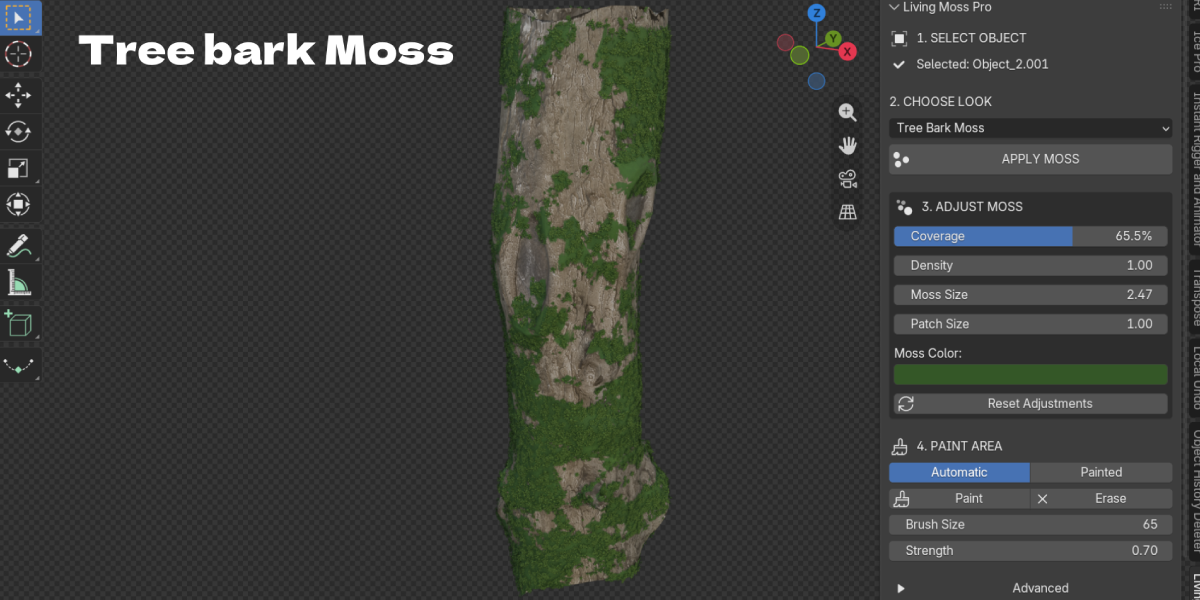
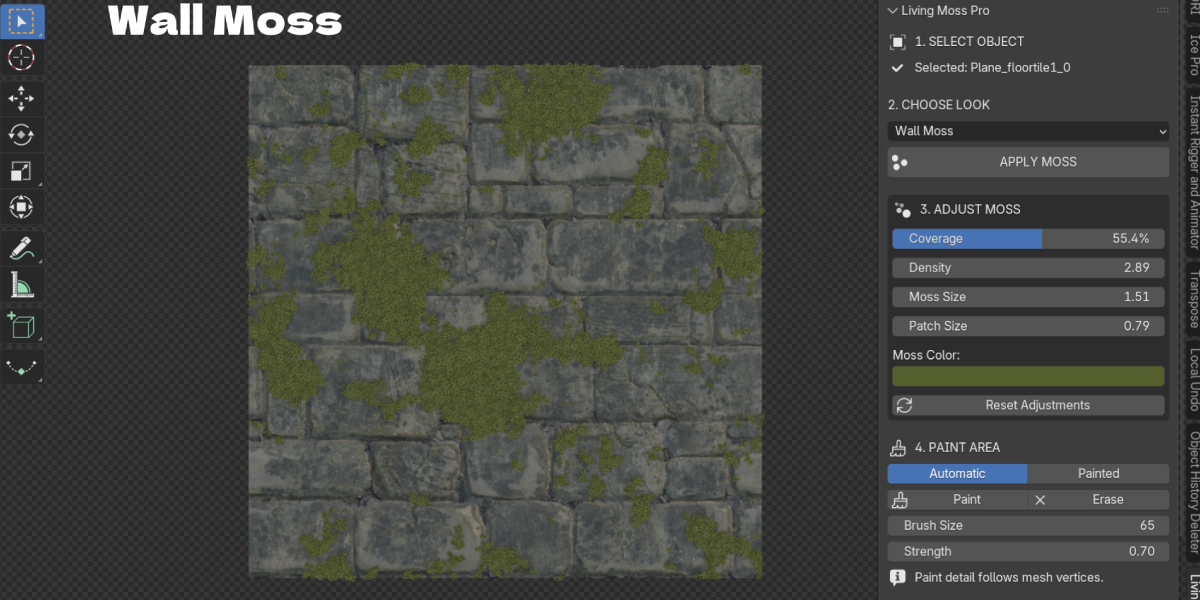
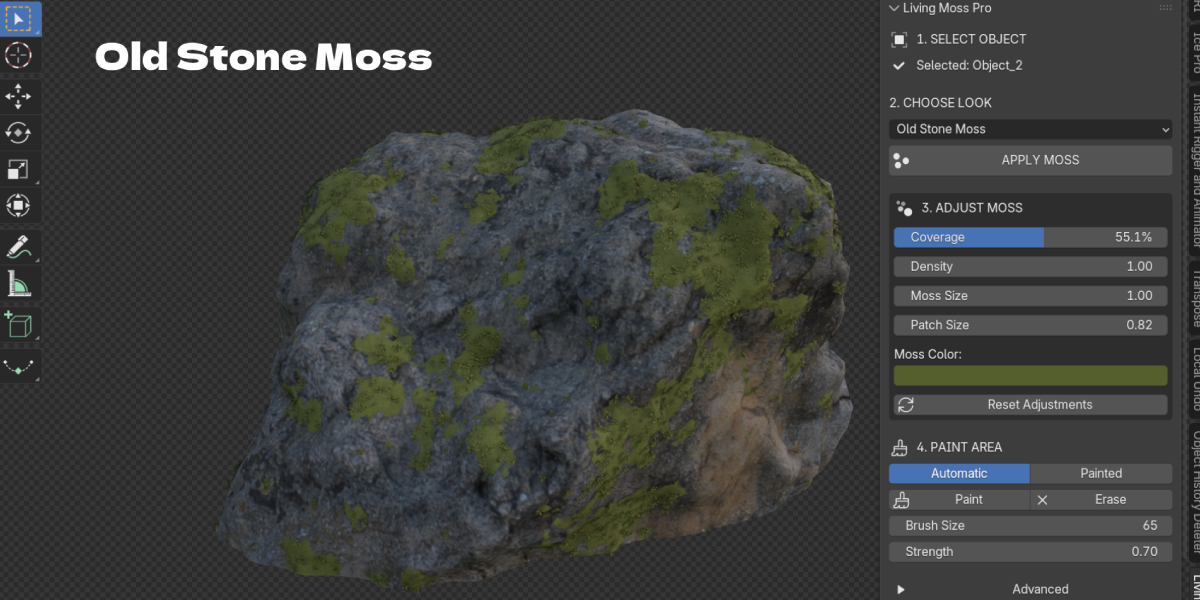
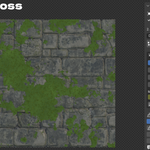
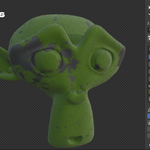
Living Moss Pro grows layered moss directly on your mesh. Select a rock, wall, log or statue, choose one of 10 moss looks and click APPLY MOSS. You get a thin moss carpet on the surface plus 3D leafy shoots, short fibers, cushion clumps, grass accents and rare tiny flowers.
Moss on rocks, walls and tree bark
Each preset is tuned for a real use: Forest, Soft, Wet, Old Stone, Rock, Wall, Tree Bark, Dense Jungle, Dry and Fantasy moss. Change the look at any time and the existing setup updates.
Paint moss where you want it
Switch Paint Area to Painted and use Paint and Erase with a brush size and strength. Fill and Clear set the whole mask at once. Slope Influence makes moss prefer upward facing areas when you use automatic mode.
Light enough for real scenes
Plants are instances, not real geometry copies, and a shared Instance Limit keeps the total under control. Viewport Quality and Render Quality are separate, so you can work fast and render detailed.
Key Features
- One click APPLY MOSS: applies the chosen look to every selected mesh. Benefit: moss on a whole set of props in one step.
- 10 moss looks: Forest, Soft, Wet, Old Stone, Rock, Wall, Tree Bark, Dense Jungle, Dry and Fantasy. Benefit: a good starting point for any environment.
- Real 3D growth layers: surface carpet, leafy shoots, fiber bundles, cushion clumps, grass clusters and tiny flowers. Benefit: moss that holds up in close ups.
- Four simple adjustments: Coverage, Density, Moss Size and Patch Size update live. Benefit: art direct the look without opening a node tree.
- Moss Color: a moss only tint with natural tip and shadow variation. Benefit: match your scene palette without touching the base material.
- Paint and Erase: brush moss on or off, plus Fill and Clear. Benefit: moss exactly where the story needs it.
- Slope Influence: automatic preference for upward facing surfaces. Benefit: natural looking growth on tops of rocks and ledges.
- Grass and Flowers controls: add or remove grass accents and tiny flowers. Benefit: go from clean moss to overgrown in one slider.
- Wetness, Clumping, Fiber Amount, Shoot Length, Carpet Depth: fine controls in Advanced. Benefit: deep control when you need it, hidden when you don't.
- Separate viewport and render quality with an Instance Limit: keeps the scene responsive. Benefit: work smoothly, render detailed.
- Non destructive: topology, shape keys, UVs, modifiers and original materials are kept. Show Moss, Original and Remove Moss are one click. Benefit: your asset stays clean and reusable.
- No UVs, downloads or external assets needed: all plant meshes are generated procedurally. Benefit: works on any mesh, offline.
Workflow Benefits
- Old way: set up particle hair, a moss texture and a vertex group for each asset. New way: select the assets, choose a look, click APPLY MOSS.
- Old way: re-weight paint to move moss. New way: Paint or Erase in the panel.
- Old way: tweak several particle and material settings to change the mood. New way: switch the preset or move Coverage and Moss Color.
- Old way: delete particle systems and materials to go back. New way: Original to compare, Remove Moss to clean up.
- Old way: a slow viewport full of hair particles. New way: Viewport Quality low while you work, Render Quality high for final frames.
Who it is for
- Environment artists: ruins, forest floors, old walls, bridges and caves
- Archviz artists: aged stone walls, garden statues and planters
- Game and cinematic artists: overgrown props and fantasy locations
- Product and diorama artists: miniatures, terrariums and stylized dioramas
- Hobbyists: adding life to rocks and logs without learning Geometry Nodes
What's included and requirements
- Living Moss Pro addon ZIP, version 0.7.0
- Requires Blender 4.2.0 or newer
- Built on Geometry Nodes and works with Cycles and Eevee
- No UVs, external textures or downloads needed
- License: GPL-3.0-or-later for the code
- Support: [email protected]
