Living Moss Pro: Grow Procedural 3D Moss on Any Mesh
 Salman Animator
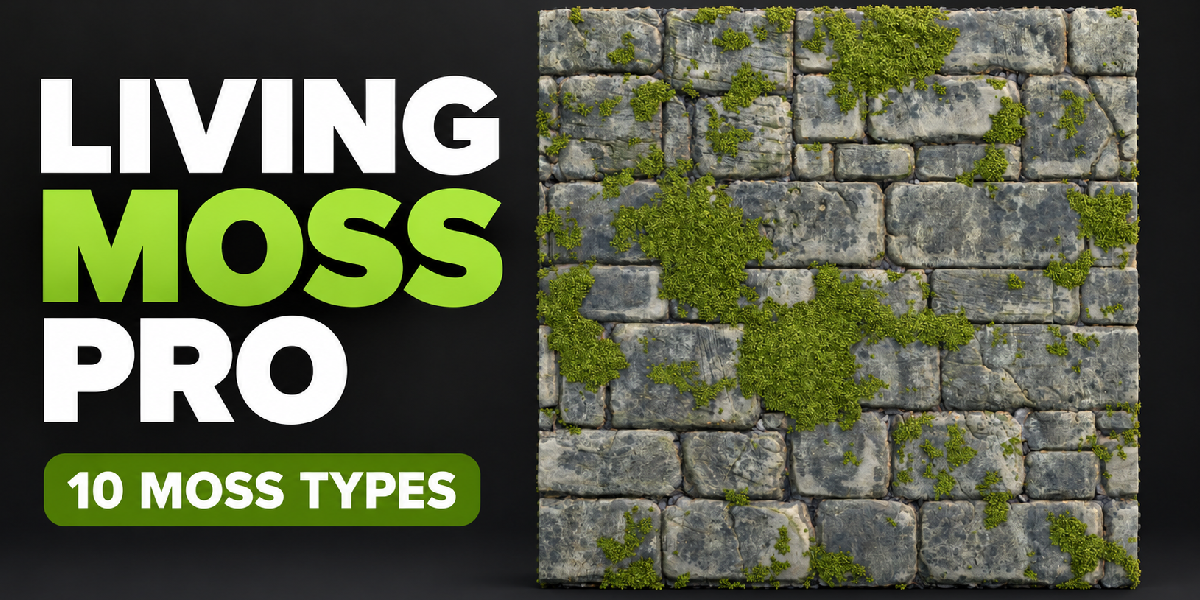

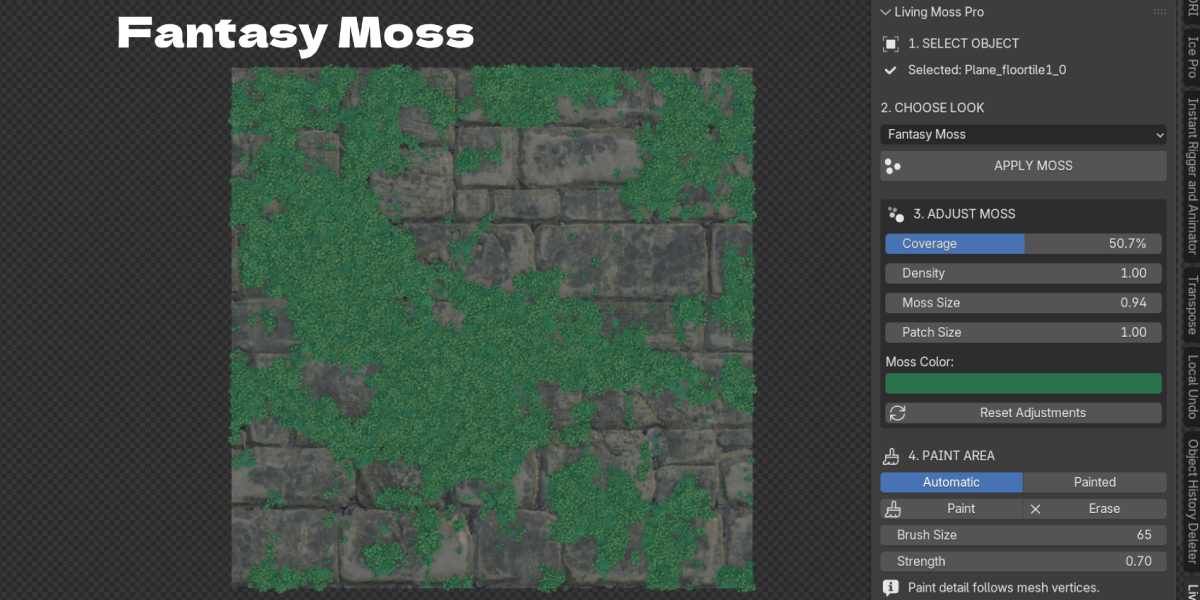
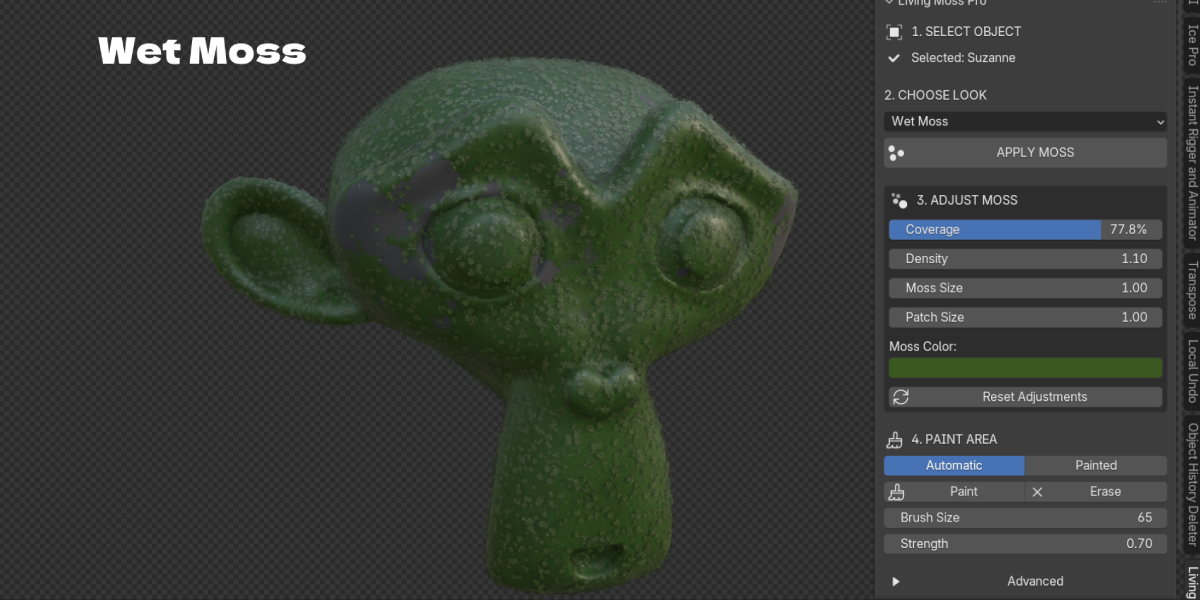
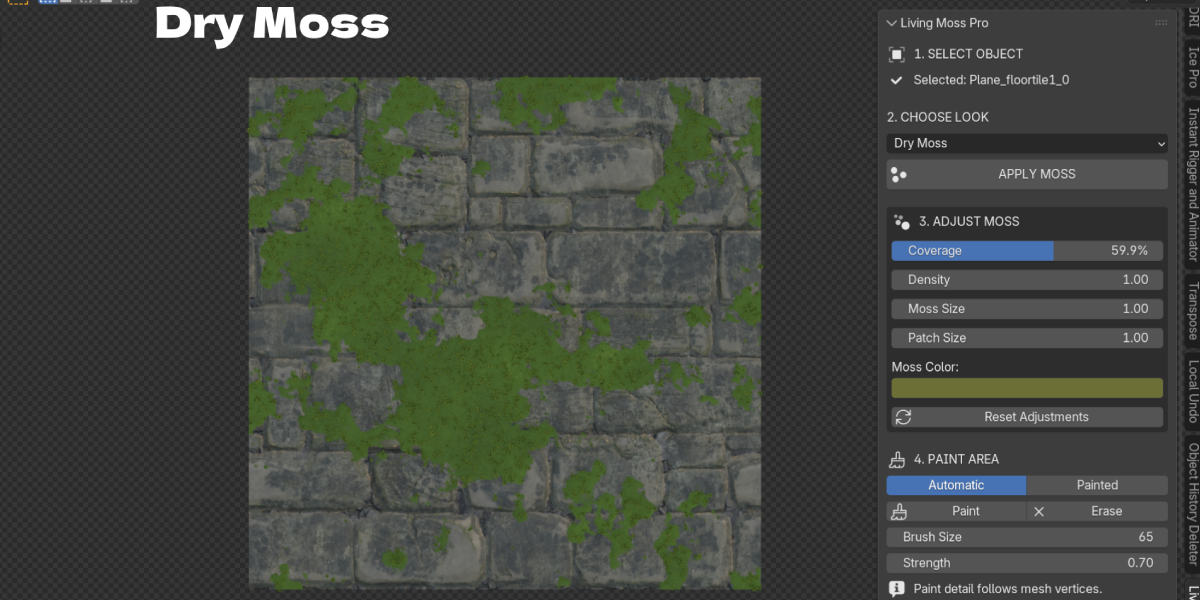
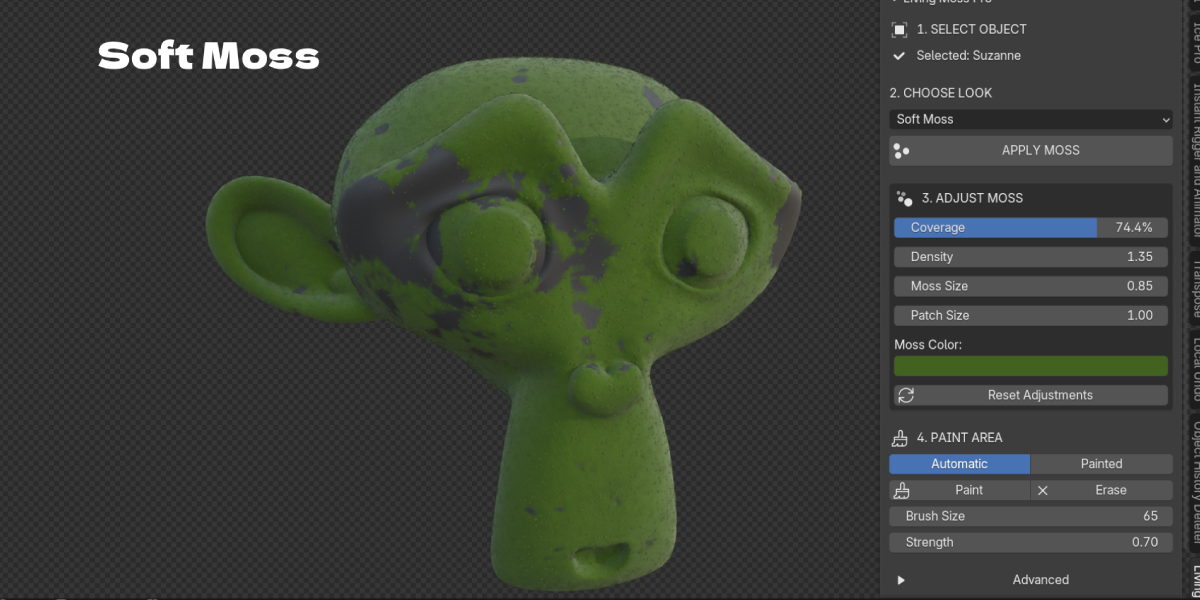
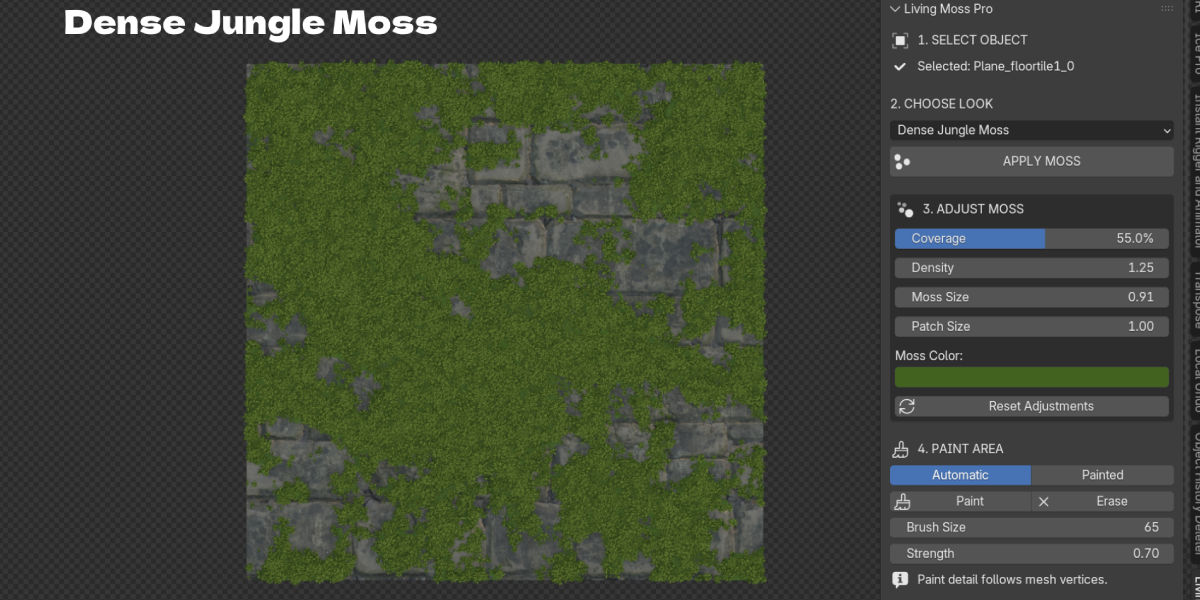
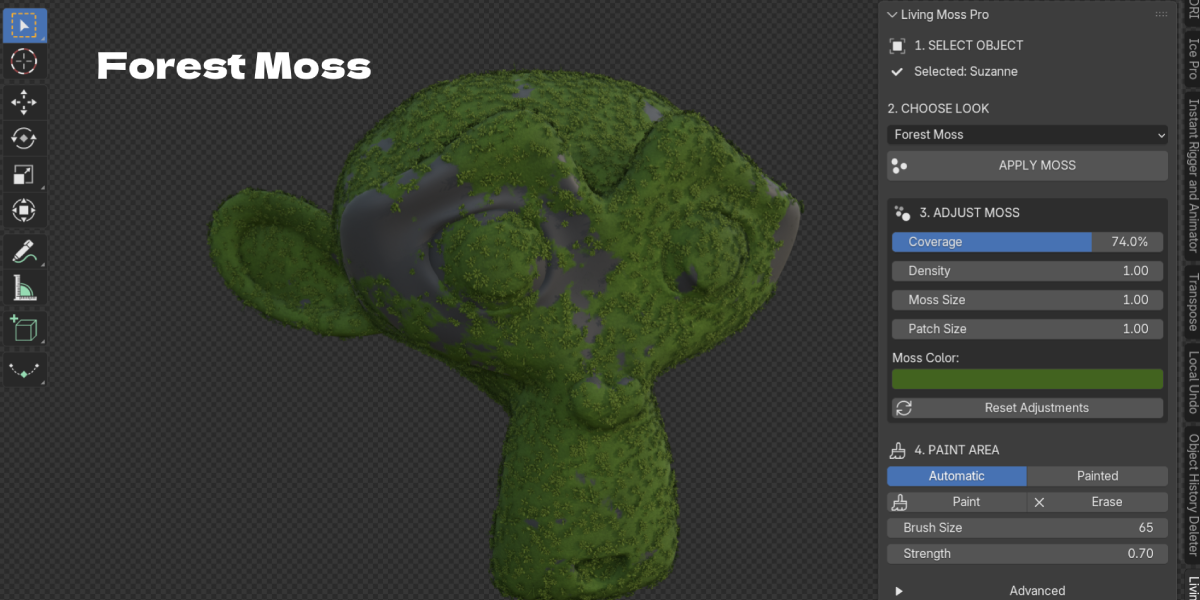
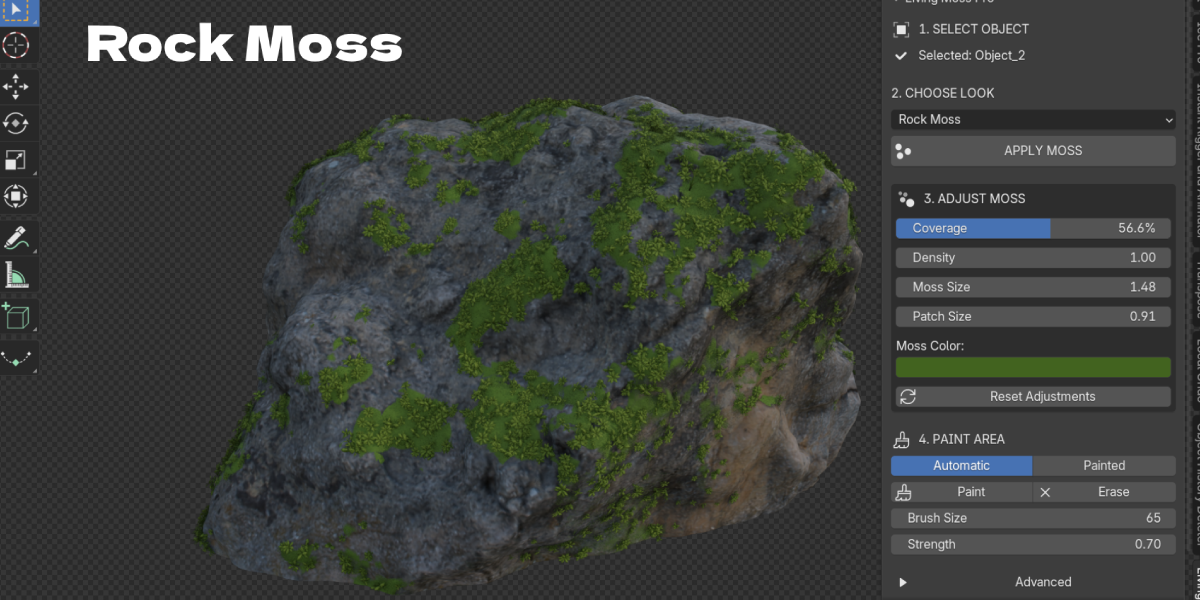
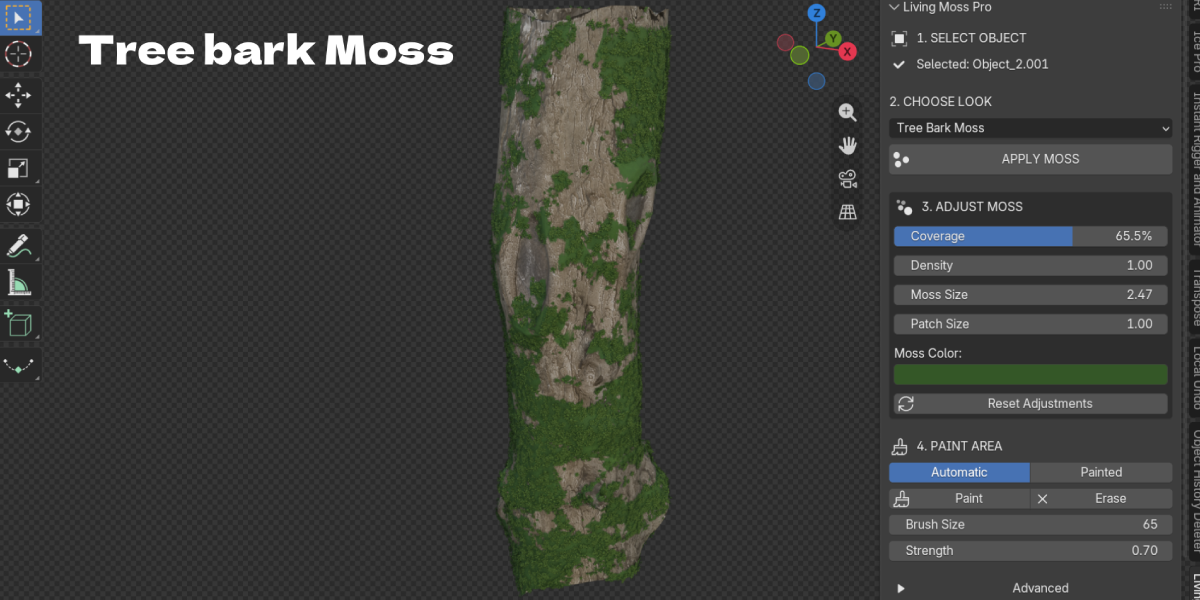
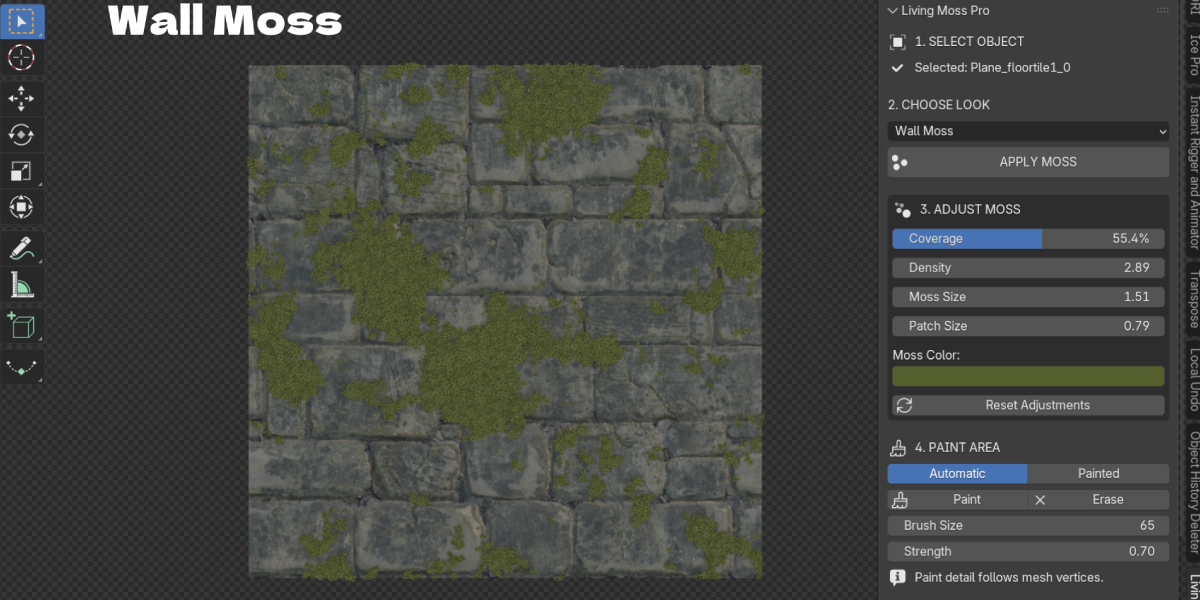
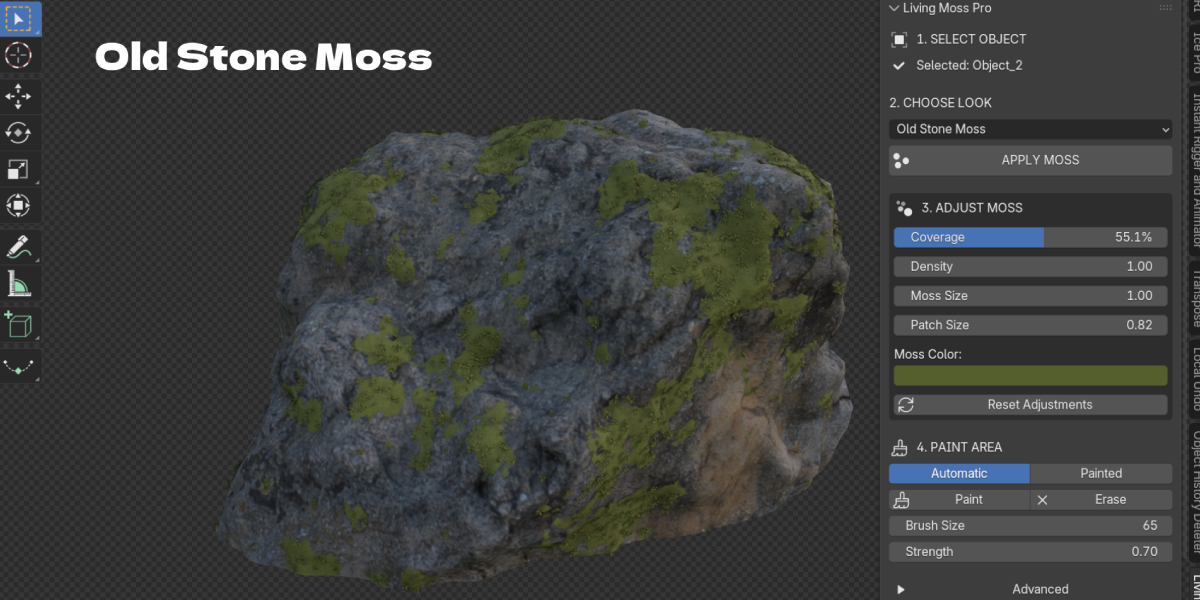
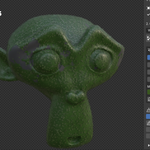
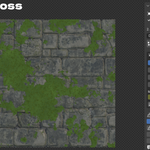
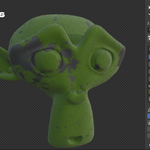
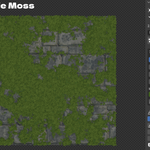
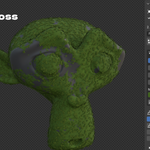
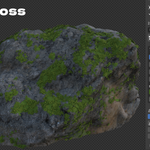
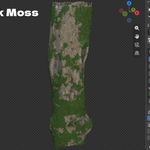
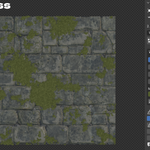
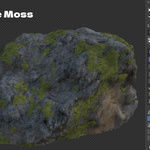
Select the mesh, choose a moss look in the Living Moss tab and click APPLY MOSS.
It is real 3D growth: a surface carpet plus shoots, fibers, clumps, grass and flowers built with Geometry Nodes.
Yes. Use Coverage and Slope Influence for automatic growth, or switch to Painted and use Paint and Erase.
No. It works on any mesh without UV maps or external textures.
Plants are instances with a shared Instance Limit, and you can set lower viewport quality than render quality.
No. Topology, UVs, modifiers and materials stay as they are. Remove Moss cleans up the setup.
Yes. APPLY MOSS works on all selected meshes, and each keeps its own settings.
Yes.
Blender 4.2.0 and newer.
Email [email protected].
Have questions about this product?
Login to message
| Blender Extension Compatible | Yes |
| Published | 1 day ago |
| Blender Version | 4.2 - 5.2 |
| Extension Type | Add-on |
| License | GPL |

Discover more products like this
environment forest rocks ruins overgrown moss vegetation foliage #nature geometry nodes scatter procedural