Lk Driver Master
 Lewiskratos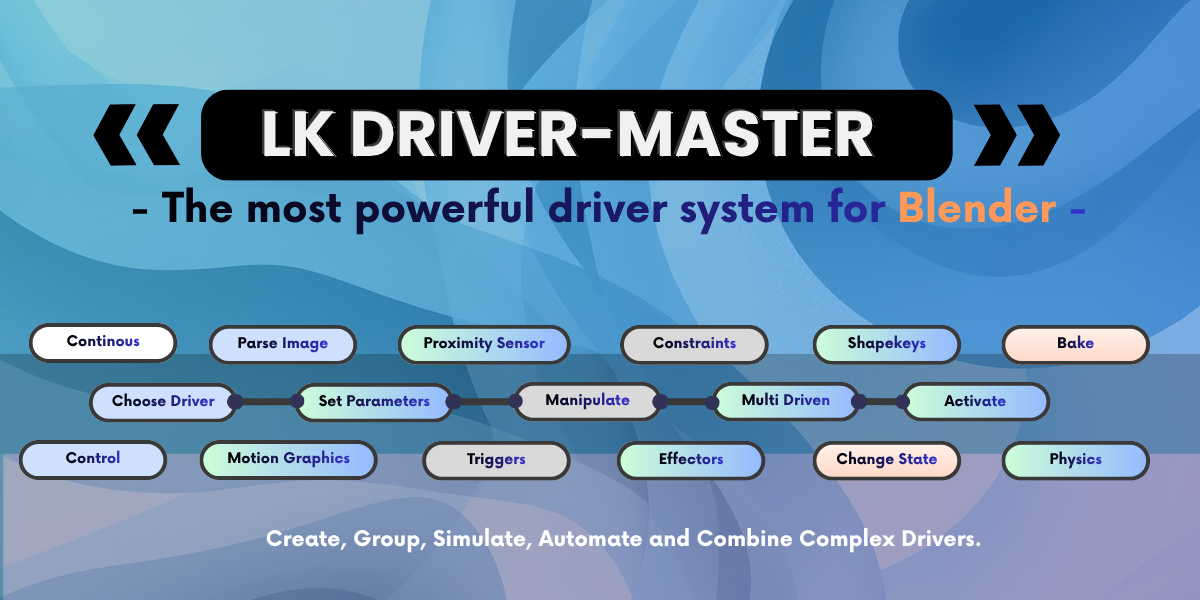


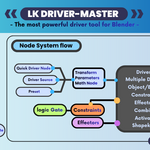
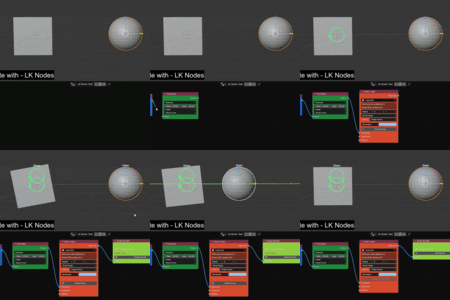
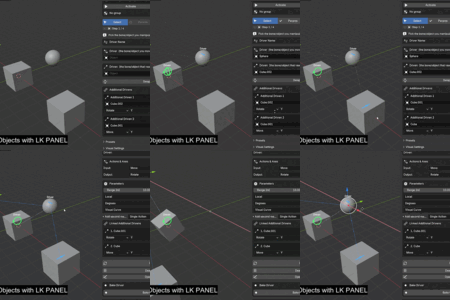
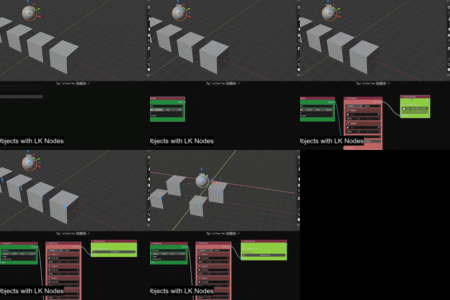
LK Driver Master
DOCUMENTATIONProfessional visual driver creation system for Blender 5.0+ with modular node pipeline, smart diagnostics, and custom control panels.
Table of Contents
- 1. Installation Guide
- 2. Workflow Overview
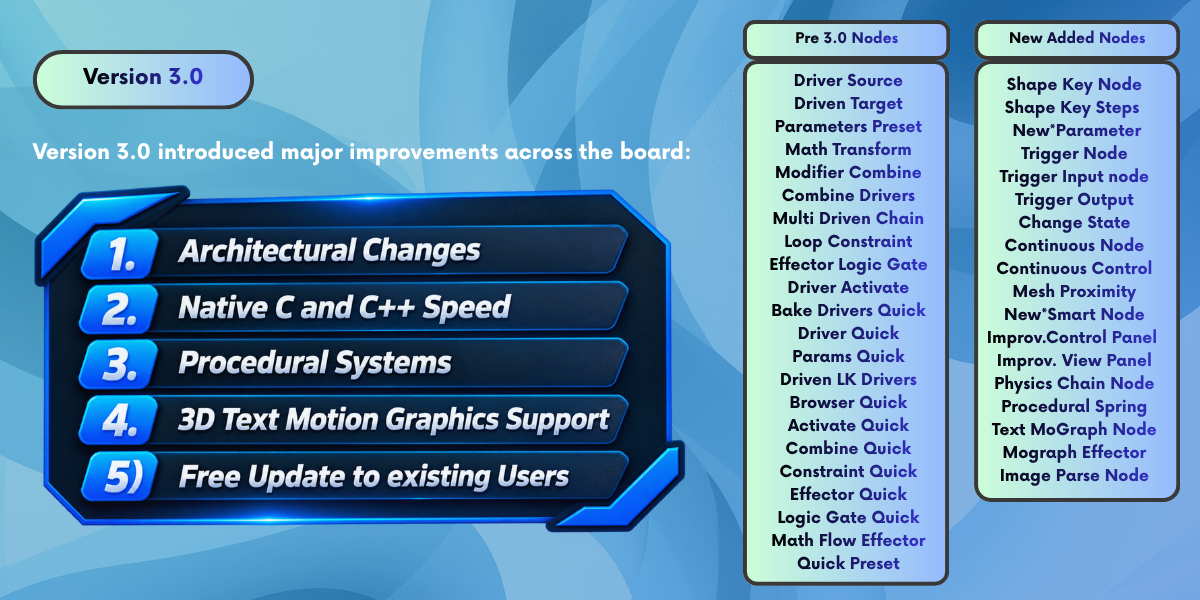
- 3. Standard Workflow Nodes
- 4. Quick Workflow Nodes
- 5. Pro Exclusive Nodes
- 6. Logic Gate System
- 7. Constraints & Effectors
- 8. Panel System & Outliner
1. Installation
- Open Blender 5.0 or later.
- Go to Edit → Preferences → Add-ons.
- Click Install from Disk and select
lk_driver_master_pro.zip. - Enable the addon by checking the box next to LK DriverMaster Pro.
- The LK DriverMaster PRO tab appears in the 3D Viewport N-panel (press 'N').
2. Workflow Overview
LK DriverMaster provides three complementary workflows for any level of complexity:
Standard Workflow
Fully modular nodes: Driver Source → Parameters → Driven Target → Activate. Perfect for complex rigs where you need to add Logic Gates, Math, or multiple Effectors anywhere in the chain.
Quick Workflow
Compact all-in-one nodes: Quick Driver → Quick Params → Quick Driven → Quick Activate. Designed for rapid iteration and simple driver setups without cluttering the node graph.
Panel Workflow
Create drivers directly from the N-panel wizard — no node editor required. A simple step-by-step UI for quick object-to-object driver creation.
3. Standard Workflow Nodes
Modular nodes for full control. Connect them left to right and click Driver Activate to finalize.
4. Quick Workflow Nodes
Quick Driver / Params / Driven / Activate
Full chain settings inside single compact nodes.
Quick Logic / Constraint / Effector / Math
Inline chain modifiers for rapid setup.
Flow Effector
Wave/cascade effector for bone chains. It auto-detects targets from linked Driven nodes and "flows" motion through the chain automatically.
5. Pro Exclusive Nodes
Smart Node (Beta)
Intelligent chain analyzer. Detects socket mismatches, missing targets, or inactive drivers. Green (Safe), Yellow (Warning), Red (Error).
Control Panel Node
Build custom UI sliders (Float/Int/Toggle) and Deploy to N-Panel for animators.
Shape Key Node
Bake native shape key drivers or use Shape Keys as source controllers.
View Panel Node
Embeds the full LK DriverMaster wizard panel directly inside the Node Editor.
6. Logic Gate System
7. Constraints & Effectors
Constraint Types
- Limit Location: Clamp position to min/max range.
- Limit Distance: Clamp target distance from controller.
- Limit Rotation/Scale: Per-axis min/max clamping.
- Object Bounds: Constrain inside another mesh's volume.
Effector Types
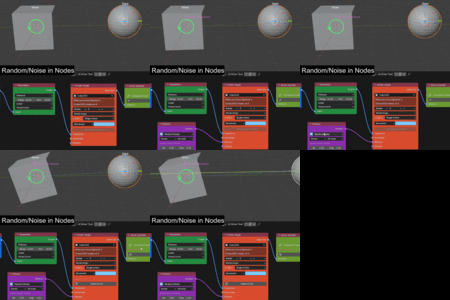
- Noise: Randomized variation.
- Spring: Overshoot and oscillation dynamics.
- Hop: Periodic jumping motion.
- Echo Trail: Staggered delay with Ghost Visualizers.
8. Panel System & Wizard
The Wizard
Step-by-step UI to create drivers from the N-panel.
Driver Outliner
Manage, toggle, and track all active drivers in the scene.
NOTE: THE FULL DOCUMENTATION is bundled in the project files.
LK Driver Master
Created by LewisKratos
-
$8.99
Only Get the LK Panel , with Some Improvements, Core Updates and UI Updates.
-
$17.99
LK Panel + The Enhanced LK Driver Node system with procedural tools, MotionGraphics and Physics. Full Documentation Included
 Included
Includes 12 months of
- Support from Lewiskratos
- Product updates
Extend this product’s Support Period +12 months: 50% of product price
Have questions before purchasing?
Login to message
| Blender Extension Compatible | Yes |
| Sales | 10+ |
| Published | 5 months ago |
| Blender Version | 5.0 |
| Extension Type | Add-on |
| Render Engine Used | Cycles, Eevee |
| License | GPL |
