LK Driver Master
Visual driver creation tool & procedural animation engine for Blender
Version 3.0.2
Nov Update • Free for existing customers
What is LK Driver Master?
LK Driver Master is a powerful driver creation tool for blender. Visual nodes and guided panel steps to create, combine and form complex setups easily. It removes the need for Python formulas, cryptic data paths and fragile rigging scripts. Connect how objects and rigs behave visually, and let Blender run it natively.
New current Version is 3.0.2
What's New in the November 2026 Update
Easier to start, easier to understand, and more ready-to-use content. Pro and Lite both receive the update.
Cleaner Side PanelBOTH
Reorganised into clear Drivers and Driver Setup sections, plus one-click Quick Setup from your selection.
Smart Node 1.2PRO
Doctor finds problems and Auto-Repair fixes them. Probe shows the live signal and lets you boost or reduce it.
Control Panel BuilderPRO
Make sliders, toggles and buttons for faces, cars or any rig. Group them, key them, reset them, and export as a reusable Python panel.
Rig TemplatesPRO
Start fast with ready-made Face, Car, Machine and Arm control sets.
13 New Ready-Made SetupsNEW
Wheels, steering, door hinge, drawer, gear pair, lip-sync, eye look, auto blink, camera shake and more. 60 setups in total.
Bake Entire StackPRO
Bake your whole animated setup to keyframes in one click, and clear it again just as easily.
New Example SceneNEW
08 ShapeKey Steps and Parameter Morph Rig shows a complete face-morph rig built with the new tools.
FixesBOTH
Preset list text now always displays correctly, and spring and noise effects no longer stack up when you update a setup.
Overview
Drive Anything. Write No Code.
LK DriverMaster removes the need for Python formulas, cryptic data paths and fragile rigging scripts. Connect how objects and rigs behave visually, and let Blender run it natively.
Visual Connection
Link location, rotation, scale, shape keys and materials with a node graph or a 4-step sidebar wizard. No coding.
Real-Time Physics
Springs, inertia, jiggle and XPBD rope or cable dynamics, live in the viewport with no baking.
Native 60 FPS
Setups compile into Blender's own driver engine for smooth playback with no Python lag.
Zero-Dependency Sharing
Files run and render on any computer or render farm without the add-on installed.
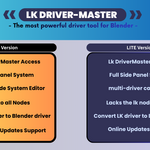
Editions
Two Versions: LITE and PRO
Pick the edition that fits your workflow, from essential panel rigging to full procedural studio setups.
| Feature |
LITE (Simple Setups) |
PRO (Complex setups) |
| 4-Step Sidebar Wizard (N-Panel) |
Included |
Included |
| Quick Setup from SelectionNEW
|
Included |
Included |
| Driver Outliner, Presets and Live Overlays |
Included |
Included |
| Native 60 FPS and Zero-Addon Portability |
Included |
Included |
| One-Click In-App Updater |
Included |
Included |
| Full Visual Node Graph and 10 Quick Nodes |
Not included |
Included |
| Smart Node Doctor, Auto-Repair and ProbeNEW
|
Not included |
Included |
| Control Panel Builder and TemplatesNEW
|
Not included |
Included |
| Bake Entire StackNEW
|
Not included |
Included |
| Physics, Springs, Continuous Motors, Text MoGraph |
Not included |
Included |
| Proximity, State Machine, Logic and Triggers |
Not included |
Included |
| Example Scenes |
2 starter rigs |
40+ production scenes |
| Documentation |
Quick Start |
Complete offline manual |
Node Ecosystem
The 11 Nodes Added since 3.0.0
Springs, loops, physics and triggers that run natively without Python overhead. Experimental simulation nodes carry a Beta badge.
1. Image ParseBETA
Reads image or video colour and brightness to drive lights, colours and transforms.
2. Input TriggerPRO
Spreads signals through bone and parent hierarchies in any direction.
3. Output TriggerPRO
Fires one-shot, pulse or continuous signals at spatial thresholds.
4. Text MoGraphBETA
Splits 3D text into letters or words for wave, flip and pop animation.
5. Mesh ProximityPRO
Measures distance to a mesh surface to drive lights, scale or deformation.
6. Chain LoopPRO
Loops signals along bone chains with delay and falloff, no dependency cycles.
7. Physics ChainBETA
Live XPBD rope and cable solver with 6 material presets and floor collision.
8. Procedural SpringBETA
Adds mass, stiffness and damping to any channel for organic settling.
9. Change StatePRO
Switches modes by speed or distance with anti-flicker protection.
10. ContinuousPRO
Autonomous motor for rotation, travel or oscillation, including along curves.
11. Continuous ControlPRO
Speed, brake, reverse and hold controls for continuous motors.
Core Nodes
The Standard Nodes
The proven foundation: connect, map, constrain and blend with zero code.
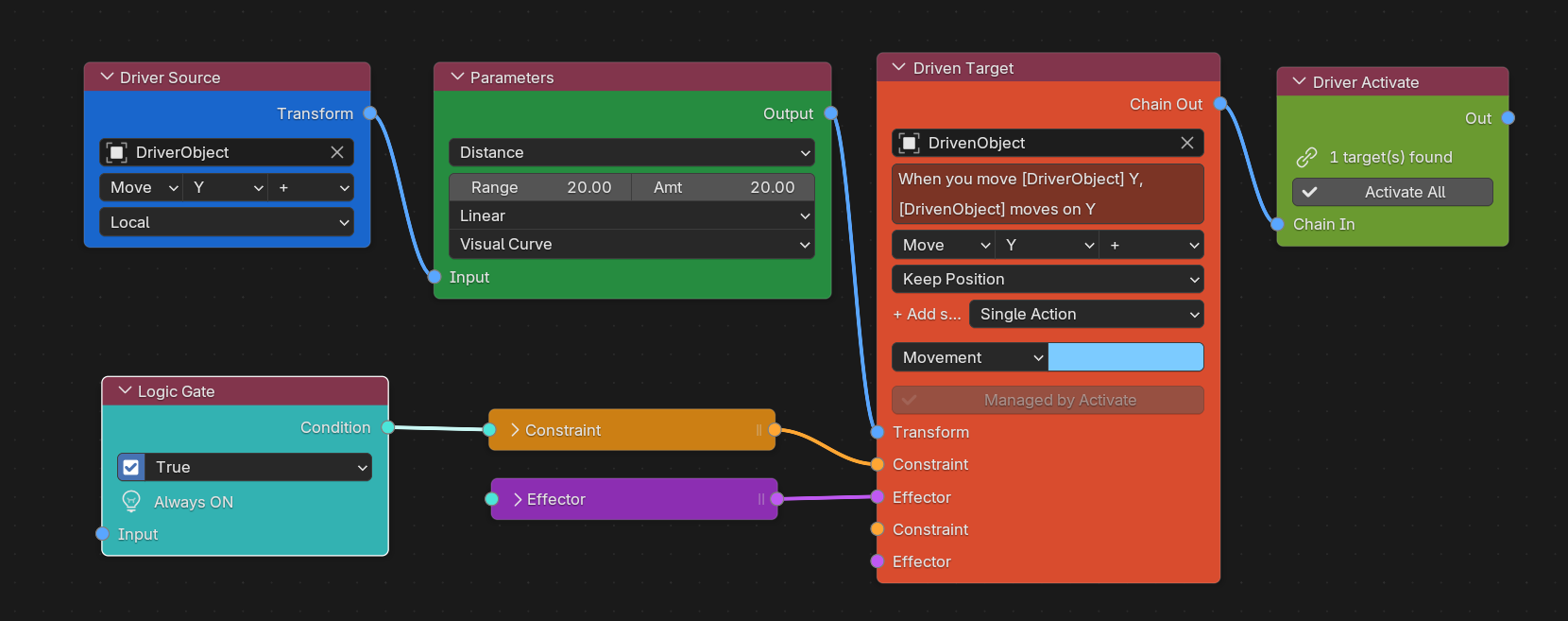
Driver SourceReads a controller's position, rotation or scale.
ParametersMaps ranges with easing, influence and inversion.
Driven TargetReceives the signal on an object, bone or shape key.
Driver ActivateCompiles the chain into native Blender drivers.
ConstraintHard limits for location, rotation, scale and distance.
EffectorNoise, spring, delay and echo on top of any driver.
Multi-DrivenOne source driving up to 8 targets with offsets.
CombineBlends or merges several drivers into one.
Logic and MathConditions and maths to pass, invert or mute signals.
Preset and BakeLoad full setups instantly, or bake to keyframes.
Shape Key ParamsMapper tuned for 0 to 1 facial morph targets.
Smart NodeChecks, repairs and probes your network.
Evolution
Version 2.0.2 vs 3.0.x
| Capability |
Version 2.0.2 |
Version 3.0.x |
| Driver engine |
Python evaluation |
Native Blender C-speed |
| Viewport interaction |
Timeline playback needed |
Live grab with dynamic settling |
| Secondary physics |
Basic noise only |
XPBD solver and springs |
| Shape key binding |
Manual paths or dummy empties |
Direct, no empties |
| Motion motors |
Manual frame formulas |
Autonomous, with curve paths |
| Render farms |
Needed auto-run Python |
No add-on required |
| Rig tools (3.0.2) |
None |
Smart Node and Control Panel Builder |
Documentation
Complete Offline Manual Included
A standalone HTML manual inside your download that opens in any browser with no internet. It covers every node and every example scene, and includes a short What's New in 3.0.2 page.
Panel and Quick Workflows
Step-by-step guides for the sidebar wizard and batch tools.
Node Reference
Every node, socket and parameter explained with wiring diagrams.
Physics and Beta Nodes
Rope physics, springs, text MoGraph and proximity setups.
Production Use Cases
Gearboxes, blink arrays, cartoon bounce and troubleshooting tips.
In Action
Viewport Demonstrations
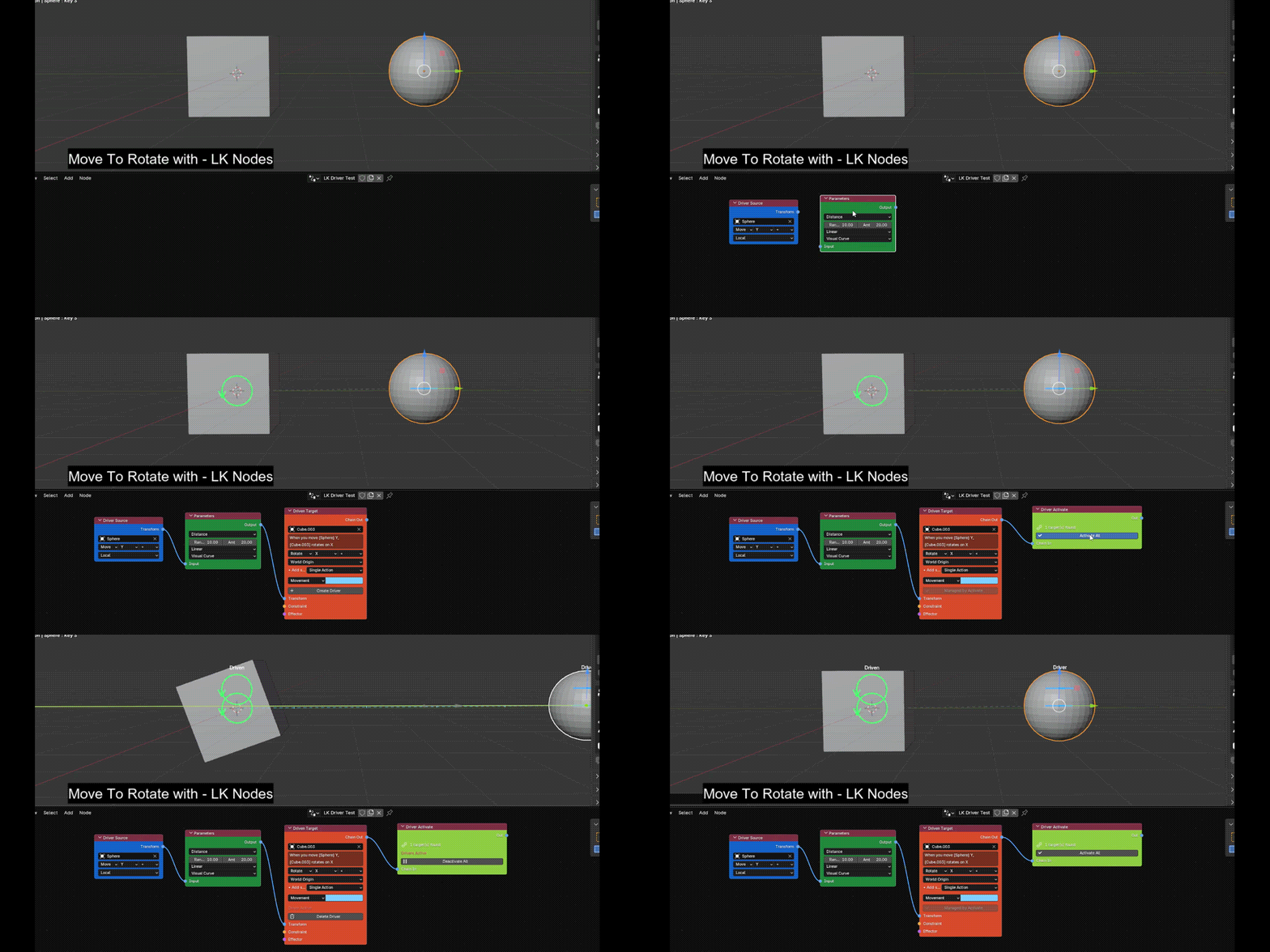
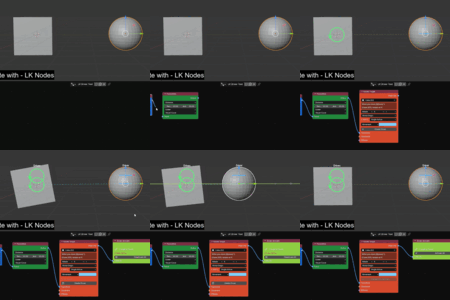
Move-to-Rotate Coupling
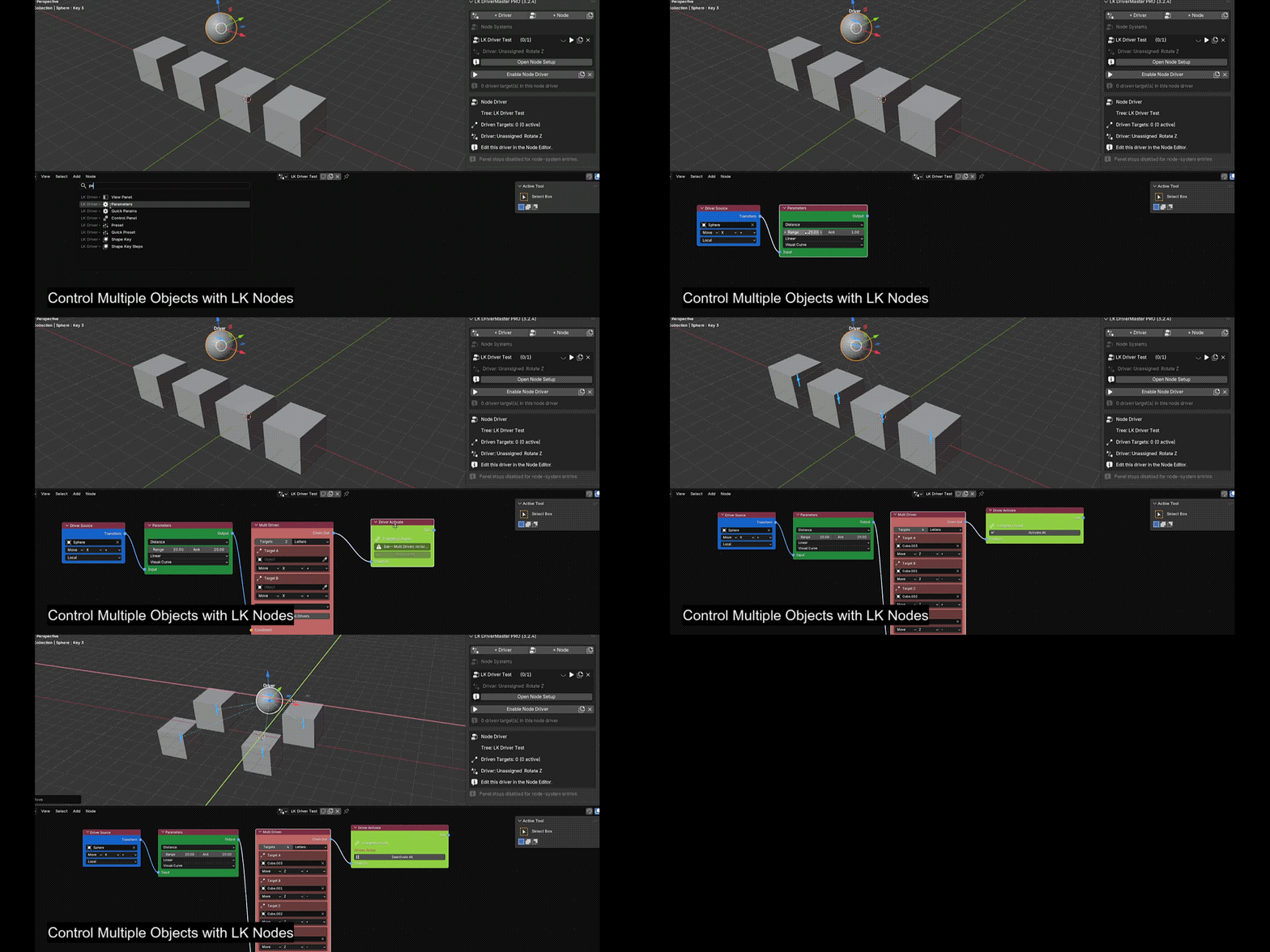
One Driver, Many Objects
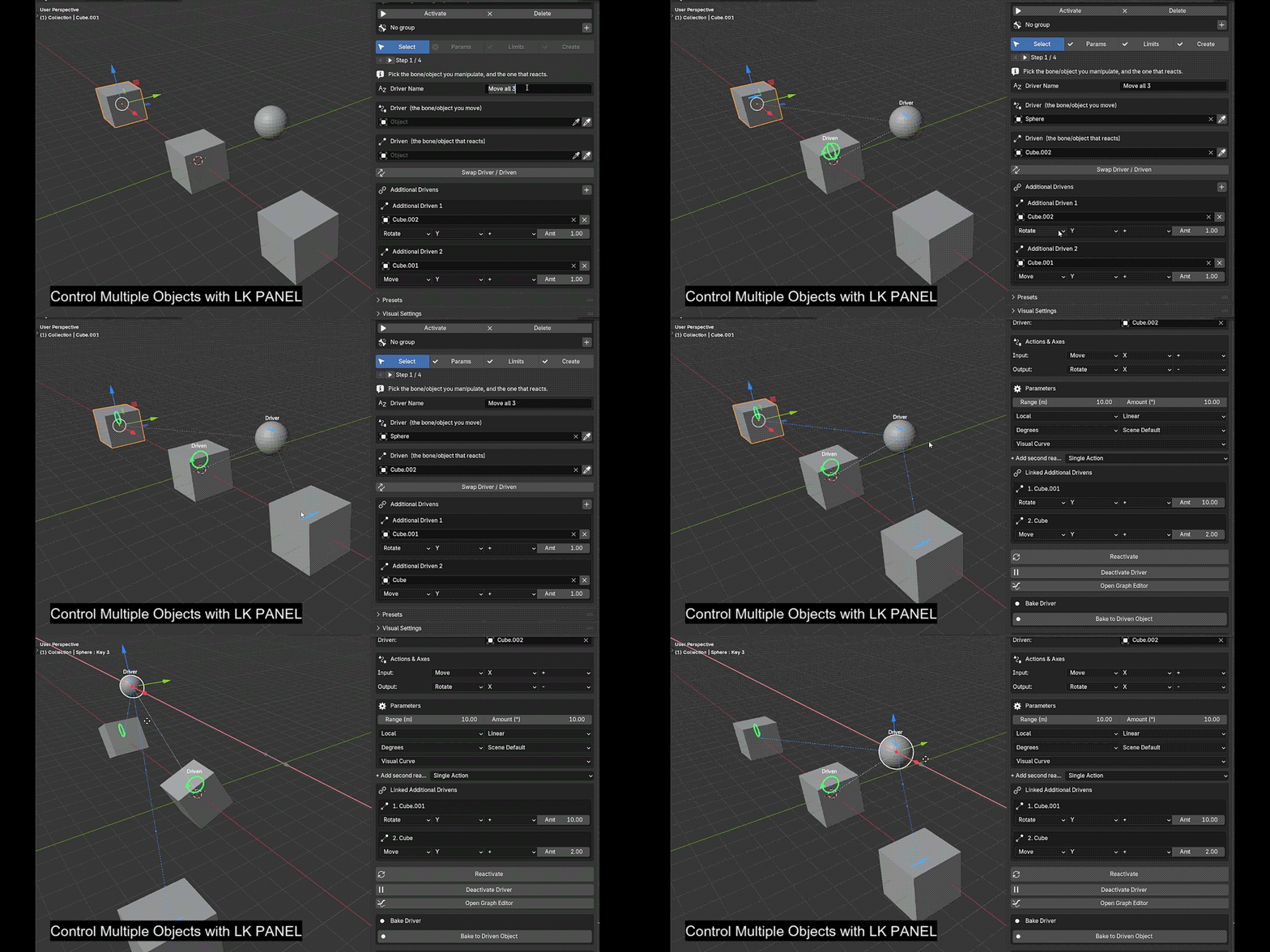
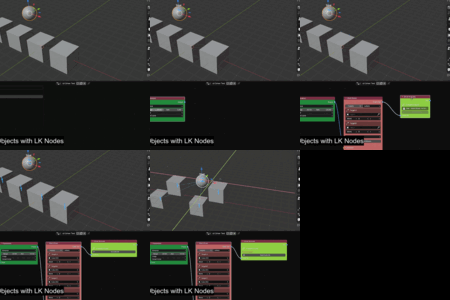
Batch Multi-Object Setup
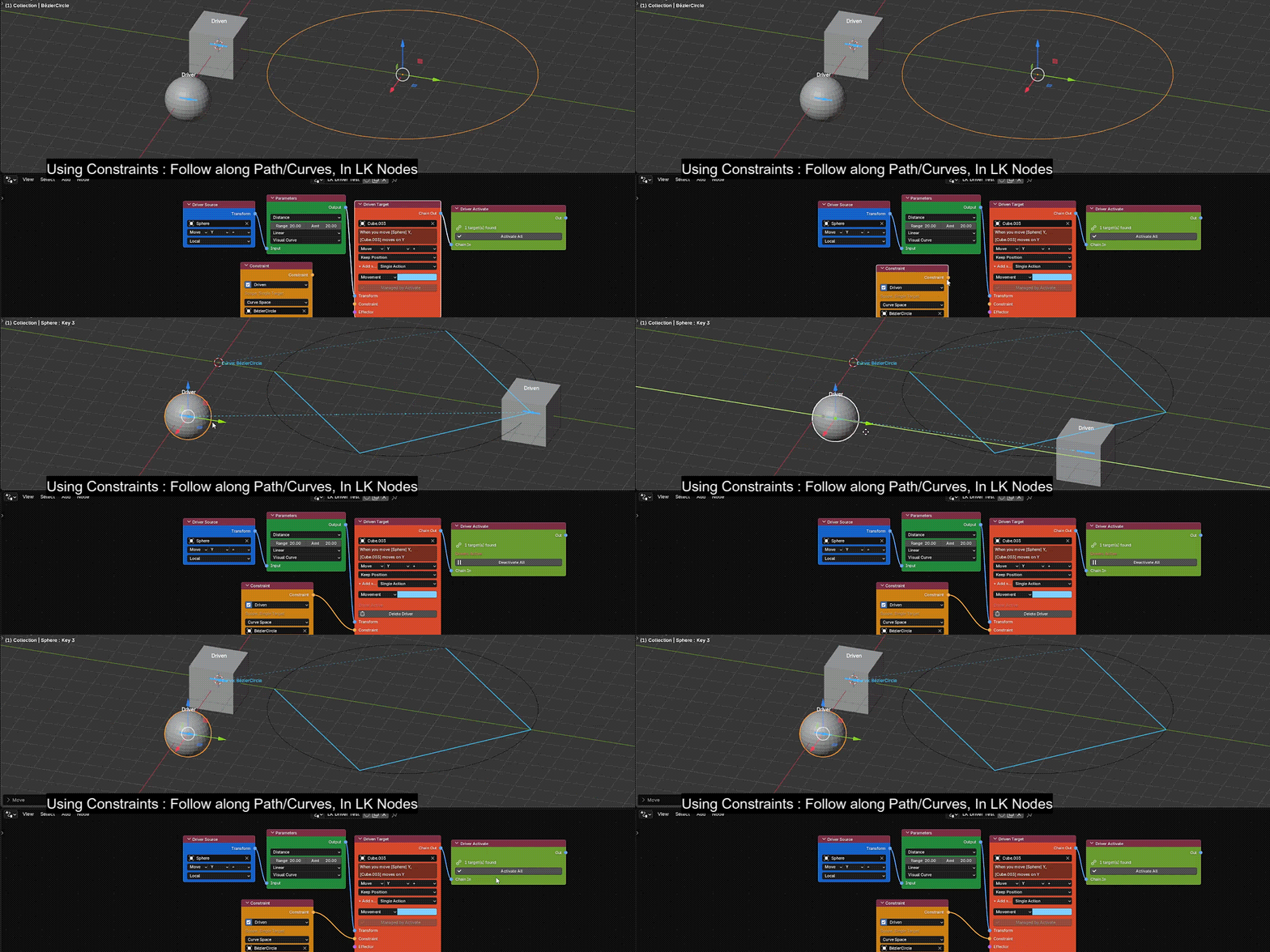
Path-Curve Tangent Alignment
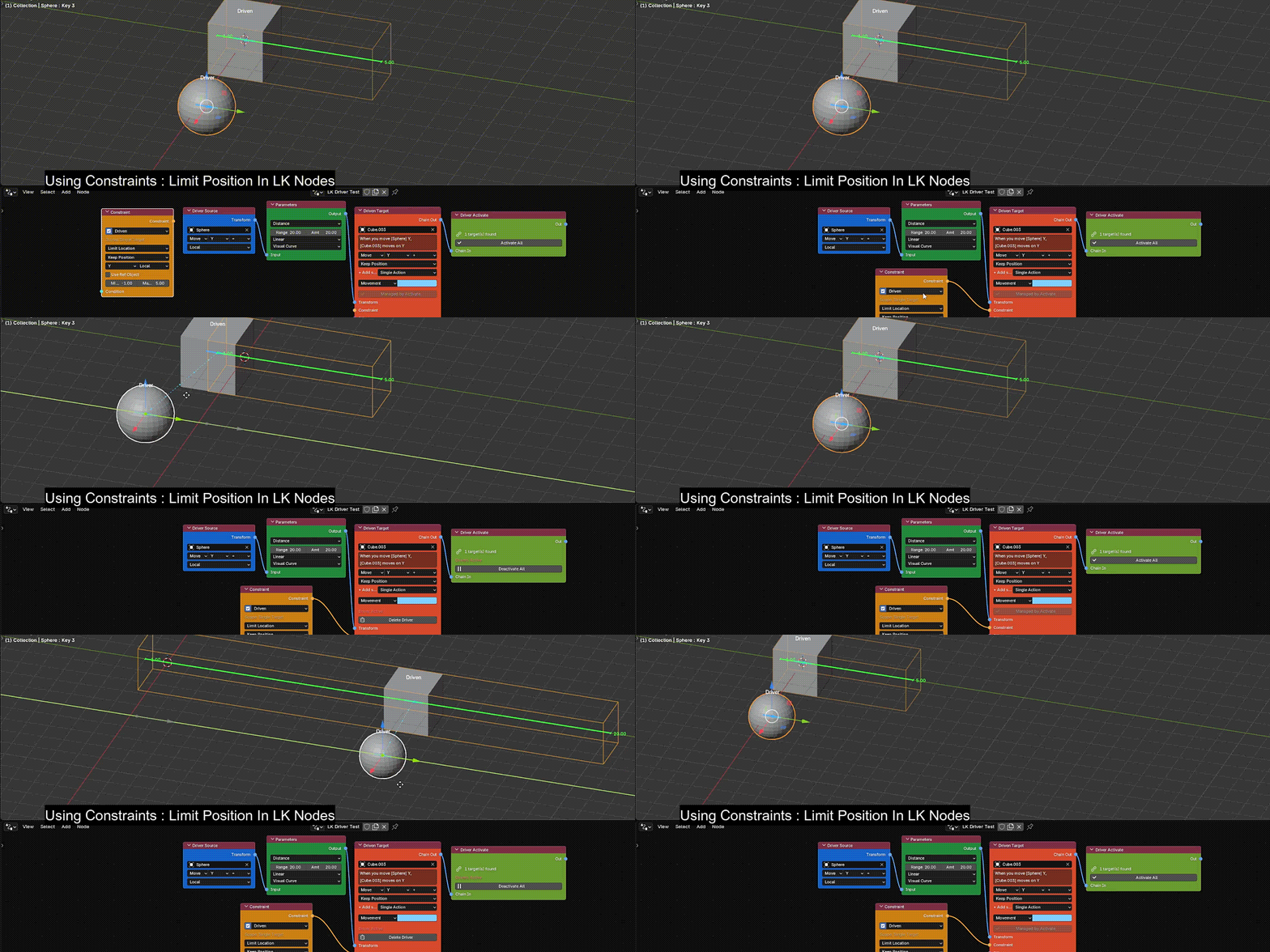
Constraints and Overlays
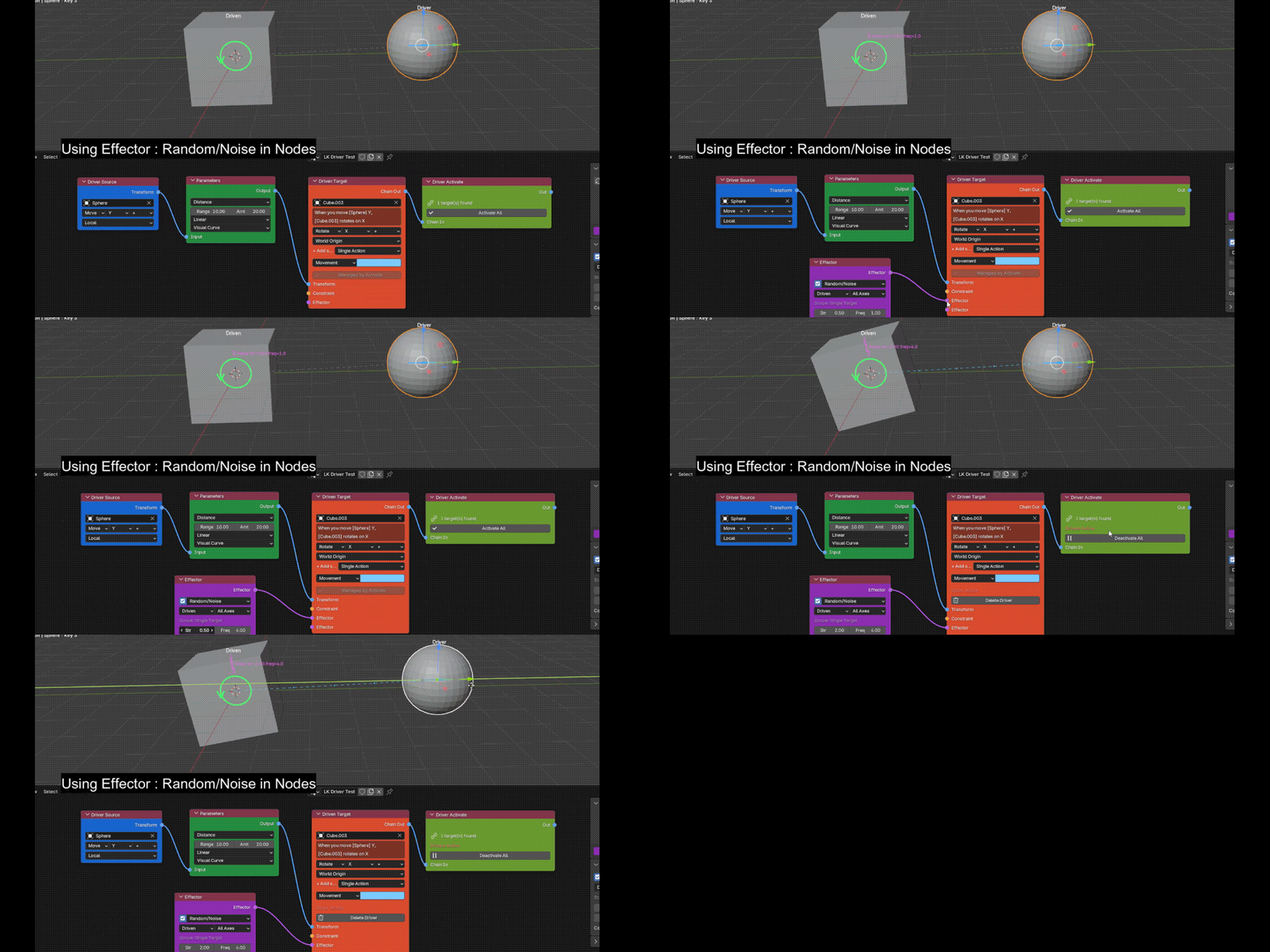
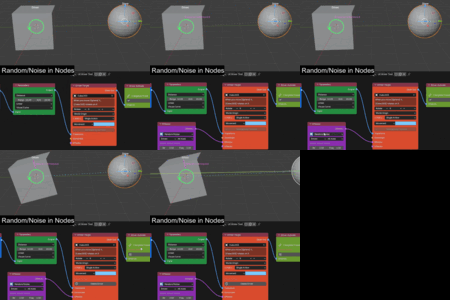
Secondary Motion Effectors
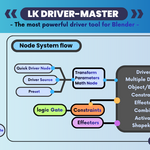
A typical LK DriverMaster node graph
Why It Matters
The Standard Way vs LK DriverMaster
THE STANDARD WAY
- Typing Python maths into tiny boxes
- Hunting broken data paths
- Debugging drivers with no visual feedback
- Dummy empties just to wire shape keys
THE DRIVERMASTER WAY
-
No code: dropdowns and drag-and-drop nodes
-
Live overlays: animated connection paths
-
Smart Node: finds and fixes breaks for you
-
Direct morph channels: no dummy empties
Included Files
40+ Production Example Scenes
Built and verified in Blender 5.0+ across 12 categories, with the new 3.0.2 scenes tested in Blender 5.2 LTS.
| Category |
Highlights |
| Quick Start and Standard Drivers |
Cube basics, move/rotate/scale pairing |
| Constraints and Logic |
Limits, soft hinge clamp, AND/OR gates, gated blink |
| Proximity and Triggers |
Radial bulb, mesh sensor, sequential wave, cross-rig handshake |
| Springs and Continuous Motors |
Vehicle suspension, jiggle, radar sweeper, crank engine |
| Shape Keys and Presets |
Symmetric blink, 4-stage smile, morph rigNEW
|
| Kinetic Typography |
Split letter cascade, word pop stagger |
| Physics and State |
Floor drag chain, rolling morph state machine |
Support Ongoing Development
LK DriverMaster is updated continuously with community requests. You can support future milestones on Ko-fi.
Support on Ko-fi
Compatibility
Blender 5.0 and newer, tested up to 5.2 LTS. Works on Windows, macOS (Intel and Apple Silicon) and Linux, and alongside Auto-Rig Pro, Rigify and custom studio rigs.
Developed by Lewiskratos • Free updates for all existing customers
 Lewiskratos
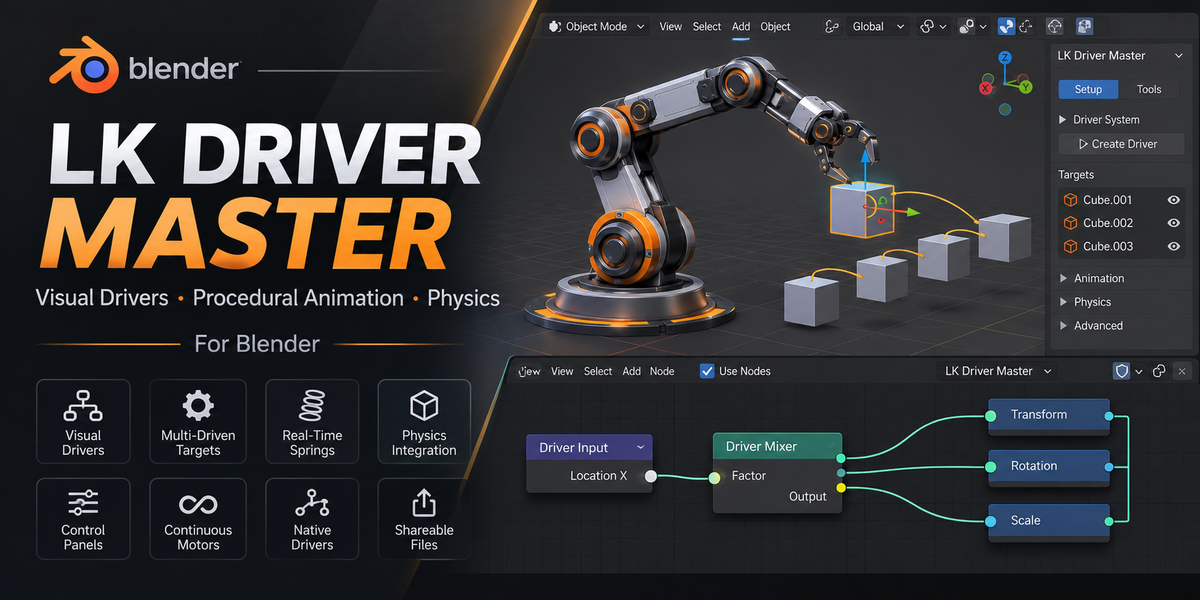


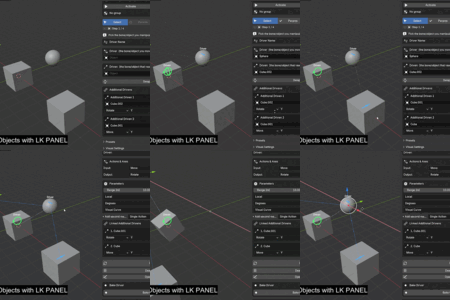
 1. LK Panel Version in Blender
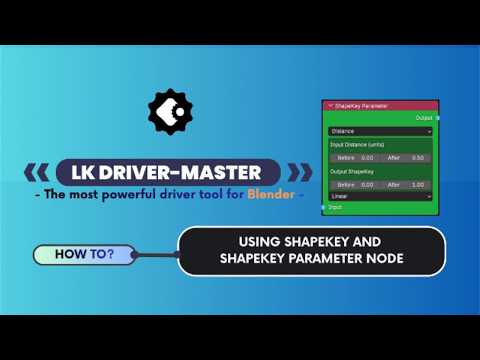 2. Shape Key Nodes
 3. Node System and Constraints

