L&L Textiles
 Lance Phan
in Fabric
Lance Phan
in Fabric
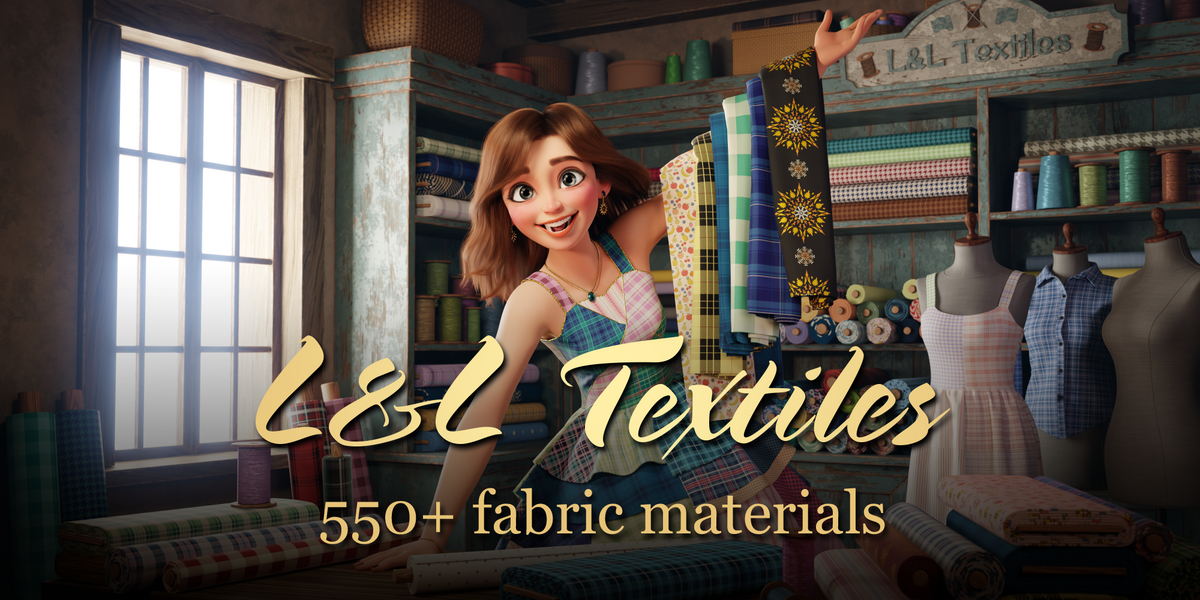
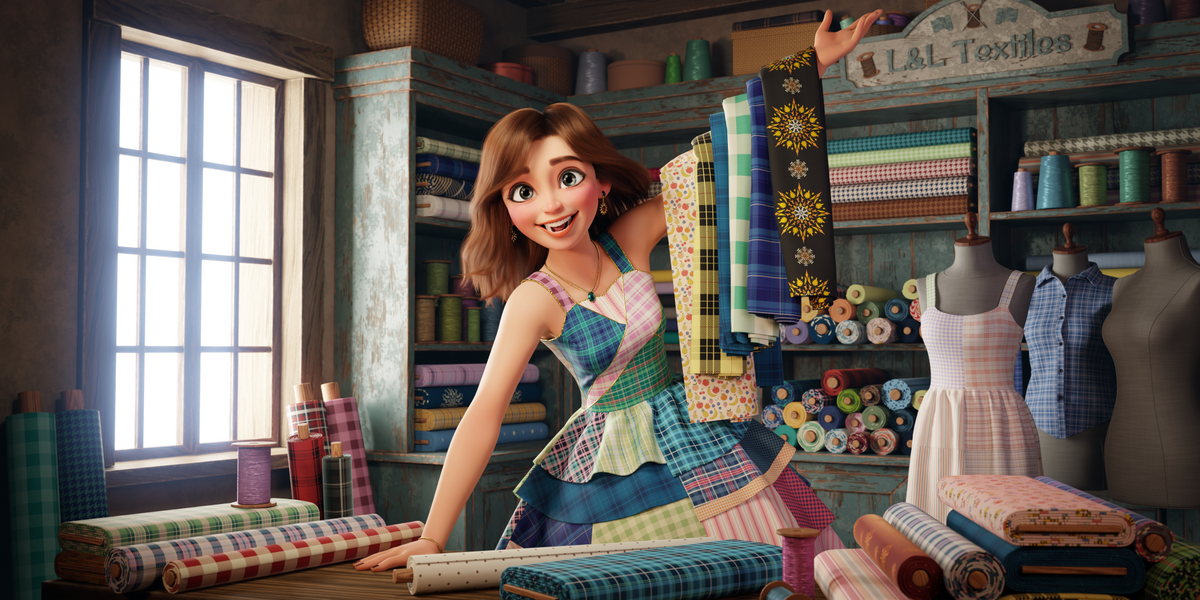
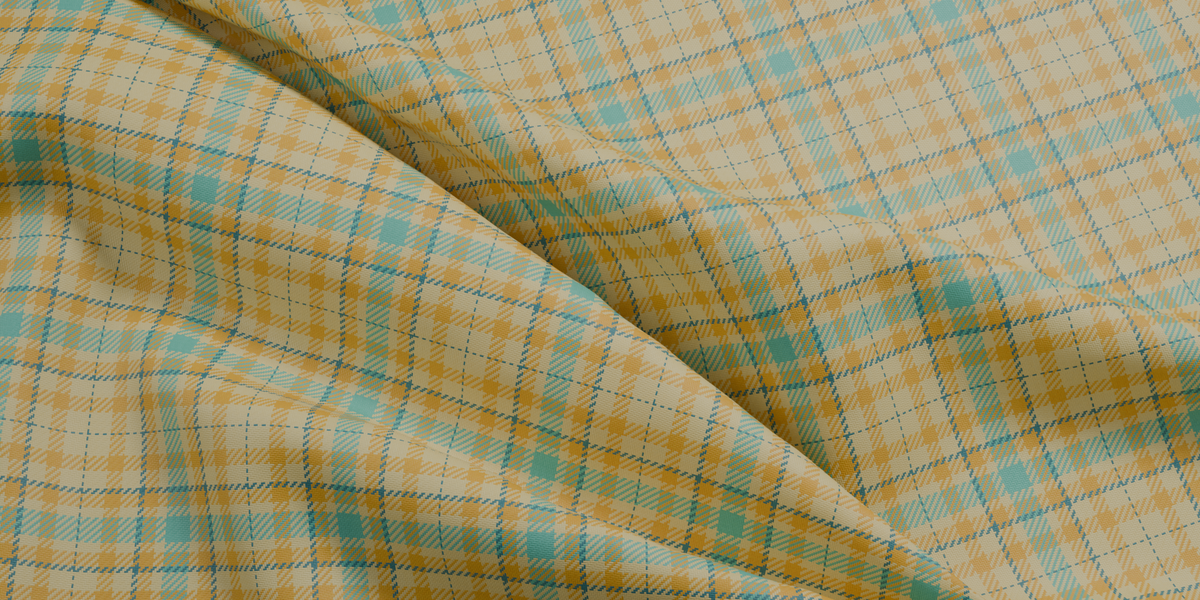
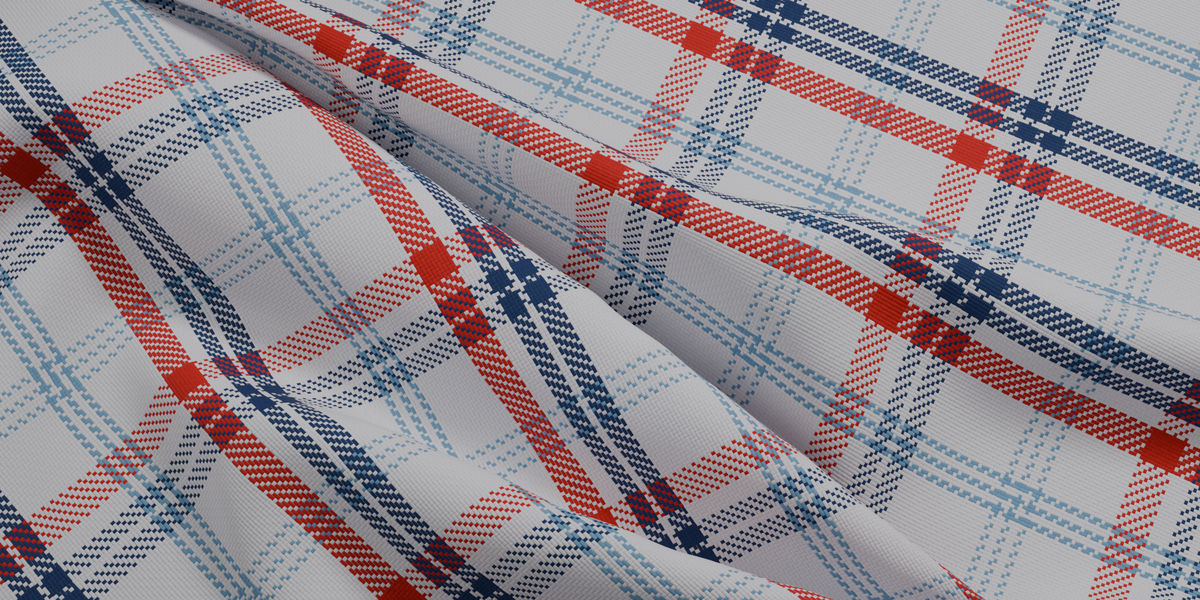
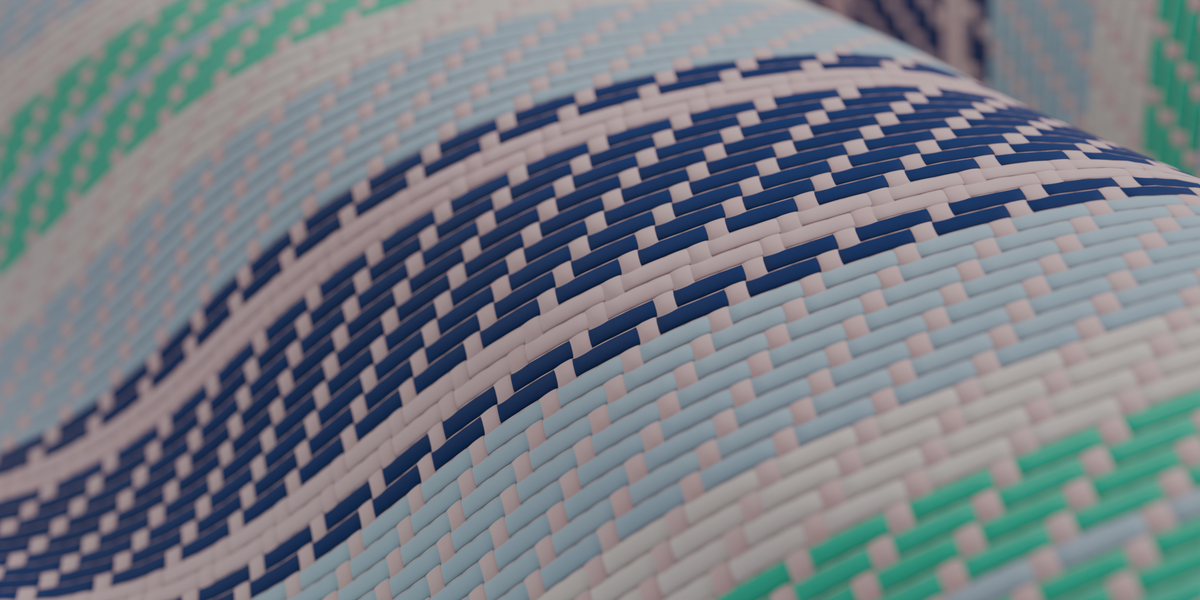
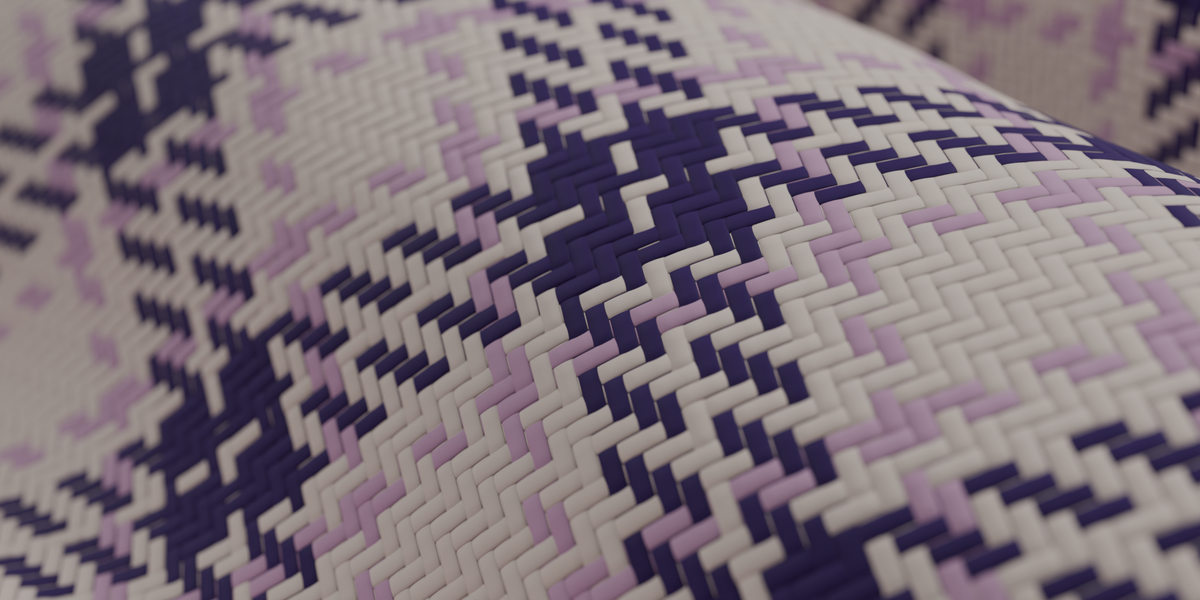
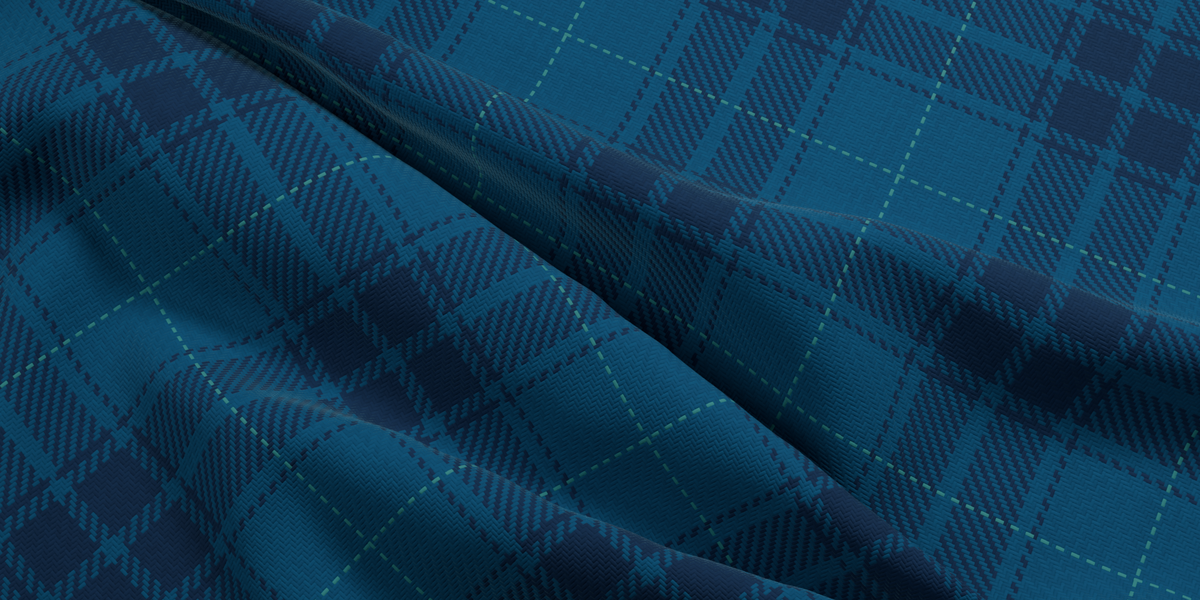
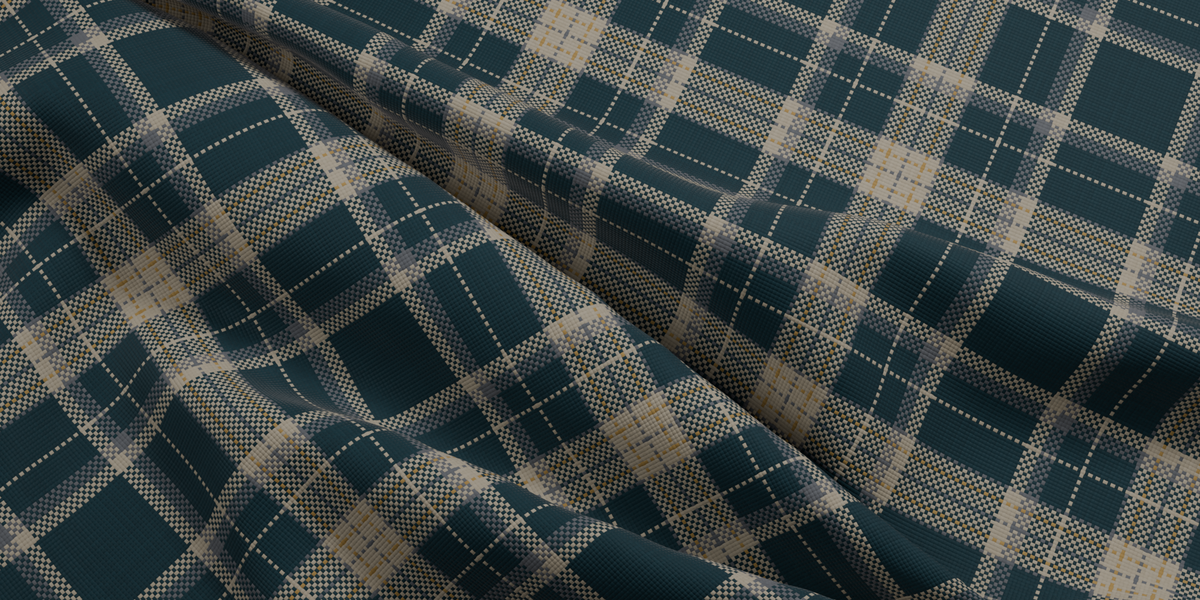
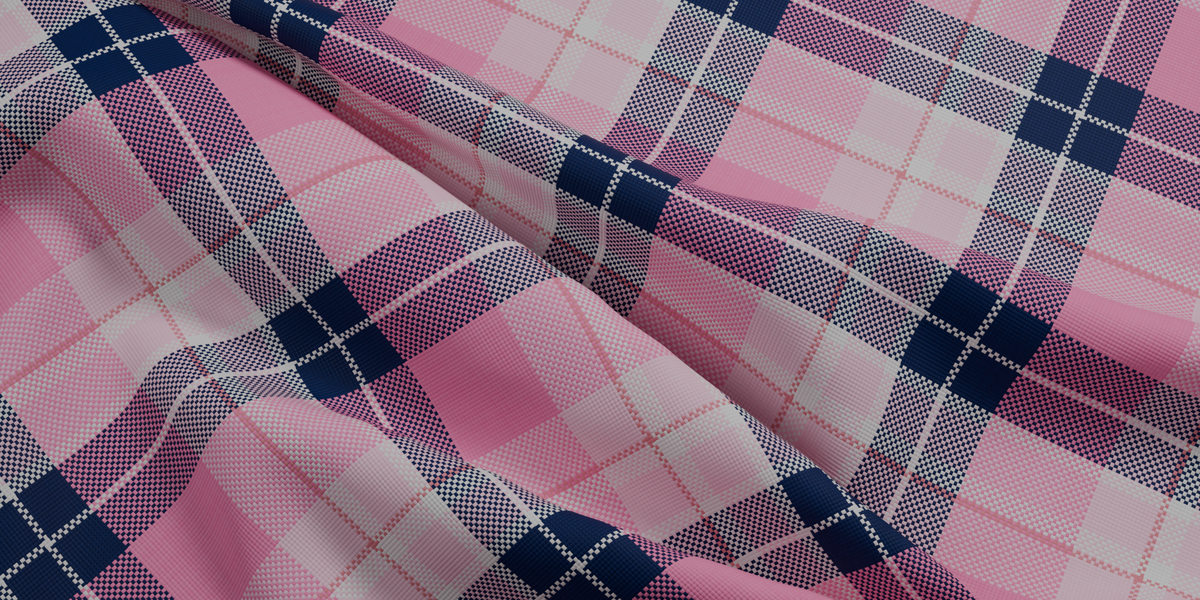
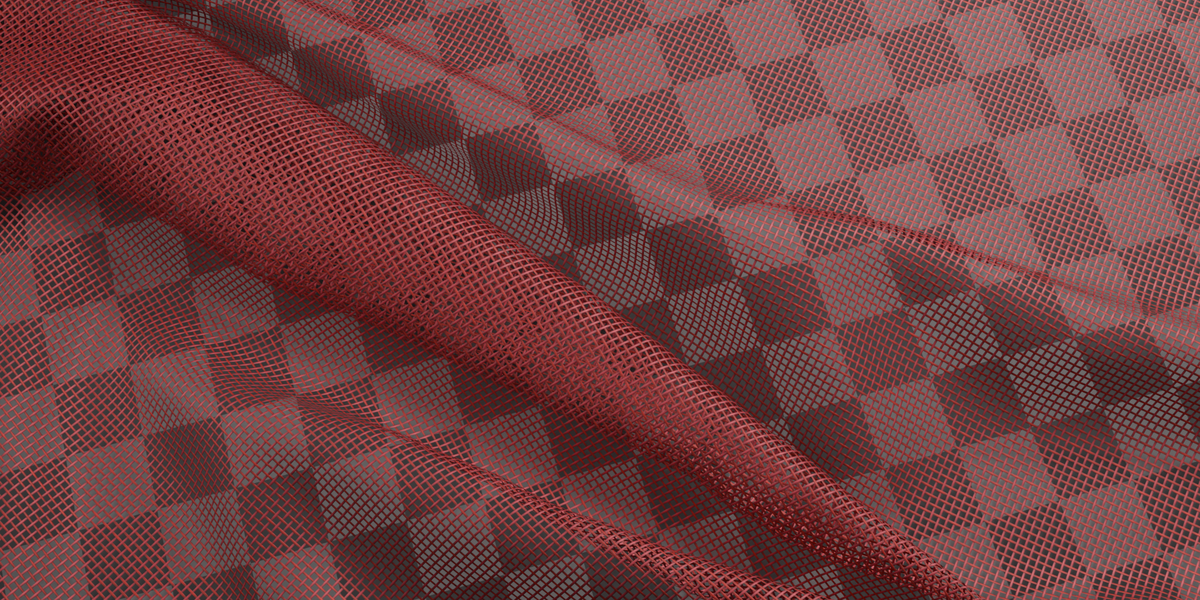
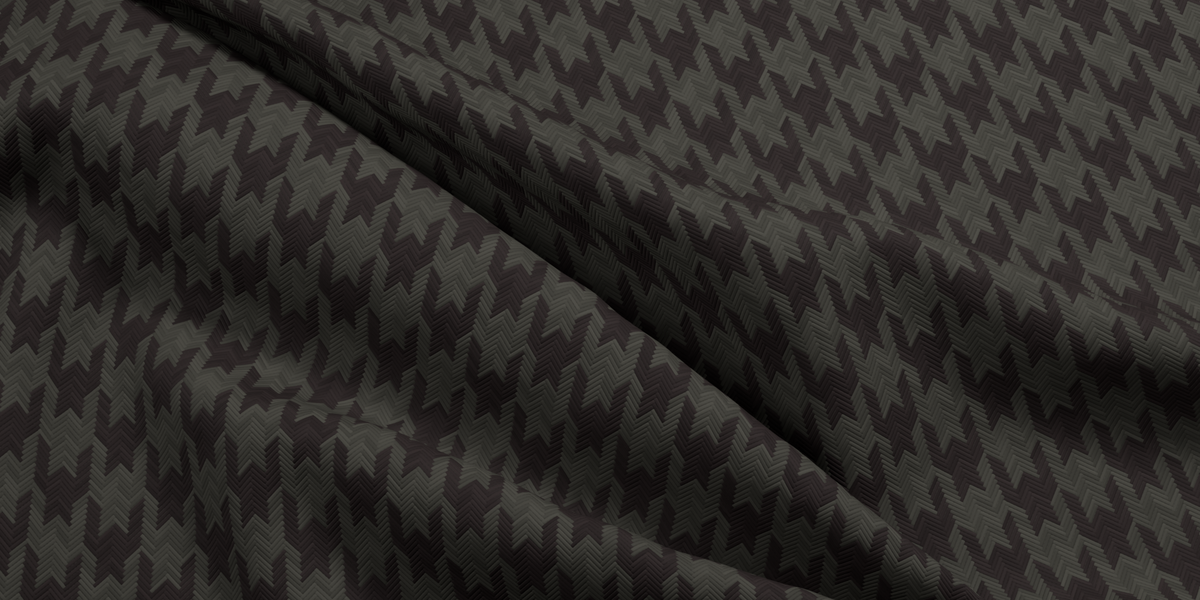
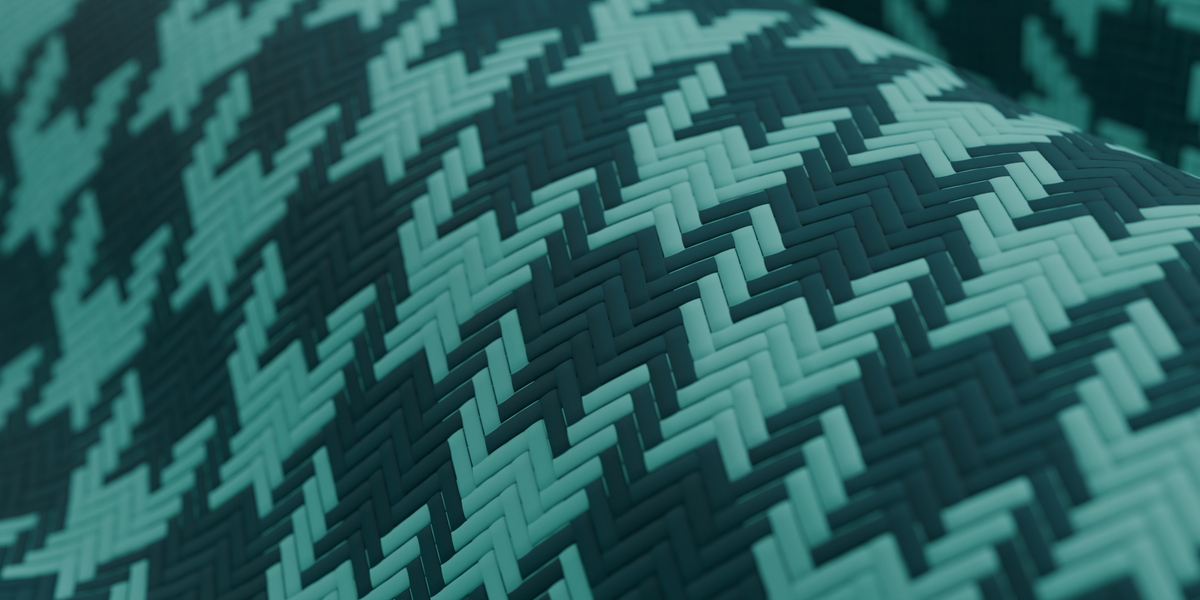
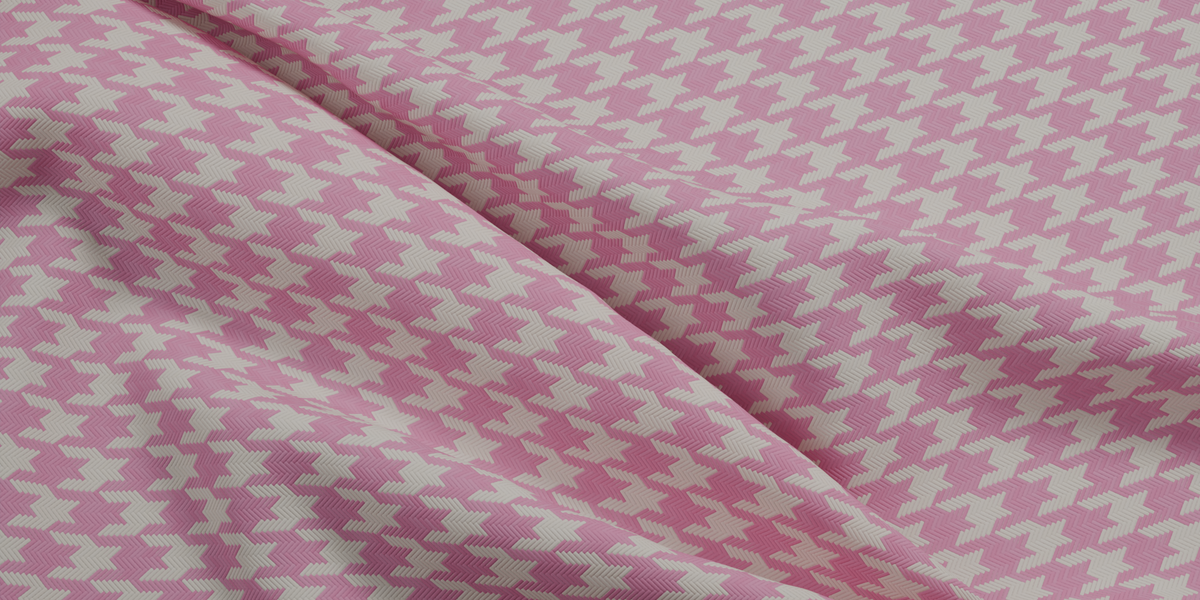
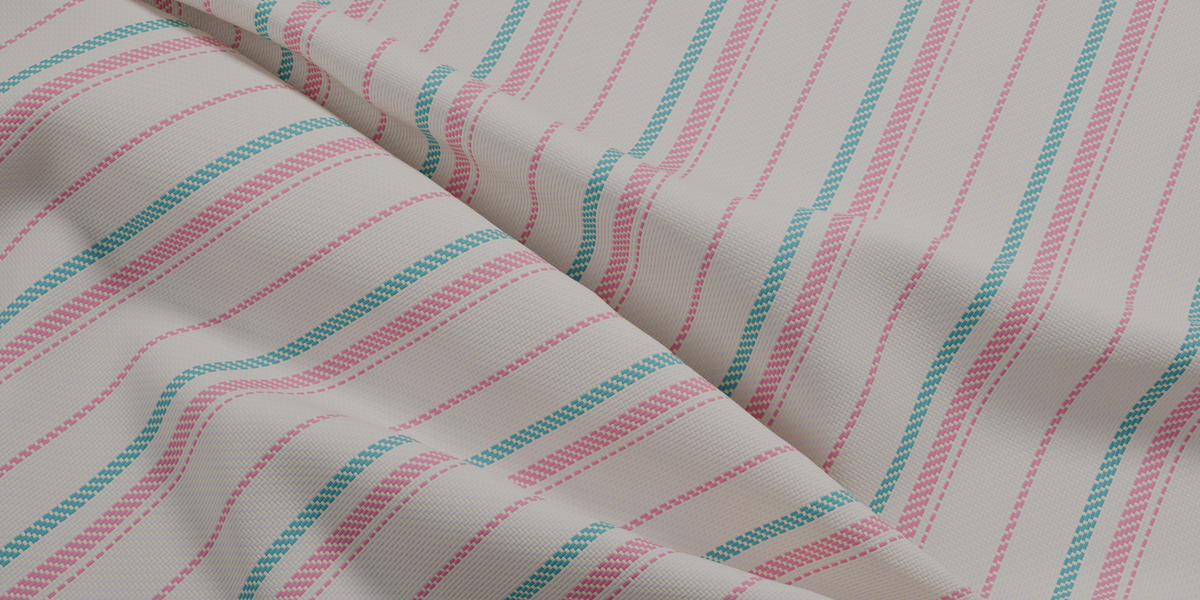
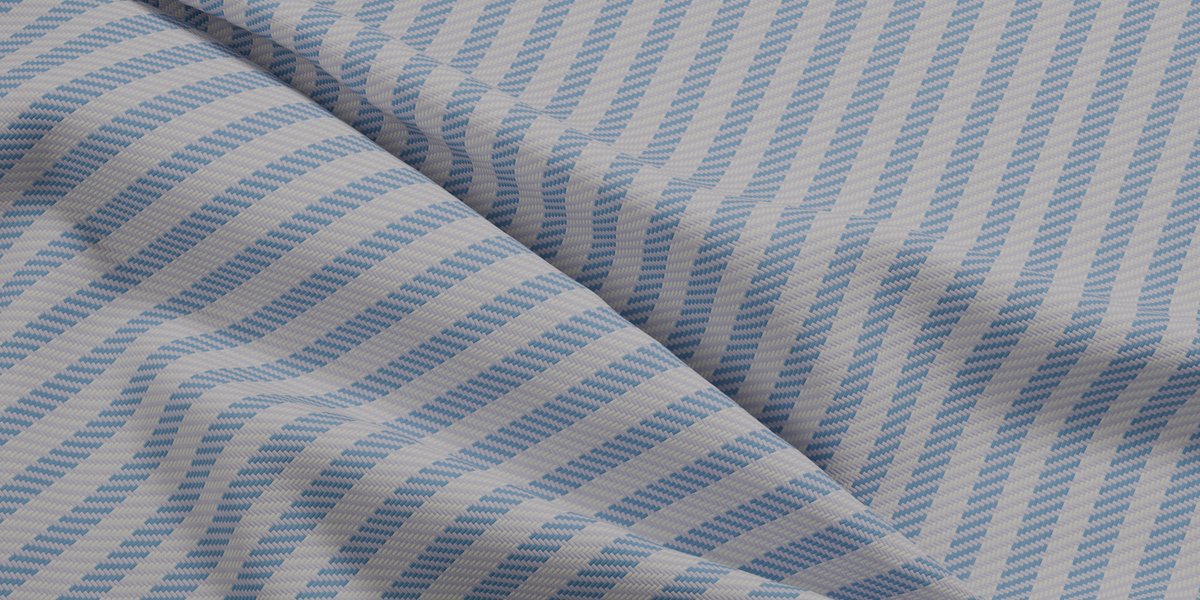
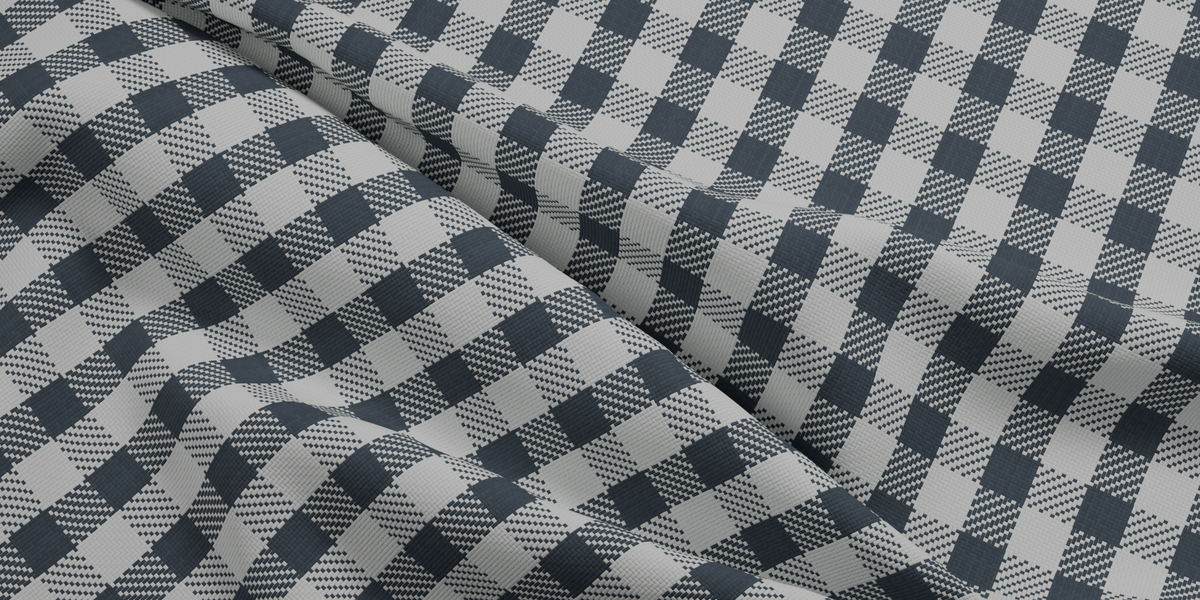
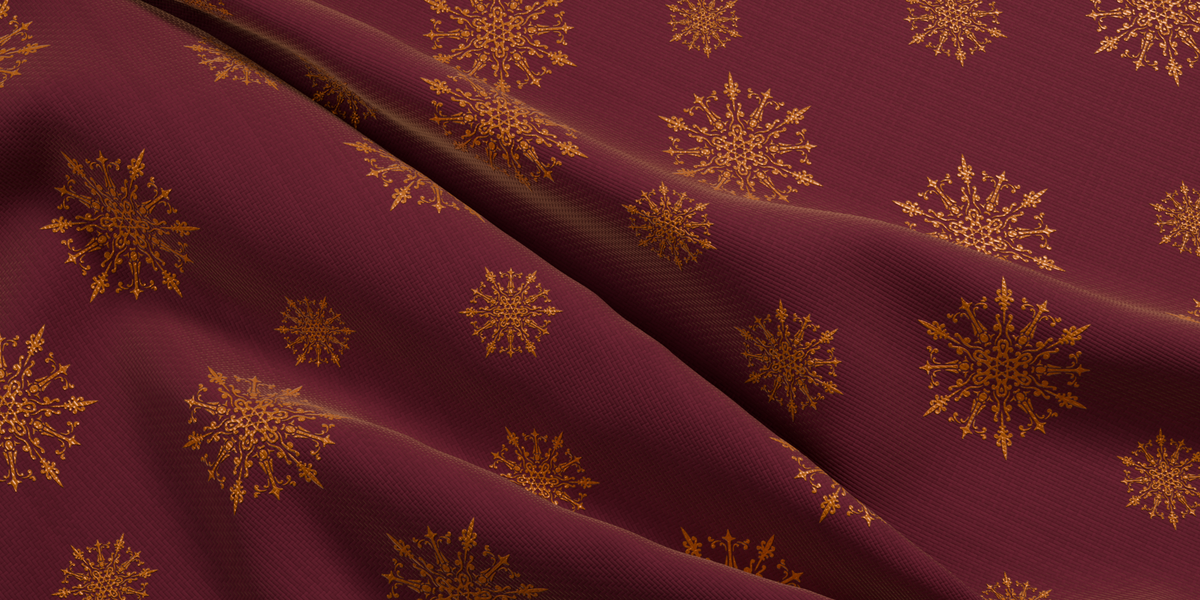
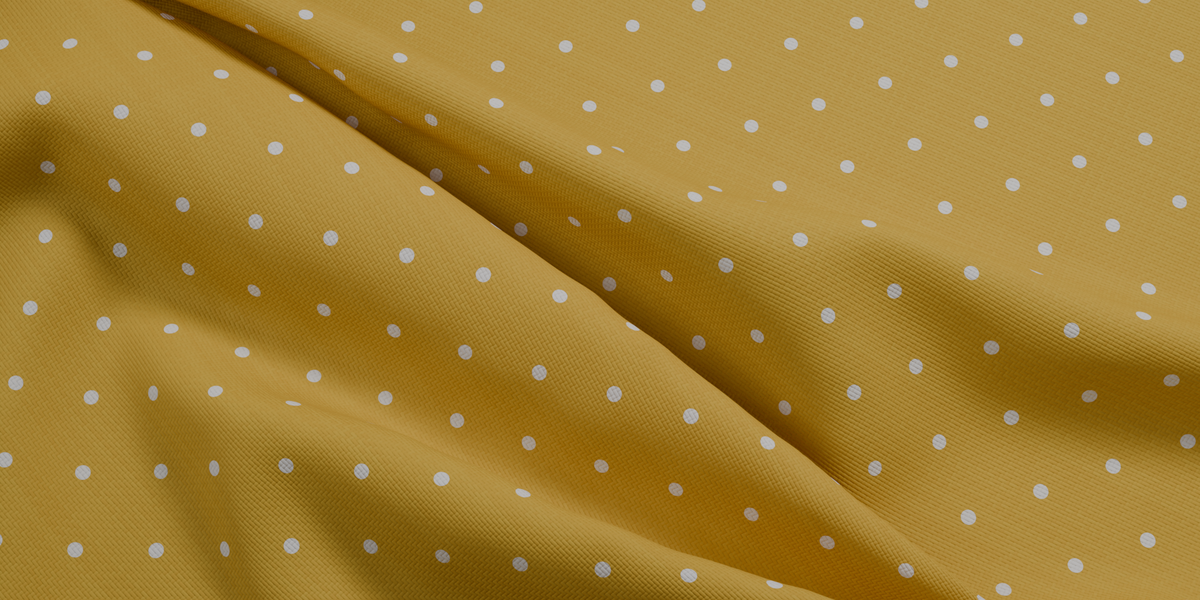

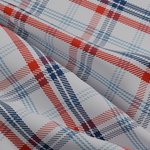
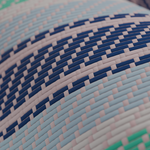
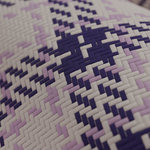
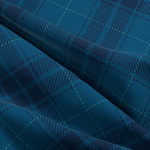
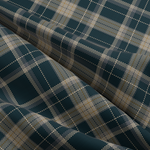
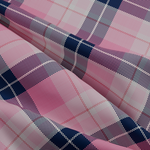
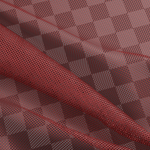
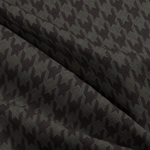
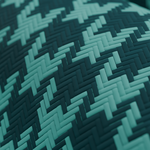
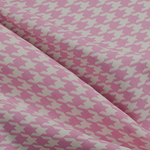
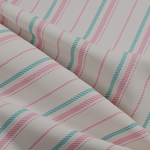
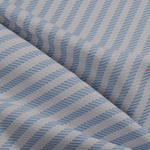
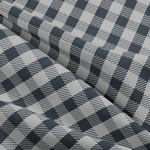
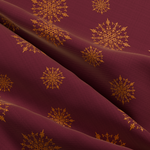
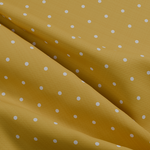
This product is an asset library. You can use it as a remote library or download the zip file, extract and add as a local asset library. Then drag and drop the materials from the asset browser to your models.
How to use the Weave Engine:
Inputs:
- UVMap: put your UV map here
- Size: The size of an individual thread
- Color 1: Color of the Weft threads
- Color 2: Color of the Warp threads
- Height scale: The height of the threads
- Gab: the empty space between the threads
- Use back face: Set to 0 to have both sides exactly the same, set to 1 to achieve real world weaving pattern: The lower threads on the front face will be visible on the back face.
Weave settings:
These parameters set the up and down cycles of the Weft threads, when the Weft threads go up, the Warp threads will go down and be hidden below, when the Weft threads go down, the Warp threads will go up and become visible.
- Up: The number of Warp threads which will go below the Weft threads
- Down: The number of Warp threads that will go above the Weft threads
- Shift: The shifting of the Up/Down cycles of the Weft threads
Output:
- Color: The color of the fabric
- Mask: The map that separates the Weft and Warp threads
- Thread IDs: The ID of the threads, the Warp threads have integer ID while the Weft threads have integer ID + 0.5
- Thread UV: The UV map of individual threads
- Alpha: The alpha map, put this in the alpha input of your shader to let the holes see through.
- Normal: The normal map, put this in the normal input of your shader
- Height: The height of the threads, use this in the bump node to create the Normal map.
$25
Have questions about this product?
Login to message
| Published | 2 days ago |
| Blender Version | 5.2 |
| Render Engine Used | Cycles, Eevee |
| License | Royalty Free |
