 LN Design
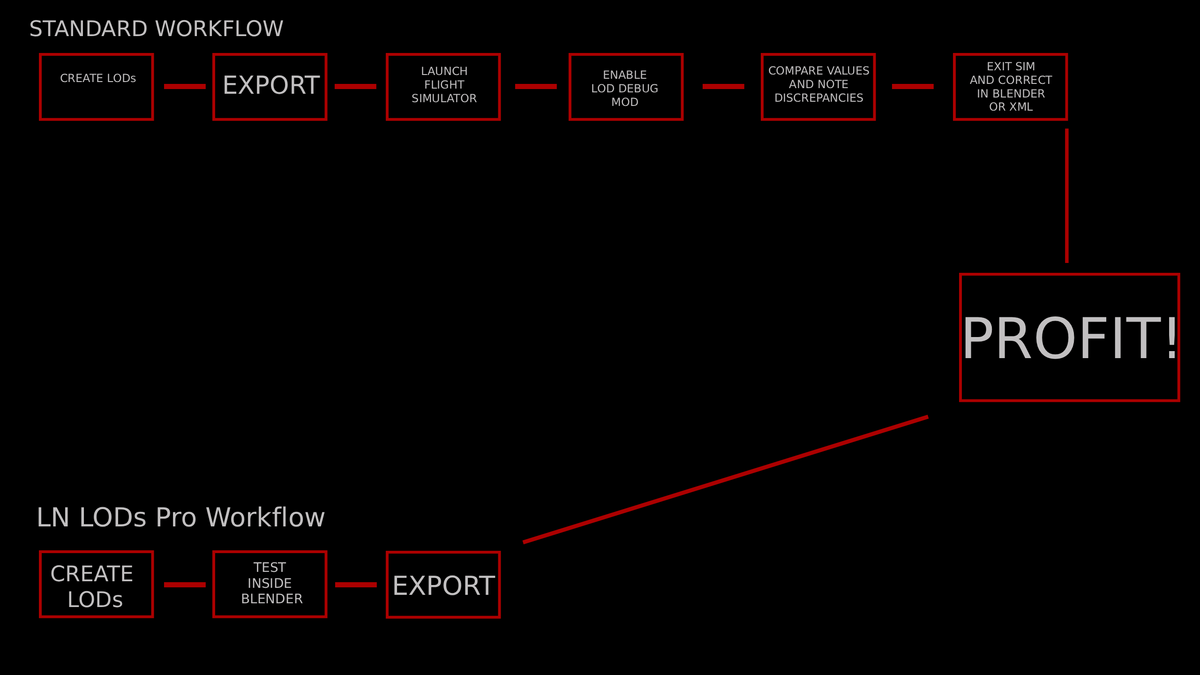
Stop guessing your LOD thresholds. Start automating them.
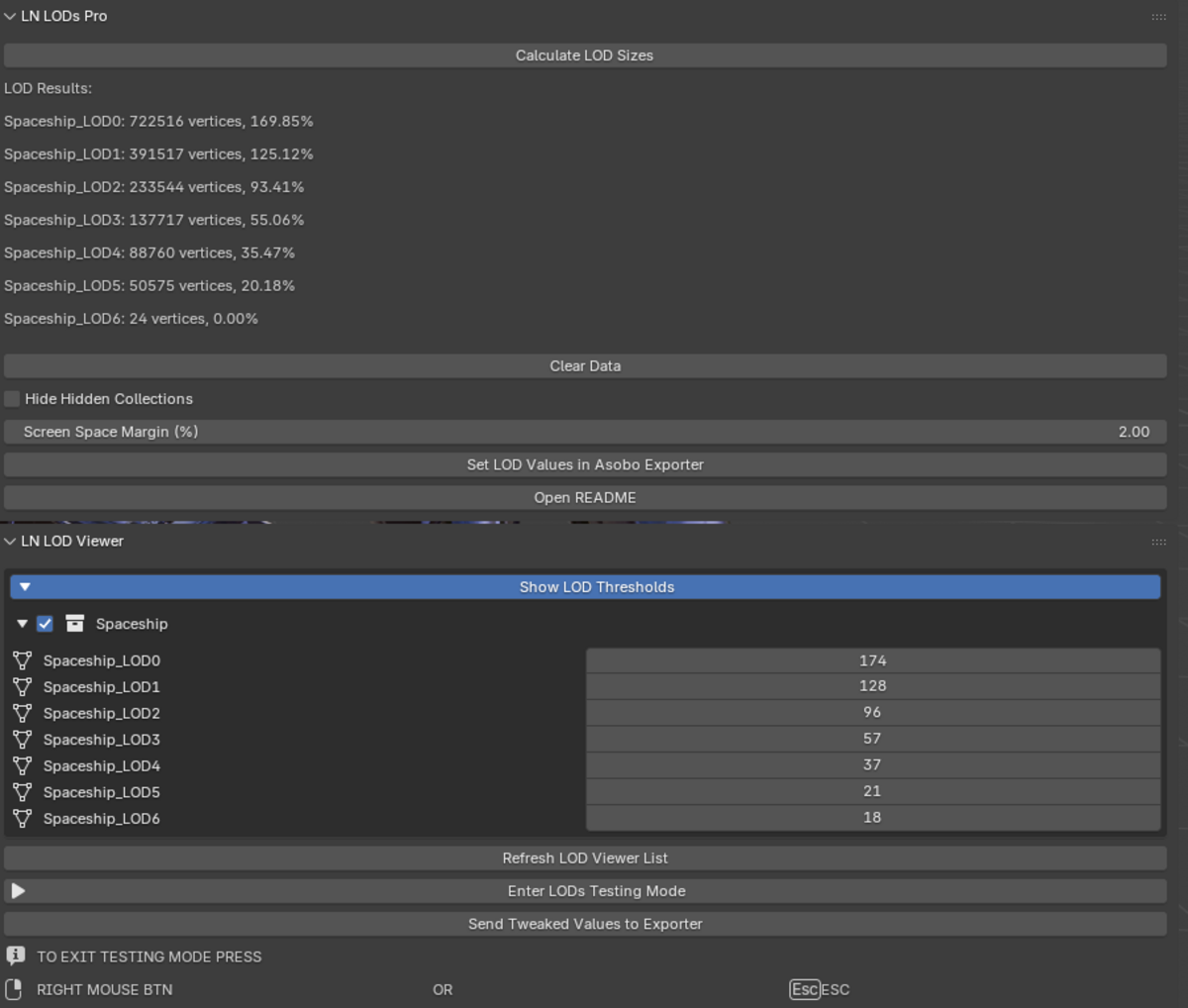
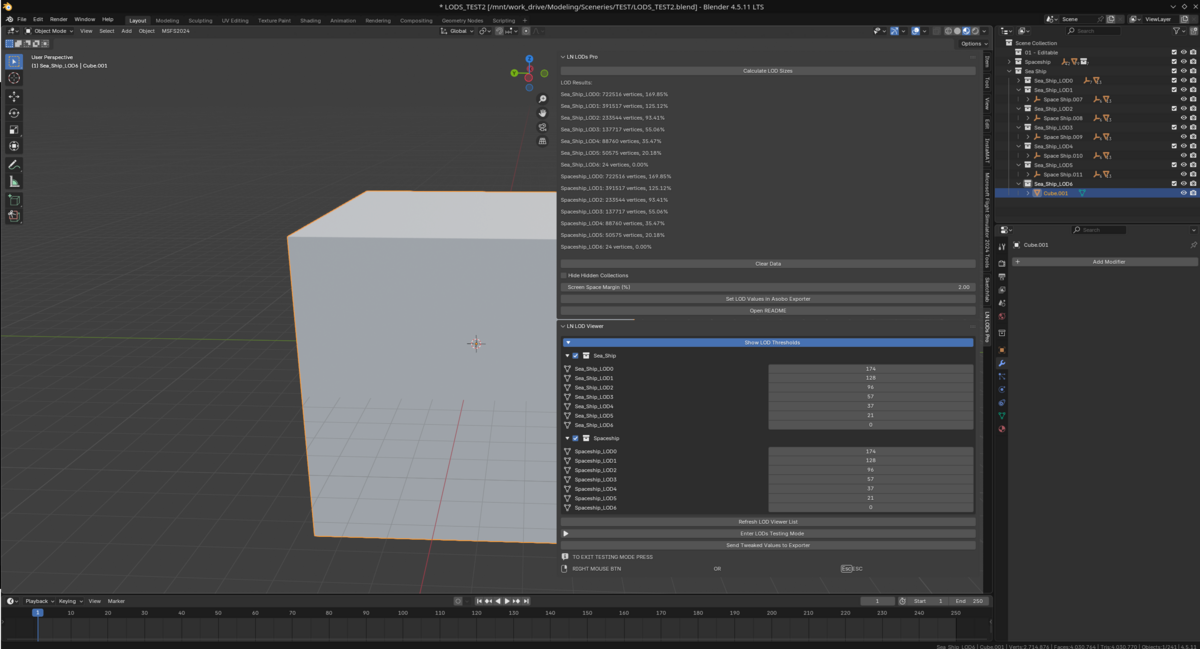
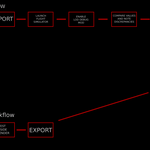
LN LODs PRO automates Level-of-Detail setup for Microsoft Flight Simulator 2020 and 2024. If you make aircraft or scenery, this tool saves you hours of manual LOD tweaking. Just name your collections _LOD00, _LOD01, etc., click a button, and the addon calculates the correct screen-size thresholds for the Asobo Exporter.
The calculations are calibrated to match exactly how MSFS counts vertices, accounting for UV seams, split normals, vertex colours, and tangents — meaning what you see is what the sim gets.
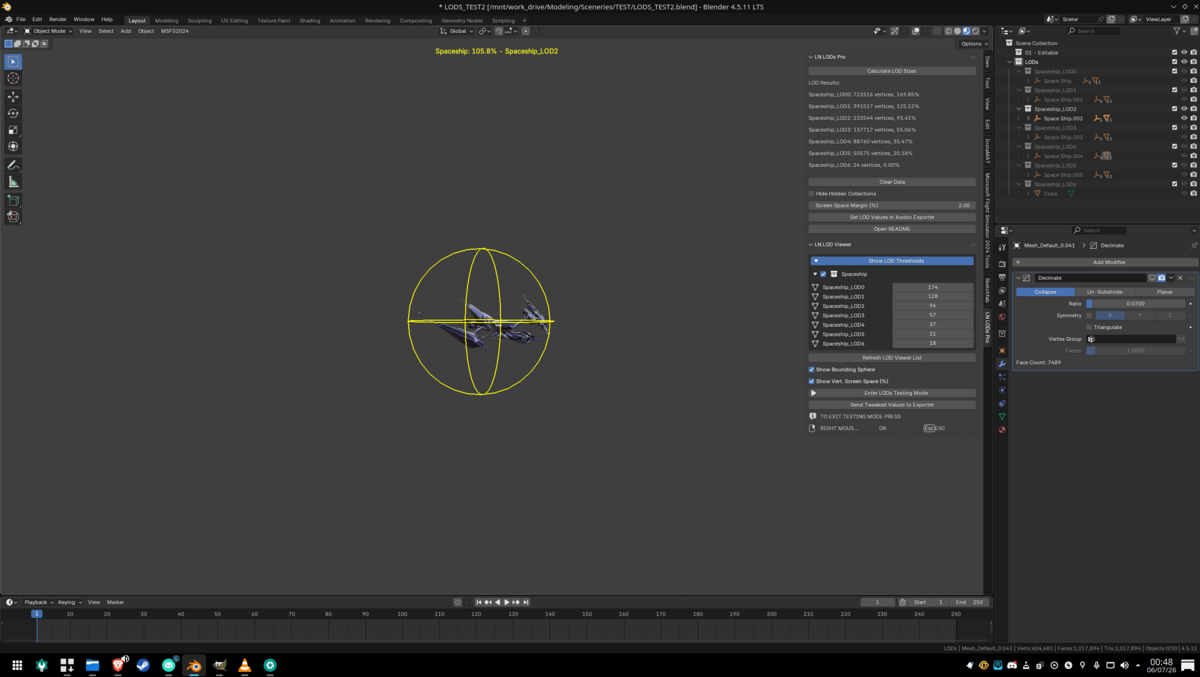
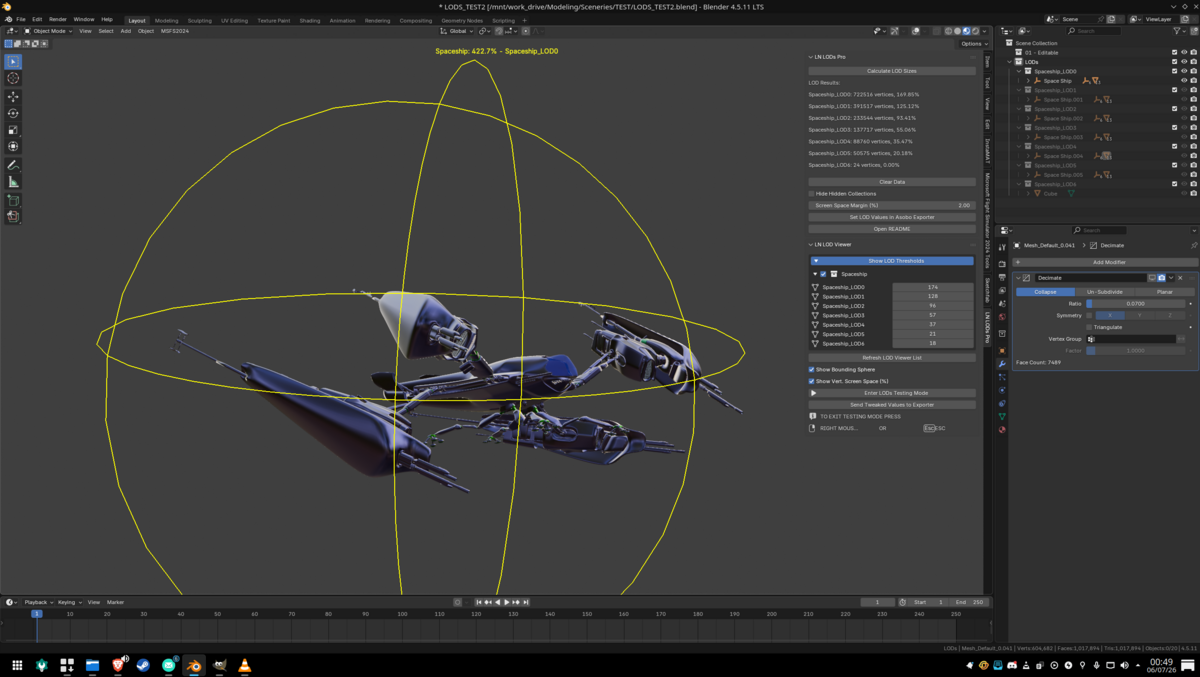
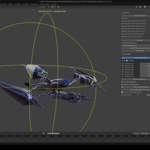
Real-time LOD simulation: Move your viewport camera around and watch LODs swap at the exact distances they would in the sim.
Instant LOD switching: Modifiers are evaluated on the fly so switching between LODs is instantaneous, even on complex meshes.
Collection isolation: Only the currently-active LOD is visible during testing; all others auto-hide so you see exactly one LOD at a time with no visual clutter.
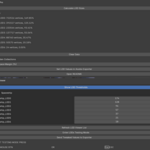
Tweak on the fly: Adjust individual LOD thresholds using sliders and send the refined values straight to the exporter without re-calculating.
Bounding sphere & Coverage readouts: Toggle yellow wireframe spheres that show the coverage radius for each LOD group, alongside a live percentage display showing how much of the screen each LOD occupies.
Auto viewport cleanup: Overlays, grid, gizmo, 3D cursor, and object origins all hide automatically when you enter testing mode so you can focus purely on LOD transitions.
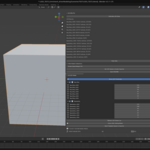
One-click calculation & Exporter Integration: Scans all your LOD collections, computes screen sizes using the official Asobo reference curve, and writes results directly into the Asobo Multi Exporter's LOD groups.
Screen Space Margin: Adds a safety buffer (2-3% recommended) to prevent LOD flickering in-sim.
Smart alerts: Empty collections are clearly flagged, and collections exceeding the sim's practical range are highlighted in red so you know where to optimise further.
