 3D Skill Up
Lod Builder
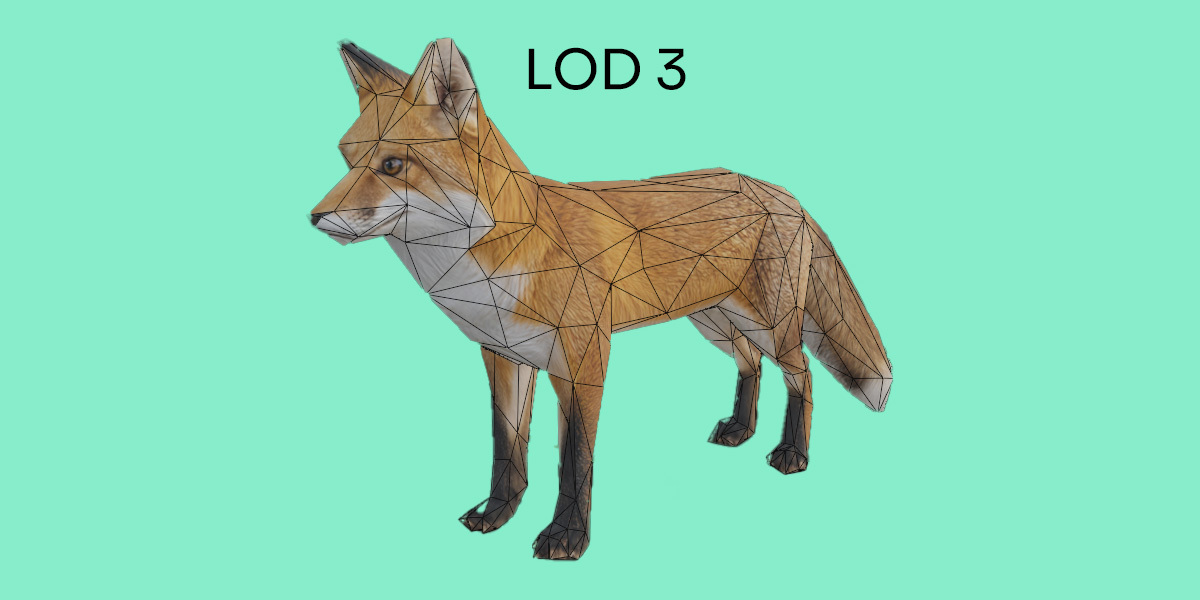
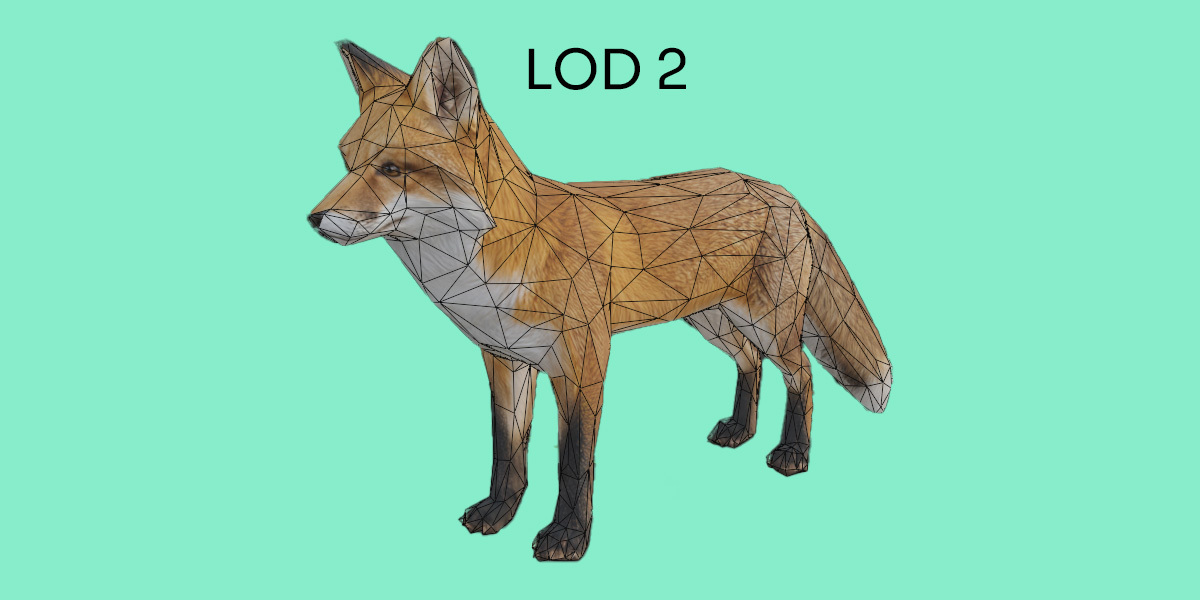
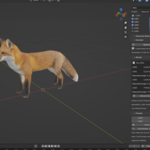
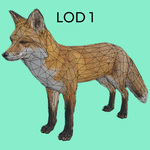
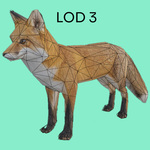
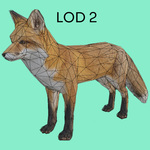
Lod Builder is a Blender addon for generating Level of Detail mesh sets from static game props and environment assets. Create lower-detail versions, compare the results and keep your editable source mesh intact.
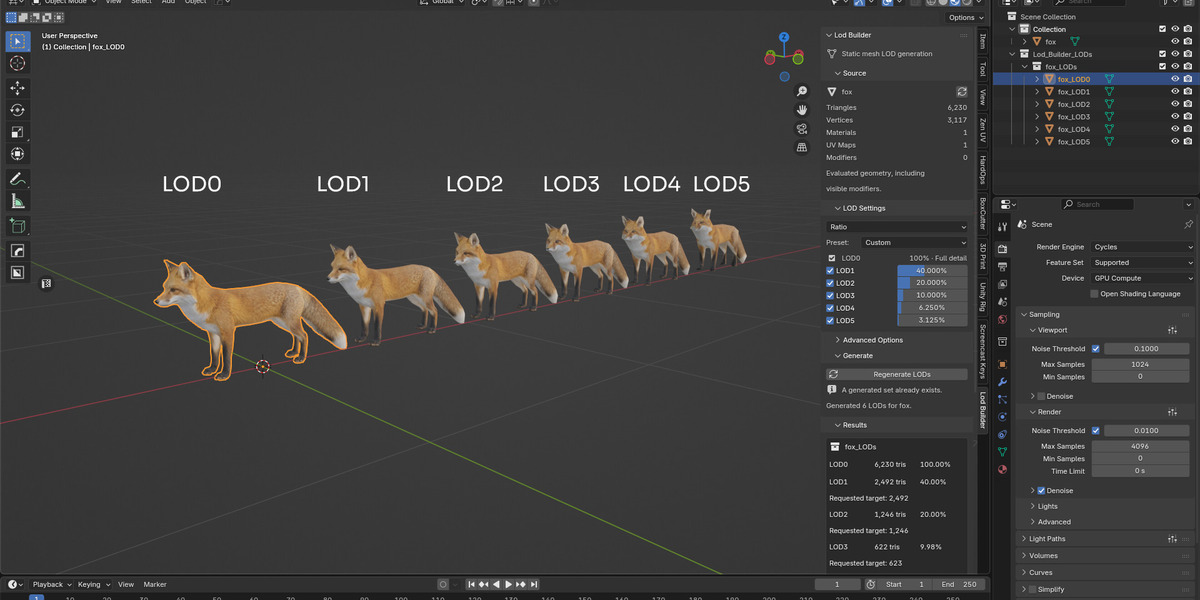
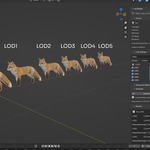
Choose a reduction preset or define your own settings using retained-detail percentages or triangle targets. Lod Builder creates a separate full-detail LOD0 snapshot and generates each reduced level independently from that geometry using Blender’s native Decimate modifier.
From a single prop to a selection of environment meshes, batch generation, organized collections and reversible viewport previews help you manage repeated LOD preparation tasks without manually duplicating and configuring every level.
Key Features
- LOD0 plus up to five reduced levels: enable LOD1–LOD5 individually to suit your asset and project requirements.
- Ratio and Triangle Target modes: control retained detail and review measured output triangle counts.
- Flexible presets: start with Light, Balanced or Aggressive, then customize your settings.
- Batch generation: create LOD sets for multiple selected source meshes using shared settings.
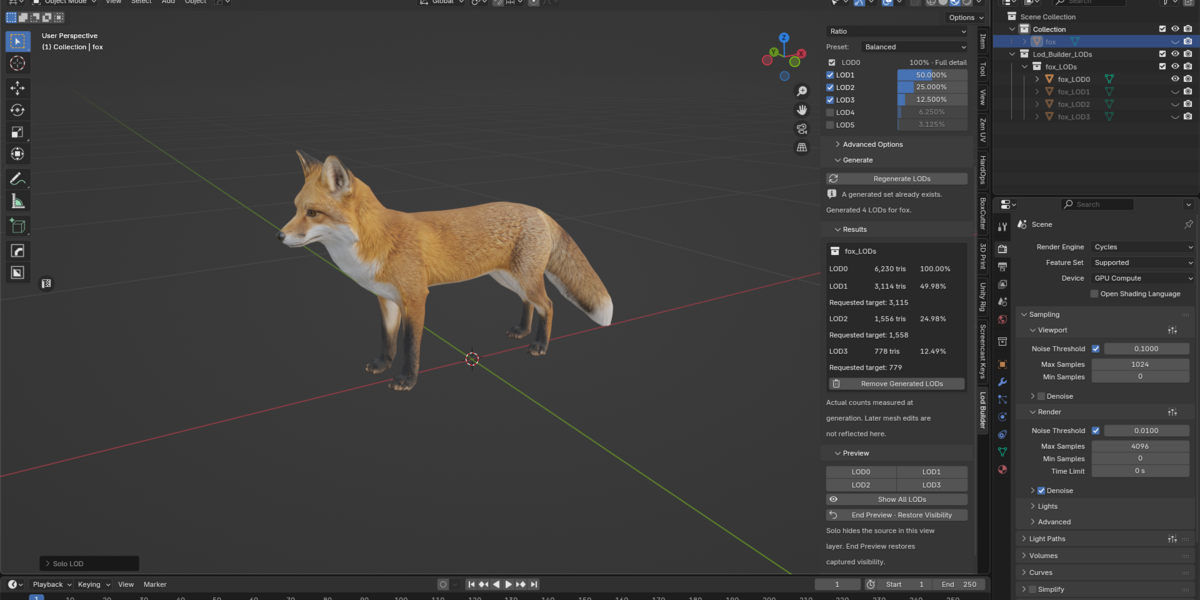
- Reversible viewport previews: isolate a generated level for inspection, then restore the previous viewport visibility and selection with End Preview.
- Organized output: keep generated meshes in dedicated per-asset collections.
- Regeneration and cleanup: replace or remove identified generated sets while preserving the editable source.
- Additional reduction controls: use native symmetry options and optional triangulated output for reduced levels.
Choose How You Reduce Detail
Ratio Mode
Set the percentage of source detail to retain at each level. For example, a 50% ratio requests approximately half the evaluated source triangle count. Use presets as a starting point and adjust each level to balance visual quality and geometry reduction.
Triangle Target Mode
Enter a triangle target for each reduced level. Lod Builder calculates the corresponding reduction ratio and reports the actual output count. Targets are approximate because results depend on mesh topology and Blender’s decimation constraints.
A Simple LOD Workflow
- Select your static mesh in Object Mode and open the Lod Builder tab in Blender’s 3D Viewport sidebar.
- Choose a preset or custom settings, then enable the LOD levels you need.
- Generate your LOD set and check the actual triangle counts in Results.
- Preview each level to inspect silhouette, shading and texture appearance.
- Refine and regenerate before continuing with your usual export workflow.
Prepare LOD Meshes for Your Game Pipeline
Use Lod Builder to prepare reduced static meshes for workflows involving Unity, Unreal Engine and other real-time applications. Export the meshes using your preferred tools, then configure LOD groups and switching distances in your target engine. Engine export and automatic distance setup are not included.
Ideal for Static Props & Environments
Build multiple detail levels for individual assets or process selections of static meshes as you prepare a larger environment. Review each result to choose the reduction settings that suit the asset’s shape, materials and intended viewing distance.
What’s Included
- Lod Builder installable Blender extension ZIP.
- English PDF user guide, available as a separate download.
- README and additional documentation inside the addon ZIP.
- License and credits files inside the addon ZIP.
Installation
- Download lod_builder-1.0.1.zip from your Superhive product downloads.
- In Blender, open Edit → Preferences. In the Extensions area, open the menu and choose Install from Disk.
- Select the addon ZIP, install it and enable Lod Builder.
- Return to the 3D Viewport, press N and open the Lod Builder tab.
Do not extract the addon ZIP before installation. Install it directly using Install from Disk. The PDF user guide is a separate download and does not need to be installed in Blender.
Requirements & Workflow Notes
Minimum Blender version: 4.5.0. Processing runs locally inside Blender, with no external dependencies, telemetry or licensing server.
Designed for static meshes. Armature-deformed meshes and meshes with shape keys are not supported. Lod Builder performs geometric decimation; it does not provide automatic retopology, UV generation, UV packing or texture baking.
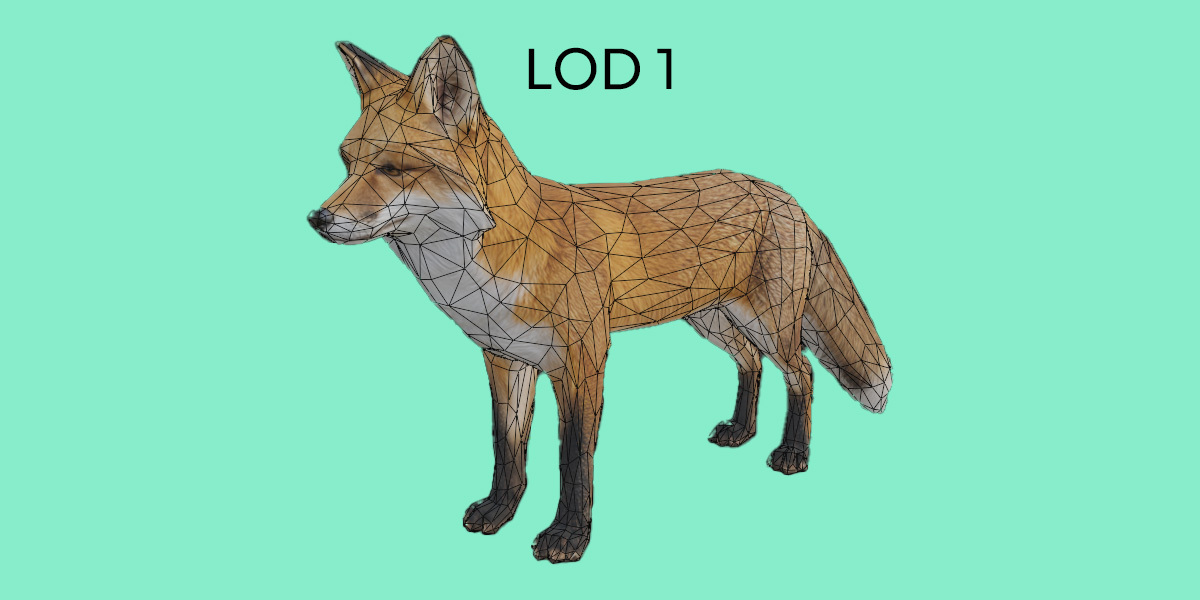
UV layers and material assignments are retained where Blender’s evaluation and Decimate support them. Stronger reductions can affect seams, shading, material boundaries and thin details. Inspect each generated level before production use.
Generated meshes are static snapshots of the evaluated source. Animation and editable source modifier stacks are not transferred to the generated LODs.
Regeneration replaces generated meshes, including manual edits made to them. Preserve edits you want to keep in independent duplicates before regenerating.
This product is a Blender addon. Models and scenes shown in promotional images demonstrate possible workflows and are not included in the download.
Explore More Assets for Your 3D Workflow
Discover game-ready 3D models, PBR materials, textures and HDRIs from 3DSkillUp on Superhive.
View All Products →