Lod Builder – Blender Addon for Game Asset LOD Generation
 3D Skill Up

1. Does Lod Builder modify my original mesh?
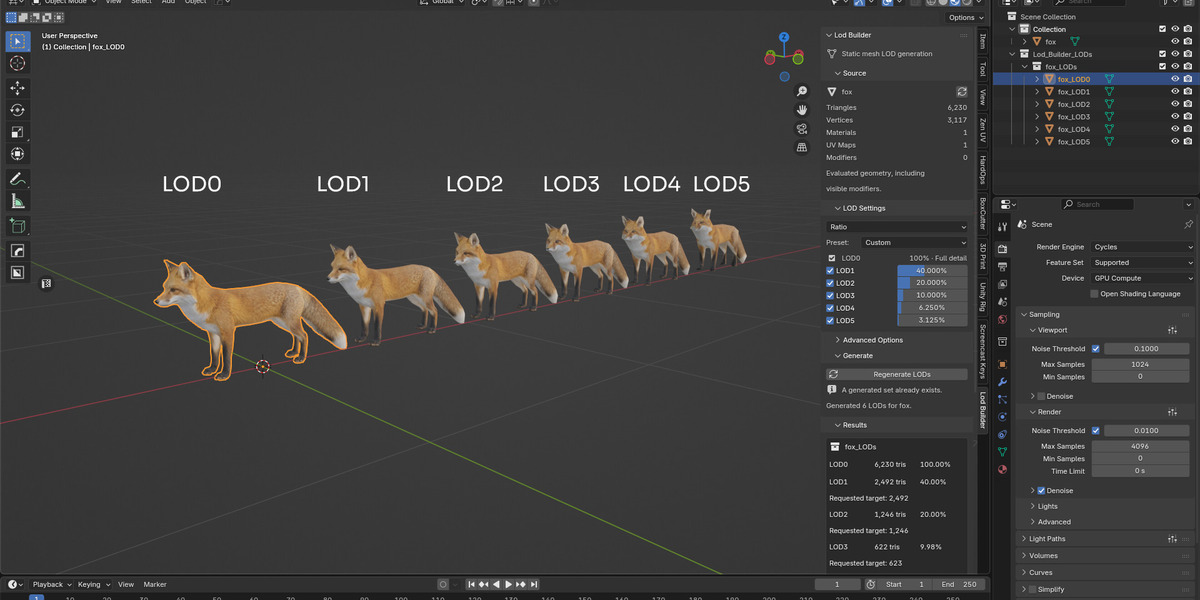
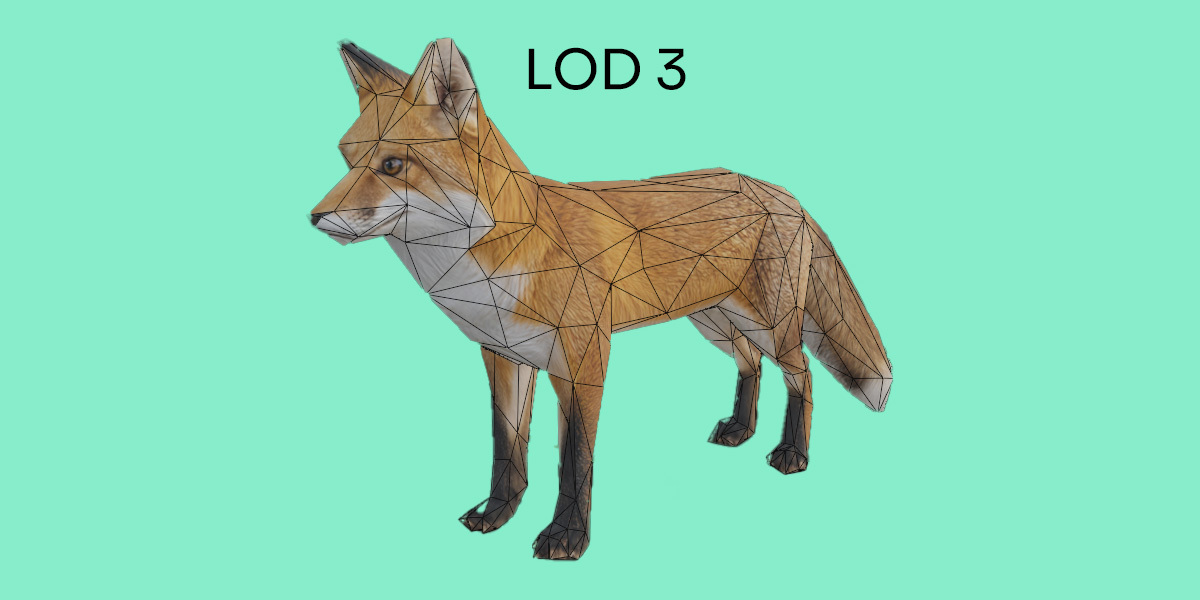
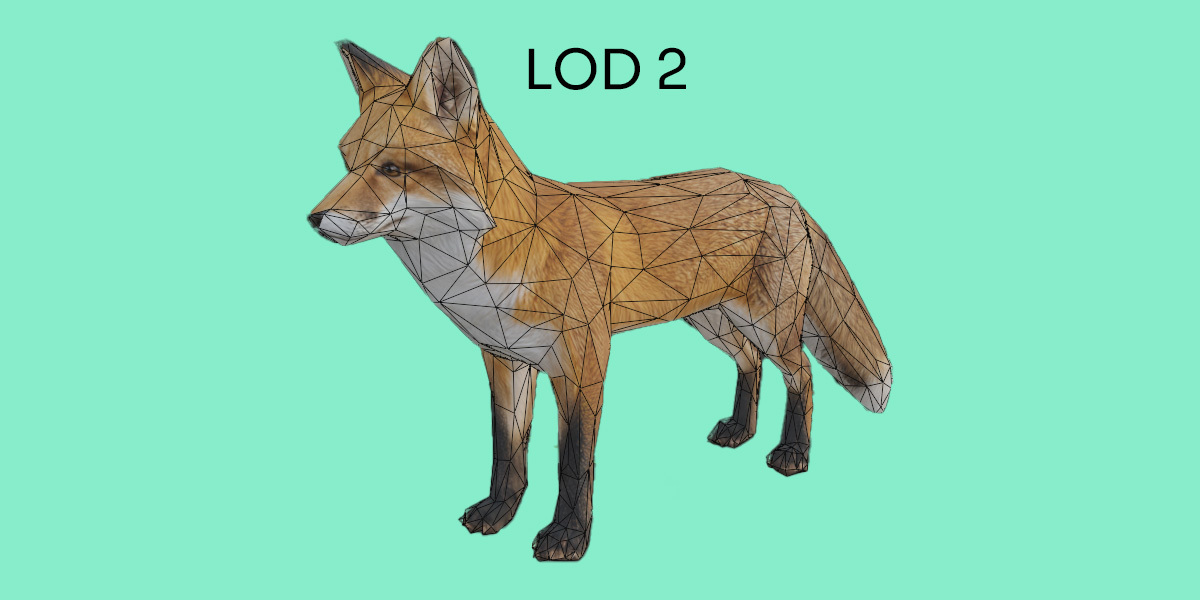
No. Lod Builder preserves your original object and creates a separate LOD set. LOD0 captures the source’s evaluated geometry, while the reduced levels are generated independently from that snapshot. Your source mesh, modifiers and transforms remain unchanged.
2. Can I choose triangle targets and generate LODs for multiple objects?
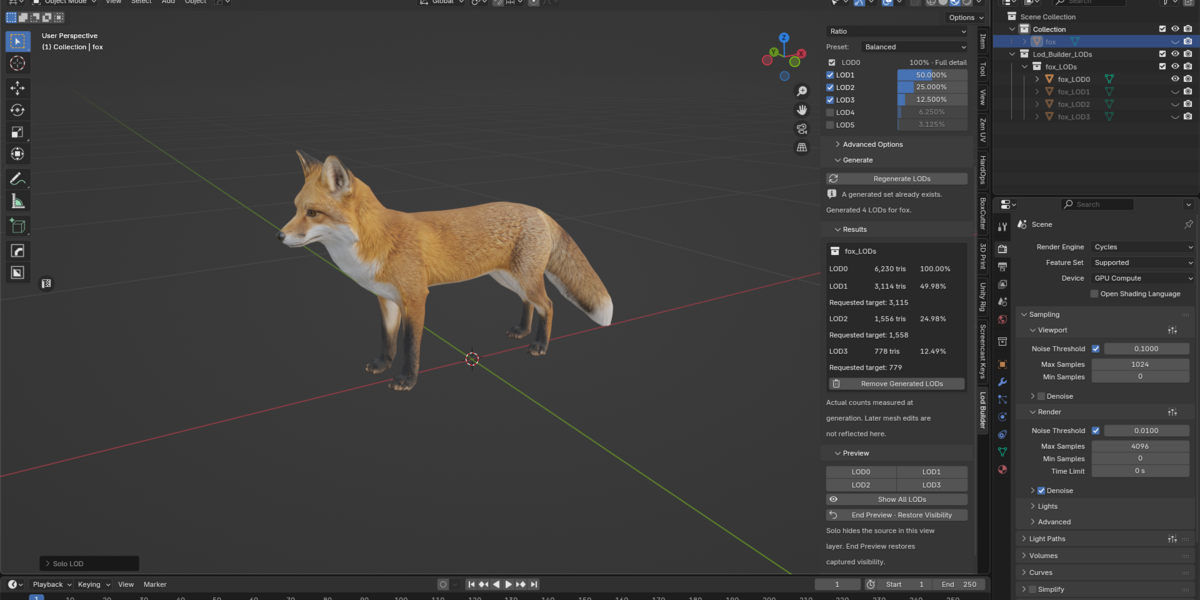
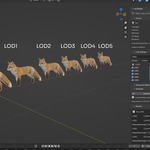
Yes. You can use retained-detail percentages or triangle targets, enable reduced levels from LOD1 to LOD5, and process multiple selected meshes with the same settings. Triangle targets are approximate: always check the measured output counts in Results.
3. Will my UVs, textures and materials be preserved?
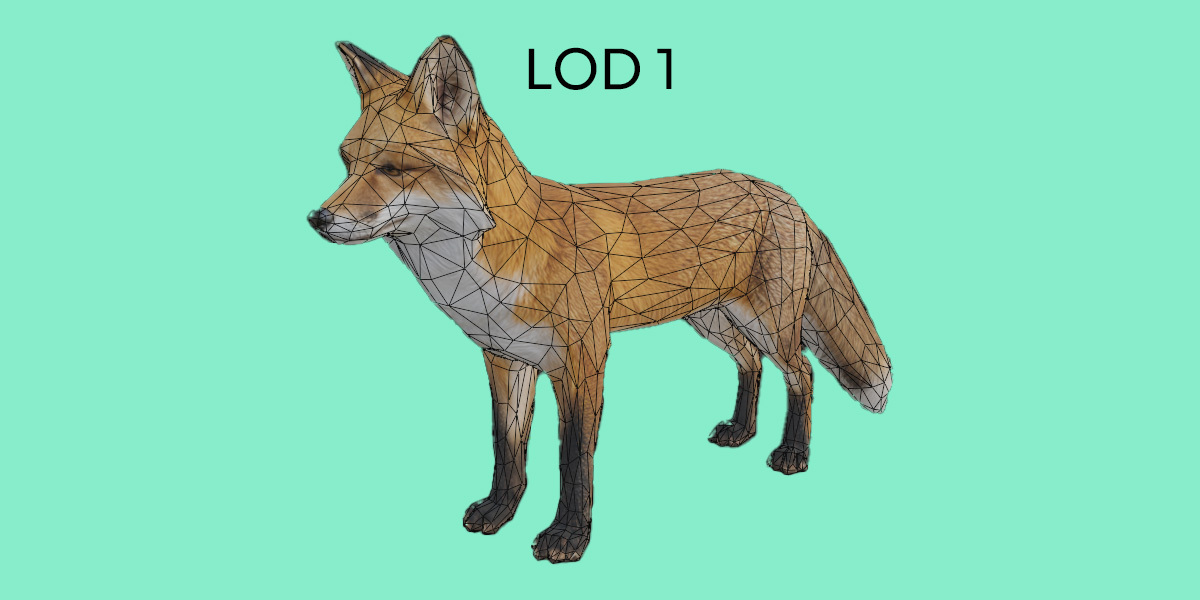
UV layers and material assignments are retained where Blender’s geometry evaluation and Decimate support them. Existing materials are shared with the generated meshes. However, aggressive reduction can affect UV seams, shading and small details. Always preview the results; Lod Builder does not generate UVs or bake textures.
4. Can I use Lod Builder with rigged characters or animated meshes?
Lod Builder is designed for static props and environment assets. Armature-deformed meshes and meshes with shape keys are not supported. Other evaluated animation or simulation states may be captured as static geometry at the current frame, but animation is not transferred to the generated LODs.
5. Does Lod Builder export directly to Unity or Unreal Engine?
No. Lod Builder prepares LOD meshes inside Blender. You can export them using your preferred export workflow, then configure LOD groups and switching distances in Unity, Unreal Engine or another target application. Automatic engine export and distance-based LOD switching are not included.
$4.99
 Included
Includes 12 months of
- Support from 3D Skill Up
- Product updates
Extend this product’s Support Period +12 months: 50% of product price
Have questions before purchasing?
Login to message
| Blender Extension Compatible | Yes |
| Dev Fund Contributor | |
| Published | 8 days ago |
| Blender Version | 4.5 - 5.2 |
| Extension Type | Add-on |
| License | GPL |