Loop Merge Zipper And Seam Cloth Toolkit Addon For Blender
 MooStation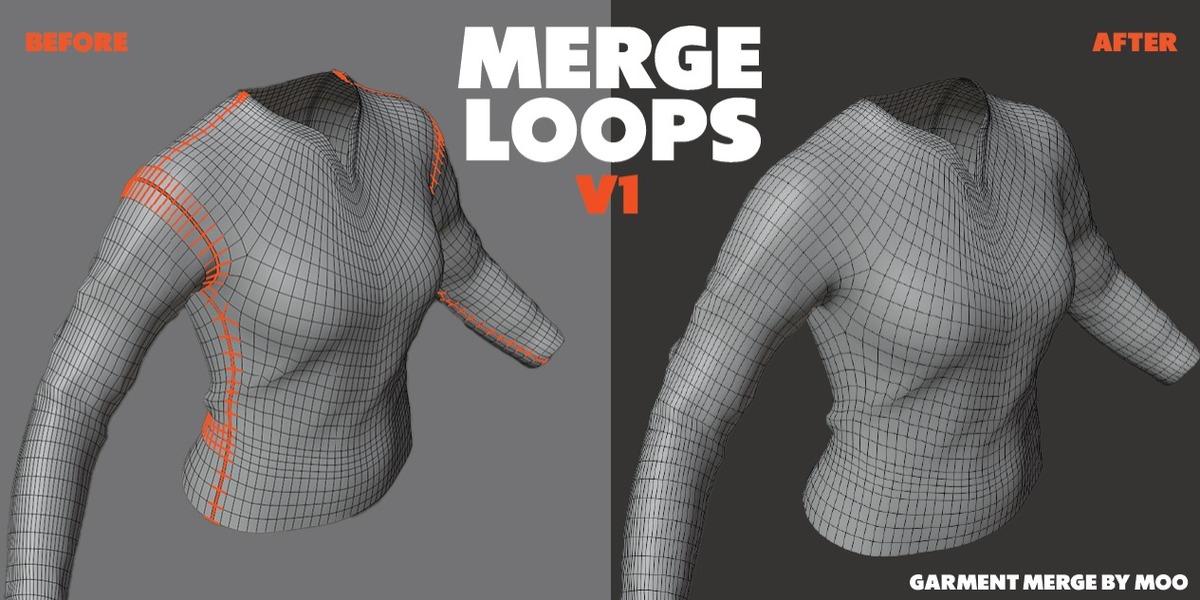
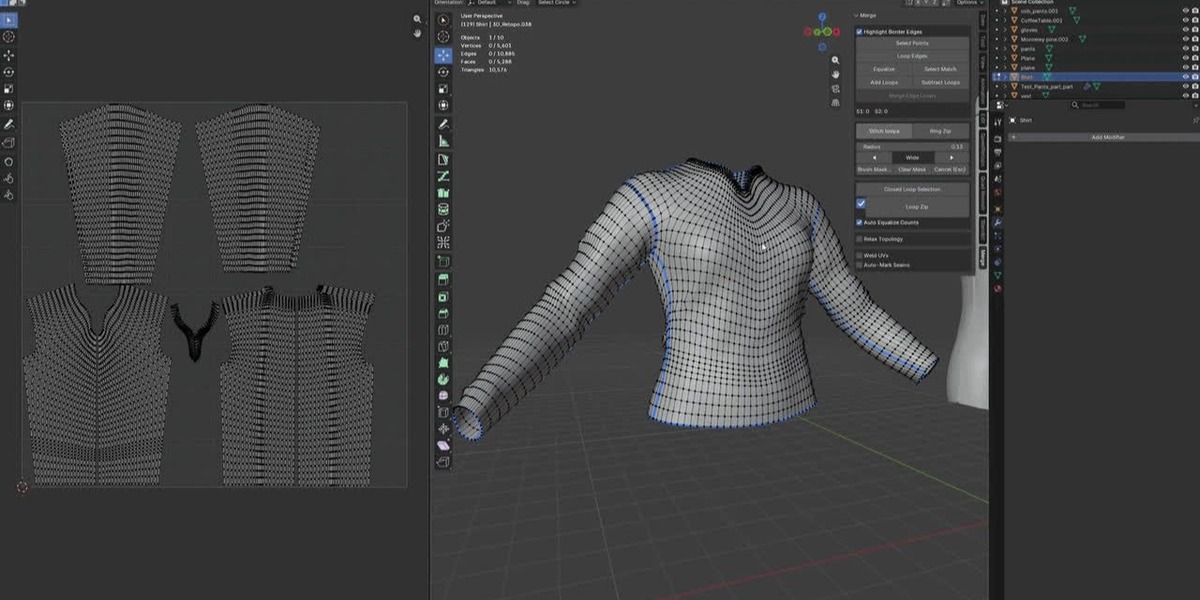
# Merge Loops — User Guide
**Merge Loops — Zipper/Seam Cloth Merge Toolkit for Blender**
Merge Loops makes sewing garment seams in Blender fast and easy. No more
clicking and merging boundary vertices one by one. Just select, pick a tool,
and the seam is stitched.
---
## Installation (once)
1. In Blender go to **Edit > Preferences > Add-ons**
2. Click **Install...** and choose the addon `.zip` file
3. Enable it (check the box next to "Merge Loops")
4. Open the **N panel** in the 3D Viewport and find the **Merge** tab
> Tip: after replacing the file with a new version, turn the addon off and
> on again (or restart Blender) in the same preferences screen.
---
## First step — Work in Edit Mode
The addon works in **Edit Mode** on **vertex selection**.
- Select a mesh → Tab into Edit Mode (vertex select)
- Right-click a boundary/seam vertex most of the time
- For some tools you also select a **second point** (an end point)
---
## The Panel (N-panel → Merge tab)
The tools are grouped into four sections.
### 1. Manual Merge
For fine control when you want to do things yourself.
| Button | What it does |
|---|---|
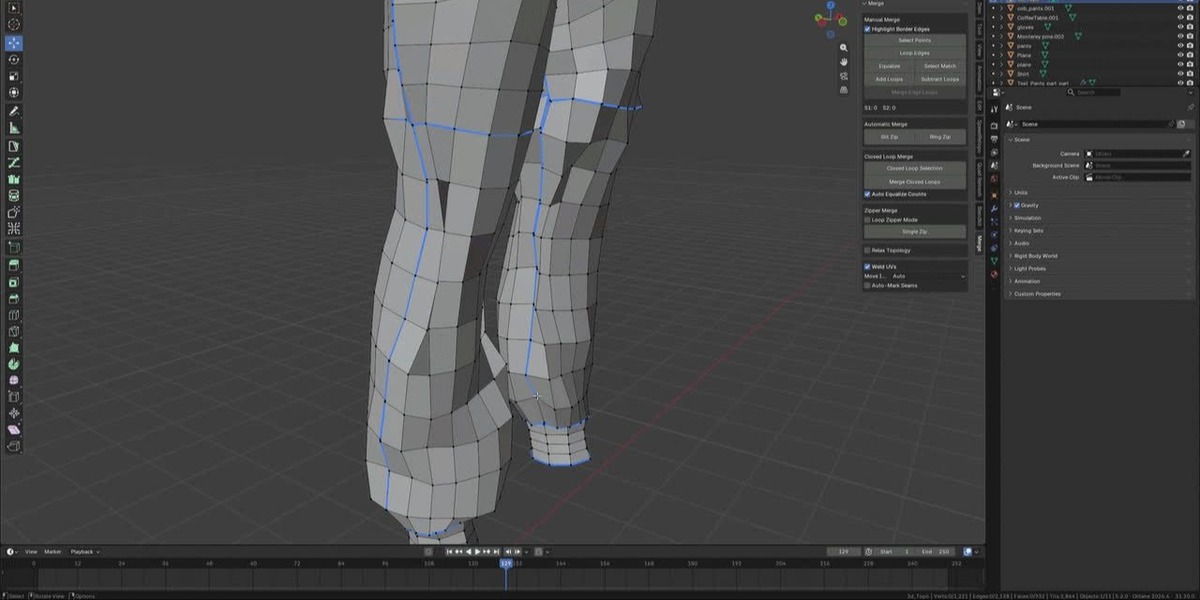
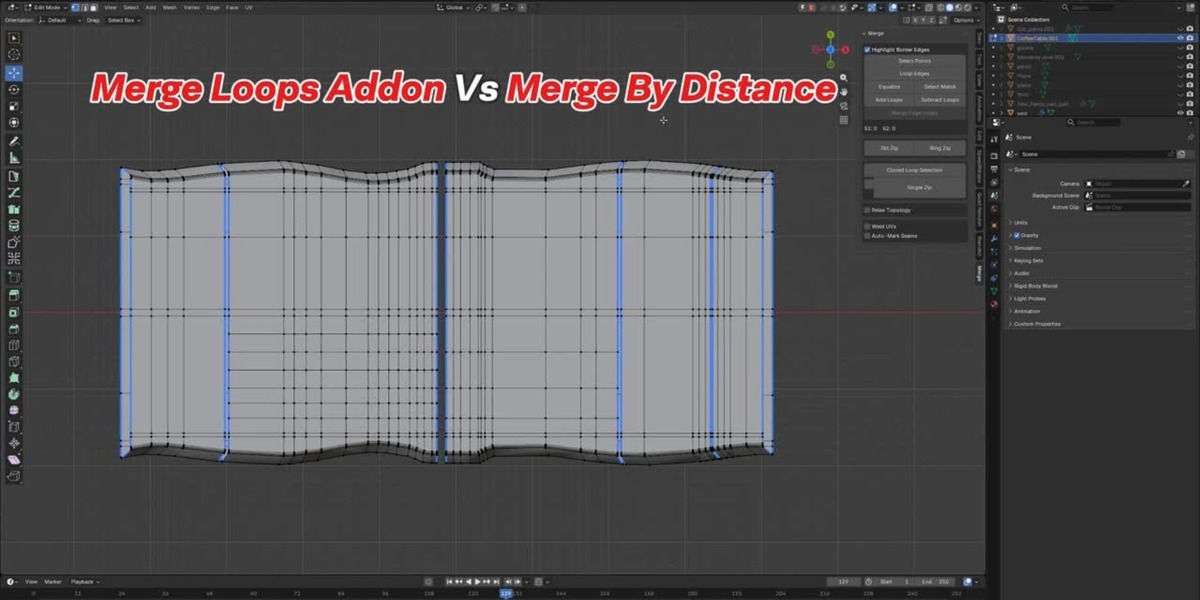
| **Highlight Border** | Toggles a blue outline around all border (boundary) edges |
| **Select Points** | Helps you pick the boundary points of a loop |
| **Loop Edges** | Selects the edges of the selected loop |
| **Equalize** | Balances the number of points on the two sides |
| **Select Match** | Selects matching boundary points across the seam |
| **Add Loops / Subtract Loops** | Adds or removes loop segments to match both sides |
| **Merge Edge Loops / Merge Center** | Merges the two selected loops together (center = 2 points case) |
### 2. Automatic Merge
One‑click smart merging.
| Button | What it does |
|---|---|
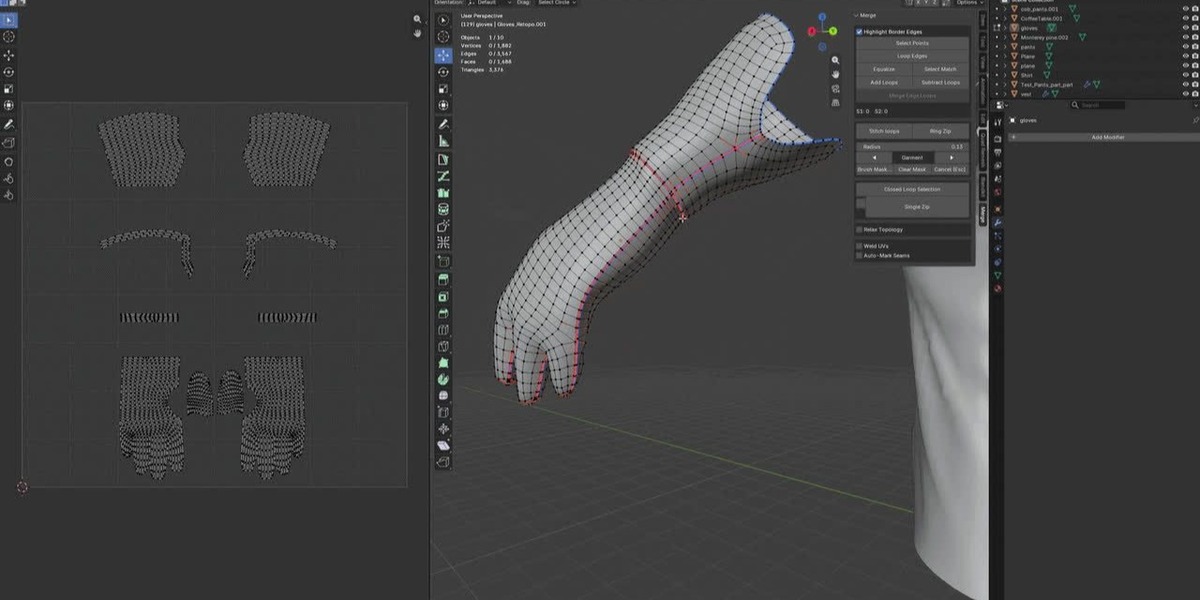
| **Slit Zip** | Opens/defines an open slit, then stitches it automatically |
| **Stitch loops** | Same button name appears while a preview is active — press it to apply |
| **Ring Zip** | Merges a ring/dart seam using angle‑based detection |
While a **Slit Zip** preview is active, you also get:
- **Radius** slider — how close boundary points may sit to be paired
- Angle presets (Tight → Wide)
- **Brush Mask** / **Clear Mask** — mask areas you do not want stitched
- **Cancel (Esc)** — leave without applying
### 3. Closed Loop Merge
For closed boundaries (loops that form a ring).
| Button | What it does |
|---|---|
| **Closed Loop Selection** | Picks the two farthest corner points of a closed loop |
| **Merge Closed Loops** | Merges the two arcs point by point (walk the whole loop) |
| **Auto Equalize Counts** | On: equalizes the two sides before merging (adds loops) |
| **Relax Topology** | Smooths the seam area before merging (optional) |
### 4. Zipper Merge
The "sewing machine" tools.
| Button | What it does |
|---|---|
| **Loop Zipper Mode** (checkbox) | Switches the main button between the two tools below |
| **Single Zip** | Selected boundary point + its two boundary neighbors are merged (one zip) |
| **Loop Zipper** | From the start point, keeps zipping pair by pair until the end point, or to the end of the boundary if no end point is chosen |
> Loop Zipper how‑to: click a start boundary point, then a second point
> (the end). With 4 boundary edges at the start, it automatically picks the
> two edges pointing toward the end point.
---
## Global options
| Option | What it does |
|---|---|
| **Relax Topology** | Smooths the seam before merging (like a sculpt brush). You can also relax UVs, adjust Strength and Radius |
| **Weld UVs** | Merges the UV vertices of the merged points too, then optionally **Move Island** (AUTO / FIRST / SECOND / OFF) |
| **Auto-Mark Seams** | Marks newly stitched edges as Sharp and adds **Crease** (0–1) |
---
## Simple recipe — stitch one seam fast
1. Tab into Edit Mode (vertex select)
2. Select the start boundary vertex near the opening
3. In **Zipper Merge**, turn on **Loop Zipper Mode**
4. Select a second vertex as the **end point** (optional)
5. Press **Loop Zipper**
The seam is stitched in one click. Undo (Ctrl+Z) anytime to go back.
---
## Troubleshooting
| Problem | Fix |
|---|---|
| Button is greyed out | You must be in Edit Mode with a mesh object selected, and have the right number of vertices selected (see each button) |
| "Start vertex needs >= 2 boundary edges" | That vertex is not on the boundary — pick a point on the seam edge |
| "End point was never found" | The end point is not on the loop of the start — select an end point on the same seam |
| Nothing merges | Turn off Weld UVs temporarily, or check Auto Equalize Counts |
| UV layout breaks | Check **Weld UVs** so UVs stay welded with the geometry |
---
## Version
Blender 5.2
$18
Have questions about this product?
Login to message
| Blender Extension Compatible | Yes |
| Published | 3 days ago |
| Blender Version | 5.2 |
| Extension Type | Add-on |
| Render Engine Used | Cycles, Eevee |
| License | GPL |