Loop Merge Zipper And Seam Cloth Toolkit Addon For Blender
 MooStation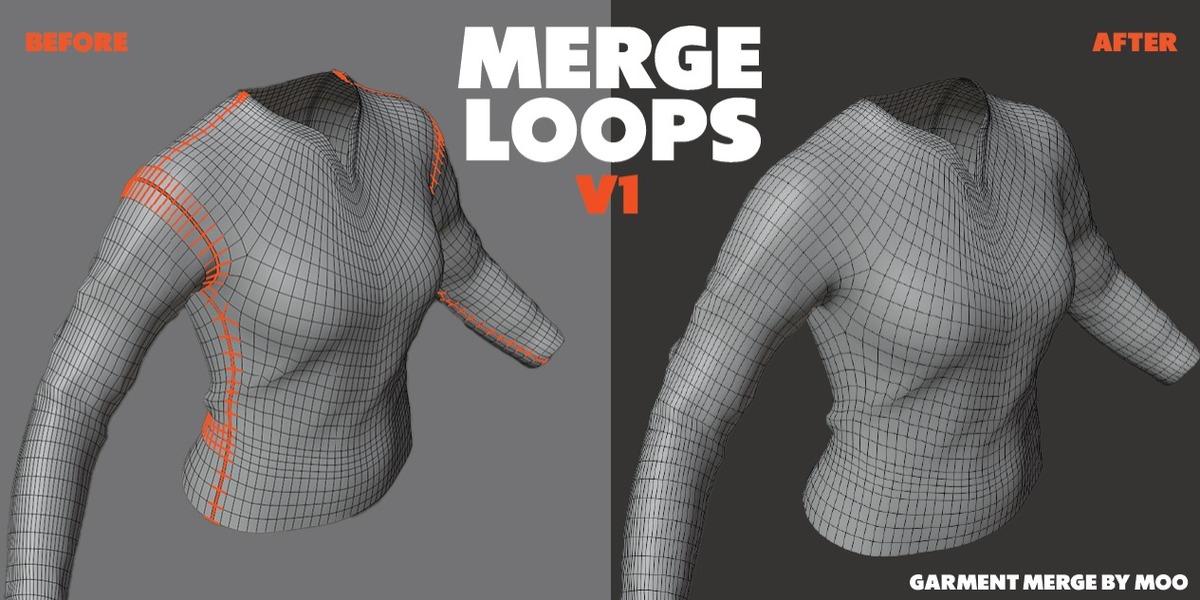
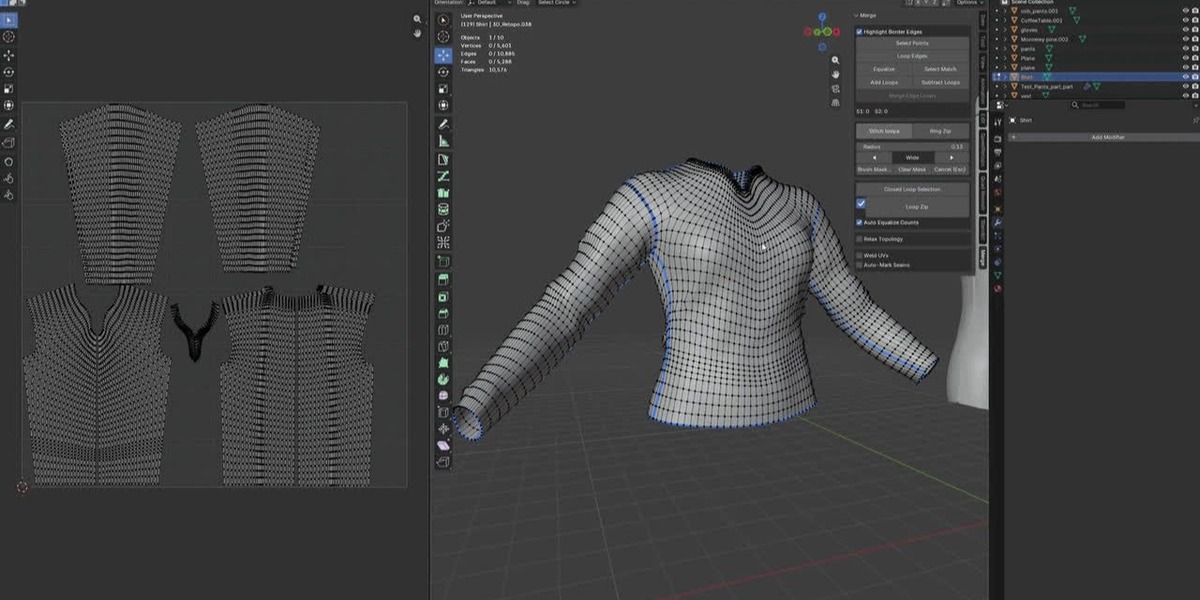

I found a bug or want a new feature.
Tell us what you selected, which button you pressed, and what happened (a screenshot or console error helps a lot). Feedbacks like earlier ones have already become features (e.g. Loop Zipper mode).
My mesh is very dense. Is that a problem?
The addon uses direct Blender bmesh operations and only touches the selected seam, not the whole mesh. Very large selections can be slower during Relax or Weld UVs, but normal seams are instant.
What does AUTO in Move Island mean?
It checks both arrangements and picks the one where the two islands sit on opposite sides of the seam, breaking ties by the smaller move.
My UVs are getting messy when I merge. How do I fix it?
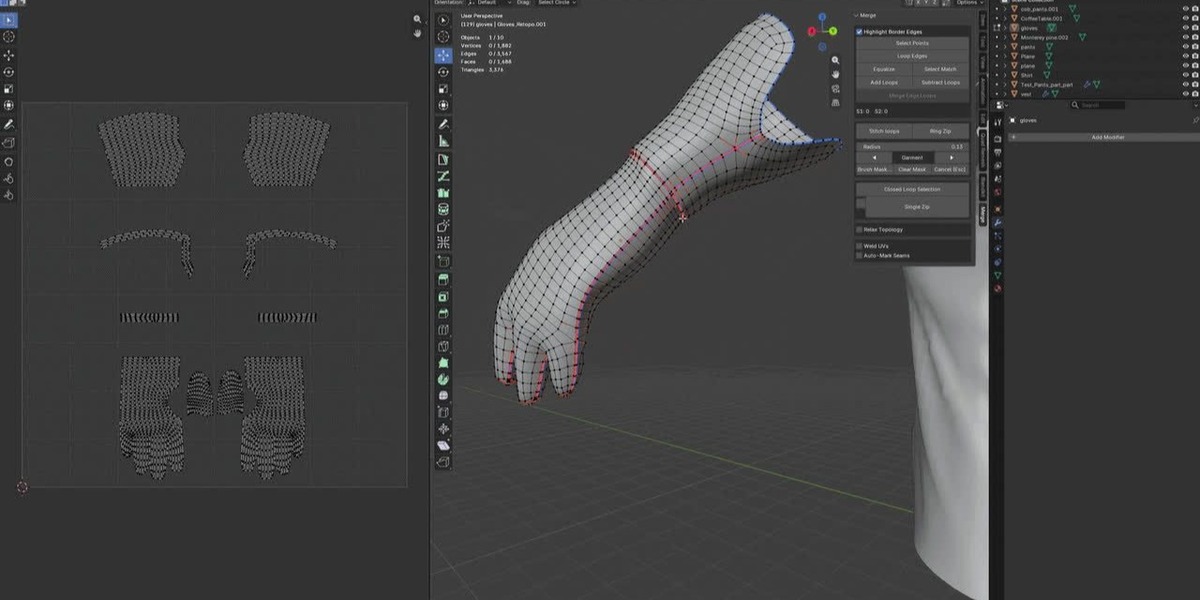
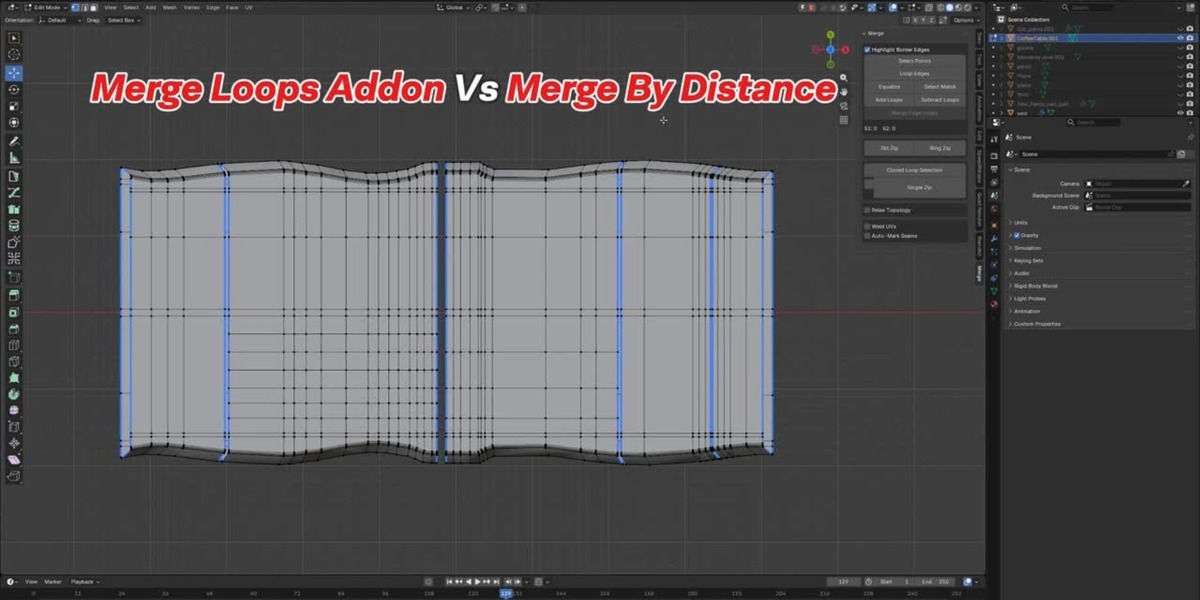
Turn on **Weld UVs** (in the last panel box). It welds the UV vertices of the merged points along with the geometry. You can also control which island should move with **Move Island** (AUTO / FIRST / SECOND / OFF).
How do I avoid stitching areas I don't want?
Use the **Brush Mask** during the preview (LMB = remove mask, Shift+LMB = add mask), then press Stitch loops. **Cancel (Esc)** exits without applying.
What does Slit Zip do?
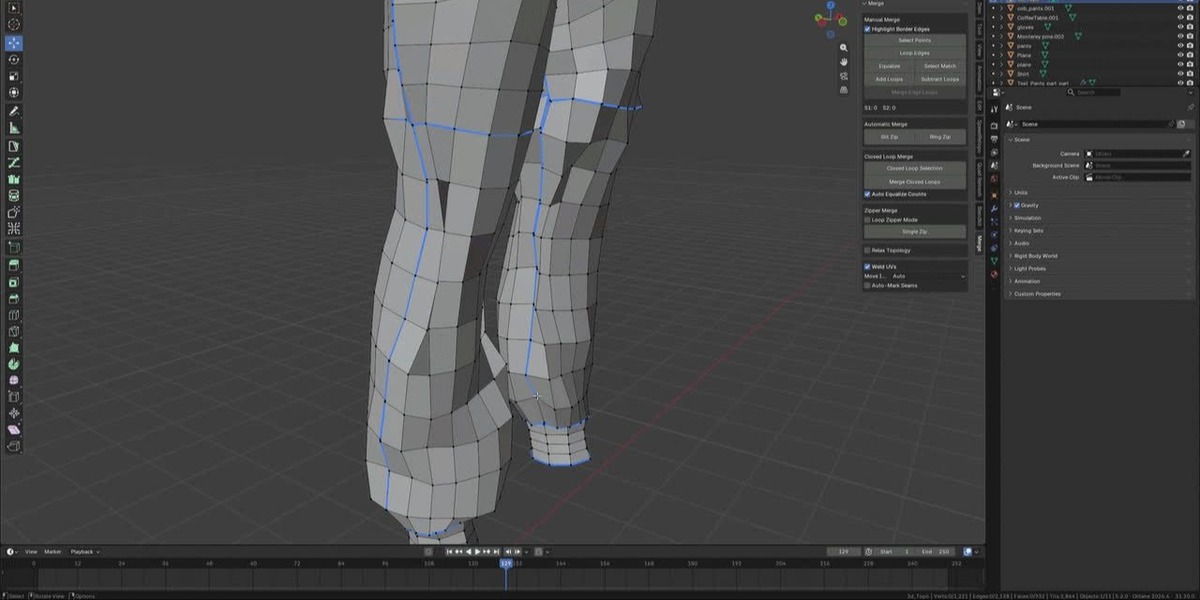
It finds an open slit (an opening with two boundary rims), shows a live preview, and stitches it in one click once you press **Stitch loops
Can I use closed loop on an open seam?
For open seams use Loop Zipper or the Manual/Automatic tools instead. Closed Loop is designed for rings.
What is a "closed loop"?
A boundary that forms a closed ring — the loop has no open ends. Closed Loop Merge handles these automatically.
My start point has 4 boundary edges. How do I choose which two to zip?
You don't need to choose manually. Select the start point, then the end point — Merge Loops checks all boundary edges and picks the two pointing toward the end point.
Why is Loop Zipper running to the wrong side?
Check the selection order. Click the **start** point first, then the **end** point. Blender records the click order, and Merge Loops uses that order.
What is the difference between Single Zip and Loop Zipper?
Single Zip merges just one pair. Loop Zipper keeps zipping pair after pair — like a sewing machine — until it reaches your end point, or until the boundary ends if no end point is set.
Which vertex should I select?
A vertex on the seam boundary. It needs to have exactly 2 boundary edges around it.
How does Single Zip choose what to merge?
From the selected boundary vertex it finds the two boundary neighbors and merges them together. That is one "zip".
Will this change my mesh accidentally?
No tool runs until you press its button. And every operation is one Undo step, so Ctrl+Z always takes you back.
Which Blender versions are supported?
5.2
Do I need any paid addons or third-party tools?
No. Merge Loops uses only Blender's built-in modules. Install and run.
Do I need to be in Edit Mode to use the addon?
Yes. All merge tools work in Edit Mode with vertex selection. Some buttons are greyed out until you are inside Edit Mode with a mesh object selected.
$18
Have questions about this product?
Login to message
| Blender Extension Compatible | Yes |
| Published | 3 days ago |
| Blender Version | 5.2 |
| Extension Type | Add-on |
| Render Engine Used | Cycles, Eevee |
| License | GPL |