 RealDevCode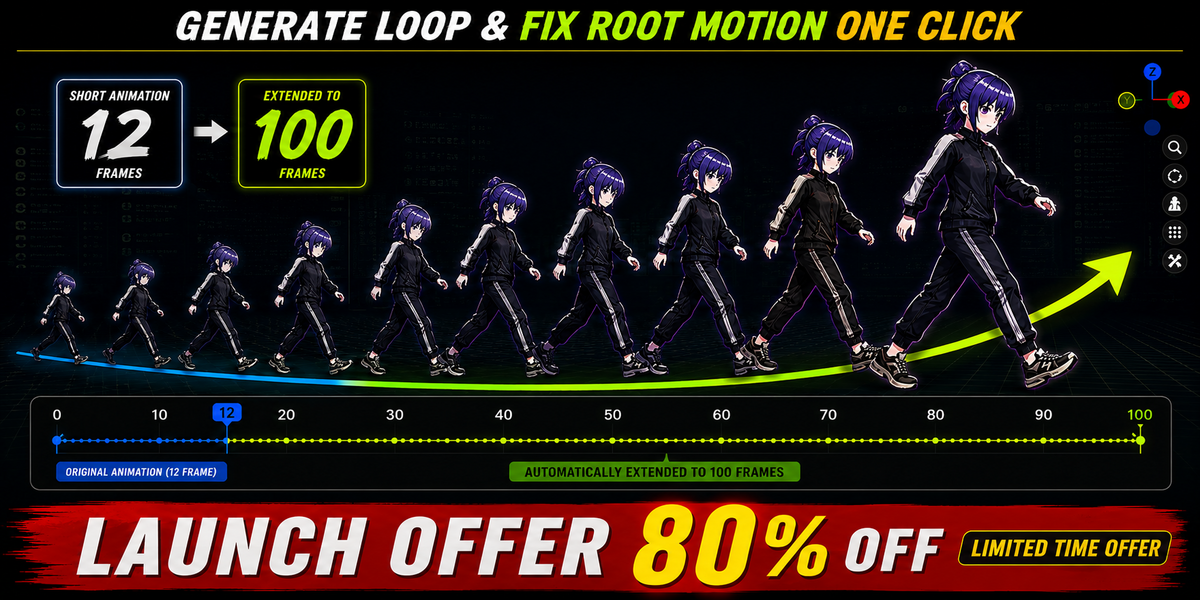







LoopForge Pro
Create Seamless Animation Loops.
Fix Root Motion in One Click.
A professional Blender addon that helps turn existing, loopable character animations into clean, seamless loops while correcting root motion and root rotation.
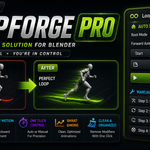
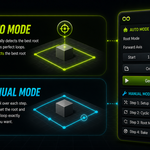
Generate loops automatically with one click using Auto Mode, or Manual Mode for step-by-step control when you need it.
One-Click Loop & Root Motion Fix
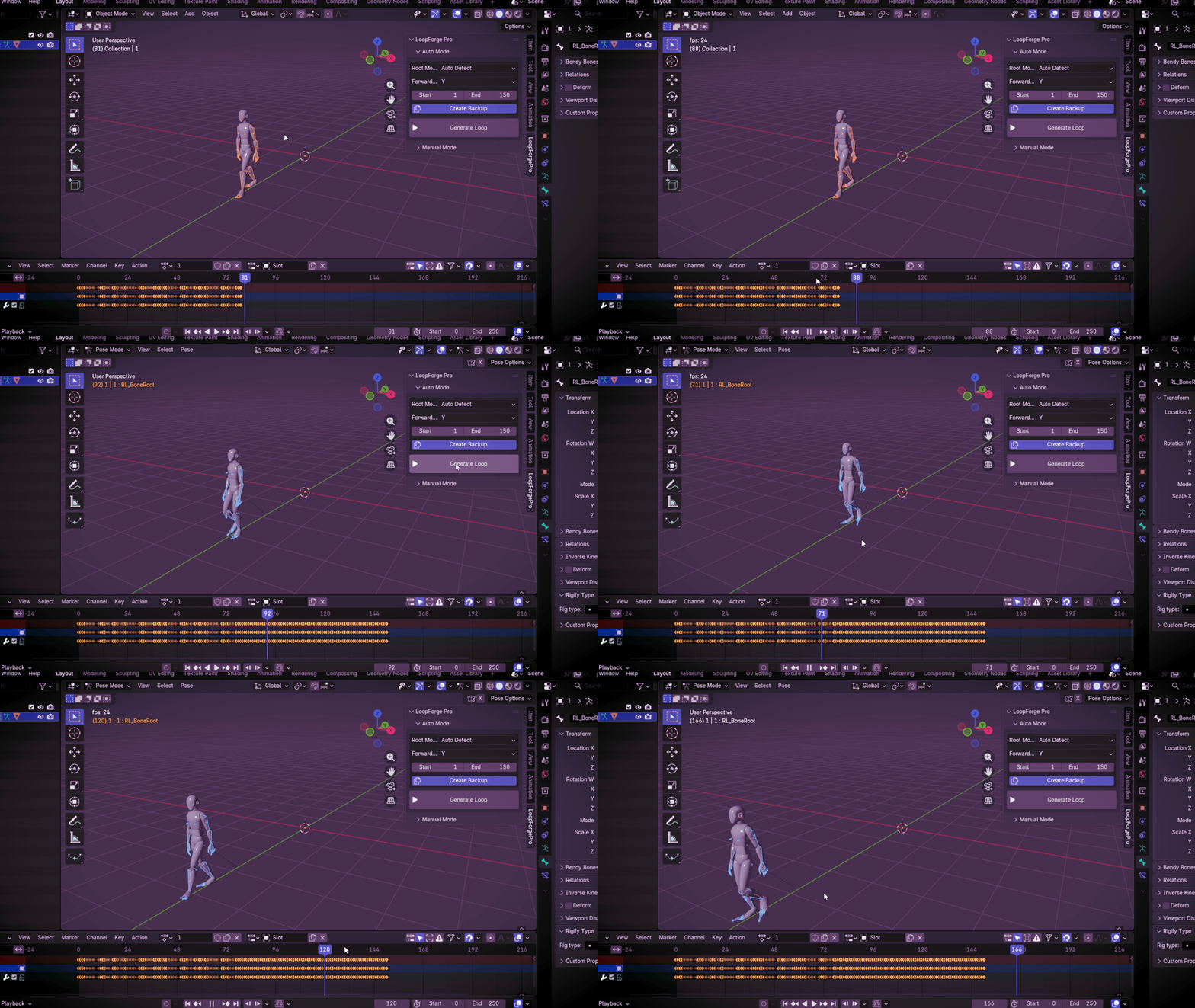
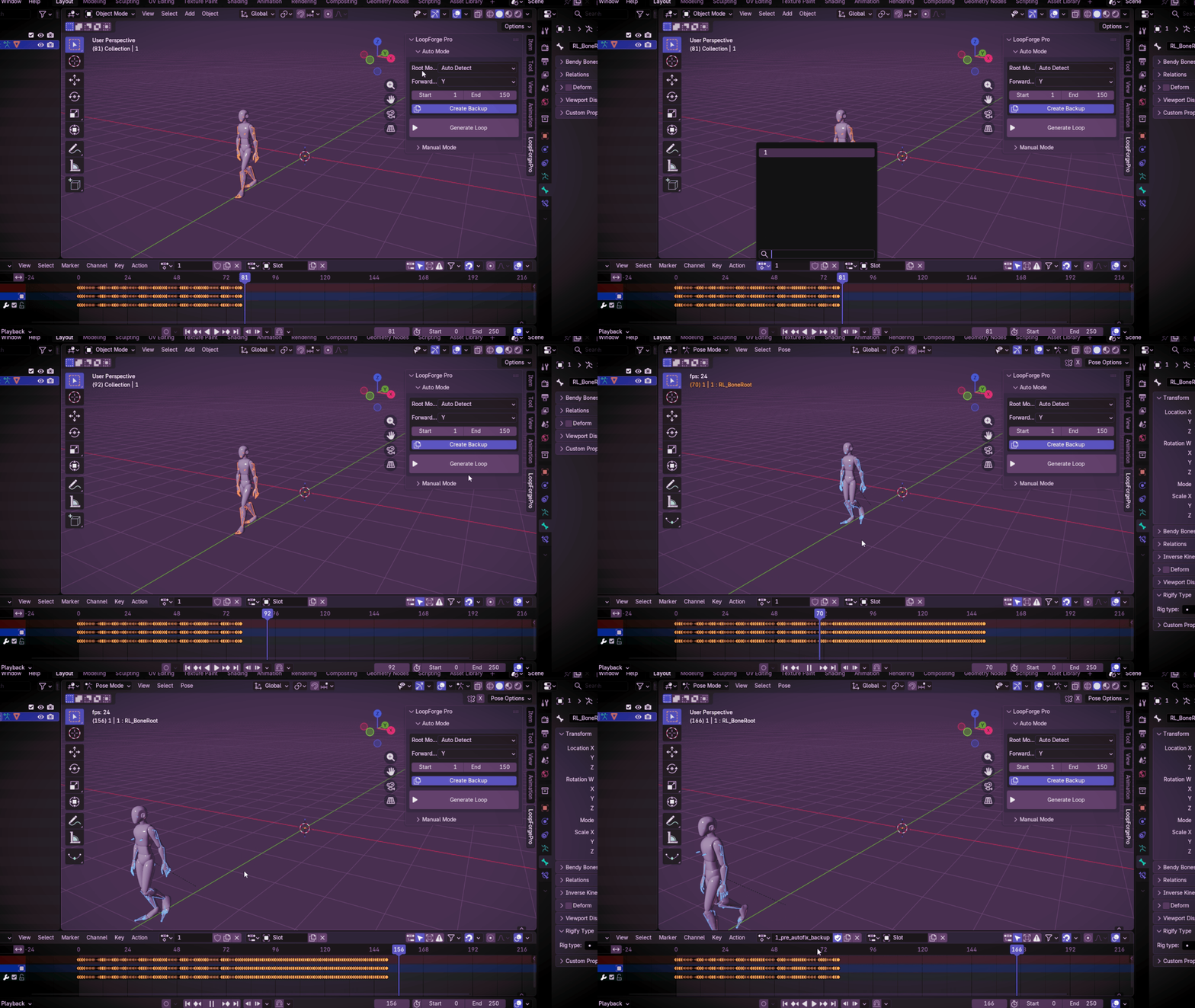
LoopForge Pro takes your existing animation and handles the repetitive work required to create a clean, seamless loop. With one click, it generates the loop while correcting root motion and root rotation, so your character can continue moving naturally.
Find the Right Root
Without the Guesswork
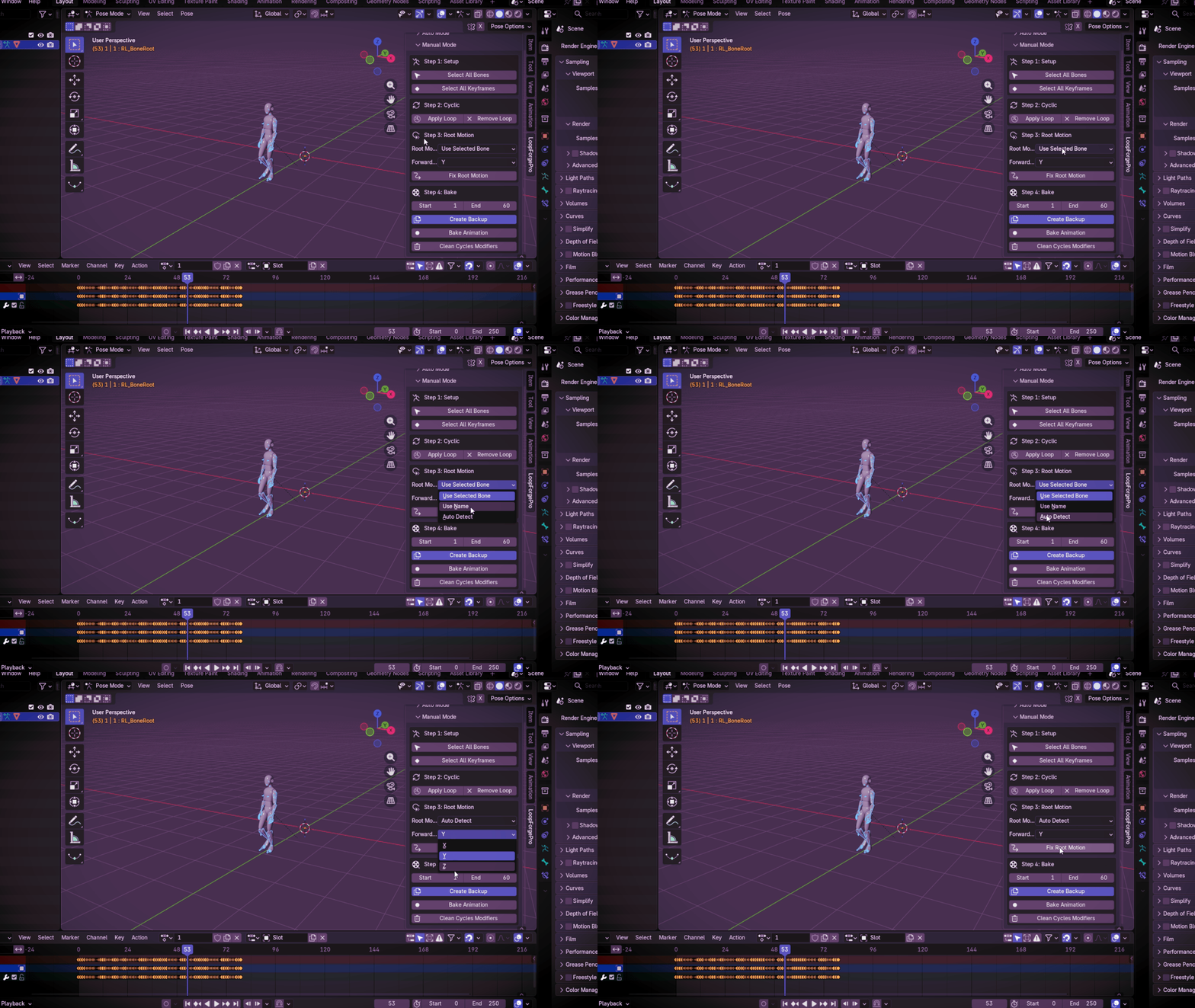
LoopForge Pro can automatically detect the root bone for your animation. You can also select the root manually or specify a custom bone name when you need more control.
Fast When You Need It.
Control When You Want It.
Whether you prefer fast automation or complete control, LoopForge Pro gives you both. Generate seamless loops automatically with one click, or use Manual Mode to fine-tune each step of your animation workflow.
Experiment Freely.
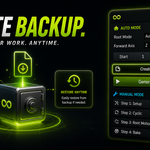
Keep Your Animation Safe.
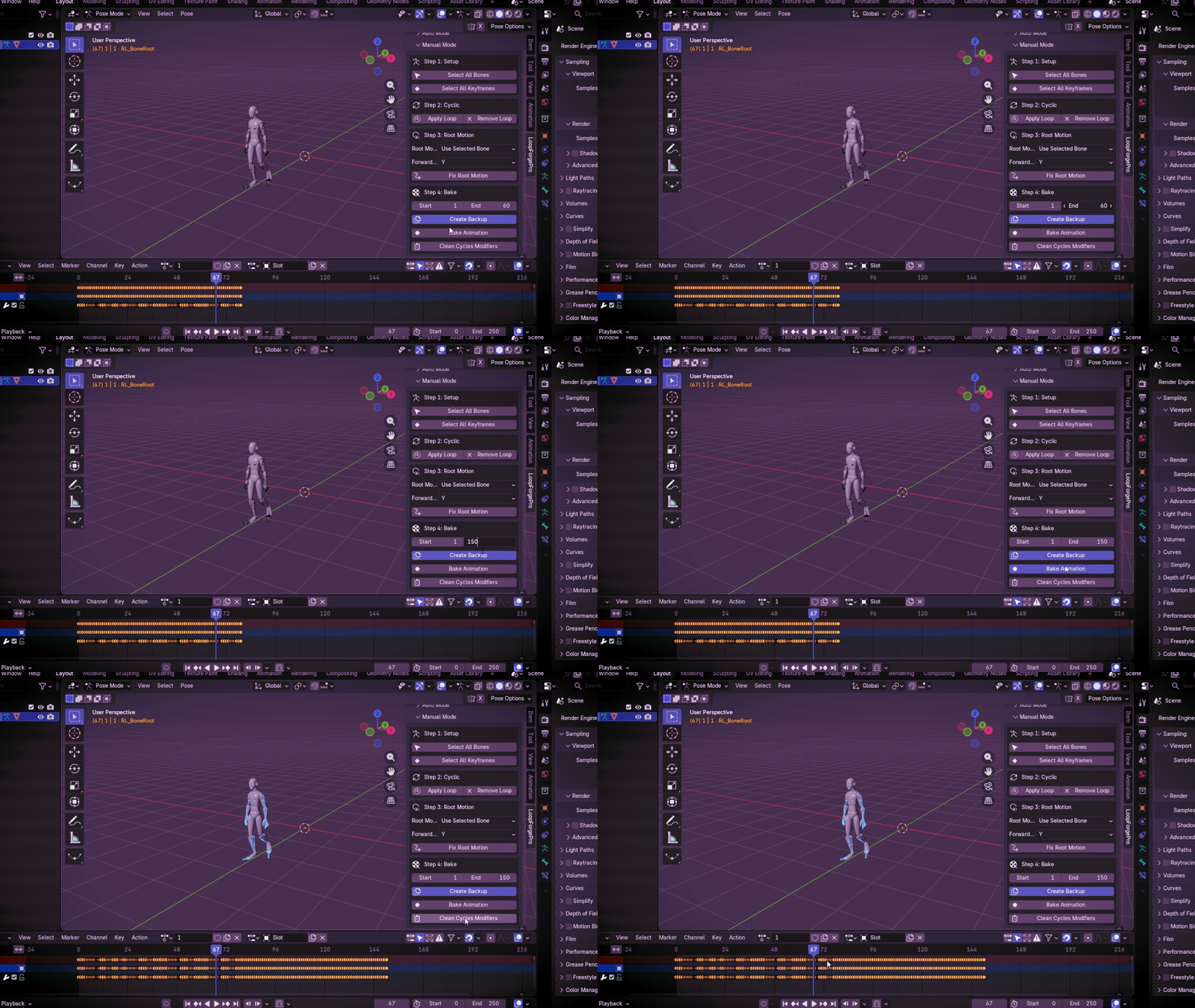
LoopForge Pro creates a backup before making changes, giving you a safer way to experiment with your animation while keeping the original setup protected..
🚀 Everything You Need to Loop Faster
- ✔ One-Click Automatic Loop Generation (Repeat)
- ✔ Automatic Root Motion Fix
- ✔ Smart Root Bone Detection
- ✔ Selected Bone / Bone Name / Auto Detect
- ✔ X, Y & Z Forward Axis Support
- ✔ Auto Mode & Manual Mode
- ✔ Built-in Progress Feedback
- ✔ Automatic Backup Creation
- ✔ Non-Destructive Workflow
- ✔ Mixamo Compatible
- ✔ Blender 4.2 – 5.2 Compatible
- ✔ Beginner-Friendly Interface
🎯 Made for Animation Workflows
Create clean looping character motion for game-ready workflows.
Speed up walk, run and other repetitive animation cycles.
Turn existing character animations into continuous loops faster.
Reduce repetitive animation cleanup and keep workflows organized.
Before LoopForge.
After LoopForge.
Less Fixing.
More Animating.
Creating animation loops manually can become repetitive, especially when root motion needs additional correction. LoopForge Pro brings the repetitive parts of that workflow into one focused tool, so you can spend less time fixing the same problems and more time creating animation.
🔒 Privacy Safe
- ✔ 100% Offline
- ✔ No Data Collection
- ✔ No Tracking
- ✔ No Internet Required
✅ Compatibility
Compatible with Blender 4.2 – 5.2 LTS
📦 Installation
1. Download the ZIP file.
2. Open Blender.
3. Go to Edit → Preferences → Add-ons.
4. Click Install from Disk.
5. Select the LoopForge Pro ZIP file.
6. Enable LoopForge Pro.
Stop Fixing Loops.
Start Creating.
Create seamless animation looping, correct root motion, and speed up your blender animation workflow.