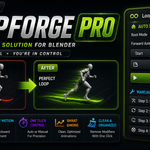
Loopforge Pro – Fix Root Motion & Create Perfect Loops In One Click
 RealDevCode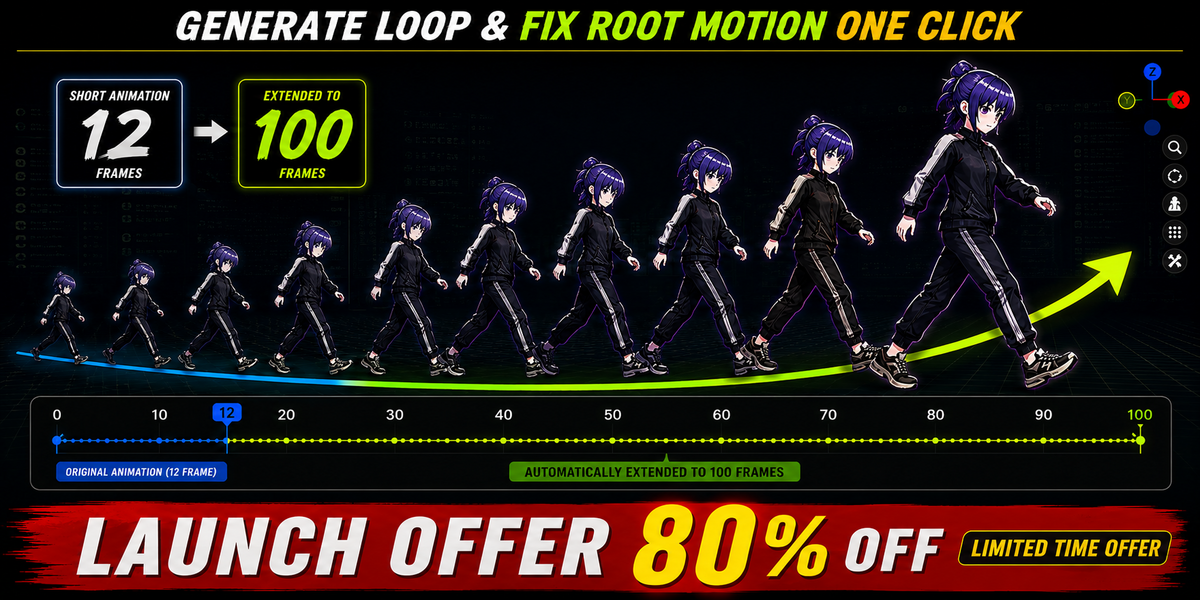









📘 Documentation
Getting started with LoopForge Pro is simple. Follow the steps below to generate seamless animation loops and fix root motion in just a few clicks.
📦 Installation
1. Open Blender.
2. Go to Edit → Preferences → Add-on.
3. Click Install from Disk.
4. Select the LoopForge Pro ZIP file.
5. Enable the addon.
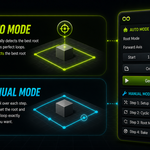
⚡ Auto Mode
Generate seamless animation loops automatically with just one click.
- Select your Armature.
- Open the LoopForge Pro panel.
- Choose the Root Bone Mode.
- Select the Forward Axis.
- Set the Start & End Frames.
- Click Generate Loop.
🔧 Manual Mode
Need more control? Manual Mode lets you perform each step individually.
- Setup Animation
- Apply Loop
- Fix Root Motion
- Bake Animation
- Clean Modifiers
🎯 Root Motion Fix
LoopForge Pro automatically fixes root motion and creates smooth continuous movement for seamless looping animations.
- Automatic Root Bone Detection
- Supports Auto / Bone Name / Selected Bone
- Supports X, Y & Z Forward Axis
- Game-Ready Results
🛡 Safe Workflow
- Automatic Backup Creation
- Non-Destructive Workflow
- Works Safely With Existing Animations
- Supports Muted F-Curves
💡 Tips
- Use Auto Mode for the fastest workflow.
- Use Manual Mode for complete control.
- Select the correct Forward Axis.
- Choose the correct Start & End Frames for best results.
- Keep a clean animation range for smoother loops.
-
$16.80 $84
-
$18.40 $92
-
$19.60 $98
Have questions about this product?
Login to message
| Blender Extension Compatible | Yes |
| Sales | 10+ |
| Dev Fund Contributor | |
| Published | about 2 months ago |
| Blender Version | 4.2 - 5.2 |
| Extension Type | Add-on |
| Render Engine Used | Cycles, Eevee |
| License | GPL |
Discover more products like this
loop animation animation tools action-editor Workflow rigging blender addon mixamo mocap animation root motion keyframes Game animation