Loopforge Pro – Fix Root Motion & Create Perfect Loops In One Click
 RealDevCode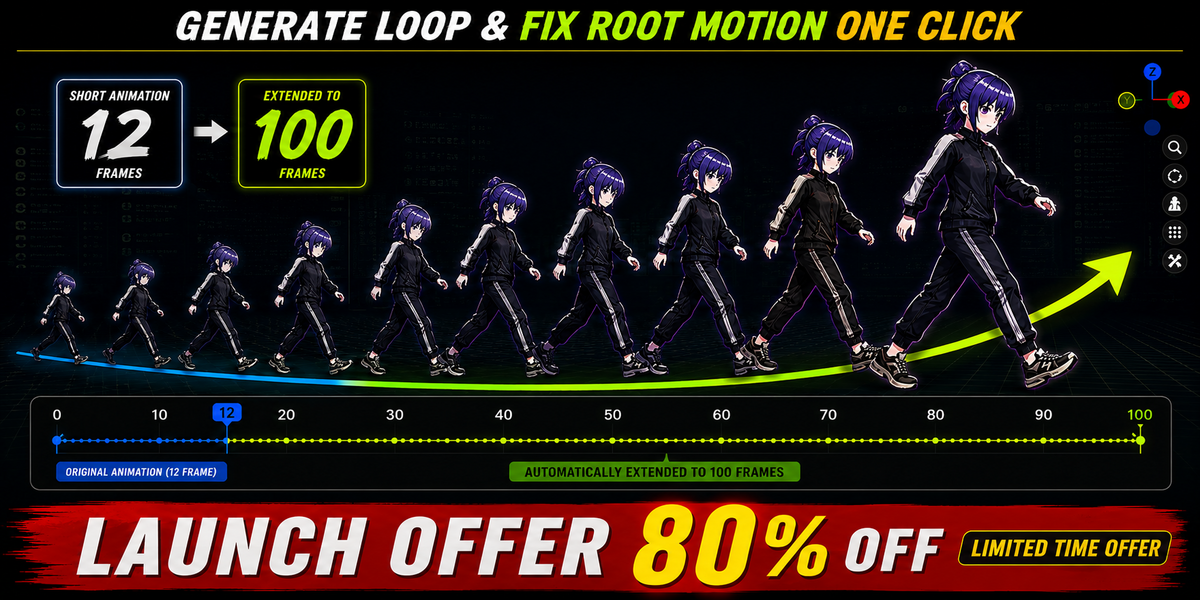









Does LoopForge Pro create a loop from any animation?
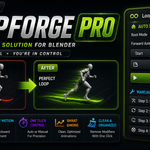
LoopForge Pro is designed to work with existing, loopable animation cycles. It does not turn completely non-loopable or unrelated animations into new animation loops.
Does LoopForge Pro support Blender 4.2 and newer versions?
Yes. LoopForge Pro is compatible with Blender 4.2 and newer versions, including the latest Blender 5.2 LTS.
Does it work with Mixamo animations?
Yes. LoopForge Pro works perfectly with Mixamo animations and fixing root motion.
Will my original animation be modified?
No. LoopForge Pro creates a backup before making any changes, ensuring a safe and non-destructive workflow.
Can I choose the root bone manually?
Yes. LoopForge Pro supports automatic root detection as well as manual root bone selection and custom bone names when you need more control.
Can I use Auto Mode and Manual Mode?
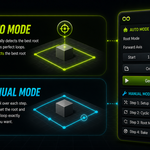
Yes. Auto Mode provides a faster one-click workflow, while Manual Mode gives you step-by-step control when you want to adjust the process yourself.
Does LoopForge Pro support different forward axes?
Yes. LoopForge Pro supports X, Y and Z forward axis options to give you more flexibility when working with different character setups and animation orientations.
Can I use it for game development?
Absolutely. It is designed for creating clean, seamless, game-ready animation loops for Unreal Engine, Unity, Godot, and other game engines.
Does LoopForge Pro require an internet connection?
No. LoopForge Pro works completely offline. No internet connection, tracking, or data collection is required.
-
$16.80 $84
-
$18.40 $92
-
$19.60 $98
Have questions about this product?
Login to message
| Blender Extension Compatible | Yes |
| Sales | 10+ |
| Dev Fund Contributor | |
| Published | about 2 months ago |
| Blender Version | 4.2 - 5.2 |
| Extension Type | Add-on |
| Render Engine Used | Cycles, Eevee |
| License | GPL |
Discover more products like this
root motion mocap Workflow loop animation animation Game animation mixamo action-editor animation tools blender addon rigging keyframes