 Stachu Jacewicz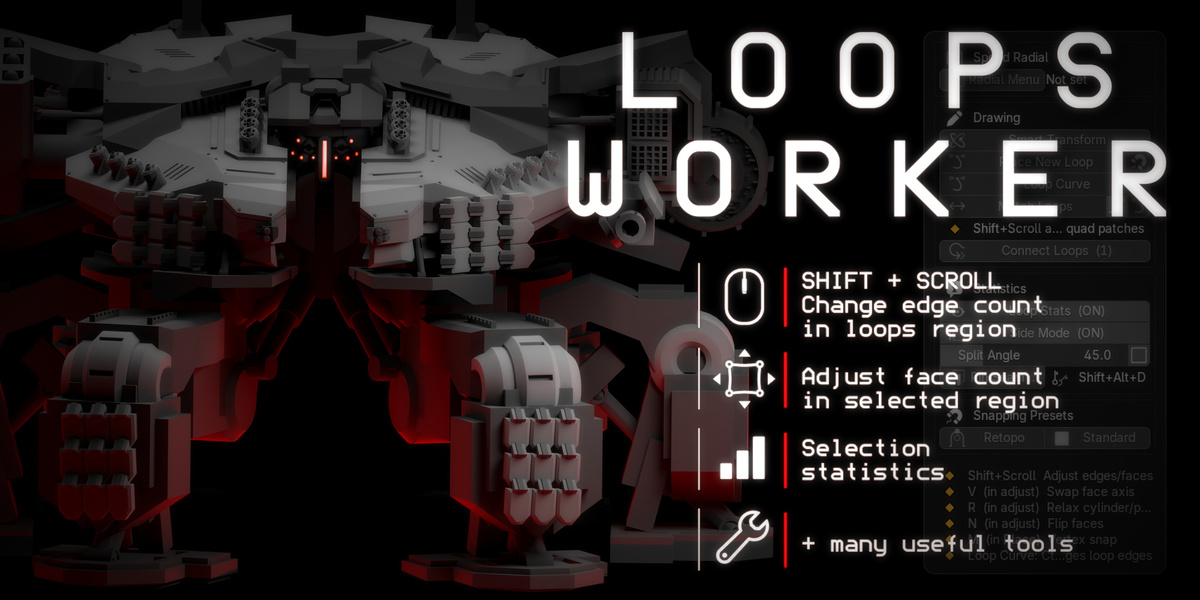



Gumroad link (use it pls): https://6761022388770.gumroad.com/l/sfsgk
=+= Adjust loop density. Reshape with curves. Keep modeling. =+=
Loops Worker gives you direct control over edge loops inside Blender. Add or remove edges with Shift + Scroll, reshape a selected loop with Bézier controls, and match loops to a reference.
Built for modelers refining hard-surface shapes and working on retopology by hand. Start with the loop tools, then add Smart Transform and custom menus to your workflow when you need them.
=+= Change density with Shift + Scroll =+=
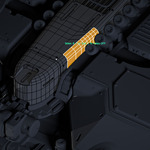
Select a continuous edge loop or a supported quad patch, then scroll to adjust its density in the viewport. On quad patches, switch the adjustment axis with V.
Adjust Loop demonstration. LMB or Enter confirms; Esc cancels.
=+= Shape a loop with a few curve controls =+=
Use Loop Curve on one continuous open chain or closed loop. Drag control points and handles to reshape the mesh. Change the number of curve controls and the number of mesh edges separately.
=+= Match loops and see the counts =+=
- Match Loops: select source loops first and the reference loop last. Match density, with optional shape matching.
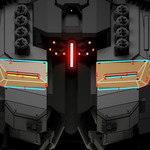
- Loop Statistics: display edge counts in the viewport, including counts for individual sides of a selected region.
- Place New Loop: draw new loops interactively, with curve and adaptive modes.
=+= Keepeveryday tools close =+=
Smart Transform combines Move, Rotate and Scale in one interactive operation. Edit Master provides a hold-to-open menu for selection modes, beveling, merging and mode switching.
Also included: an editable eight-slot Speed Radial, Quick Rotate, View Memory, Connect Loops and snapping presets. Customize shortcuts and overlays in Preferences.
=+= Your first loop edit =+=
- Install the ZIP from Edit > Preferences > Add-ons > Install from Disk and enable Loops Worker.
- Select a mesh, enter Edit Mode, and select one continuous edge loop.
- Hold Shift and scroll to change its density. Click to confirm.
- Open N > Loops or press Alt + D for more tools.
No mouse side button required. Mouse 5 is the default Smart Transform / Edit Master binding; change it in Preferences or launch Smart Transform from the panel. Replacing Blender's standard G/R/S shortcuts is optional and off by default.
Before you buy
- Blender: 4.5 LTS and 5.x; tested baseline: Blender 5.2 LTS on Windows (works on Linux too).
- Installation: a standard ZIP add-on, installed manually from disk. No external Python packages.
Read the full documentation and shortcuts or use Contact the creator on this page if you want to check a specific workflow.