Industrial Pipes & Process Plant Kit – 150 Assets, 12 Rigs & Complete Pump House Scene
 loviz
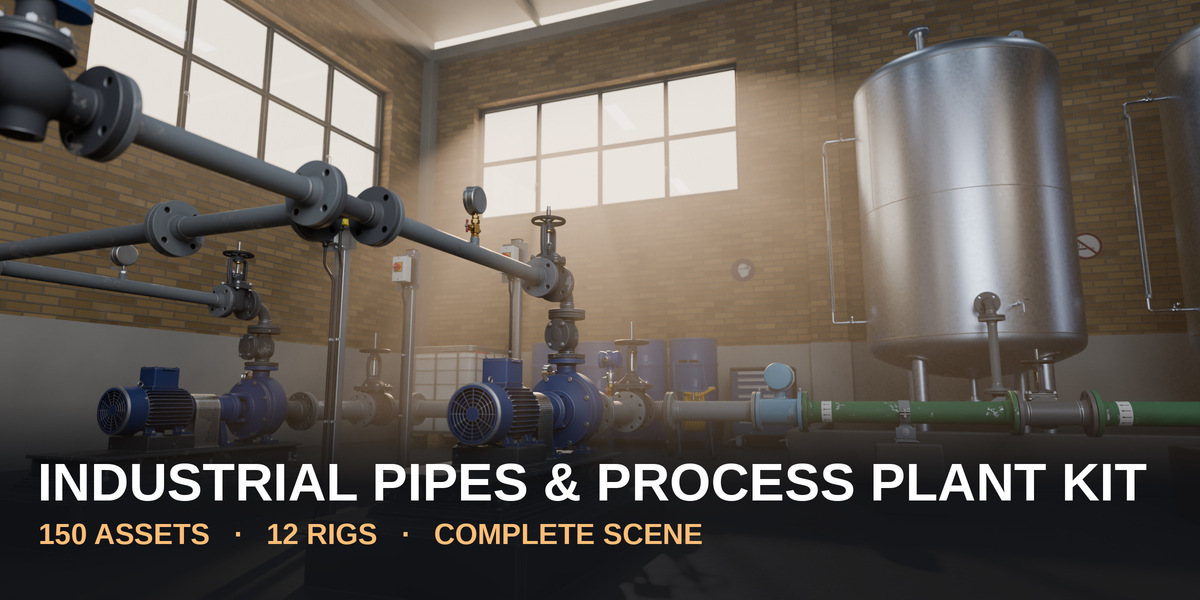
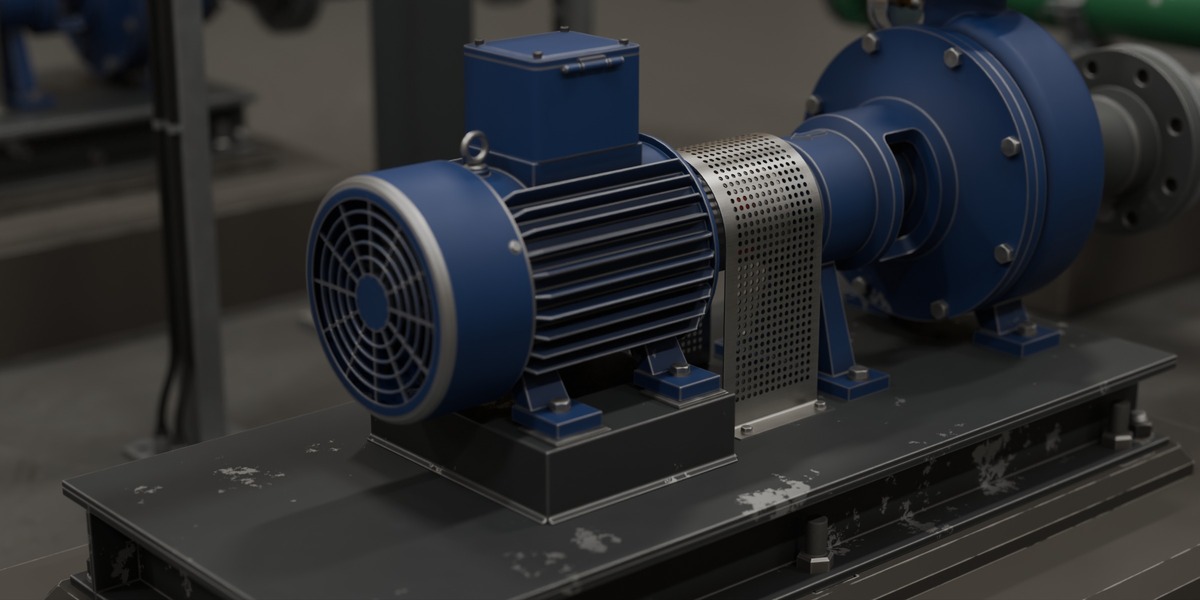
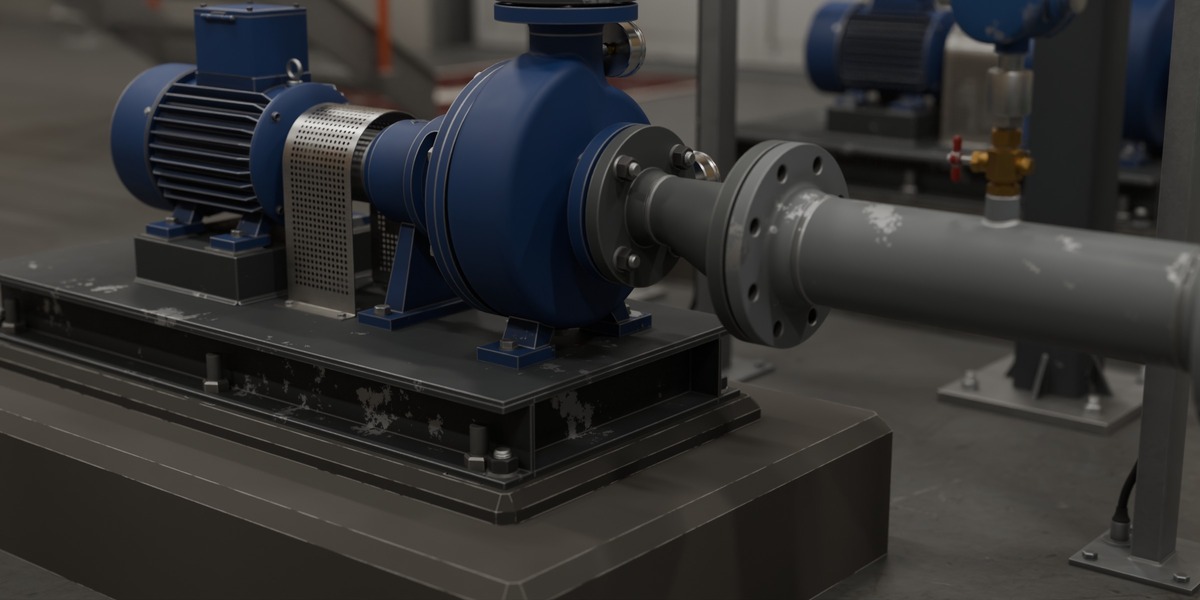
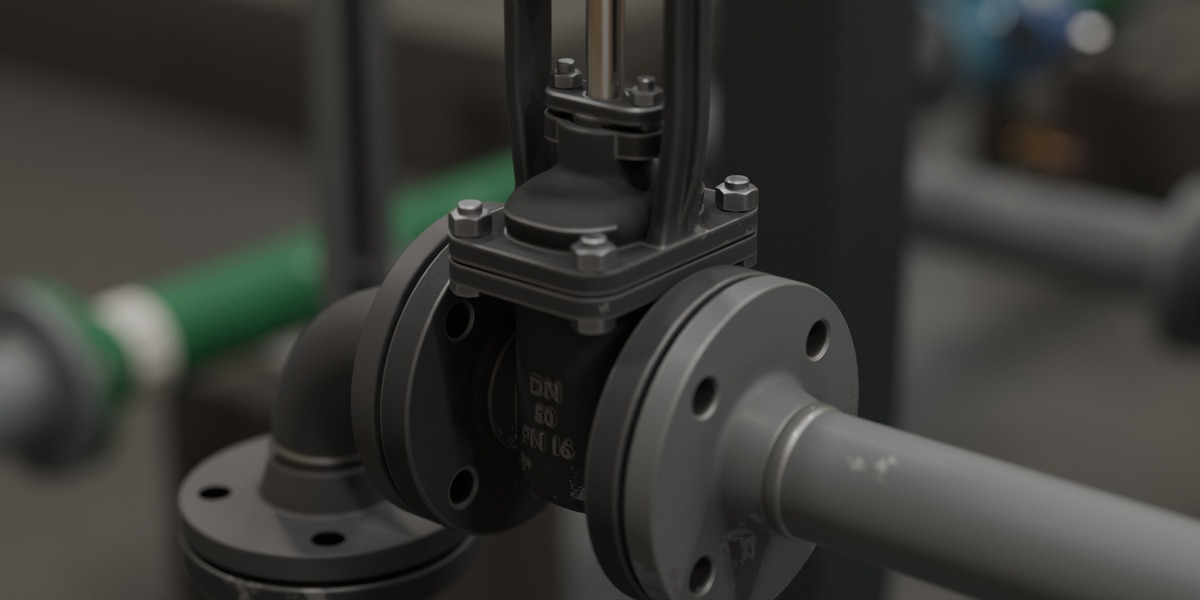
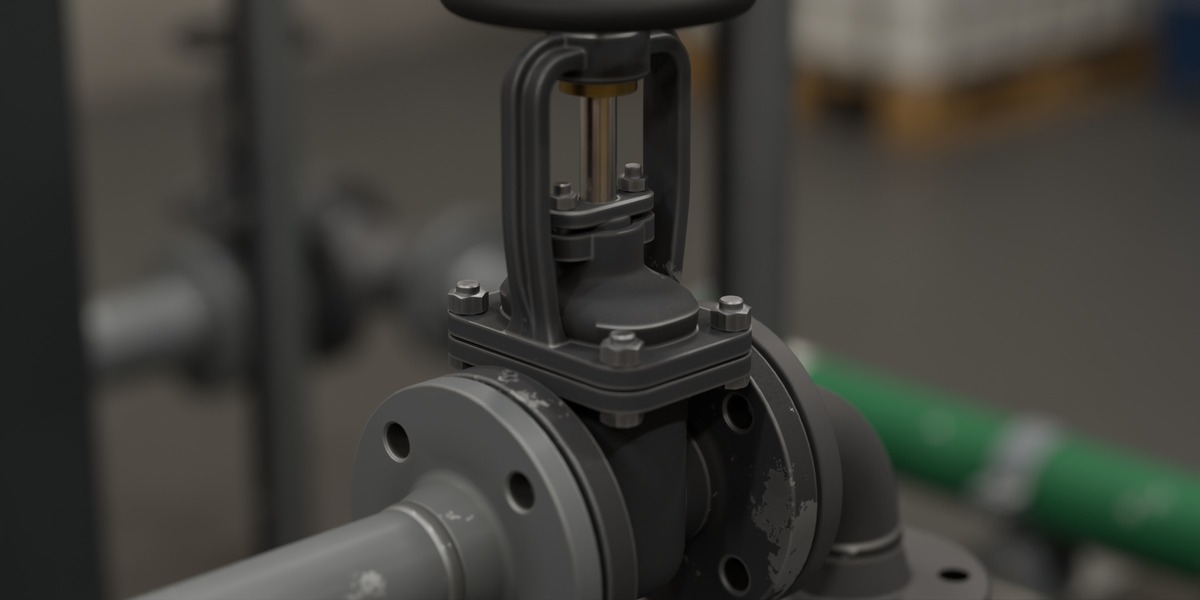
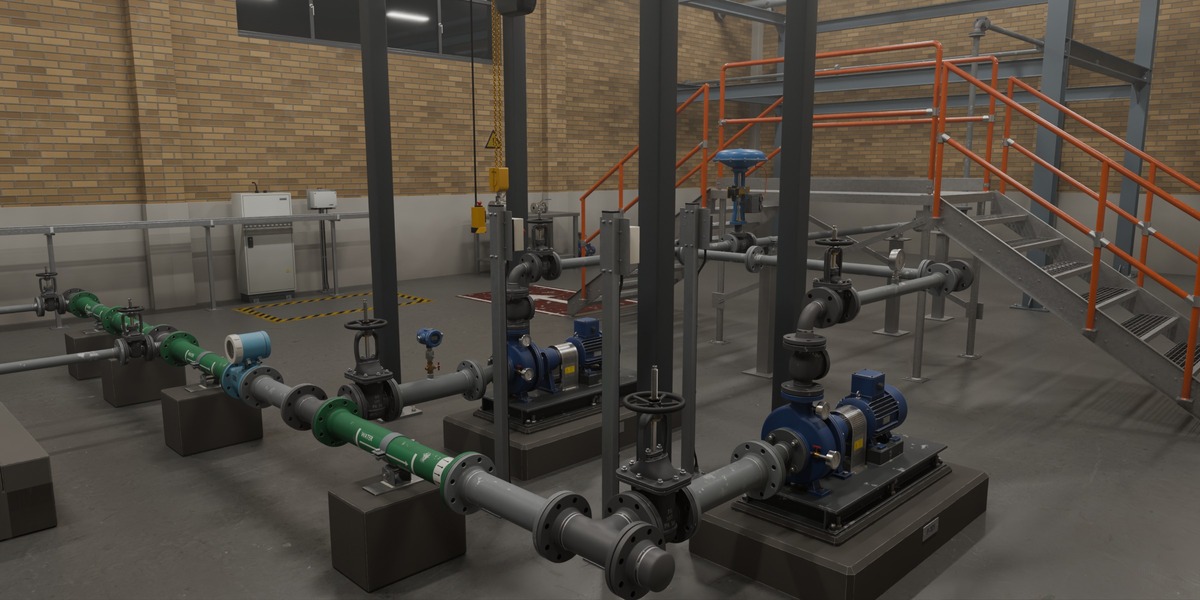
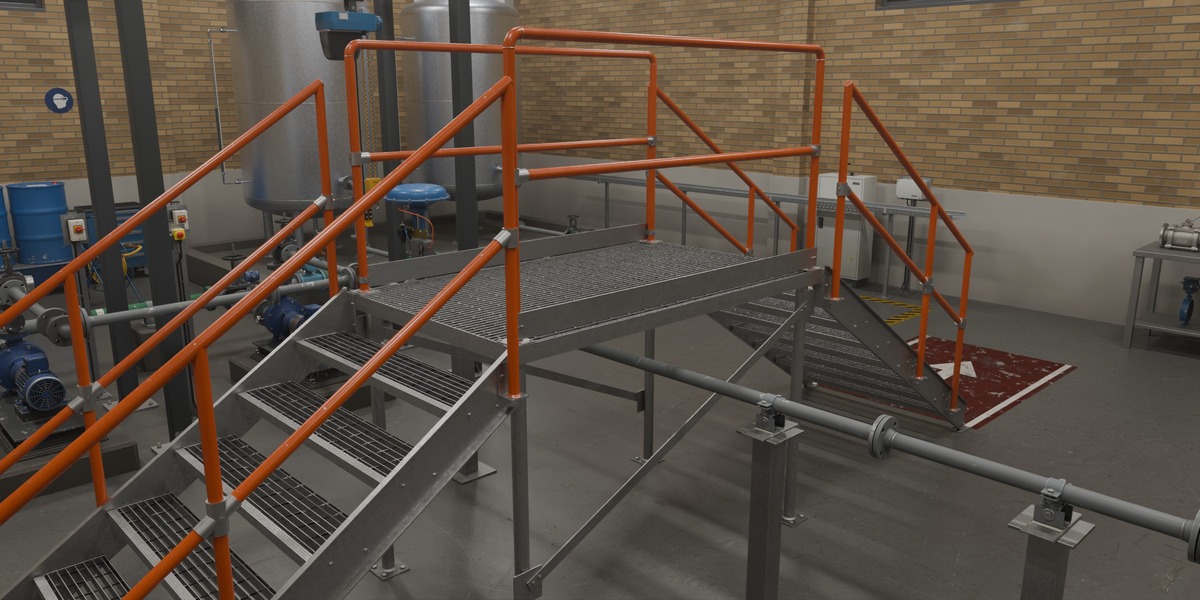
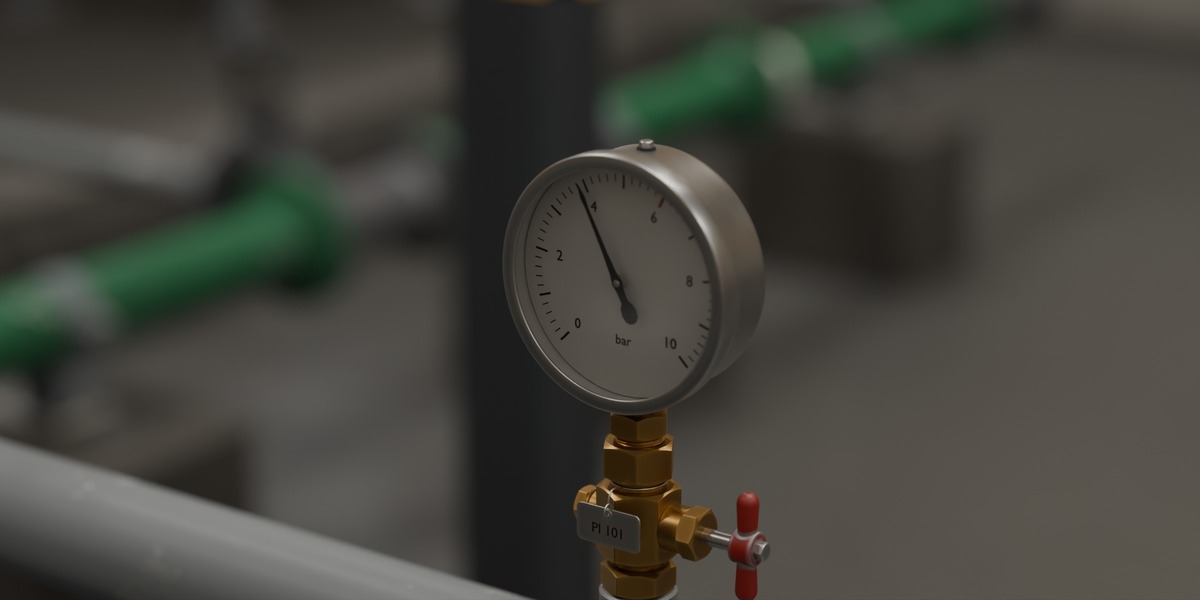
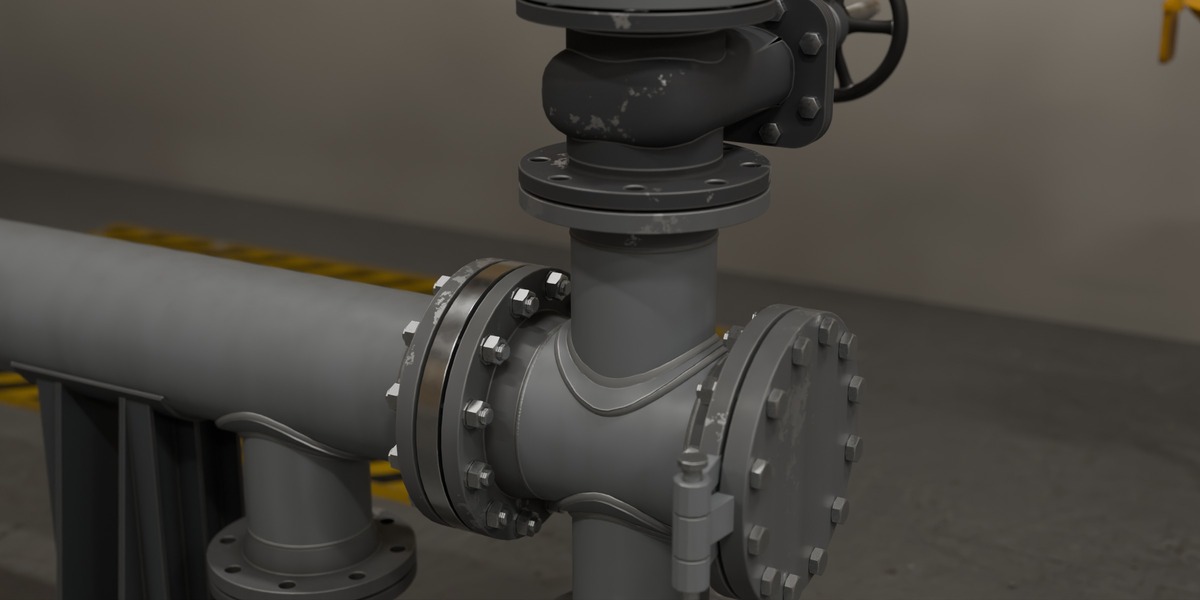
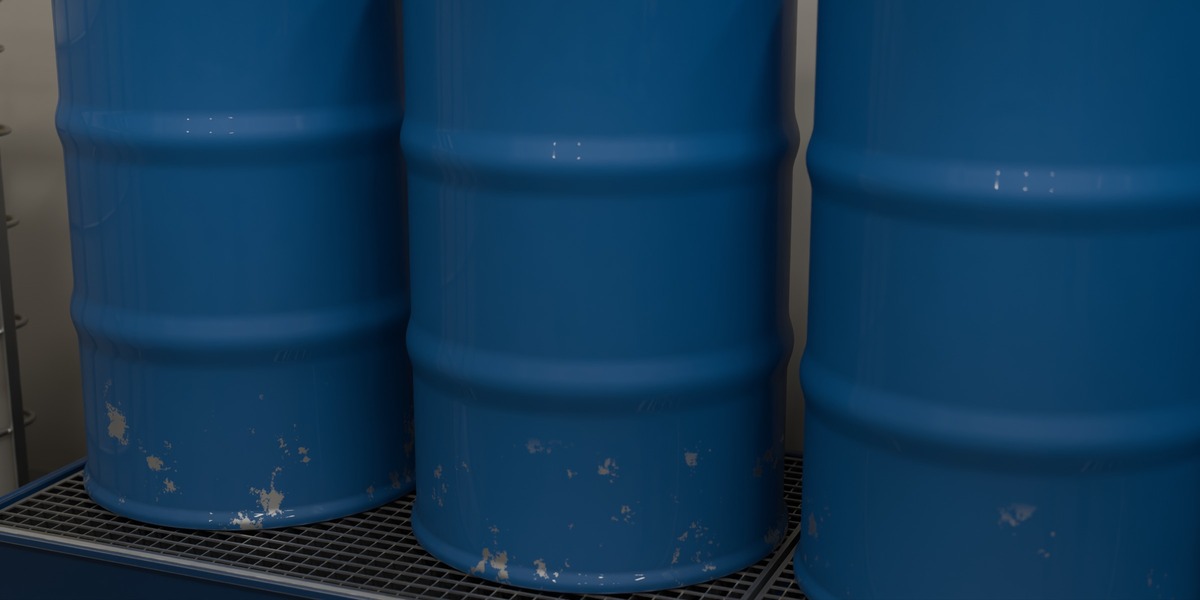
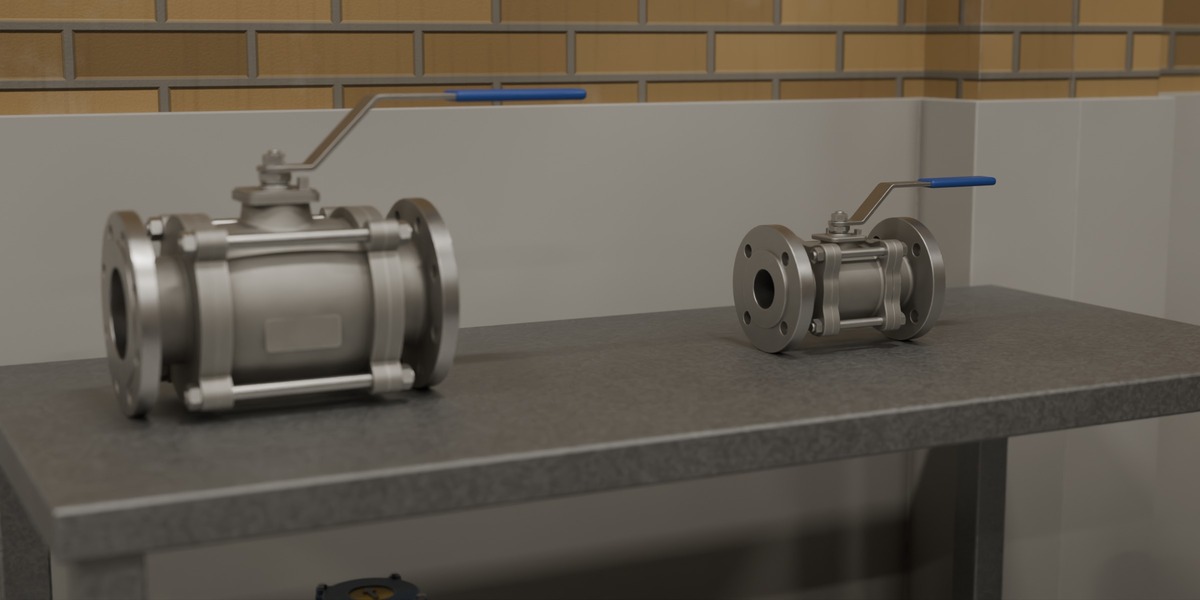
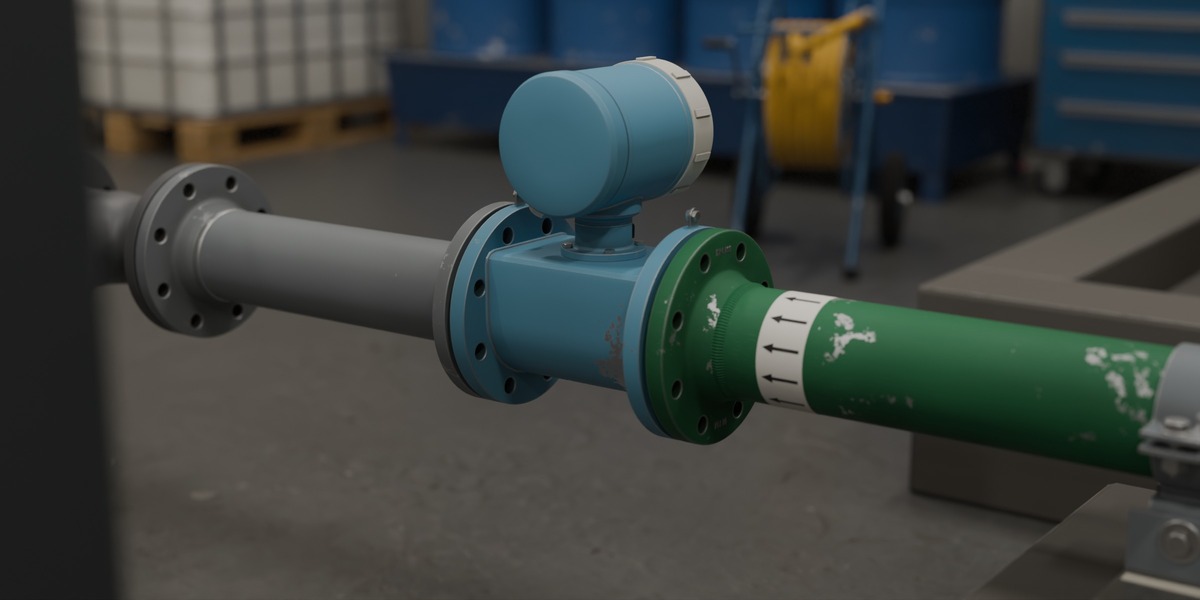
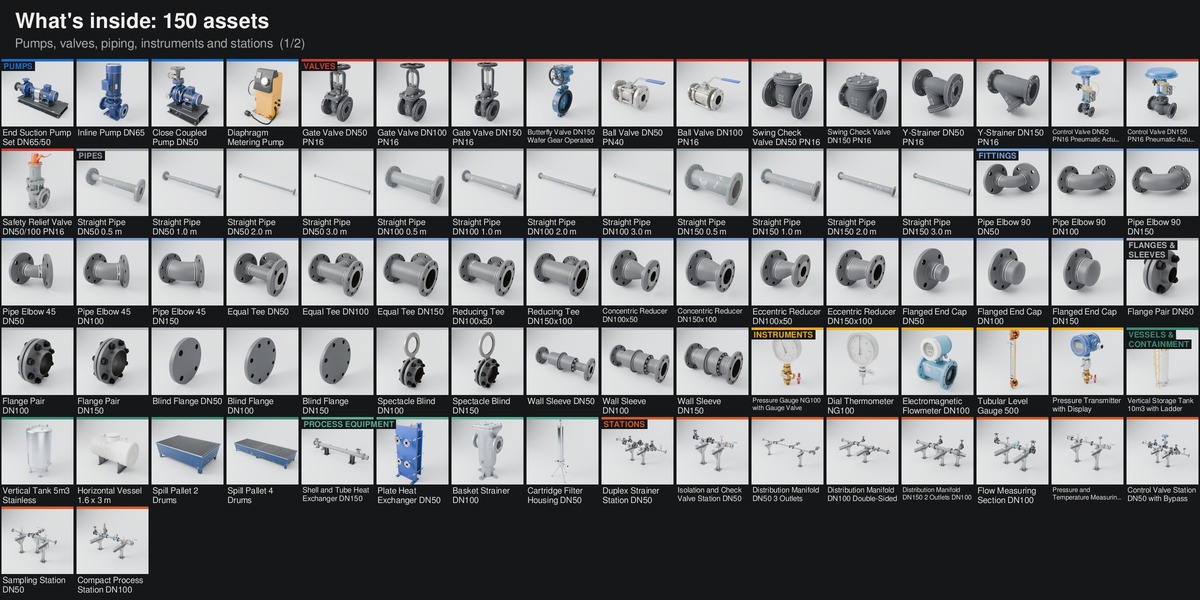
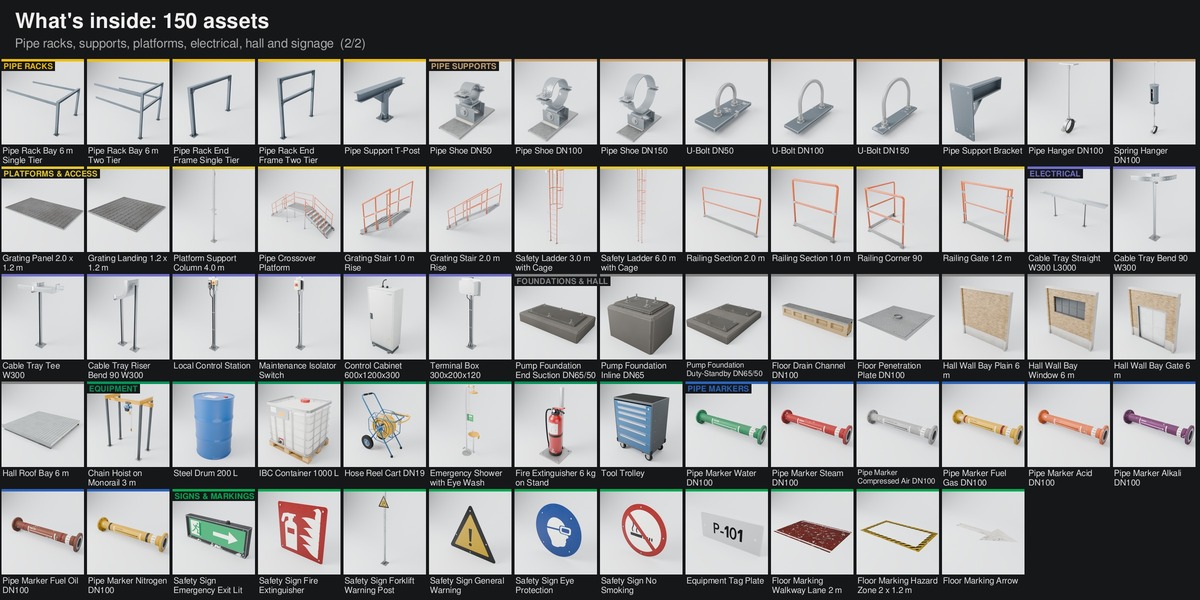
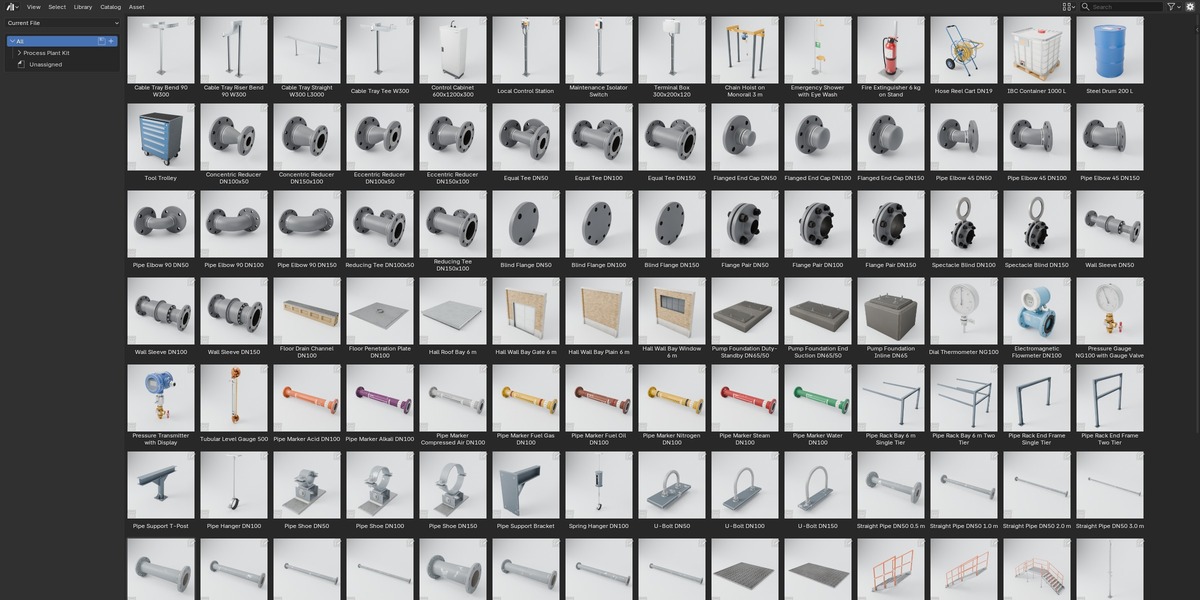
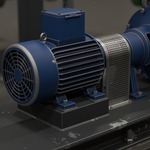
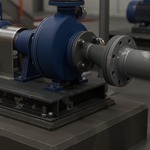
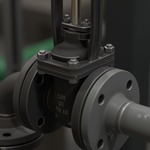
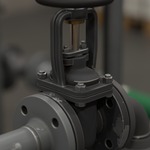
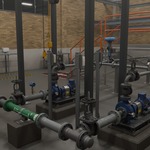
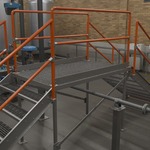
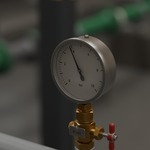
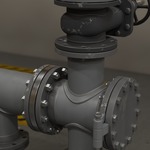
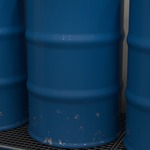
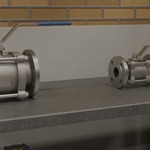
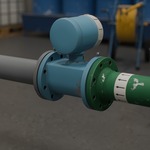
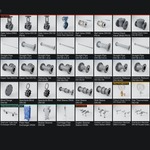
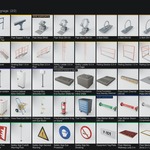
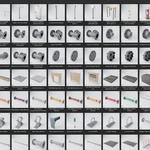
Open Process-Plant-Kit-Scene.blend and render the finished pump house in Cycles (active camera: Camera 01 Hero).
Asset Browser: open Process-Plant-Kit-Library.blend, or add its folder under Edit > Preferences > File Paths > Asset Libraries; keep blender_assets.cats.txt next to the library file.
Dropped assets arrive as collection instances. For rigged assets untick Instance in the Adjust Last Operation panel (or set the library Import Method to Append) so the rig can be posed.
Docking: every pipe end carries an empty named Port A, Port B and so on (prefixed with the part code), Z axis pointing out of the part, nominal size in the dn property. Snap Port to Port to build lines.
Rig controls: select the rig (named after the part code, for example E01 Rig), Pose Mode, select CTRL_ROOT, N sidebar > Item > Properties. Every control has a tooltip.
Pumps: speed_rpm 0 to 1450, suction_pressure_bar, discharge_pressure_bar and the cover controls. Gate valves: open. Butterfly valve: disc_deg to 90. Ball valves: lever_deg to 90. Chain hoist: travel_m ±1.2, lift_m 0 to 1.9, hook_rotation_deg.
Wear: every material has a Wear input (0 factory new, 1 moderate use, default 1); README.txt shows how to switch the whole file at once.
FBX, GLB and OBJ: one file per asset, sorted by category. Full details in README.txt.
Have questions about this product?
Login to message
| Published | 2 days ago |
| Blender Version | 5.2 |
| Render Engine Used | Cycles |
| Misc Data | Rigged, Textured |
| License | Royalty Free |
Discover more products like this
Pipe kitbash Rigged modular flange industrial asset-browser PBR Game asset valve pump process plant