 JuanBautista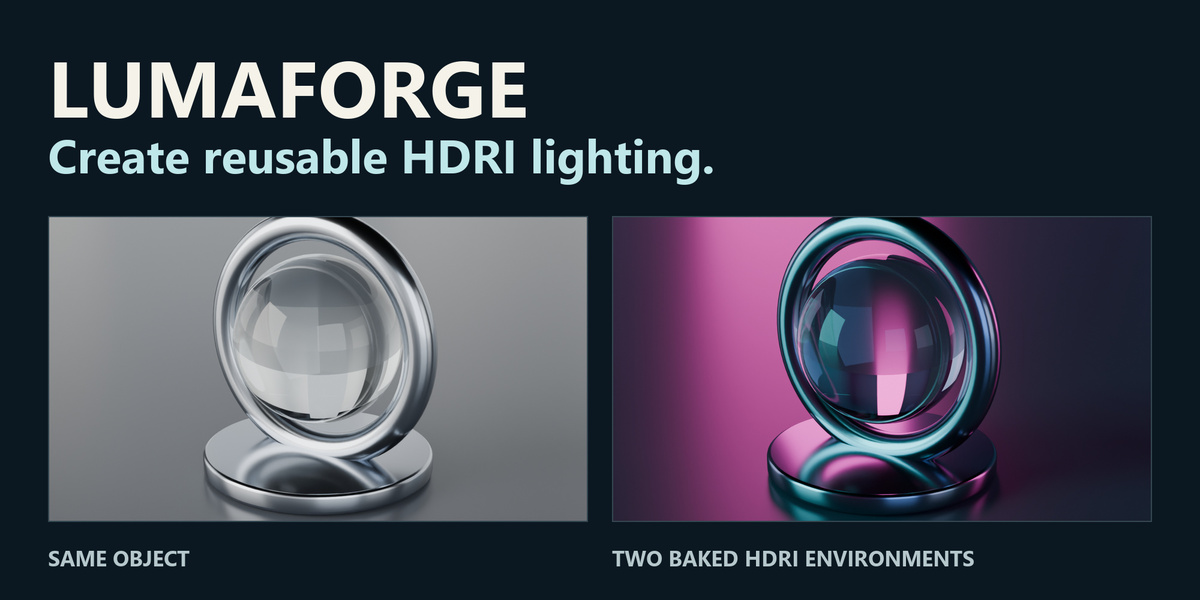
LUMAFORGE HDRI GENERATOR
Create HDRI lighting you can reuse.
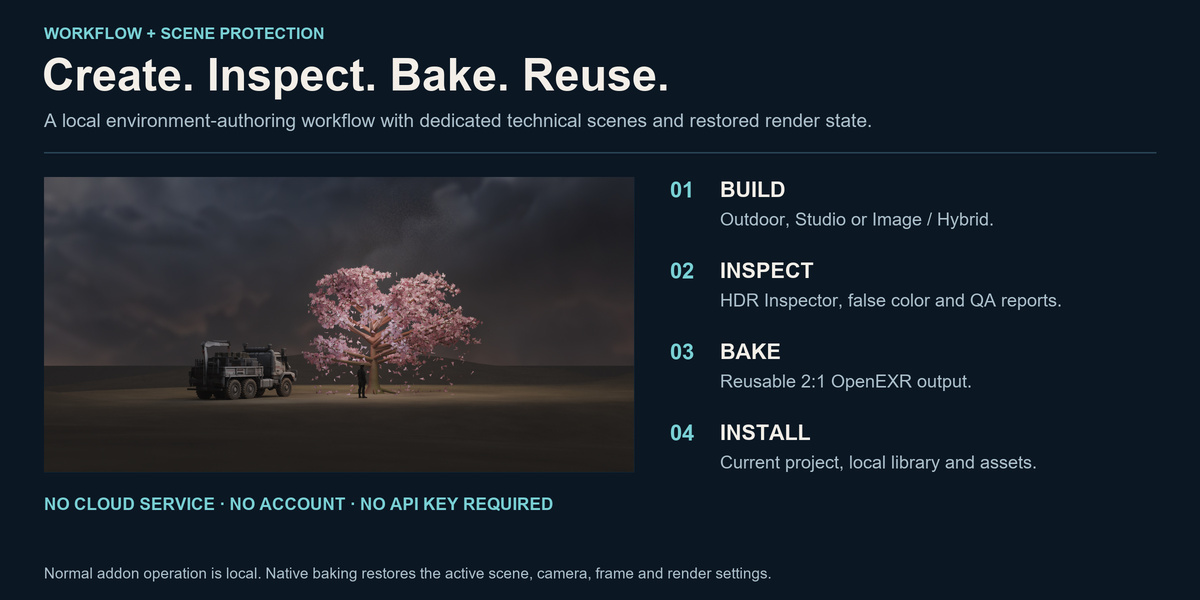
Build an outdoor sky or studio environment, or work from an existing full panorama. Inspect the light, bake a reusable OpenEXR environment and bring that lighting into your next scene.
From HDRI to the final reflection.

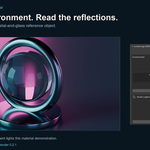
A 16-second edited overview: inspect a baked Studio HDRI, rotate it and compare the rendered reflections. Real Blender captures; capture timing is condensed.
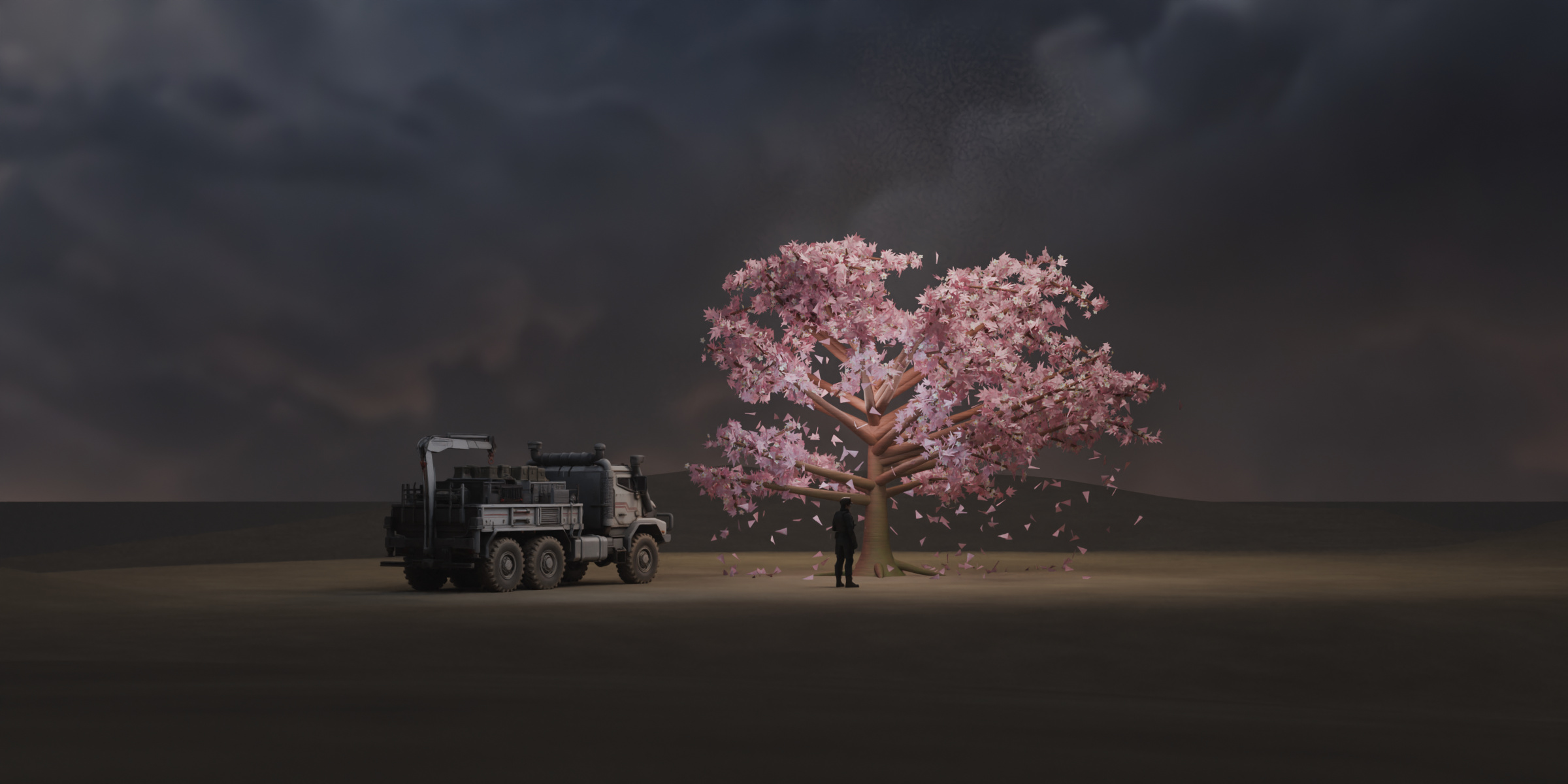
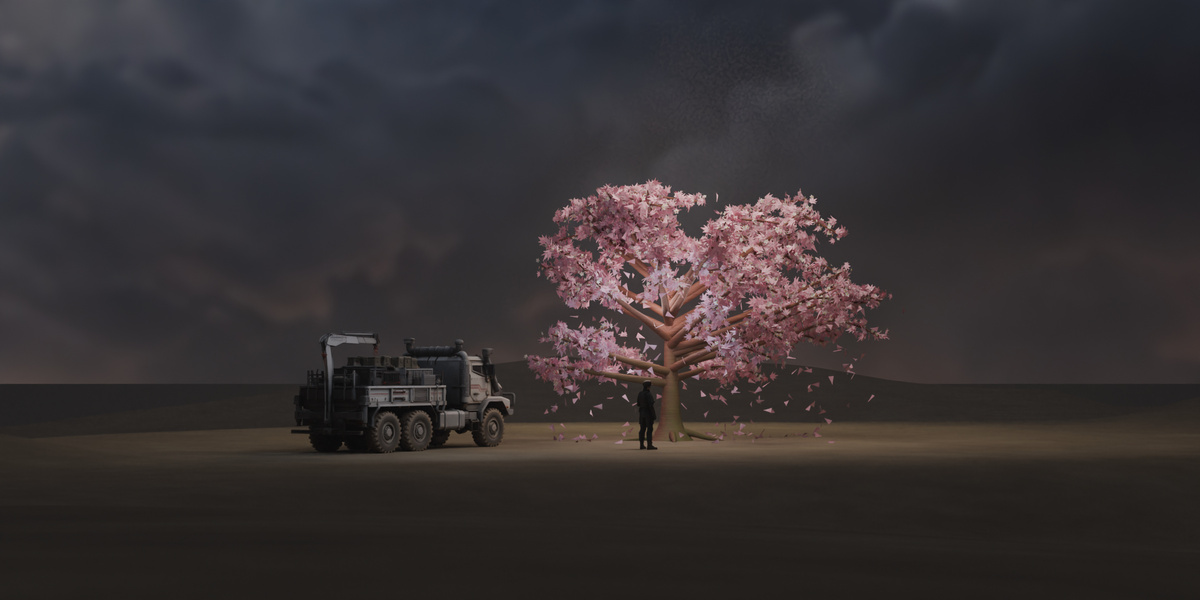
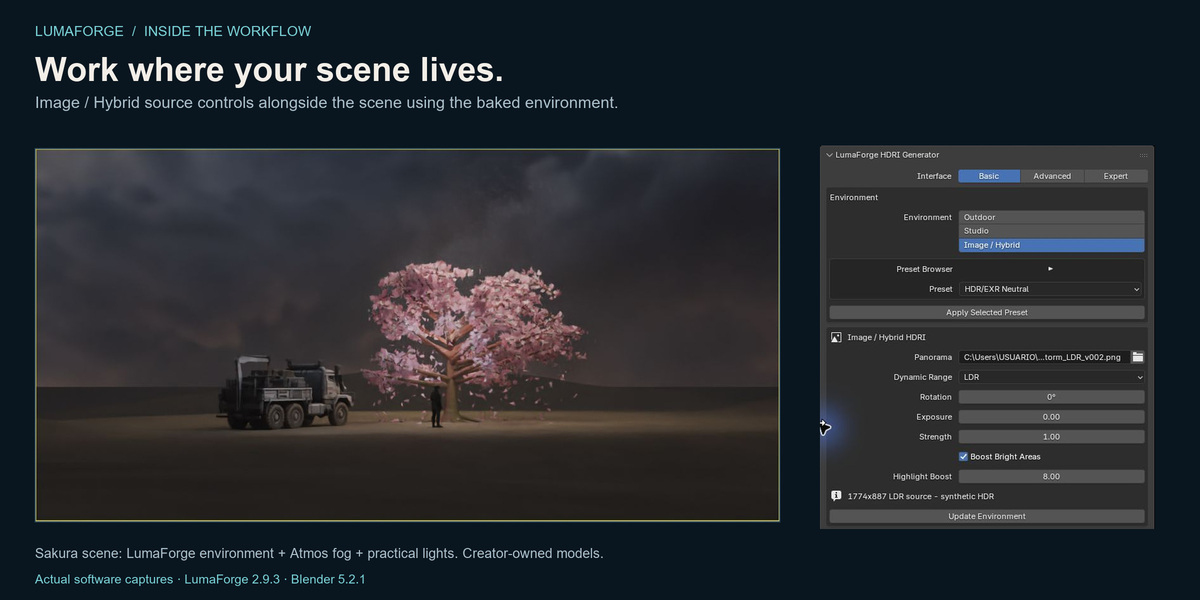
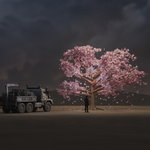
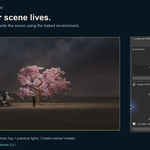
Sakura artwork: creator-owned models, LumaForge environment lighting, Atmos fog and additional scene lights. The example models and Atmos addon are separate from LumaForge.
Your scene. Your light. Your control.
Recognizable controls, a real rendered viewport and a clear path from adjustment to result. Start in Basic mode, then open Advanced or Expert controls when your lighting needs more detail.
View the controls up close · View the original interface capture
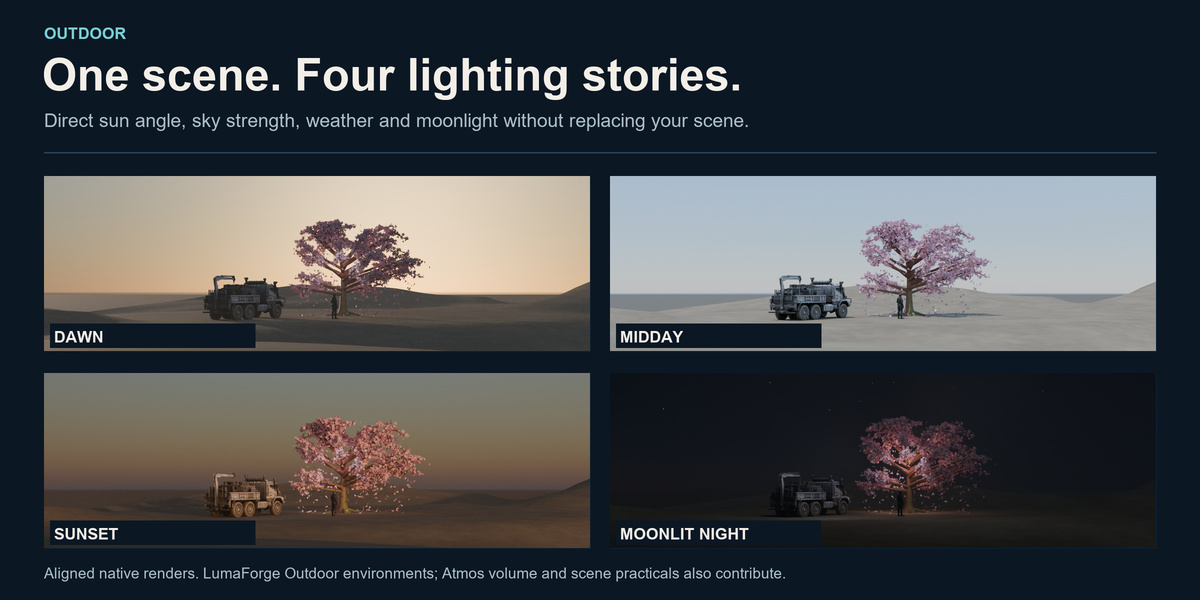
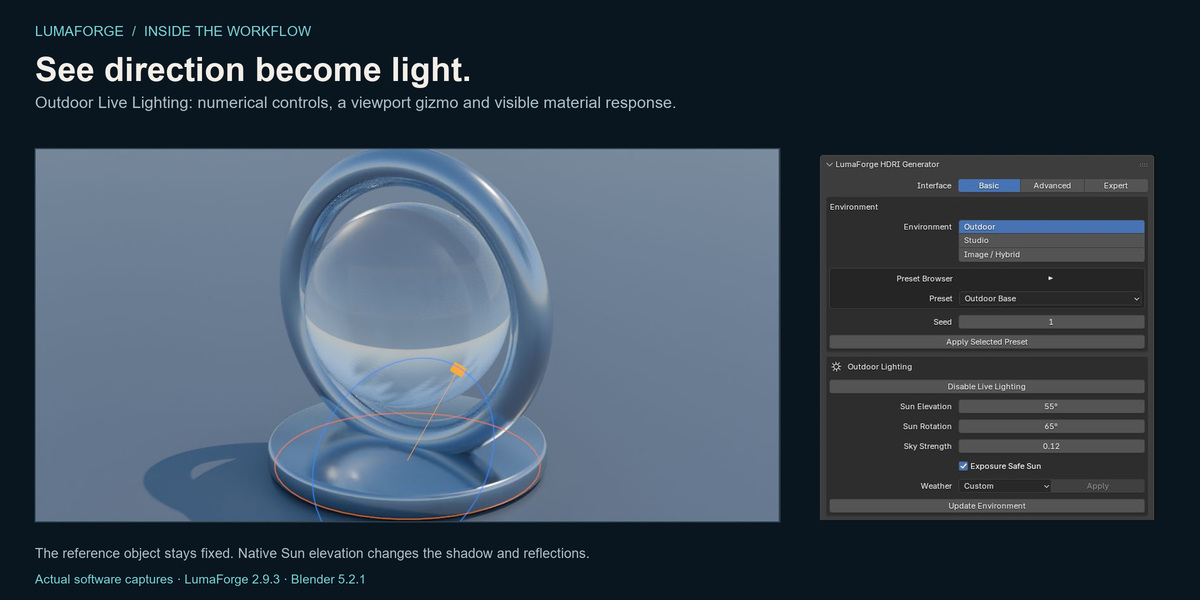
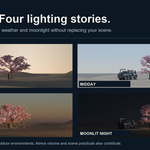
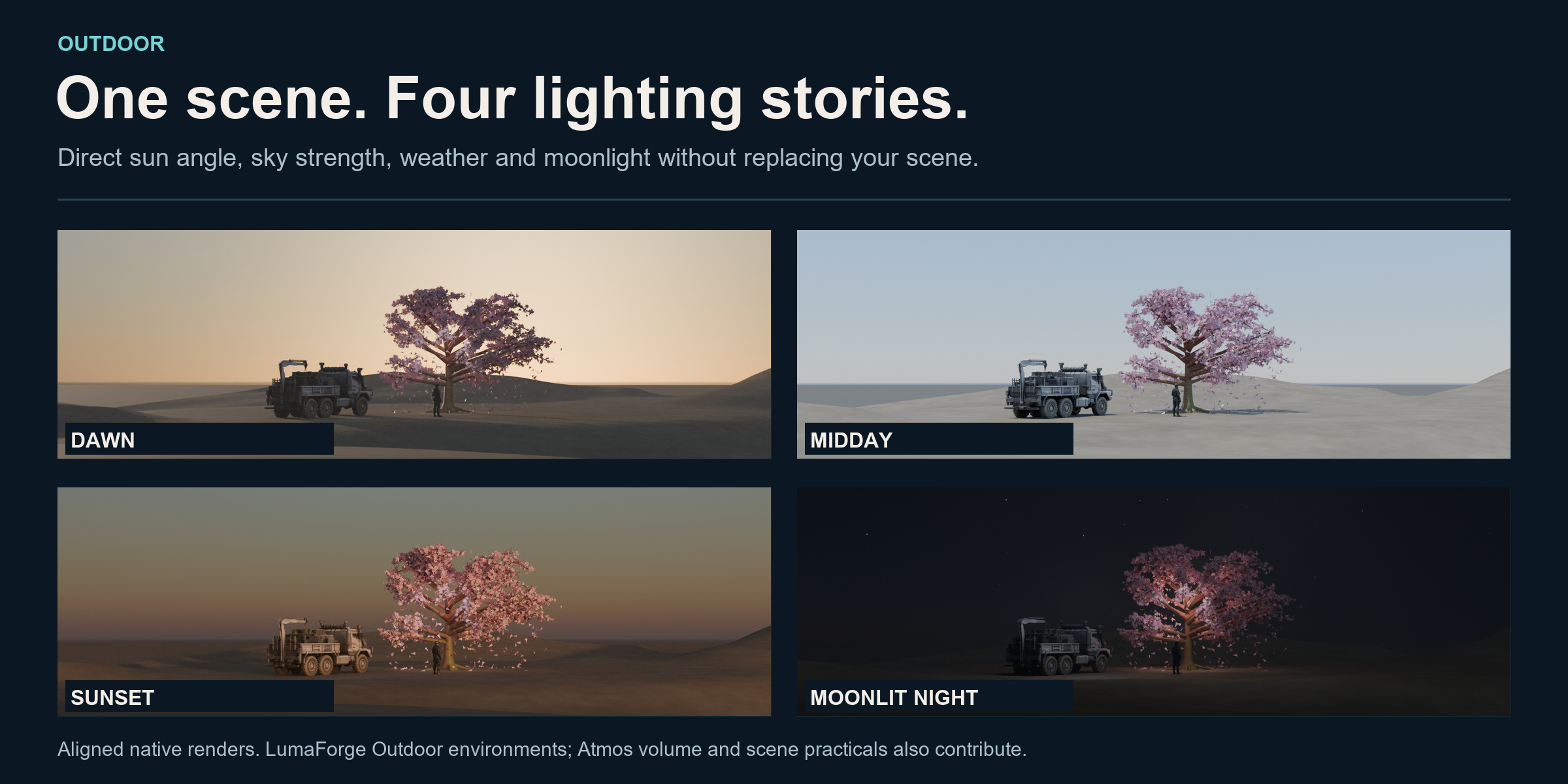
Outdoor: one scene, four lighting stories.
Build daylight, sunsets and night skies. Control Sun elevation and direction, sky strength, weather layers and the horizon. Outdoor Live Lighting connects the generated World and Sun to your working scene.

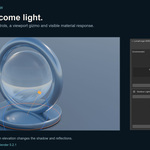
Actual viewport recording with edited timing. The reference object stays fixed while native Sun elevation changes. For live Sun updates, enable the Sun Controller and Live Update in Advanced mode.
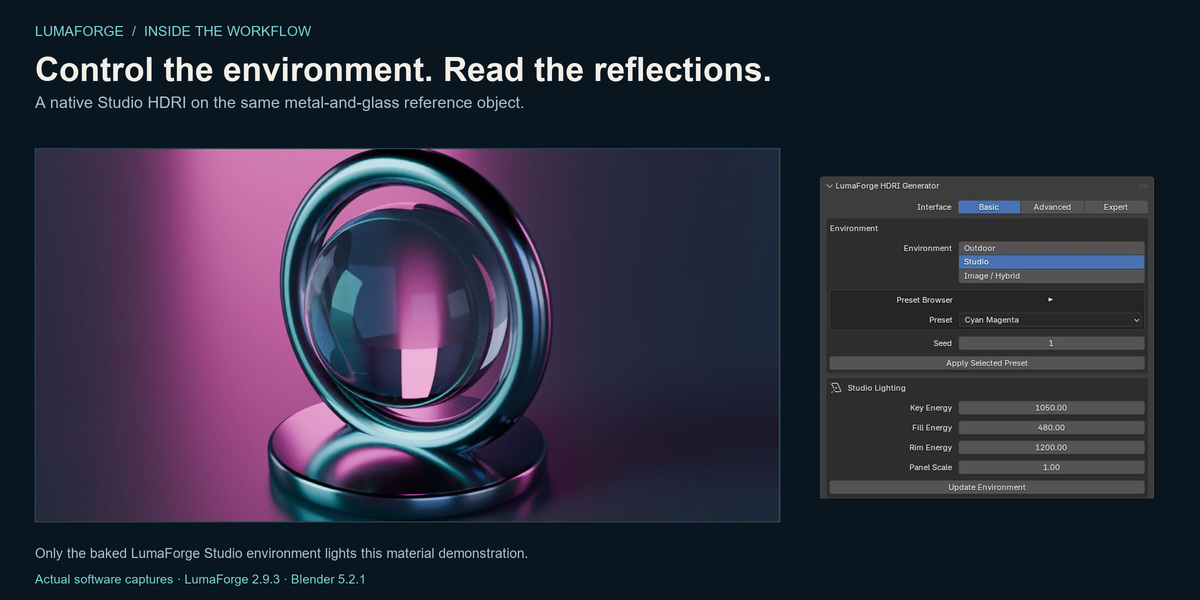
Studio: shape the reflections.
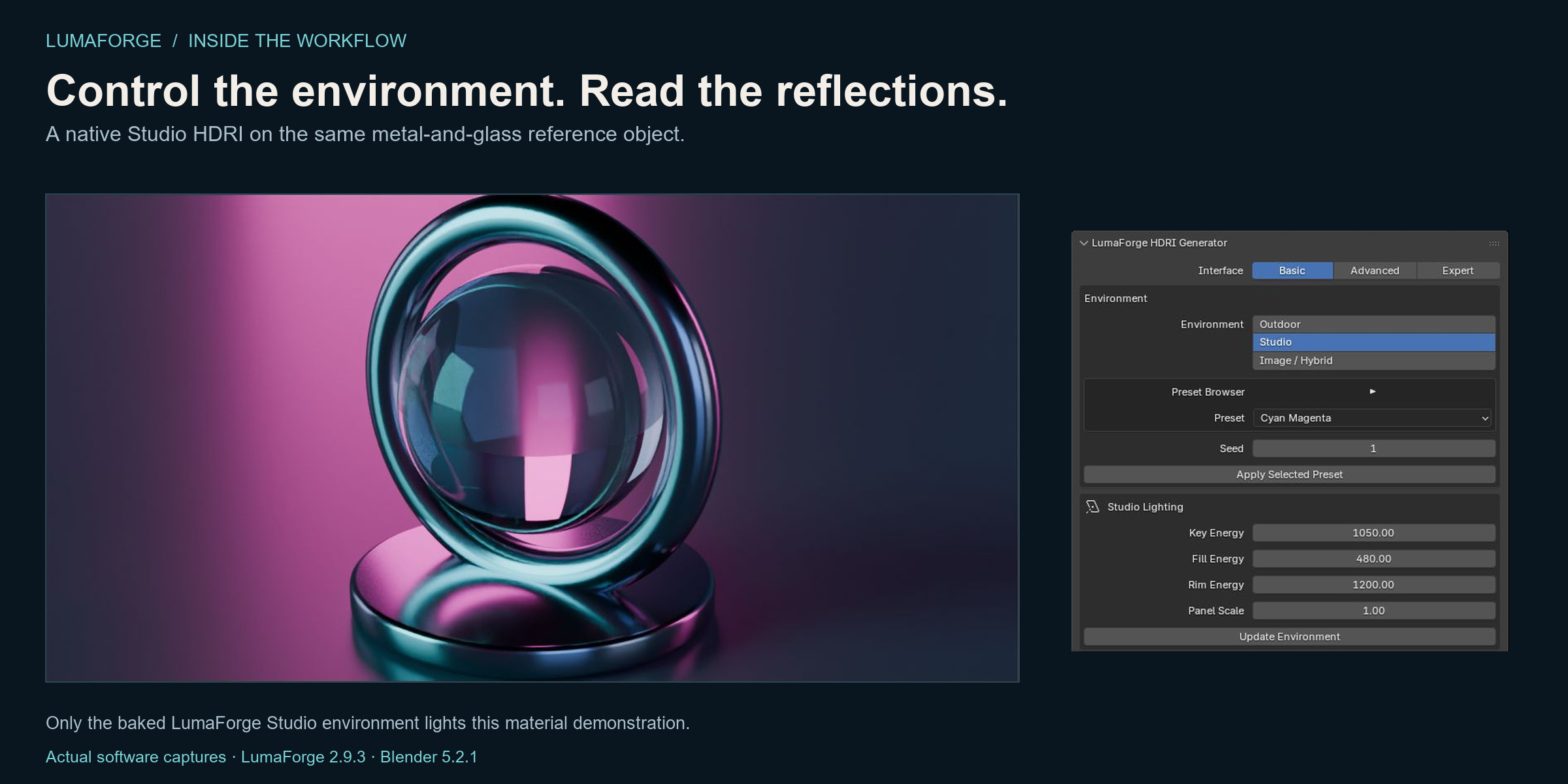
Create editable softboxes, rims, reflectors and flags in the generated studio. Adjust the layout, bake the environment and install it in your scene. Rotate the installed HDRI to explore how highlights travel across your materials.
View the controls up close · View the original interface capture

This recording changes the rotation of an already baked Studio HDRI. It does not show instant rebaking of Studio geometry. Edited playback; render pauses are condensed.
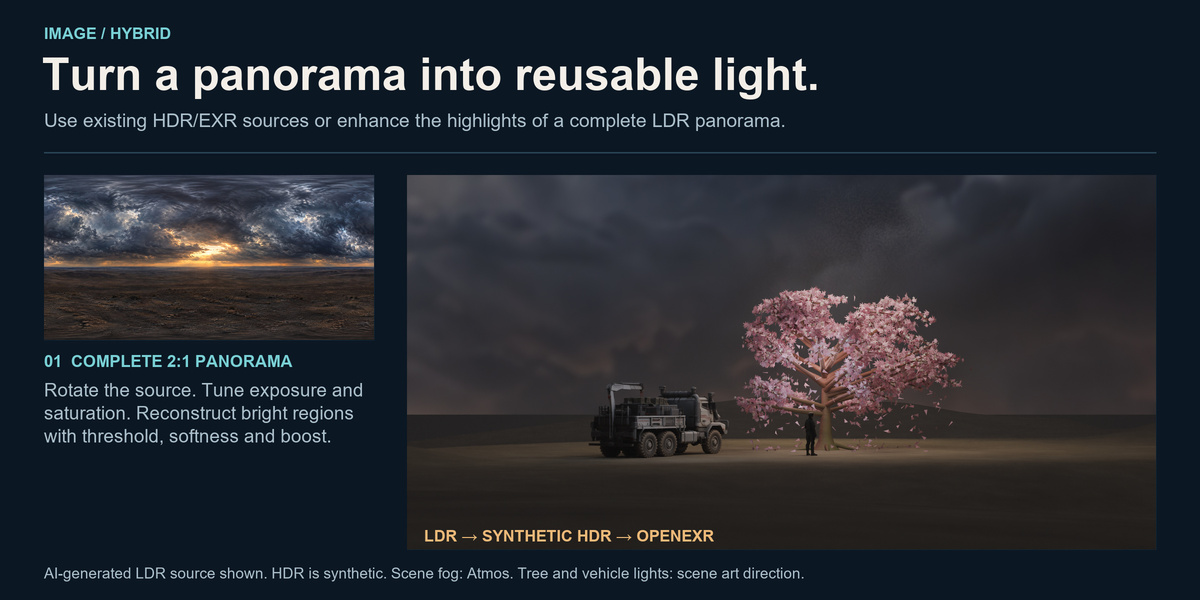
Image / Hybrid: turn a panorama into reusable light.
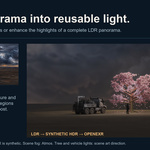
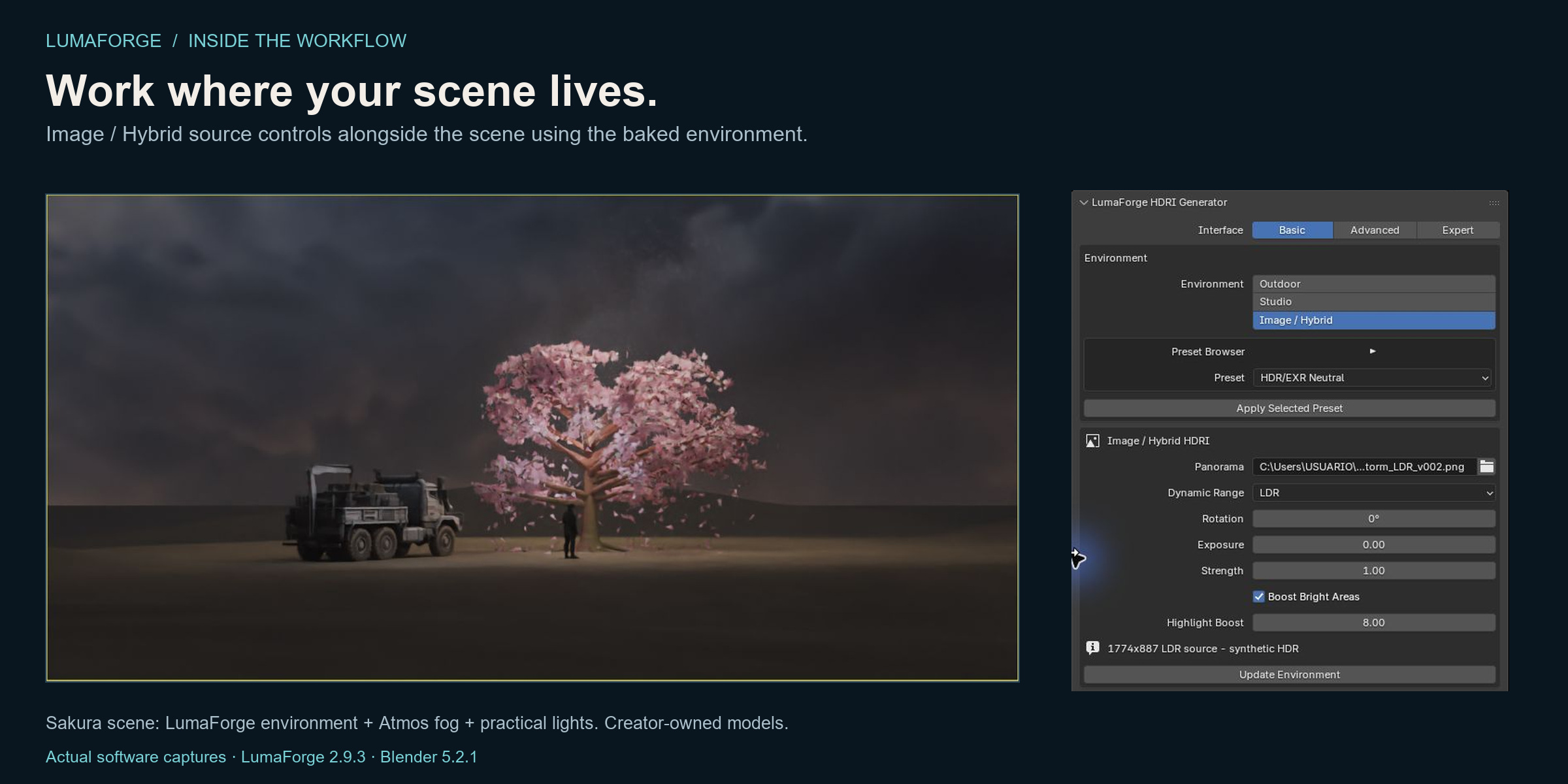
Bring an existing HDR, EXR or LDR equirectangular panorama into the same inspection, baking and library workflow. Adjust the source and evaluate the environment it produces.
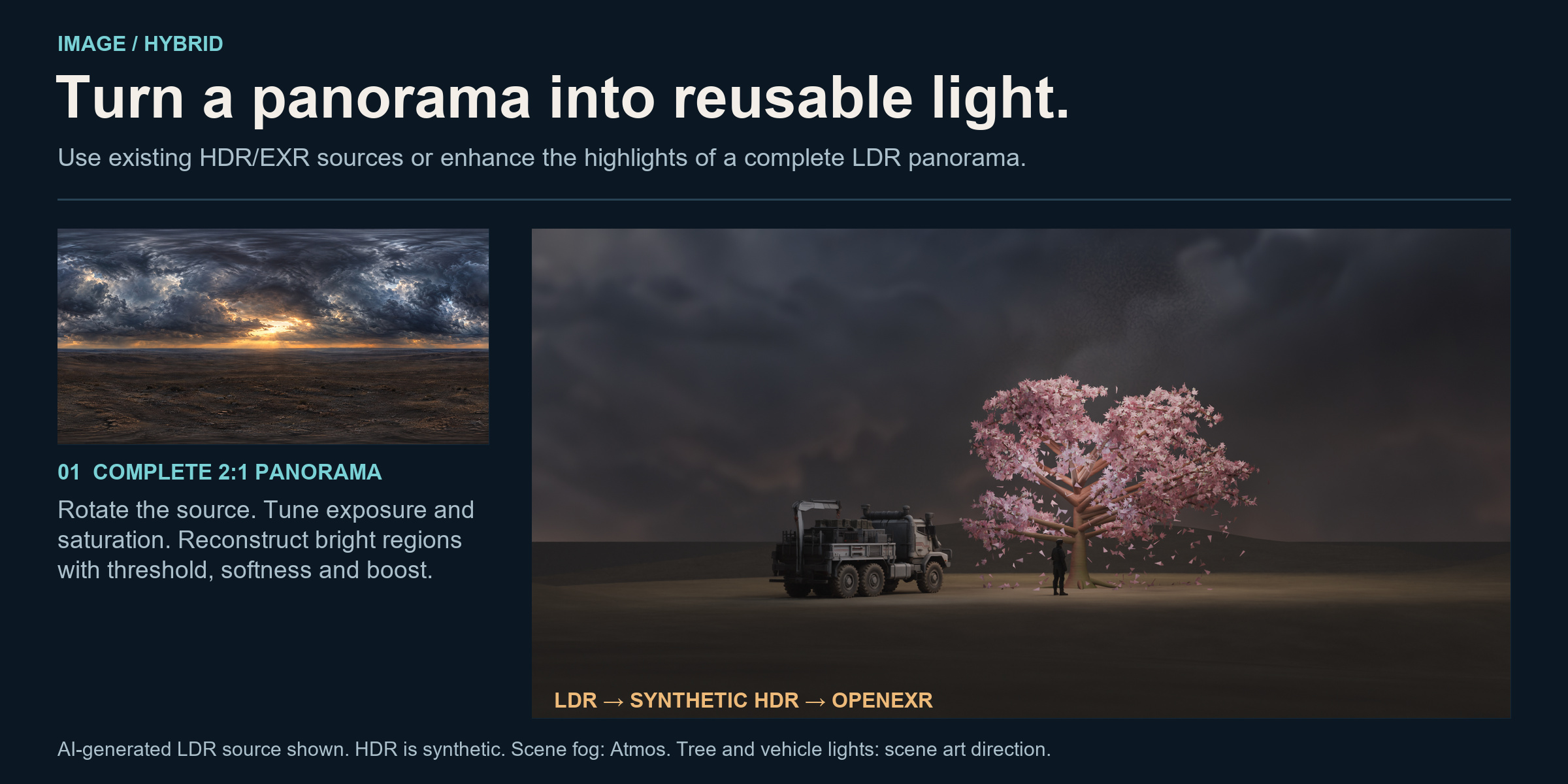
The Sakura input is an AI-generated LDR panorama with Synthetic HDR Highlights. This artistic boost does not recover measured HDR radiometry. Inputs must already cover 360° × 180° with a 2:1 aspect ratio; a conventional photograph is not a complete environment.
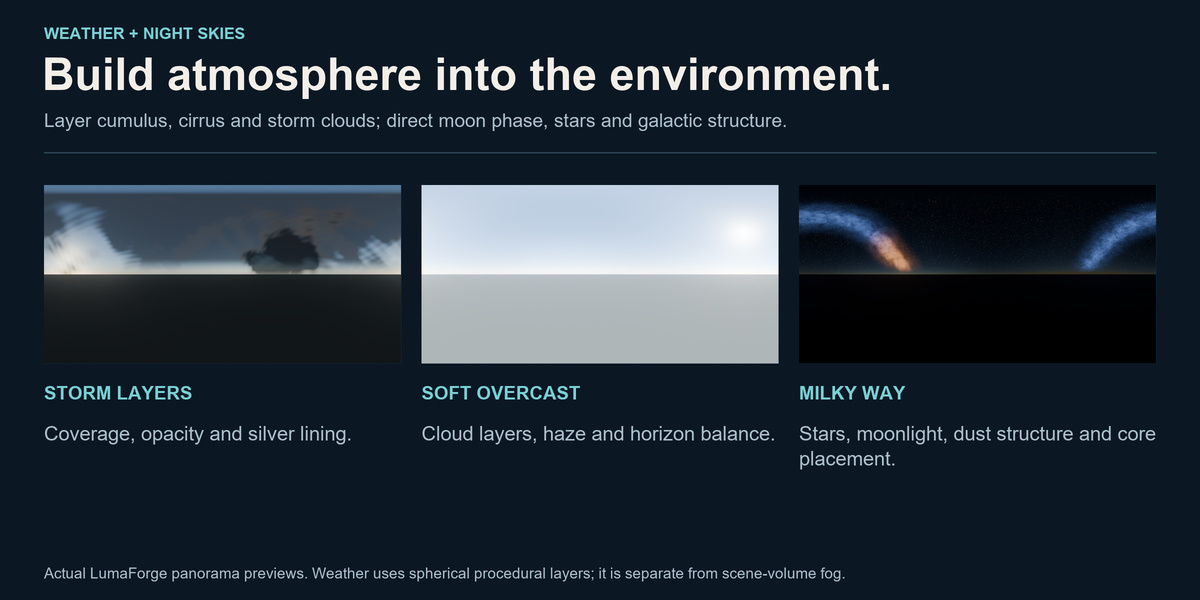
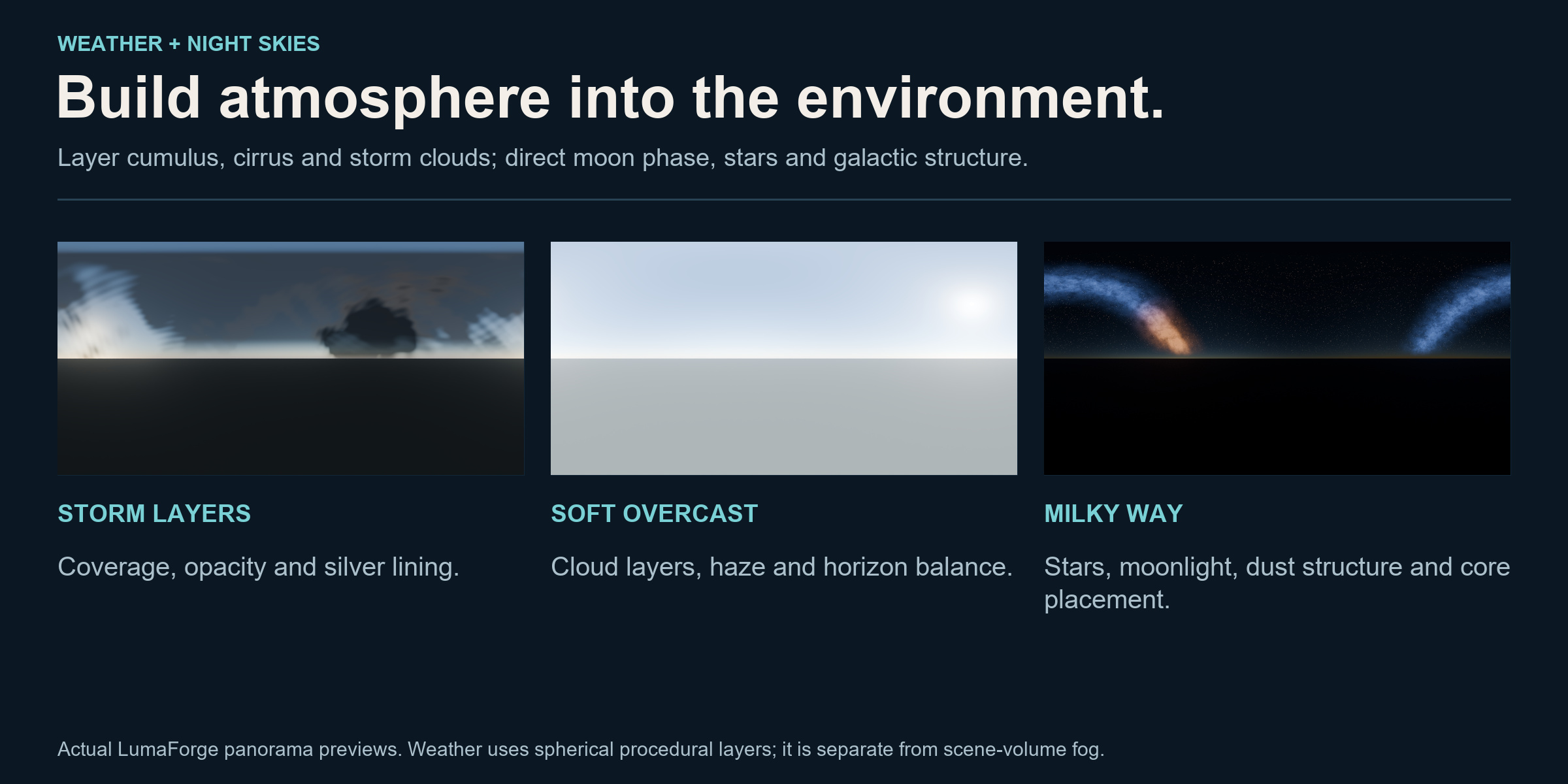
Weather and night skies, with room for art direction.
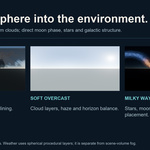
Combine editable cumulus, cirrus and storm layers with horizon haze, moonlight, deterministic stars and a procedural Milky Way. Start from a profile and refine the environment to suit your shot.
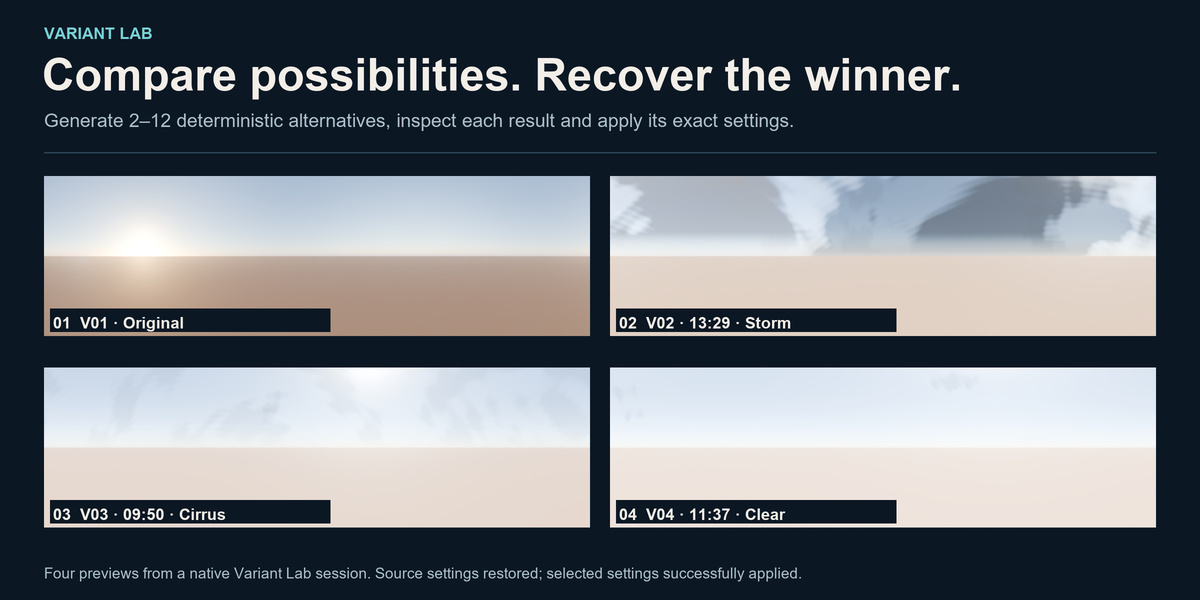
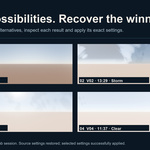
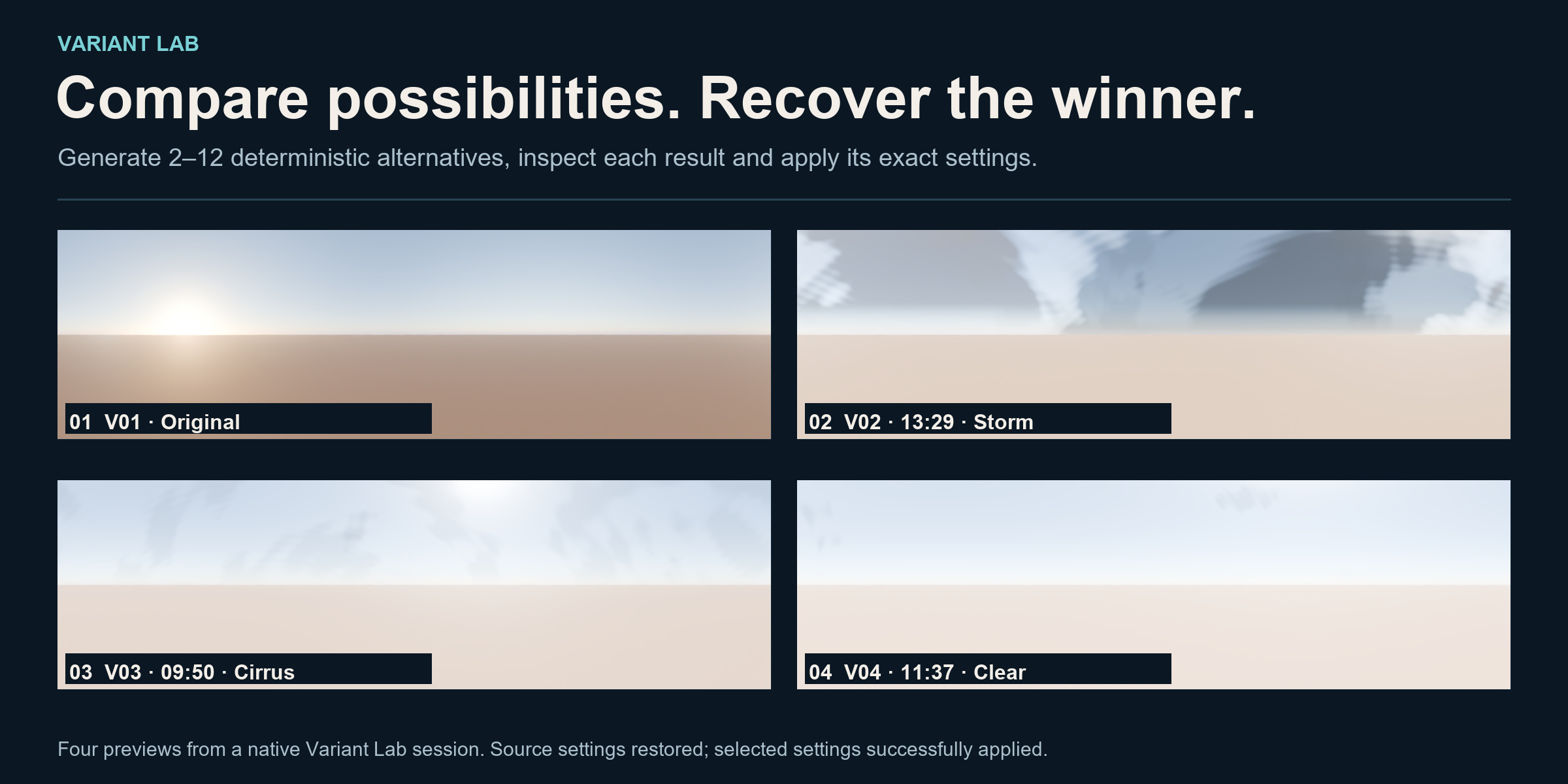
Variant Lab: explore, compare, recover.
Generate controlled alternatives while preserving the original reference. Compare previews and native measurements, then recover the selected parameter set instead of rebuilding a look from memory.
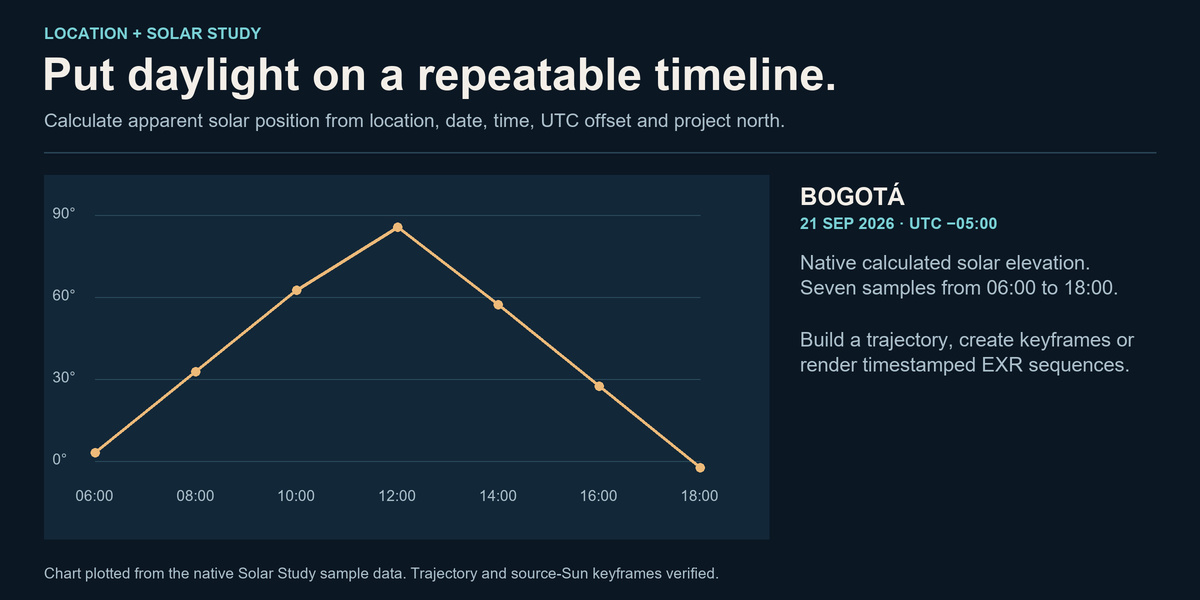
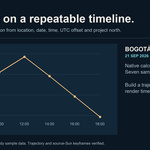
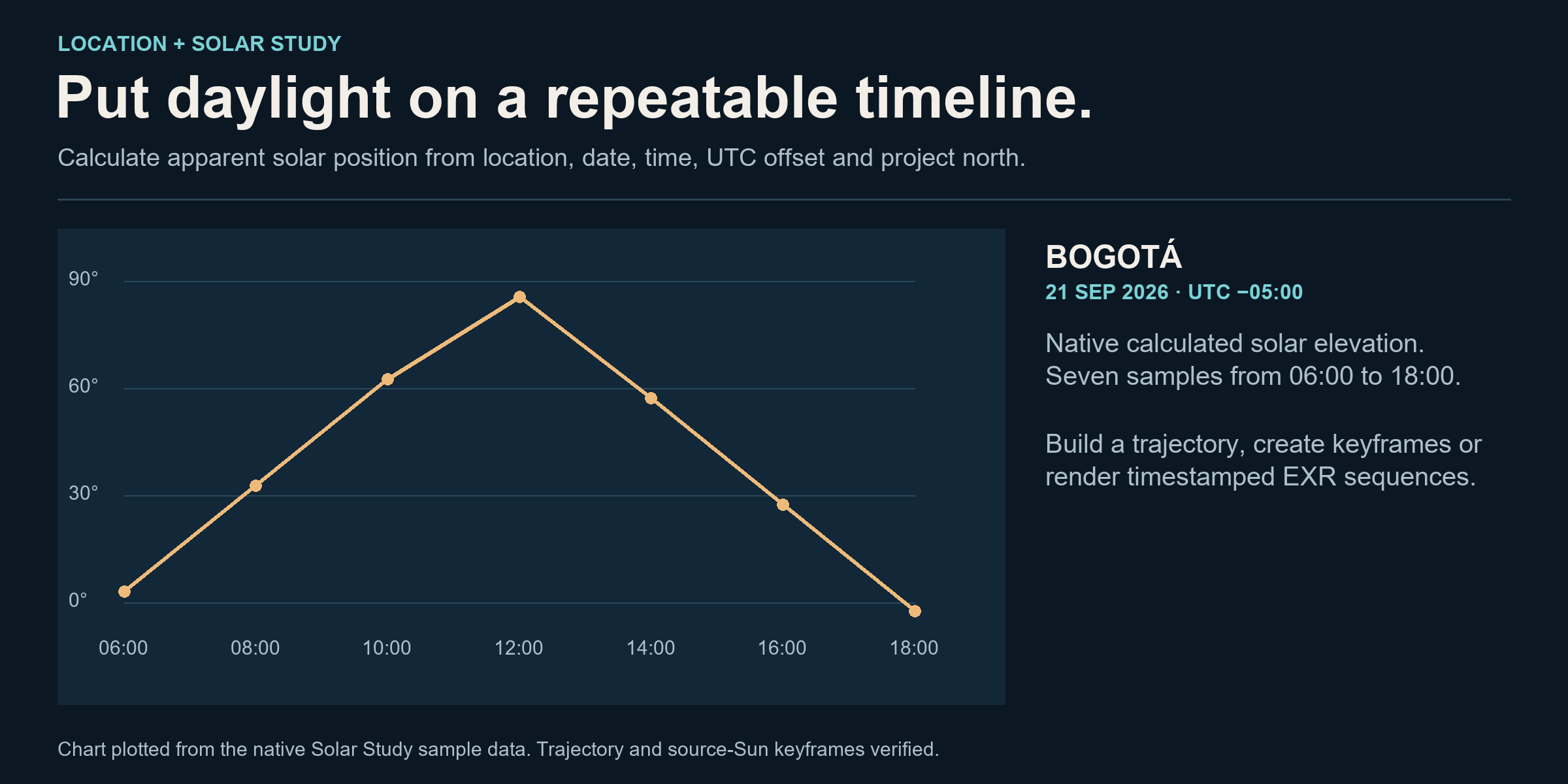
Put daylight on a repeatable timeline.
Use location, date, local time and project north to calculate an apparent solar position. Solar Study builds a visible path and animation keyframes; its render queue can create timestamped OpenEXR sequences.
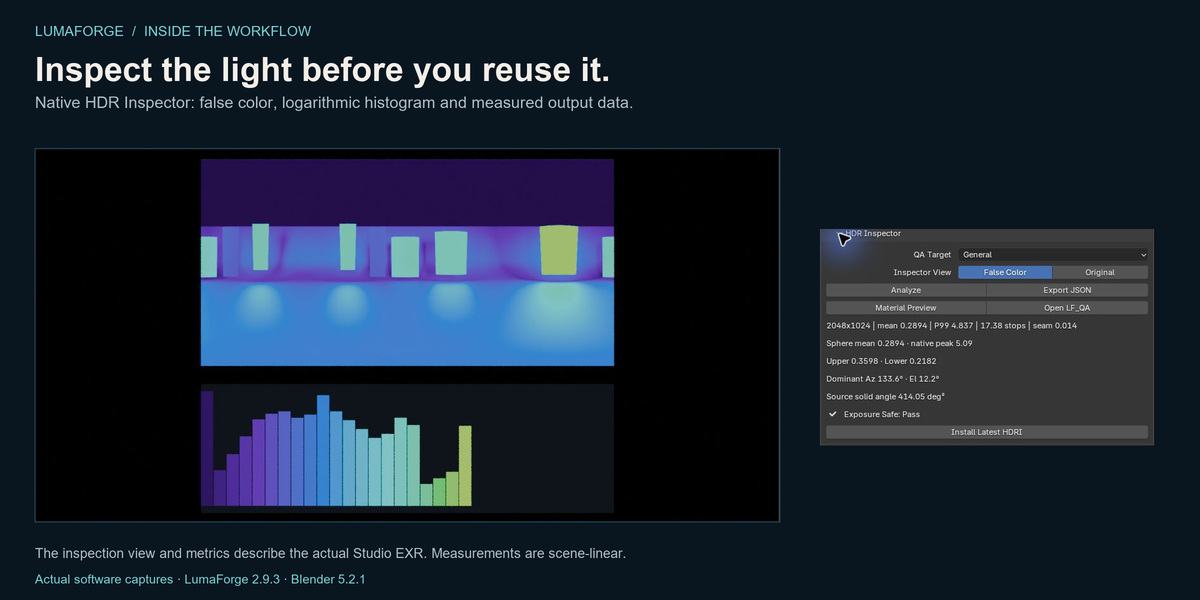
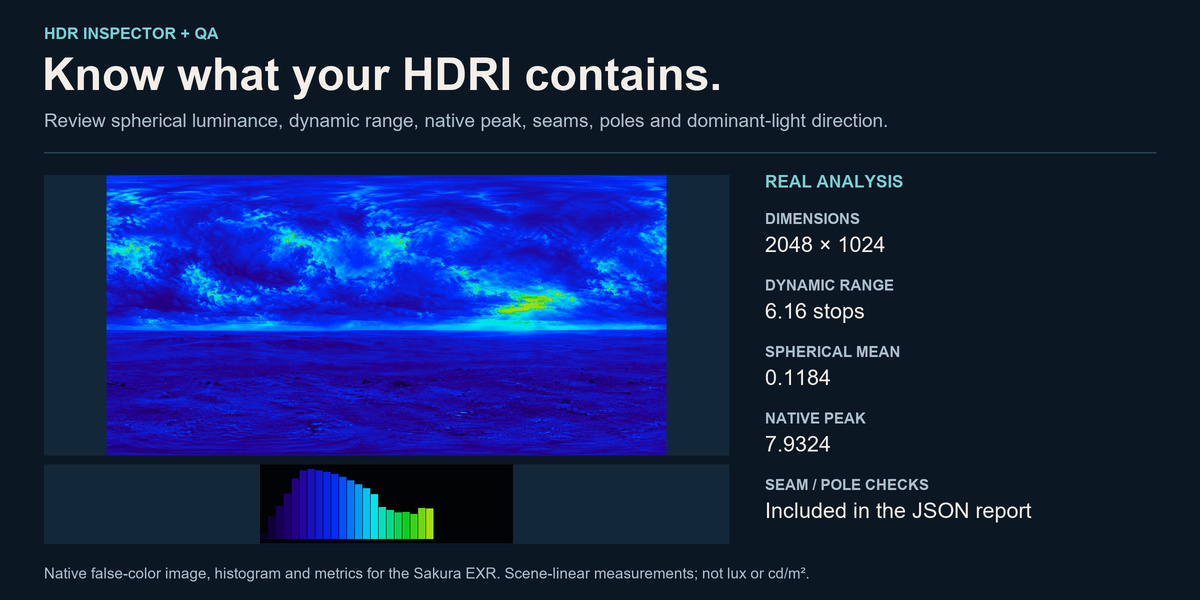
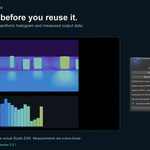
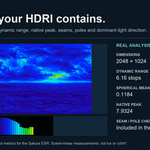
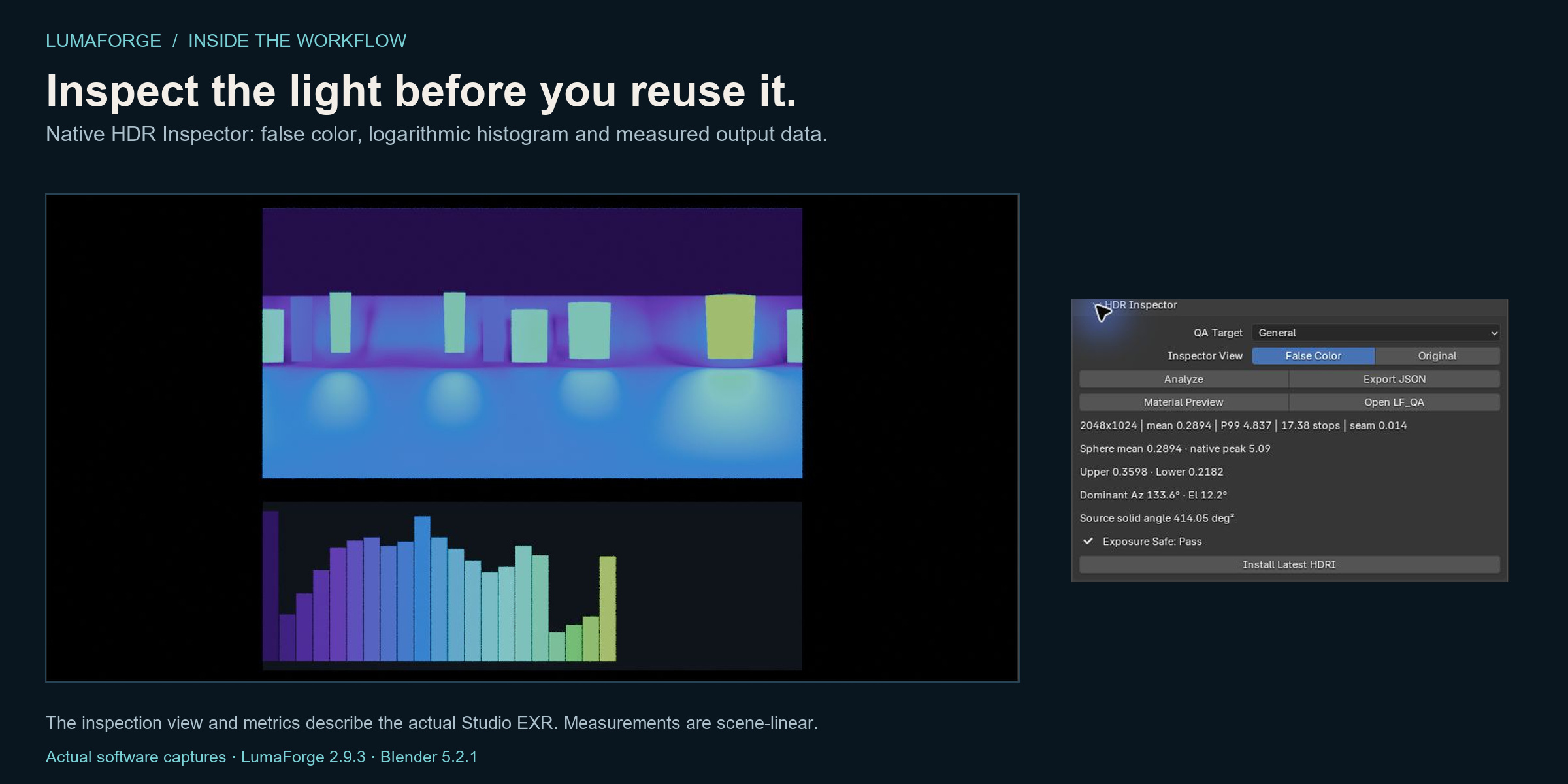
Inspect the light before you reuse it.
Review false color, a logarithmic histogram, dynamic range, hemispheric balance and seam findings. Export a JSON report tied to the source file. These are scene-linear image measurements, rather than calibrated lux readings.
View the controls up close · View the original interface capture

Workflow highlights assembled from genuine interface captures. This is an edited overview of presets, inspection and reuse.
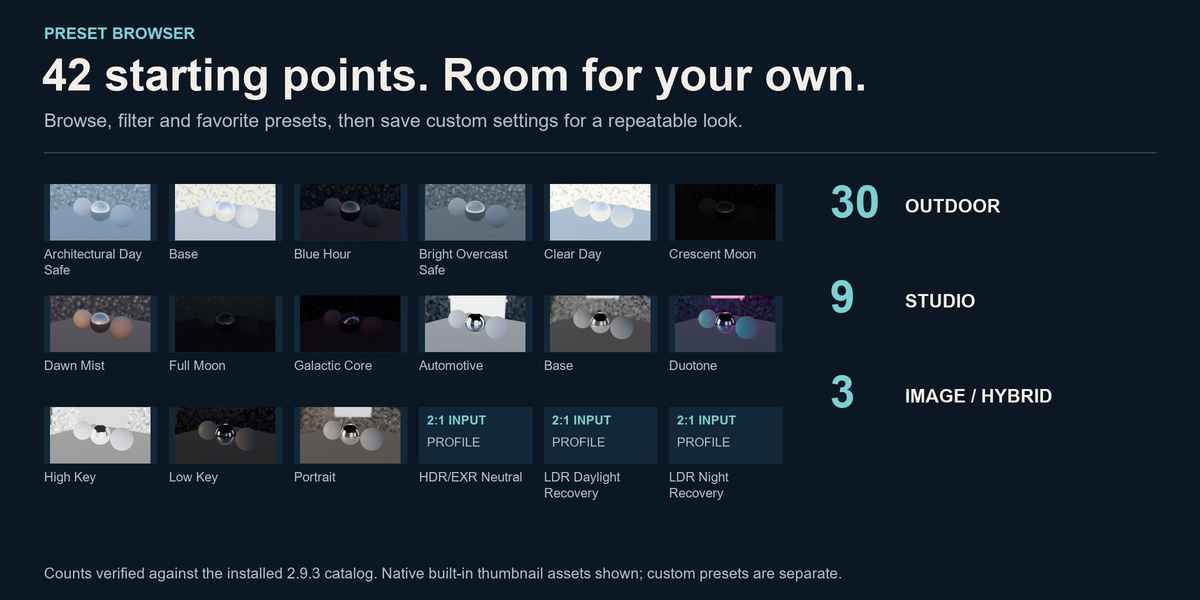
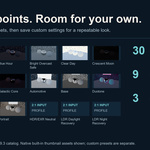
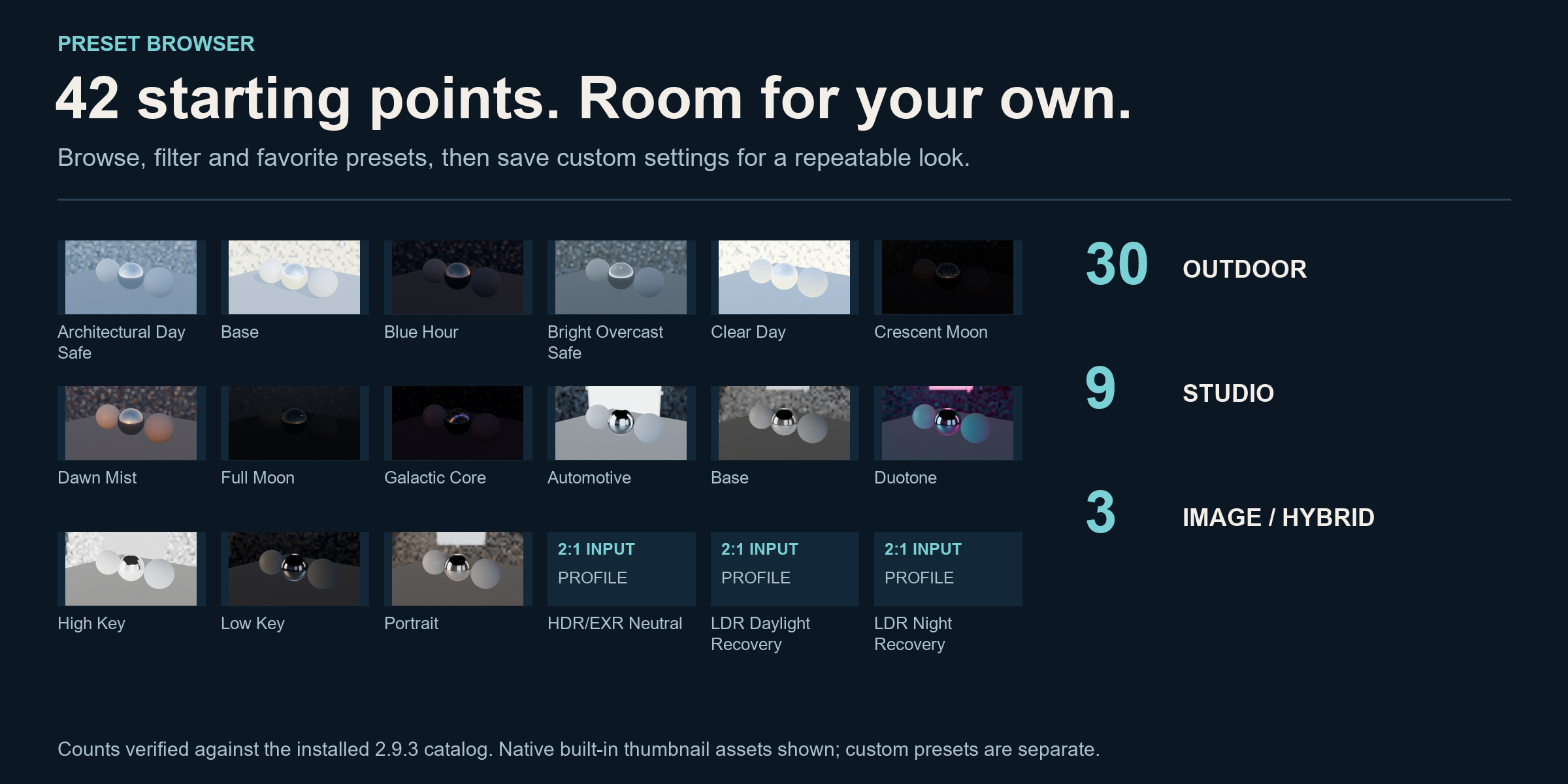
42 starting points. Room for your own.
30 Outdoor presets, 9 Studio presets and 3 Image / Hybrid processing profiles. Use the visual browser, search, favorites and custom presets to keep useful starting points close at hand.
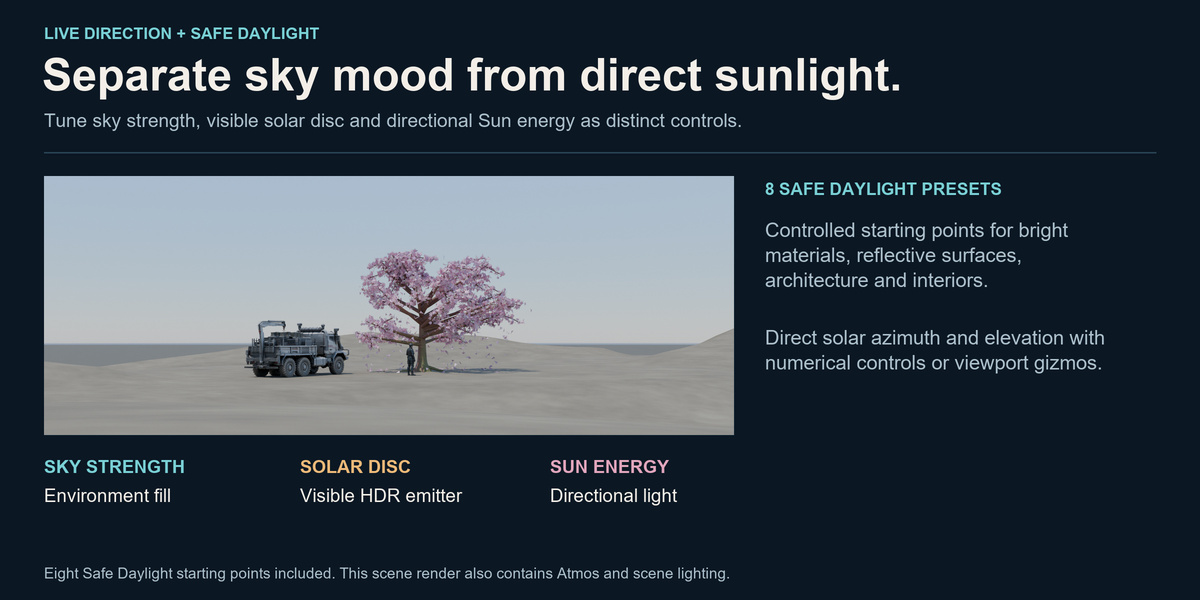
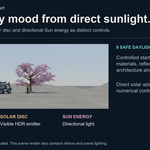
Keep sky mood and direct sunlight under control.
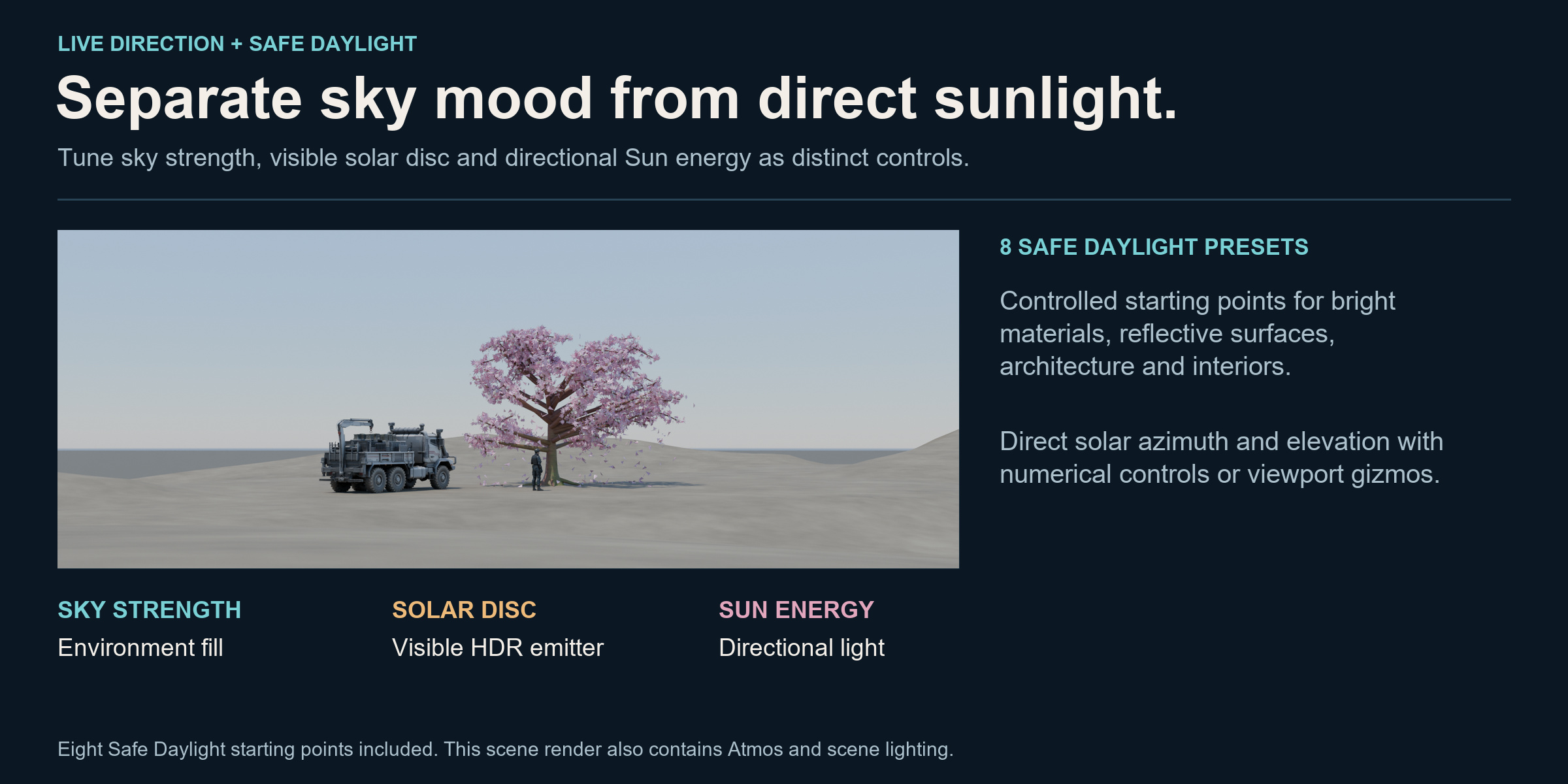
Exposure Safe Sun separates the visible HDR solar disc from sky strength and directional-light energy. Eight Safe Daylight presets provide controlled starting points for reflective products, bright materials, architecture and interiors.
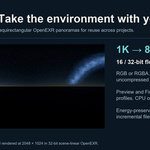
Create once. Reuse the light.
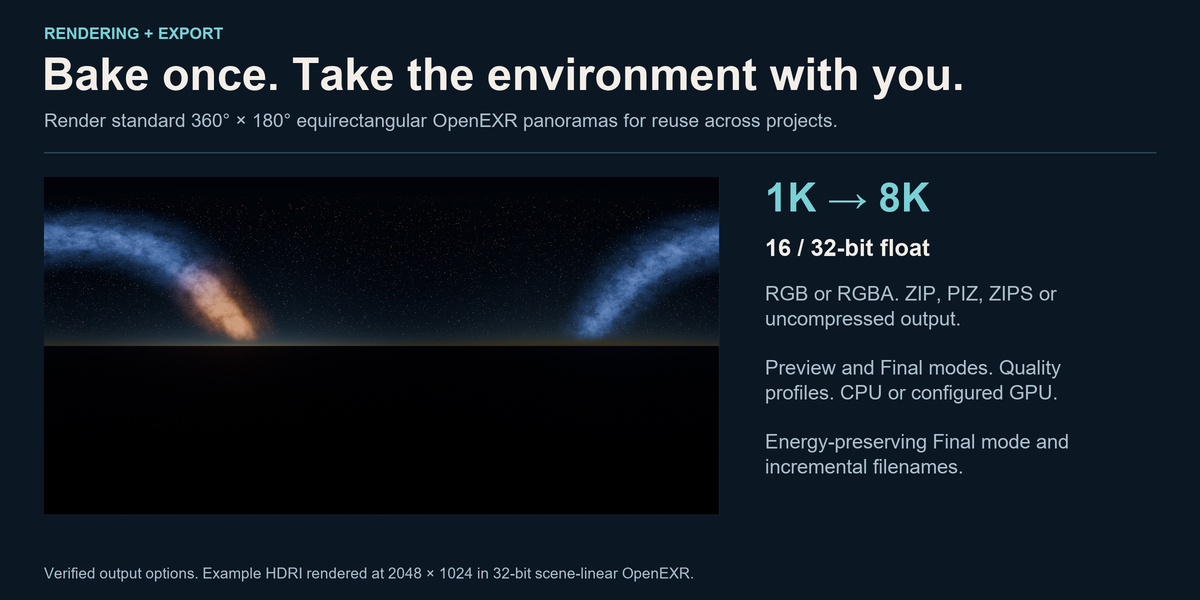
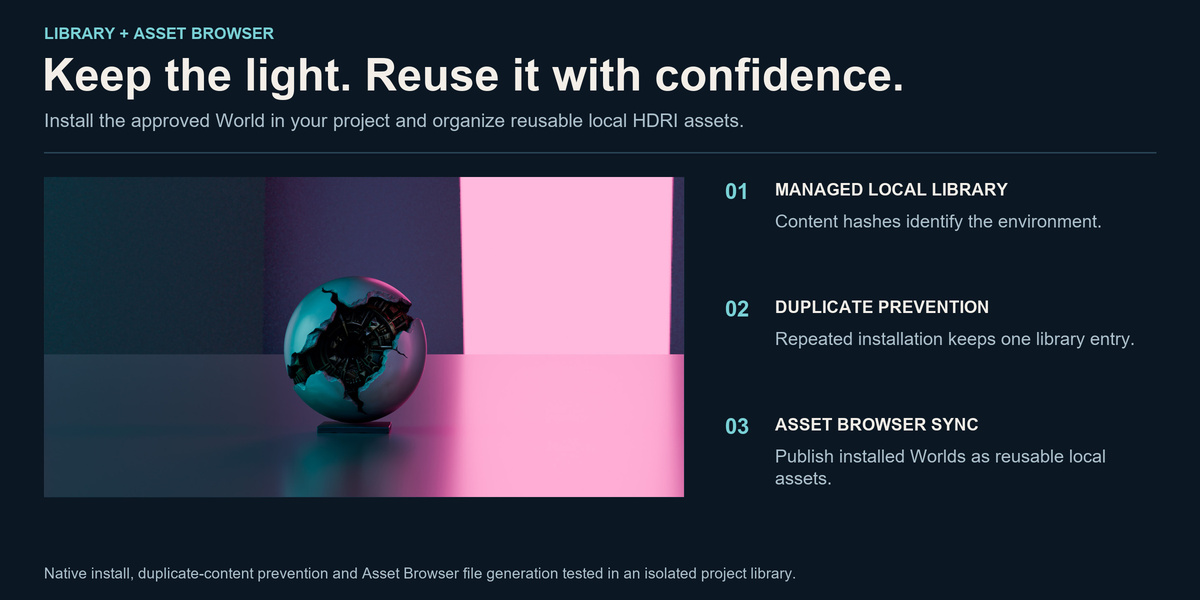
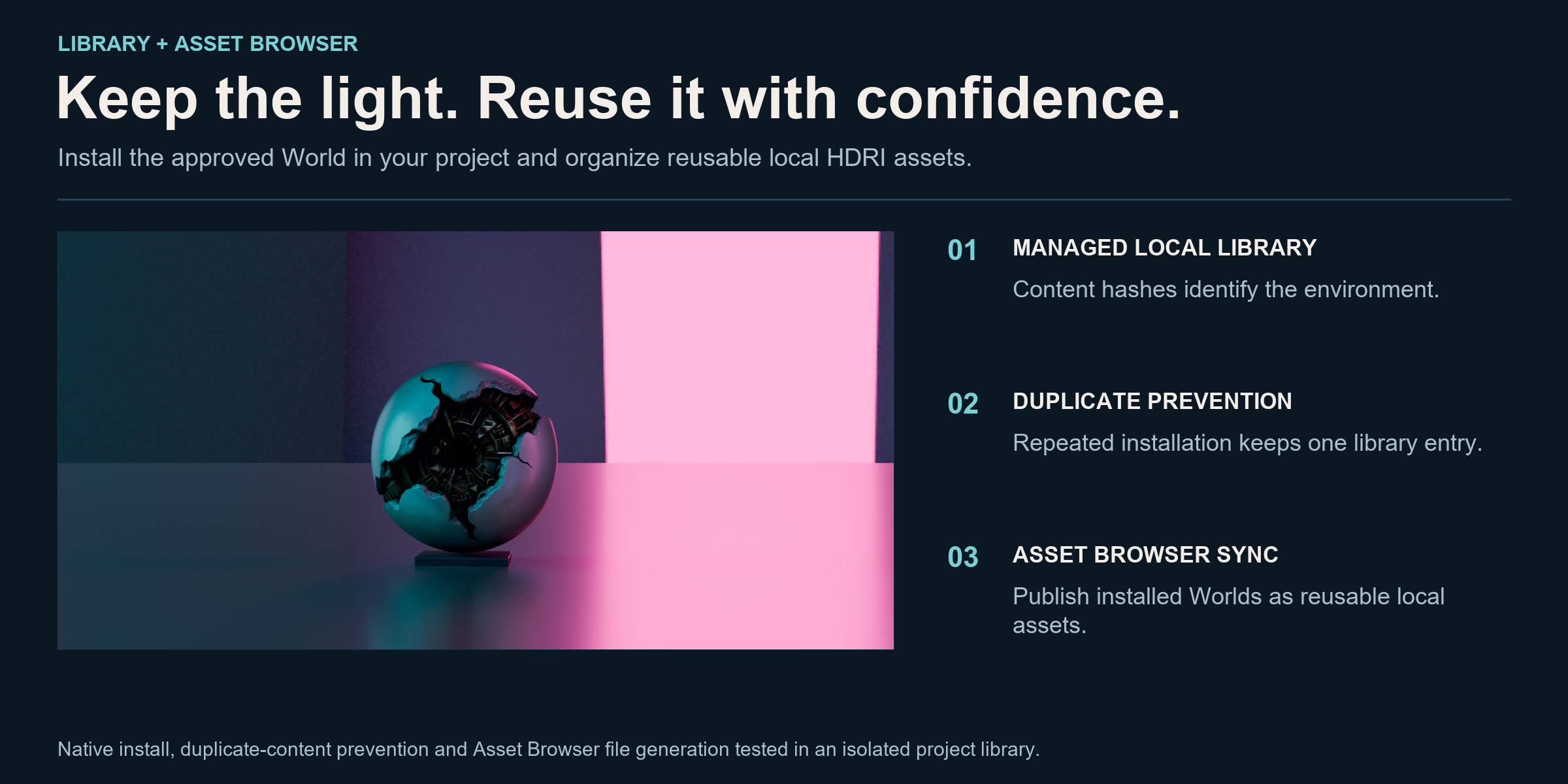
Bake 2:1 OpenEXR panoramas from 1K to 8K, with 16-bit or 32-bit float output. Install the result in your scene, keep it in the managed local library or synchronize it with the Asset Browser. Content hashes help prevent duplicate entries.
Local workflow: environment generation, inspection and baking run inside Blender. No LumaForge account, cloud service or API key is required.
What is included?
| Creation modes | Outdoor, Studio, Image / Hybrid |
|---|---|
| Starting points | 30 Outdoor + 9 Studio + 3 Image profiles |
| Exploration | Variant Lab, custom presets and favorites |
| Inspection | HDR Inspector, false color, histogram and JSON QA reports |
| Output | 2:1 OpenEXR; 1K–8K; RGB / RGBA; 16 / 32-bit float |
| Reuse | Local HDRI library, duplicate prevention and Asset Browser synchronization |
| Blender | Minimum 4.5.0. Windows release QA: 4.5.14 LTS and 5.0.1; additional workflow validation: 5.2.1 LTS. |
| Rendering | Cycles for OpenEXR baking. Eevee for preview and inspection; baked HDRIs can light Cycles or Eevee scenes. |
Before you buy
Is this a static HDRI pack?
LumaForge is an environment-authoring and reuse workflow. You create and bake the light, rather than only choosing from a fixed collection of finished HDRIs.
Can I turn a normal photo into a complete HDRI?
Image / Hybrid needs a complete equirectangular panorama. It does not invent missing sides, zenith or nadir.
Are the Sakura scene, vehicle, character or Atmos included?
The artwork illustrates a combined scene workflow. These models and Atmos are separate; LumaForge supplies the environment tools.
What should I check for my Blender version?
LumaForge 2.9.3 is a native Blender Extension with a declared minimum of Blender 4.5.0. Release QA was completed on Windows 64-bit with Blender 4.5.14 LTS and 5.0.1. Additional workflow validation and the current interface demonstrations were produced in Blender 5.2.1 LTS. These checks do not constitute testing of every intermediate version. macOS and Linux have not been separately validated.
Render devices: Cycles is required for equirectangular OpenEXR baking. CPU baking was validated. GPU baking uses the Cycles device configured in Blender and was not independently certified across GPU vendors. Eevee is used for preview and HDR inspection; the baked environment can be used in Cycles or Eevee.
Build the environment. Keep the light.
From cinematic environments to product reflections, keep creation, inspection and reuse in one Blender workflow.
Choose the workflow you need
For a photography studio built around your product model, explore ProductStage. For editable trees in environment compositions, explore Arboris.
Each product is sold separately. These links suggest complementary uses; check each product’s requirements and documented workflow.