 Cgi Lab
LUMAFORGE HDRI GENERATOR 2.9.3
Create, Inspect & Reuse 1K–8K OpenEXR Lighting Inside Blender.
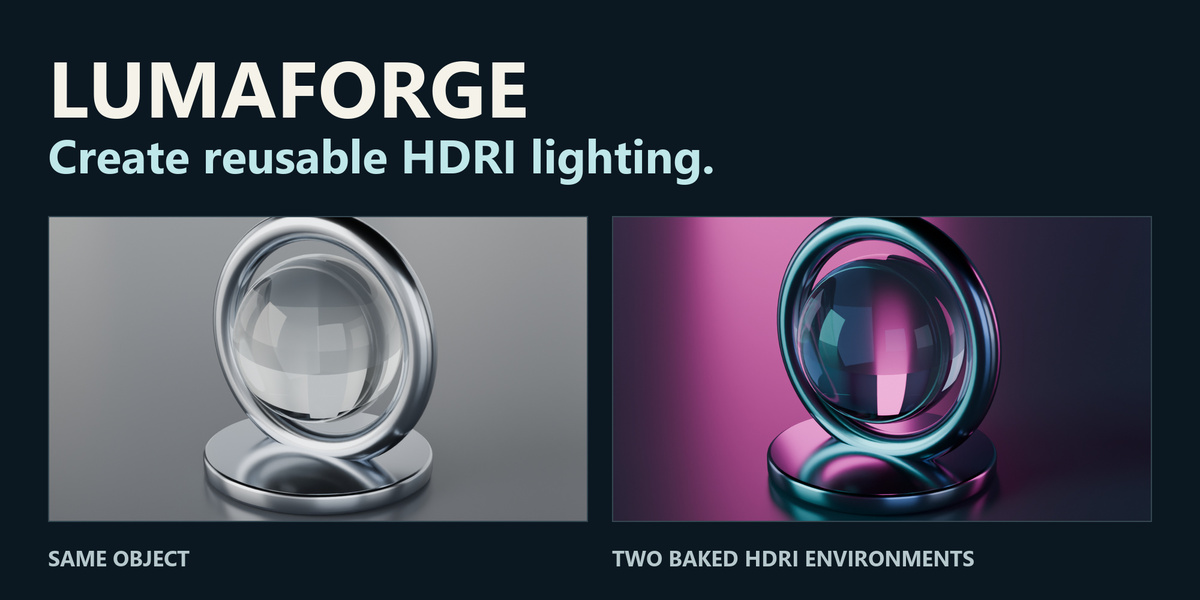
Stop hunting through static HDRI packs that almost fit your shot. Author outdoor skies, build editable reflection studios, or upgrade full 360° panoramas—inspect the light, bake reusable 16/32-bit OpenEXR environments, and sync them straight to your local library and Asset Browser.
From HDRI to the Final Reflection
A 16-second edited overview: inspect a baked Studio HDRI, rotate it and compare rendered reflections. Real Blender captures; capture timing is condensed.
Why Lighting Artists & Product Studios Choose LumaForge
- Author Unlimited Skies & Reflection Studios: Direct sun elevation, clouds, storms, night skies, softboxes, rims, reflectors and flags natively inside Blender.
- Explore Without Guesswork: Compare looks in Variant Lab, animate geo-located Solar Studies, and prevent blown highlights with Exposure Safe Sun.
- Measure Before You Render: Audit false color, log histograms, dynamic range and seam checks with the built-in HDR Inspector + JSON QA reports.
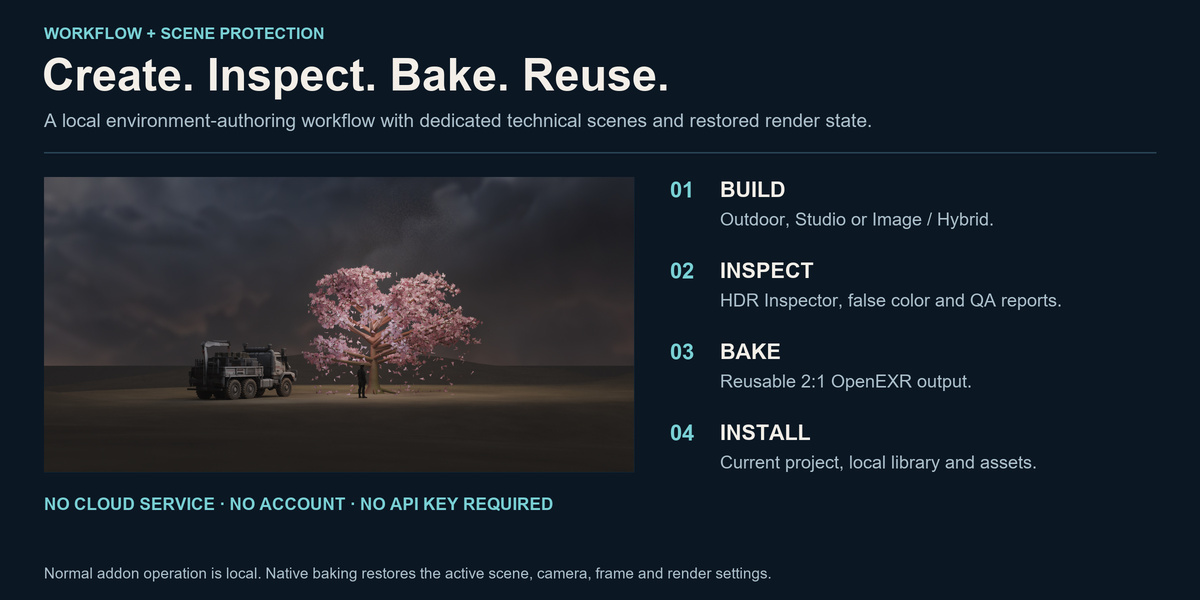
- Bake Once, Reuse Forever: Output 2:1 OpenEXR (1K–8K, 16/32-bit float) to your duplicate-protected local library and Blender Asset Browser.
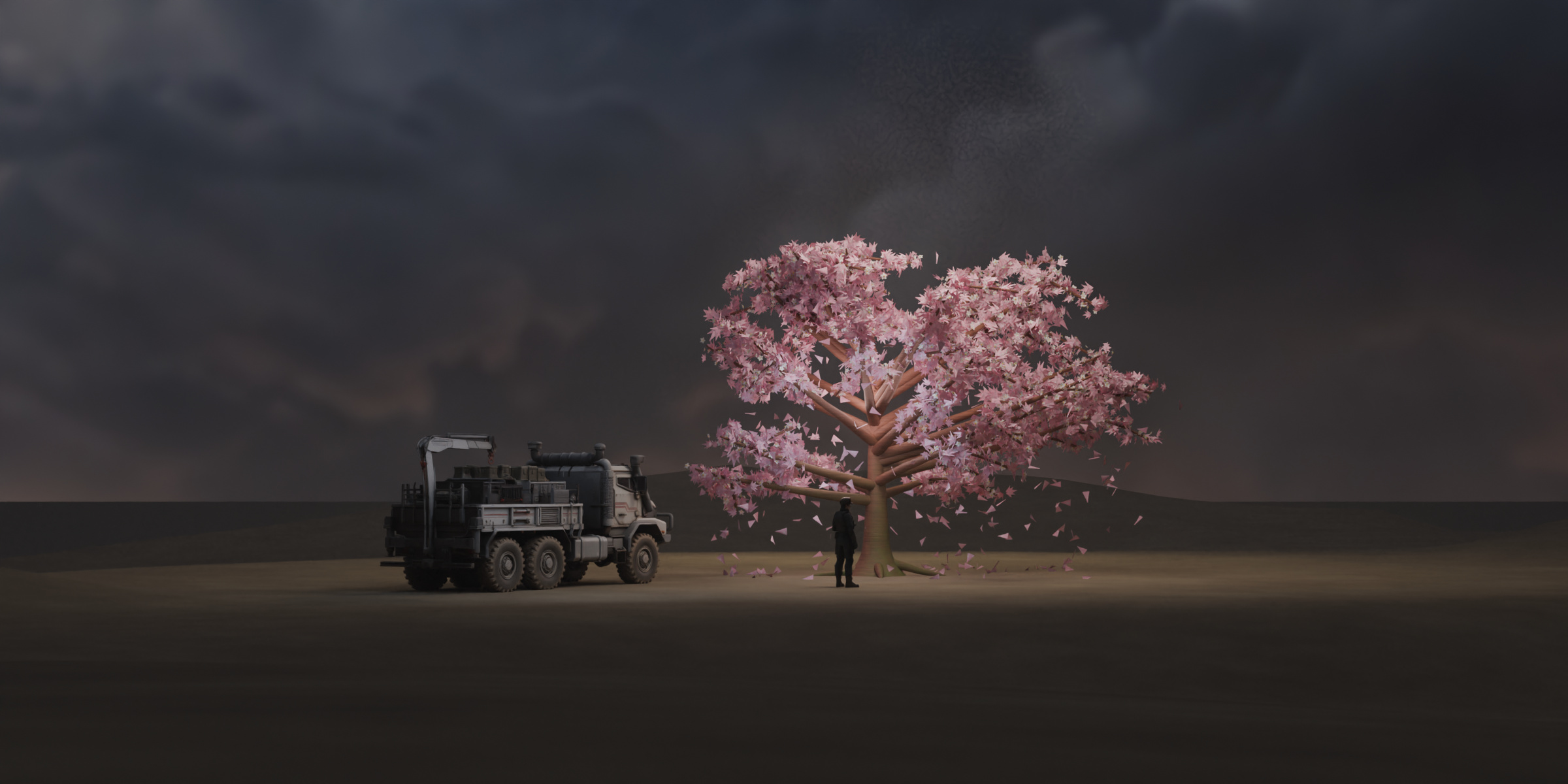
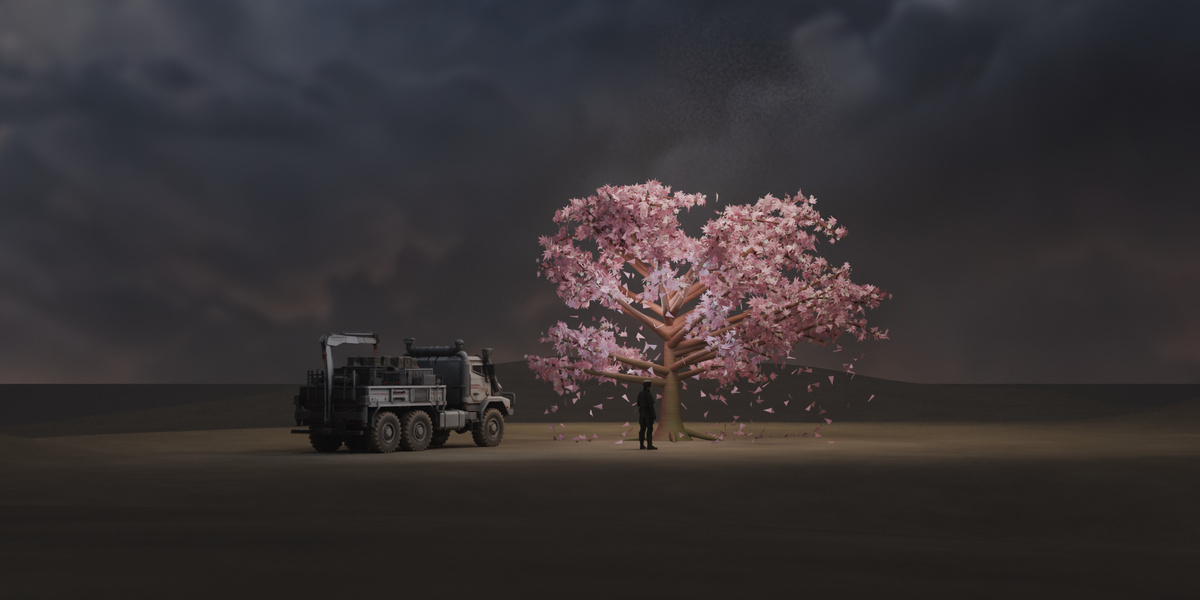
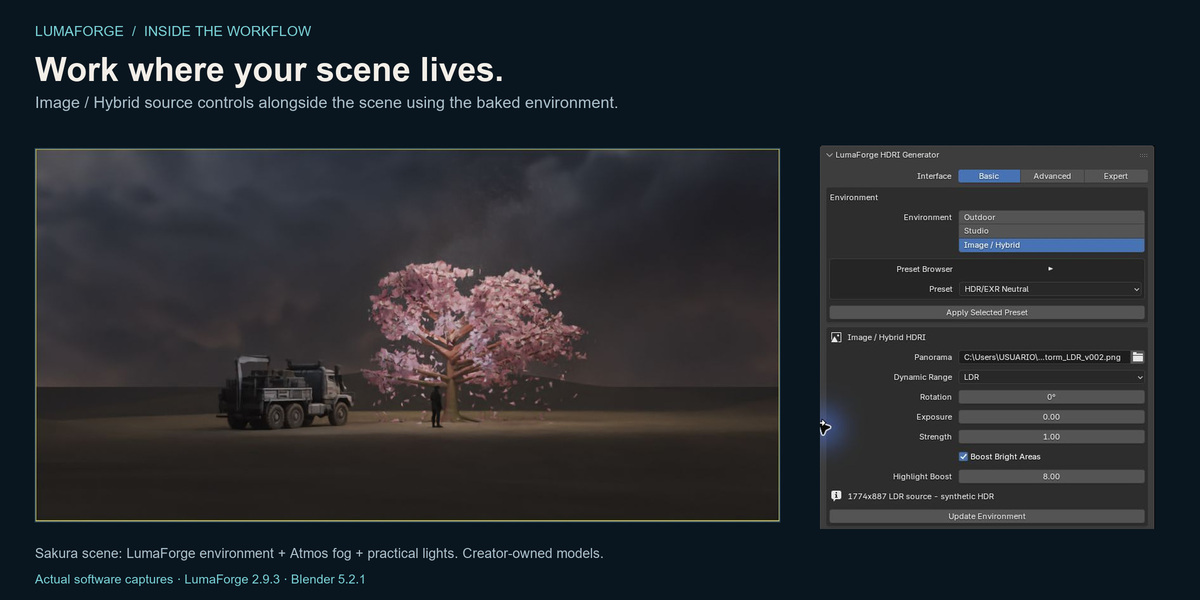
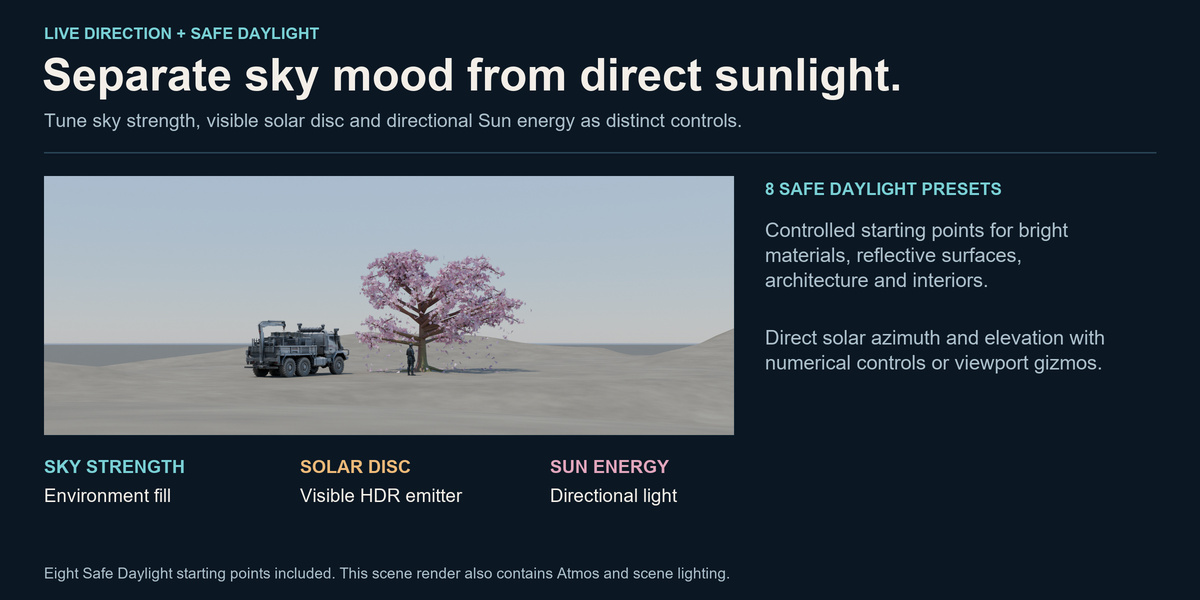
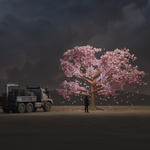
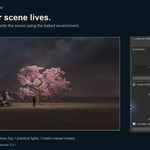
Sakura artwork: creator-owned models, LumaForge environment lighting, Atmos fog and additional scene lights. The example models and Atmos add-on are separate from LumaForge.
Your Scene. Your Light. Scalable Controls.
Start fast in Basic mode for clean everyday lighting, then unlock Advanced or Expert controls whenever a hero shot demands deeper engineering.
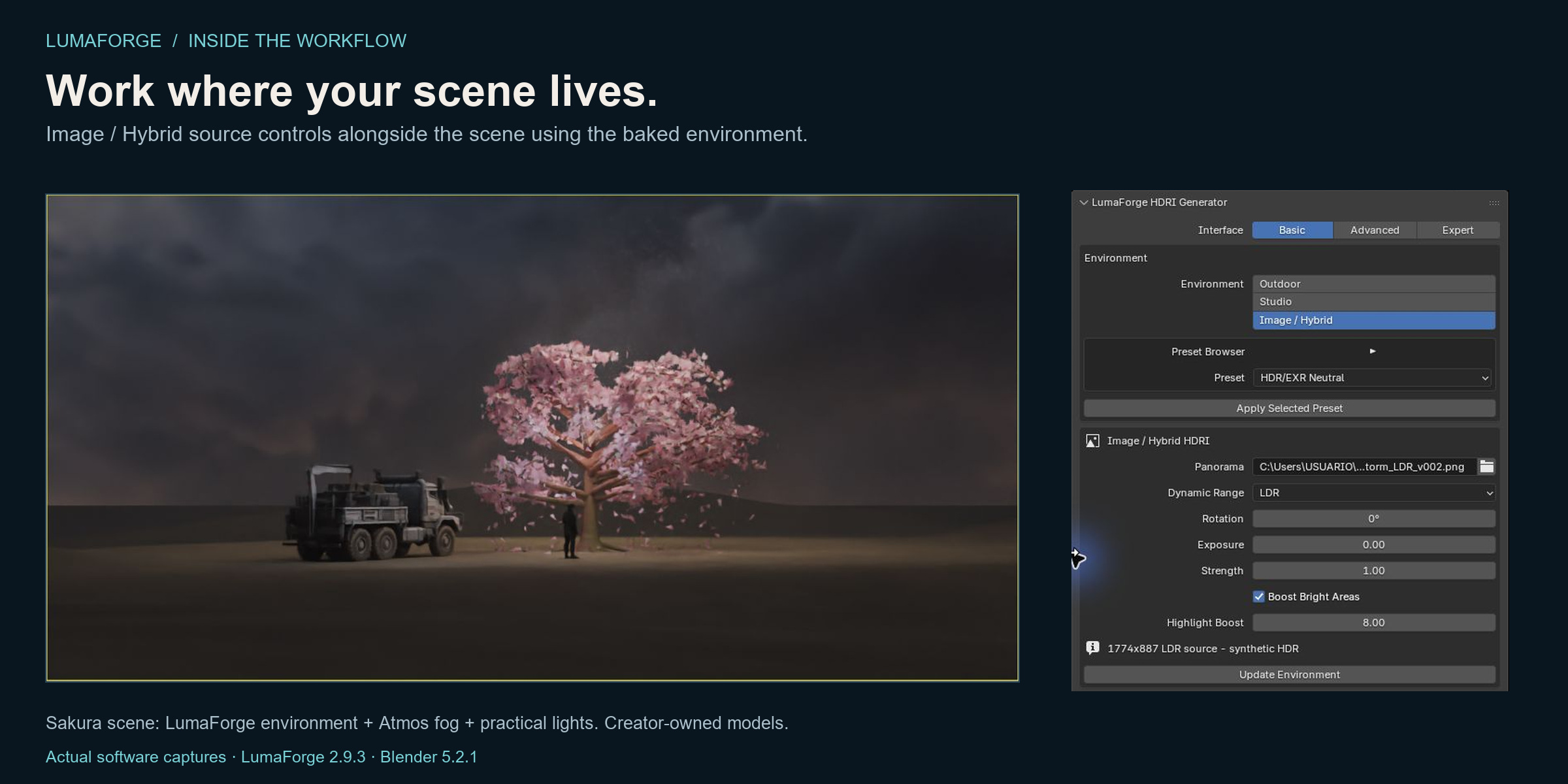
View the controls up close · View the original interface capture
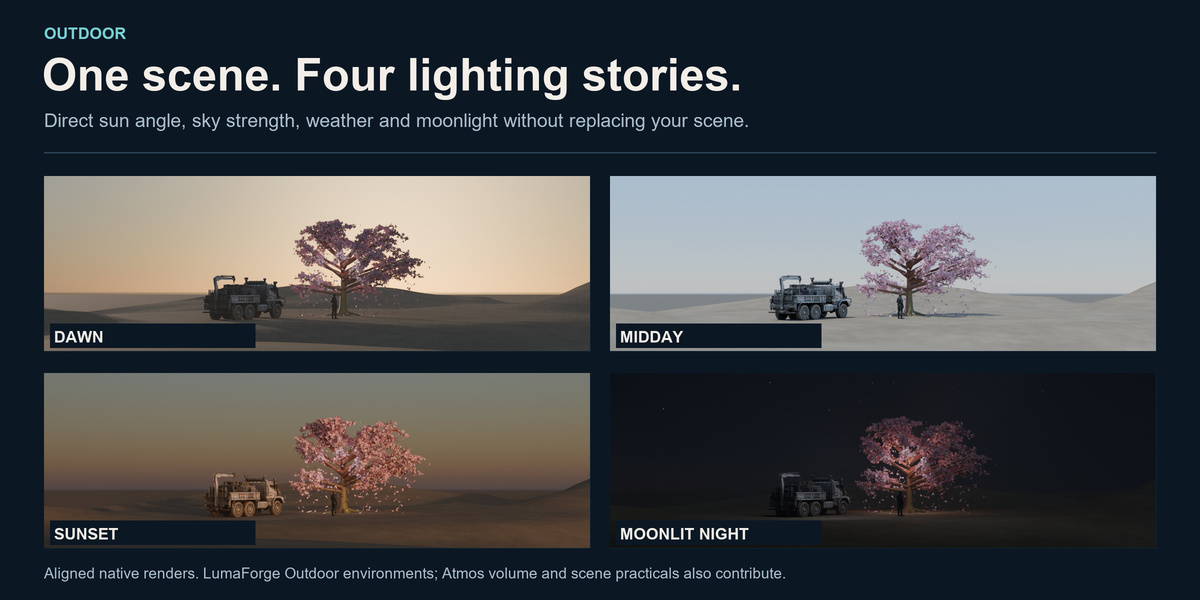
1. Outdoor: One Scene, Four Lighting Stories
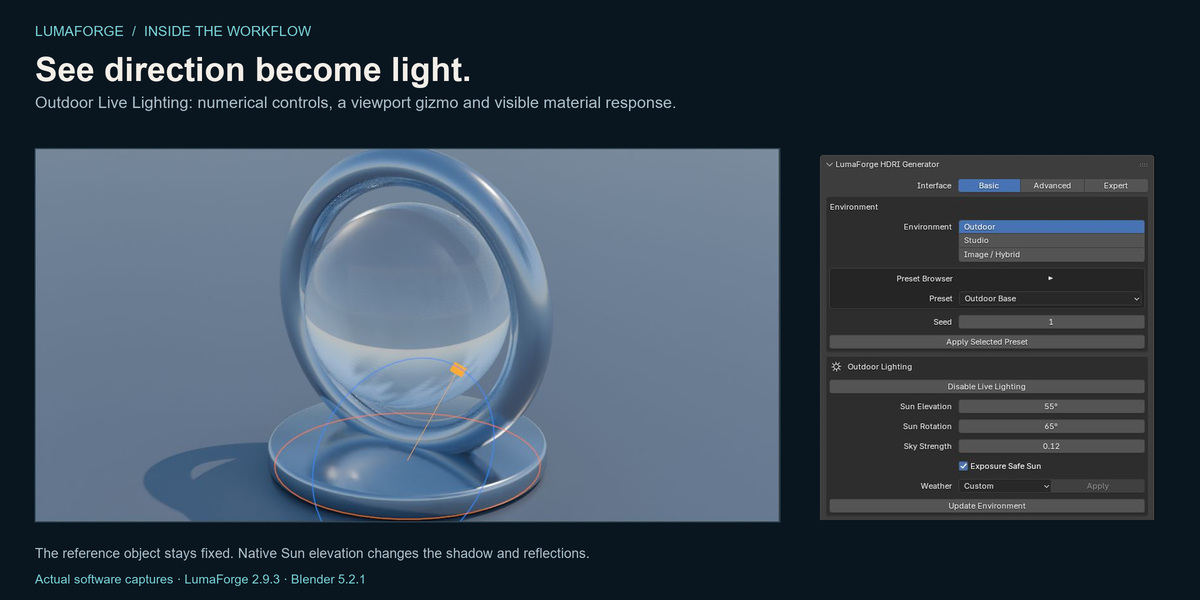
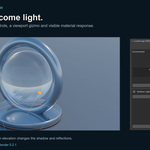
Direct daylight, golden-hour sunsets and night skies with live control over Sun elevation, azimuth, sky strength, weather layers and horizon. Outdoor Live Lighting links the generated World and Sun directly to your working scene.
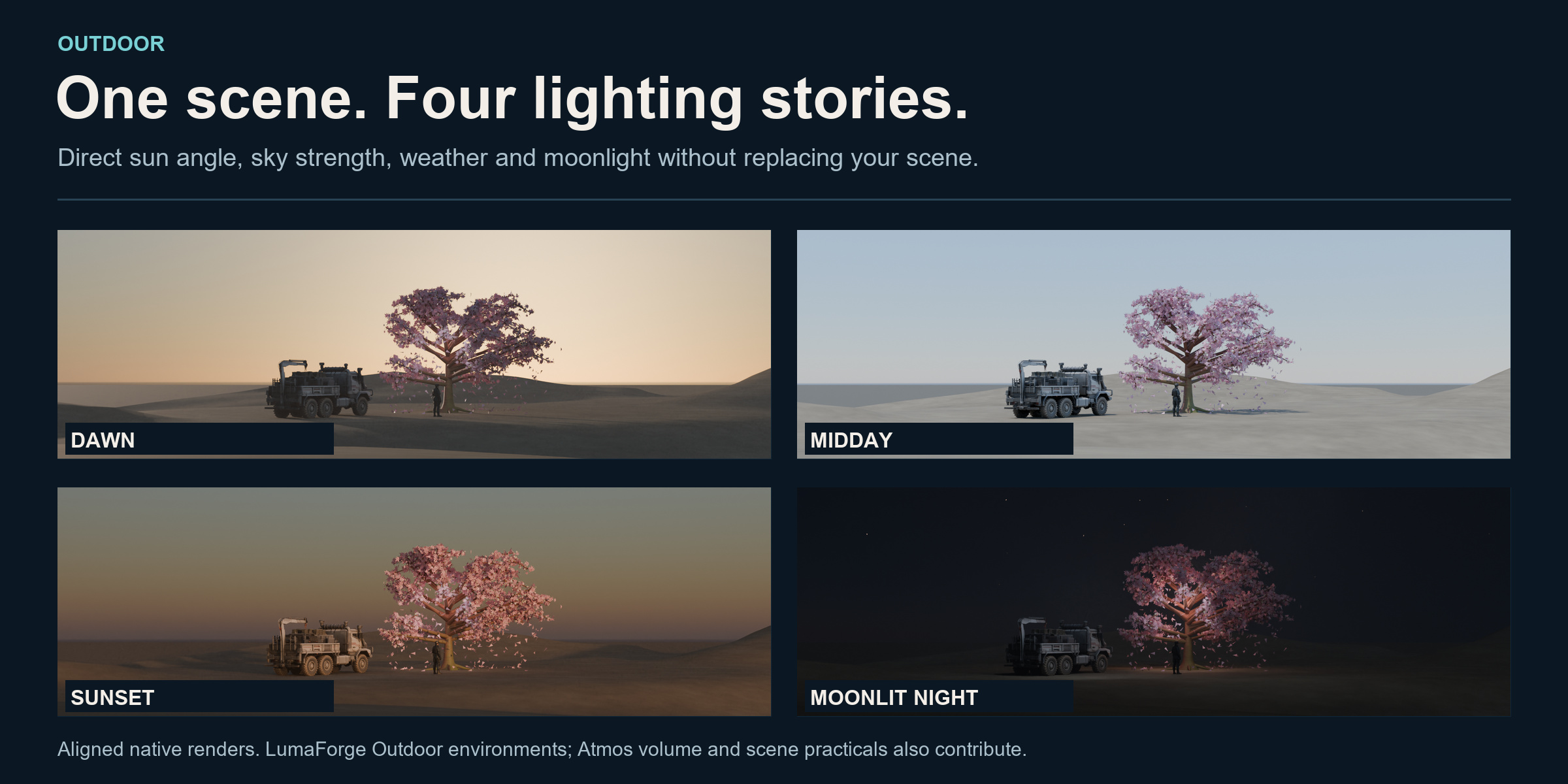
Actual viewport recording with edited timing. The reference object stays fixed while native Sun elevation changes. For live Sun updates, enable the Sun Controller and Live Update in Advanced mode.
2. Studio: Shape Every Highlight & Reflection
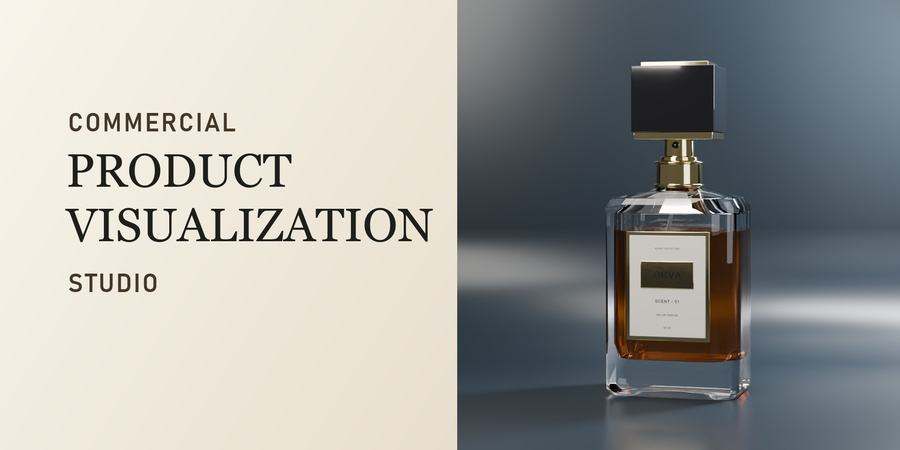
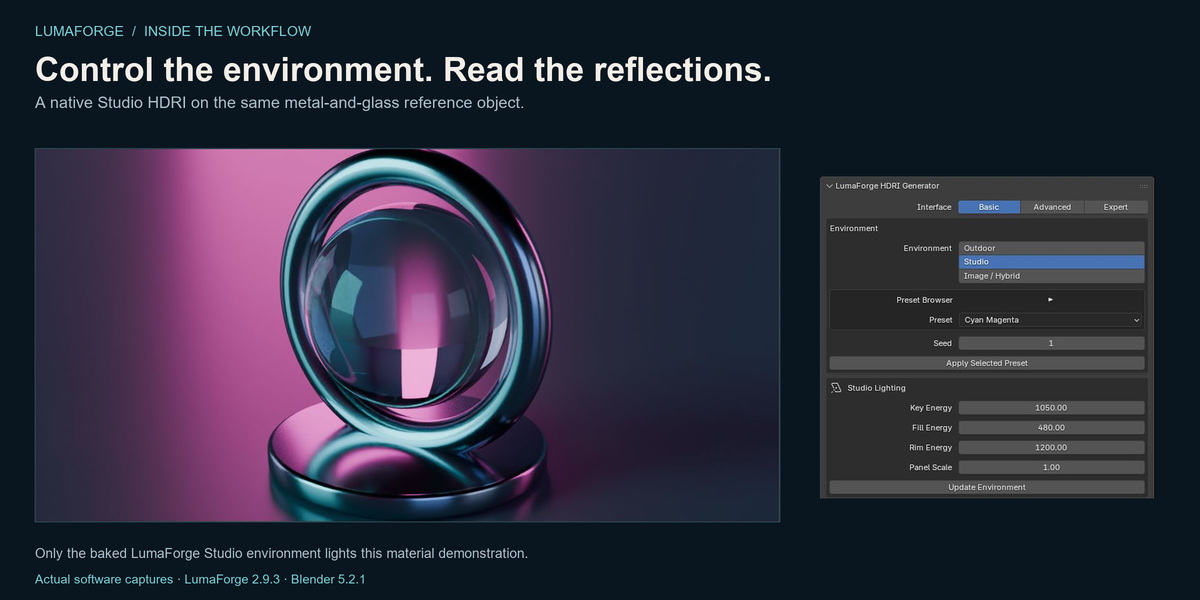
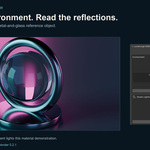
Build editable softboxes, rim lights, reflectors and negative flags inside the generated studio. Bake the final setup into an OpenEXR HDRI, install it in your scene, and rotate it freely to watch specular highlights wrap across metal, glass and packaging.
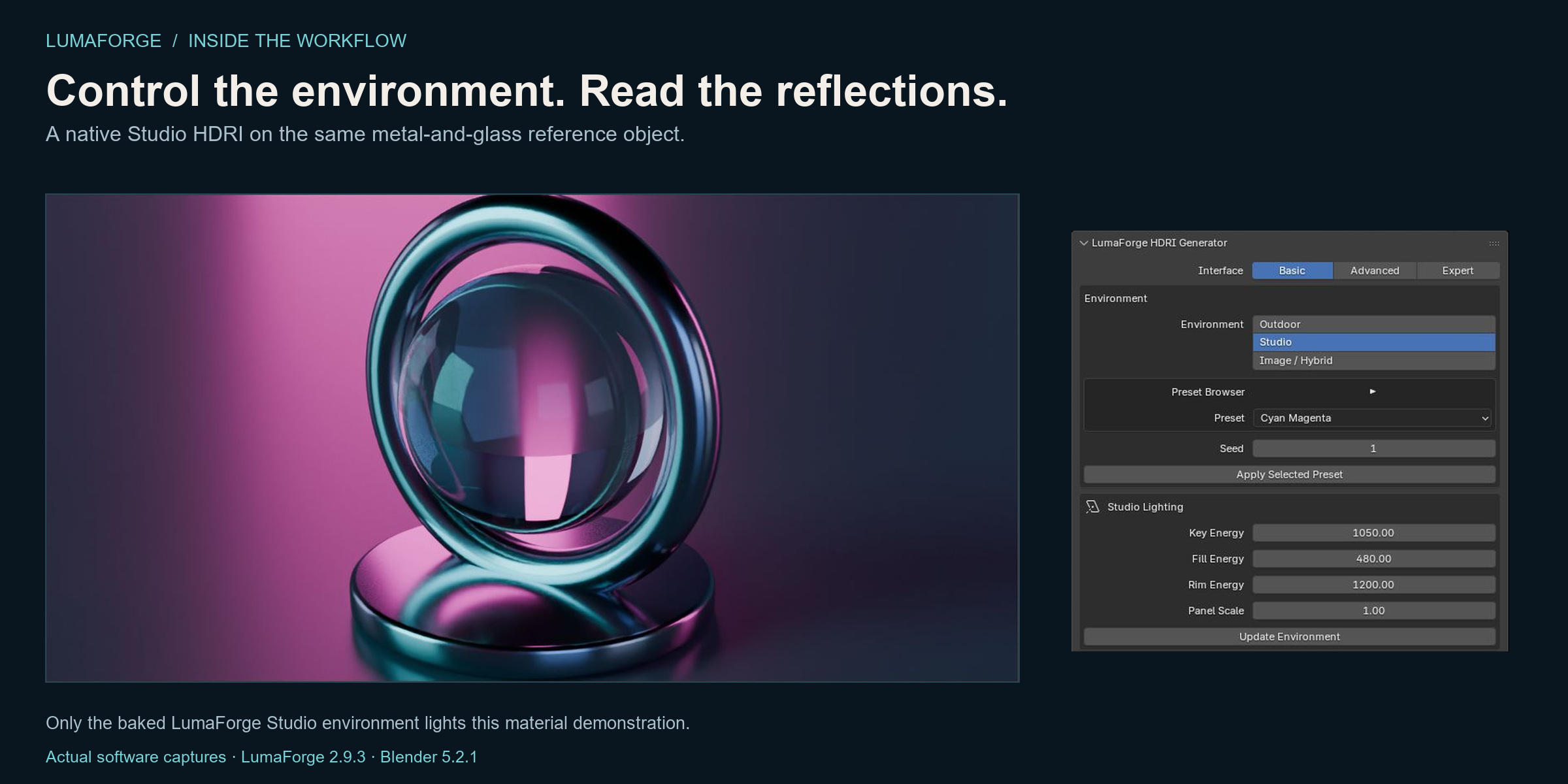
View the controls up close · View the original interface capture
This recording changes the rotation of an already baked Studio HDRI; it does not show instant rebaking of Studio geometry. Edited playback; render pauses are condensed.
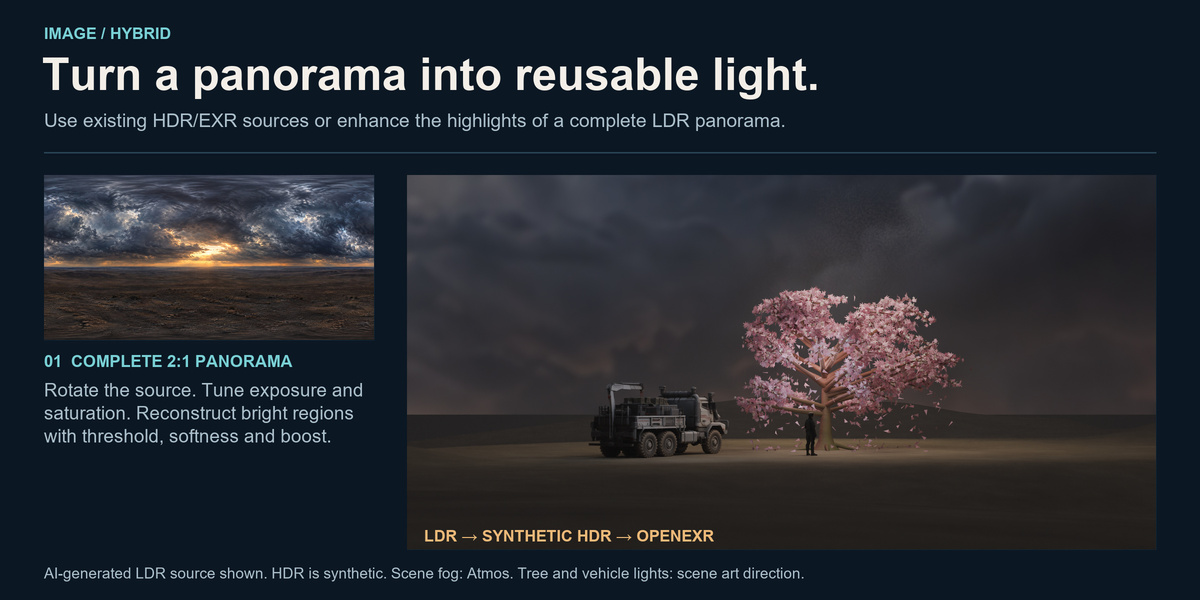
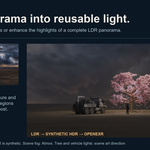
3. Image / Hybrid: Upgrade Panoramas into Reusable Light
Bring any existing HDR, EXR or LDR equirectangular panorama into the exact same inspection, enhancement, baking and library pipeline.
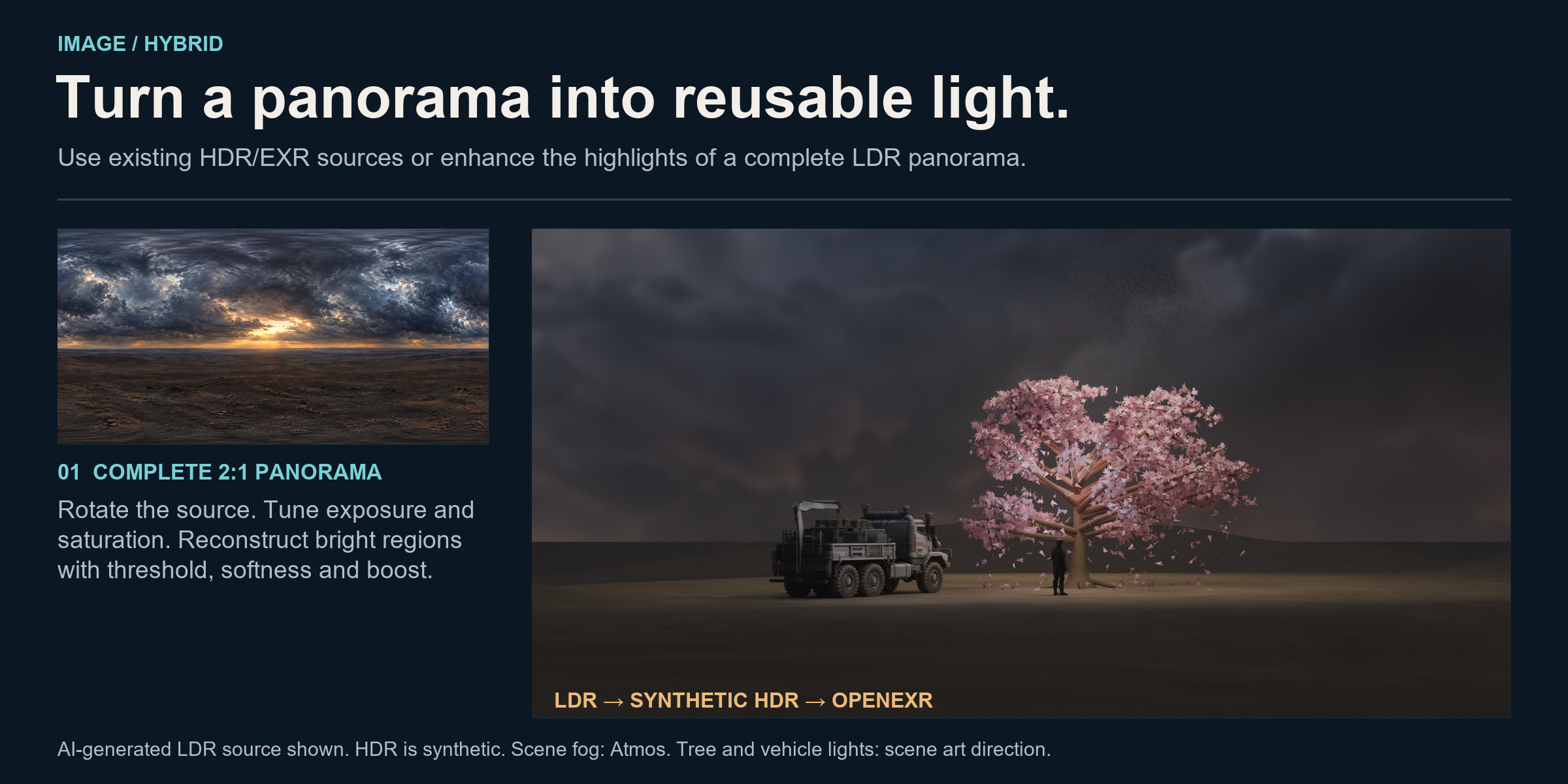
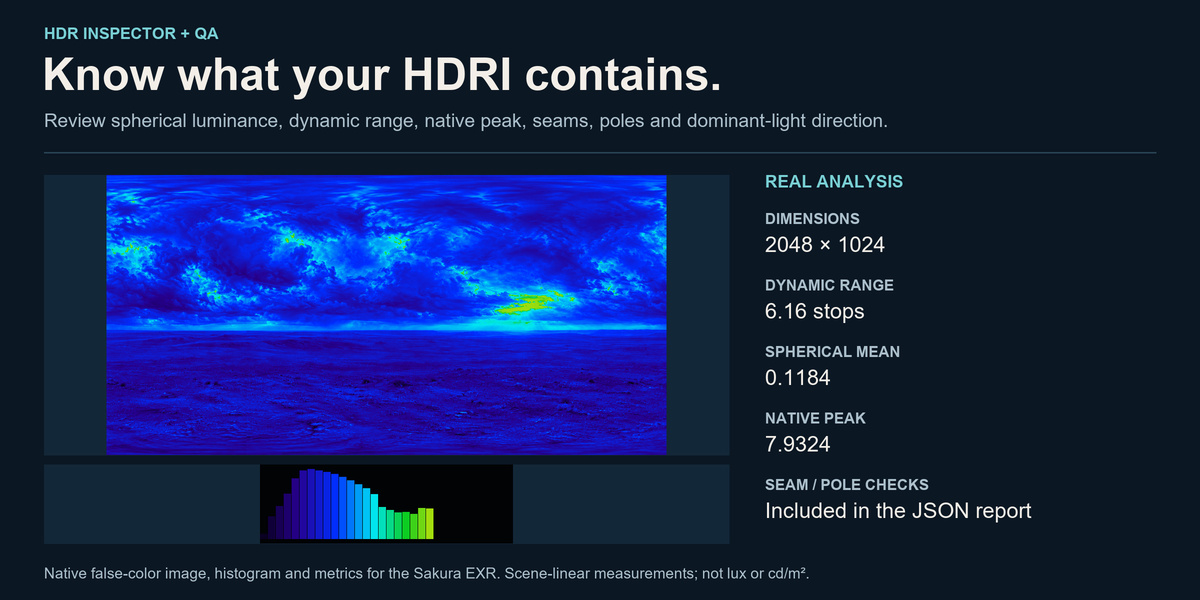
The Sakura input is an AI-generated LDR panorama with Synthetic HDR Highlights. This artistic boost does not recover measured HDR radiometry. Inputs must already cover 360° × 180° with a 2:1 aspect ratio; a conventional photograph is not a complete environment.
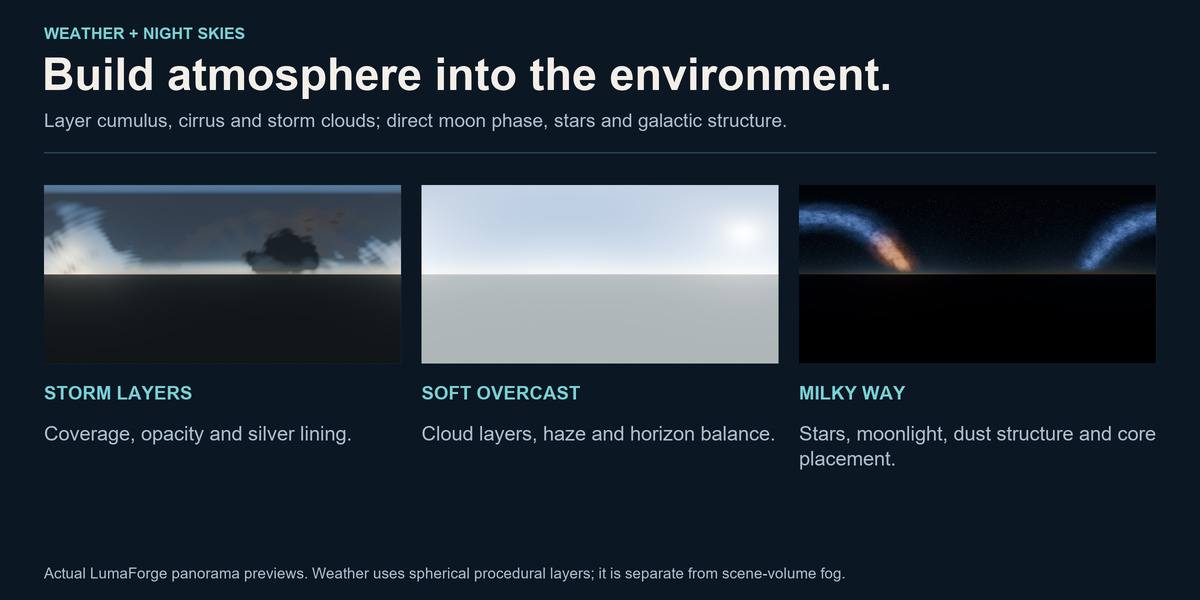
4. Weather Layers & Procedural Night Skies
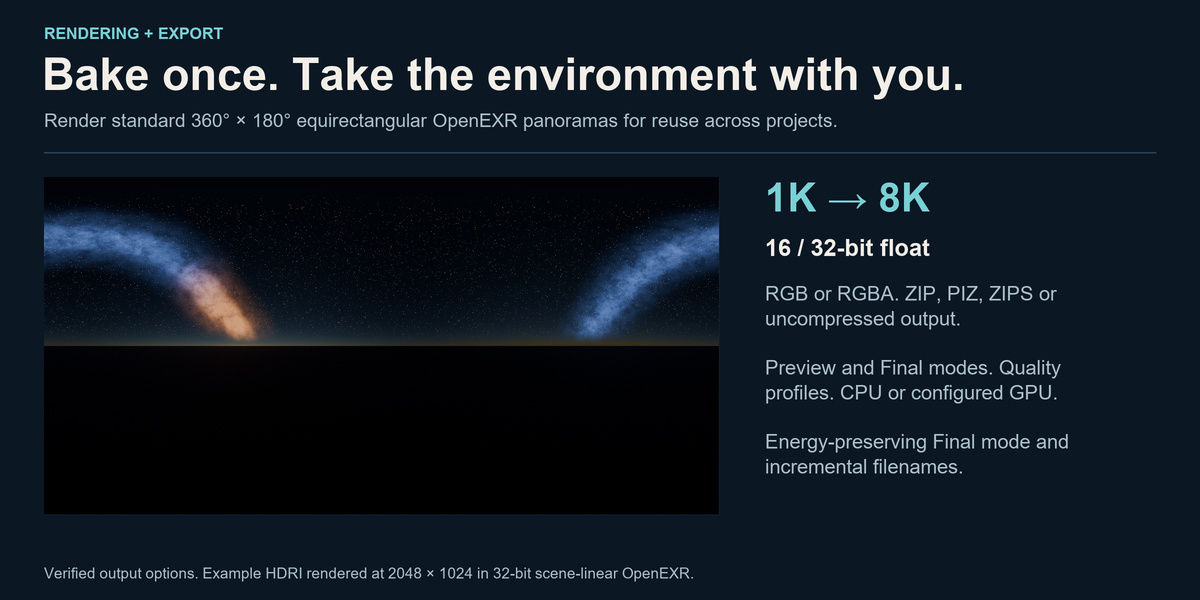
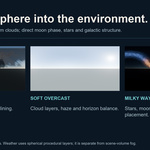
Blend editable cumulus, cirrus and storm layers with horizon haze, moonlight, deterministic stars and a procedural Milky Way. Start from a profile and art-direct the mood for your exact frame.
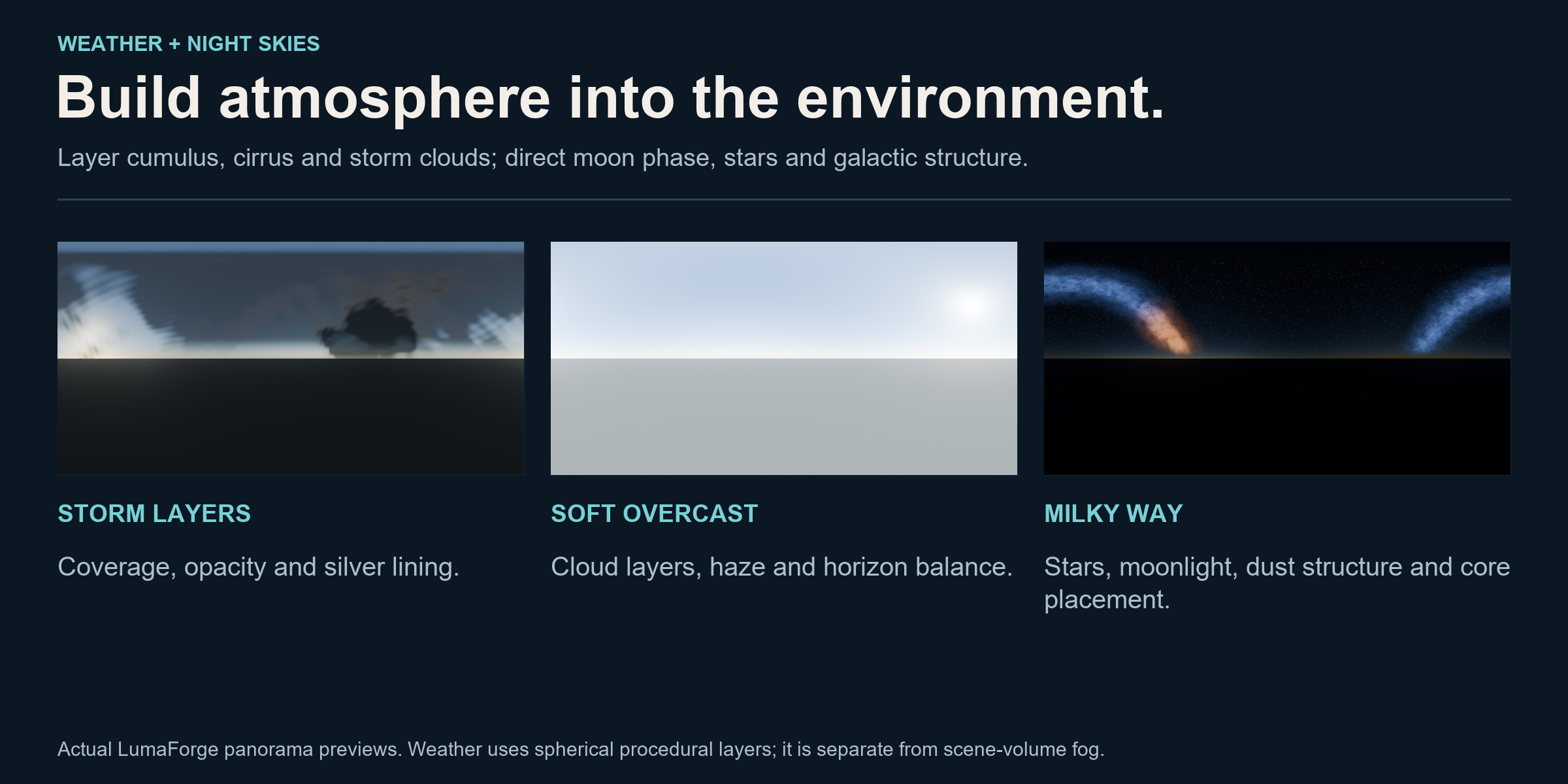
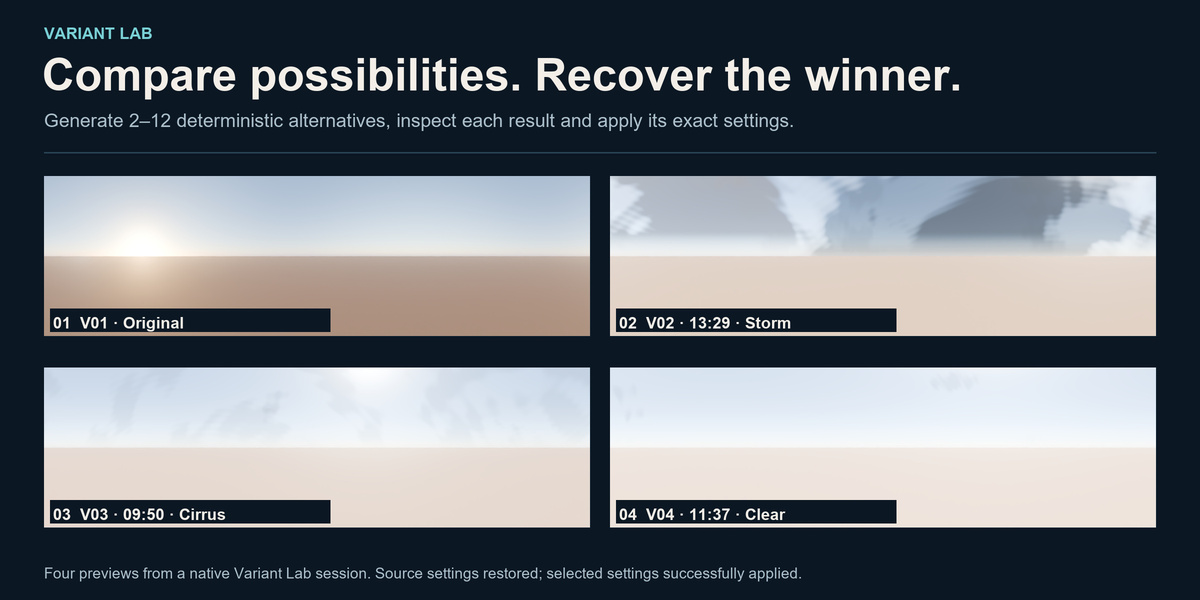
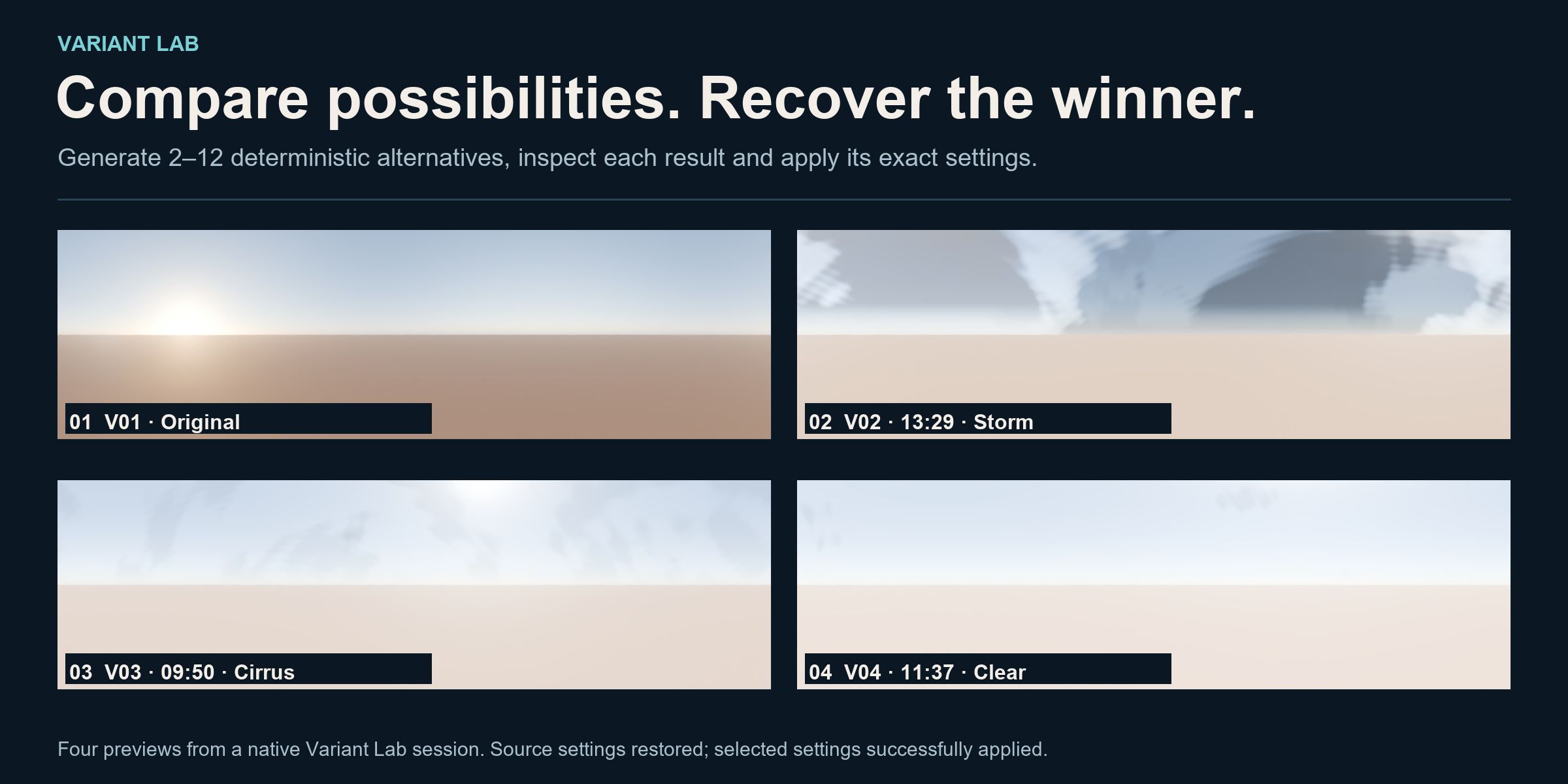
5. Variant Lab: Explore, Compare & Recover Looks
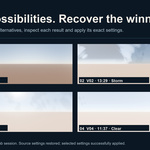
Generate controlled lighting alternatives while preserving your original reference. Compare thumbnails and native measurements side by side, then restore the winning parameter set in one click instead of rebuilding a look from memory.
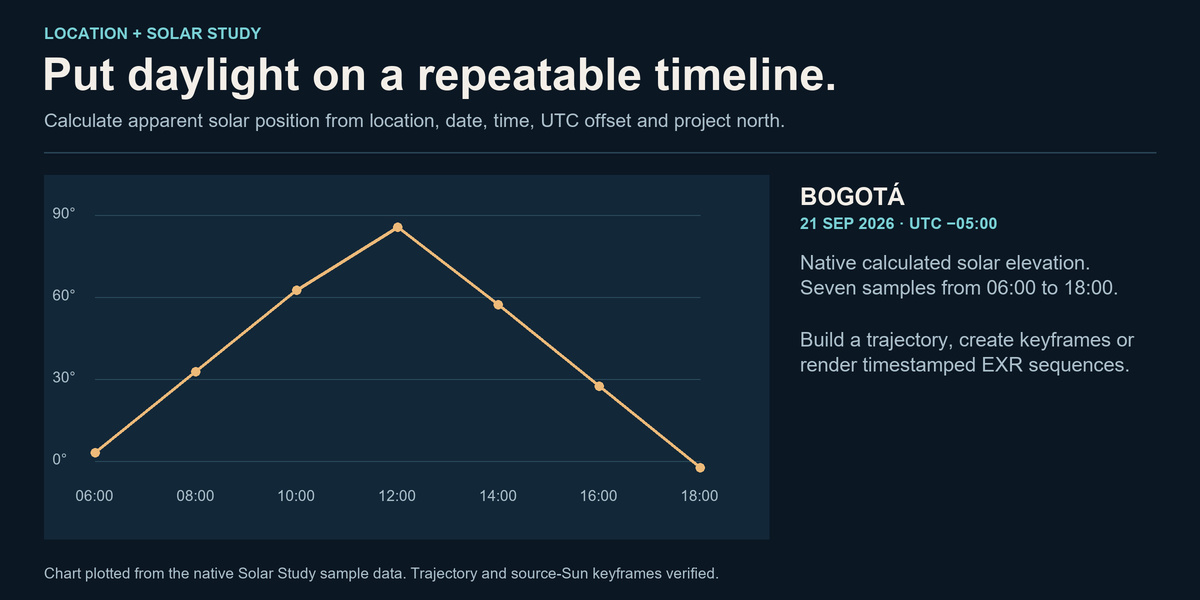
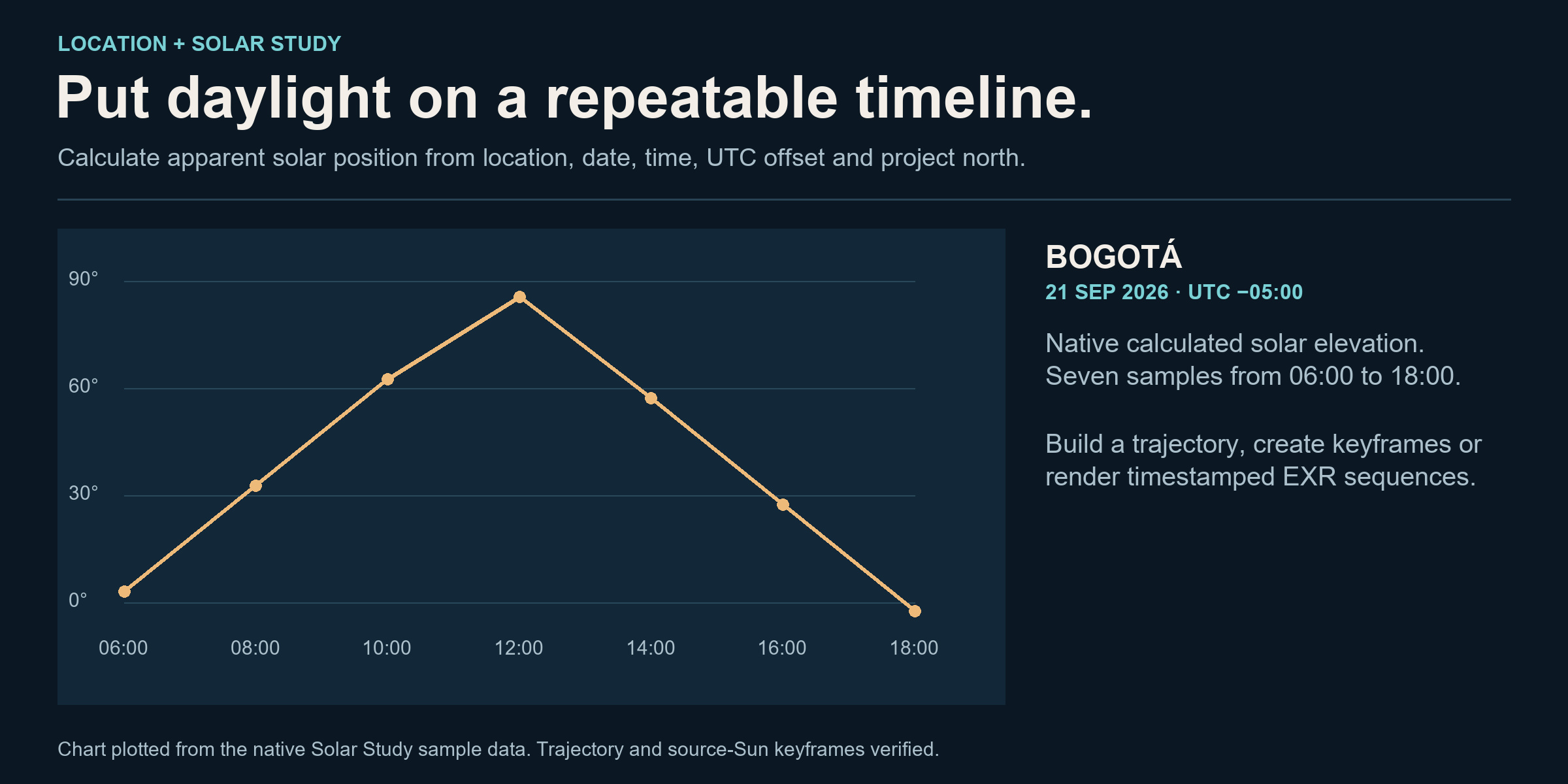
6. Solar Study: Put Daylight on a Repeatable Timeline
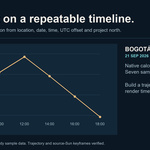
Enter location, date, local time and project north to compute an apparent solar position. Solar Study plots a visible sun path, creates timeline keyframes, and queues timestamped OpenEXR sequences.
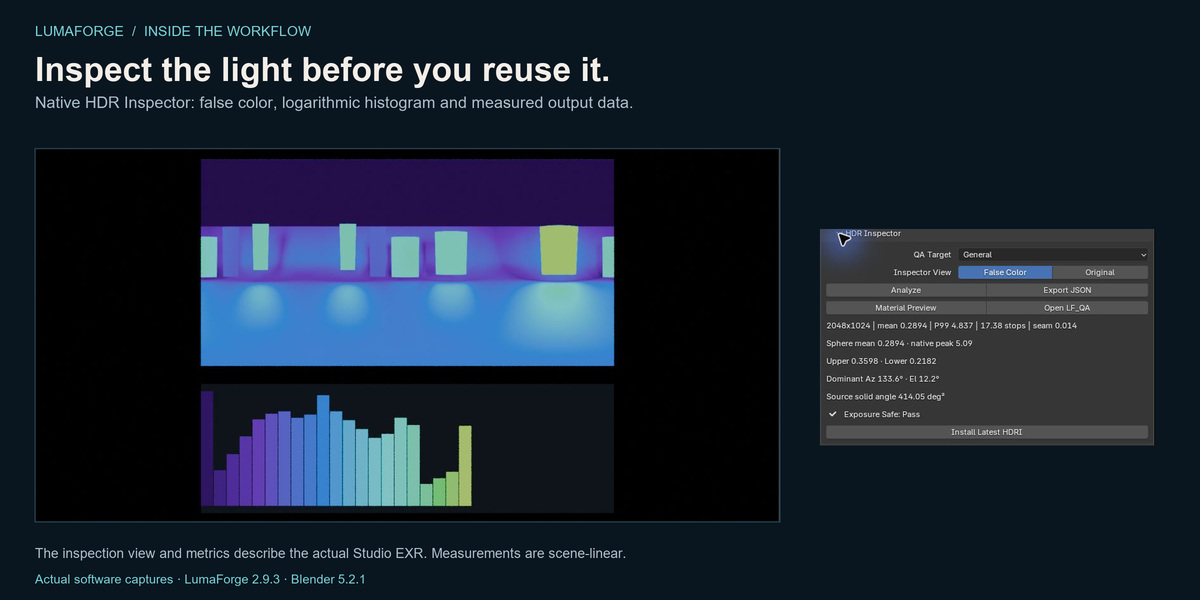
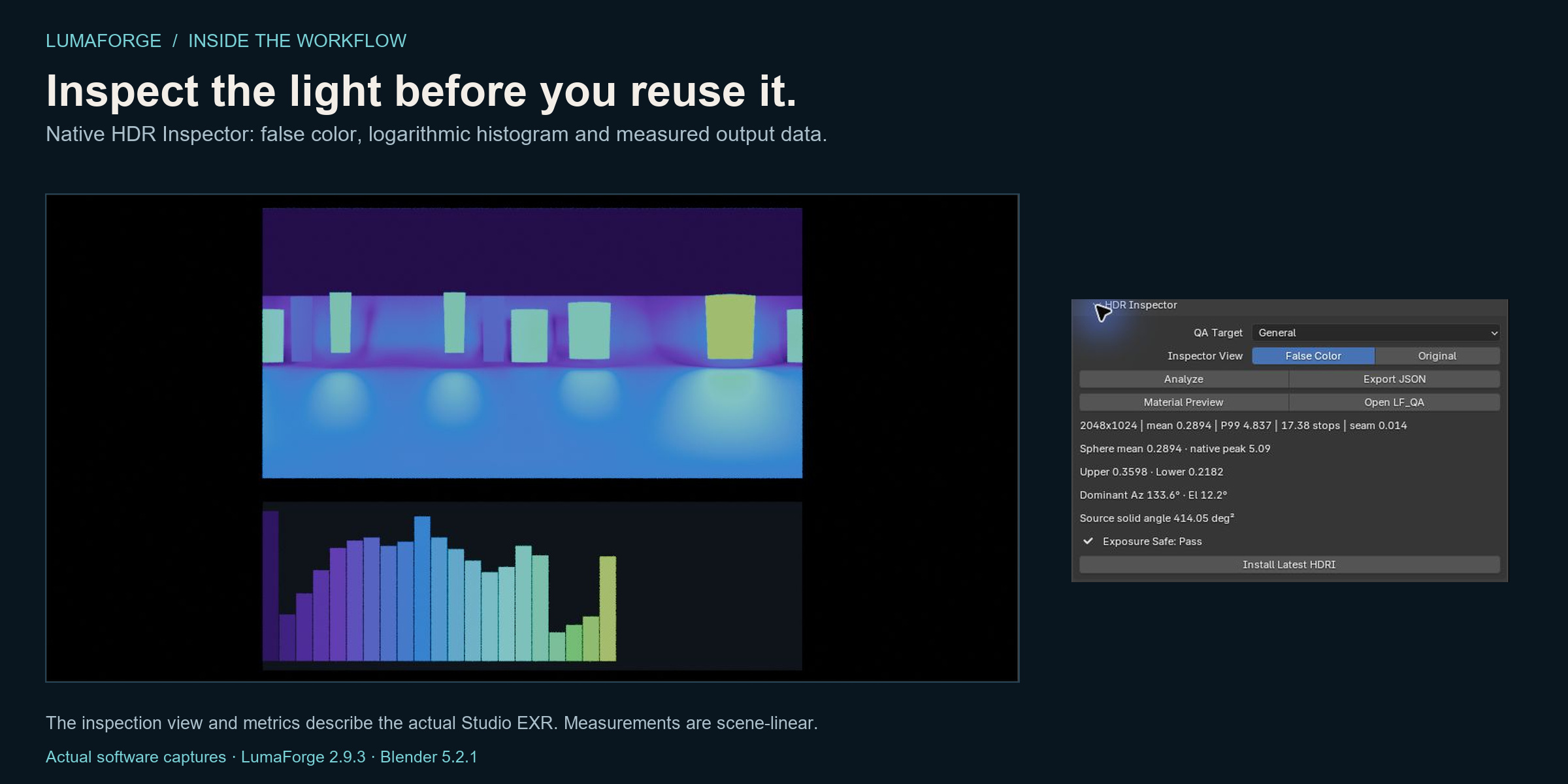
7. HDR Inspector: Verify Dynamic Range Before Reuse
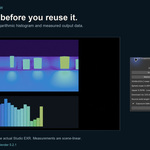
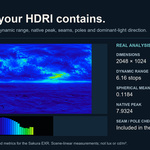
Audit false color, logarithmic histogram, dynamic range, hemispheric balance and seam checks, then export a JSON QA report tied directly to the file. (Scene-linear image measurements rather than calibrated lux readings.)
View the controls up close · View the original interface capture
Workflow highlights assembled from genuine interface captures. Edited overview of presets, inspection and reuse.
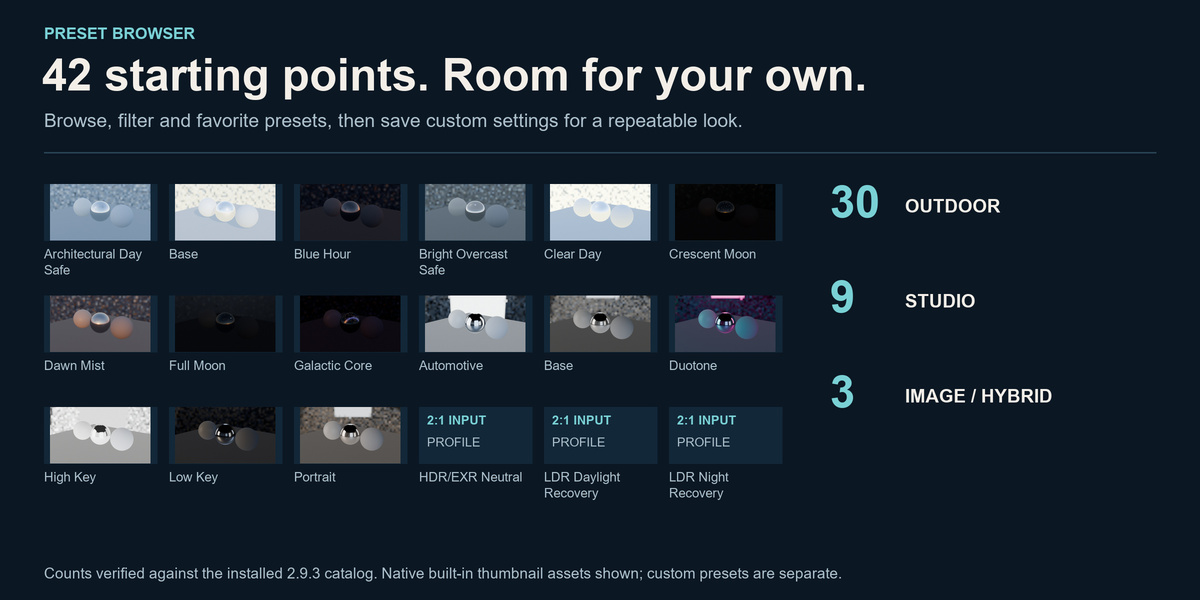
8. 42 Built-In Presets + Safe Daylight Controls
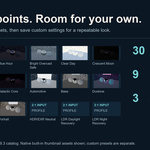
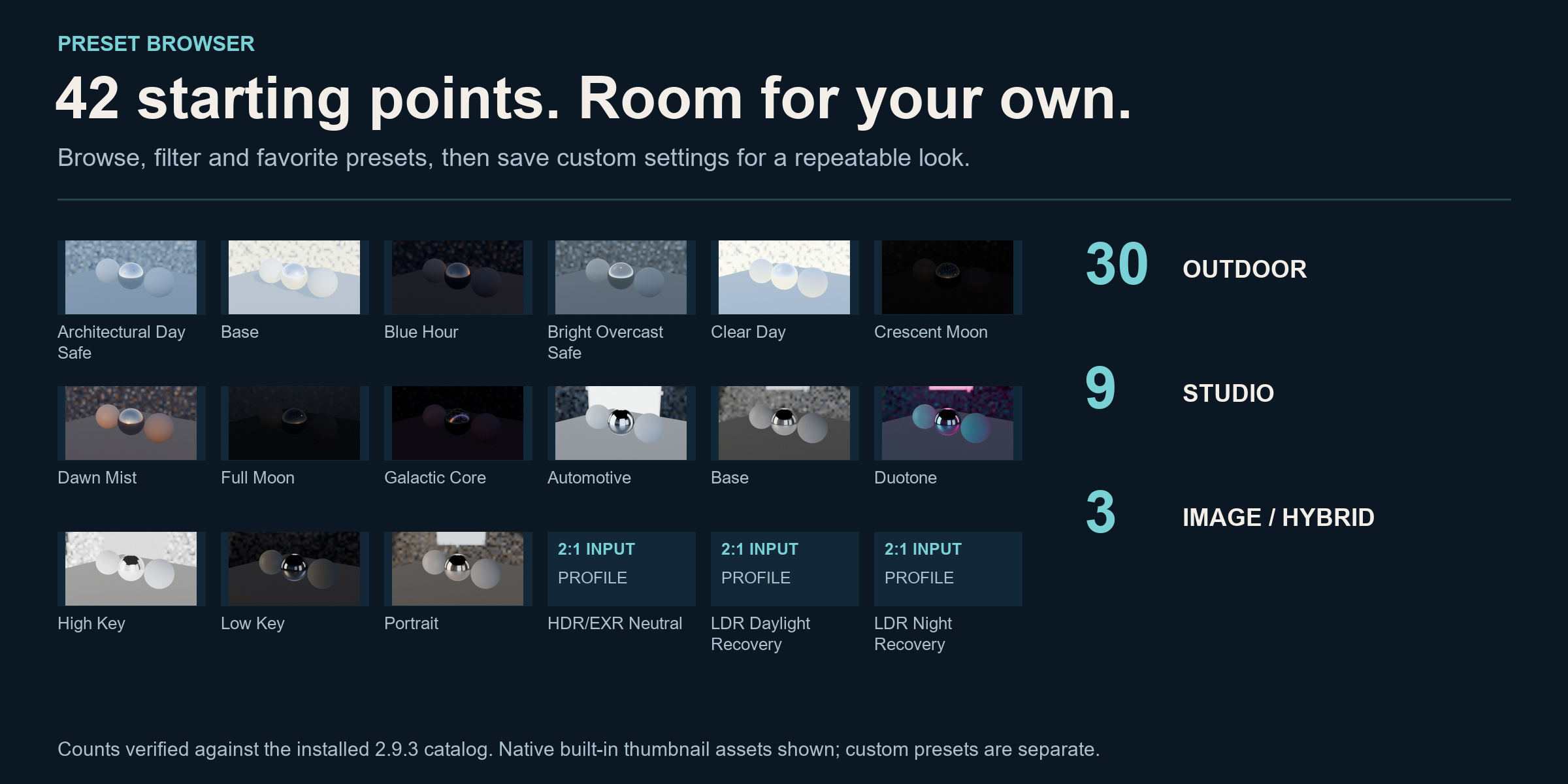
Jump straight in with 30 Outdoor presets, 9 Studio presets and 3 Image / Hybrid processing profiles—organized in a visual browser with search, favorites and custom user presets.
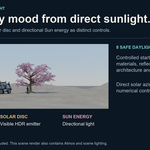
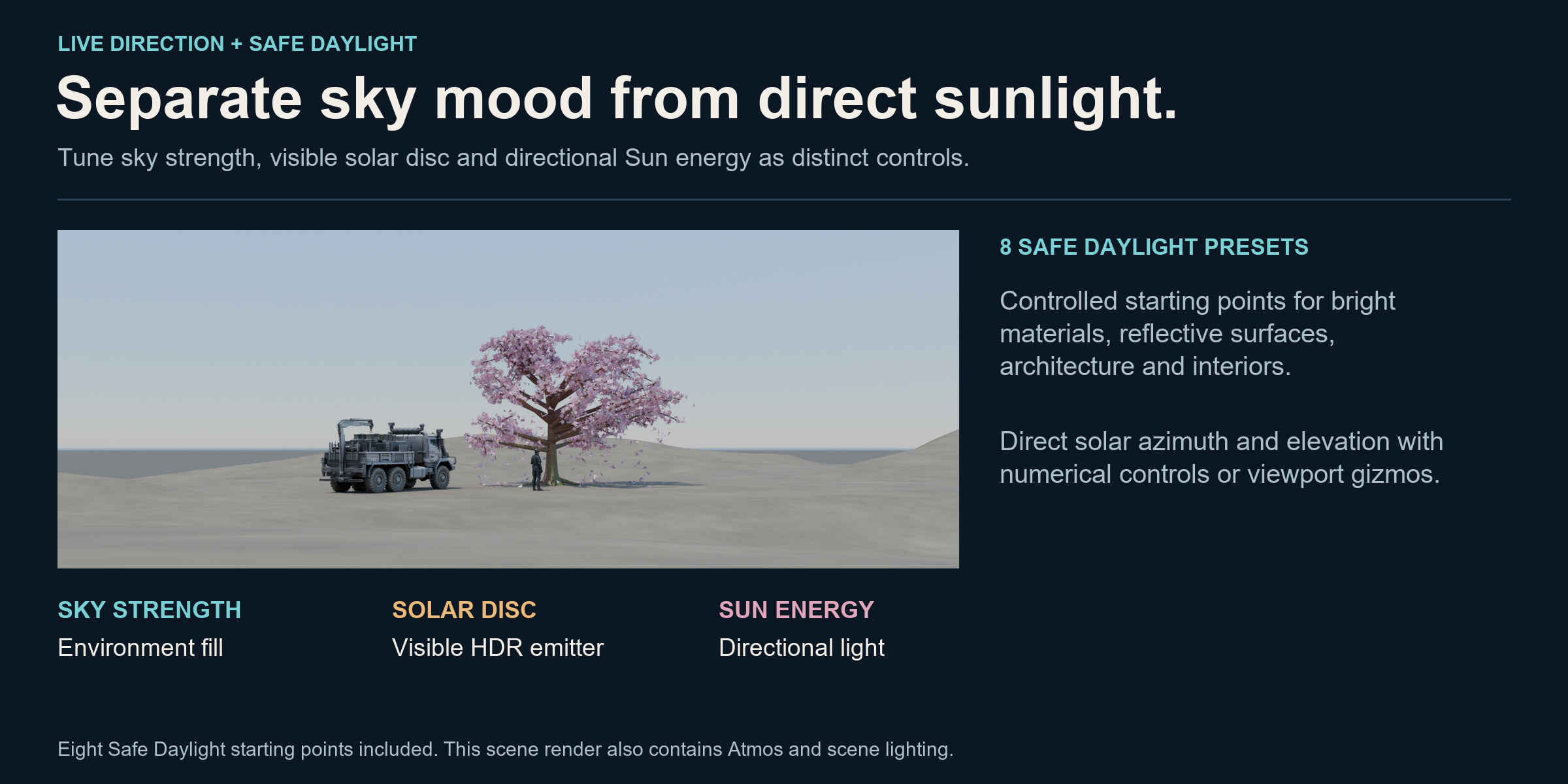
Exposure Safe Sun: Decouple the visible HDR solar disc from sky strength and directional-light energy. Includes 8 Safe Daylight presets tuned for reflective products, bright materials, architecture and interiors.
9. Create Once. Sync & Reuse Everywhere.
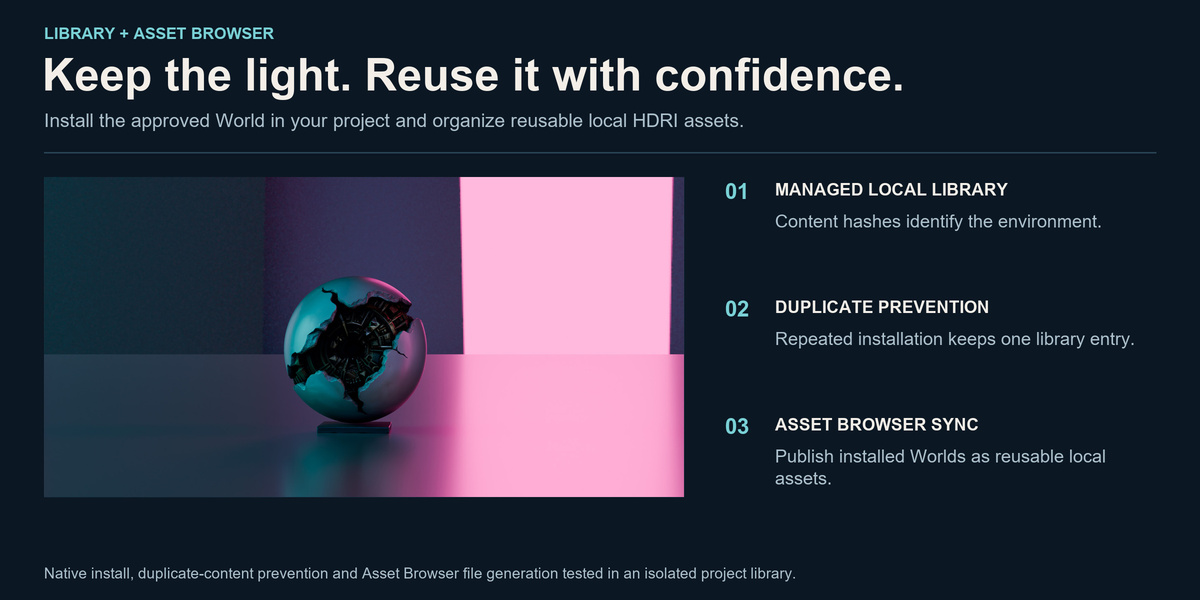
Bake 2:1 OpenEXR panoramas from 1K to 8K in 16-bit or 32-bit float. Install directly into your scene, archive in the managed local library, or synchronize with Blender’s Asset Browser—with automatic content hashes to prevent duplicates.
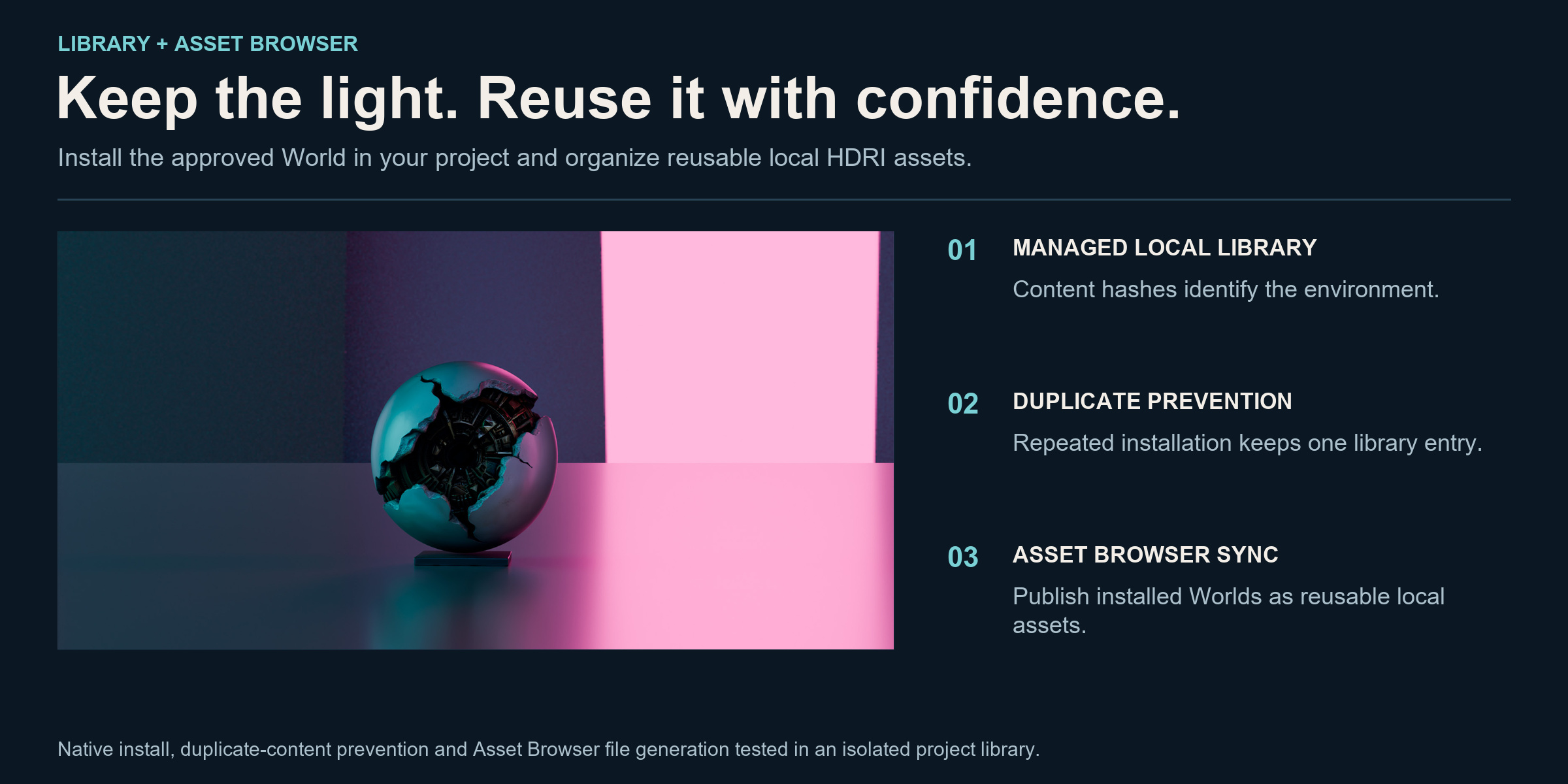
100% Local Workflow: Environment authoring, inspection and baking run completely inside Blender. No LumaForge account, cloud service or API key is required.
Technical Specifications at a Glance
| Creation Modes | Outdoor, Studio, Image / Hybrid |
|---|---|
| Starting Points | 30 Outdoor + 9 Studio + 3 Image profiles (42 total) |
| Exploration | Variant Lab, Solar Study, custom presets & favorites |
| Inspection | HDR Inspector, false color, log histogram & JSON QA reports |
| Output Format | 2:1 OpenEXR; 1K–8K; RGB / RGBA; 16 / 32-bit float |
| Library & Reuse | Managed local HDRI library, hash duplicate prevention & Asset Browser sync |
| Blender Compatibility | Minimum 4.5.0. Windows release QA: 4.5.14 LTS & 5.0.1; additional workflow validation: 5.2.1 LTS. |
| Rendering | Cycles for OpenEXR baking; Eevee for preview & inspection; baked HDRIs light both Cycles & Eevee scenes. |
Before You Buy (FAQ & Validation)
Is this a static HDRI pack?
No—LumaForge is a full environment-authoring and reuse workflow. You create, direct, inspect and bake custom HDRIs rather than choosing only from fixed files.
Can I turn a normal photo into a complete HDRI?
Image / Hybrid requires a complete 360° × 180° equirectangular panorama. It does not invent missing sides, zenith or nadir.
Are the Sakura scene, vehicle, character or Atmos included?
Those showcase assets illustrate a combined scene workflow and are separate; LumaForge supplies the environment-authoring tools.
What Blender versions and render devices are validated?
LumaForge 2.9.3 is a native Blender Extension with a declared minimum of Blender 4.5.0. Release QA was completed on Windows 64-bit with Blender 4.5.14 LTS and 5.0.1, with additional workflow validation and current UI demos produced in Blender 5.2.1 LTS (these checks do not constitute testing of every intermediate version; macOS and Linux have not been separately validated).
Render devices: Cycles is required for equirectangular OpenEXR baking (CPU baking validated; GPU baking uses your configured Cycles device and was not independently certified across GPU vendors). Eevee is used for preview and HDR inspection; baked environments work in both Cycles and Eevee.
Build the Environment. Keep the Light.
From cinematic skies to controlled product reflections, keep authoring, inspection and reuse in one local Blender workflow.
Pair With Our Complementary Blender Tools
For an editable photography studio built around your product model, explore ProductStage. For editable procedural trees and wind in environment compositions, explore Arboris.
Each product is sold separately. These links suggest complementary uses; check each product’s requirements and documented workflow.