LumiBrush
 Egret Studios LLC


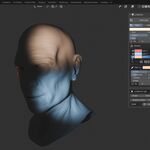
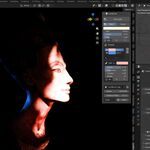
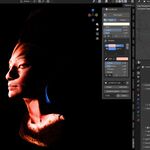
Does it support Cycles?
yes, Full support on Cycles Render Engine.
Does it support Eevee?
Yes, Full support on Eevee real-time engine.
Do I need to see the result in a special viewport?
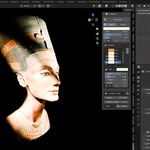
Just use Rendered viewport shading, painted light is real light, so the render engines display it as you paint.
Does it slow down my scene?
No. A paint light is a single normal Blender light — your scene renders as fast as it would with any hand-placed lamp. Painting itself is instant on the default detail setting.
Can I change a stroke after I’ve painted it?
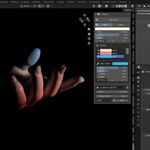
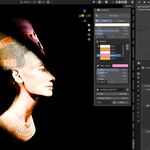
Yes sir/ma'am, that’s the heart of LumiBrush. Every stroke is recorded and listed in the panel. Select one and adjust its color, softness, brightness or thickness; toggle it off; or delete it. The lighting rebuilds instantly.
Which Blender versions are supported?
Blender 4.2+ installs the extension build; Blender 3.0–4.1 uses the included legacy build. Both are in your download, on Windows, Linux and macOS.
Is this really light, or a texture/material effect?
Really light. Your strokes are emitted by real Blender lights — they cast shadows, respond to distance, bounce off surfaces and show up in final renders in both Cycles and EEVEE. Nothing is baked into your materials and your scene’s shaders are never touched.
$24.99$14.99
 Included
Includes 12 months of
- Support from Egret Studios LLC
- Product updates
Extend this product’s Support Period +12 months: 25% of product price
Have questions before purchasing?
Login to message
| Blender Extension Compatible | Yes |
| Sales | 10+ |
| Published | 3 months ago |
| Blender Version | 4.2 - 5.2 |
| Extension Type | Add-on |
| Render Engine Used | Cycles, Eevee |
| License | GPL |

Discover more products like this
3d cinematic lights Lighting-addon Interactive-light Lighting