 H3 STUDIO ZOO

Please try the free LuminaTtoB Lite first
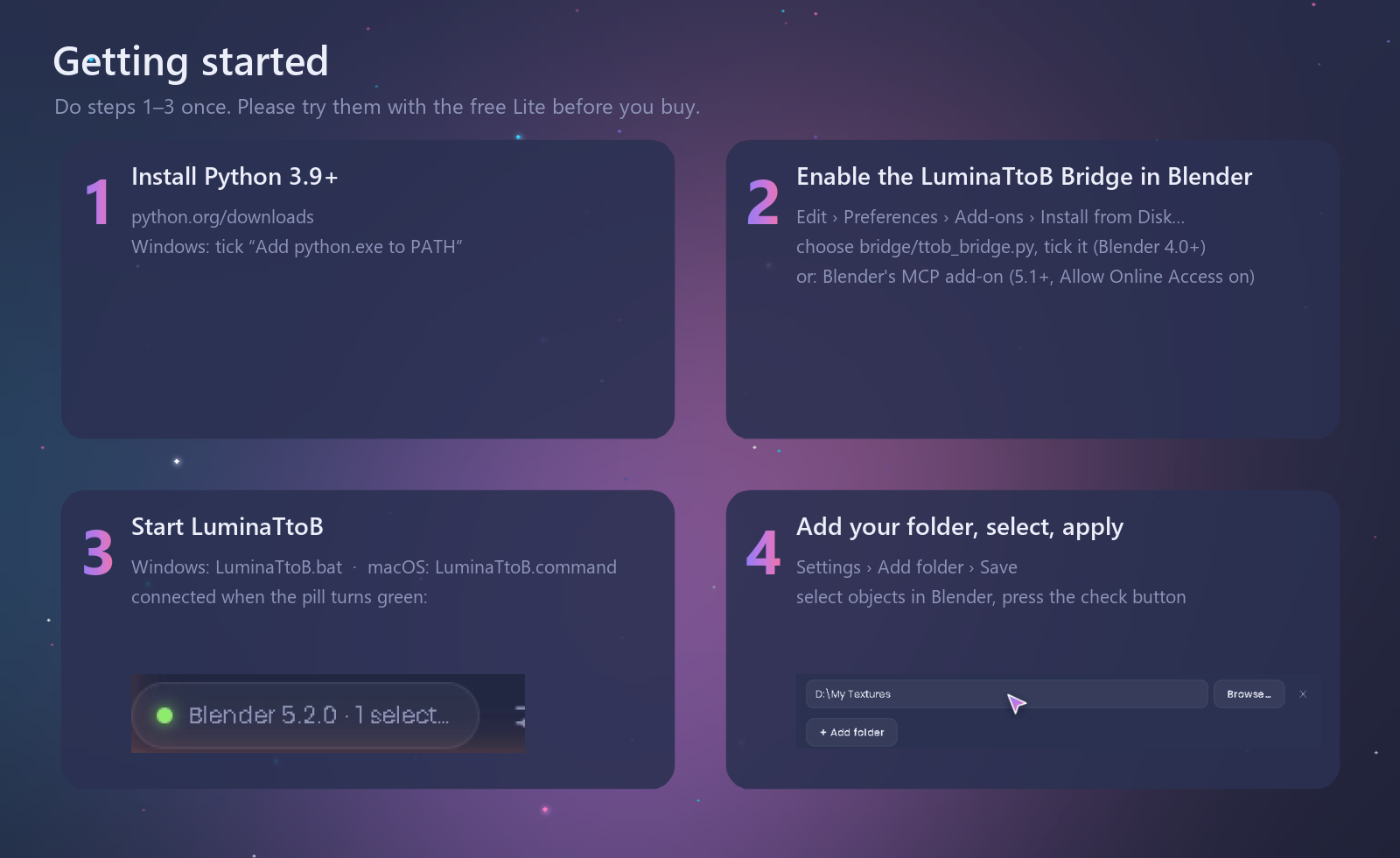
Requires Python 3.9 or newer (free, from python.org). LuminaTtoB is a small app that runs with Python on your computer — install Python first, and on Windows tick “Add python.exe to PATH” during setup. (Blender’s built-in Python is not used.)
LuminaTtoB runs on your own computer and talks to your own Blender, so please check that it works on your system before you buy. Download Lite (free, 20 built-in materials) and make sure that:
- LuminaTtoB starts — double-click
LuminaTtoB.bat(Windows) orLuminaTtoB.command(macOS) — and opens in your browser; - after you enable the bundled LuminaTtoB Bridge (or Blender's MCP add-on) in Blender, the pill at the bottom left of LuminaTtoB turns green;
- applying a built-in material to an object selected in Blender works.
Lite uses exactly the same setup as the full version (Python, the launcher and the connection to Blender), so this is the best way to make sure LuminaTtoB works with your computer and your Blender.
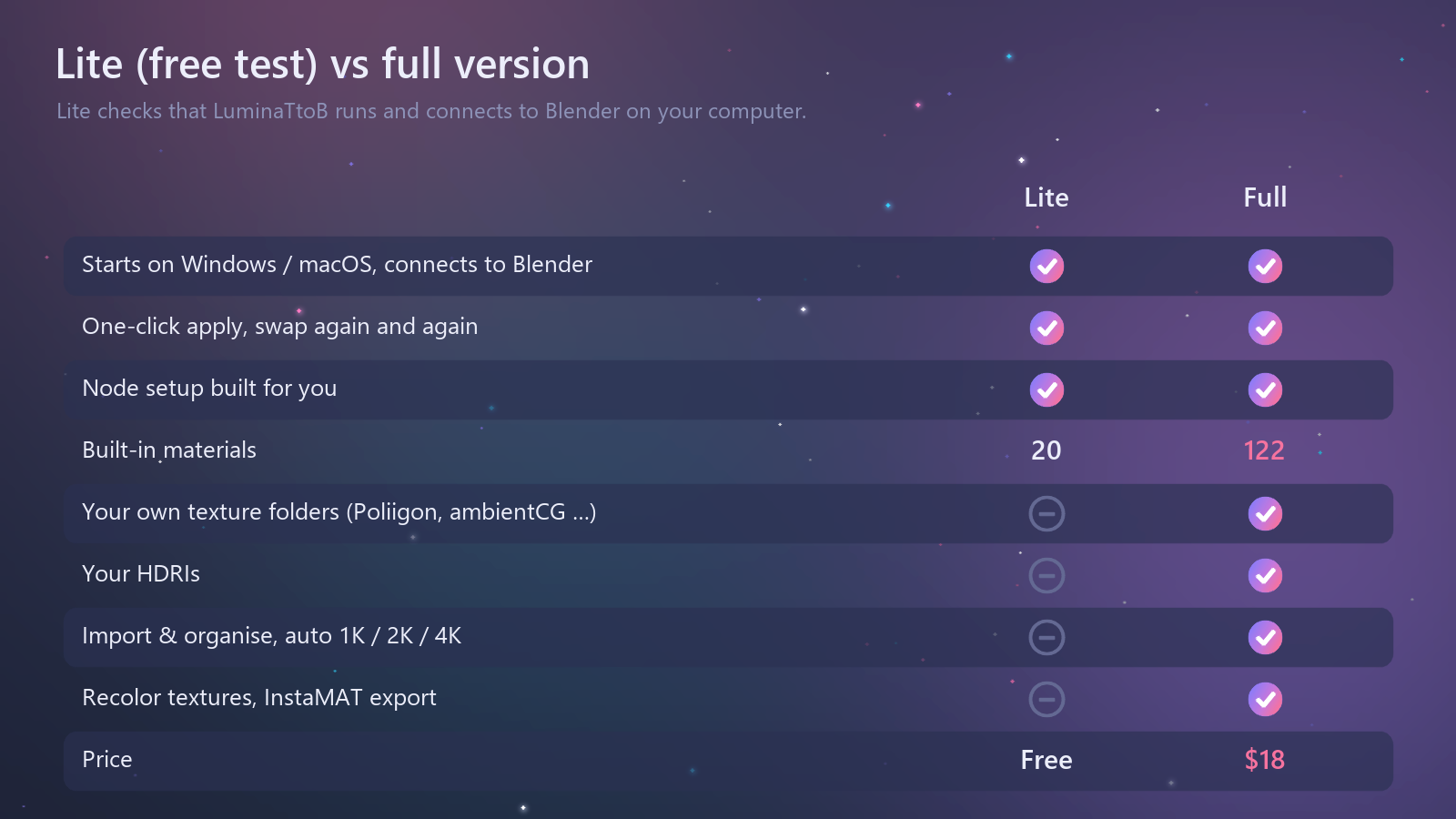
Lite is a test version for checking compatibility. It does not include your own texture folders or HDRIs (those are in the full version), but it starts, connects to Blender and applies materials in exactly the same way. Because you can check for free with Lite that LuminaTtoB works on your system, refunds cannot be given if it does not work on your system after purchase. If Lite does not work for you, please contact me before buying.
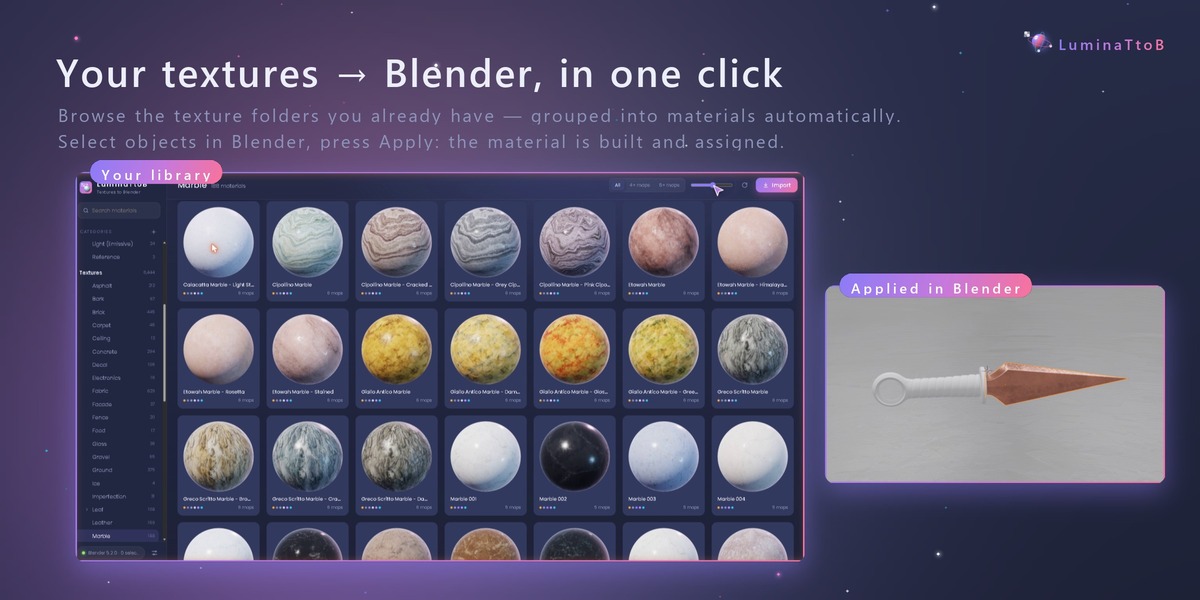
Your textures → Blender, in one click
LuminaTtoB reads your texture folders, groups the files into materials automatically, and builds the material on the objects selected in Blender — straight from your browser.
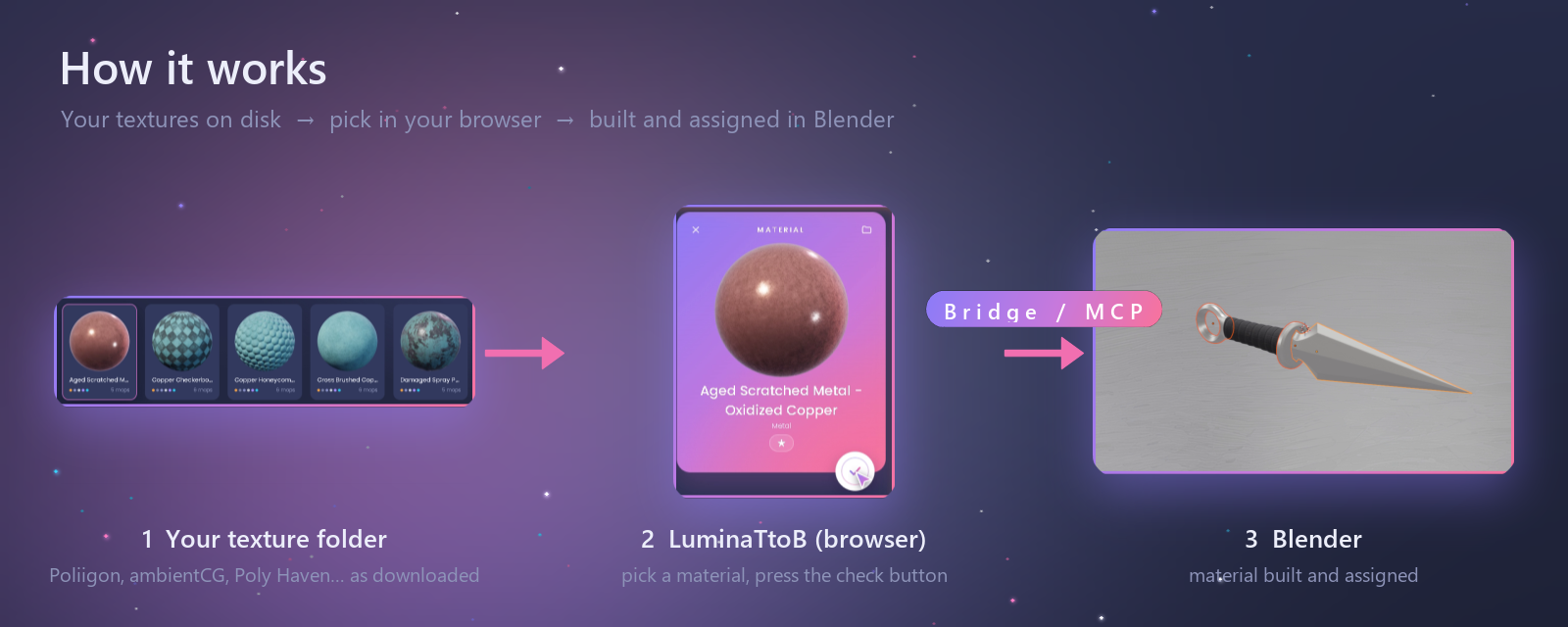
- Point it at your texture folder. Files are grouped into materials by name. Recognised maps: Base Color, AO, Roughness, Glossiness (inverted), Metallic, Specular, Normal (OpenGL / DirectX), Height, Bump, Opacity, Emission, Translucency, packed ARM/ORM. Resolution folders (1k, 2k, 4k …) become resolution choices.
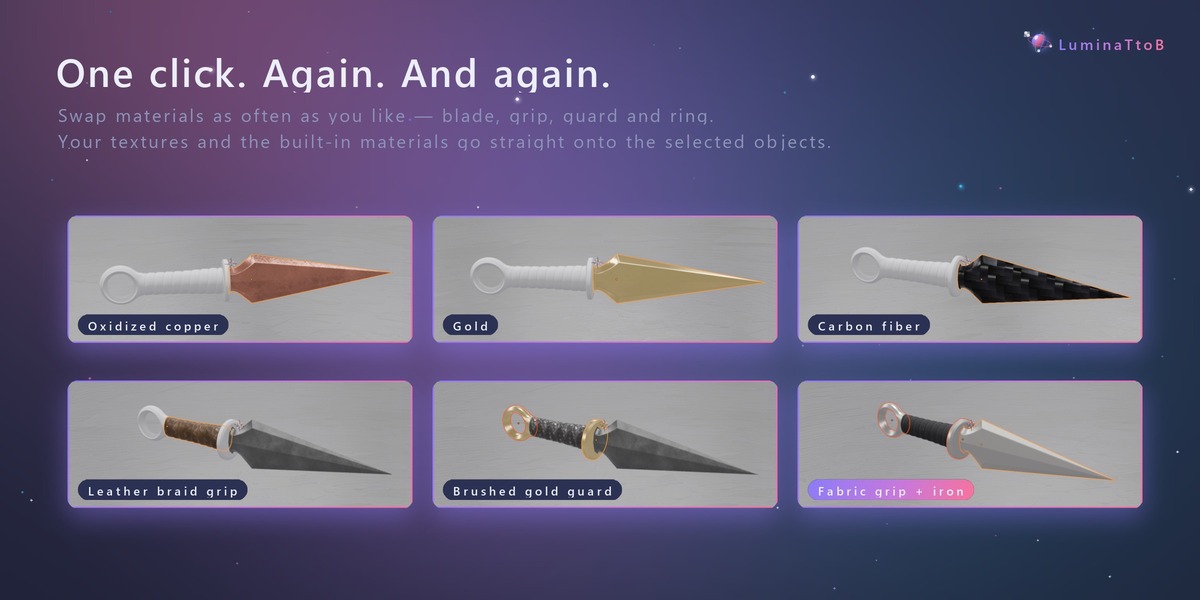
- Select, press Apply — again and again. Swap materials on the blade, the grip, the guard… with one click each time.
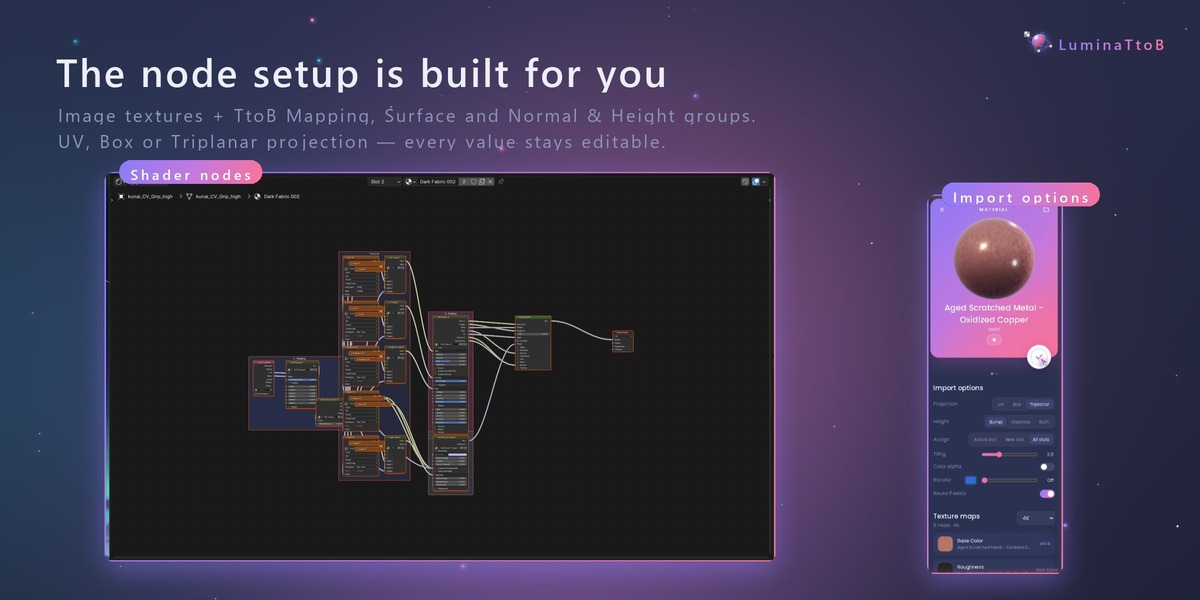
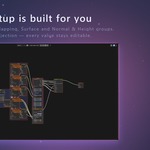
- The node setup is built for you. Image textures + TtoB Mapping, Surface and Normal & Height groups and an exposed Principled BSDF. UV, Box or Triplanar projection (Triplanar re-orients normal maps per side — no UV seams).
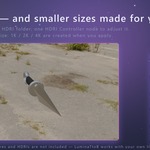
- Keep one size. 1K / 2K / 4K versions smaller than your original are created when you apply (never upscaled).
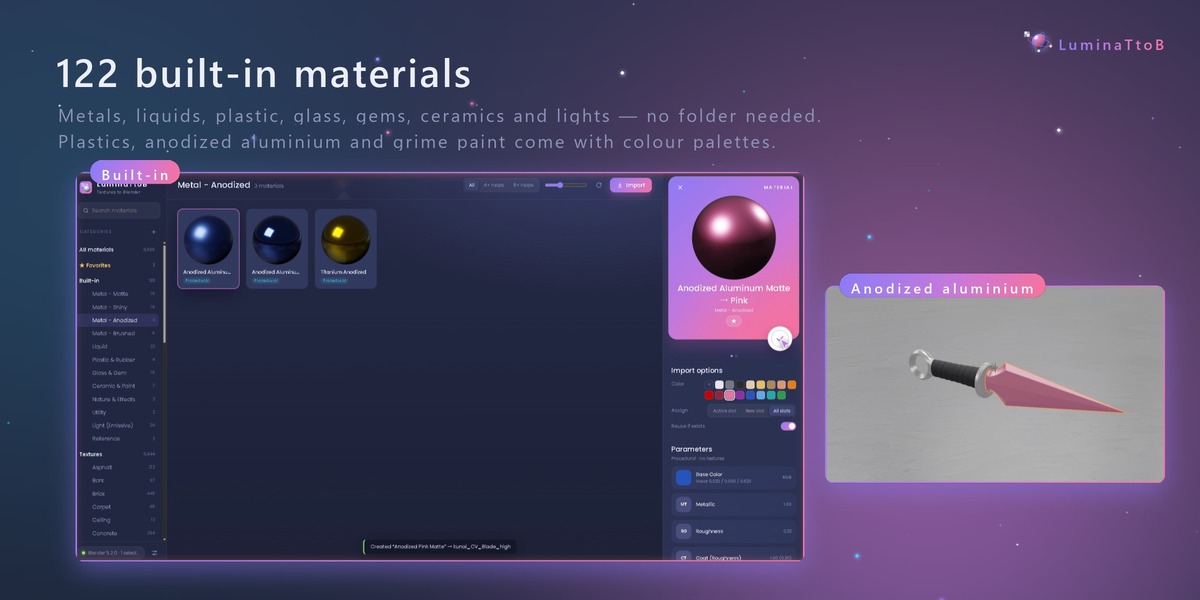
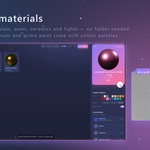
- 122 built-in materials, no folder needed. Measured metals (matte, shiny, brushed, anodized), liquids, plastic and rubber, glass and gems (with dispersion glass), ceramics and car paint, snow, UV checkers, lights. Plastics, anodized aluminium and grime paint come with colour palettes.
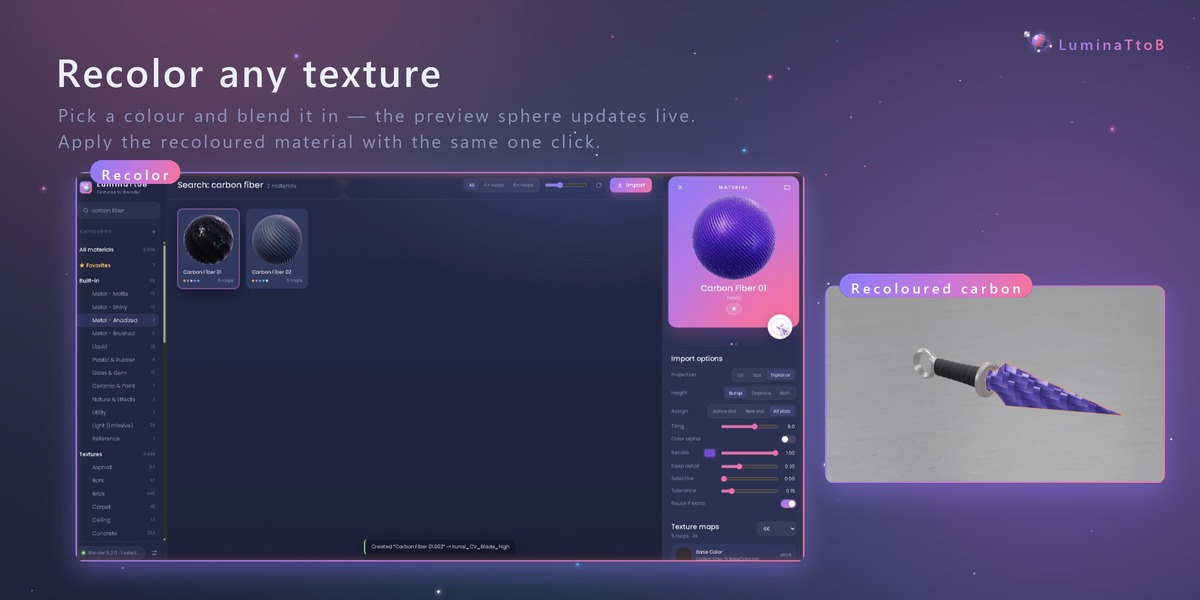
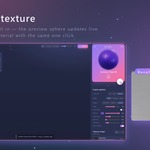
- Recolor any texture with a live preview sphere, and apply it with the same click.
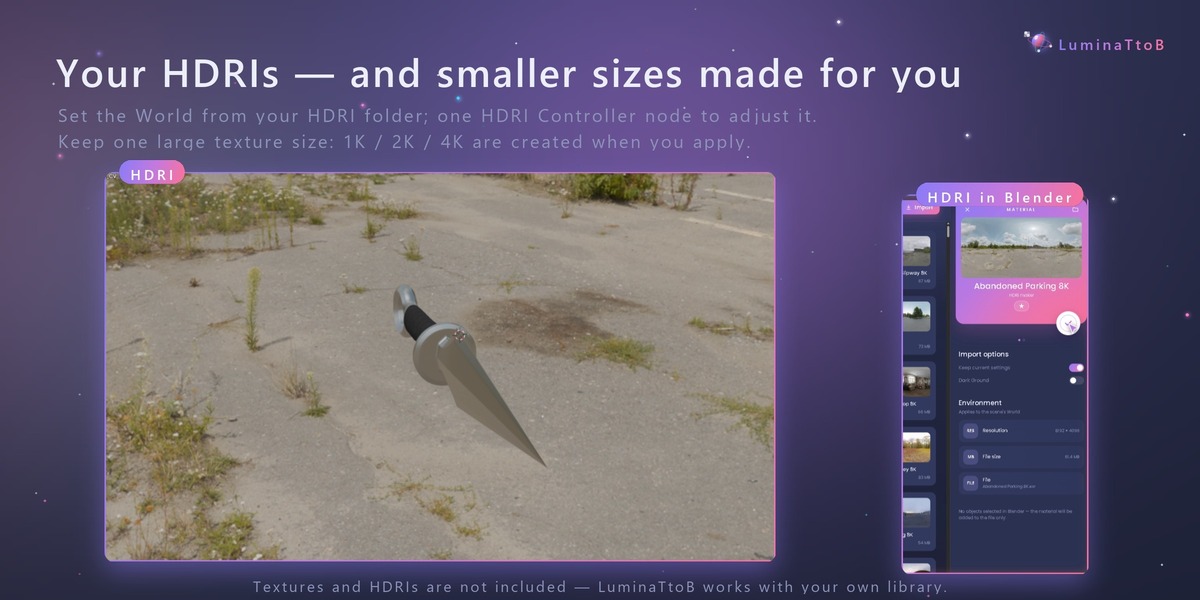
- Your HDRIs, too. Set the World from your HDRI folders, adjusted with one HDRI Controller node (rotation, strength, horizon, dark ground…).
- Import and organise. Drop textures, folders or .zip files on the window; LuminaTtoB groups them and files them into your library. Drag cards to move them between categories.
- Export to InstaMAT (.IMP layer material).
Where to get textures
LuminaTtoB reads texture packs just as you download them — unzip them into your texture folder, or drop the files, folders or .zip on the LuminaTtoB window. The textures in the demo come from Poliigon — high-quality PBR textures, models and HDRIs, with free assets to start with. Poliigon's file naming, including its resolution and METALNESS / SPECULAR folders, is recognised automatically. Free CC0 libraries such as ambientCG and Poly Haven (textures and HDRIs) work as well.
Before you buy
- Textures and HDRIs are not included — LuminaTtoB works with your own library.
- Blender needs one small add-on to receive materials: the bundled LuminaTtoB Bridge (Blender 4.0+, recommended) or Blender's official MCP add-on (Blender 5.1+, needs Allow Online Access turned on). Without one of them, materials cannot be sent to Blender. Setup takes a minute — see Documentation.
- No AI, no account, no internet connection: LuminaTtoB runs on your own computer only.
Requirements: Windows 10/11 or macOS, Python 3.9+ (Pillow optional), Blender 4.0+ / 5.1+ (see above), a WebGL browser (Chrome, Edge, Firefox, Safari).
Included: Windows and macOS packages, the LuminaTtoB Bridge add-on, documentation.
Credits: Poppins typeface (SIL Open Font License). LuminaTtoB Bridge is GPL-3.0-or-later.