LuminaTtoB – Textures to Blender in One Click
 H3 STUDIO ZOO
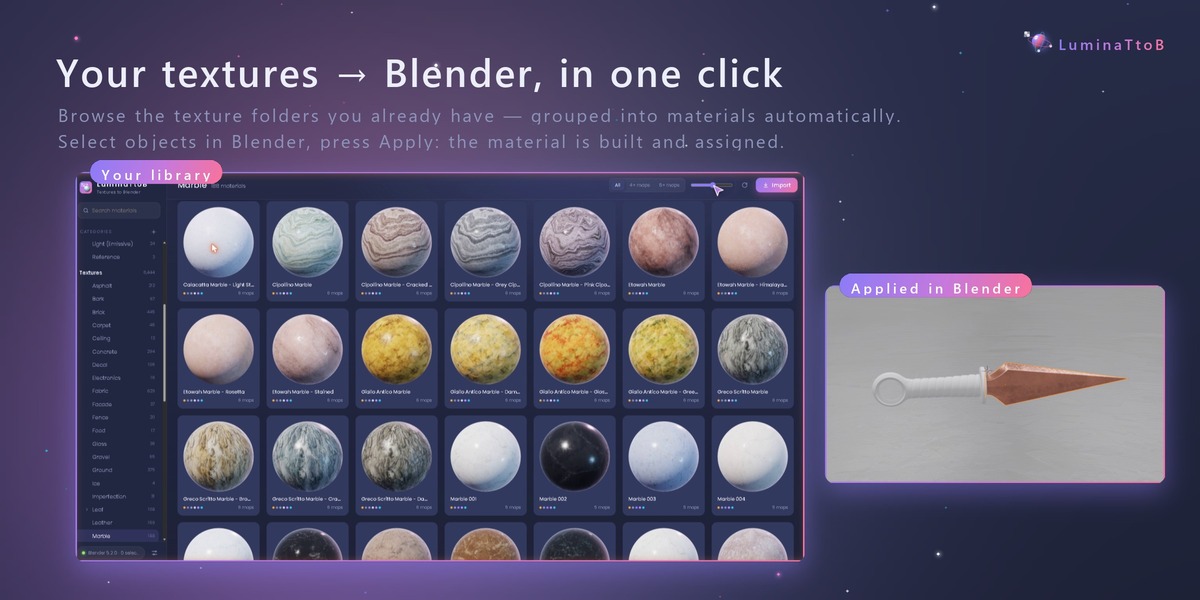
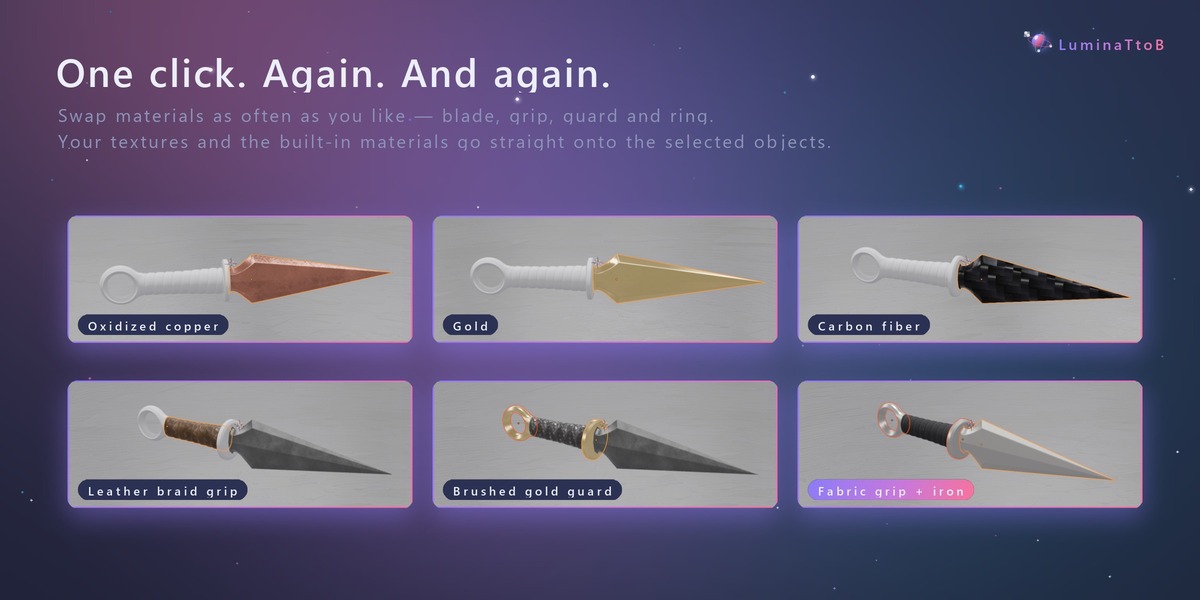
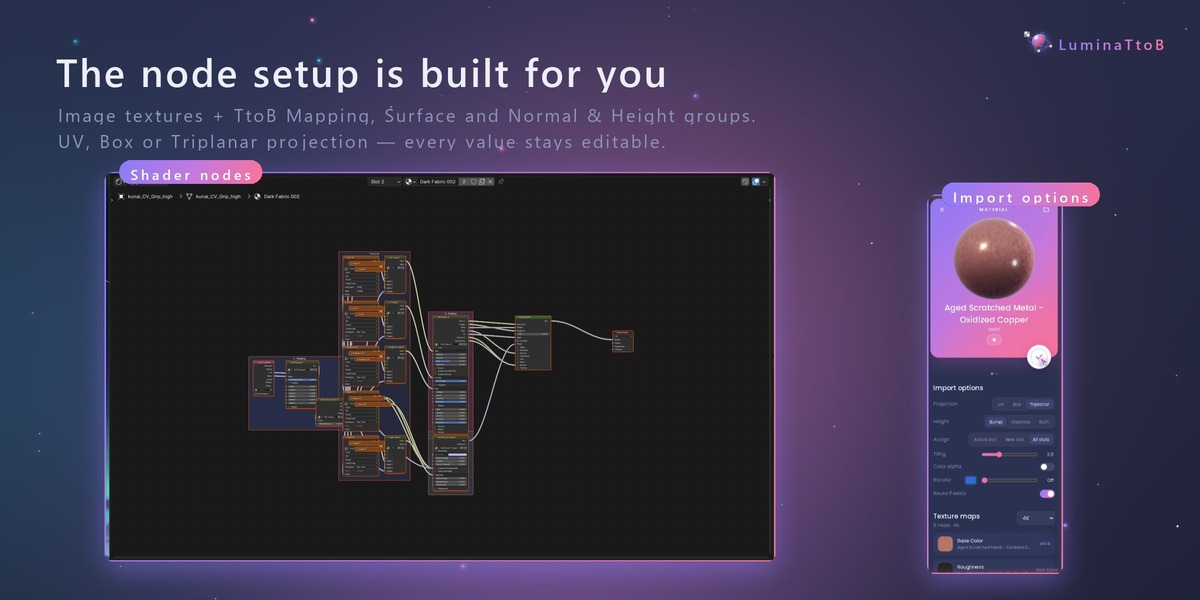
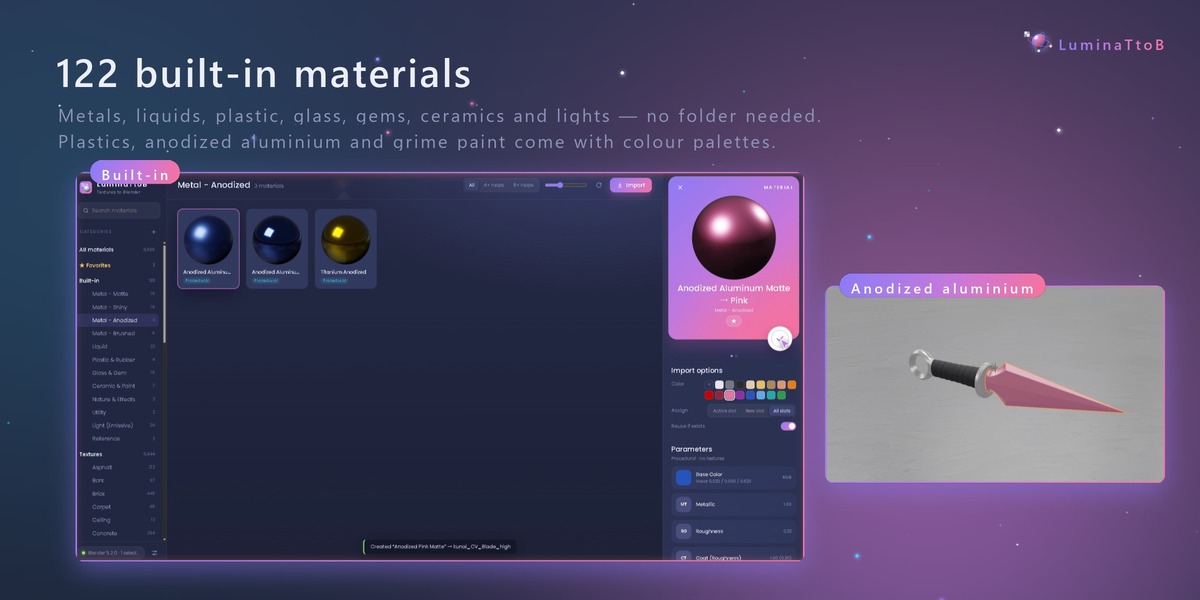

1. Install
- Install Python 3.9 or newer from https://www.python.org/downloads/ (Windows: tick "Add python.exe to PATH").
- Unzip the package for your system (Windows or macOS) anywhere, for example in your Documents folder.
2. Connect Blender (once)
LuminaTtoB needs one of these add-ons in Blender — without one of them, materials cannot be sent to Blender.
Option A — LuminaTtoB Bridge (recommended, Blender 4.0+)
- Edit › Preferences › Add-ons › (⌄ menu) › Install from Disk… and choose
bridge/ttob_bridge.pyfrom the package. - Tick LuminaTtoB Bridge. It starts with Blender every time (port 9877).
Option B — Blender's official MCP add-on (Blender 5.1+) — if you already use it, you do not need the Bridge.
- Install the official MCP add-on (Blender Lab).
- Turn on Edit › Preferences › System › Network › Allow Online Access. The MCP add-on will not start its server without it (it only opens a local socket on your computer).
- In the MCP add-on preferences keep Auto Start on, or press Start MCP Bridge Server, until it says Server is running (port 9876).
3. Start LuminaTtoB
- Windows: double-click
LuminaTtoB.bat. - macOS: double-click
LuminaTtoB.command. If macOS says it cannot be opened, right-click it › Open › Open (only the first time). - Your browser opens http://127.0.0.1:8765/. The pill at the bottom left turns green when Blender is connected.
4. Use it
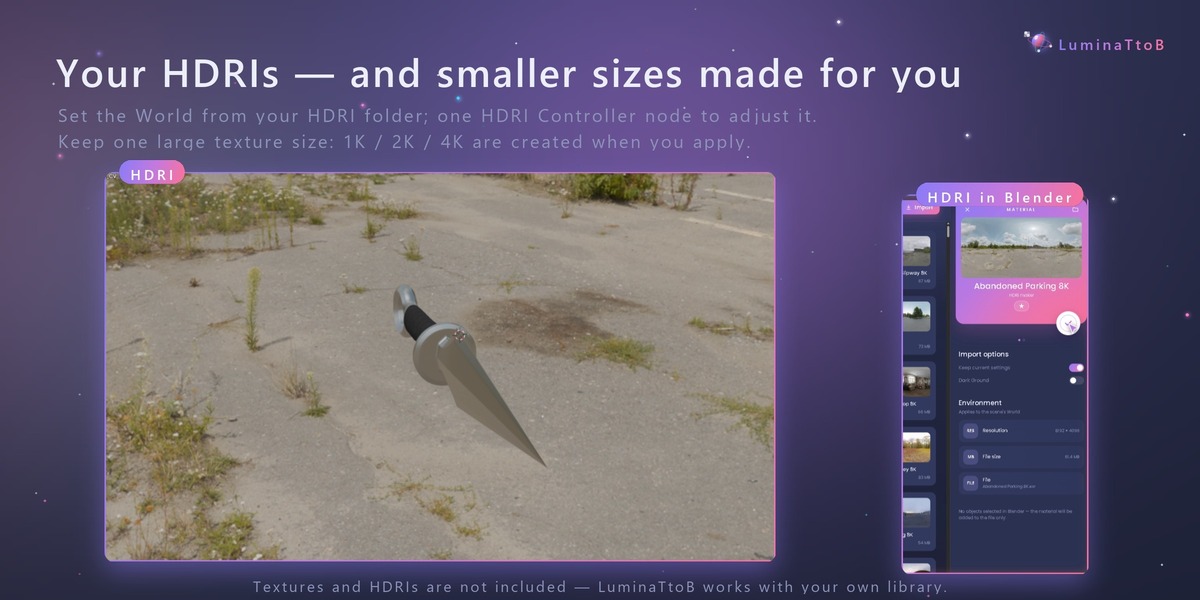
- Settings › Add folder: choose your texture folder and Save. HDRI folders are added the same way.
- Select objects in Blender.
- Click a material, check it on the sphere, and press the round ✓ button (or double-click a card / press Enter).
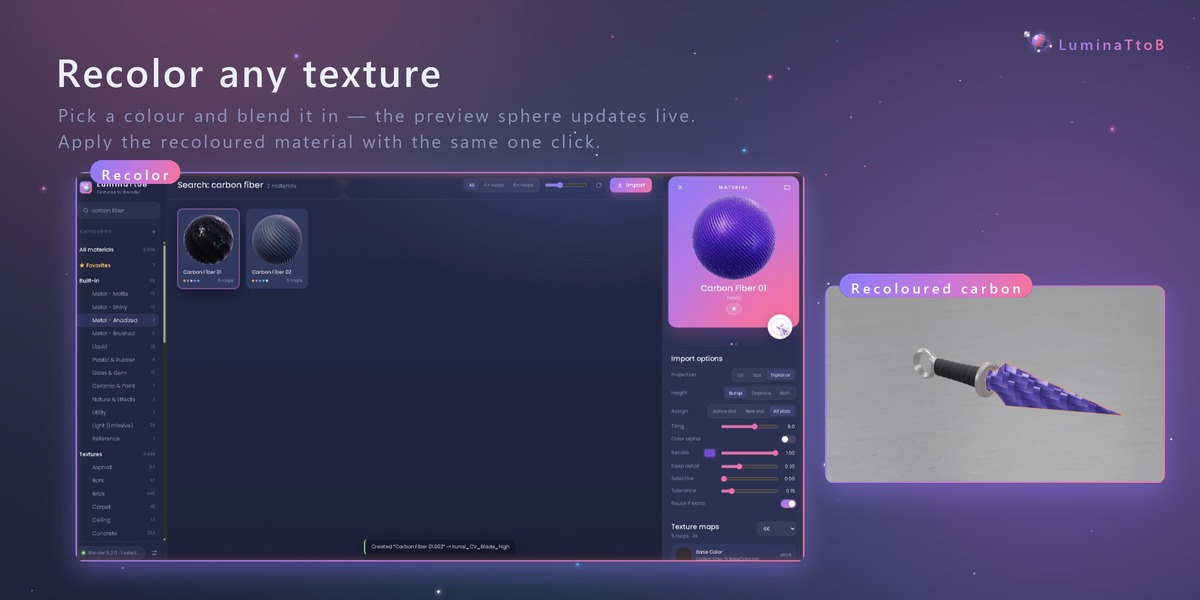
- Before applying you can change projection (UV / Box / Triplanar), height (Bump / Displace / Both), assign mode, tiling and recolor in the details panel.
- Drop textures, folders or .zip files on the window to import them into your library; drag cards onto a category to move them.
Troubleshooting
- "Blender not connected": Blender is not running, or neither add-on is enabled. With the MCP add-on, check Allow Online Access and that the server is running. The ports can be changed in Settings.
-
Nothing happens on macOS: right-click › Open the first time, or in Terminal go to the folder and run
./LuminaTtoB.command. - Python not found: install Python from python.org and start again.
Textures and HDRIs are not included — LuminaTtoB works with your own library. Tested with Blender 5.2 on Windows and macOS (Apple Silicon).
$18
Have questions about this product?
Login to message
| Published | 1 day ago |
| Blender Version | 4.0 - 5.2 |
| Render Engine Used | Cycles, Eevee |
| License | Royalty Free |
Discover more products like this
hdri texture browser material library textures materials PBR MCP instamat shading