 Skava
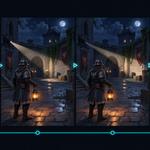
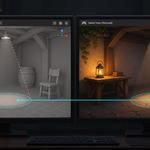
Your Blender lights in Unity, as bright as Blender renders them
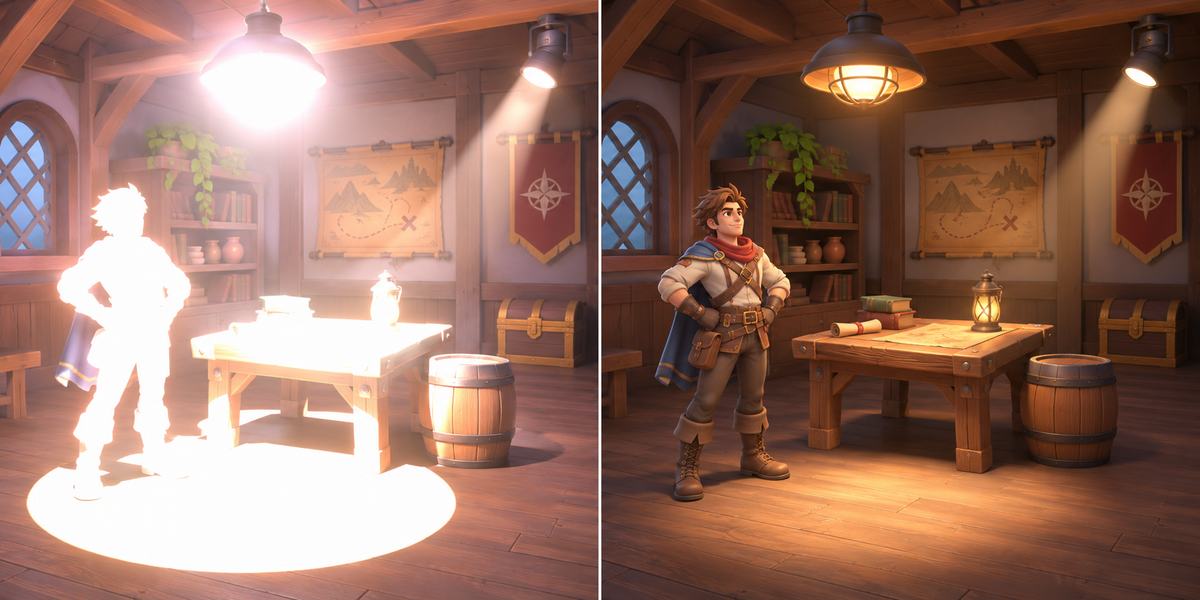
You lit the scene in Blender. In Unity the lighting is wrong before you touch it: Unity reads a Blender light's watts as its own intensity, cuts every light at a 10-metre range, loses the spot's soft edge and drops area lights altogether. On our test scenes, Blender's FBX opened in Unity 6 URP with its defaults made point lights 37 times too bright, spots 15 to 29 times, the sun 3 times, and area lights vanished.
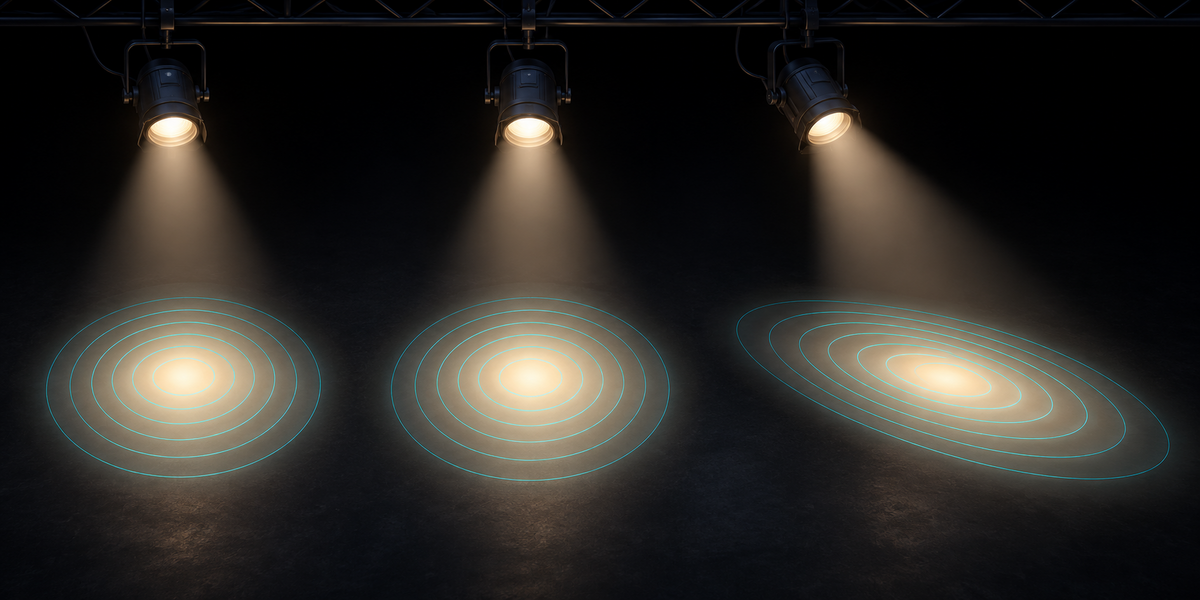
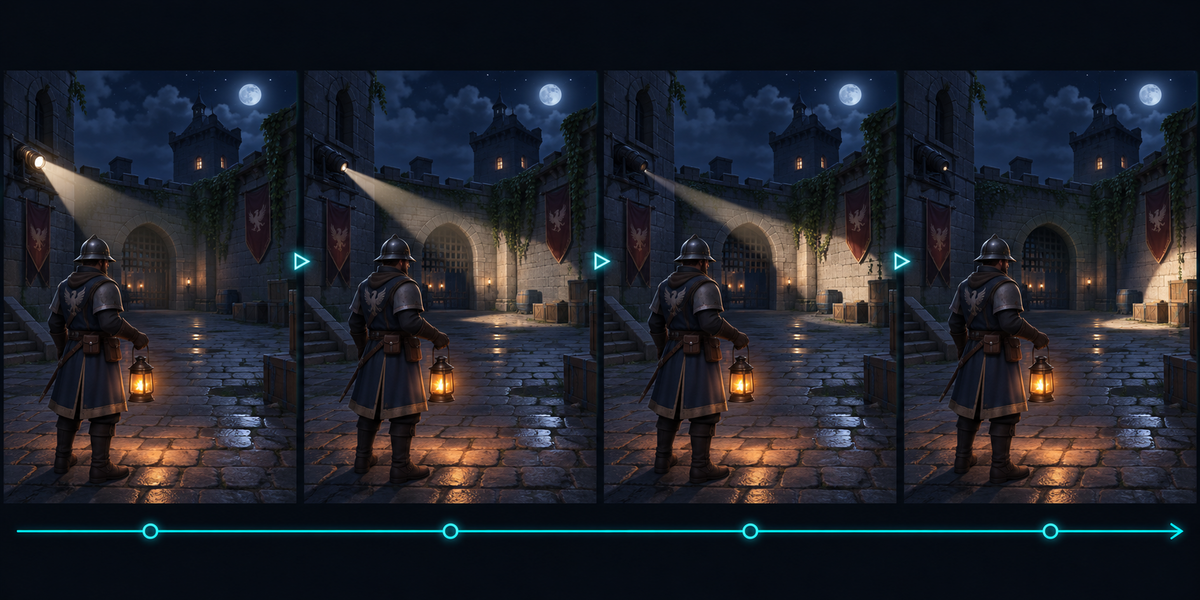
LuxForge carries the lights of a Blender scene into Unity URP so that they put the same light on your surfaces as they do in Blender, and proves it on your own models. Power in watts (and W/m² for the sun), exposure, color and color temperature, the spot's cone, its soft edge and its stretch, the radius, Normalize, and their animation frame by frame are read from Blender itself and turned into URP lights with the right intensity, a range that reaches your whole scene and a cookie that draws the spot's edge as Blender does.
Measured, not promised
- The rules first: how much light each Blender light puts on a surface was measured in Cycles on 42 lights (point, spot, sun, rectangle, square, disk and ellipse areas; tilted, stretched and scaled; soft falloff, radius, exposure, temperature, Normalize, a wide sun near the horizon), in every color channel: LuxForge's model is within 2% of the brightest point of Cycles' render on every one of them; at the edge of a spot with a radius it is approximate, so Check measures such a spot without judging it.
- Ten scenes of real CC0 models in Unity 6 URP (the biggest with 45 models, 41 of which open in Blender 4.2), plus test rooms for the edge cases, exported from Blender 4.2 and 5.2, checked in Unity 6.0 and 6.6, each light alone and all together: point lights within 1.2%, spots within 2.4% (a stretched one within 2.7%), the sun within 0.01%, colored and warm lights within 1.2%, a moving spot and a flickering lamp within 1.6% on every proof frame, a scene in centimetres within 0.6%.
- Check in Unity measures your own scene and writes the report next to the passport: up to 24 proof points per light on your surfaces, from the nearest to the farthest, each rendered by your project's own URP with that light alone and then with every light on together; URP's per-object light limit in Forward is judged on your own objects, for every quality level, and compared with the light Blender puts there; then it confirms the proof points lie on your own models in the open scene. A wrong intensity rule, a cookie 0.4% off, a range too short, a missed unit scale, a color sent in the wrong color space, a light aimed backwards, models moved by 30 cm, slid 1 m along the floor or scaled by 10%, the prefab missing from your scene, Blender's own lights brought in by your models' FBX, a second copy of the lights, the LuxForge Rig switched off while lights are animated (with the Rig off, Check measures the lights as they stand in your scene, your own edits included), or geometry hidden in Blender's viewport all keep it from OK.
What you get
- Scan: every light the render sees (instanced collections included, render visibility of collections and keyframes followed), what it becomes in Unity, and anything that does not come along, said plainly: Cycles portals light nothing and lights with Diffuse visibility off (on the light, or from Blender 4.5 on the object that instances it) light no diffuse surface (only glossy reflections); both are left out; a light the render sees but the viewport hides is named so you can show it.
- Export for Unity: a passport with every light on every frame where it changes, read from Blender itself (parents, constraints, drivers and keyframes all count; a spot or area light that a parent scaled unevenly shears is not carried and keeps Check from OK), the light Blender puts on proof points of your surfaces, a tiny FBX that ties Blender's space to Unity's, and the Unity scripts. Your scene is not changed.
- In Unity: Tools > LuxForge > Set Up Lights makes a prefab with one URP light per Blender light and the LuxForge Rig that plays their animation; Check Lights measures it. Take the time from the clock, a Timeline's Playable Director or your own script.
Honest limits
- URP has no realtime area light: an area light becomes a wide spot that glows like the panel (within 2.1% on average at a few panel sizes; closer to the panel it differs, Check says how much); an area light with Spread below 180° is not carried and keeps Check from OK.
- Unity lights are points: a Blender light's radius softens the light near the lamp and a spot's edge by an amount that depends on distance; LuxForge matches the edge where it falls on your surfaces, nearer or farther it is sharper or softer (Check measures it and does not judge it). With radius 0, the default for new lights, the edge is exact and judged.
- Shadows are carried on or off; their softness is not. Light nodes, IES, light linking and Eevee-only settings (Custom Distance, Square spot, Diffuse factor) are named, not carried: LuxForge follows Cycles. A light whose nodes plainly give no light in Cycles (nothing or a muted link into the Light Output, a muted Emission feeding it, strength 0 or black) is left out, named; any other light nodes (keyed, NLA or driven values and muted mix nodes included) and light linking keep Check from OK, since the game would light it as a plain light. A sun with an Angle lights surfaces it stands lower above than half its Angle from part of its disk, which Unity's sun cannot do: Check fails there (a low sun with a wide Angle over the floor; not with Blender's default 0.53°). The world (HDRI, sky) and glowing materials are not light objects and do not come along: Scan, Export and Check name them, Check also names Unity's own ambient, reflections, reflection probes, fog, baked lighting and realtime GI, and Check compares the light objects' light only.
- The brightness is matched for URP's Lit shader; Simple Lit, your own shaders or the Specular workflow can differ by a few percent.
- Direct light only: the light bounced around a room in Cycles is not carried; bake global illumination in Unity for it, with LuxForge's lights set to Mixed (Baked Indirect) first: as Set Up makes them they are Realtime, which a lightmap bake ignores (Enlighten Realtime GI, when on, bounces them live), and a baked bounce keeps the intensity of bake time, not the animation (Mode Baked, or Mixed under Lighting Mode Subtractive, bakes their direct light too and fails Check).
- URP only (Universal Render Pipeline, Linear color space); not the Built-in pipeline or HDRP.
The Unity scripts are MIT licensed: ship them in your games, closed source or not.
Blender 4.2 to 5.2. Unity 6 with URP. No Python packages, no cloud, no account, no AI model.