 Skava

Why are my lights so bright in Unity?
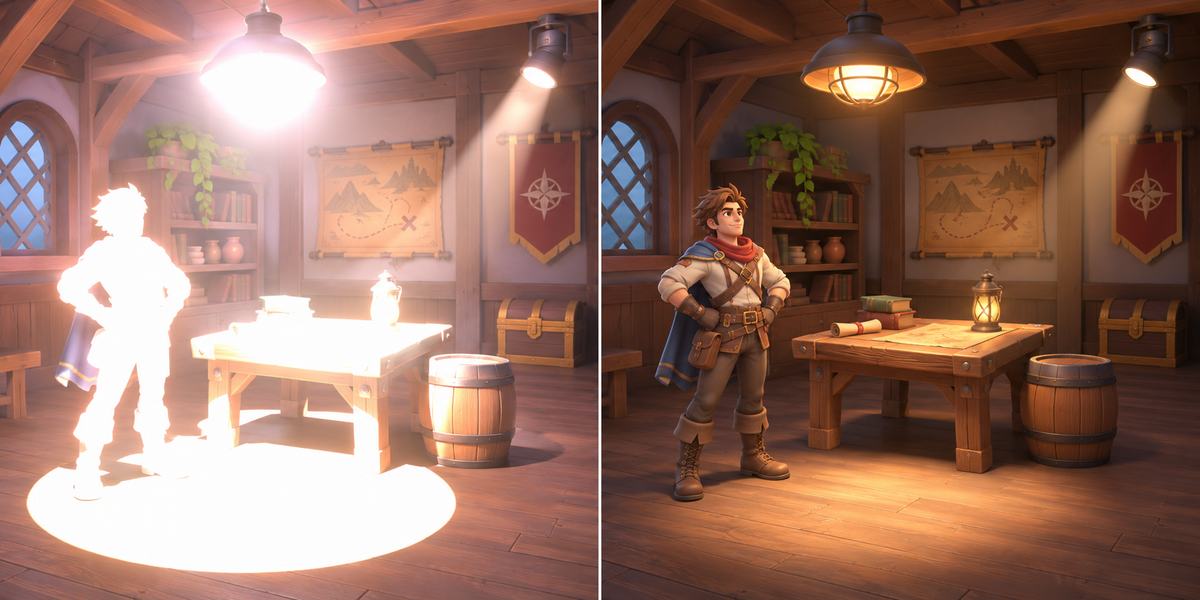
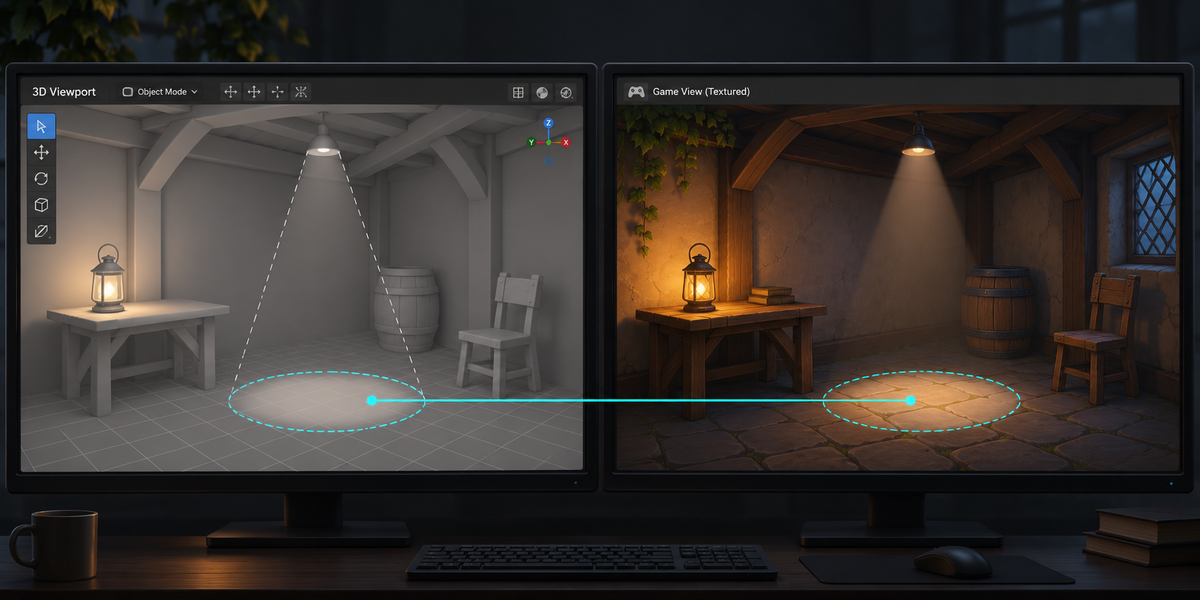
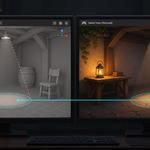
Blender measures a light's power in watts; Unity's FBX import puts that number straight into the light's intensity, which URP reads in its own units. On our test scenes, Blender's FBX with its defaults opened in Unity 6 URP with its defaults made a 100 W point light 37 times too bright, spots 15 to 29 times and the sun 3 times; every light was cut at a 10-metre range and area lights did not arrive at all.
What does LuxForge carry?
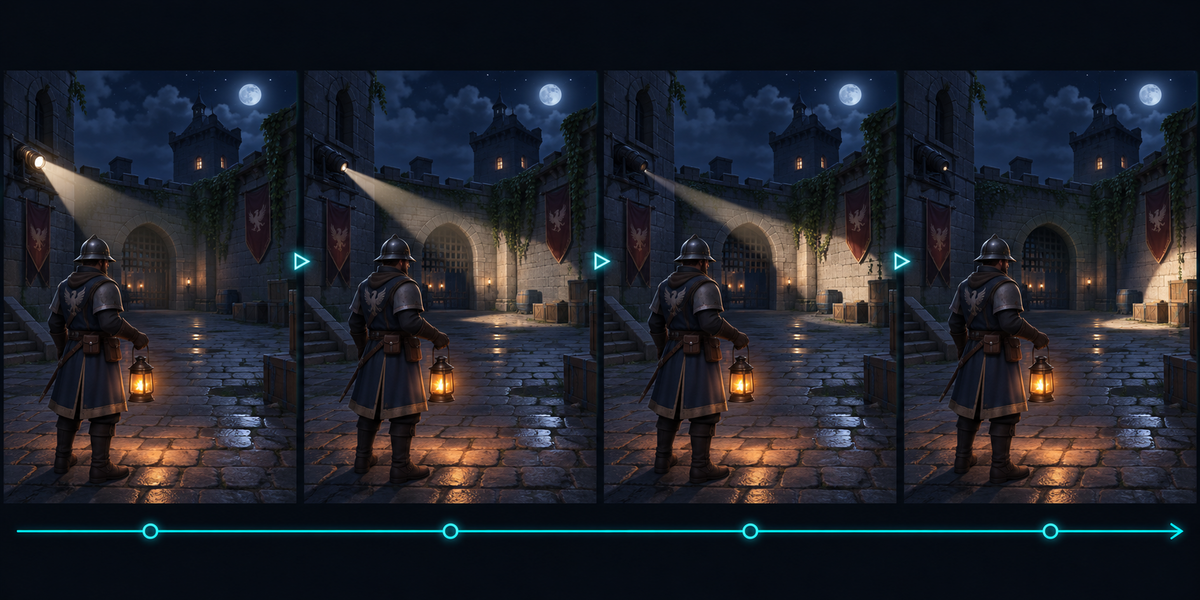
Each light's type, power (watts, or W/m² for a sun), exposure, color and color temperature, Normalize, the spot's cone, its soft edge and its stretch, the radius, shadows on or off, and the light's place and direction with their animation on every frame where something changes, read from Blender itself (parents, constraints, drivers and keyframes all count).
How does the spot's soft edge come along?
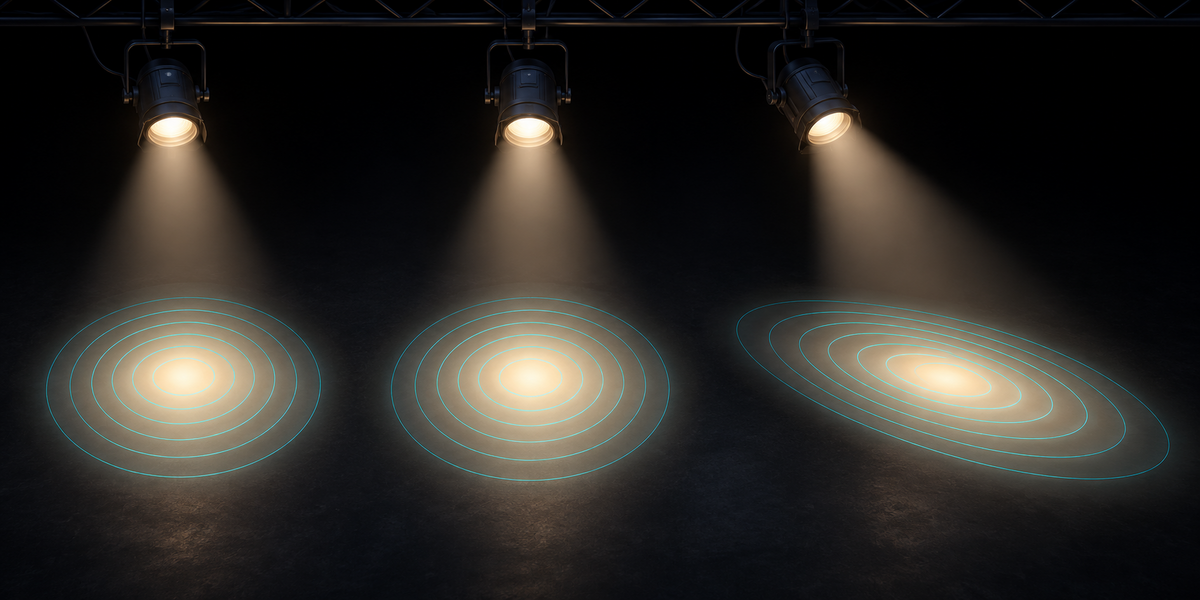
URP's own spot edge is a different curve from Blender's Spot Blend (up to 13% apart on our tests). LuxForge draws Blender's edge, and the stretch of a scaled spot, into a cookie in the projection URP uses, and gives the cone to the cookie alone.
What does Check measure?
For every light, up to 24 points on your own surfaces, from the nearest to the farthest, with the light Blender puts there. In Unity, Check renders a grey card at each point using your project's own URP, with that light alone and then with every light on together, and compares; then it confirms the points lie on your own models in the open scene. A light passes within 3%; area lights and spots with a radius are measured, not judged; lights changed by light nodes or light linking keep Check from OK; the report is written next to the passport.
What about area lights?
URP has no realtime area light. LuxForge turns one into a wide spot that glows like the panel: on our scenes within 2% on average a few panel sizes away; close to the panel it differs and Check says how much; an area light with Spread below 180° is not carried and keeps Check from OK.
Does it carry the sky and glowing materials?
No: only Blender's light objects. The World (sky, HDRI) and emissive materials light your surfaces in Cycles too; Scan, Export and Check name them, Check also names Unity's own ambient, reflections, reflection probes, fog, baked lighting and realtime GI, and Check compares the light objects' light only.
Does it work with HDRP or the Built-in pipeline?
Not in version 1.0: URP in Linear color space only.
Does it export my scene?
No, only the lights, read from Blender on every frame. Export your models as usual with Blender's FBX defaults, unticking Light in Object Types (LuxForge's markers use the same defaults), and the lights stand where they stood in Blender. Only direct light is carried: bake global illumination in Unity for the bounced light.
Can I ship the Unity scripts in my game?
Yes. The Blender add-on is GPL, but the two Unity scripts are MIT licensed (the license file is written next to them on export): you may ship them in your games, closed source or not. They contain no Blender source code.
Does it need AI, a cloud or an account?
No. Everything runs locally, in Blender and in Unity.
Have questions about this product?
Login to message
| Published | 1 day ago |
| Blender Version | 4.2 - 5.2 |
| Extension Type | N/A |
| License | GPL |