 Skava
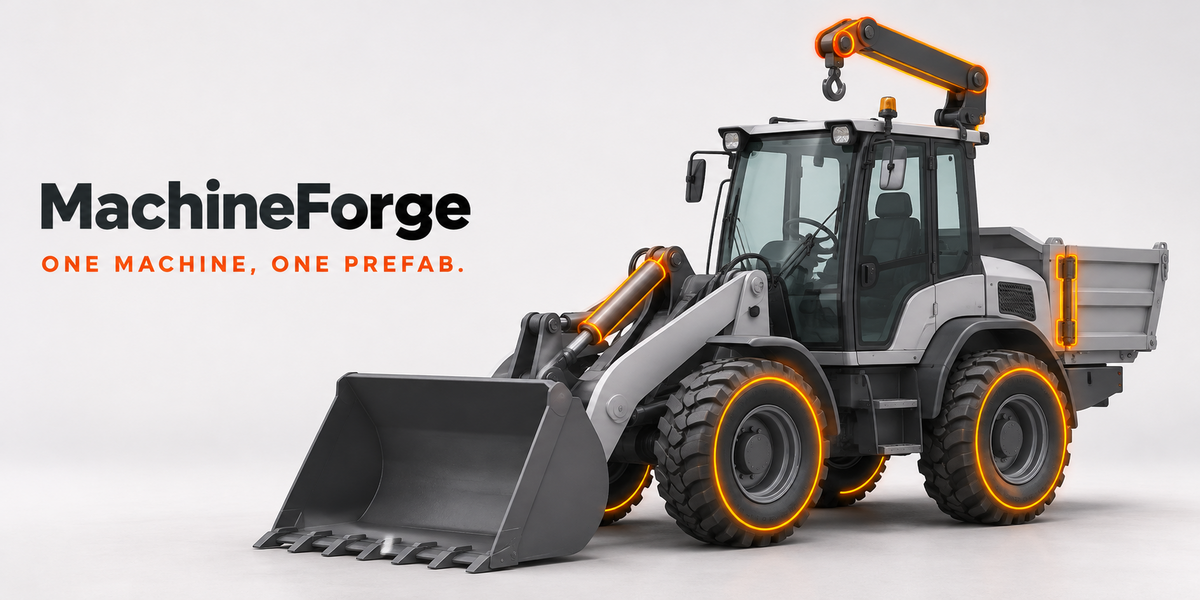
Your Blender machine as one working Unity prefab, measured
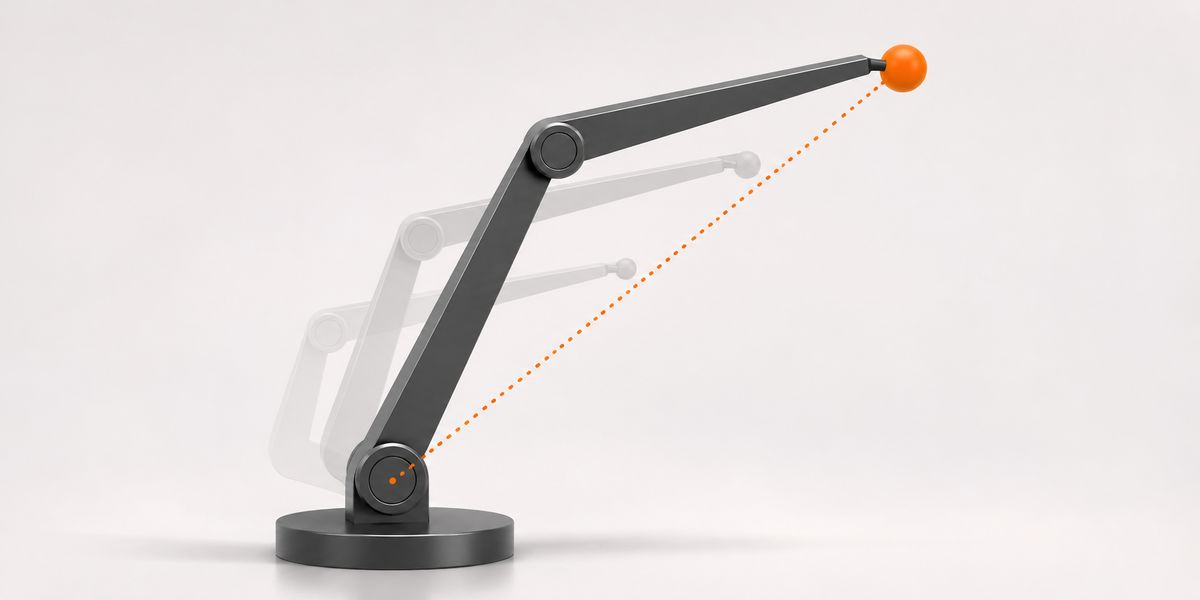
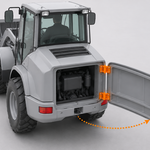
A vehicle or a machine is more than meshes: wheels that sit on their axles and roll, an arm moved by constraints and drivers, hydraulic cylinders that follow it, a door or a tailgate on a hinge that swings in physics, a crane or a robot arm solved by IK. An FBX carries none of that. Each one is rebuilt by hand in Unity, and where they meet on one machine they get in each other's way: a wheel's own rolling driver and the WheelCollider both turn the same wheel, a cylinder that tracks an IK arm reads the arm before the IK has moved it, a door's hinge joint is connected to the world instead of to the car's Rigidbody.
MachineForge takes the whole machine across in one export, sets every part up on one prefab in one fixed order where no part undoes another, and Check measures each part in Unity against Blender and says OK or FAIL for each.
What you get
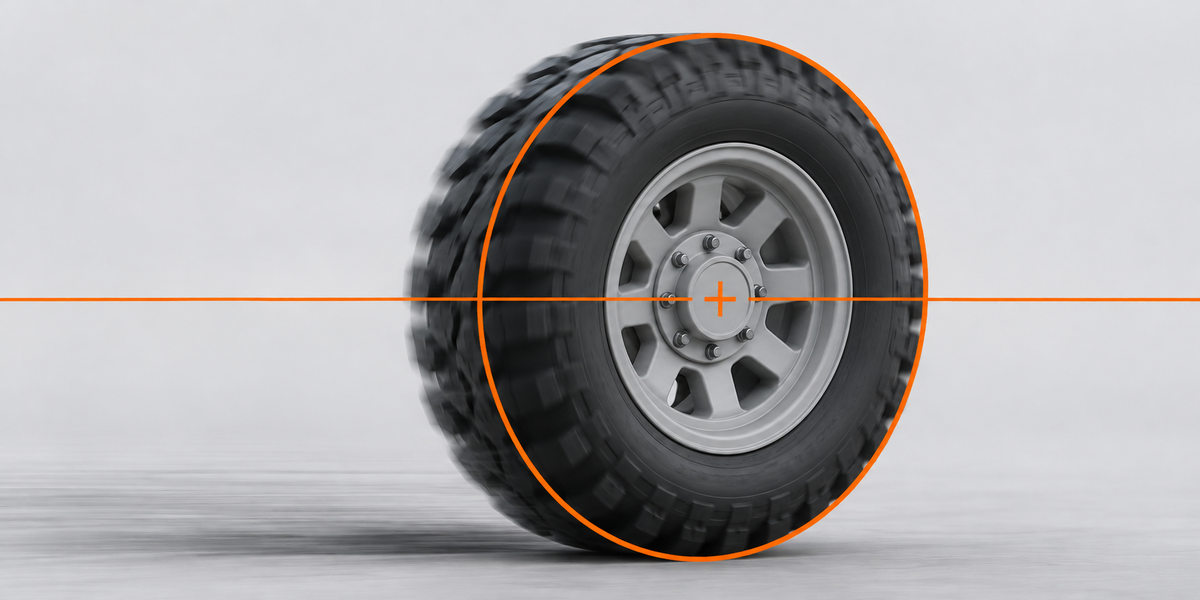
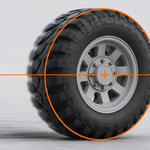
- Wheels: the vehicle's Rigidbody and a WheelCollider on every road wheel, each tyre straightened and centred on its axle. W/S drive, A/D steer, Space brakes.
- Constraints and drivers, live every frame: Copy, Track, Stretch, Limit, Child Of and Transformation constraints, drivers with Blender's simple expressions, your custom properties as controls you can set from a script.
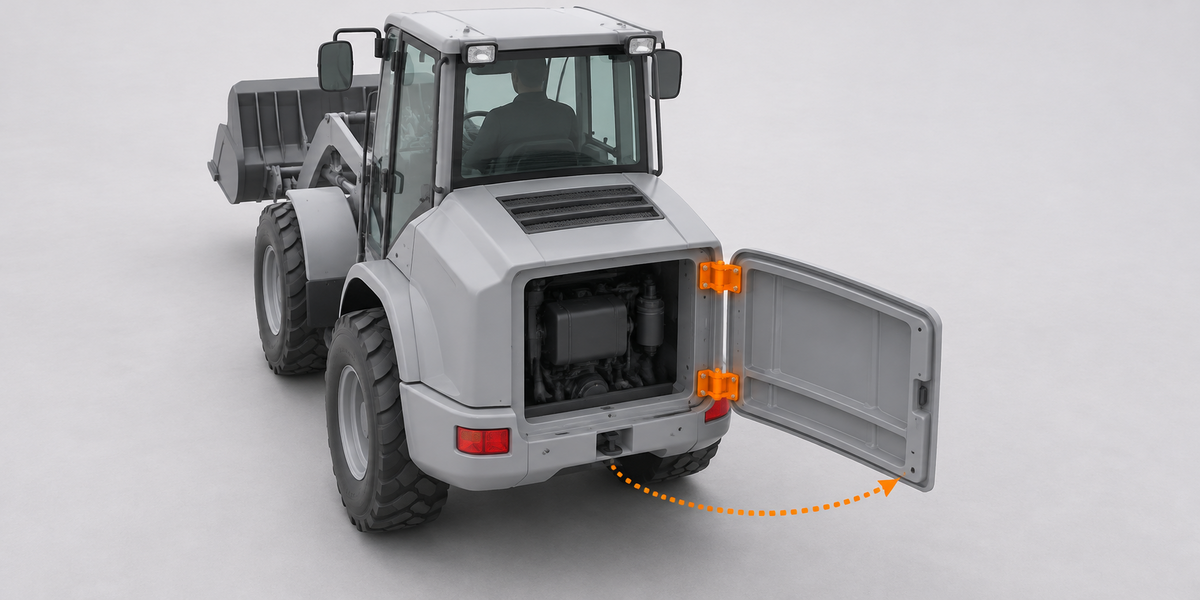
- Rigid bodies and joints: Unity's own Rigidbody, Collider, PhysicsMaterial and Joint components from Blender's rigid bodies and their constraints. A hinge on the vehicle's body is connected to the vehicle's Rigidbody.
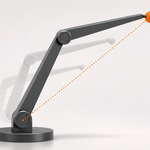
- IK chains, solved live after the animation with Blender's own IK behaviour, so a constrained part that follows the IK arm sees the arm where the IK put it.
- One report next to the prefab: OK or FAIL for every part.
Where the parts meet, one rule each
- Every object has one owner: a road wheel belongs to its WheelCollider, a moving rigid body to physics, an IK bone to the IK. Check counts the transforms each part writes and fails if two parts write the same one.
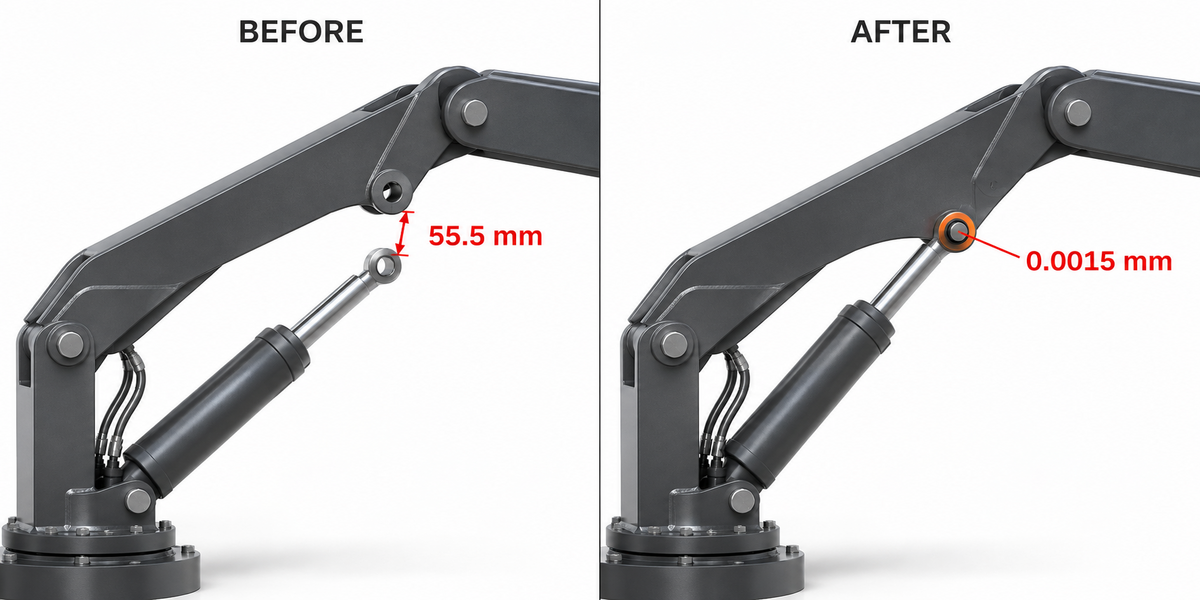
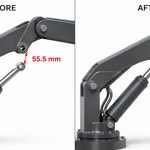
- The IK runs first, the constraints after it. On our test loader a cylinder that tracks the IK crane came out 55.5 mm off its mount the other way round, and 0.0015 mm in MachineForge's order.
- A joint to the vehicle's body is connected to the vehicle's Rigidbody: on the loader the tailgate's hinge stayed within 0.1 mm while the loader drove 32 m.
- One rest frame, one FBX, one set of import settings in Unity that every part needs.
Measured, not promised
- On a wheel loader with all four parts (a CC0 model with a driven bucket and its cylinder, an IK crane on the roof with a cylinder that reads the crane, a hinged tailgate), in Unity 6000.4, from Blender 4.2 and 5.2: the tyre meshes 0.0 mm off their WheelColliders and 0.3 degree off their axles while the loader drives 32 m; the tailgate within 1.7 mm of Blender's own simulation in the first second; the IK within 0.0025 mm of Blender's (301.5 mm without it); the constraints within 0.0015 mm of the exact solution (579.0 mm in a plain FBX); the whole machine on its animation, on 17 proof frames, within 0.0025 mm of Blender.
- Check is tested by breaking things on purpose, one at a time, eleven ways, from a wheel collider 8 % too big to the constraints run before the IK. Each one fails Check on the part it breaks.
- Your Blender file is left as it was: Analyze and Export change nothing in it.
Limits
- A wheel has to be an object of its own (a wheel inside the body's mesh is refused, with how to split it). A constraint or driver that reads a wheel is refused.
- A passive rigid body outside the vehicle (a ground) cannot go in the prefab, where it would ride along. If one is in what you export, every rigid body is left out, the tailgate and its hinge too: leave the ground out of the objects you export.
- Each part keeps the limits of its own tool: an IK tree (two chains sharing bones), Python driver expressions, Spline IK and the constraints not listed above are refused, with the reason. A refusal leaves out the whole part, not just one object: one rigid body that cannot go leaves every rigid body out, and one constraint or driver that cannot go leaves out every constraint and driver. The panel says so before anything is written.
- IK chains need a target bone (and pole bone) of the same armature and the Standard solver; a chain aiming at an Empty or at another armature, a chain without a target, iTaSC and the Rotation option are refused, with the reason.
- Set Up makes the prefab anew on every export: keep your own scripts, sounds and effects on a parent object, not on the MachineForge prefab itself.
License: the Blender add-on is GPL; the Unity scripts are MIT, except the constraints runtime, MachineMechRig, which is GPL like the add-on because its solver follows Blender's own functions. Check that this fits your game before you ship it.
Blender 4.2 to 5.2. Unity 6 (tested on Unity 6000.4.5 on macOS and Windows). No Python packages, no Unity packages, no cloud, no account, no AI model.