 Skava
MachineForge — documentation
What you get
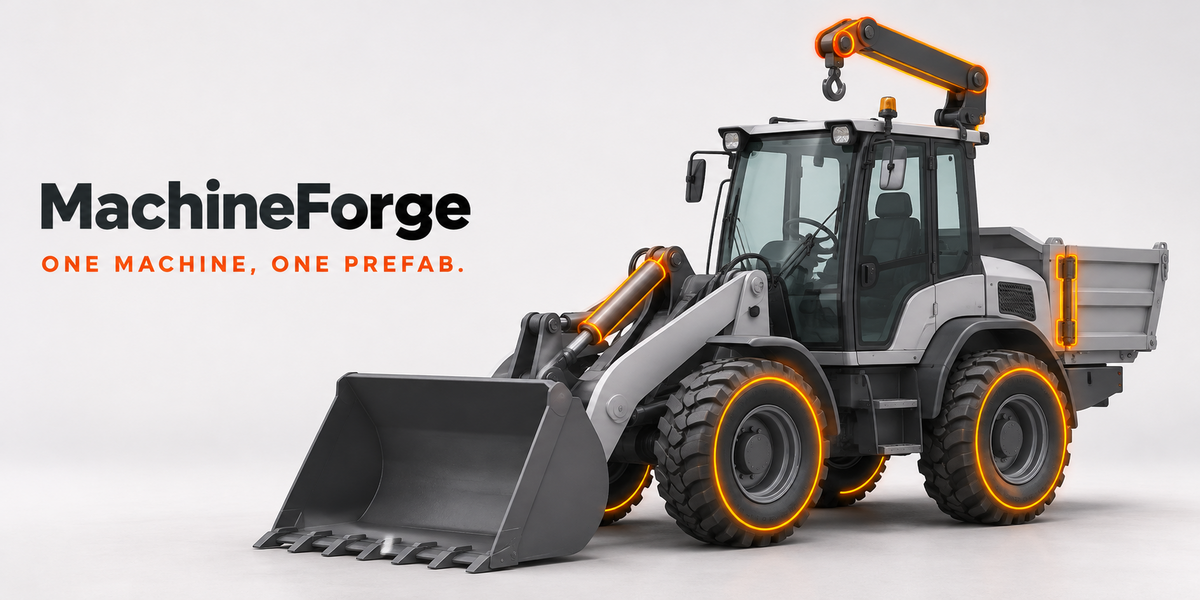
One export in Blender and one Set Up in Unity turn a machine (a vehicle, a loader, a crane, a robot) into one prefab with every part working: the road wheels on WheelColliders, the constraints and drivers running live, the rigid bodies and their joints in Unity's physics, the IK chains solved live after the animation. The parts are set up in one fixed order, so no part undoes another, and Check measures every part on the prefab against Blender and says OK or FAIL for each.
Requirements
Blender 4.2 or newer (tested on 4.2 and 5.2). Unity 6 (tested on Unity 6000.4.5 on macOS and Windows). No Unity packages needed. Blender's own FBX format add-on must be on (it is by default).
Install
Edit > Preferences > Add-ons > Install from Disk, choose the zip, tick MachineForge. The tab is in the 3D View's sidebar (N). To remove: the same list, the arrow next to MachineForge, Remove.
How to use
- Blender, Object Mode: click the machine's root (or all its objects). Everything parented to it comes along, including hidden objects, and so does any armature that deforms one of these meshes through an Armature modifier, even outside the hierarchy.
- 3D View > Sidebar > MachineForge. Leave on the parts you want (Wheels, Constraints, Physics, IK) and press Analyze. The panel lists what each part found and what it measured in Blender, and everything that cannot go, with the reason. Nothing is written.
- If the machine has wheels, set the wheel options in the panel: Forward (Auto works out the front from the wheel names), mass, which axle drives and which axle steers, suspension travel, spring and damping, maximum steer, motor and brake torque, and the body collider.
- Choose a folder (best: inside your Unity project's Assets) and press Export for Unity. Export for Unity writes one FBX file, one passport file (the small settings file that Set Up Machine reads in Unity) and the MachineForge scripts. A file of the same name that MachineForge did not write is never replaced.
- Unity: click the passport file (NAME.machineforge) in the Project window, Tools > MachineForge > Set Up Machine. The prefab NAME appears next to it.
- Tools > MachineForge > Check Machine writes the report next to the prefab and prints it to the Console.
- Optional: Tools > MachineForge > Match Project Physics to Blender sets the project's Fixed Timestep, solver iterations, contact offset, bounce and sleep thresholds to what Blender simulated (Unity keeps these in the project, not in the prefab).
Changed the machine? Export and Set Up again: the prefab is made anew from the new export, so keep your own scripts, sounds and effects on a parent object, not on the MachineForge prefab. One Unity project needs one MachineForge scripts folder; export into your project's Assets folder and MachineForge finds the scripts already there. Two copies of the scripts in one project cause compile errors in Unity, so keep only one.
The four parts
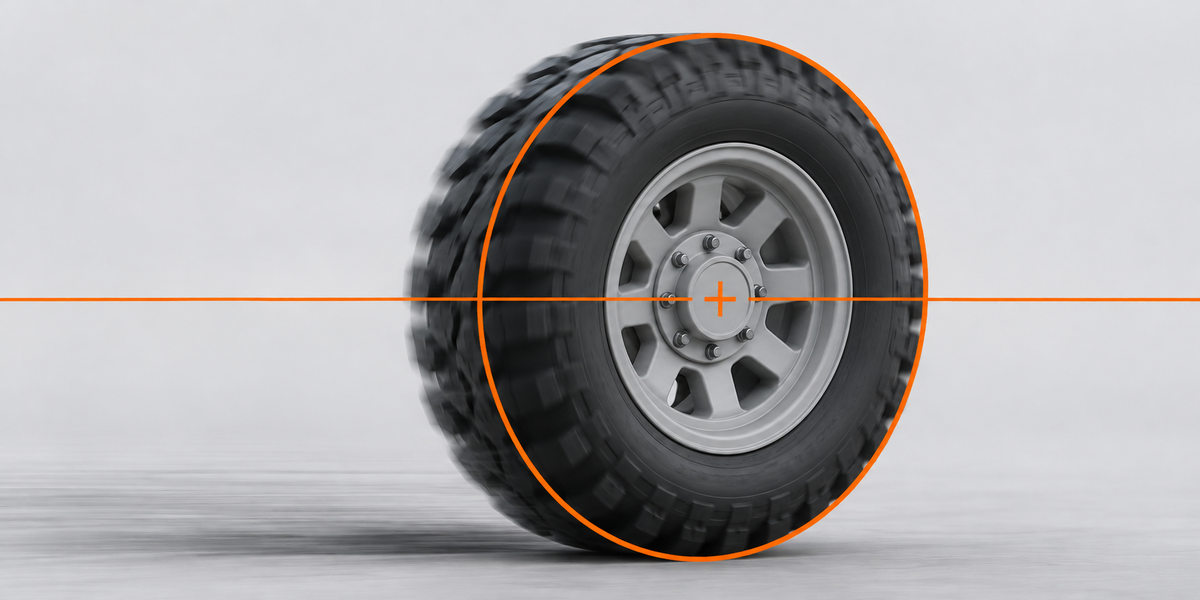
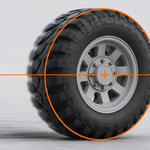
- Wheels (from our WheelForge): the road wheels are found by their names and their shape; each one is copied for the export centred on its axle and straightened (steer and camber at rest taken out), so it spins about its axle in the game; parts that steer but do not spin (calipers) go on a knuckle. The vehicle gets a Rigidbody, a convex body collider made of the parts that do not move, and a WheelCollider per wheel, its suspension placed so the loaded tyres sit where the model has them. MachineWheels drives it from W/S, A/D and Space, or from your own controller.
- Constraints and drivers (from our MechForge): Copy Location, Copy Rotation, Copy Scale, Copy Transforms, Child Of, Damped Track, Track To, Locked Track, Stretch To, the four Limit constraints and Transformation, on objects and bones, with influence; drivers on transforms, influence and custom properties with Blender's simple expressions. The custom properties the drivers read become controls on the rig. Two parts that aim at each other (the usual hydraulic cylinder) work too.
- Rigid bodies (from our PhysForge): Blender's Rigid Body settings and constraints (Fixed, Point, Hinge, Slider, Piston, Generic, Generic Spring, Motor) as Unity's own components, with Blender's mass, friction, bounce, damping and the collision shape; the proof is Blender's own simulation, recorded at export.
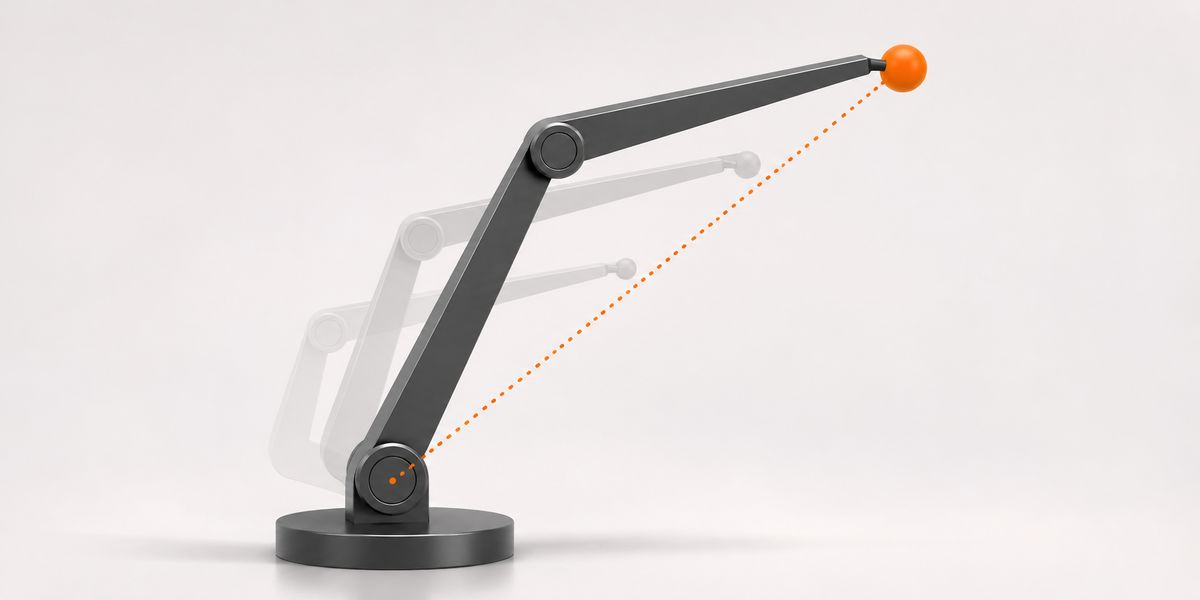
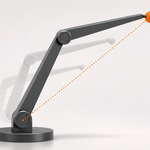
- IK (from our IKForge): every IK chain whose target and pole are bones of the same armature, locks, limits, stretch, weight and iterations, solved every frame after the animation; the animation goes to Unity without the IK baked in. Each chain has a Weight and a Target Override on the rig.
The rules where the parts meet
- One owner per object. A road wheel belongs to its WheelCollider: its own constraints, drivers and keys are not used (the panel names such wheels), and a constraint or driver that reads a wheel is refused. A moving rigid body belongs to physics: its constraints are not run. The bones of an armature with IK belong to the IK part: a constraint that reads them gets them as the IK made them.
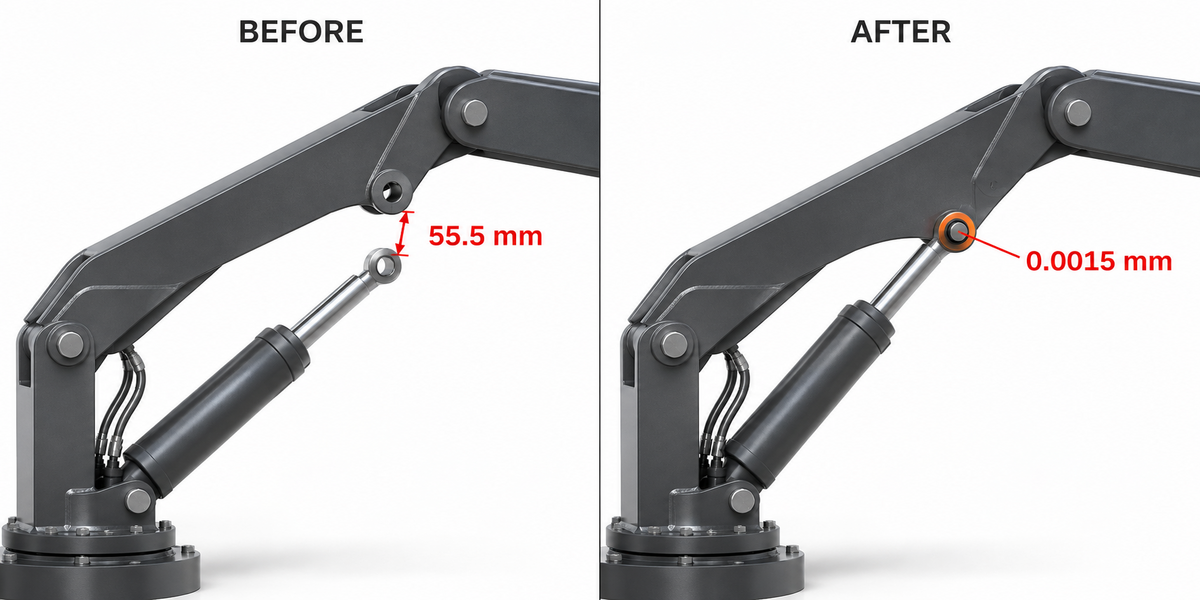
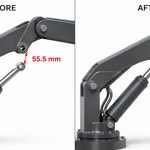
- Script Execution Order: the animation, then the IK (10000), then the constraints and drivers (10010). Measured on our test loader: a cylinder that tracks the IK crane is 0.0015 mm from Blender in this order, 55.5 mm off in the other.
- One rest frame for every part: the first frame of the physics cache, or the current frame when there is no physics.
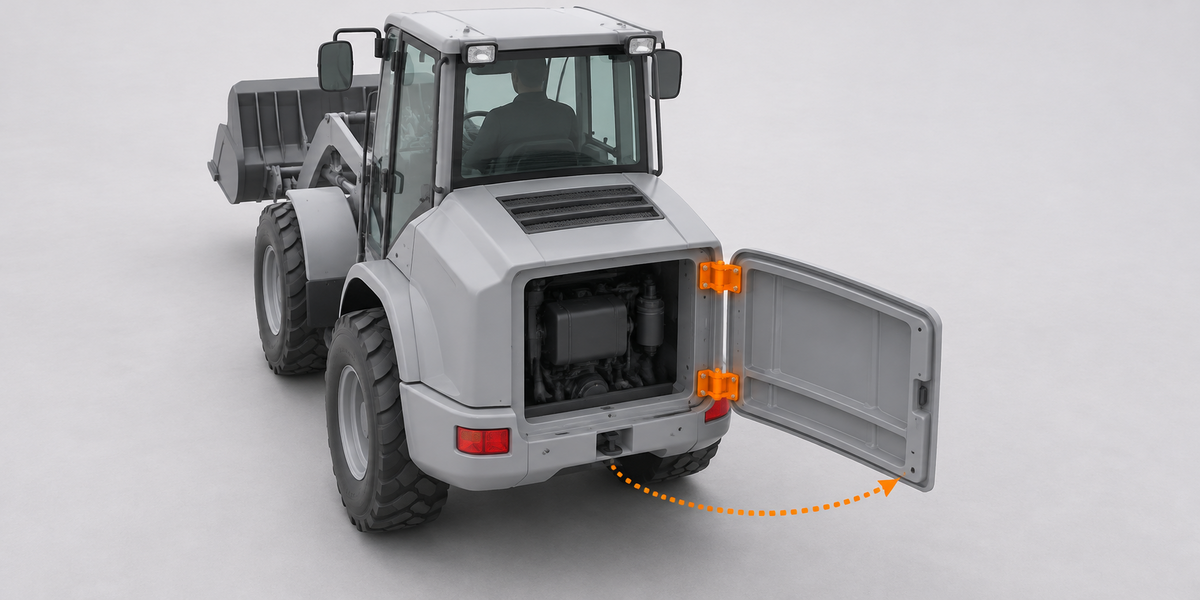
- A passive rigid body of the vehicle's body is one of the vehicle's colliders, and a joint to it is connected to the vehicle's Rigidbody. A passive rigid body outside the vehicle (a ground) cannot go in the prefab, where it would ride along. If one is in what you export, every rigid body is left out, the tailgate and its hinge too: leave the ground out of the objects you export.
- The body collider is made of the parts that do not move: not of the wheels, the moving rigid bodies, the constrained parts or the meshes on the IK rig.
- One FBX (Y forward, Z up, FBX All scale, every action), one set of import settings in Unity that every part needs (Bake Axis Conversion, Read/Write, Generic animation without compression when there is IK). Set Up sets them and says what it changed.
What Check measures
- Writers: the transforms each part writes (tyres and calipers, driven parts, IK chain bones and the bones that follow them, moving bodies, the animation's curves). Any transform written by two parts fails.
- Wheels: the vehicle at rest and driven straight and steered in a physics scene of its own, with every other part on it: tyre off its wheel (limit 1 mm), tyre axis off the axle (0.5 degree), how much a tyre hops while driving and how far it is off the ground (within what the tyre's own polygons allow), steering, the distance driven, sideways drift, pull per 50 m; and every joint connected to the vehicle in Blender must be connected to its Rigidbody in Unity, its two ends within 10 mm while driving.
- Physics: the vehicle parked as Blender's passive body, every moving body simulated and its corners compared with Blender's own recording up to 1 s (limit 2 mm plus 1 % of how far it moved, or three times how far Blender drifts from itself with gravity tilted 0.006 degree, plus three times how far Blender's joints give); 2 and 4 s are shown.
- IK: every proof frame of every action played in Unity, the chains solved and every chain bone compared with Blender's own IK (limit 0.5 mm plus 0.001 times the distance from the chain's root), next to what the plain animation does without IK.
- Constraints: Blender's proof poses (random poses of what drives the machine, its controls across their ranges) run in Unity, every part measured on its corners against the exact solution (limit 0.1 mm near the origin), next to a plain FBX; and every part at rest where Blender has it.
- Live: the machine on its animation, frame by frame: the clip, the IK, then the constraints, every constrained part and every bone it reads against Blender with everything on (limit 0.5 mm plus 0.001 times the distance from the IK chain's root). The other order is measured too and printed.
Measured
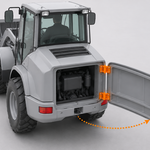
- A wheel loader (a CC0 model, all four parts), exported from Blender 4.2 and 5.2, Unity 6000.4: tyres 0.0 mm off their wheels, 0.3 degree off their axles, 3.7 mm hop while driving (5.7 mm allowed by its tyre), 32.4 m driven straight, 1.2 to 3.0 cm pull per 50 m; the tailgate hinge 0.1 mm apart while driving; the tailgate 1.7 mm off Blender's simulation in the first second (335.2 mm without physics); the IK 0.0025 mm (301.5 mm without IK); the constraints 0.0015 mm (579.0 mm in a plain FBX); Live 0.0025 mm (55.5 mm in the other order).
- Eleven deliberate faults, each caught by Check on the part it breaks: a wheel collider 8 % too big, a tyre 30 mm off its pivot, the tailgate's joint connected to the world, a hinge anchor 50 mm off, a body damped hard, a constrained part turned 1 degree, a constrained part also turned by a wheel, an IK chain's weight 0, an IK bone turned 1 degree, the constraints run before the IK, the FBX imported without its animation.
Limits
- A wheel must be an object of its own; a wheel that is part of a bigger mesh is refused with how to split it (Edit Mode, P, By Loose Parts).
- A constraint or driver that reads a wheel, and a passive rigid body outside the vehicle, are refused.
- An IK rig needs an action: the IK is proven on its animation. The Live check plays the IK rig's actions; a machine without IK has no Live check (each part is still checked).
- Each part keeps the limits of its own tool: an IK tree (two chains sharing bones), Python driver expressions, Spline IK and the other constraints not listed above are refused or named in the panel, with the reason. A refusal leaves out the whole part, not just one object: one rigid body that cannot go leaves every rigid body out, and one constraint or driver that cannot go leaves out every constraint and driver. The panel says so before anything is written.
- IK chains need a target bone (and pole bone) of the same armature and the Standard solver; a chain aiming at an Empty or at another armature, a chain without a target, iTaSC and the Rotation option are refused, with the reason.
- Set Up makes the prefab anew: what you added to an earlier MachineForge prefab is not carried over; keep it on a parent object.
- An FBX carries no custom properties: a control your drivers read starts in Unity at the value it had at export; set it on the rig from a script (an animated control is not played). The Live check plays the IK rig's actions only.
- Lights and cameras are not carried.
License
The Blender add-on is GPL. The Unity scripts are MIT (ship them in your games, closed source or not), except the constraints runtime, MachineMechRig, which is GPL like the add-on because its solver follows Blender's own functions.
Have questions about this product?
Login to message
| Published | 1 day ago |
| Blender Version | 4.2 - 5.2 |
| Extension Type | N/A |
| License | GPL |
Discover more products like this
constraints unity physics game-dev rigid body Joints IK vehicle wheel collider drivers Mechanism Export