 Skava
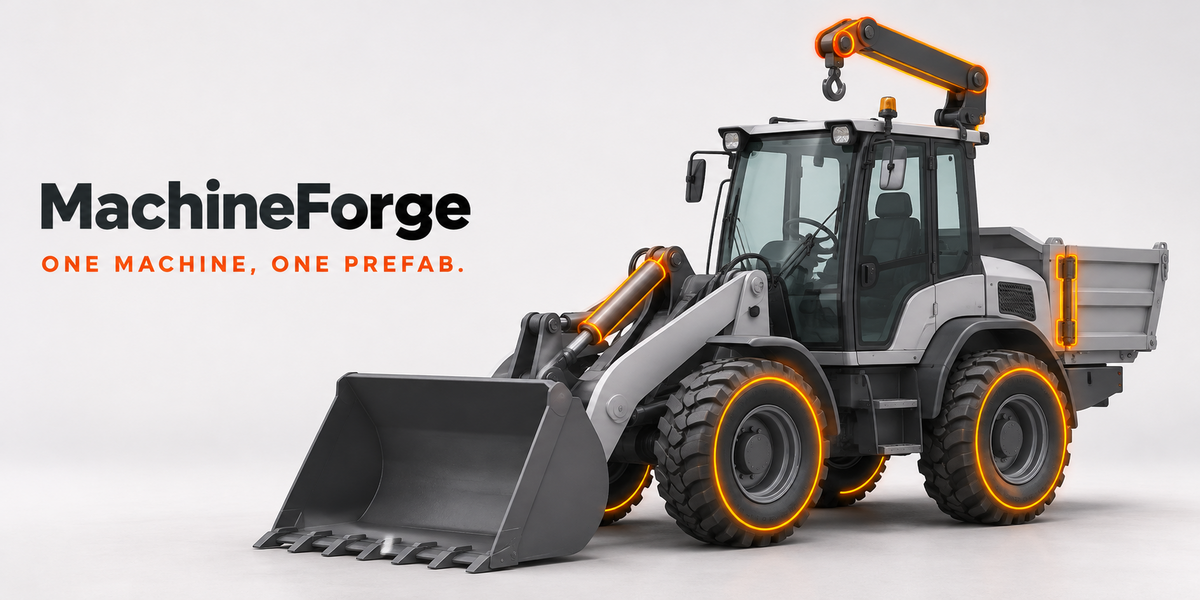
What does it do that an FBX export does not?
An FBX gives Unity the meshes and the bones. The wheels, the constraints and drivers, the rigid bodies with their joints and the IK stay behind in Blender, and each one is rebuilt by hand in Unity. MachineForge carries all four from one export, sets them up on one prefab in one fixed order, and Check measures each one in Unity against Blender.
Why one tool instead of four?
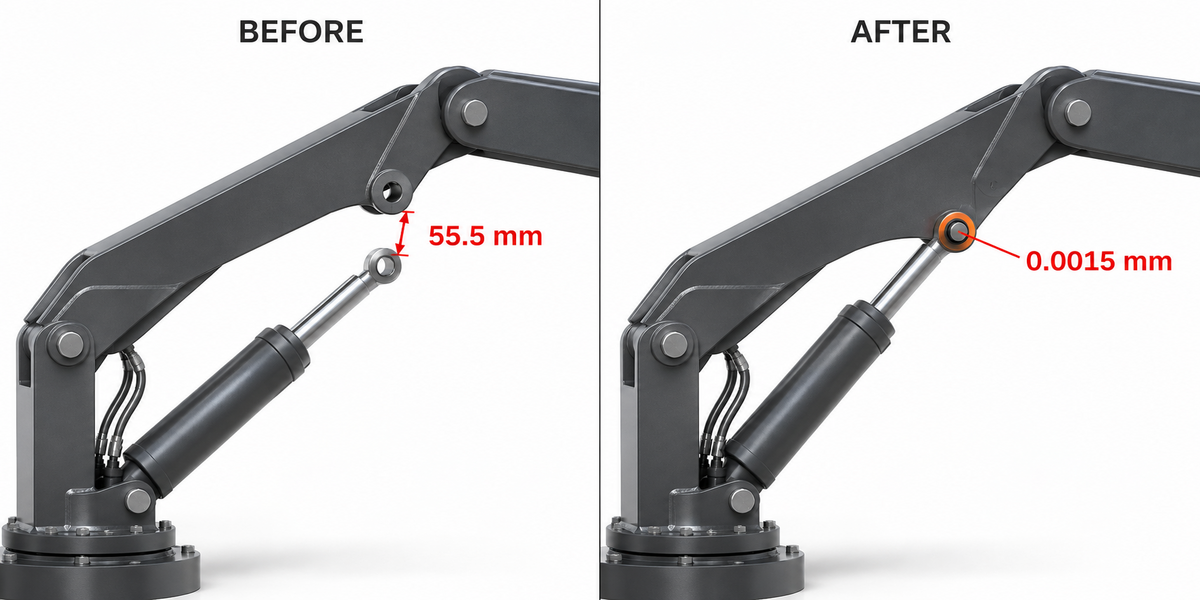
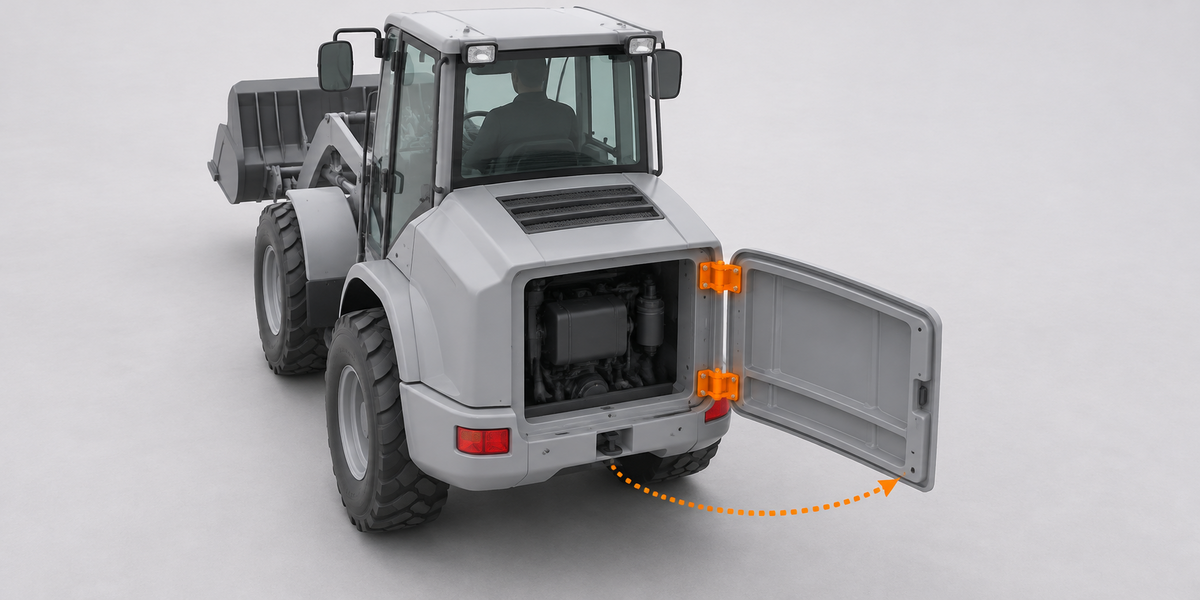
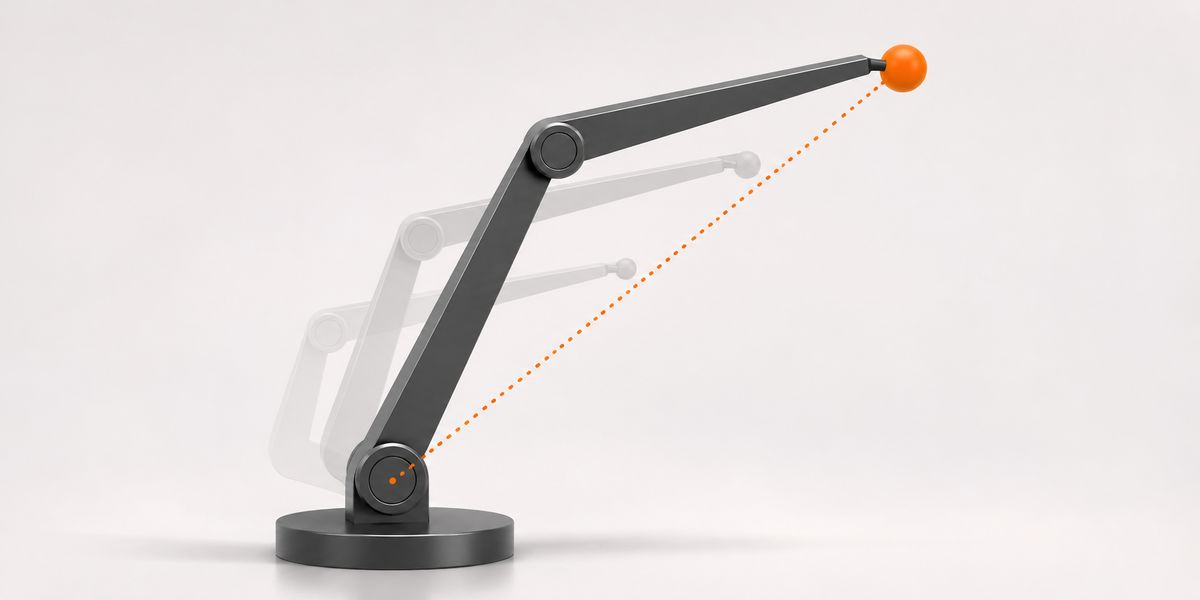
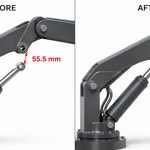
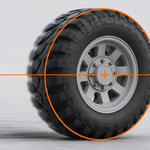
Because the parts meet on one machine, and there they get in each other's way. A wheel's own rolling driver and the WheelCollider both want to turn the wheel. A hydraulic cylinder that tracks an IK arm reads the arm before the IK has moved it when both scripts have the same Script Execution Order: on our test loader the cylinder came out 55.5 mm off its mount that way, 0.0015 mm in MachineForge's order. A door's hinge joint on a car must be connected to the car's Rigidbody, not to the world. MachineForge settles each of these by one fixed rule and Check says that it held.
What do I get in Unity?
One prefab: the vehicle's Rigidbody and WheelColliders (W/S drive, A/D steer, Space brakes), the constraints and drivers running every frame after the IK, the IK chains solved after the animation, and Unity's own Rigidbody, Collider and Joint components for the rigid bodies. A report next to the prefab says OK or FAIL for every part.
I already own some of your single tools. Do I need them?
No. MachineForge carries everything it needs and does not touch them; both can be installed side by side, in Blender and in the same Unity project.
What is measured?
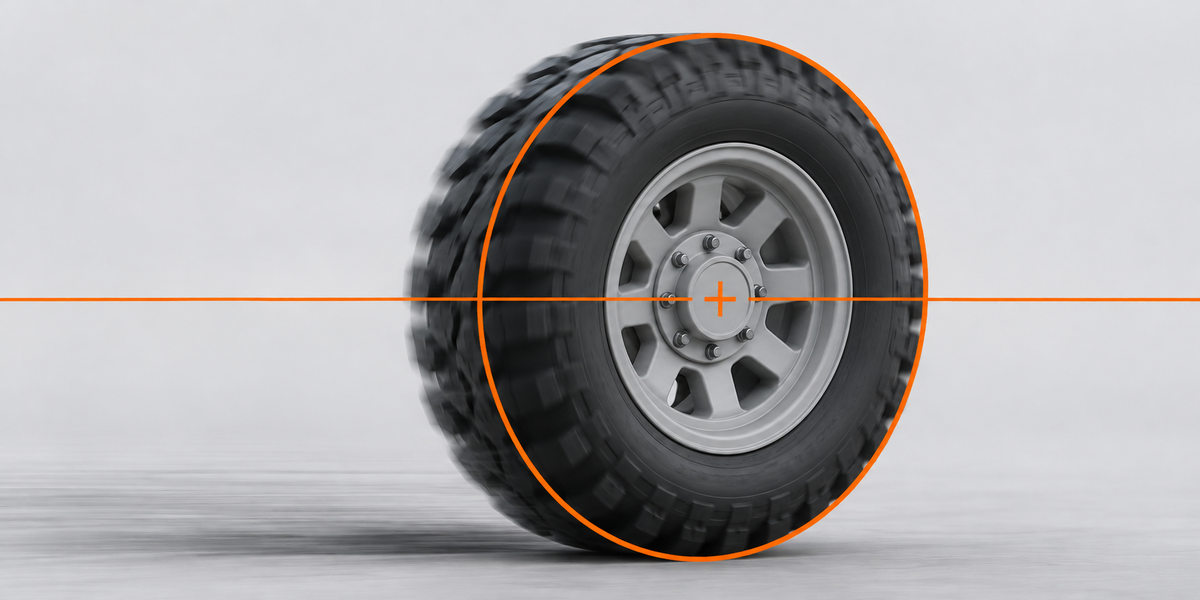
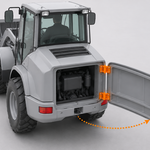
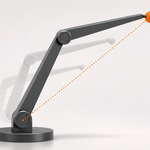
On a wheel loader (a CC0 model with a driven bucket and its cylinder, an IK crane on the roof with a cylinder that reads the crane, a hinged tailgate): tyre meshes 0.0 mm off their WheelColliders and 0.3 degree off their axles while the loader drives 32 m, the tailgate's hinge 0.1 mm apart while driving, the tailgate within 1.7 mm of Blender's own simulation in the first second, the IK within 0.0025 mm of Blender's (301.5 mm without it), the constraints within 0.0015 mm (579.0 mm in a plain FBX), the whole machine on its animation within 0.0025 mm on 17 proof frames.
Does Check really catch a mistake?
It was tested by breaking things on purpose, one at a time: a wheel collider 8 % too big, a tyre off its pivot, a tailgate joint connected to the world, a hinge moved, a body damped, a constrained part turned 1 degree, a wheel and a constraint writing the same part, an IK chain off, an IK bone turned 1 degree, the constraints run before the IK, the model imported without its animation. Each one fails Check, on the part it breaks.
What can it not take?
A wheel that is part of a bigger mesh (separate it into an object of its own), a constraint or driver that reads a wheel, a passive rigid body outside the vehicle, and whatever each part refuses on its own (the panel names each one, with the reason). A refusal leaves out the whole part, not just one object: one rigid body that cannot go leaves every rigid body out, and one constraint or driver that cannot go leaves out every constraint and driver. The panel says so before anything is written.
Do I need anything in Unity?
Unity 6, no packages (tested on Unity 6000.4.5 on macOS and Windows).
Can I ship the Unity scripts in a closed-source game?
The Unity scripts are MIT, except the constraints runtime, MachineMechRig, which is GPL like the add-on because its solver follows Blender's own functions. Check that this fits your game before you ship it.
Have questions about this product?
Login to message
| Published | 1 day ago |
| Blender Version | 4.2 - 5.2 |
| Extension Type | N/A |
| License | GPL |
Discover more products like this
Mechanism game-dev vehicle rigid body constraints IK Joints unity Export physics drivers wheel collider