 Onion365studio


Magic Vertex Painter 8.0.0
Magic Vertex Painter: Paint Your Worlds Into Existence
Tired of placing assets one by one? Magic Vertex Painter is a revolutionary Blender addon that transforms tedious scene-building into an intuitive artistic process. It's designed for game developers, environment artists, and anyone who needs to create complex, natural environments fast. With your stylus as your brush, you can literally paint your imagination to life.

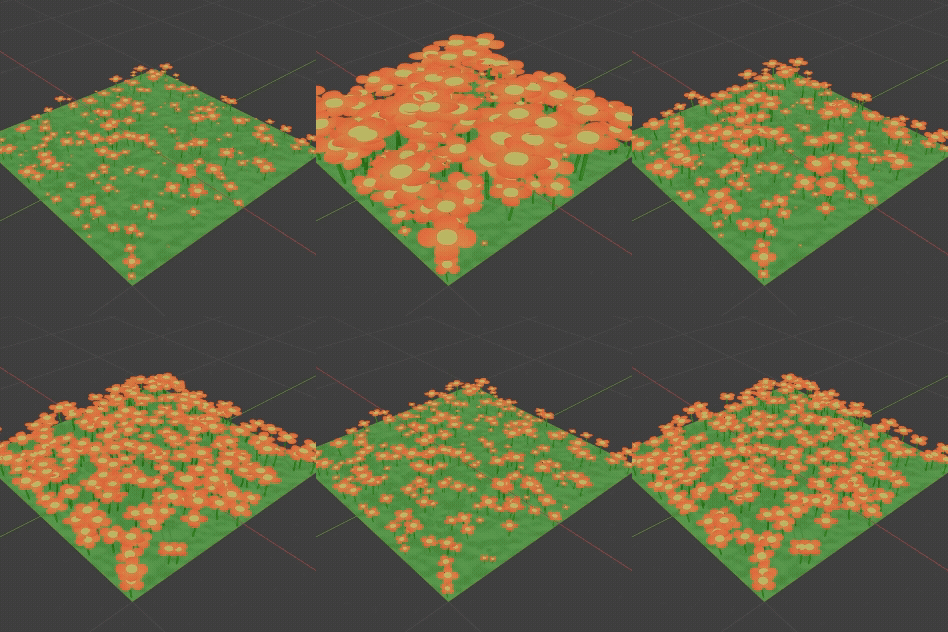


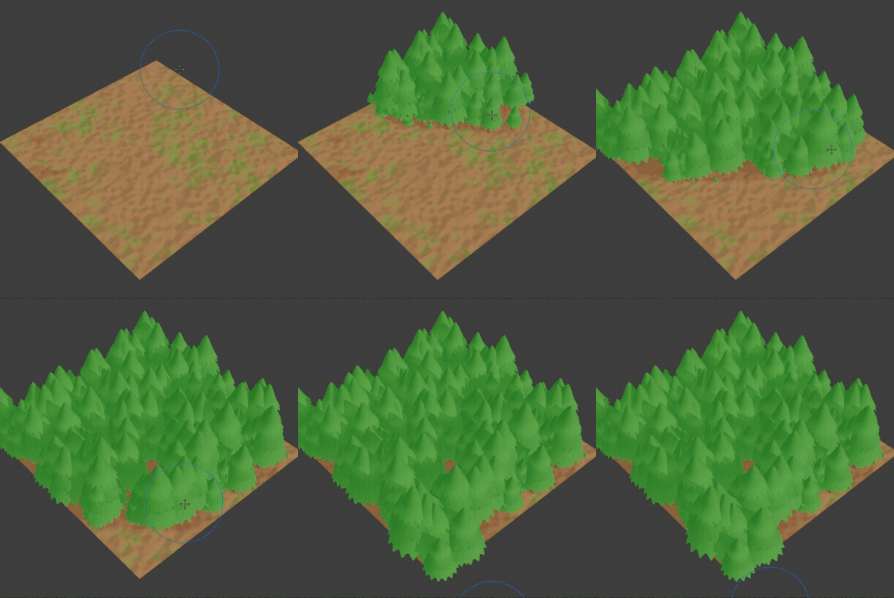


Create Vibrant Worlds, Just by Painting!
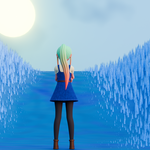
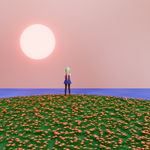
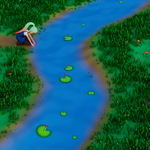
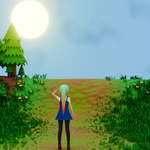
Have you ever found creating complex, natural, and lively environments in Blender to be tedious and time-consuming? Now, you can say goodbye to complex setups and embrace a truly artistic workflow! Magic Vertex Painter is the ultimate solution designed specifically for game developers and environment artists. It seamlessly combines powerful procedural scattering with intuitive vertex painting, allowing you to craft the world of your dreams as easily as a painter uses a brush.
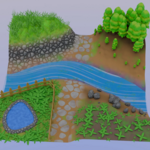
From dense grasslands and rocky shores to fields of blooming flowers and mysterious caves, Magic Vertex Painter makes it all possible with just the stroke of your mouse.
Core Feature
🎨 Intuitive Artistic Workflow
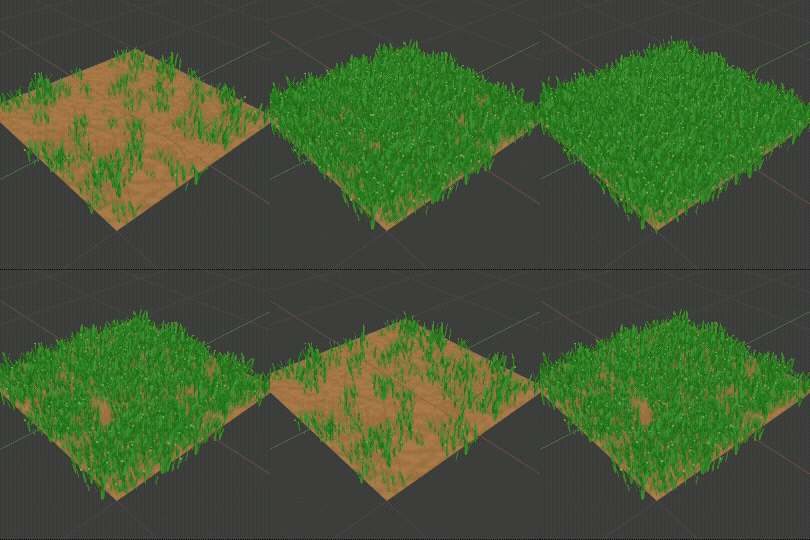
As Simple as Painting: Directly use brushes to "paint" assets like grass, pebbles, and flowers onto your models. What you see is what you get, with real-time feedback that makes the creative process a joy.
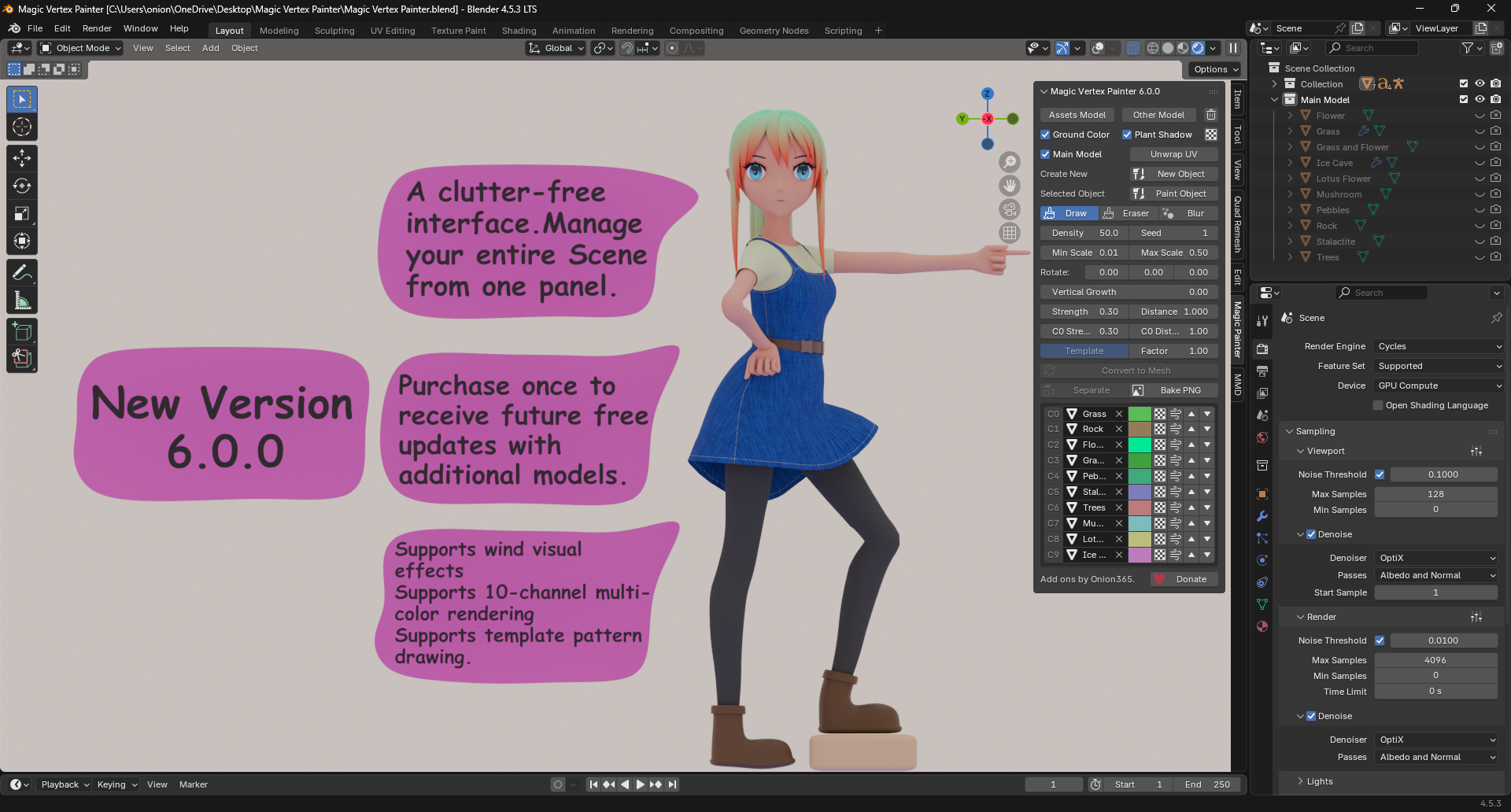
Precise Brush Control: Comes with three core brush modes—Draw, Eraser, and Blur—giving you control to add, remove, or smooth transition areas with artistic precision.
Up to 10 Asset Channels: The system supports up to 10 independent asset channels (C0-C9), allowing you to easily paint and manage ten different types of assets on a single object to build rich, layered ecosystems.
One-Click Start: Whether you're using a built-in template with "New Object" or applying the system to your existing model with "Paint Object", you can be up and running in seconds.
💠 Powerful Procedural & Masking Control
Every Parameter at Your Fingertips: Instantly adjust the Density, Seed, Min/Max Scale, and Rotation for each asset channel in real-time.
Intelligent Alignment System: Use the "Vertical Growth" slider to freely control whether assets align to the ground's normal (like trees on a slope) or remain perfectly vertical (like grass on a field).
Global Ground Mask: You can assign a single mask texture to the entire ground material. Use the black and white values of this image to easily "carve" out paths, clearings, or transition zones between different vegetation types.
Per-Channel Masks: Each of the 10 asset channels (C0-C9) supports its own unique template mask. This provides an incredible level of fine-grained, layered control. For example, you can paint a large area with grass, then assign a noise texture mask to your flower channel, causing the flowers to appear only in natural, random clumps within the grass.
Custom Templates: You can easily assign, change, or remove masks via the dedicated texture icons in the UI, with support for using any custom image from your computer.
✨ Advanced Shading & Dynamic Effects
Procedural Ground Material: Features a robust procedural ground shader with multiple texture types like Noise, Voronoi, Wave, and Brick, all deeply customizable through an interactive Color Ramp.
Unique "Plant Shadow": A unique feature that blends color onto the ground beneath your assets, seamlessly integrating them with the terrain for a massive boost in realism.
Bring Your World to Life with Dynamic Wind: Don't just create static scenes—make them breathe. With a single click of the Wind Icon on any asset channel, you can instantly add beautiful, procedural wind animation. Watch as your grass sways in a gentle breeze and flowers dance with organic motion. The effect is fully controllable with independent dual-speed sliders for each asset type, allowing you to create complex, natural-looking dynamics. To see the magic happen, simply play your timeline animation (press Spacebar), and your world will come alive.
🎮 A Complete Workflow for Game Developers
One-Click Bake & Export: A powerful baking tool offers multiple professional modes, including a dedicated "Bake PNG and Export FBX for UE5" option designed for a game-ready workflow, generating optimized models and PBR textures with a single click.
Performance Optimization Pipeline: Includes a complete optimization workflow, from "Convert to Mesh" and "Separate by Material" to "Auto Clean Mesh," ensuring your final exported assets are clean and efficient.
Atlas Baking: Supports baking materials from multiple objects into a single, shared UV and texture set. This is a crucial feature for reducing draw calls in game engines, making it a blessing for both mobile and PC game development.
Who is this for?
Game Developers: Rapidly create game levels, open worlds, and scene prototypes.
Environment Artists: Efficiently produce natural environments for film, animation, and realistic renders.
CG Hobbyists & Designers: Any user who wants to create complex scenes in Blender in a more artistic and efficient way.
Get Magic Vertex Painter today and elevate your environment art to the next level. Spend more time creating, and less time on tedious technical setups!
Who is it for?
Game Developers who need to rapidly prototype or create final, in-game environments.
Environment Artists seeking a more efficient and artistic approach to scene creation.
Architectural Visualization Artists looking to add vibrant, natural elements to their scenes.
Motion Designers & VFX Artists who need to quickly generate detailed background environments.
What You'll Get
The Magic Vertex Painter Addon (
.zipfile)10 Preset Asset Models (included with the addon)
- Unlimited asset models will be added in future updates.
Detailed User Documentation & FAQ.
Future Feature Updates & Support.
Requirements
Operating System: Windows Only
Blender Version: 4.5 or newer
Render Engines: Compatible with both Cycles and Eevee (Baking features require Cycles)
Model Quantity: (9/6/2025)
Template image Quantity : 8
Asset Model Quantity : 12
Other Model Quantity : 11
Terrain Model Quantity : 5
Main Model Quantity : 10
Update Log:
Magic Vertex Painter 8.0.0 (9/10/2026)
- C0–C9, with each channel supporting a mix of multiple models.
Magic Vertex Painter 6.0.2 (2/15/2026)
- Fix bug for Blender 5.0.
Magic Vertex Painter 6.0.1 (11/25/2025)
- Added support for Blender 5.0.
Magic Vertex Painter 6.0.0 (9/14/2025)
- Added a free layer-switching feature.
- Added bump effects to the 10 template channels (C0–C9).
- The Texture/Mix/Template buttons will be highlighted in blue.
- Adjusted some UI layouts.
Magic Vertex Painter 5.5.0 (9/9/2025)
Ground Texture Settings: Add "Gabor Texture", "Checker Texture", "Magic Texture", and "Gradient Texture" to the texture dropdown menu.
C0~C9 Texture Settings: Add "Gabor Texture", "Checker Texture", "Magic Texture", and "Gradient Texture" to the texture dropdown menu.
Ground and C0-C9 Settings: Add a "Reset" button to the right of the "Mapping" tab. Clicking it should reset the values of the mapping sliders and dropdown menu settings.
Fix a bug where part of the UI panel disappears when the Mapping type is set to "Vector" or "Normal".
Fix an issue where after saving the .blend file during the painting process (without clicking "End Painting"), reopening the file does not resume the "End Painting" state.
Optimize and enhance stability.
- Adjust the UI panel layout.
Magic Vertex Painter 5.0.0 (9/6/2025)
Add Unwrap UV button to the UI panel to unwrap terrain UVs.
Add Strength/Distance sliders for C0-C9 to the UI panel.
Add Color Ramp for C0-C9 to the UI panel.
Add a collapsible setting for Noise/Voronoi/Wave/Brick for C0-C9, including Mapping.
Add a ground template button that uses black and white images (PNG, JPG, etc.) as templates (including custom template selection).
Add a template button for C0-C9 channels that uses black and white images (PNG, JPG, etc.) as templates (including custom template selection).
Simplify the labels for Color 1-Color 9 channels to C1-C9.
Change the dropdown menus for Color 1-Color 9 channels to C1-C9 channel buttons.
Remove the Filter Width slider and replace it with a Noise/Mix/Template toggle button that interacts with the Factor slider.
Adjust the UI panel layout.
Magic Vertex Painter 3.0.1 (8/26/2025)
- Add some models
- Fix the issue where the New Object and Paint Object buttons are disabled after saving and reopening a .blend file.
Magic Vertex Painter 3.0.0 (8/21/2025)
- Add Asset Model and Other Model buttons. After clicking, thumbnails are displayed, allowing more models to be imported (more new models will be added continuously in the future).
- Change the New Object terrain dropdown menu to display terrain as thumbnails (more new terrains will be continuously added in the future).
- The UI areas for the updated Noise Texture or other textures can be collapsible.
- Update so that whenever switching modes, such as Object Mode or Sculpting Mode, clicking the Continue Paint button returns to Vertex Mode to continue painting.
- Adjusted some UI layouts.
Magic Vertex Painter 2.0.1 (8/13/2025)
- Retain the Vertical Growth slider when activating Wind Dynamics.
- Rename the Wind Speed 1 and Wind Speed 2 sliders to Wind 1 and Wind 2 and place them on the same line.
- Adjusted some UI layouts.
Magic Vertex Painter 2.0.0 (8/12/2025)
- Change Color 1 to Color 10 into Color 0 to Color 9.
- Added custom Noise Texture, Voronoi Texture, Wave Texture, Brick Texture, and Mapping adjustment functionality.
- Added plant wind sway feature.
- Added on/off button for plant wind sway animation.
- Adjusted some UI layouts.