Make It Cardboard! (Beta) - Cardboard City Generator, Diorama and Papercraft Look for Blender
 TastyVoxels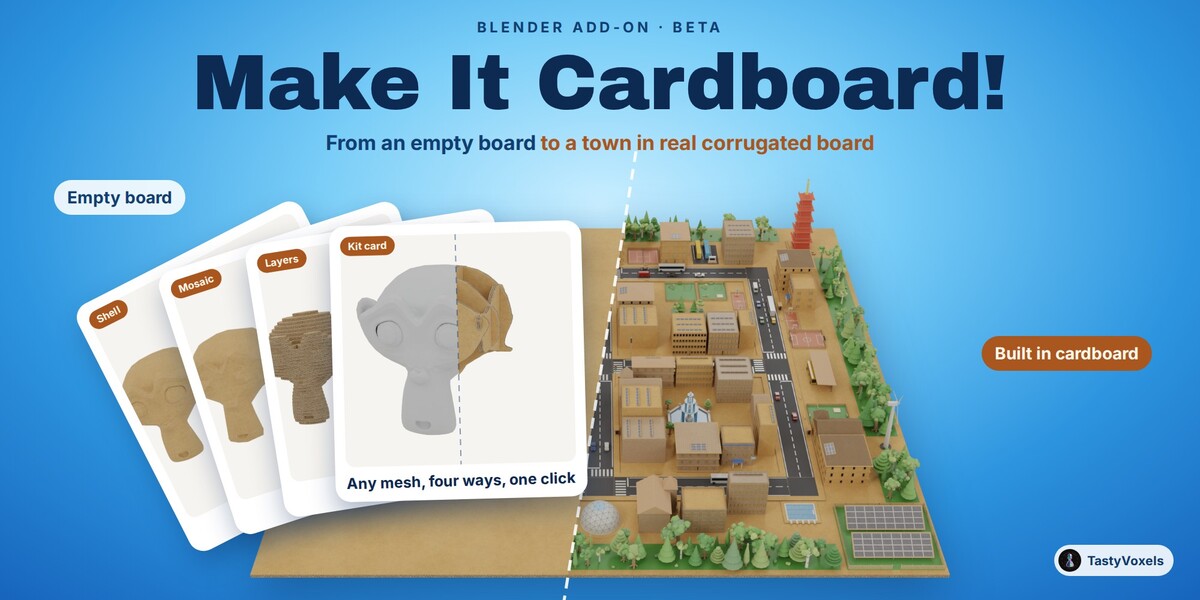
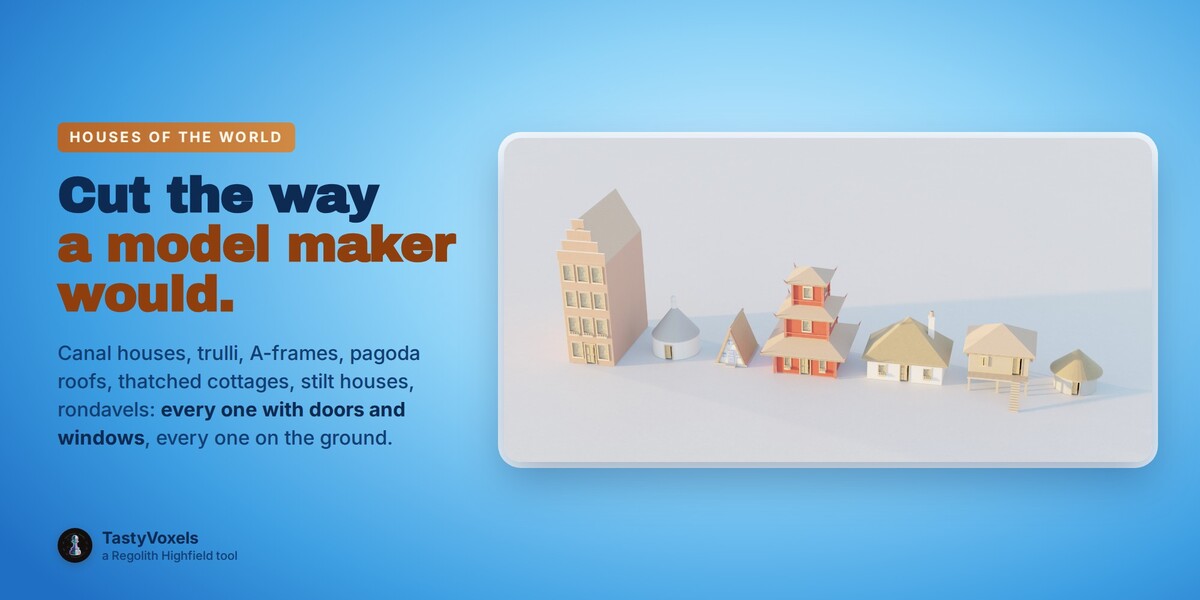
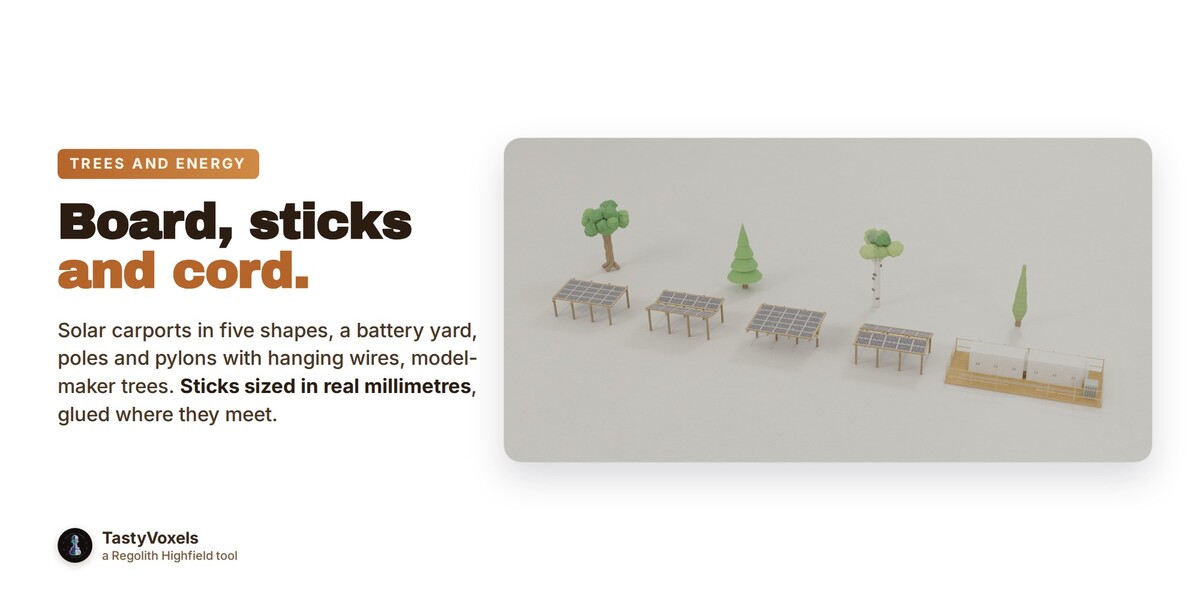
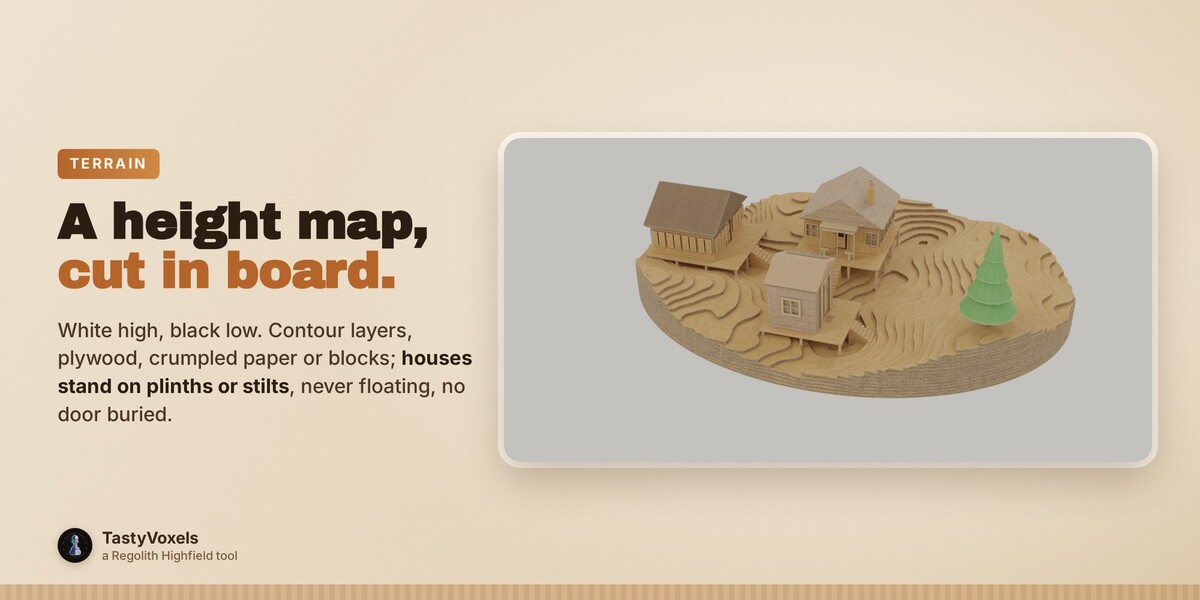
Install
Blender 4.2 or later: Edit > Preferences > Get Extensions > the arrow at the top right > Install from Disk, then pick make_it_cardboard-0.9.1.zip. The panel appears in the 3D View sidebar (N) under the Cardboard tab.
Start in one minute
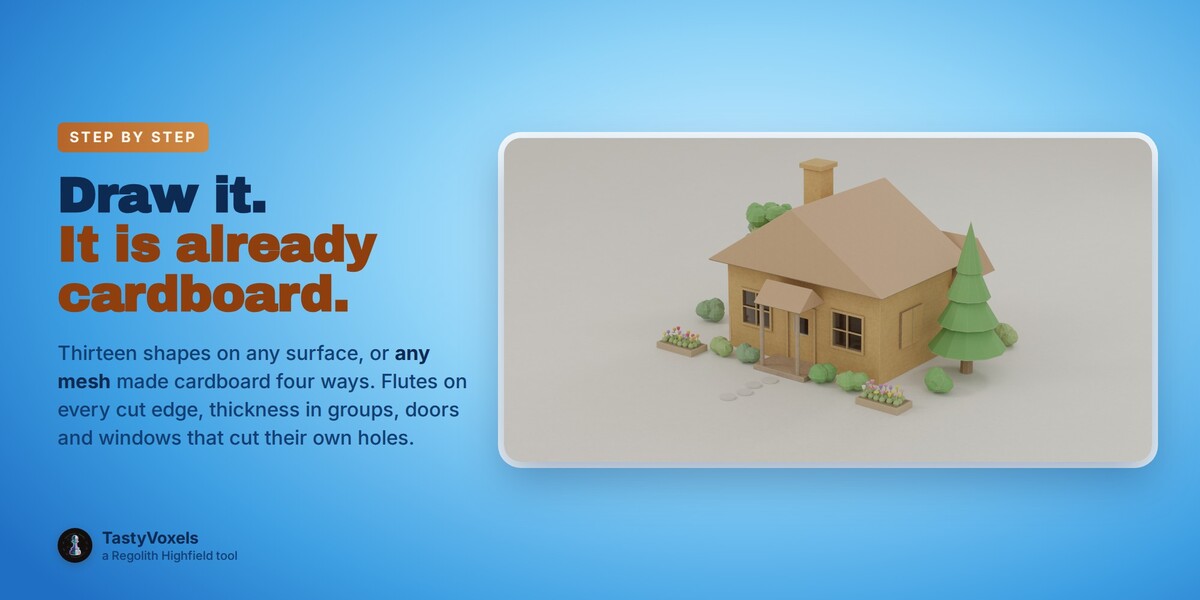
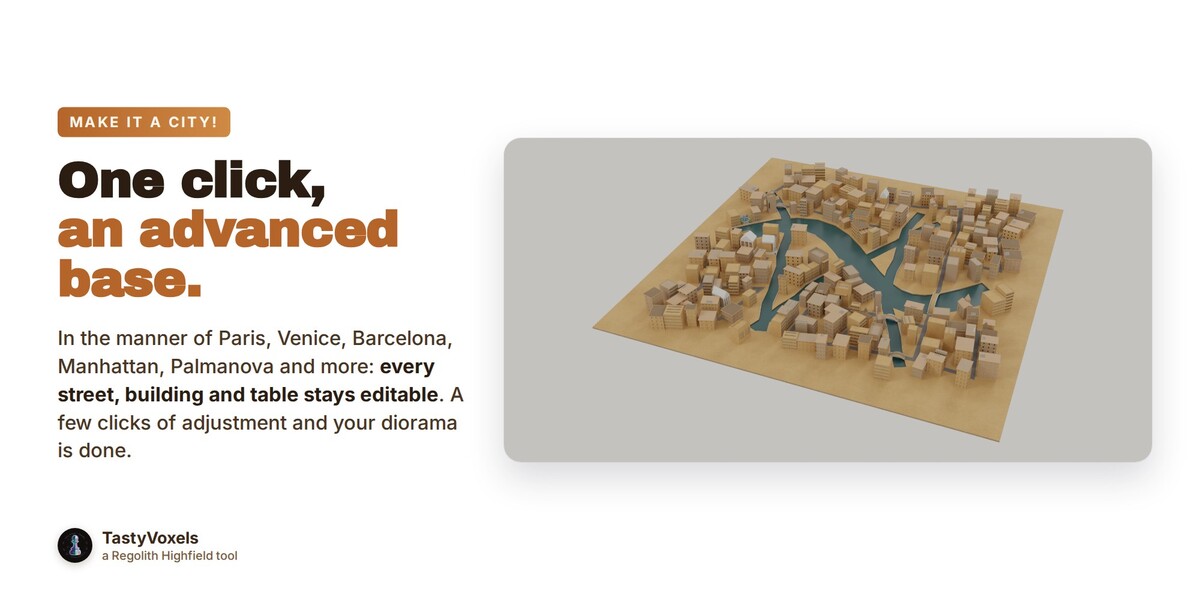
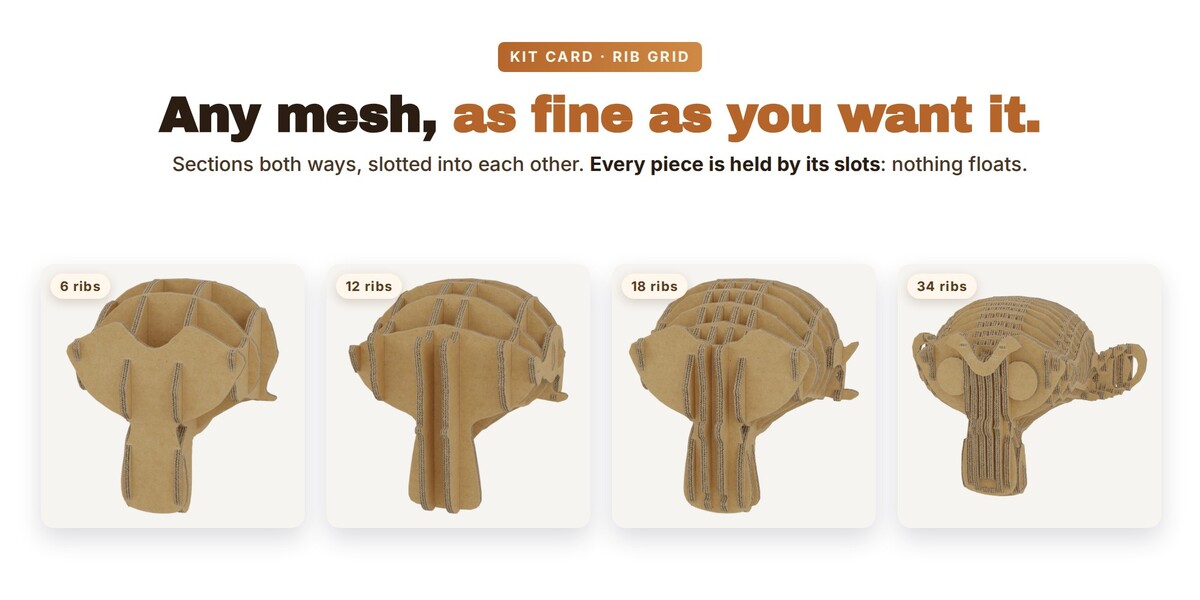
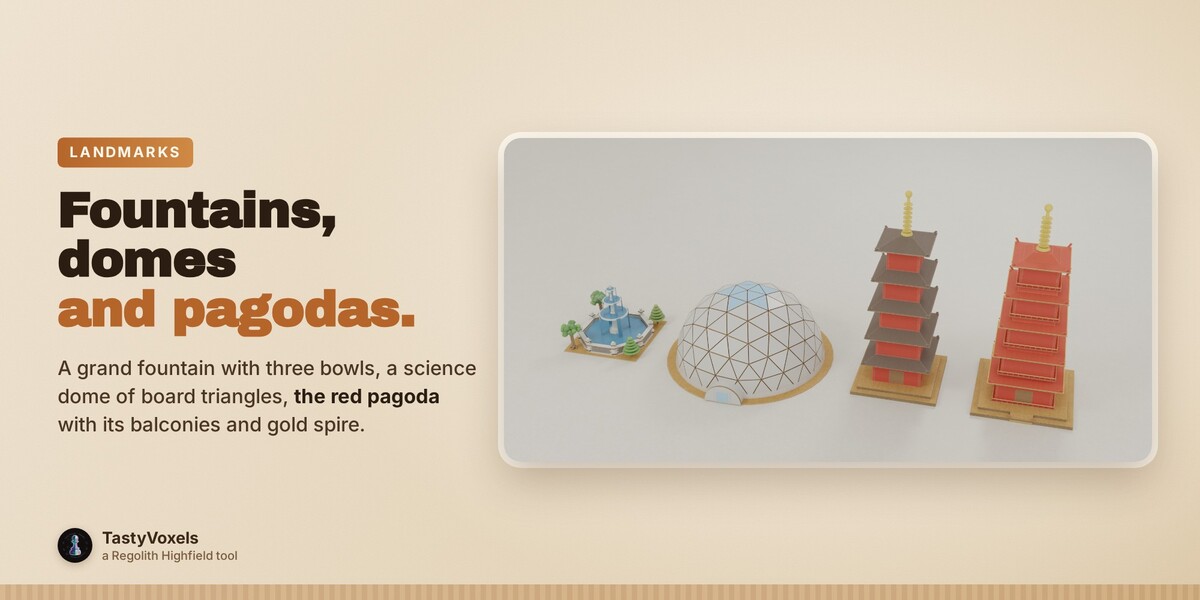
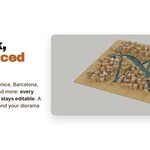
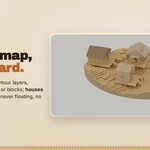
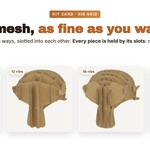
Press Example House to see every feature live. Or open Make It a City!, pick a city in the gallery and press the Make It a City! button: you get the streets, one box per lot and the buildings in board, all editable. Or select any mesh and press Make It Cardboard!, choosing Shell, Laser slices, Panels or Kit card.
The numbered panel
The steps tick themselves as you go: draw a shape on any surface, set the board thickness of each group, add doors and windows that cut their own holes, join sheets with slots, tape and stickers, light the scene, bake and export.
Tables you control
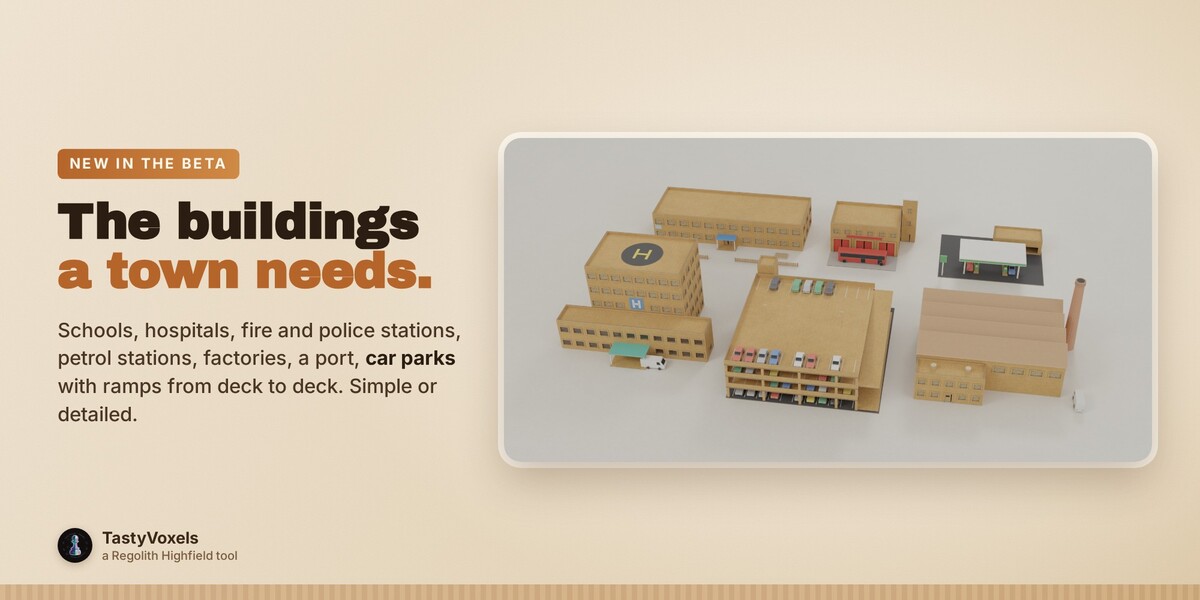
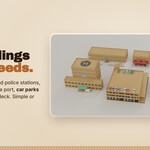
The palette decides the look of every element, the odds table which buildings and styles appear and in what share, the elements table the chance of every optional piece (chimneys, solar panels, vehicles, tree-lined streets). Change them for one project, or reset one line or all of them.
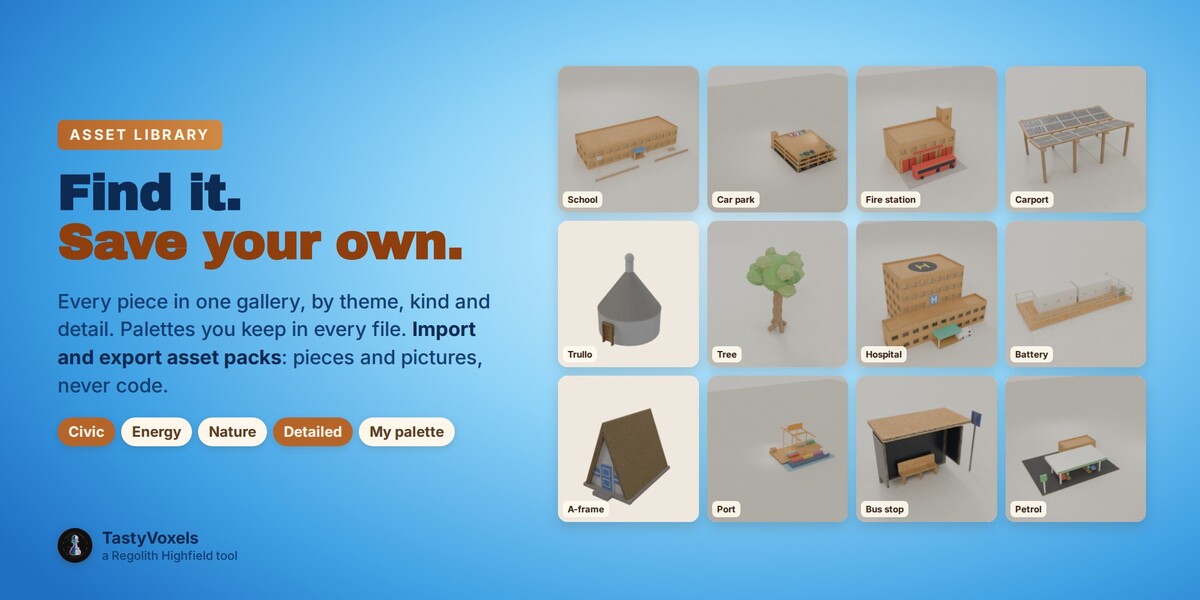
Asset library
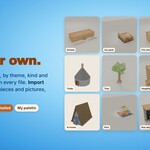
Step 18: every piece in one gallery by theme, kind and detail, palettes you keep in every file, Save as Asset for your own pieces, Import and Export Pack for packs of pieces and pictures (never code).
Help
The full guide is the README.md inside the zip. Questions and feedback through Superhive chat: every piece of feedback helps the beta reach 1.0.
Have questions about this product?
Login to message
| Blender Extension Compatible | Yes |
| Dev Fund Contributor | |
| Published | about 4 hours ago |
| Blender Version | 4.2 - 5.2 |
| Extension Type | Add-on |
| Render Engine Used | Cycles, Eevee |
| License | GPL |
Discover more products like this
kit card non-destructive diorama papercraft procedural laser cut cardboard renewable energy geometry nodes miniature city generator stop motion look